Viewing My Message Center

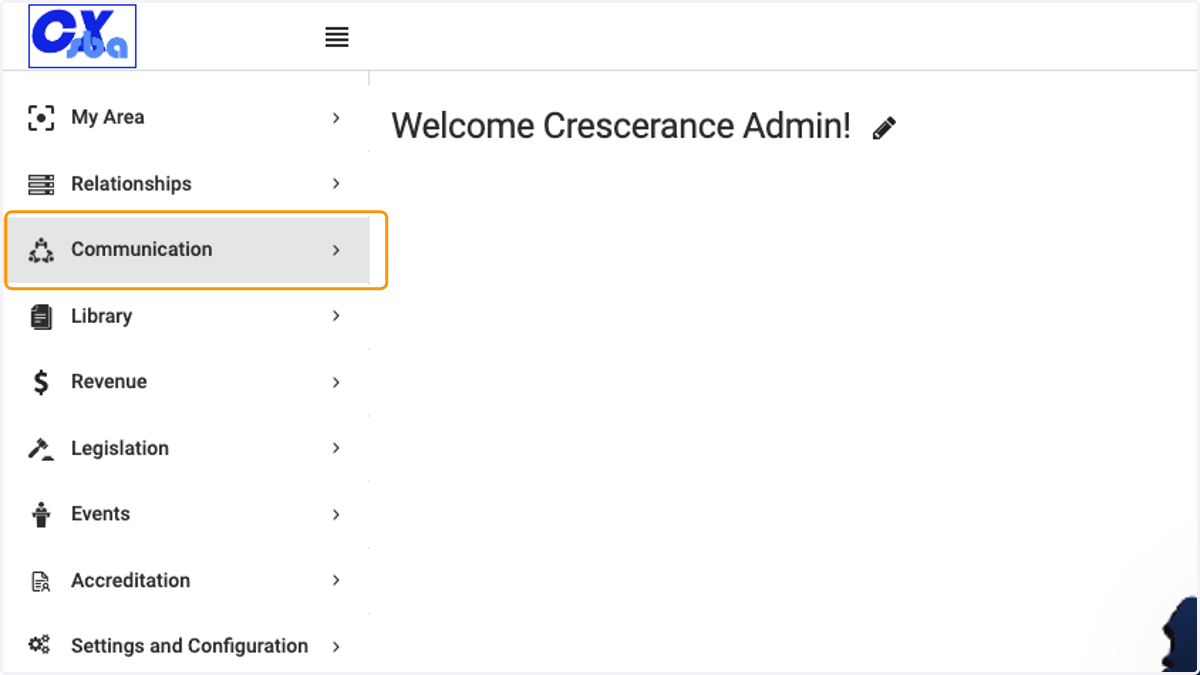
  1. 1. Click on Communication

    Click on Communication
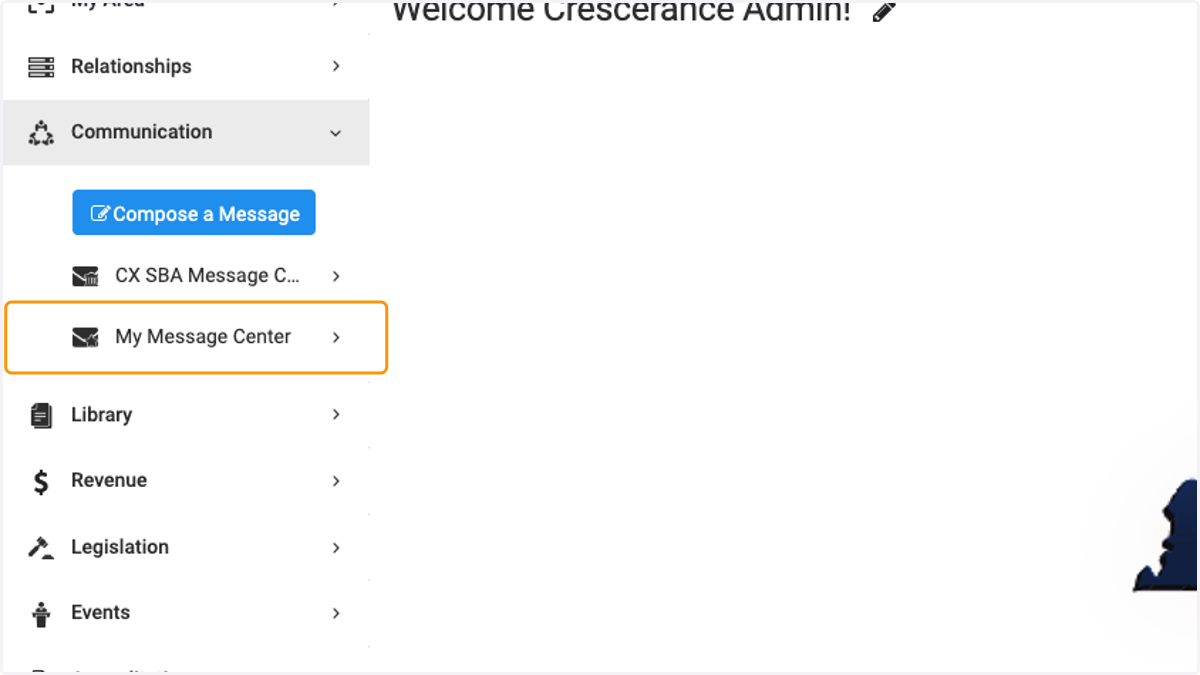
  2. 2. Click on My Message Center

    Click on My Message Center
  3. 3. Click on My Inbox to view Inbox. The number in the red square indicates the number of emails you have in your Inbox.
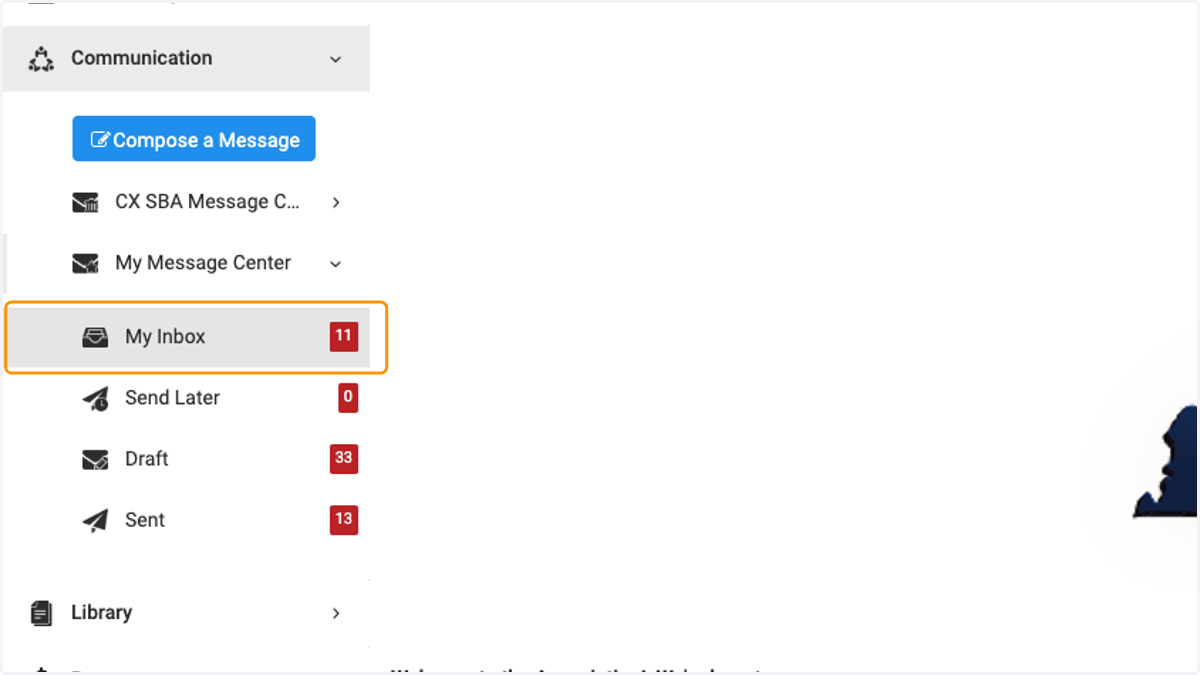
    Click on My Inbox to view Inbox. The number in the red square indicates the number of emails you have in your Inbox.
  4. 4. Click on Send Later to view emails you have set to send at a later date/time.
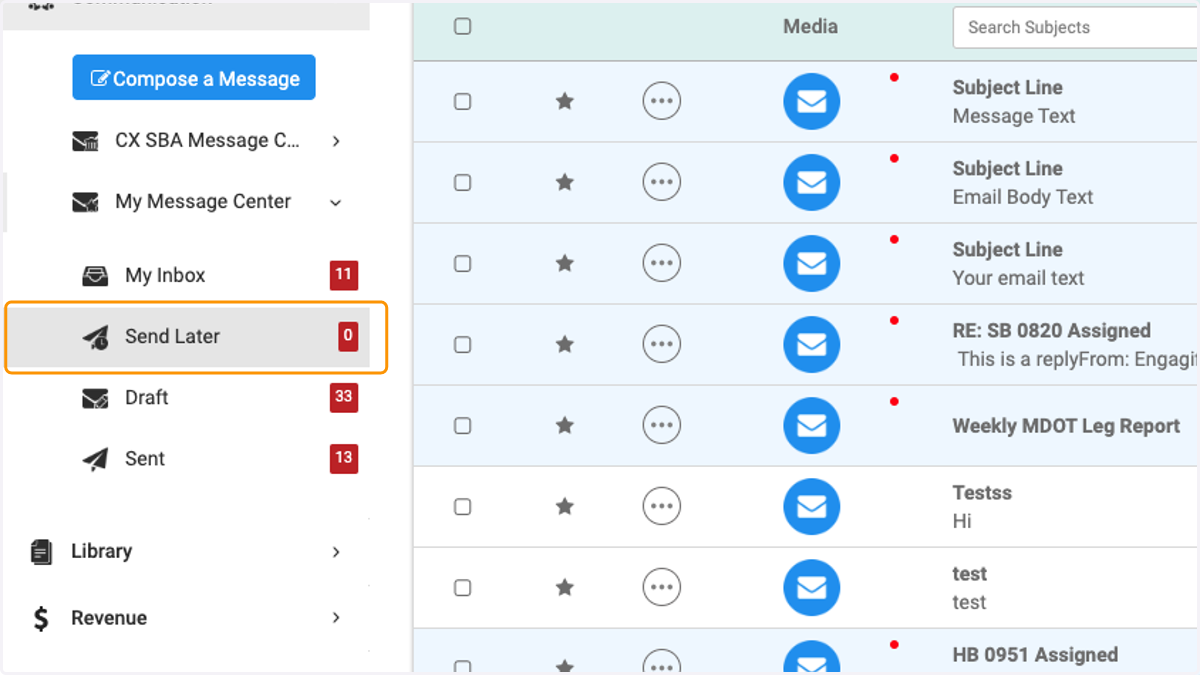
    Click on Send Later to view emails you have set to send at a later date/time.
  5. 5. Click on Draft to view emails started but not sent.
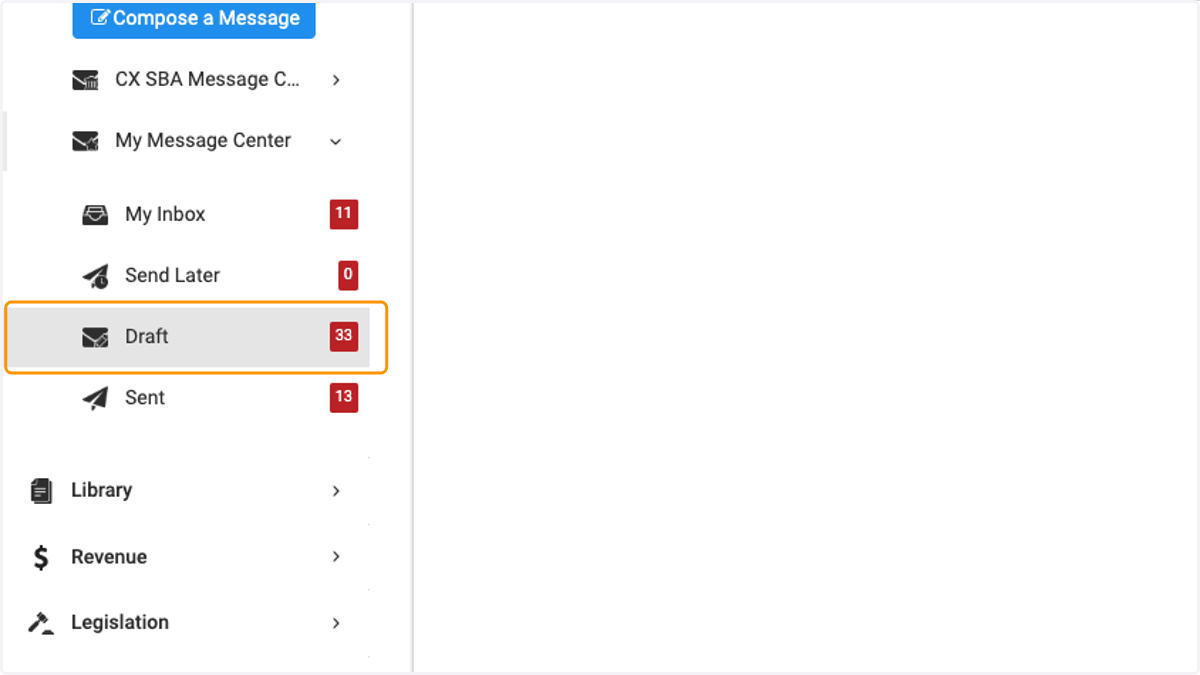
    Click on Draft to view emails started but not sent.
  6. 6. Click on Sent to view emails you have sent out.
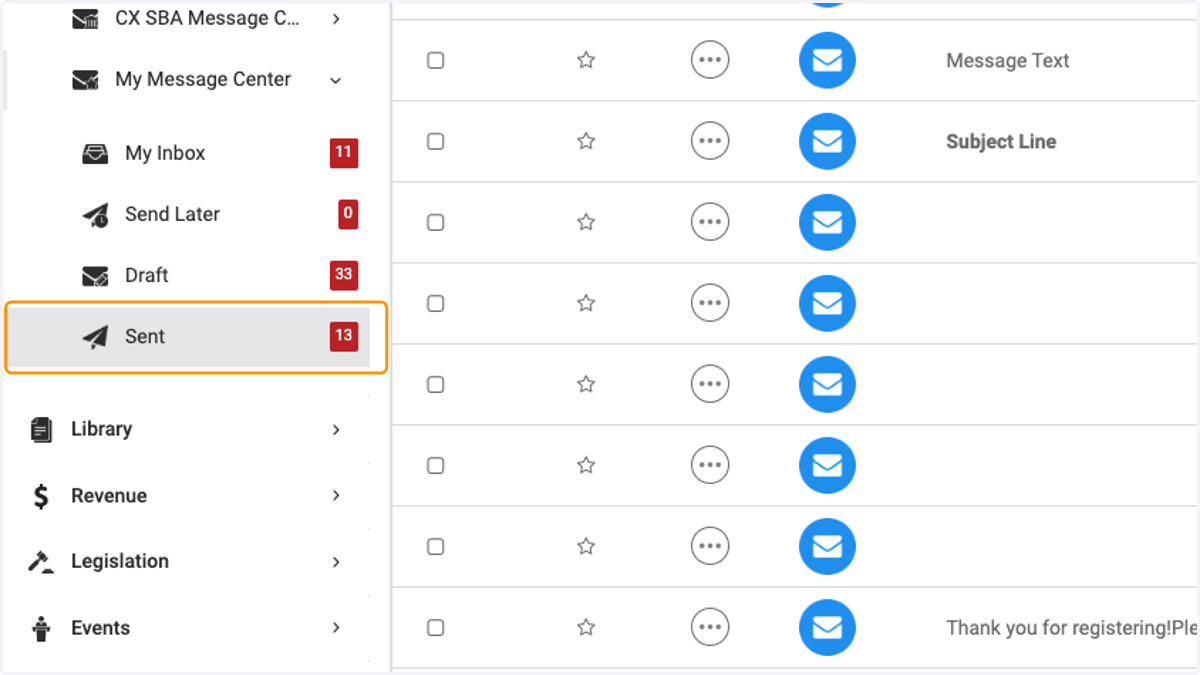
    Click on Sent to view emails you have sent out.