Client - Signing Documents from Within Portal
How to Sign Documents from within your Client Portal.
Client Portal
Go to Client Portal: portal.healecounseling.com
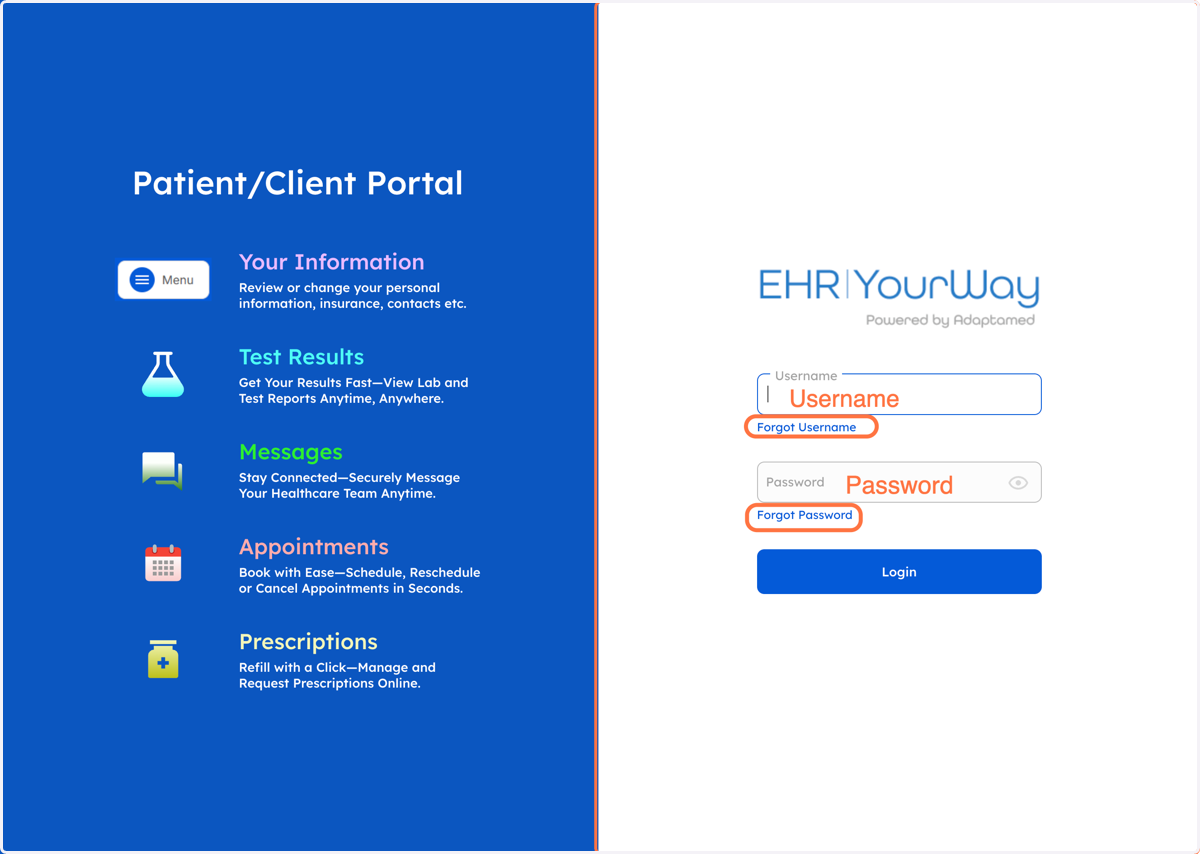
1. Log In to Your Portal
Review your email/text message/information provided by the office for your username and password.
If you forgot your information:If you forgot your password click "Forgot Password"
If you forgot your username click "Forgot Username"
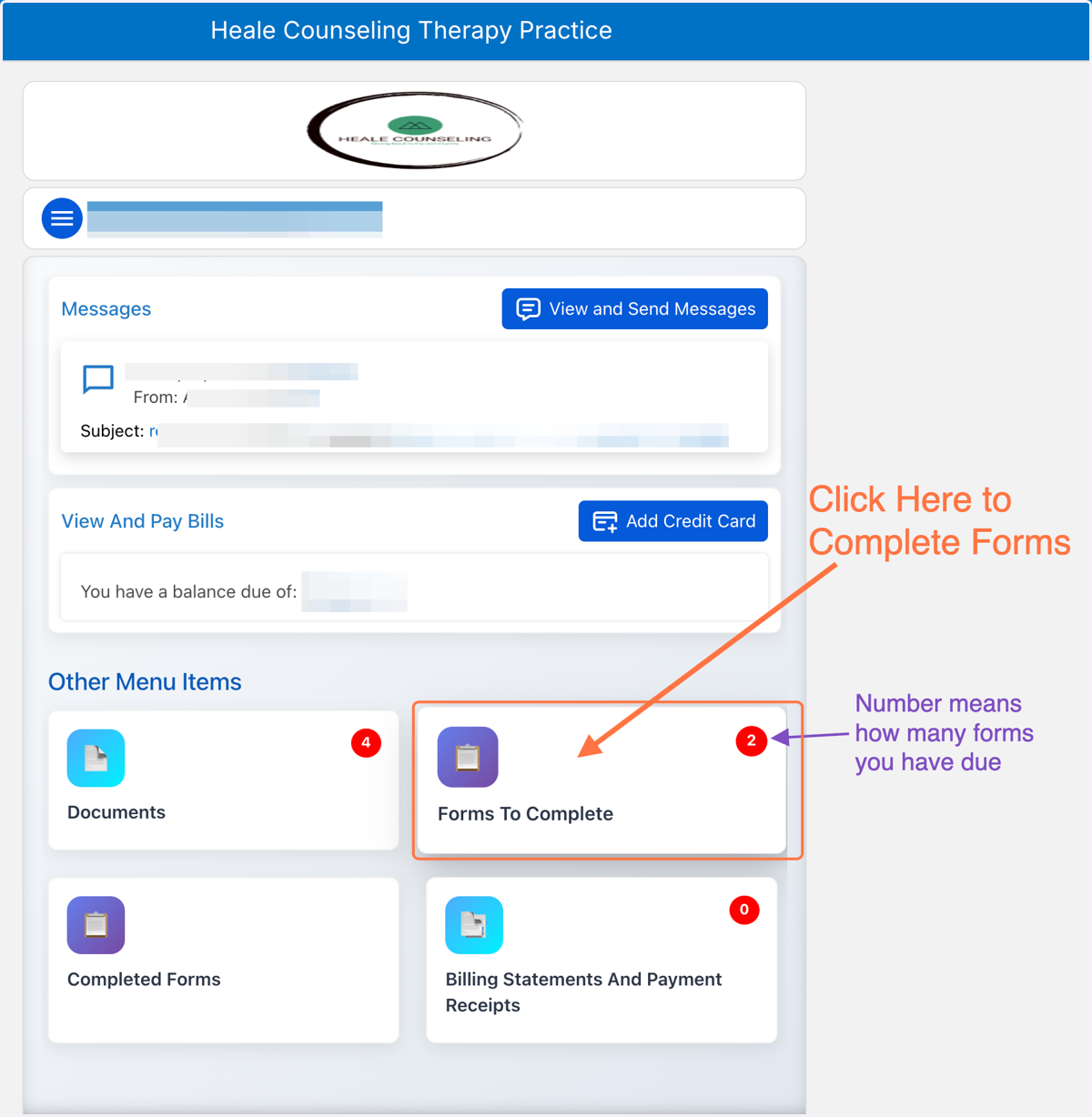
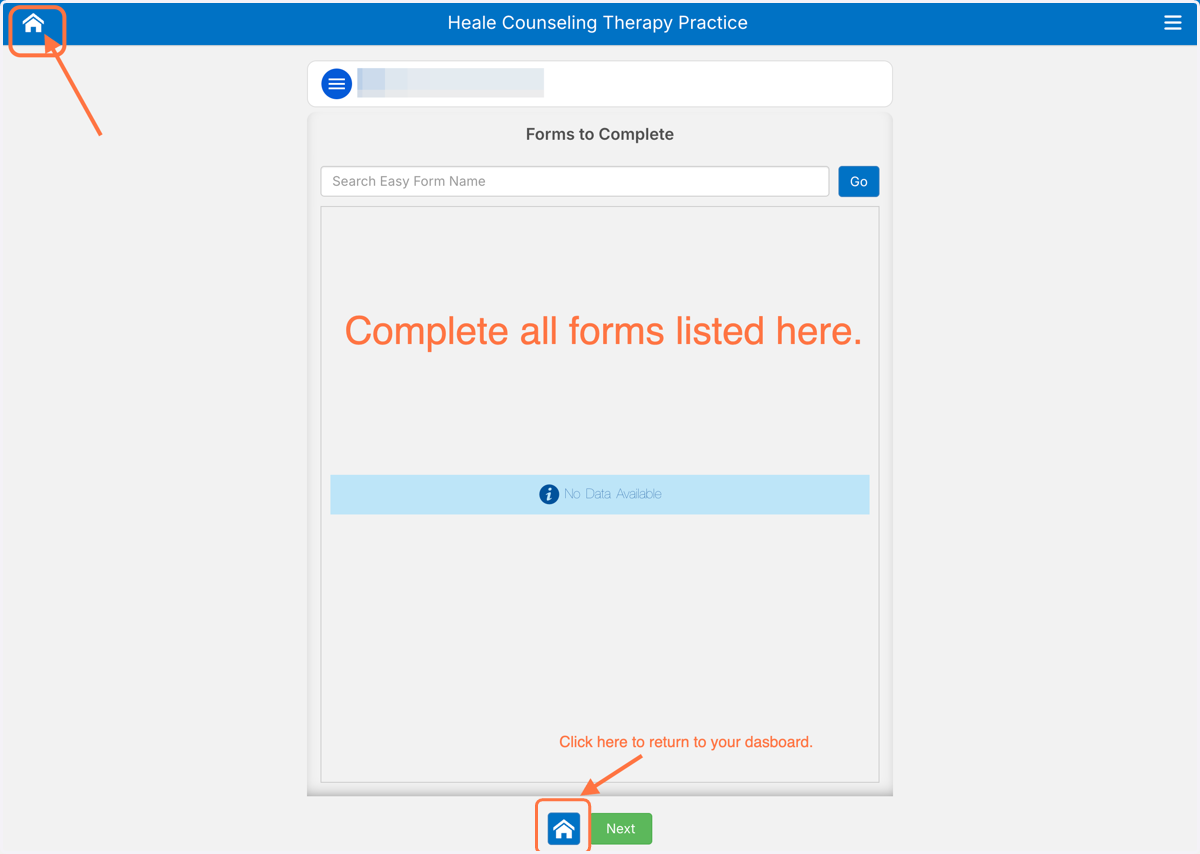
2. Click on "Forms to Complete"
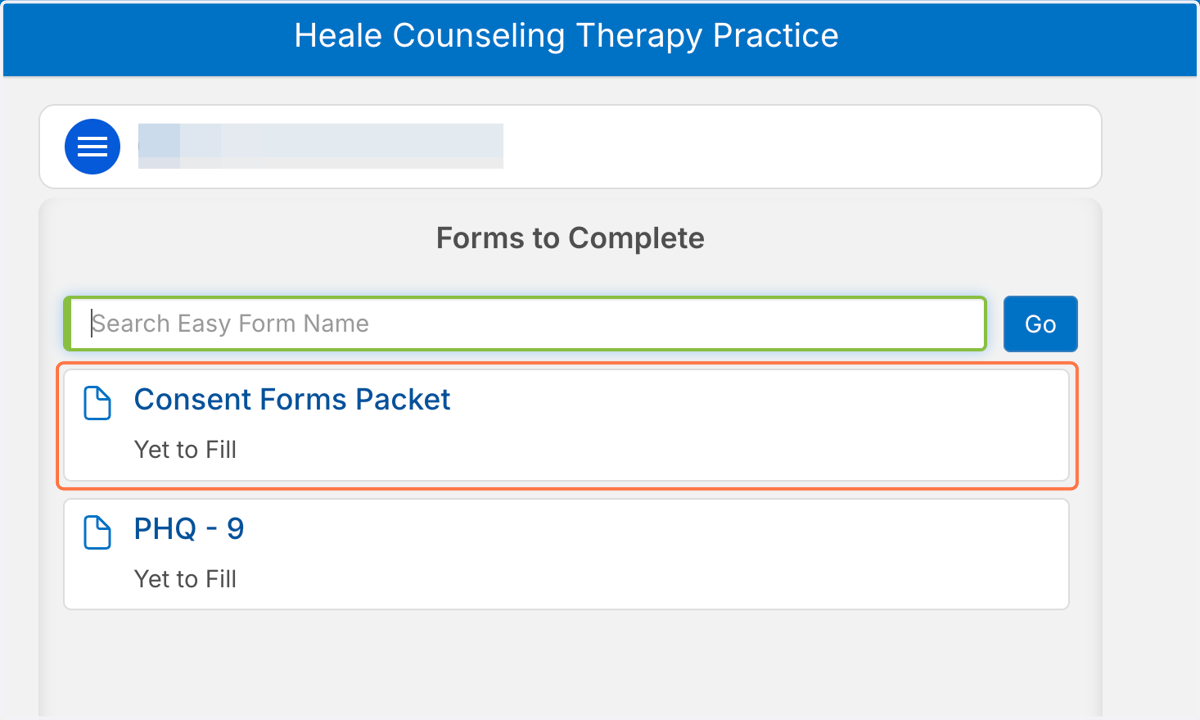
3. Click on Form
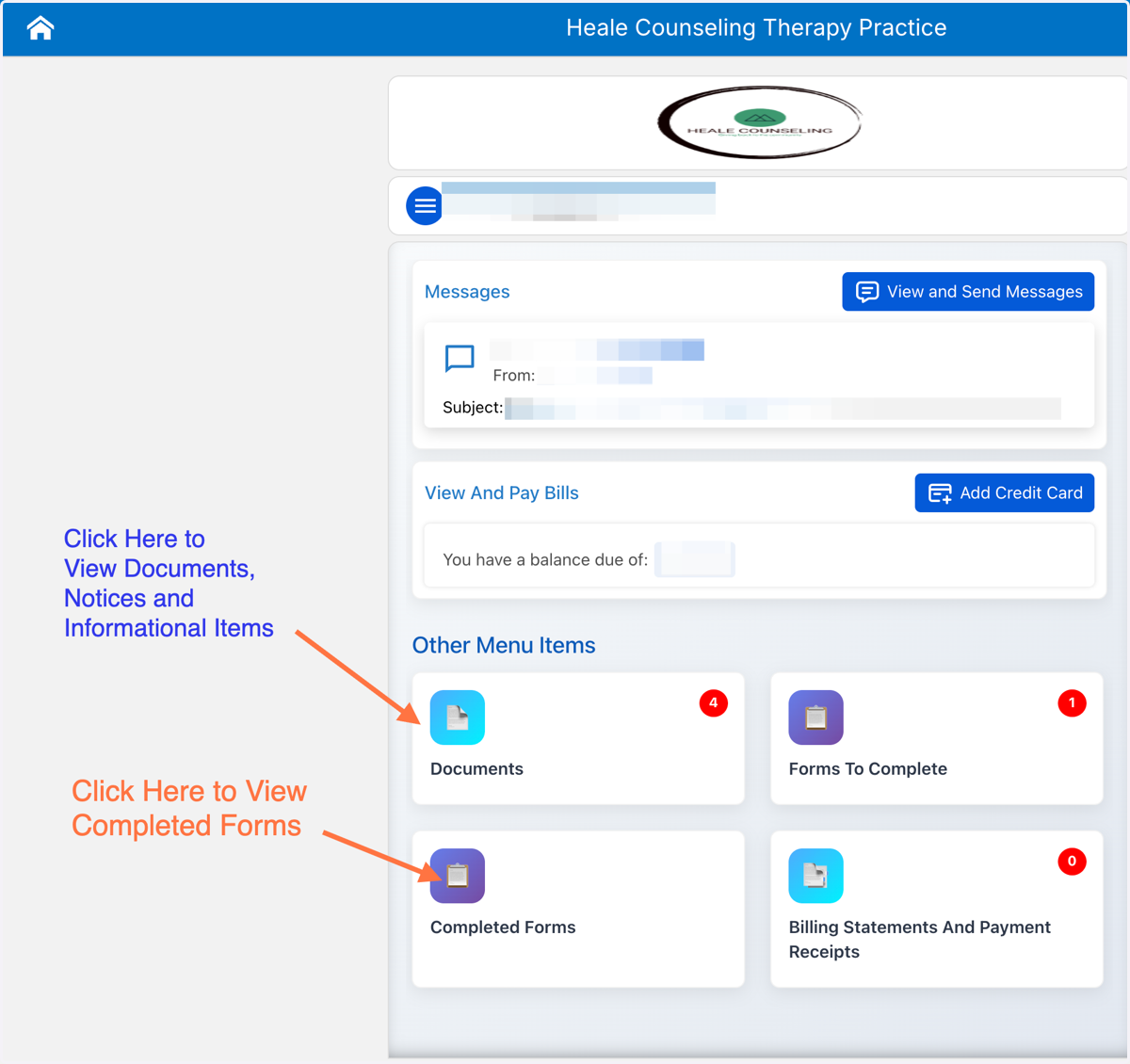
Please complete all items located in "Forms To Complete"
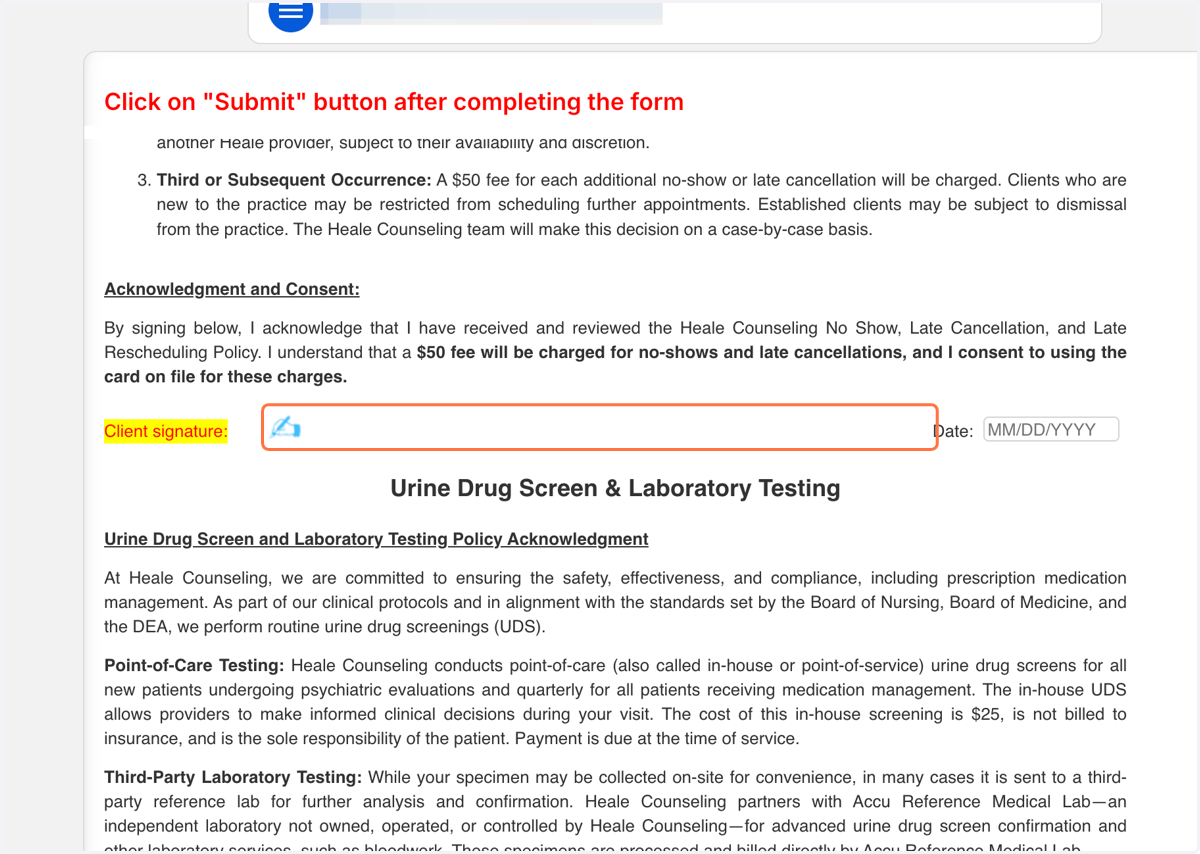
4. Review the Document, Click on Signature Icon
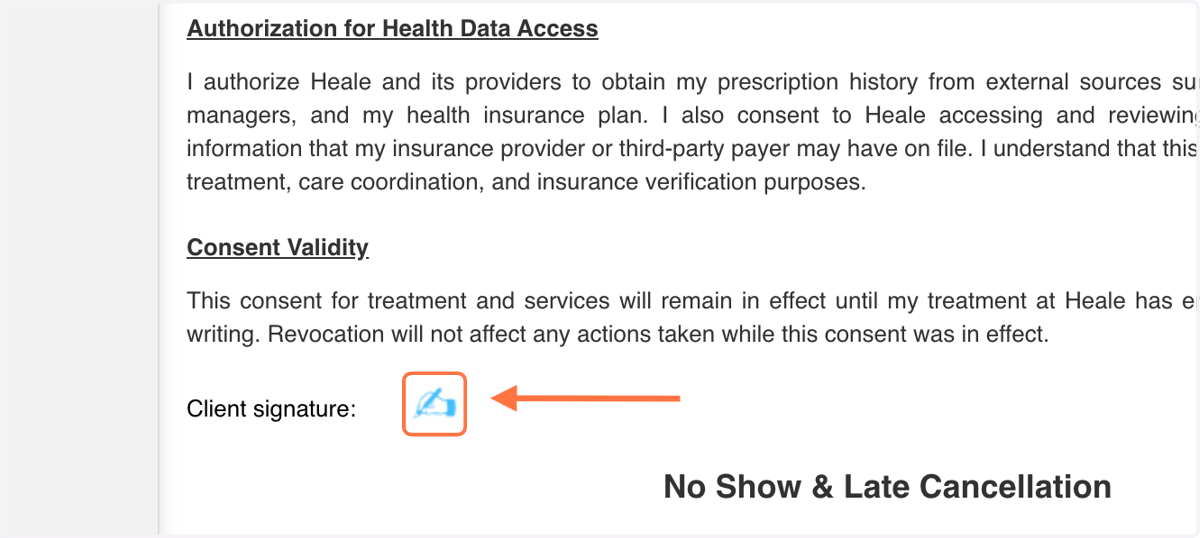
5. Use your finger or mouse to draw signature.
Need to retry your signature?
Click the circular arrows 🔄 to clear.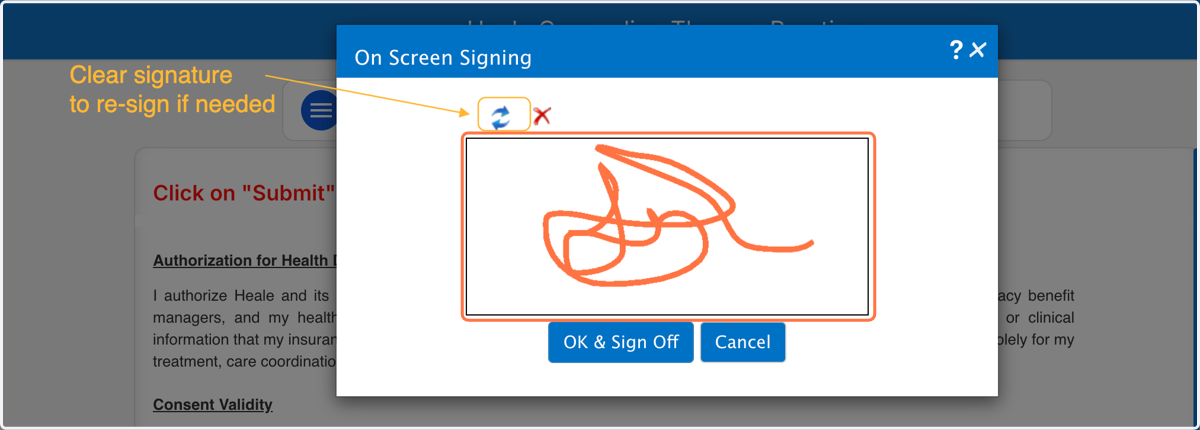
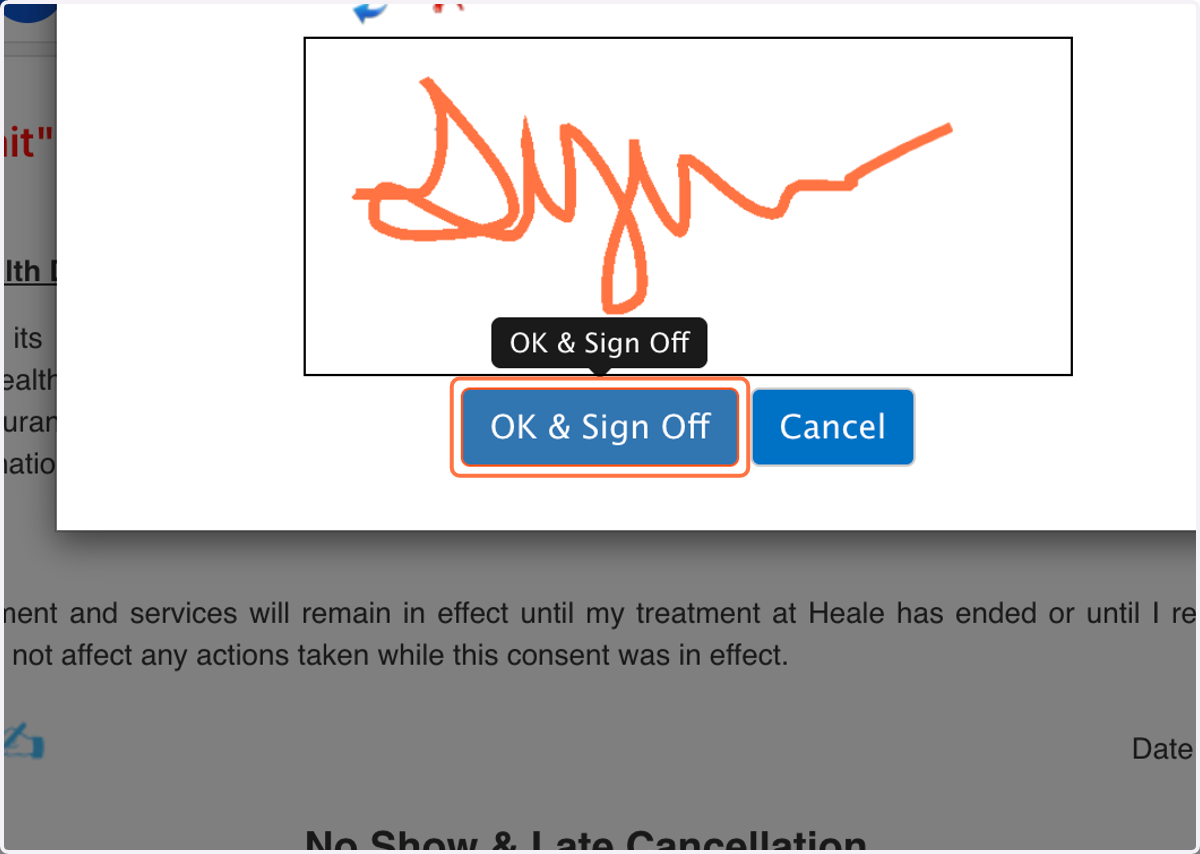
6. Click on OK & Sign Off
7. Click on OK (If additional signatures are needed, this window will appear).
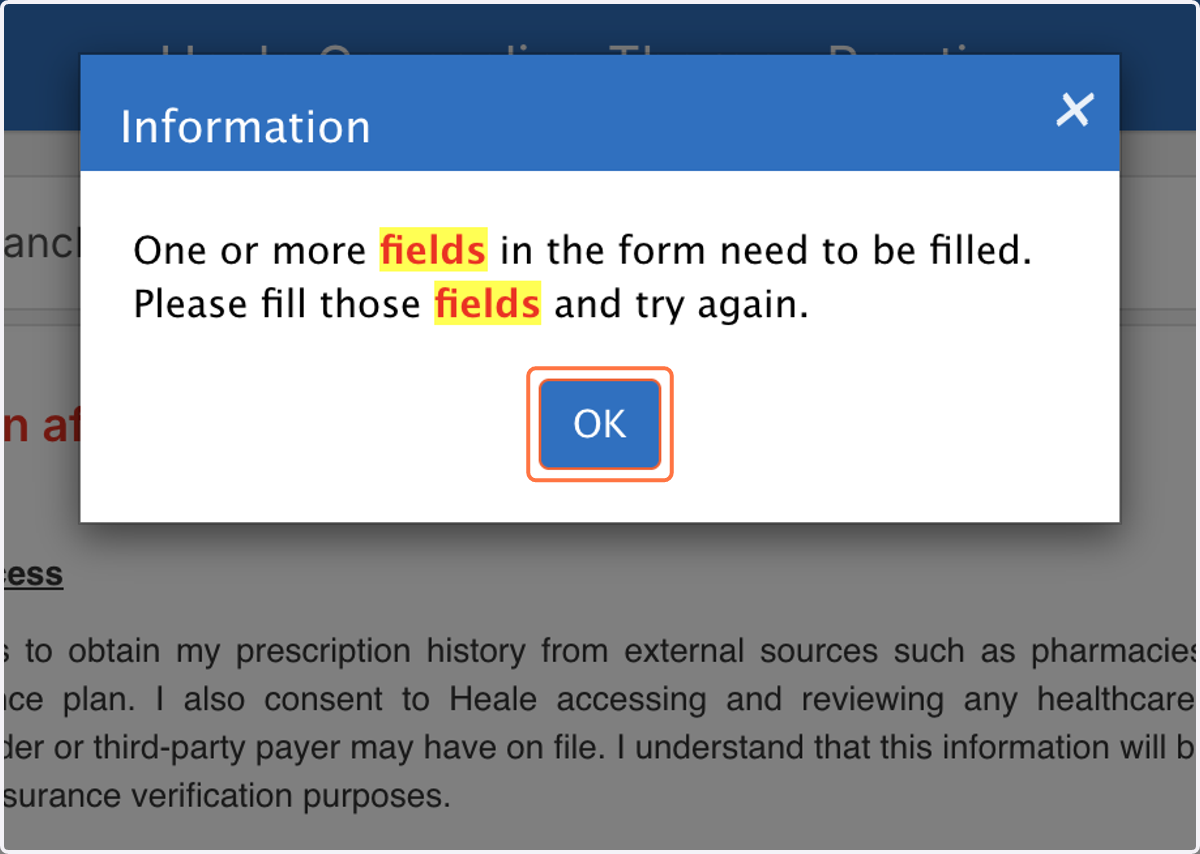
8. Continue Reviewing & Sign in the areas needing signature
After completing a form in the portal, Click "Submit", if available.
9. Complete all Forms in this Section, then Click the "Home" icon to return to your dashboard.
After signing, the form will auto submit.
*Complete any others forms until there are no other forms to complete*
10. View the Forms Completed and Documents Sent to You on Your Dashboard