How to Add a Video to Your Property Website
Open Homes
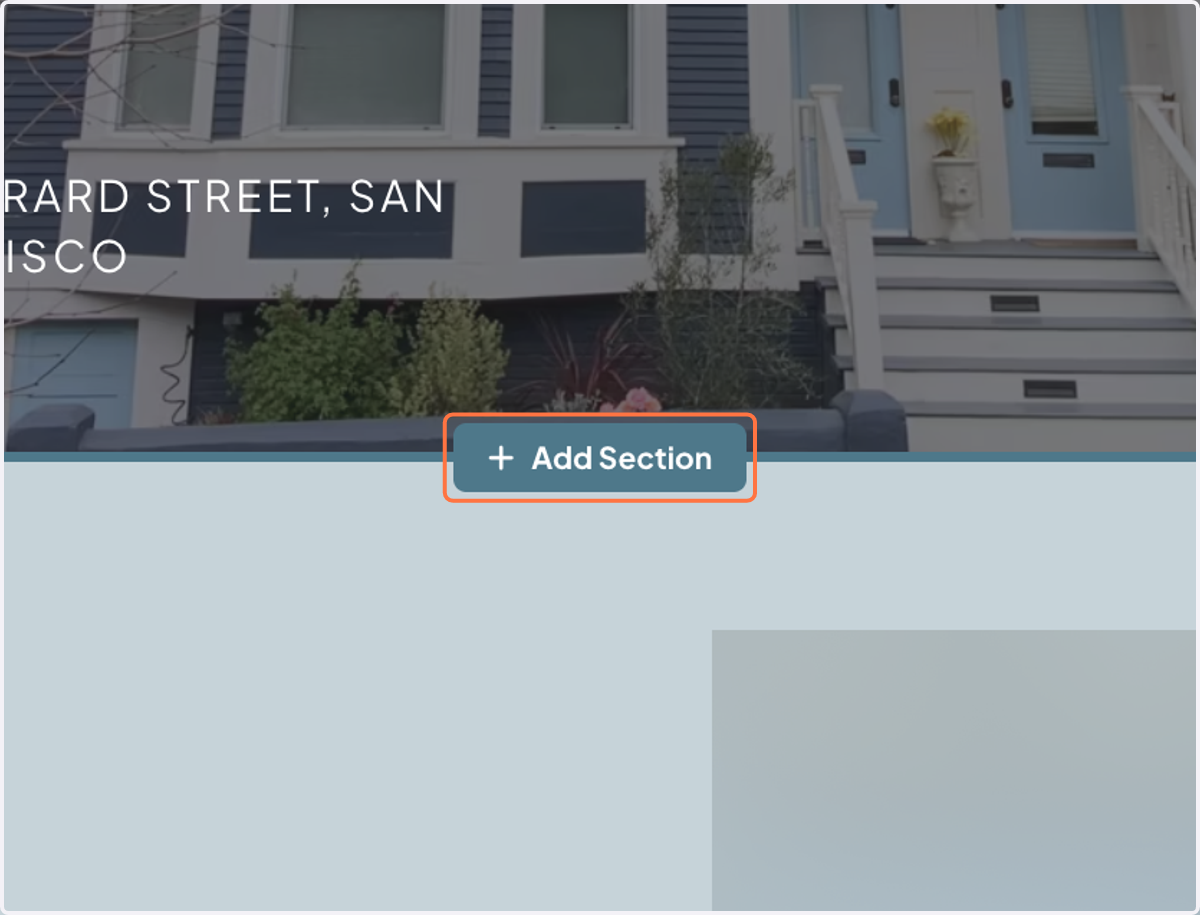
1. Click on Add Section
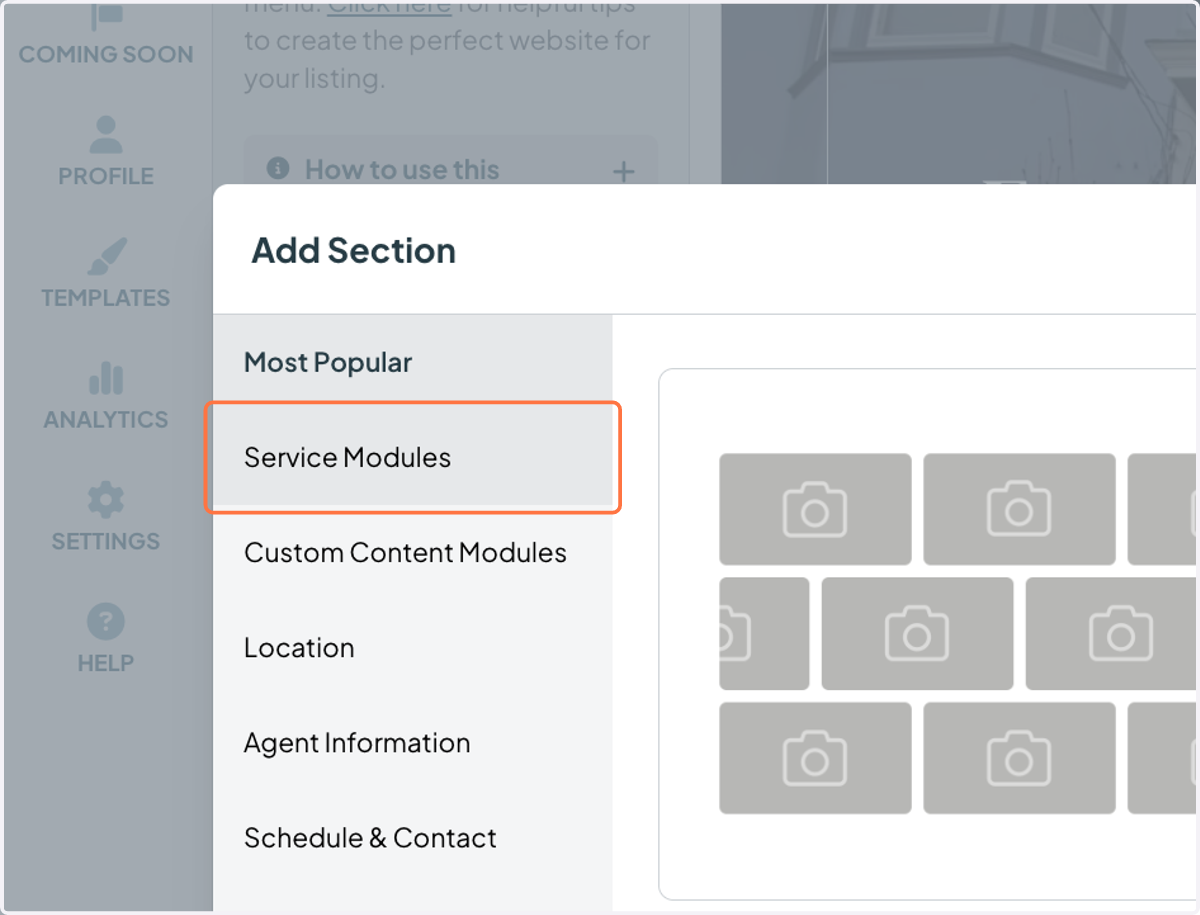
2. Click on Service Modules
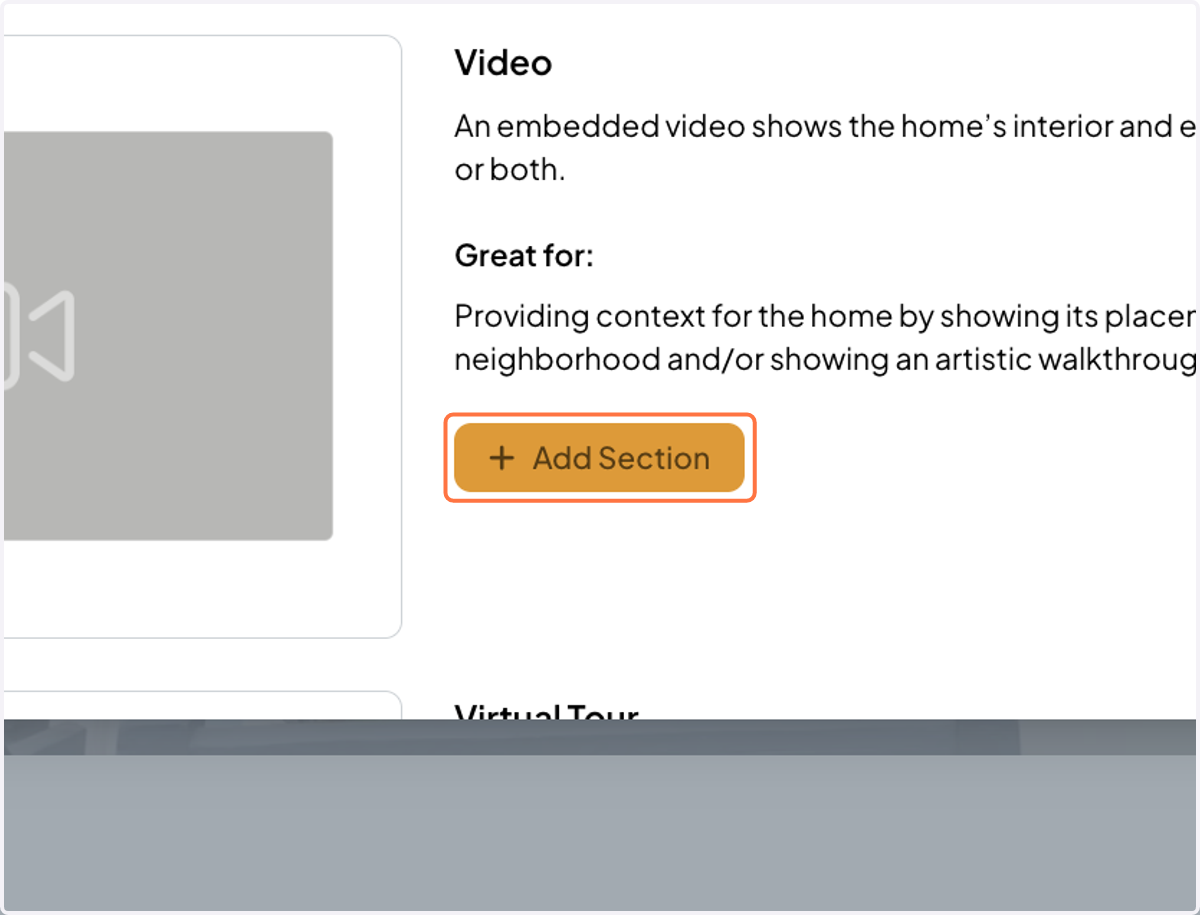
3. Click on Add Section
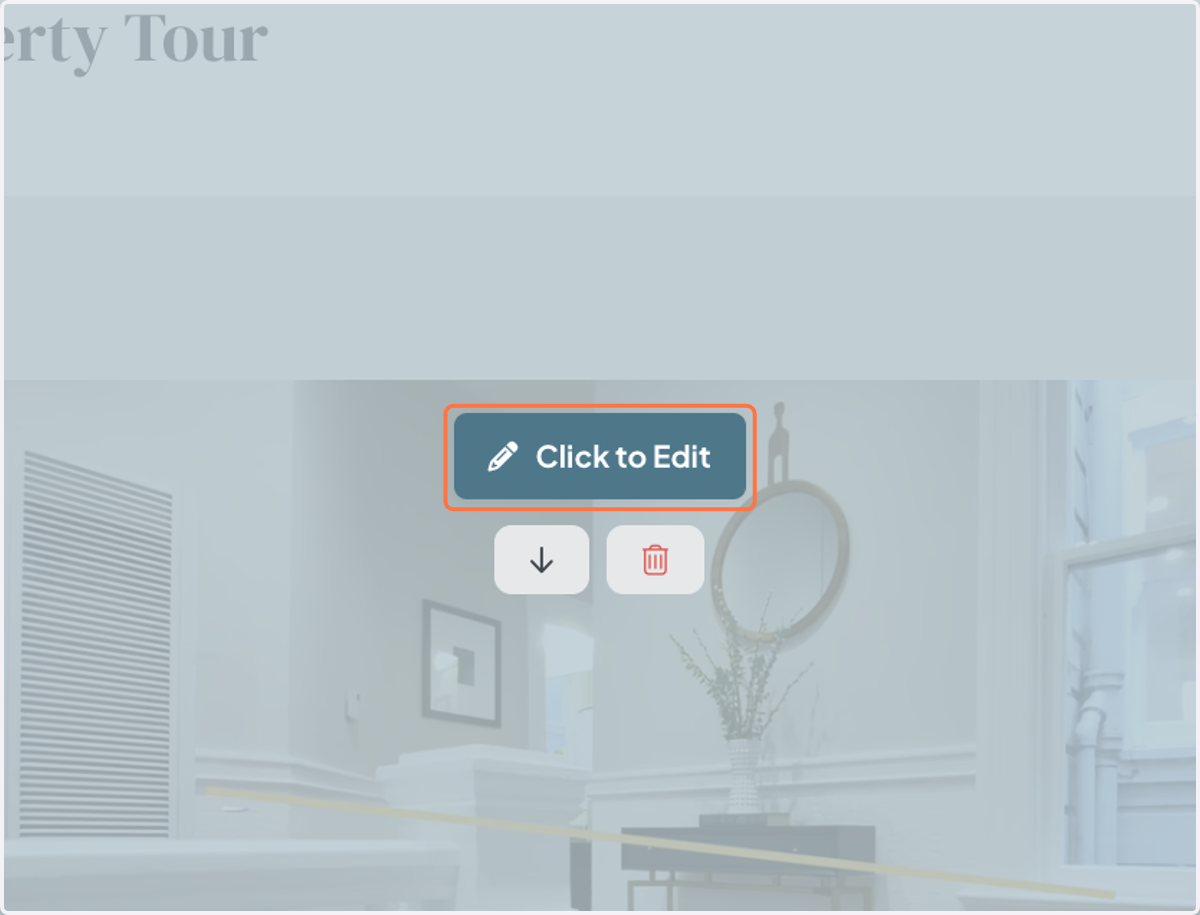
4. Click on Click to Edit
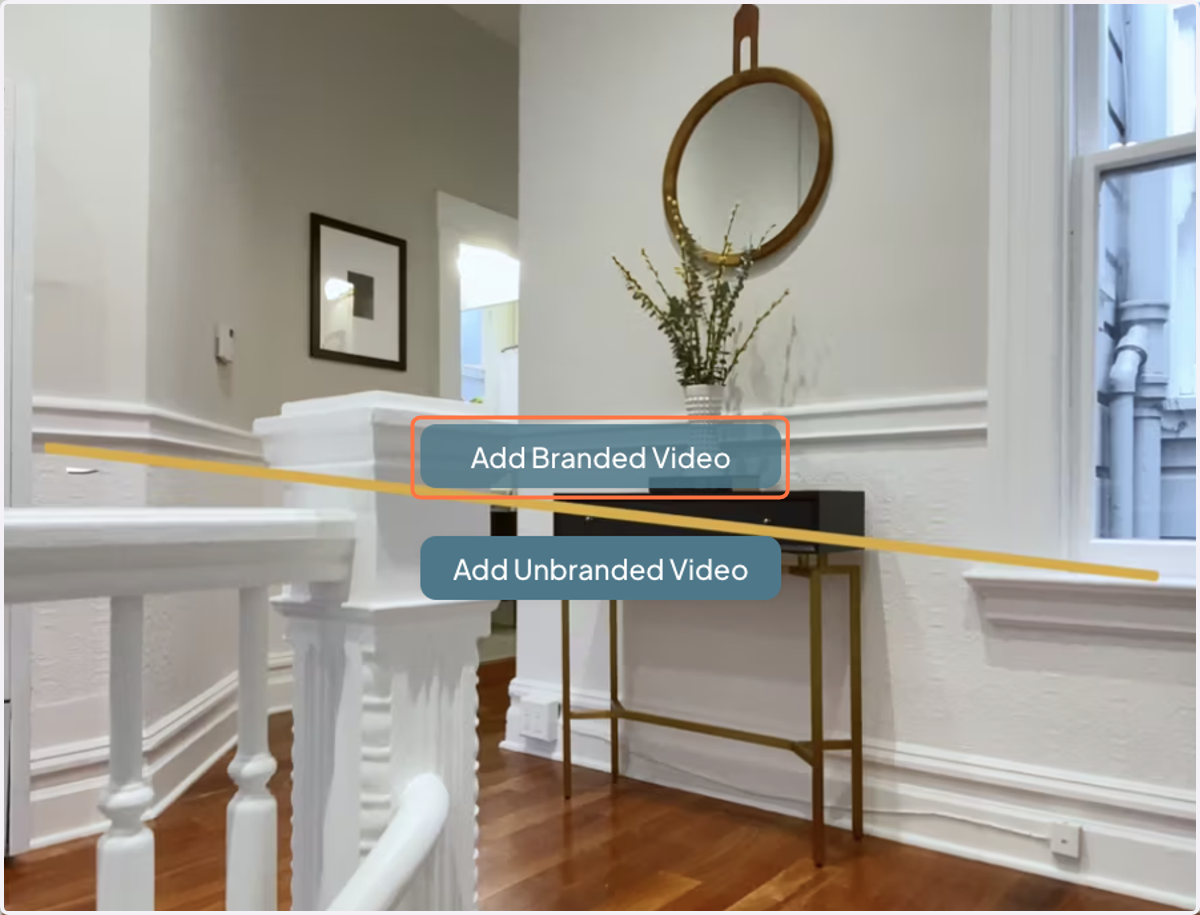
5. Click on Add Branded Video
You will repeat this step for Unbranded if you also have a separate link for an Unbranded version.
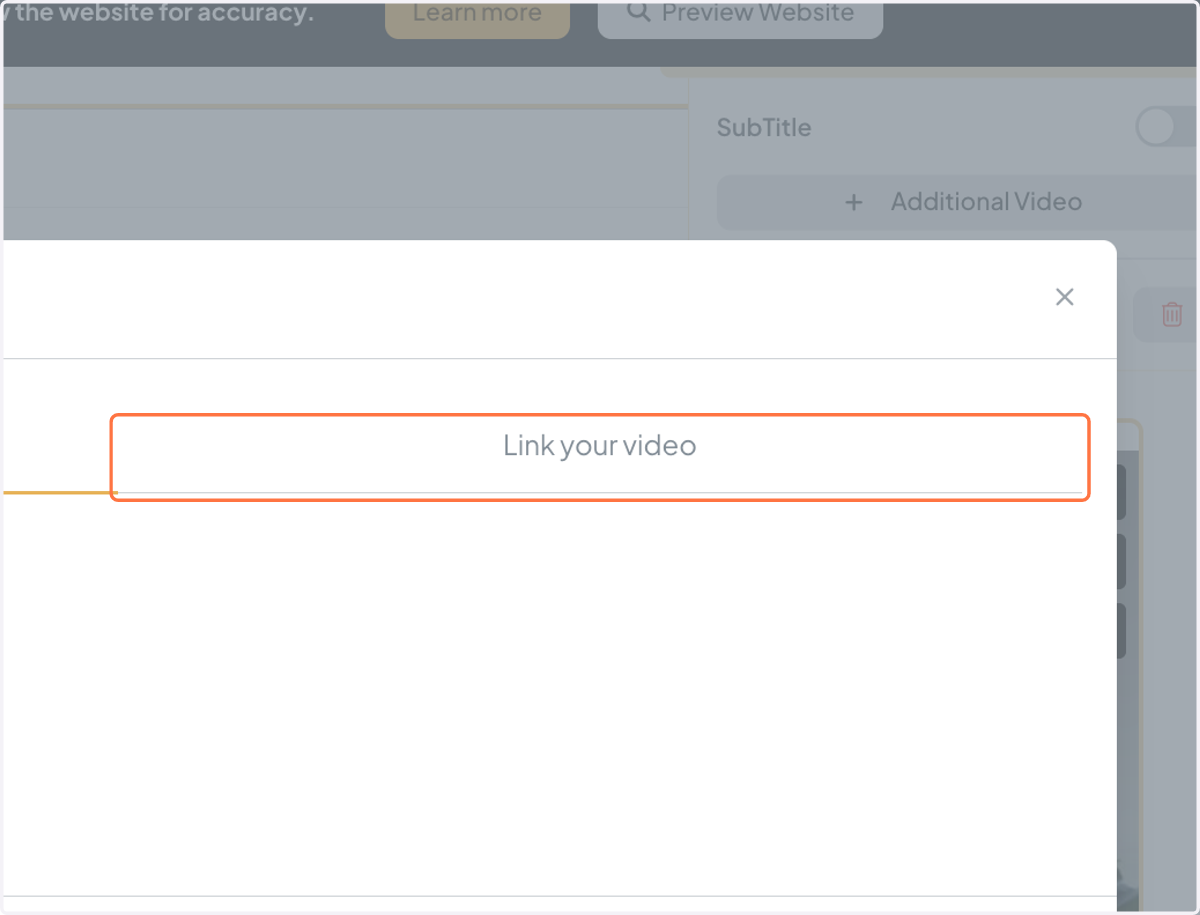
6. Click on Link your video
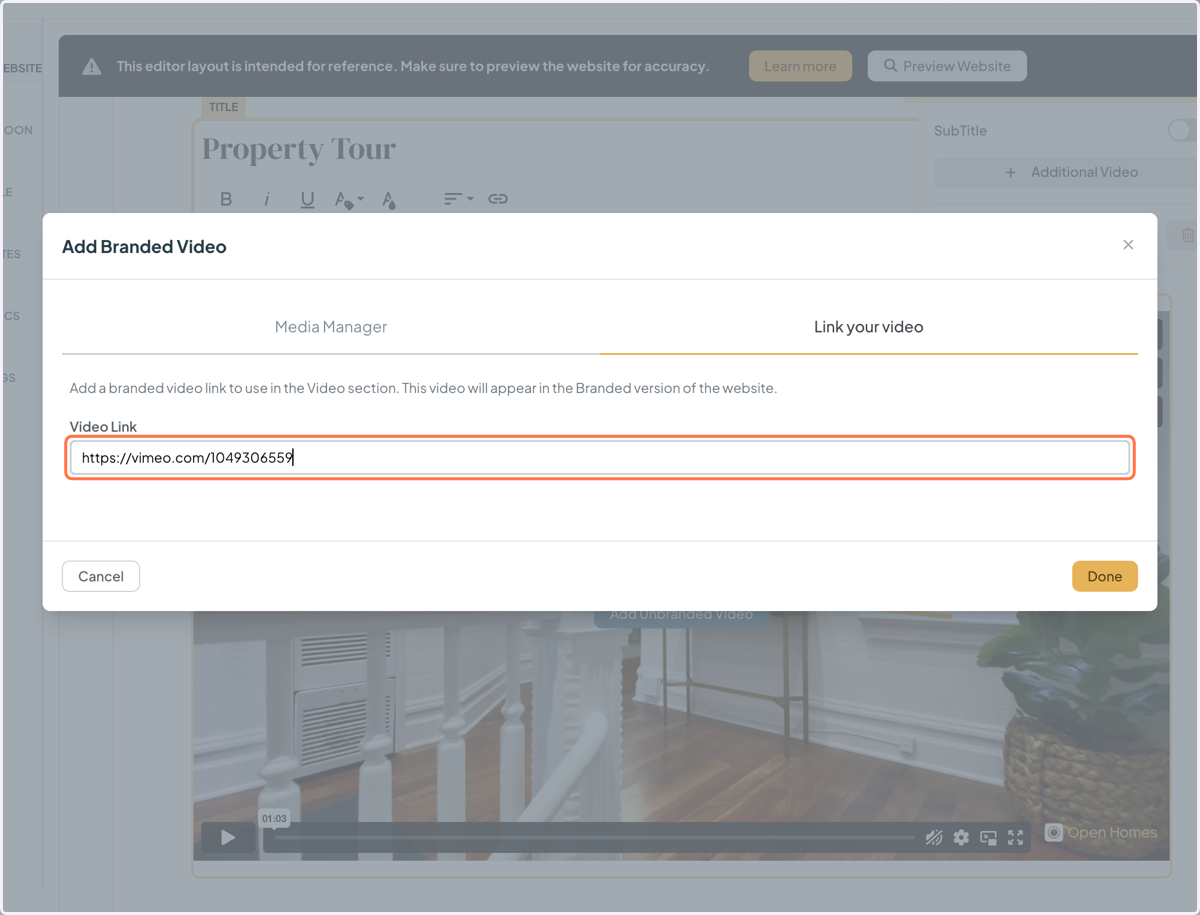
7. Paste the direct link to the video
Our website is compatible with direct links for videos hosted on either Vimeo or YouTube.
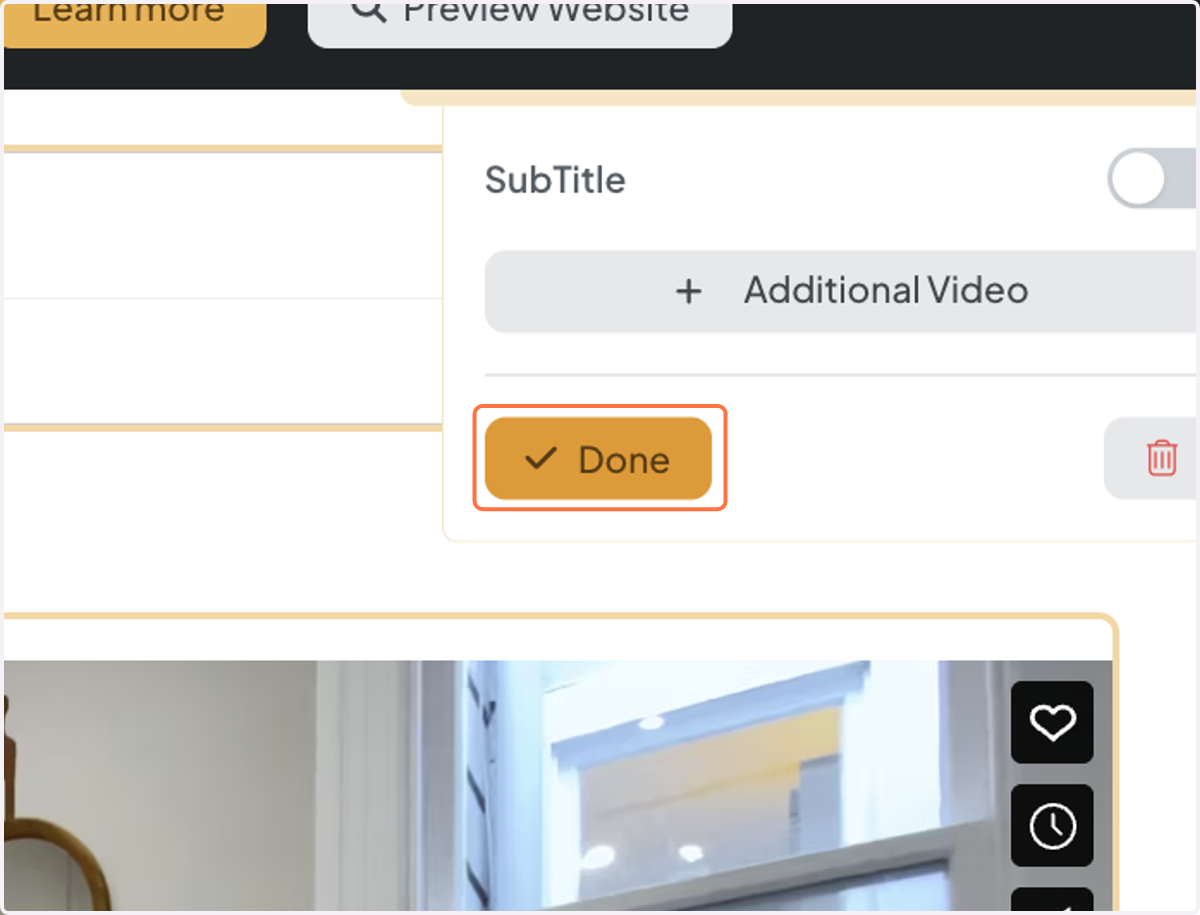
8. Click on Done
9. Click on Done