Managing User permissions for Employees
Go to the Startpage
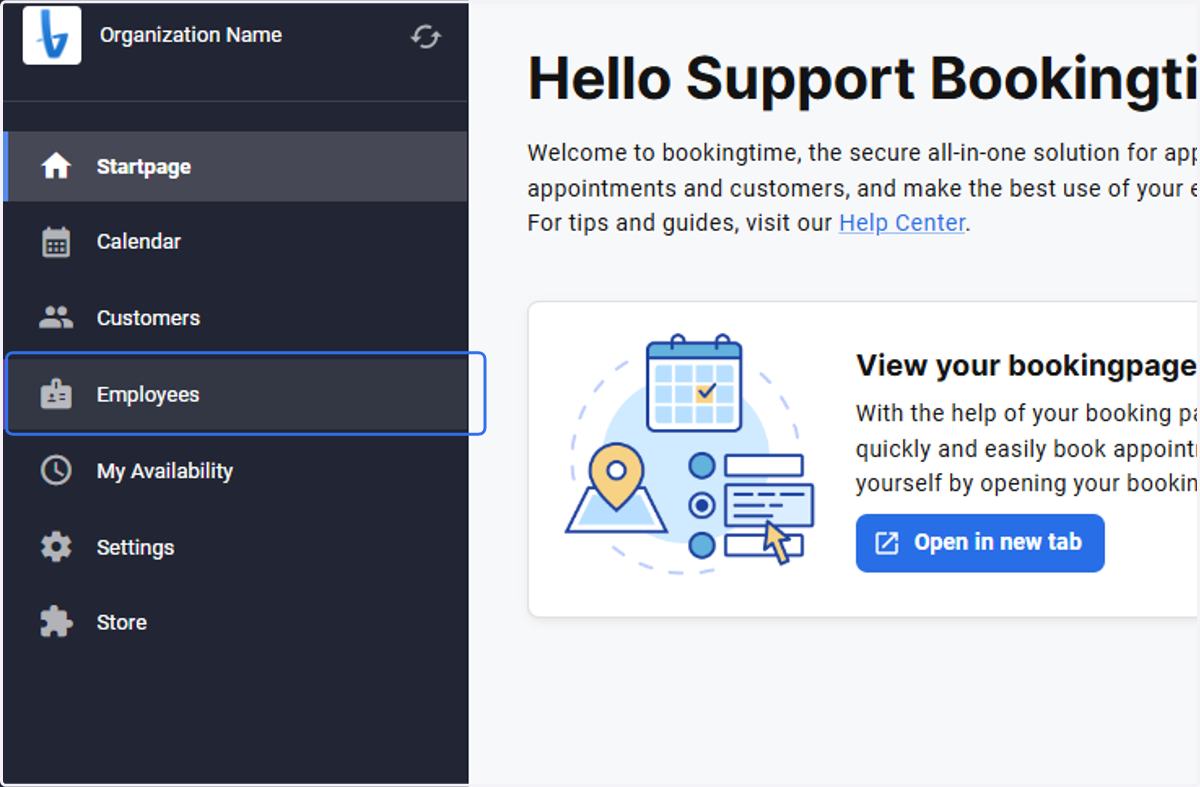
1. Select Employees
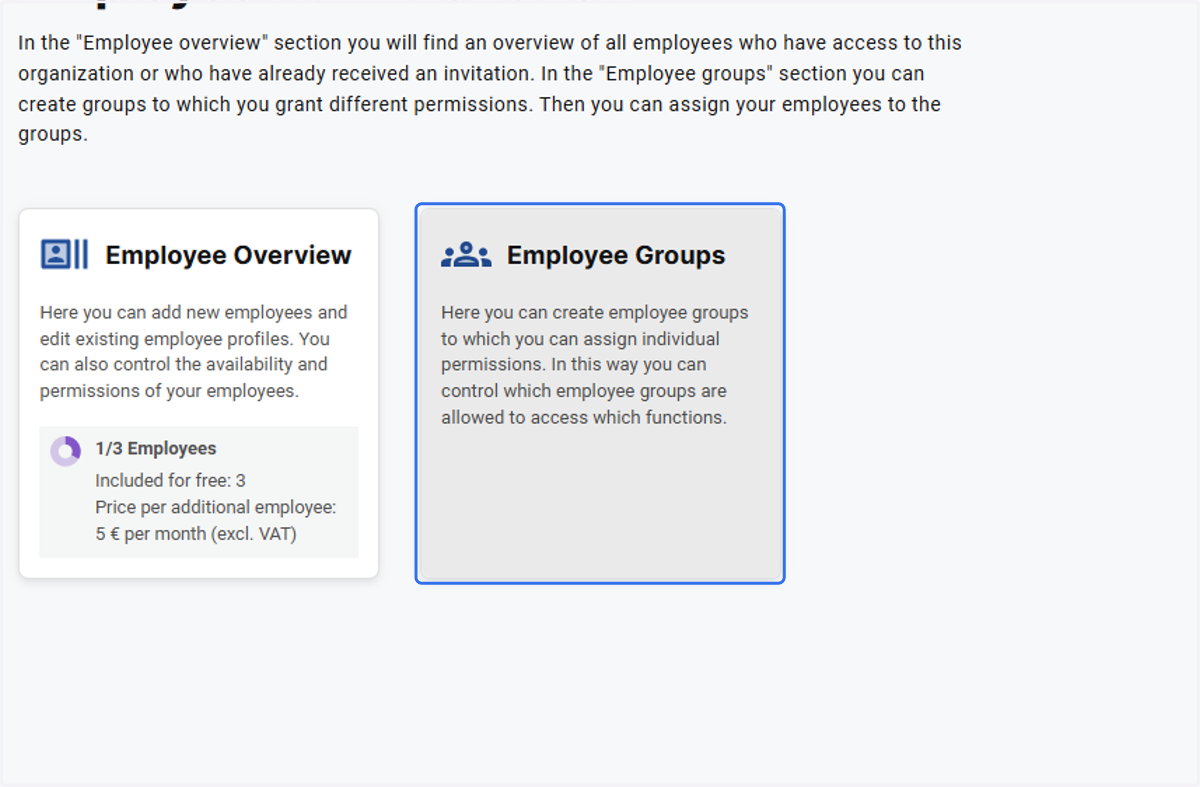
2. Click on Employee Groups
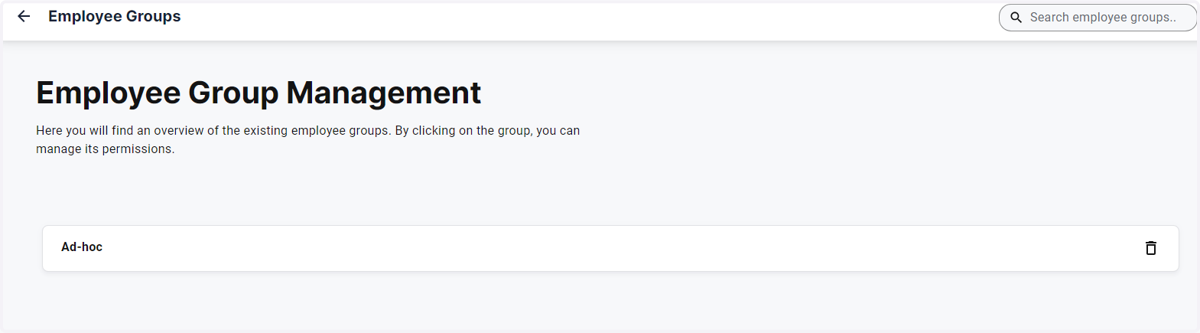
3. Create and Open an Employee Group that you have created eg. Ad-hoc
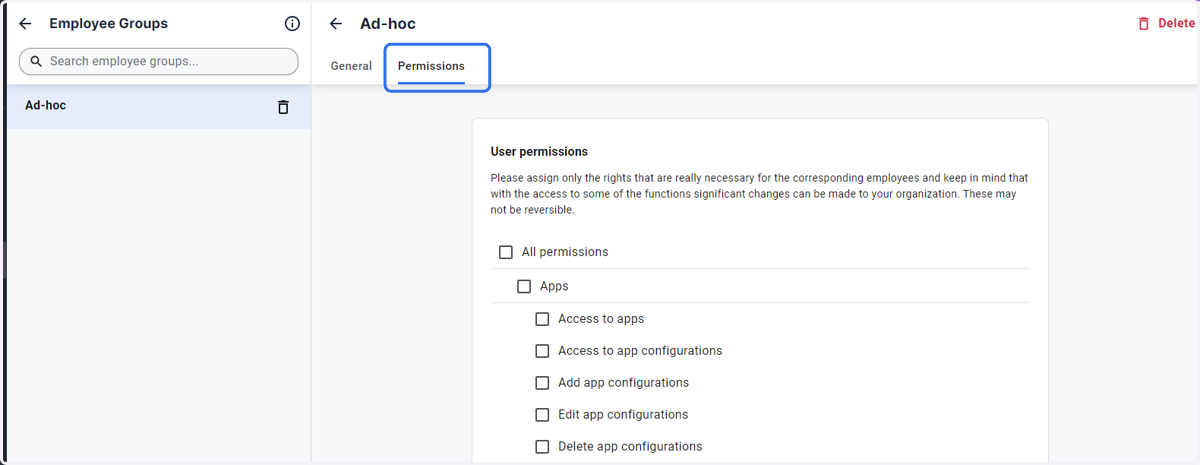
4. Click on the Permissions Tab
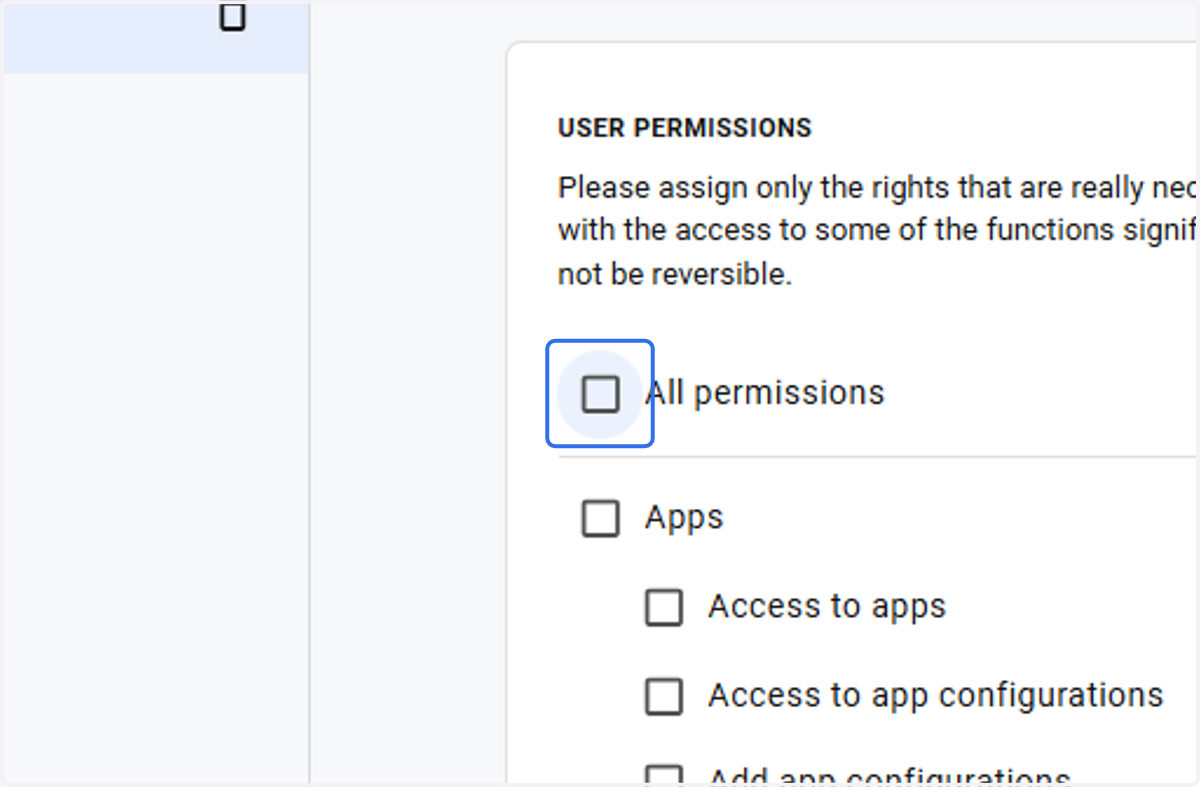
5. Check All permissions if you want to assign all permissions to this group
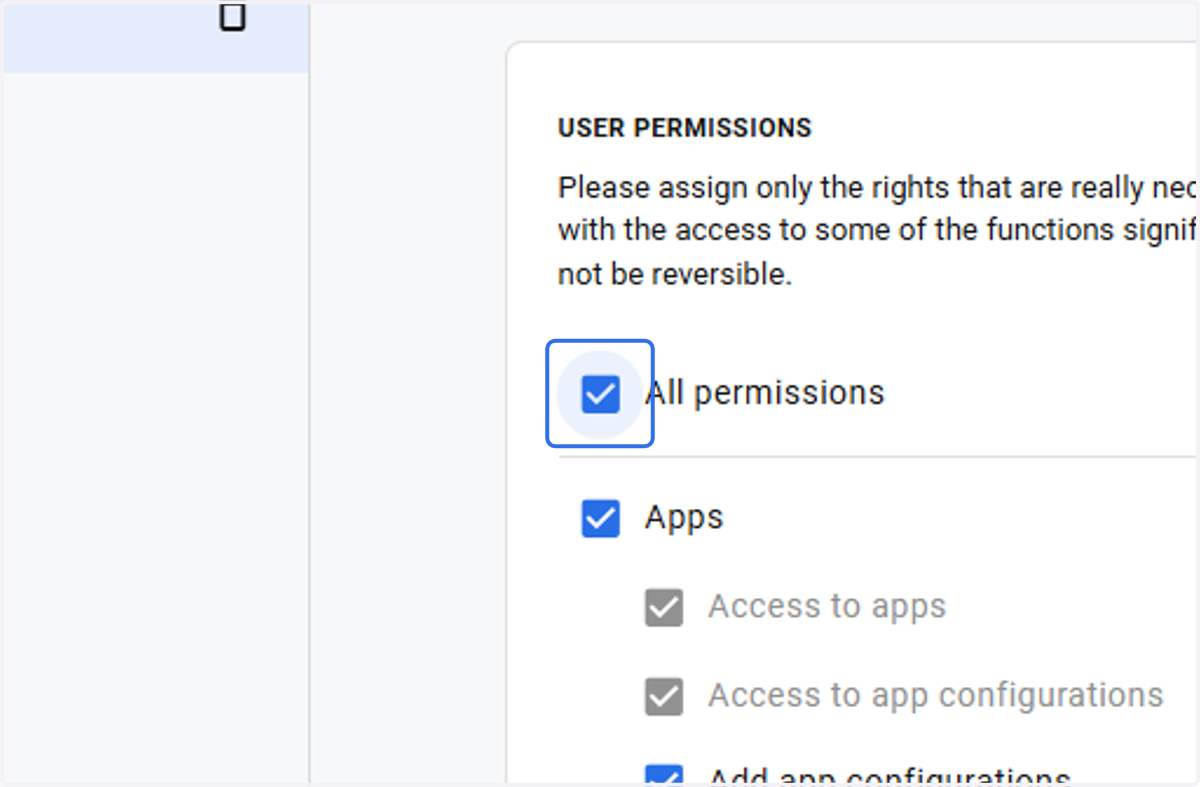
6. If not, uncheck the relevant permission you wish to exclude from this group
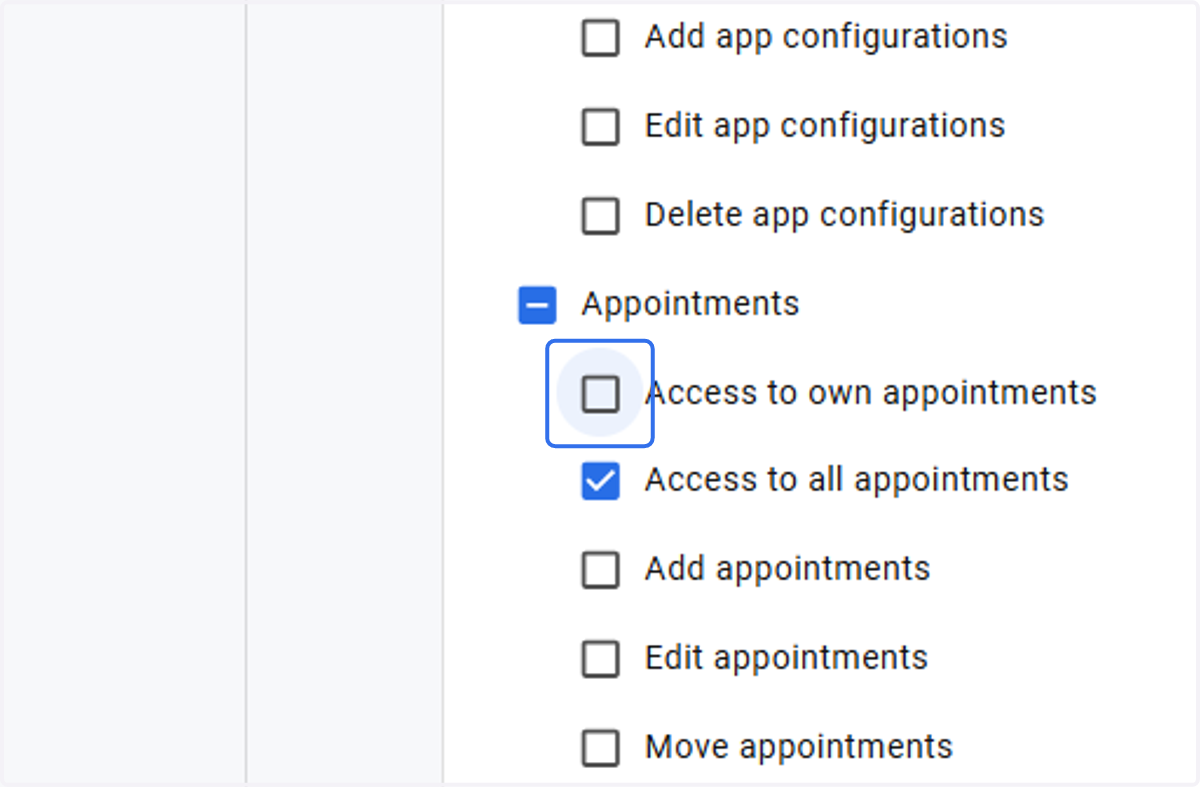
7. Check the specific permissions you would like to assign to this group
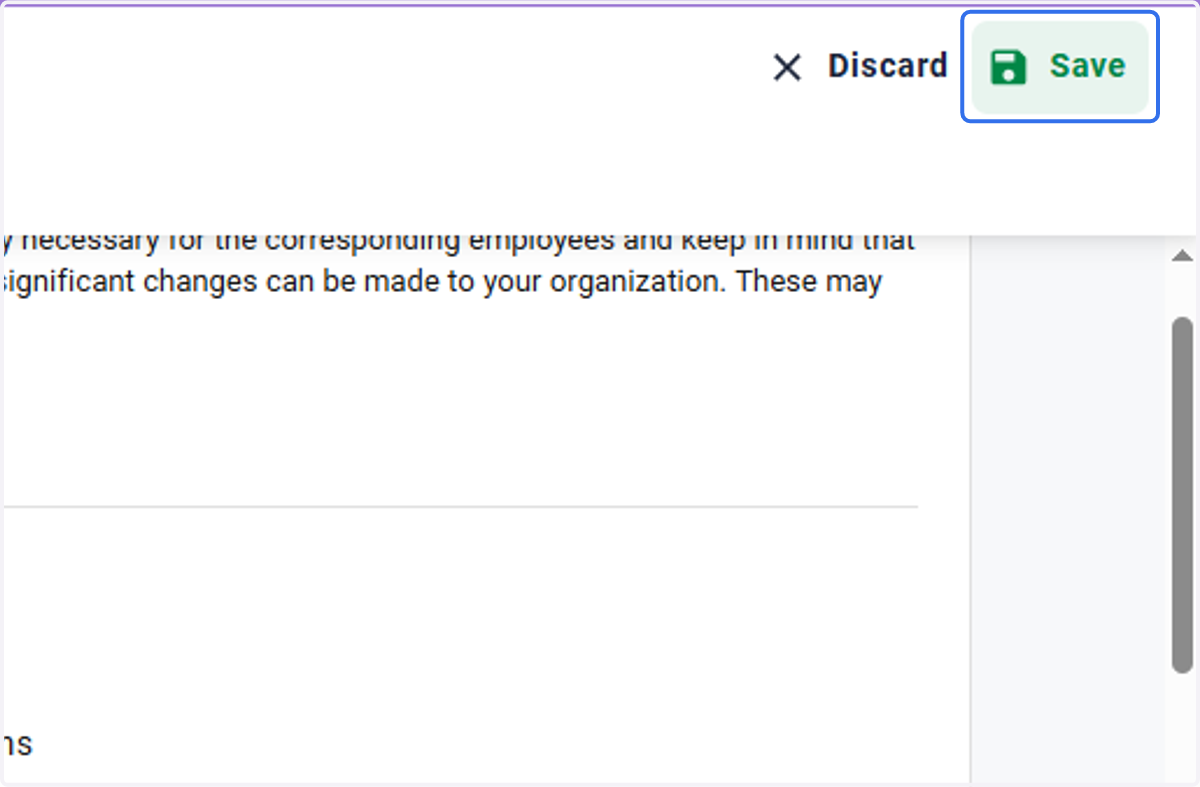
8. Click on Save