Buying your LĒVO with AfterPay

Levooil

  1. 1. Go to levooil.com

  2. 2. Click on LĒVO II Bundles

    Click on LĒVO II Bundles
  3. 3. Select Paprika Red - $619.99

    Select Paprika Red - $619.99
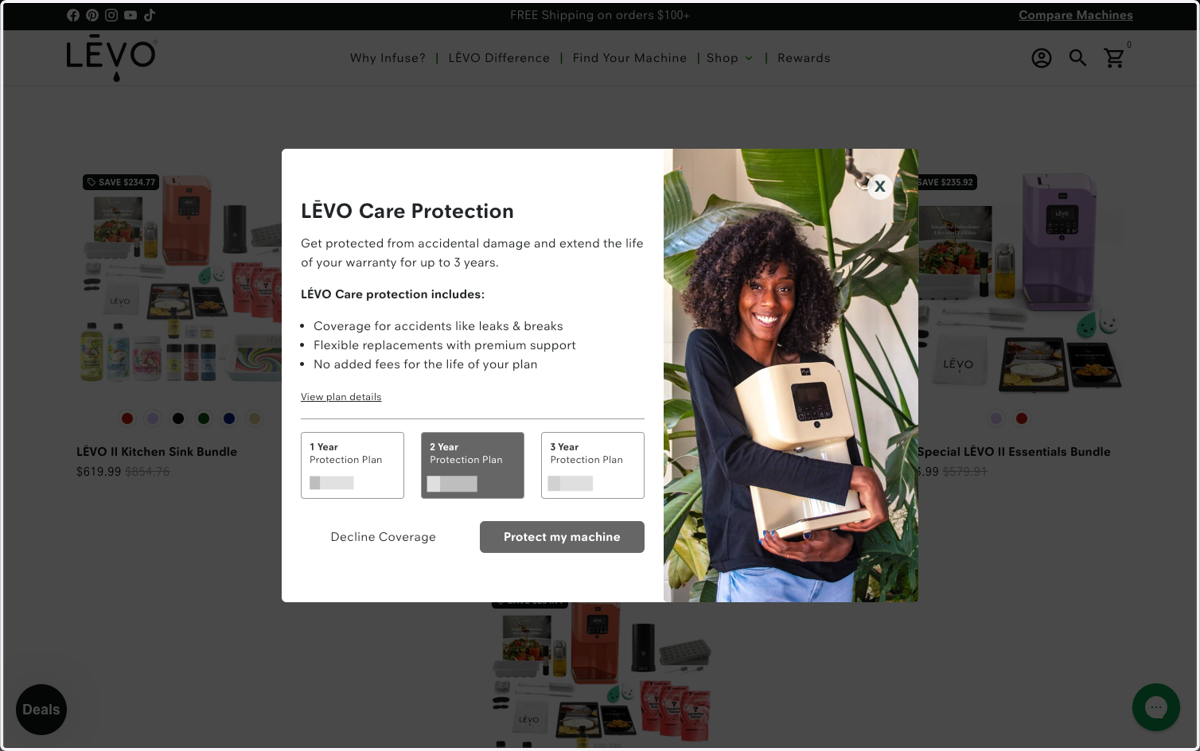
  4. 4. Click on Protect my machine (optional)

    Click on Protect my machine (optional)
  5. 5. Check Add shipping protection… (optional)

    Check Add shipping protection… (optional)
  6. 6. Click on done CHECKOUT

    Click on done CHECKOUT
  7. 7. Fill out your contact info + click "Continue to shipping"

    Fill out your contact info + click "Continue to shipping"
  8. 8. Select your shipping method + click "Continue to payment"

    Select your shipping method + click "Continue to payment"
  9. 9. On the payments page, select "Afterpay"

    On the payments page, select "Afterpay"
  10. 10. Click on Complete order

    Click on Complete order

Afterpay

  1. 11. On the next page, enter the email or phone number that you want to use with your Afterpay account, and hit "Continue"

    On the next page, enter the email or phone number that you want to use with your Afterpay account, and hit "Continue"
  2. 12. Enter the rest of your details to complete your Afterpay account setup

    Enter the rest of your details to complete your Afterpay account setup
  3. 13. Click on Continue

    Click on Continue
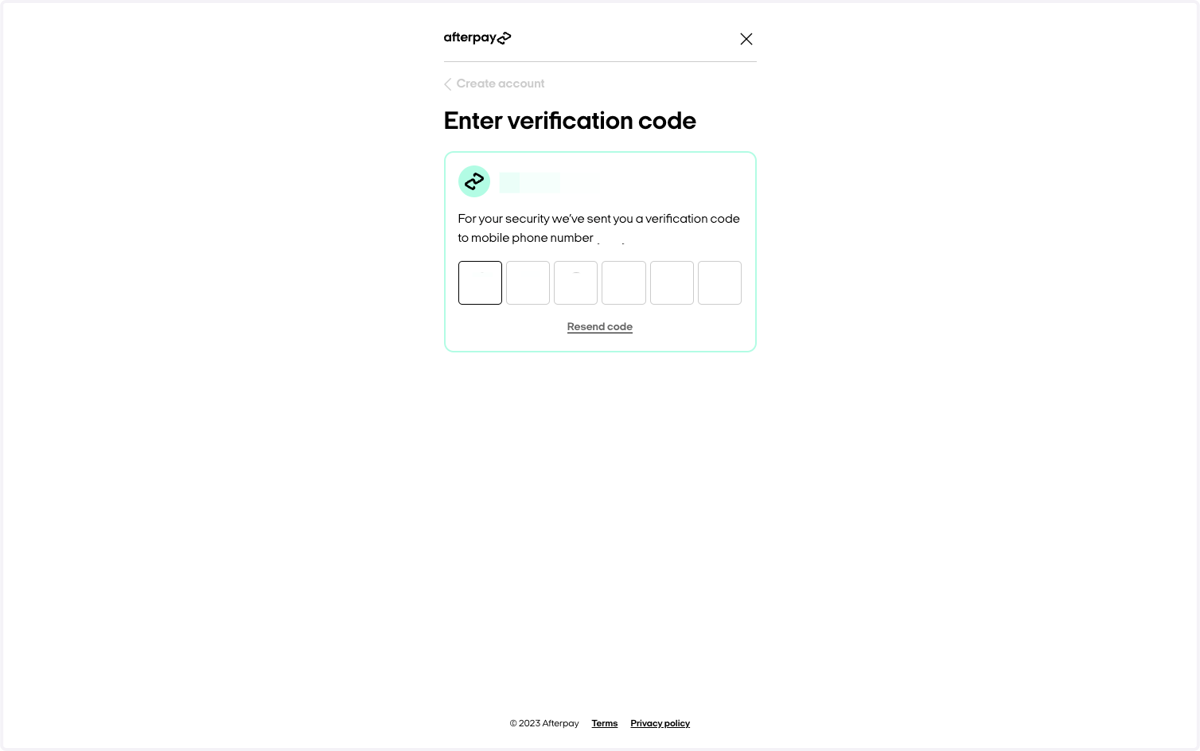
  4. 14. Enter the verification code that was sent to your phone

    Enter the verification code that was sent to your phone
  5. 15. Select either the 12-month payment option with low interest, or pay-in-4 with $0 interest! After you click "Continue", you will finalize the payment plan and that's it! No pull on your credit score, no complicated agreements -- simple!

    Select either the 12-month payment option with low interest, or pay-in-4 with $0 interest! After you click "Continue", you will finalize the payment plan and that's it! No pull on your credit score, no complicated agreements -- simple!