Configure your Club Booking guest shop
Club Director
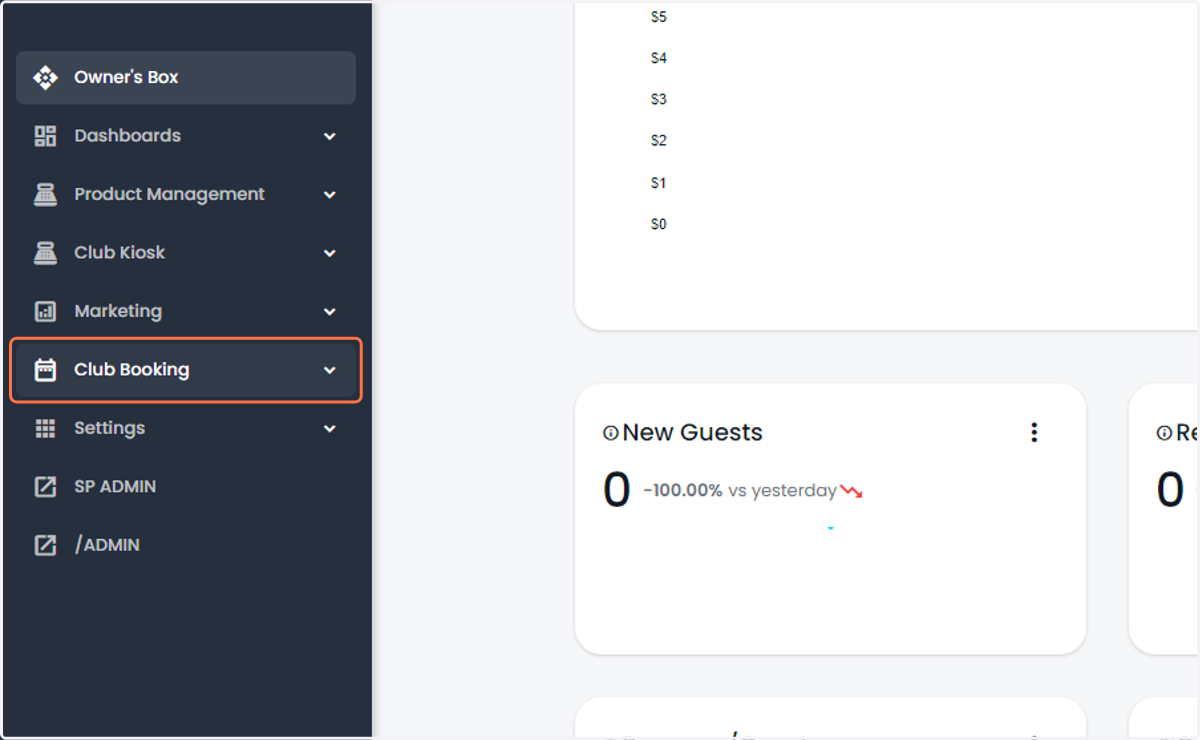
1. Click on Club Booking
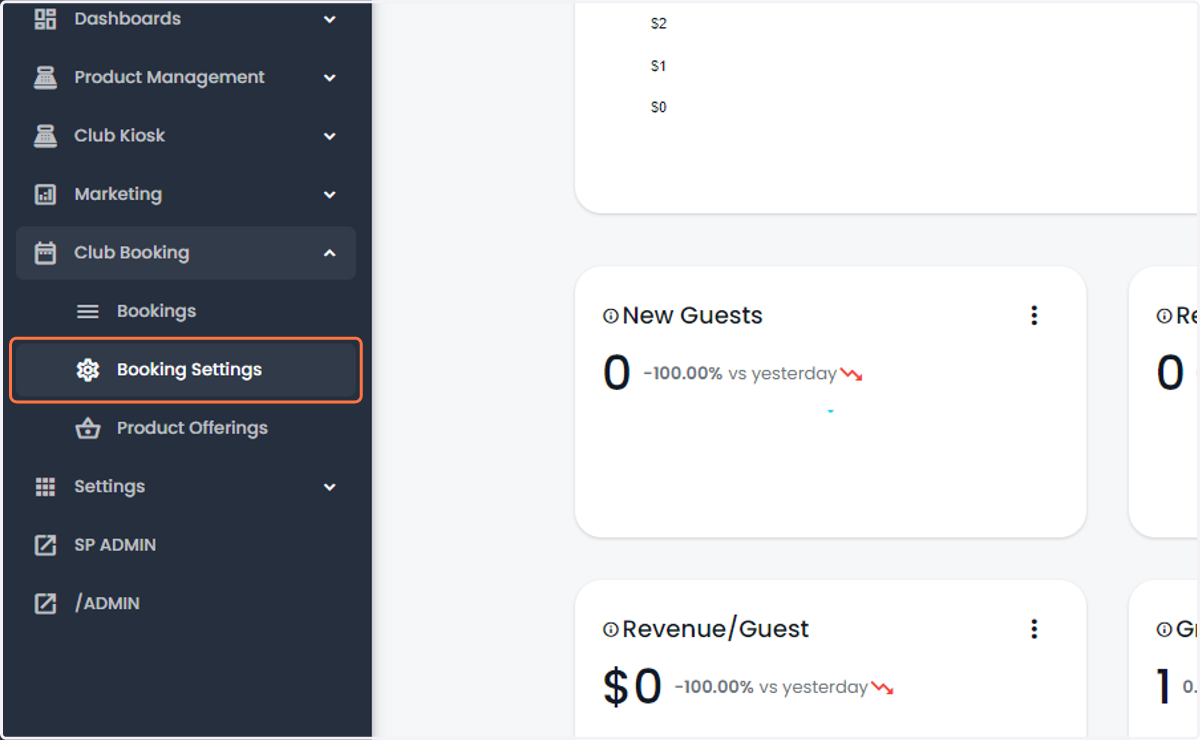
2. Click on Booking Settings
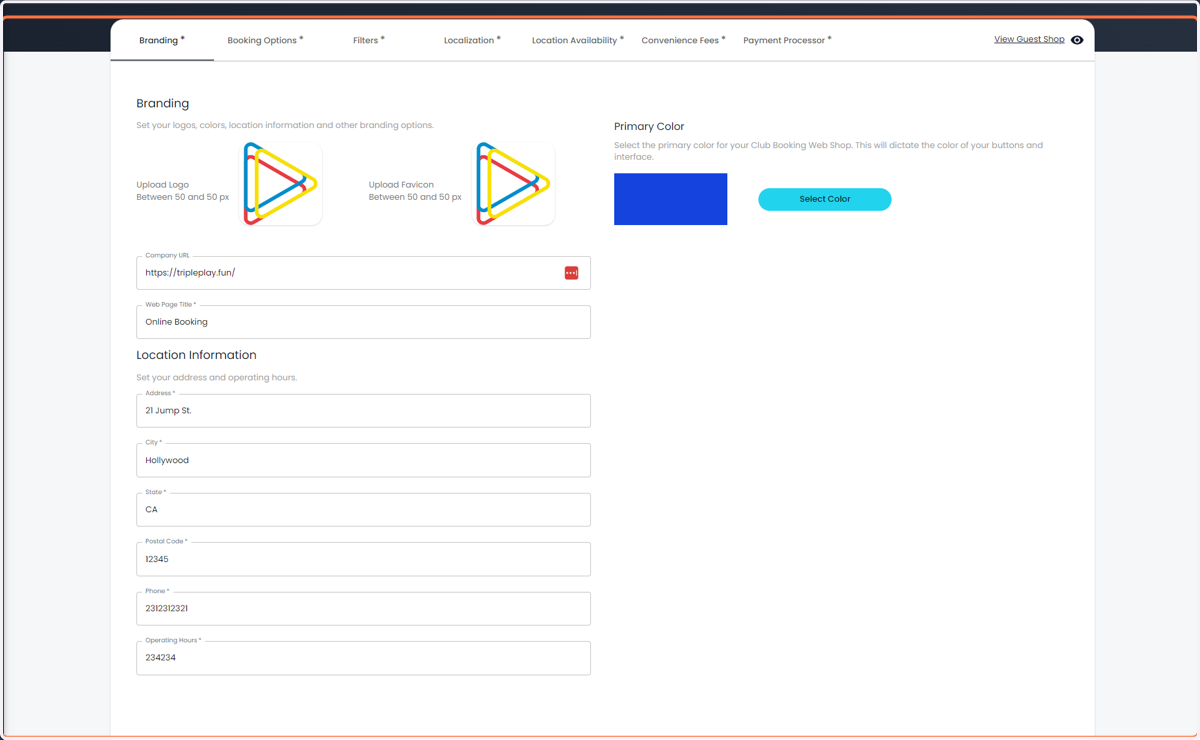
3. Update your Company Branding and information
Logos, address, hours of operations, primary business color, etc.
4. Update your booking options
Booking cart duration, terms and conditions, allow gift cards.
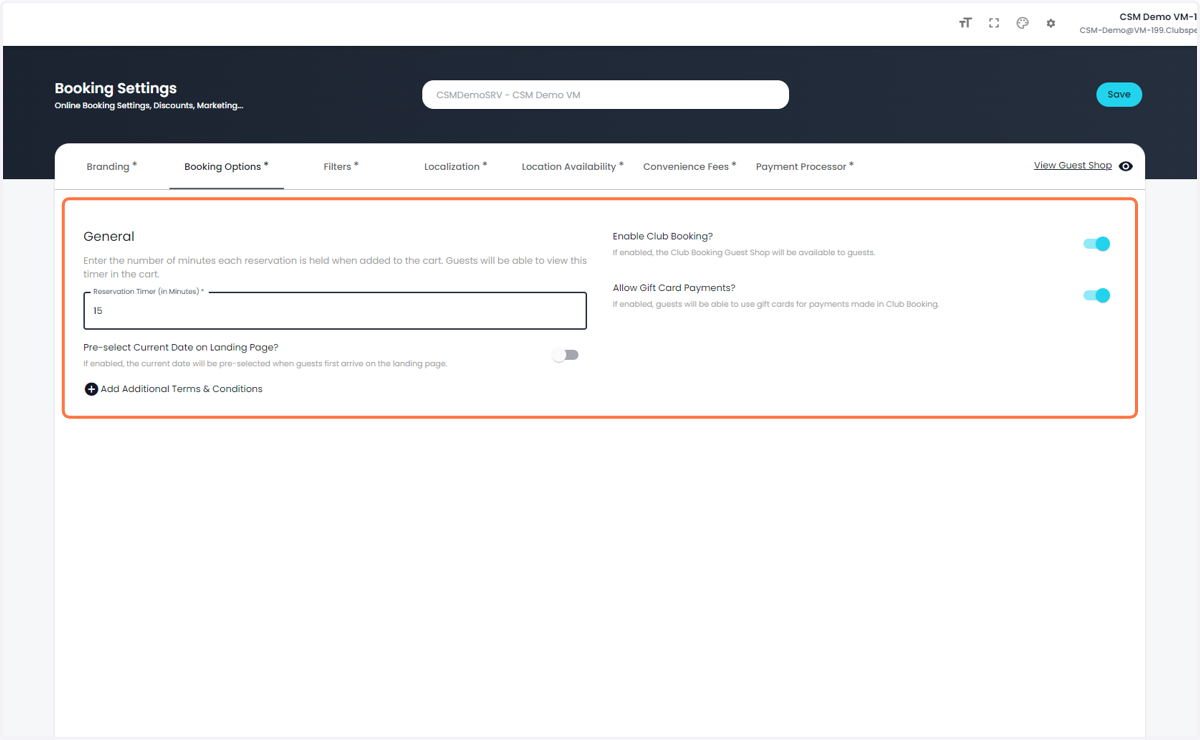
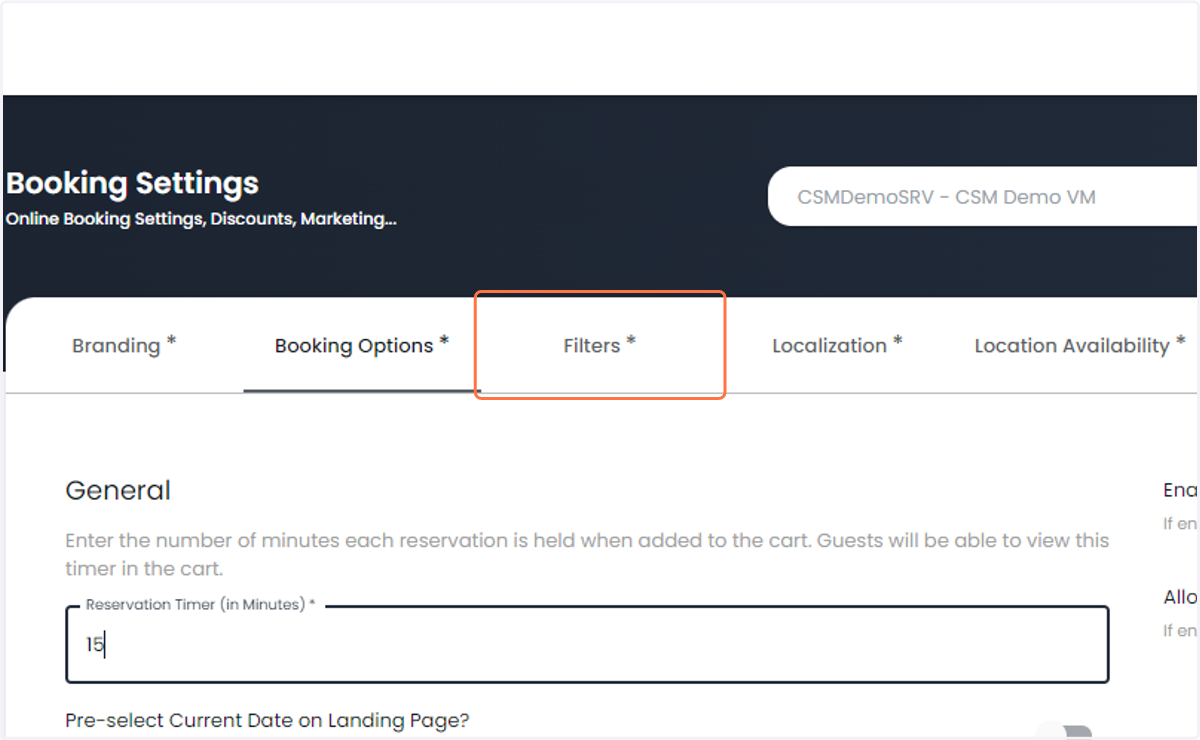
5. Click on Filters*
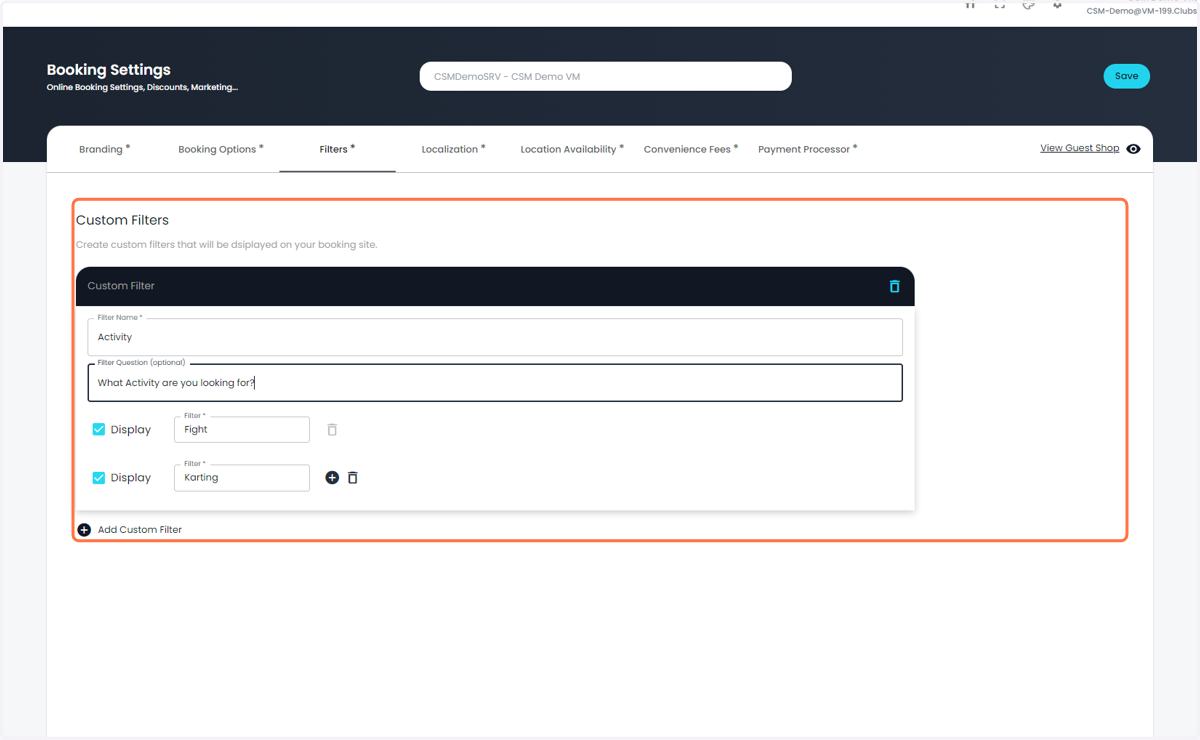
6. Add Custom Filters under the Filters tab
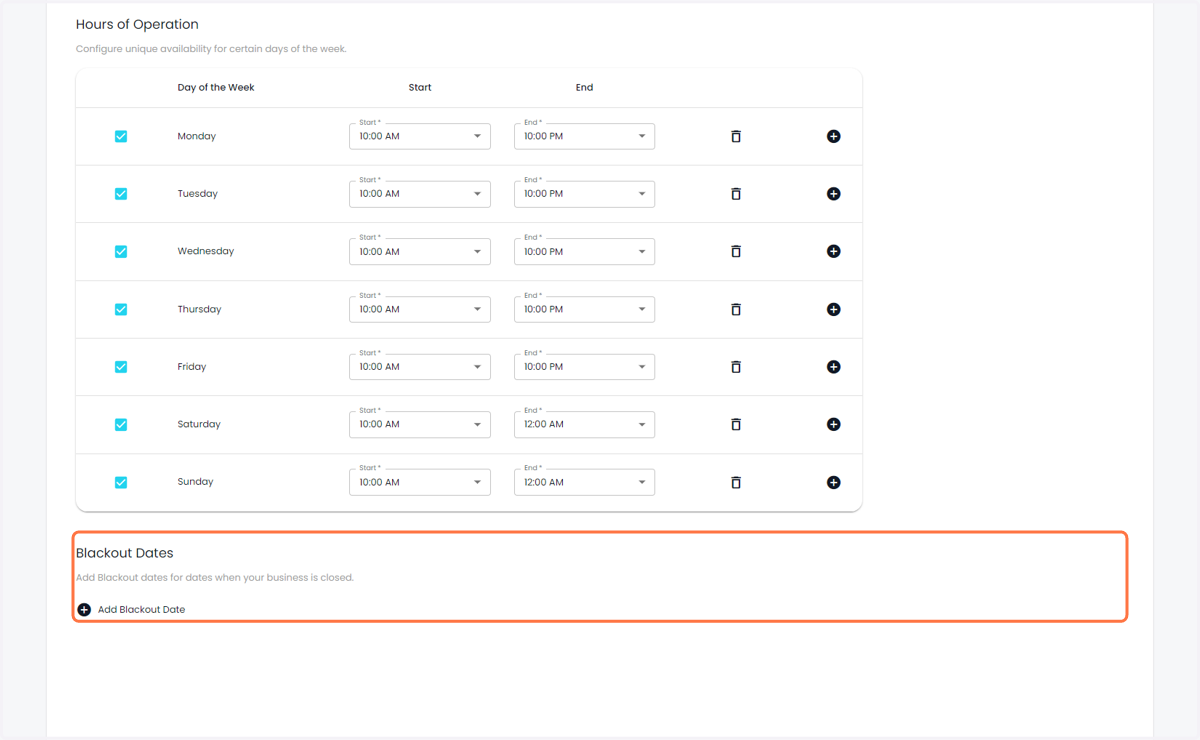
7. Update your business hours
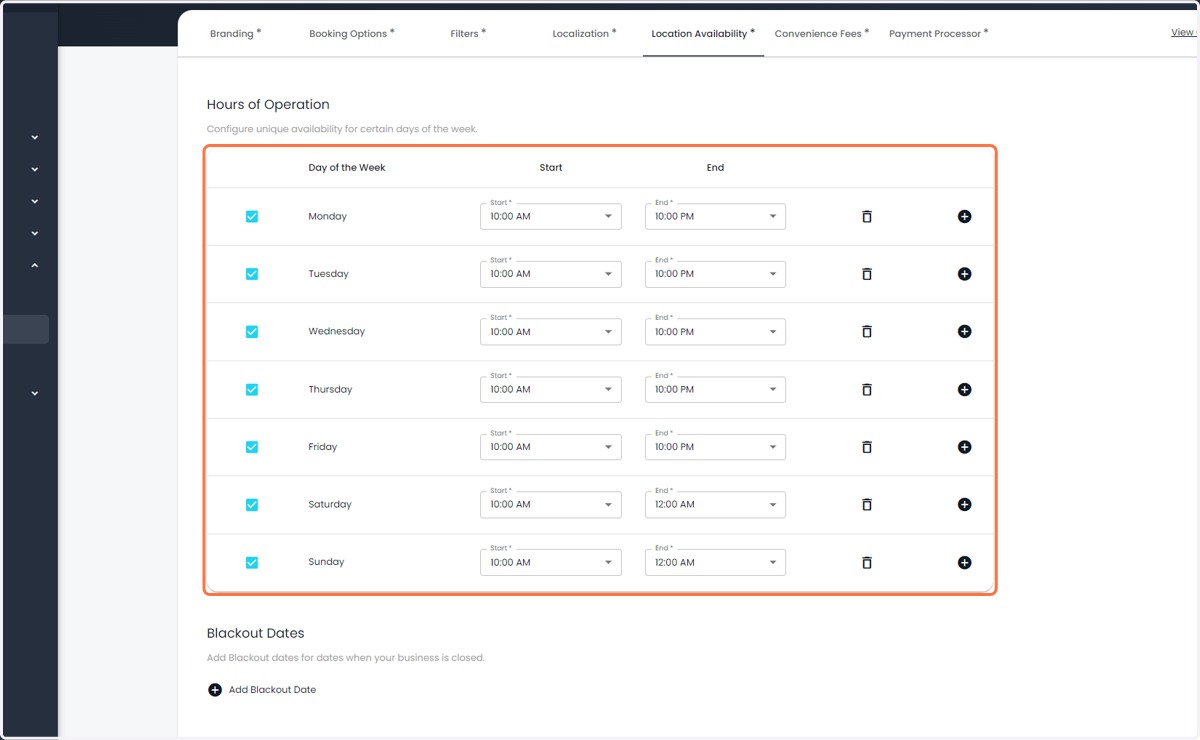
8. Specify any Blackout Dates (Christmas for example)
9. Click on Save
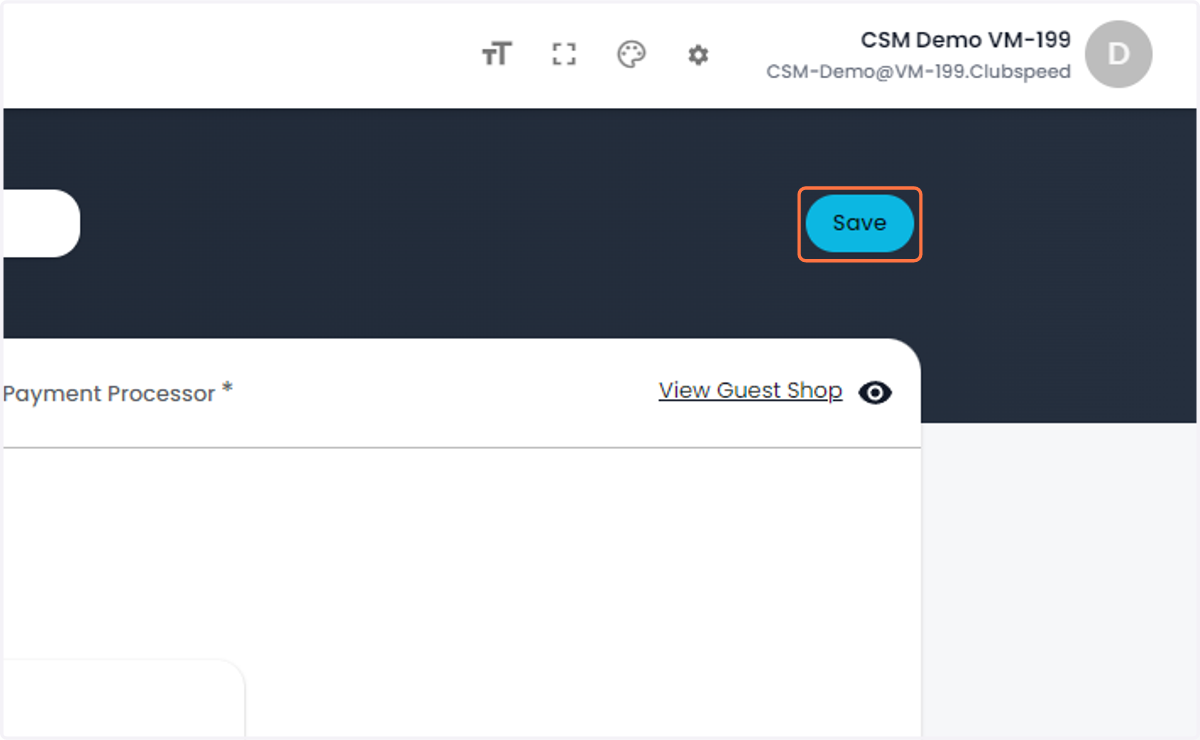
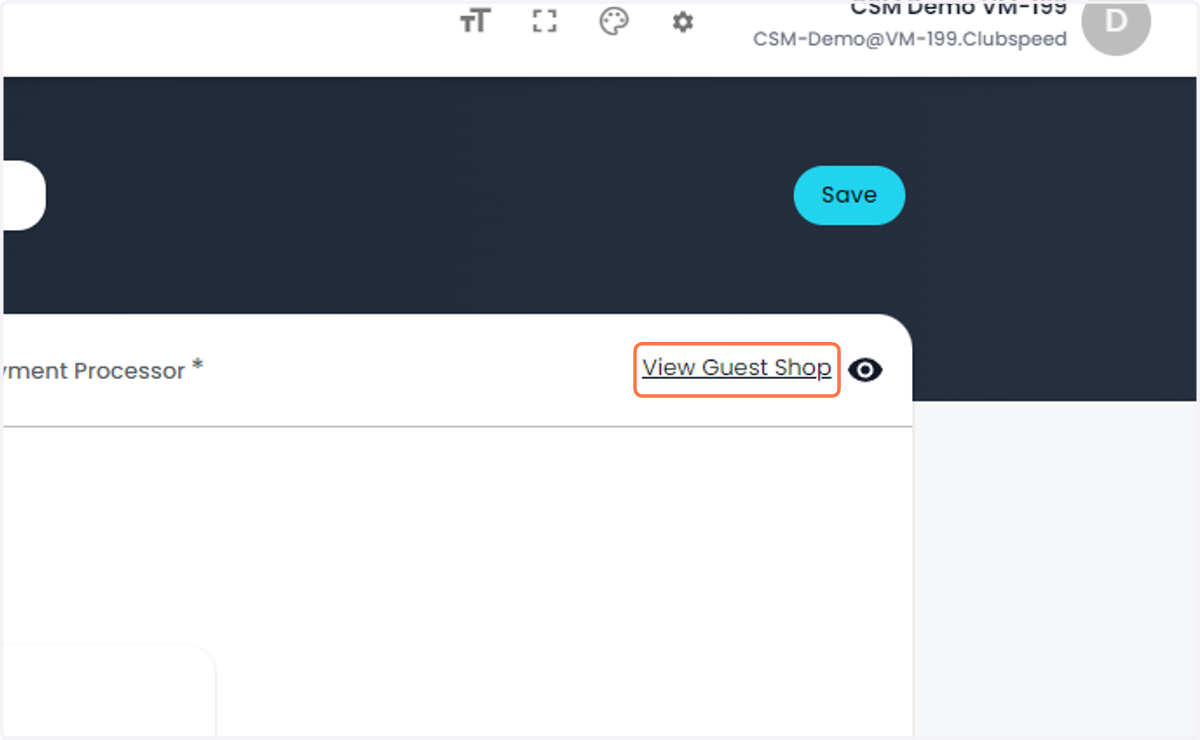
10. Click on View Guest Shop to see the changes and what the guest will see