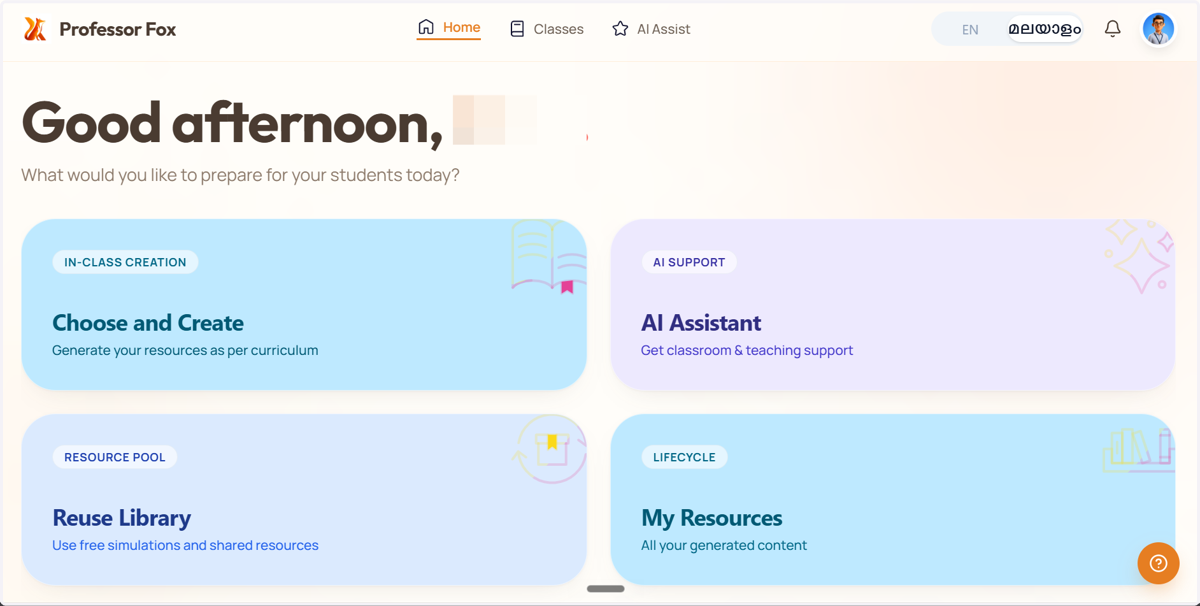
Create an account in Professor Fox
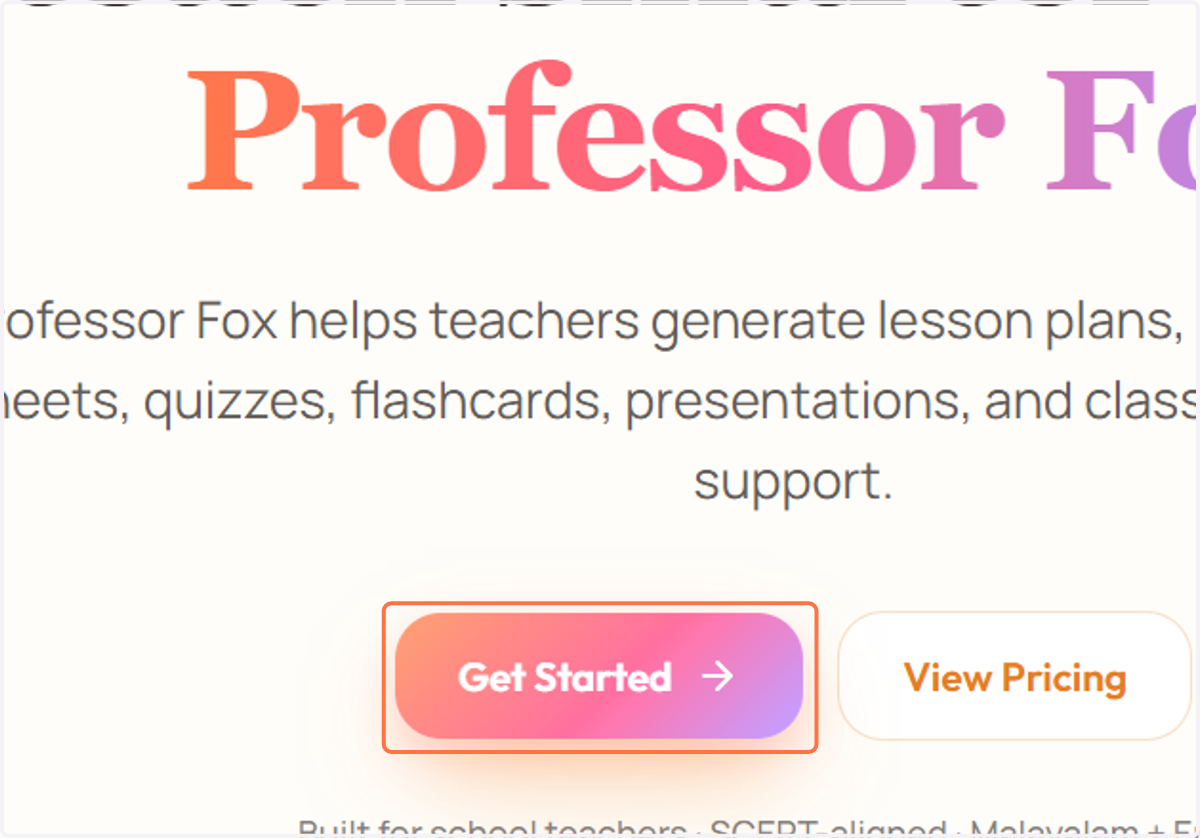
1. Click on "Get Started" to create an account.
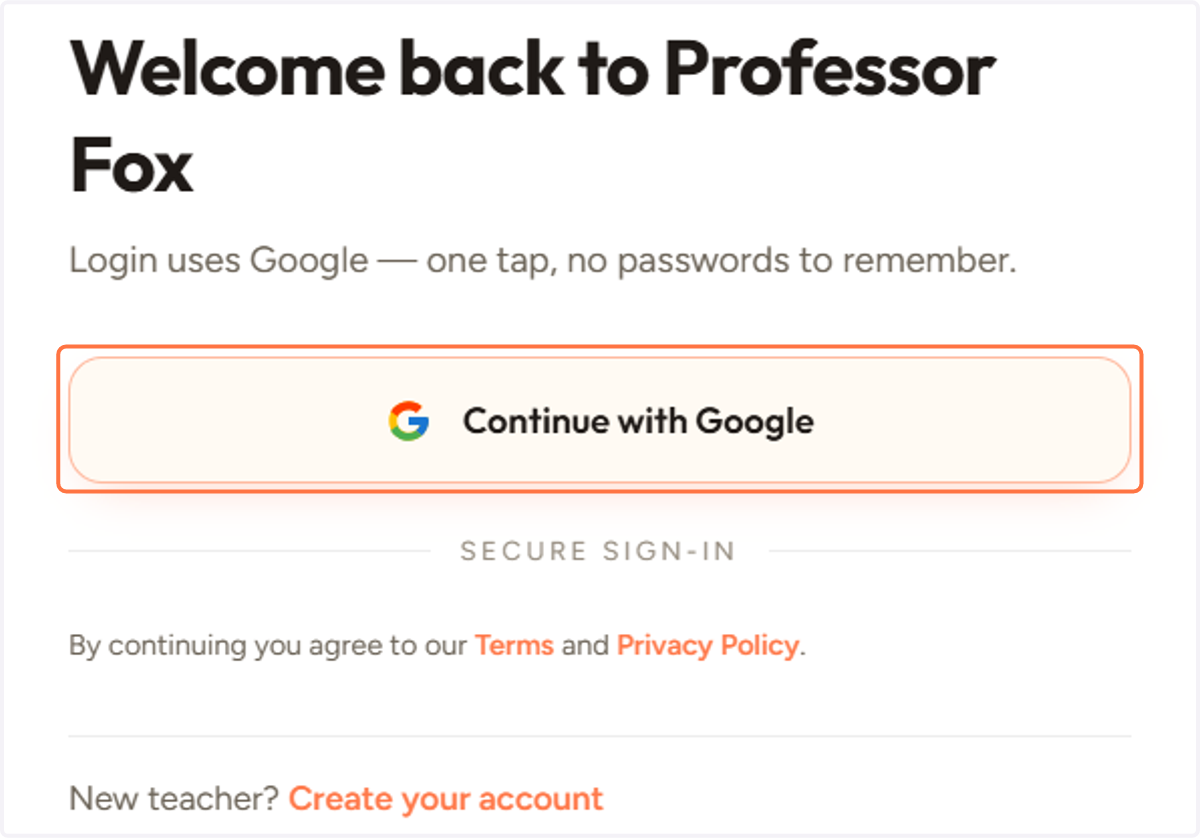
2. Click on Continue with Google
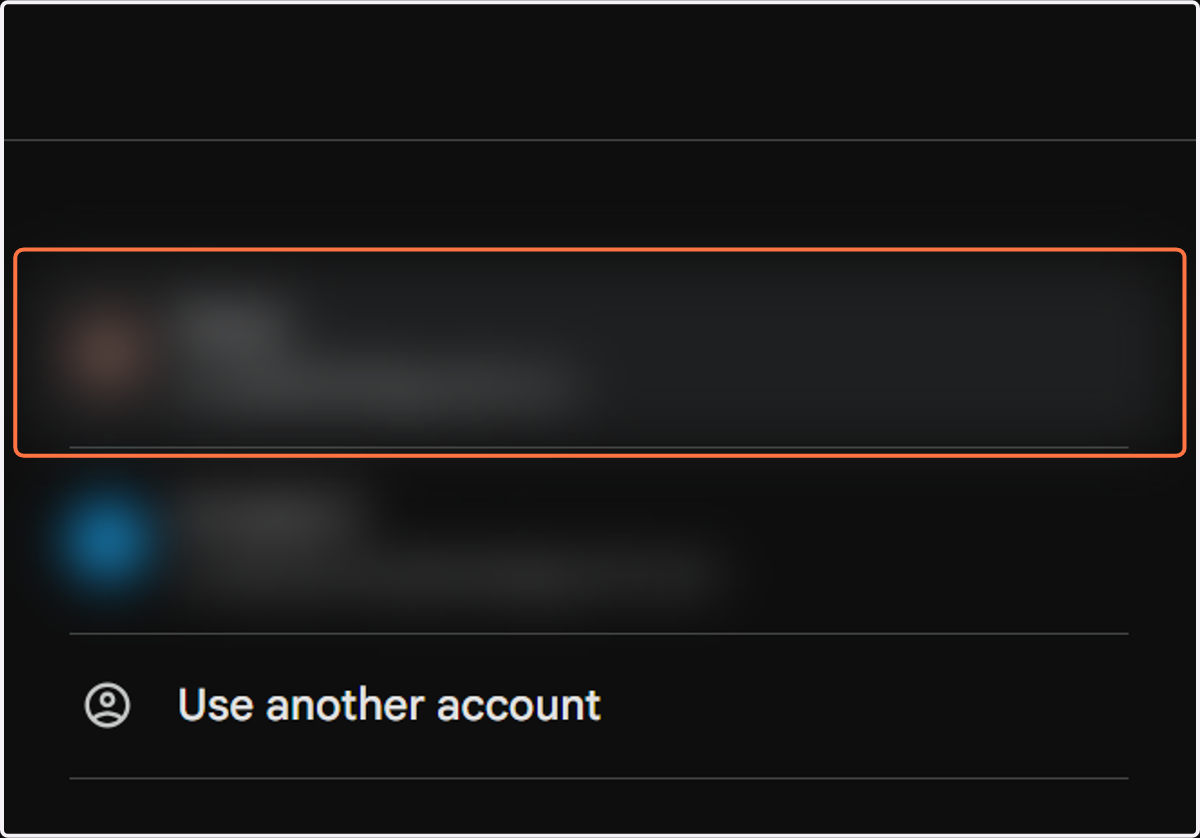
3. Select your Google account.
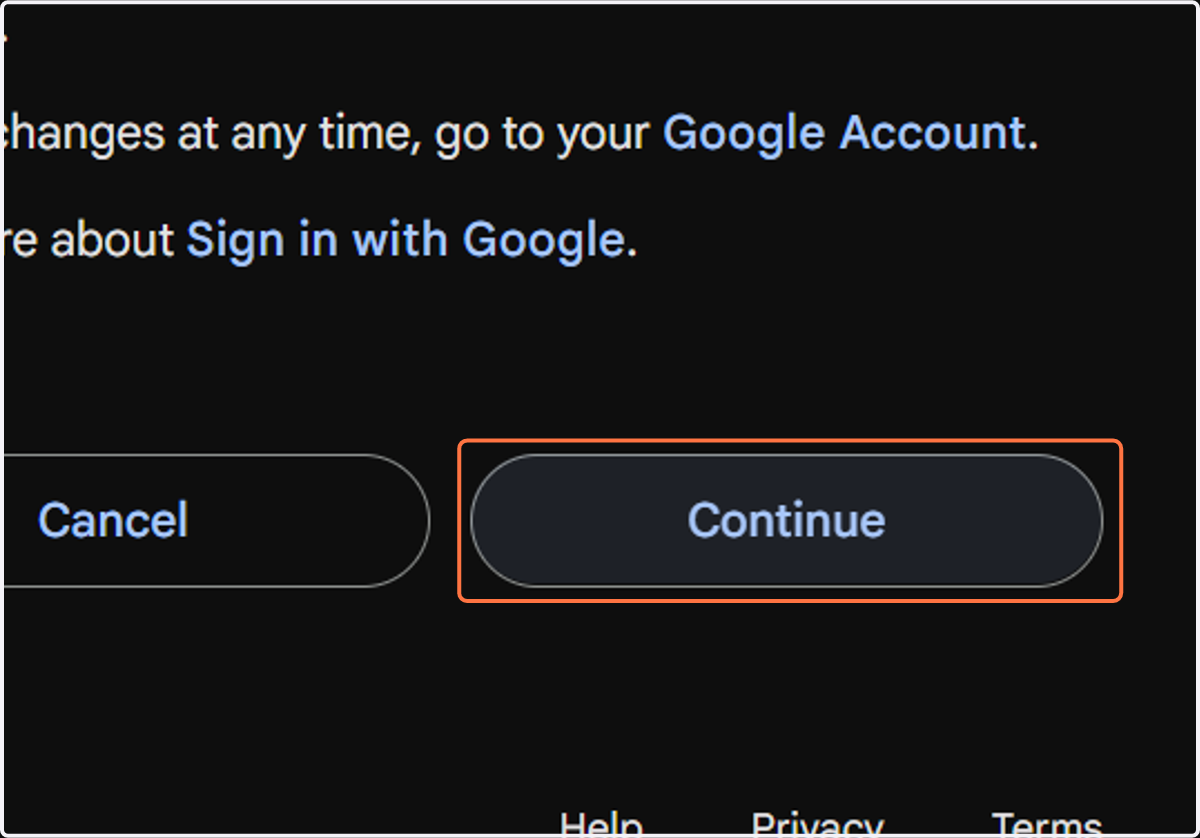
4. Click on Continue
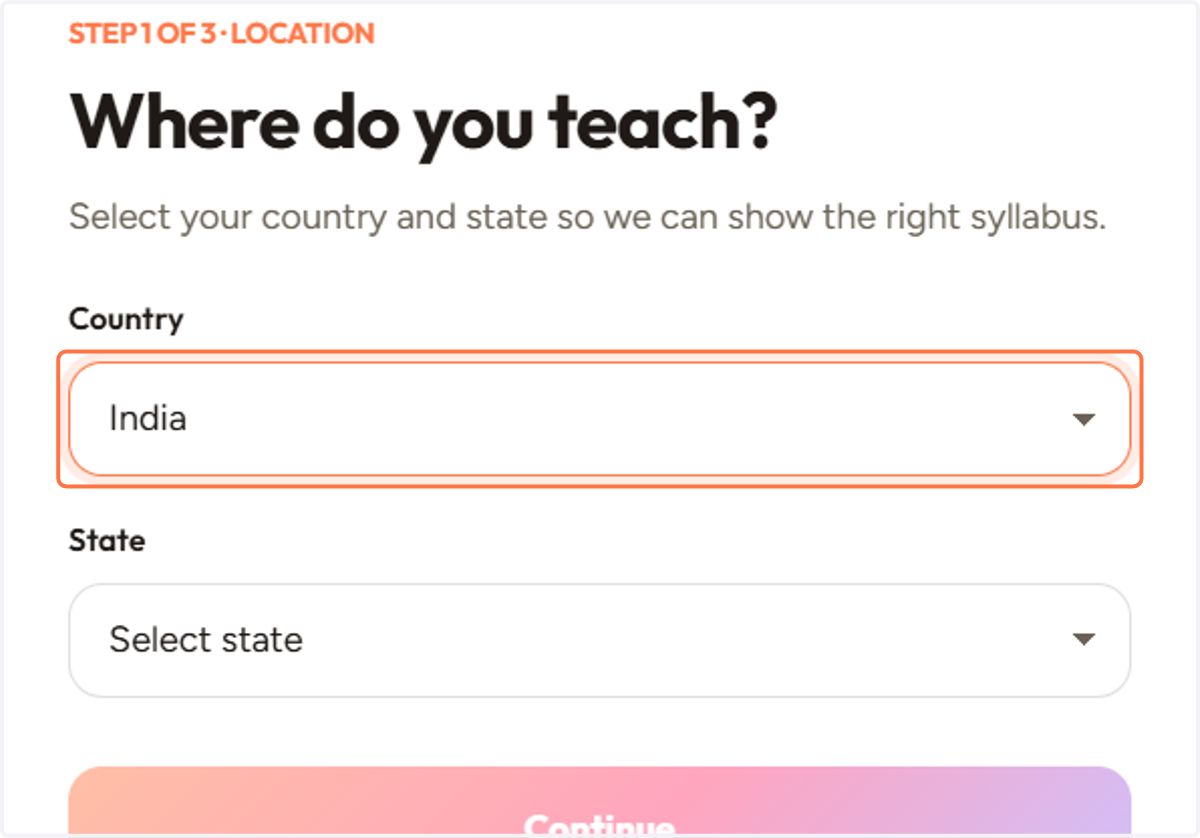
5. Select your Country
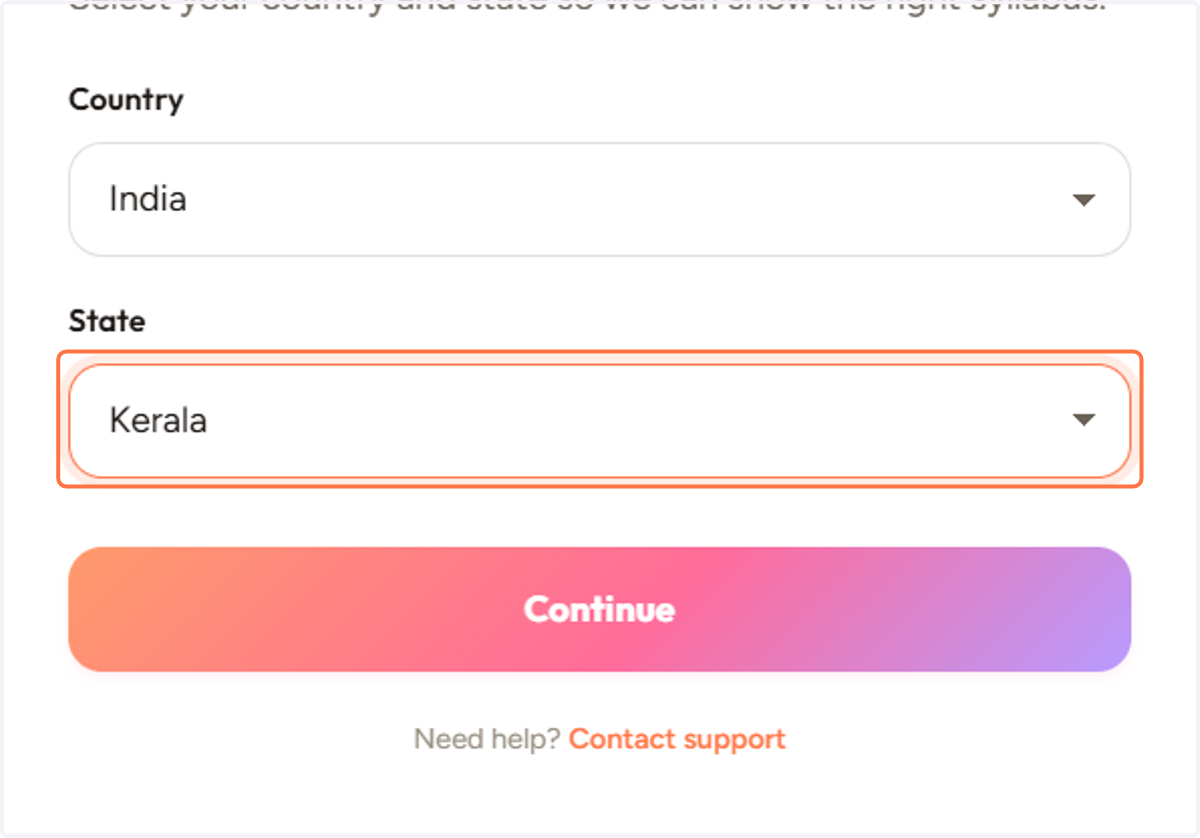
6. Select your State
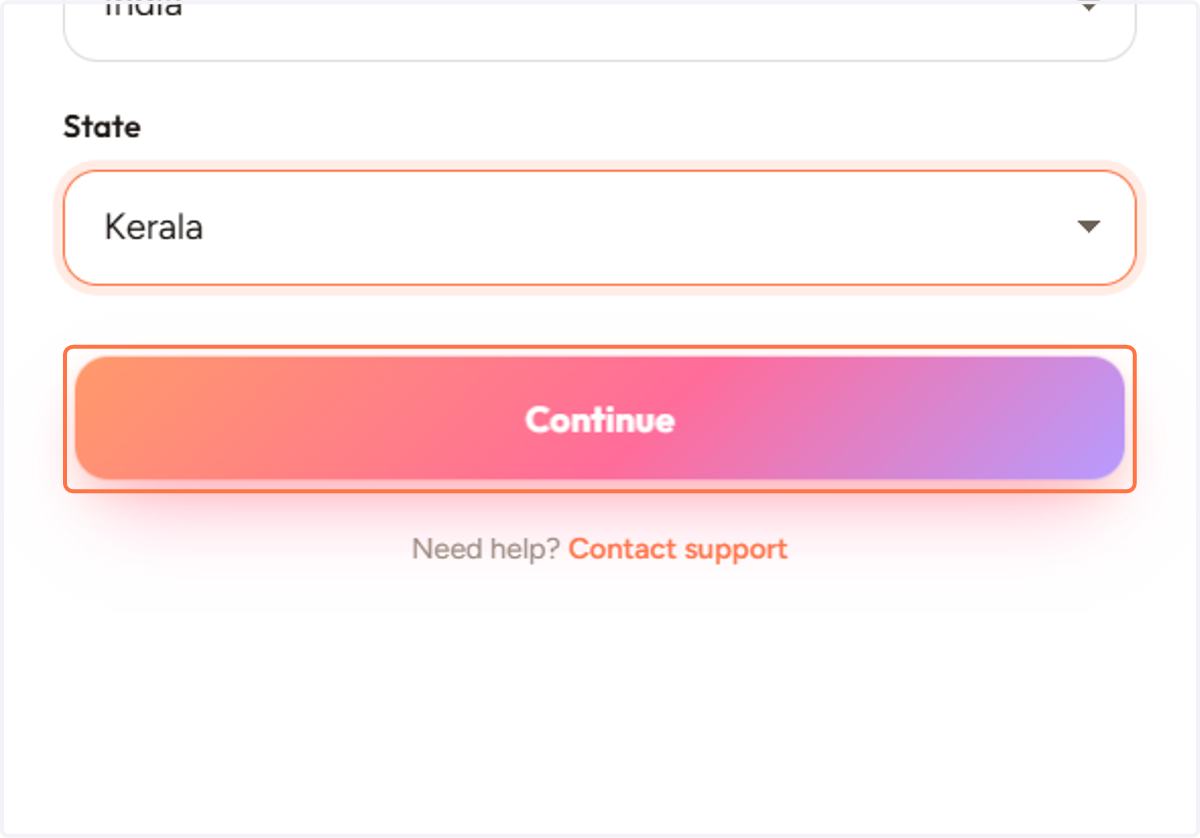
7. Click on Continue
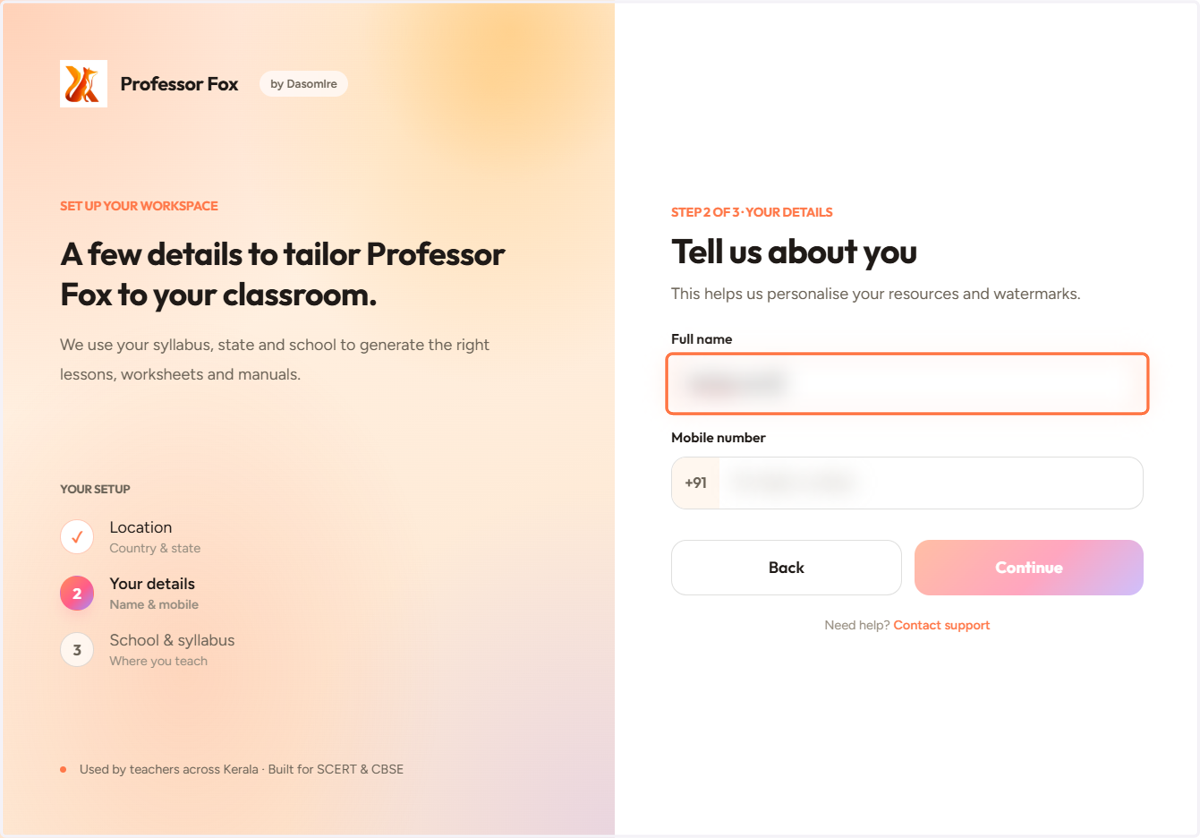
8. Enter you Full name
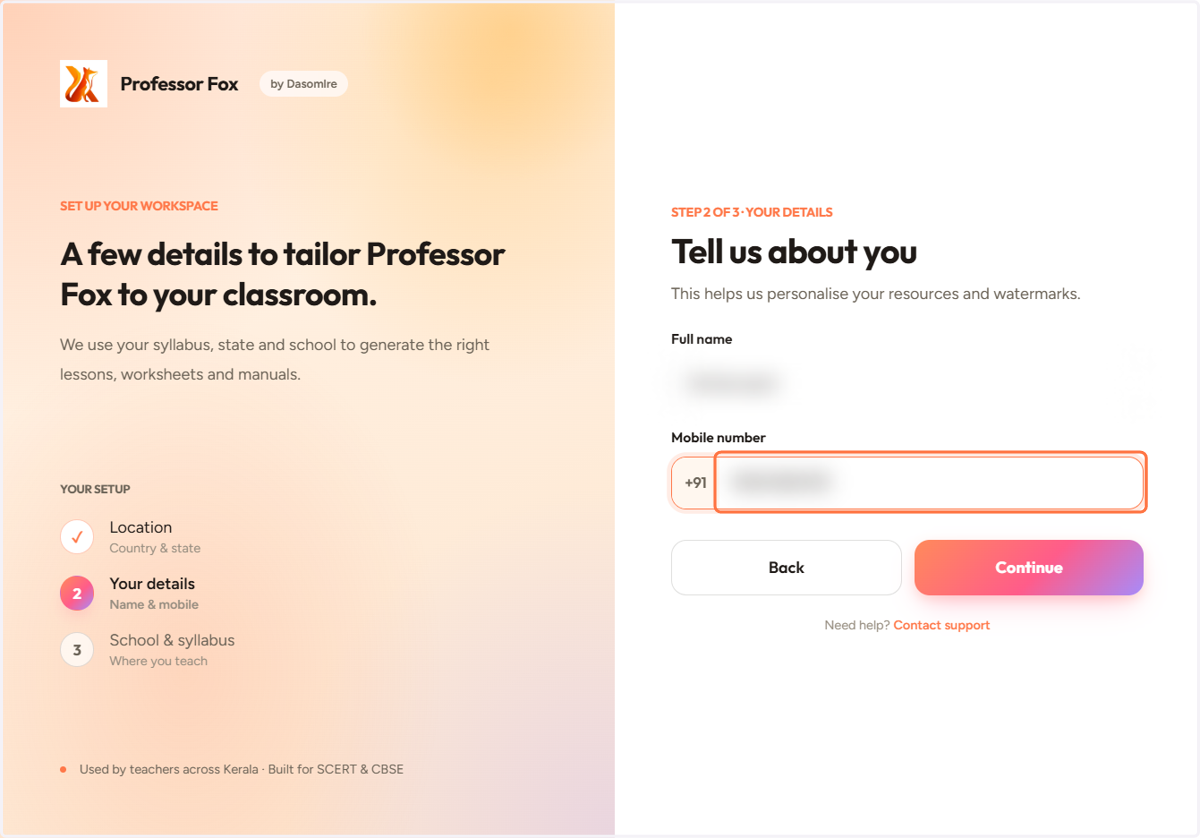
9. Enter you Mobile number
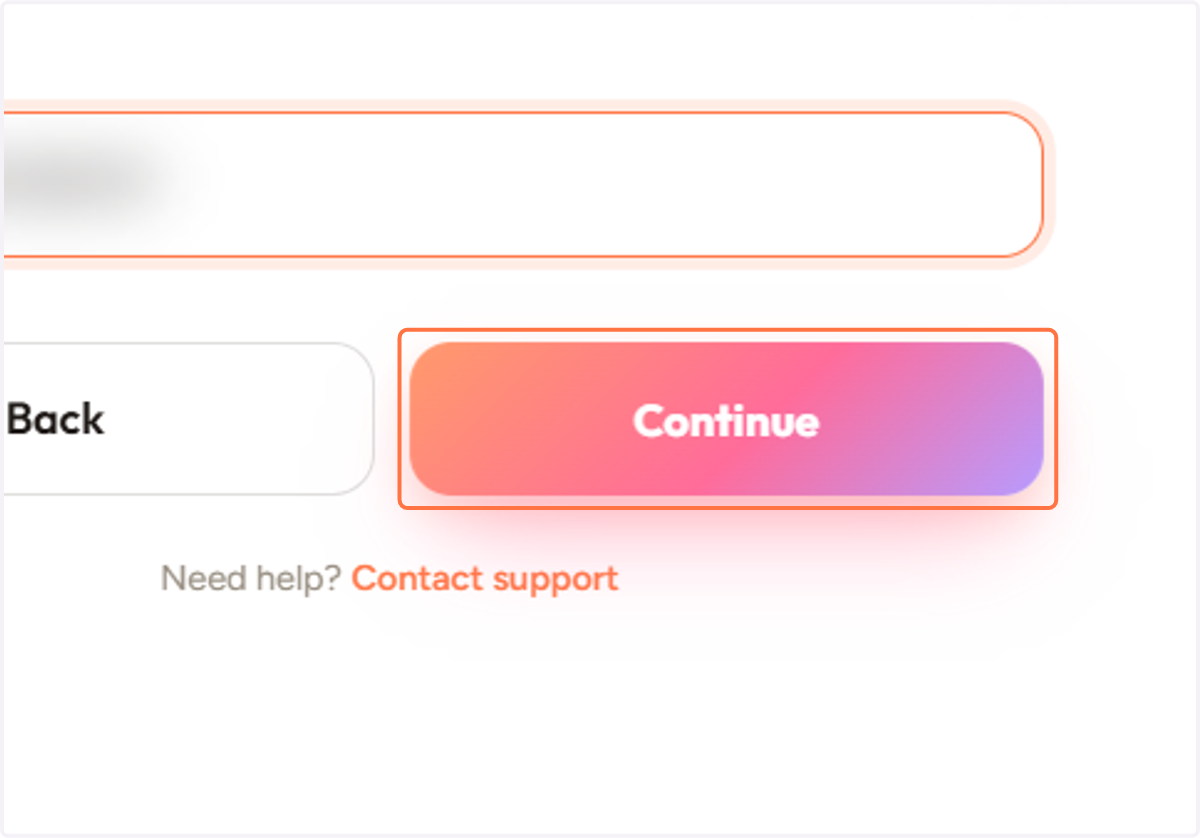
10. Click on Continue
11. Enter your School name
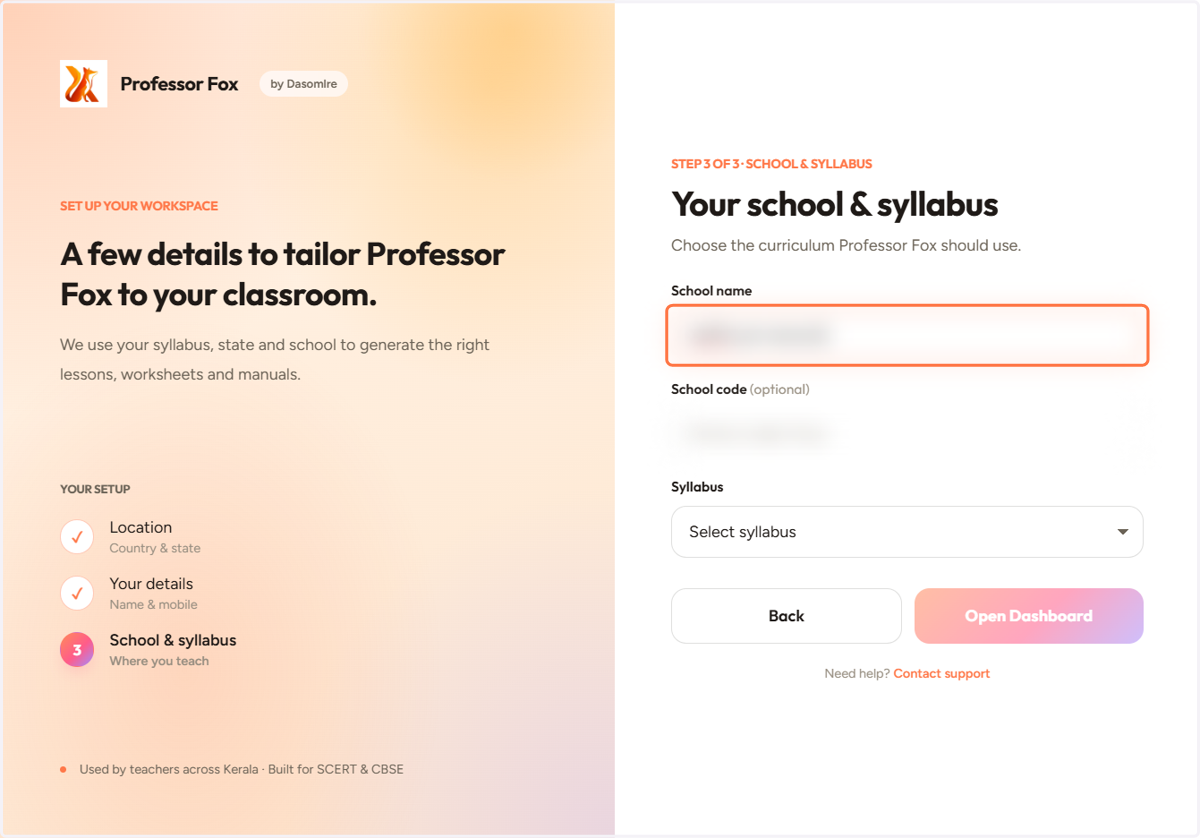
12. Enter your School code (optional)
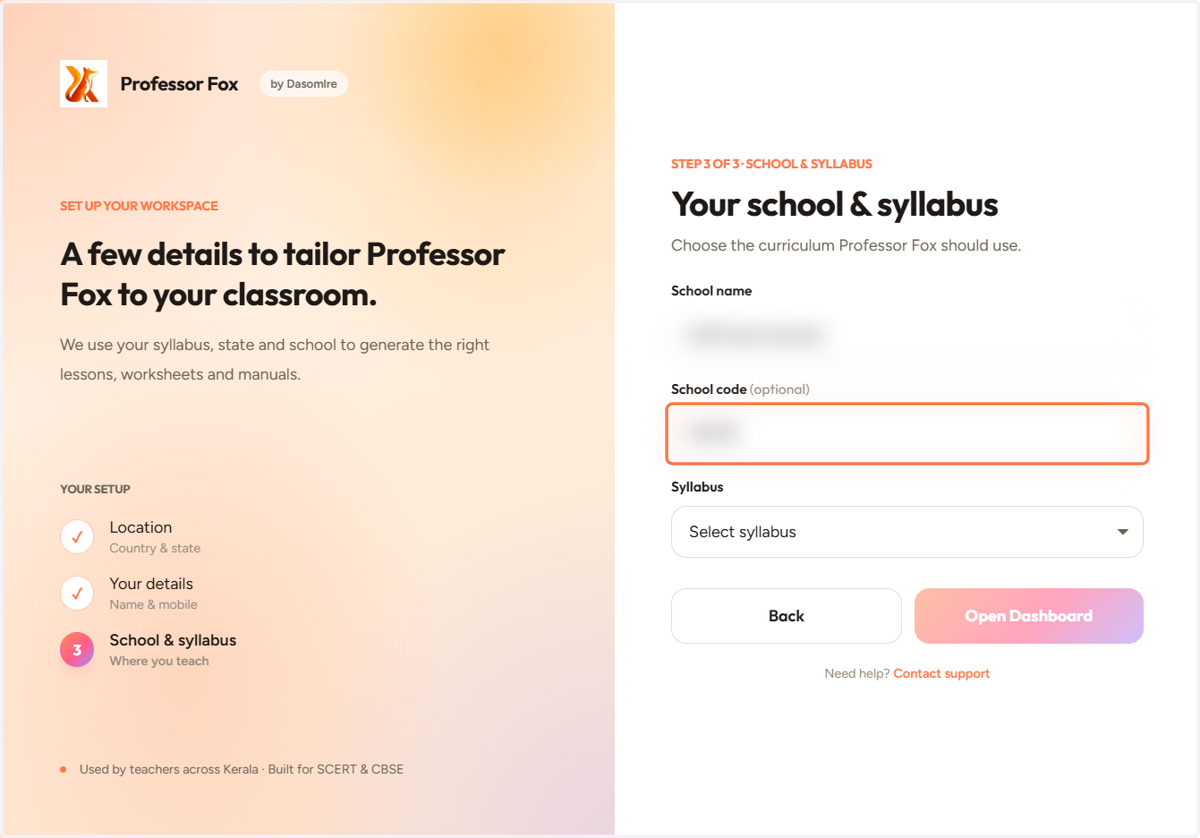
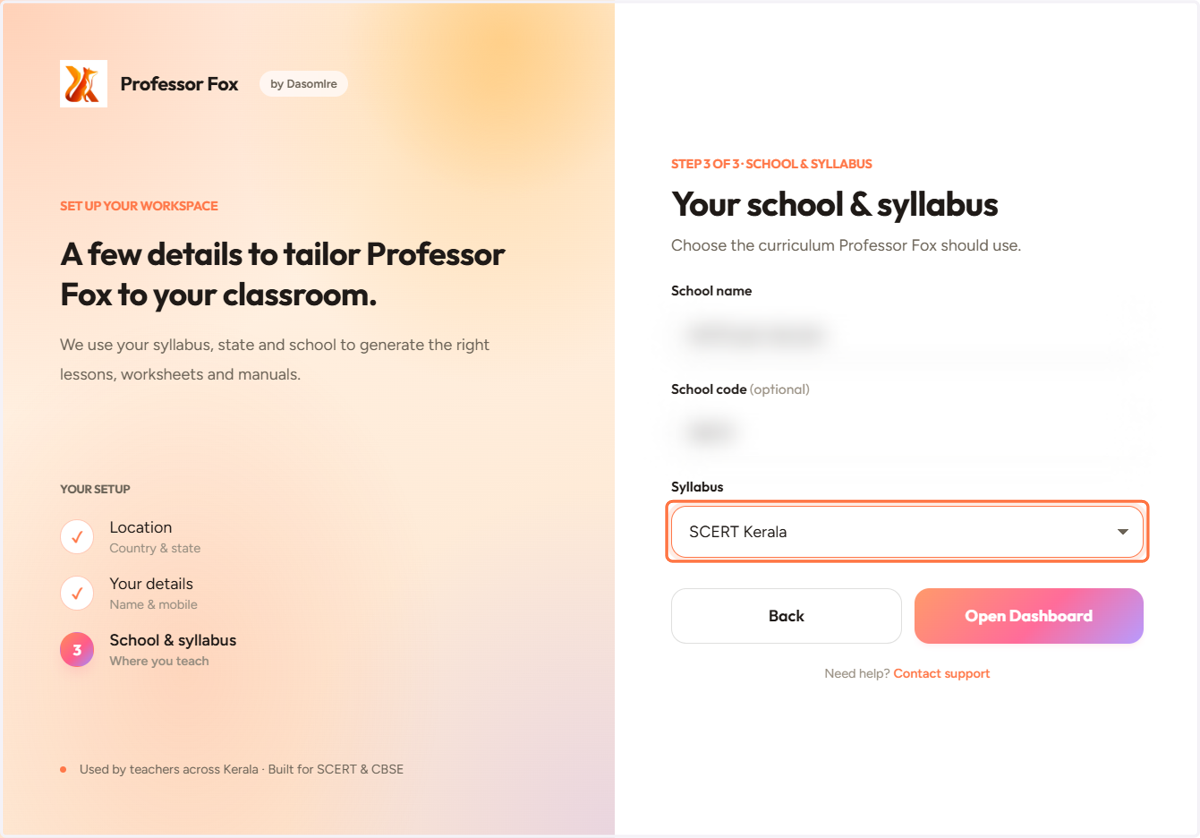
13. Select your Syllabus
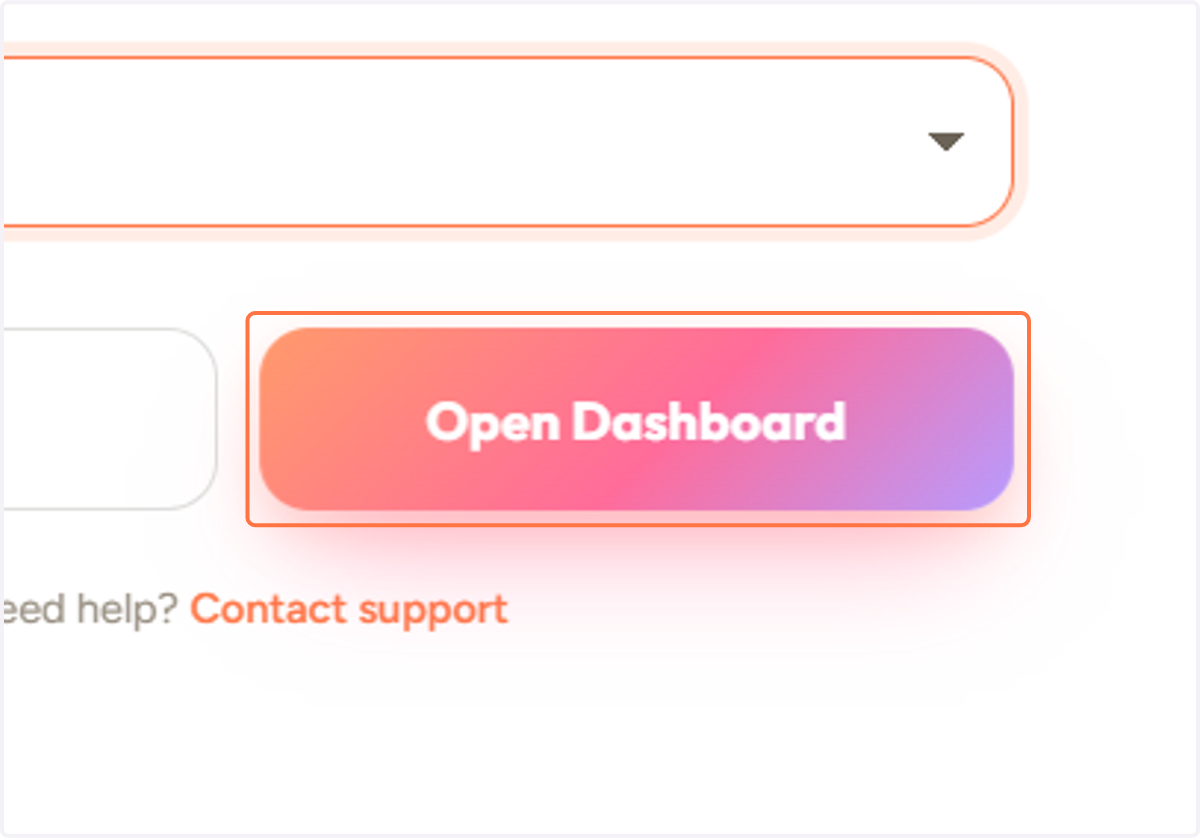
14. Click on Open Dashboard
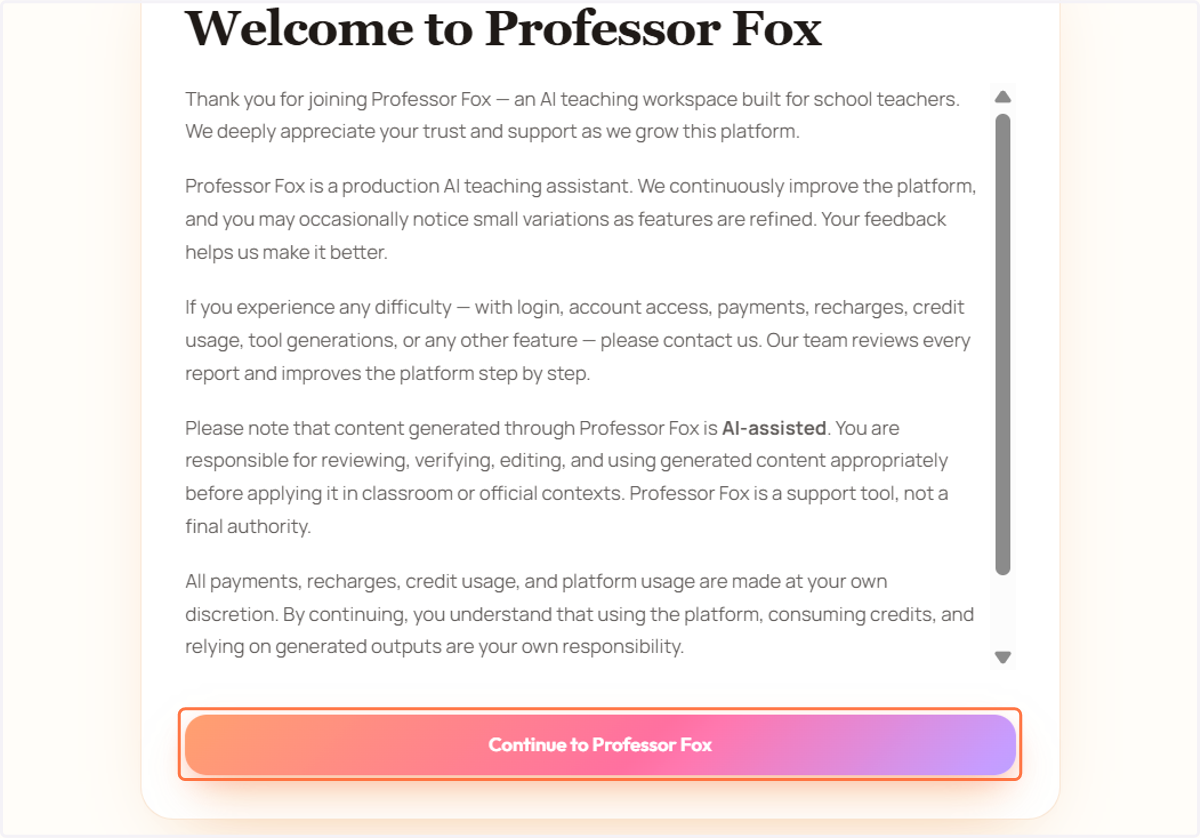
15. Click on Continue to Professor Fox
16. Select an avatar. You will then be taken to Professor Fox.