License Appeal Management

  1. 1. Click on View/Change Application Status
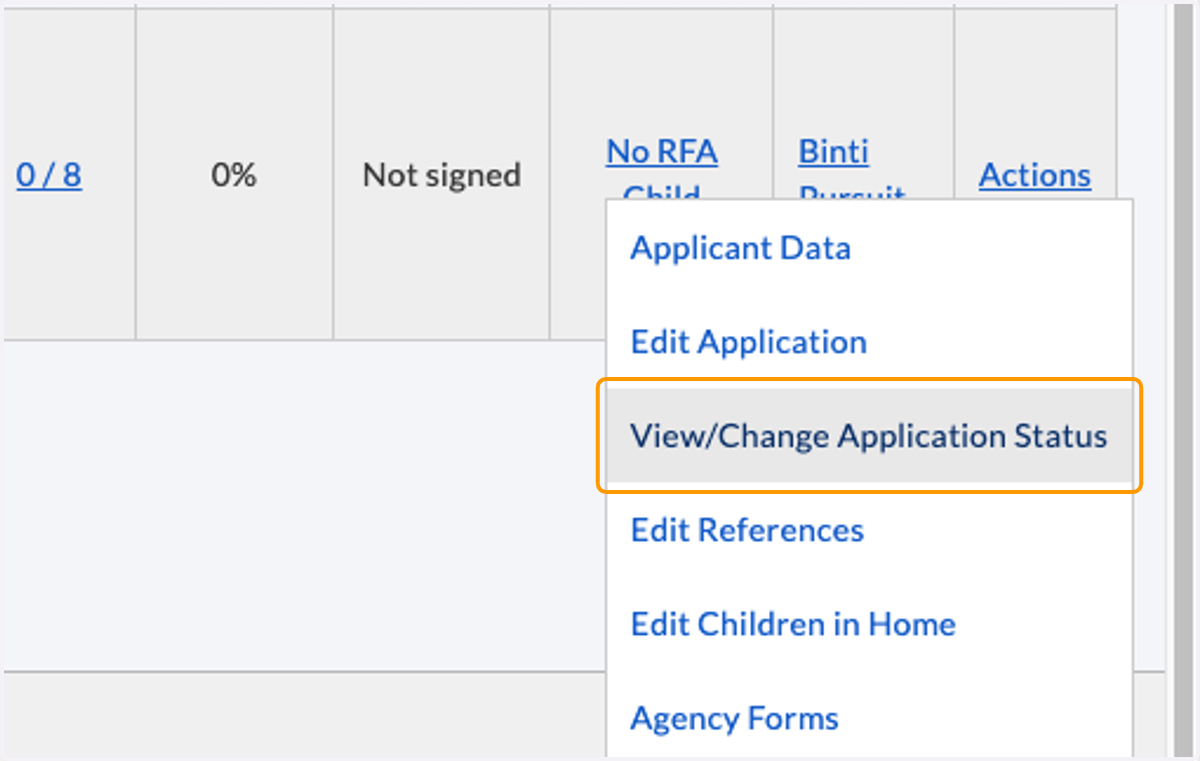
    Click on View/Change Application Status
  2. 2. The appeals section will display for the following statues: Applying, In Renewal Process, Denial, and Closed.
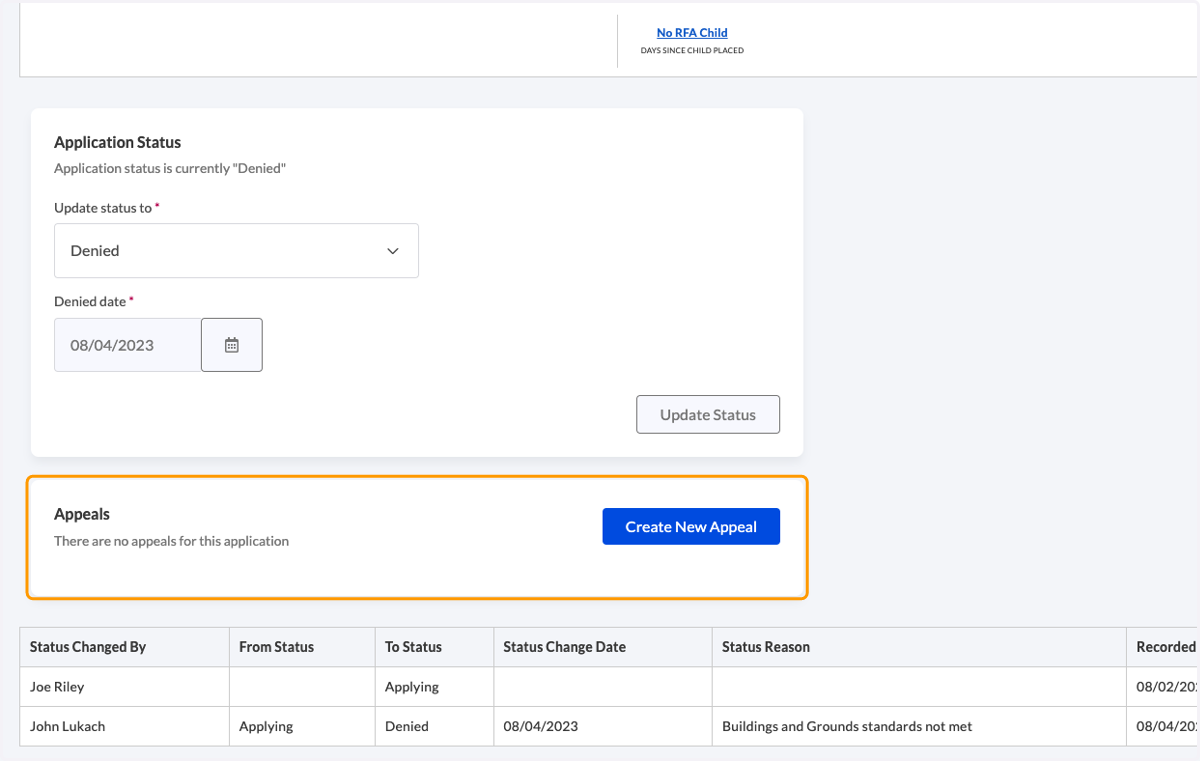
    The appeals section will display for the following statues: Applying, In Renewal Process, Denial, and Closed.
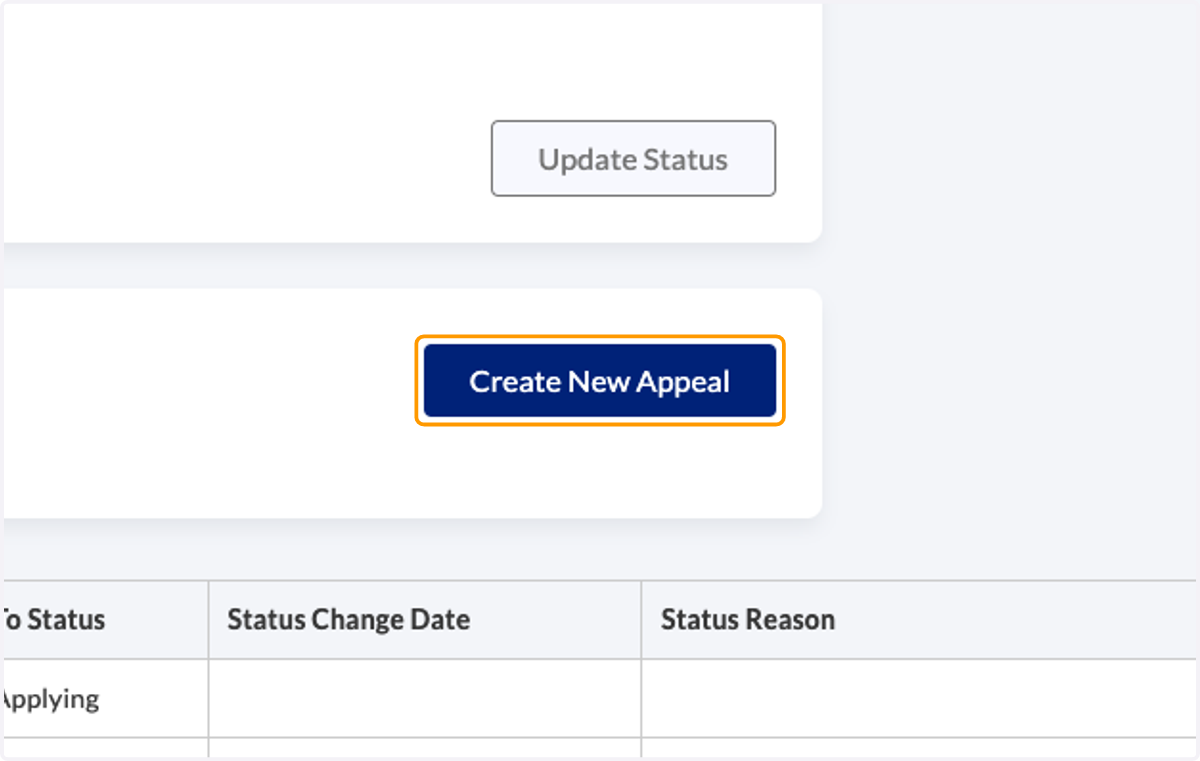
  3. 3. Click on Create New Appeal

    Click on Create New Appeal
  4. 4. You are redirected to an Appeals detail page
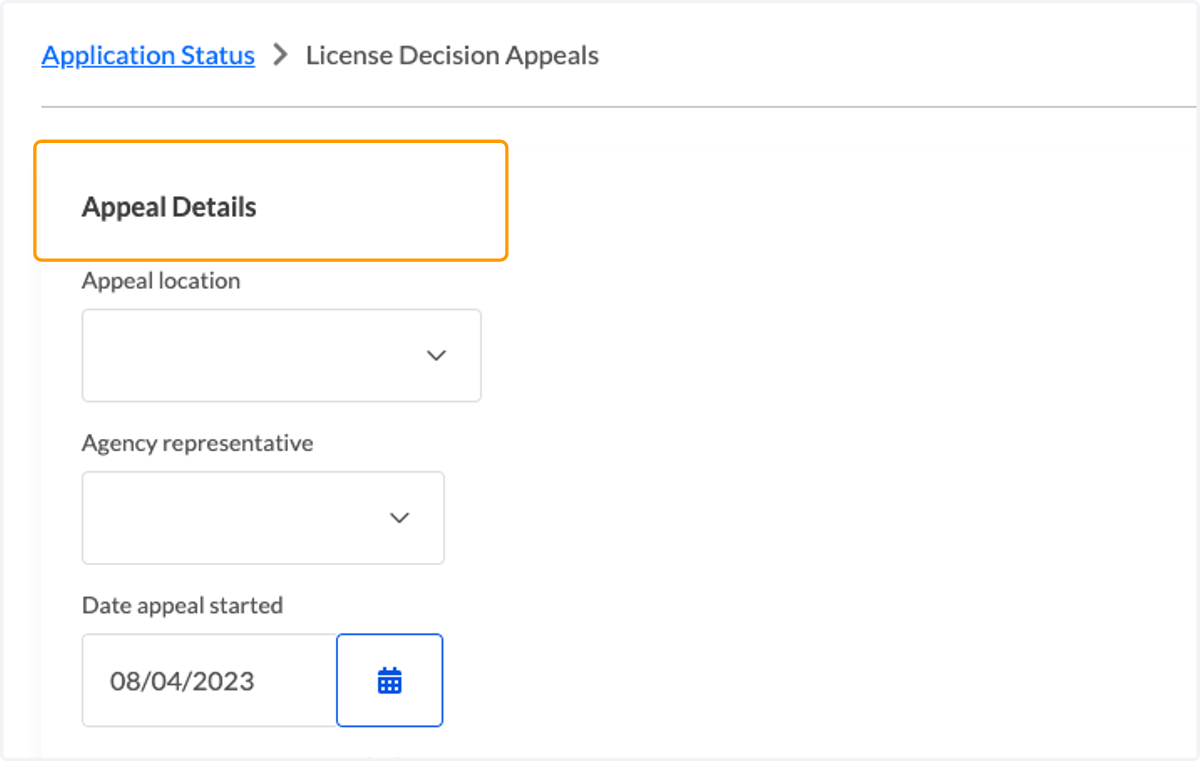
    You are redirected to an Appeals detail page
  5. 5. A second section provides an area to enter hearing details
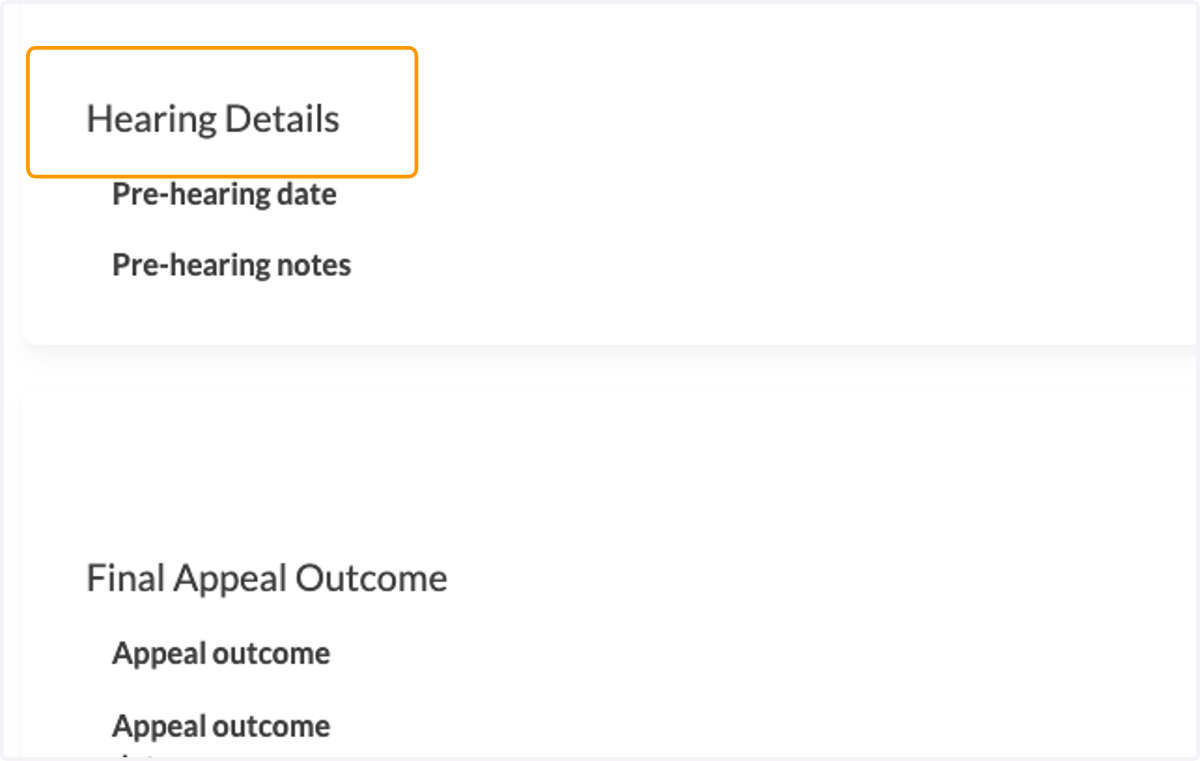
    A second section provides an area to enter hearing details
  6. 6. A third section provides an area to enter the final outcome
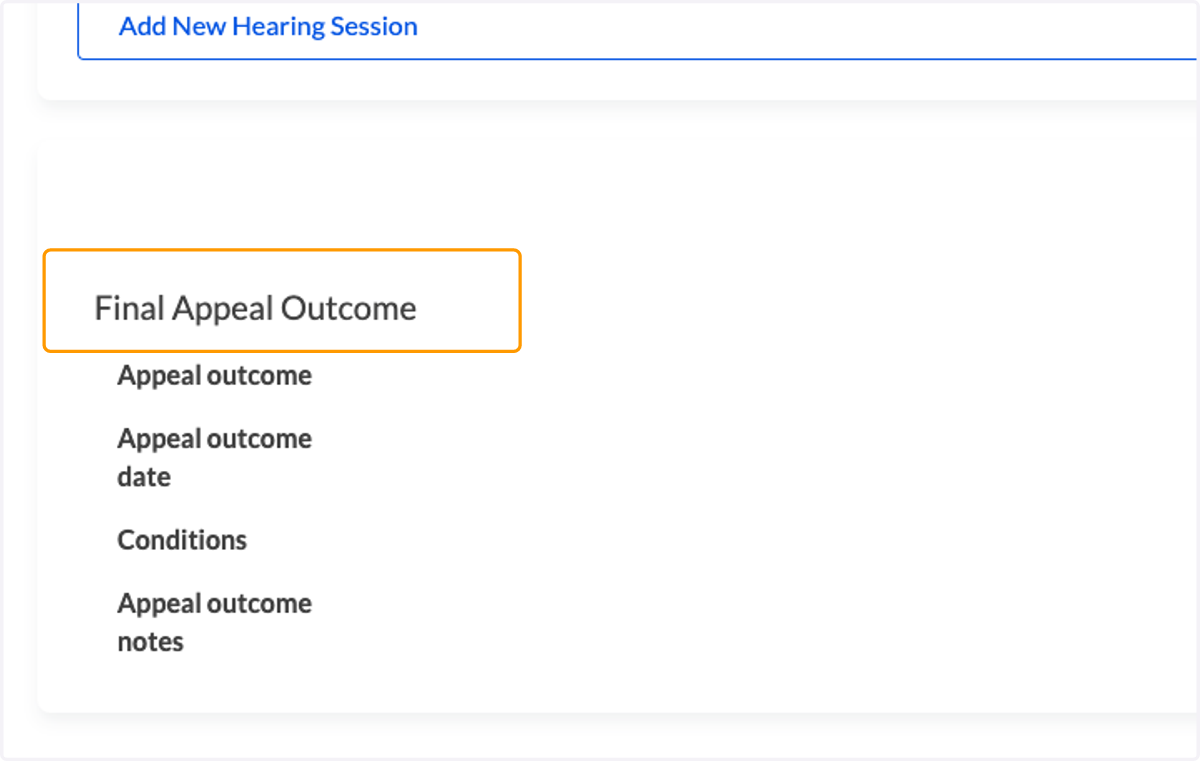
    A third section provides an area to enter the final outcome
  7. 7. Click on the pencil icon to edit each section
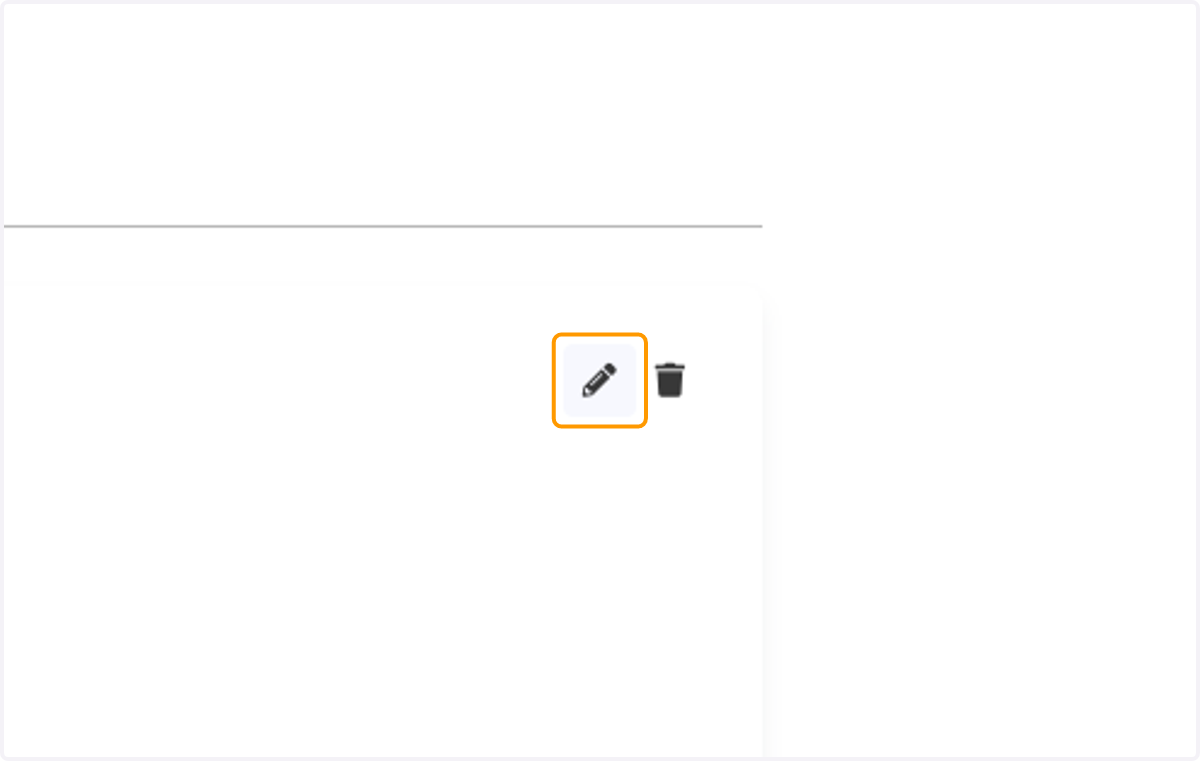
    Click on the pencil icon to edit each section
  8. 8. Click on Submit when you finish editing a section
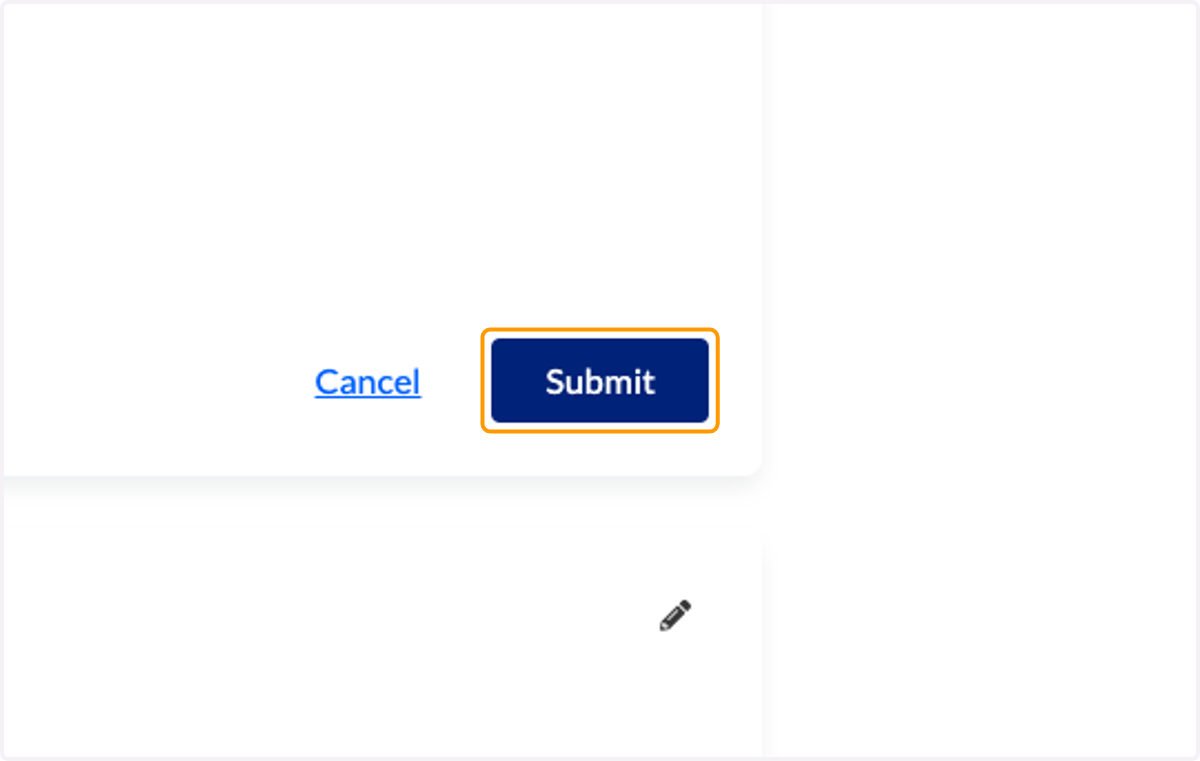
    Click on Submit when you finish editing a section
  9. 9. The Change Application Status page will indicate an appeal in progress
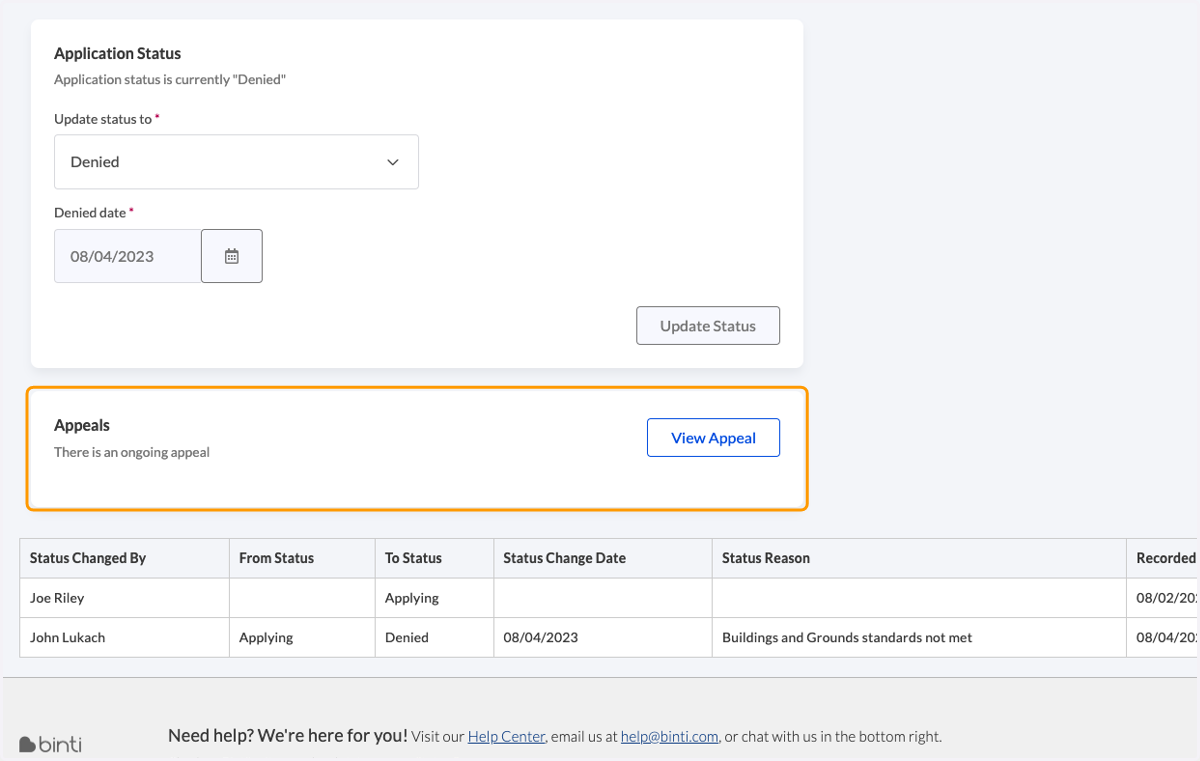
    The Change Application Status page will indicate an appeal in progress
  10. 10. The Application Dashboard will also indicate an appeal in progress
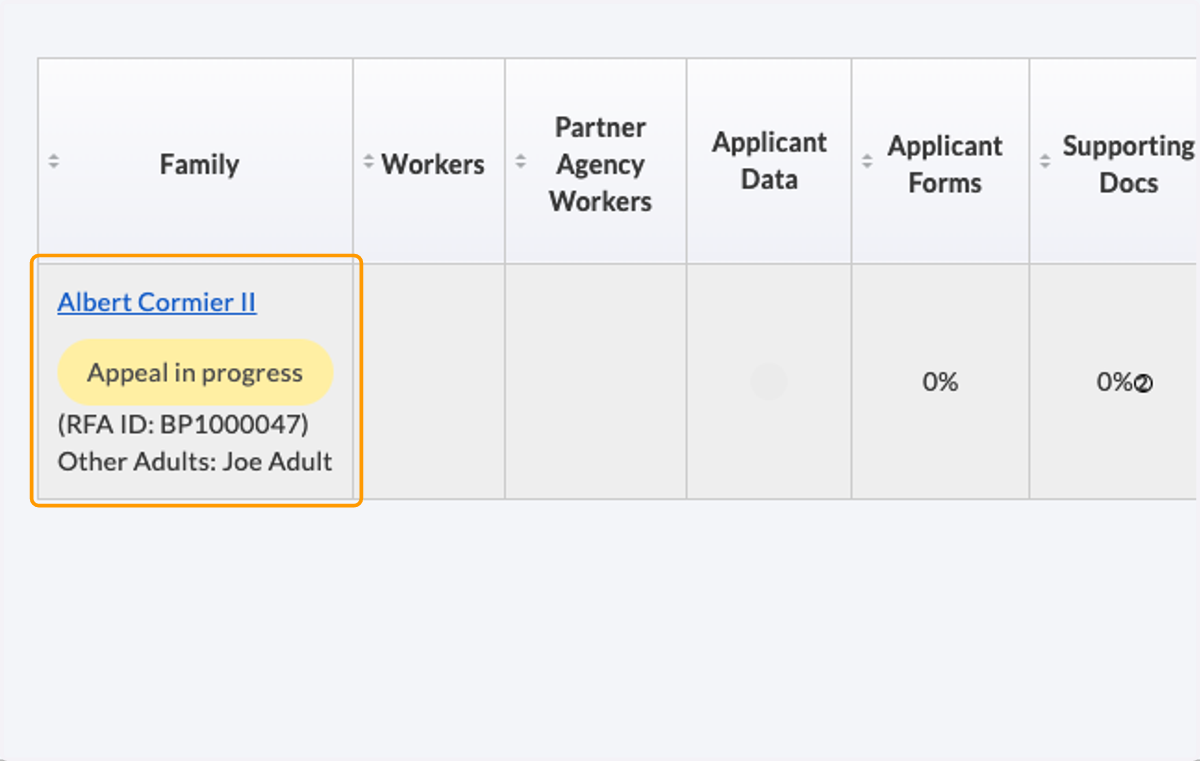
    The Application Dashboard will also indicate an appeal in progress