Change Request: Pay & Bill Rate
Start on the placement
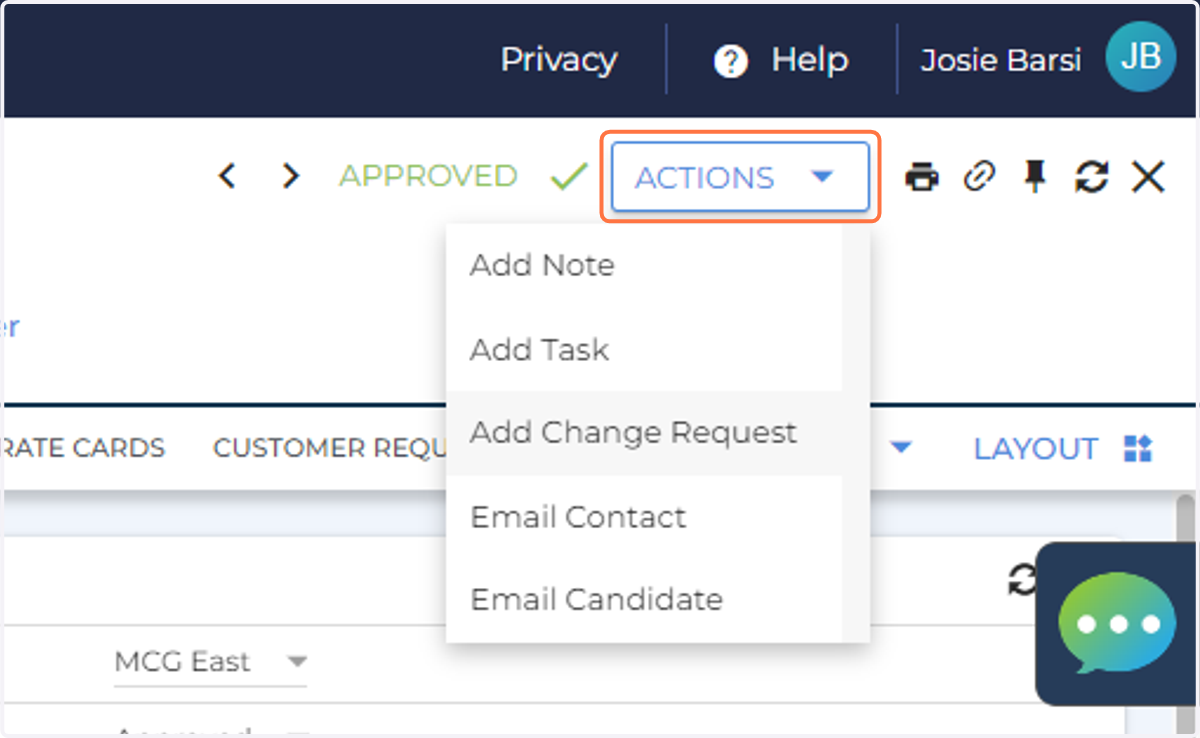
1. Click Actions -> Add Change Request
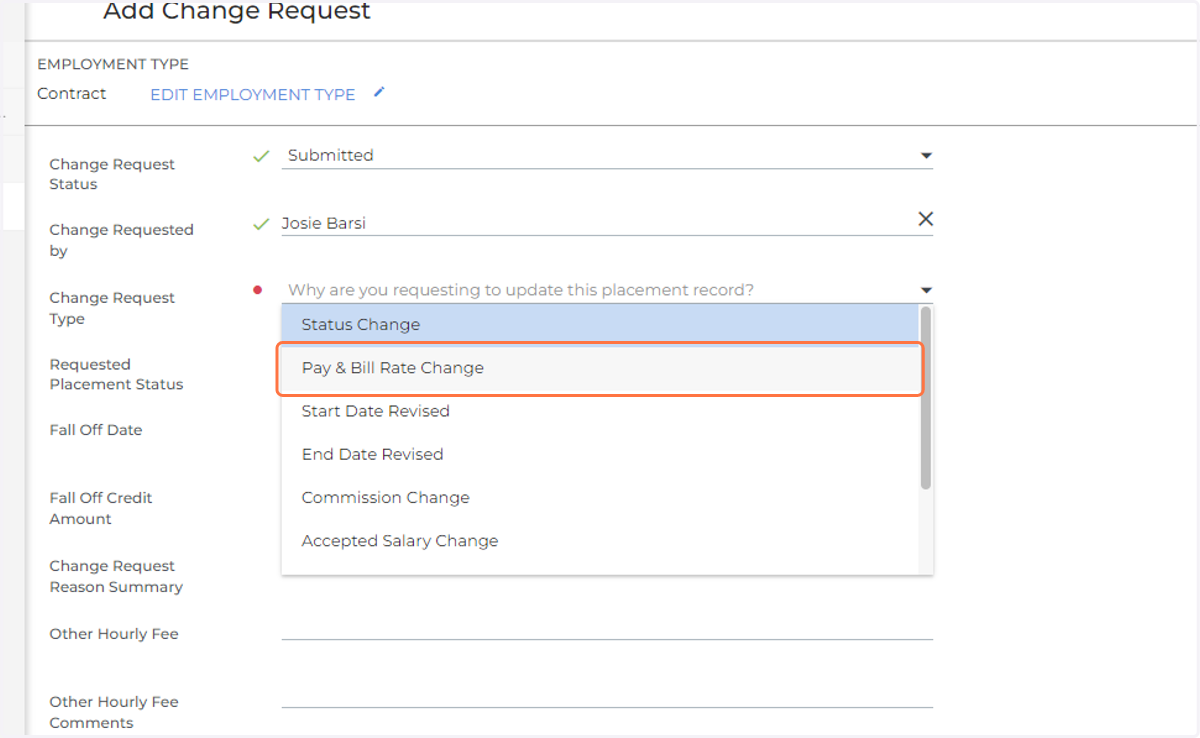
2. Click on Pay & Bill Rate Change
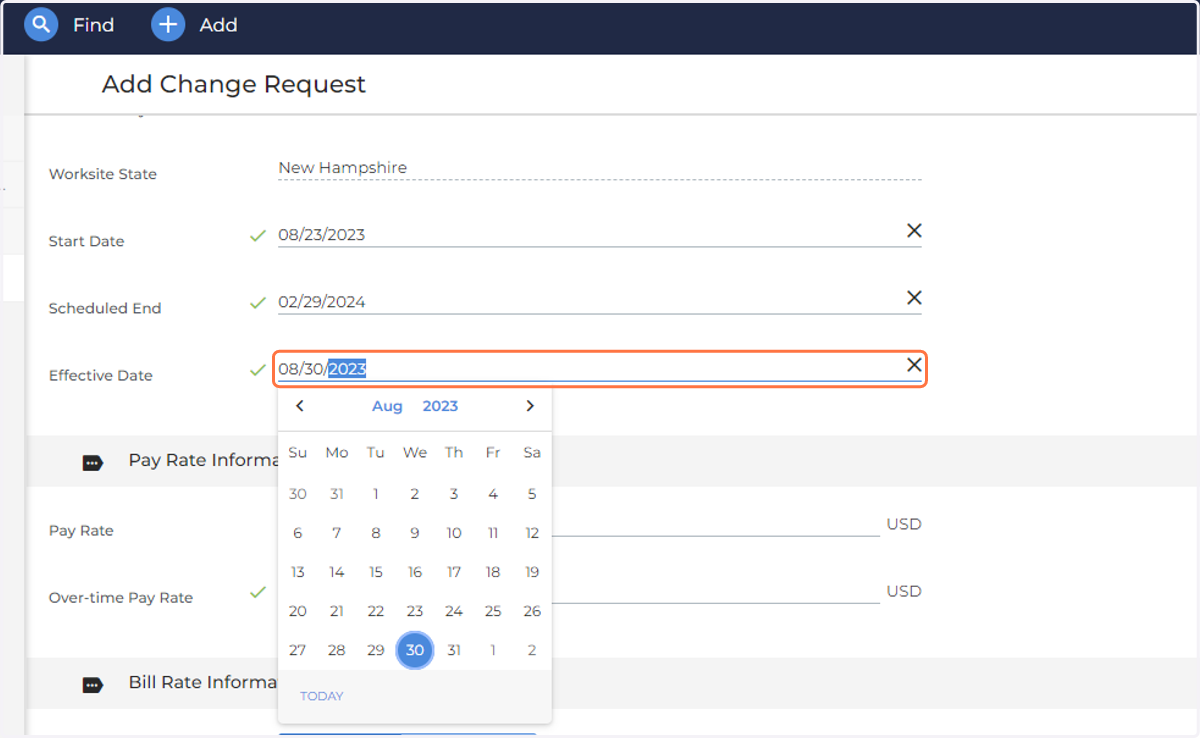
3. Change the Effective Date to the new pay/bill effective date
4. Enter in new pay rate (if applicable)
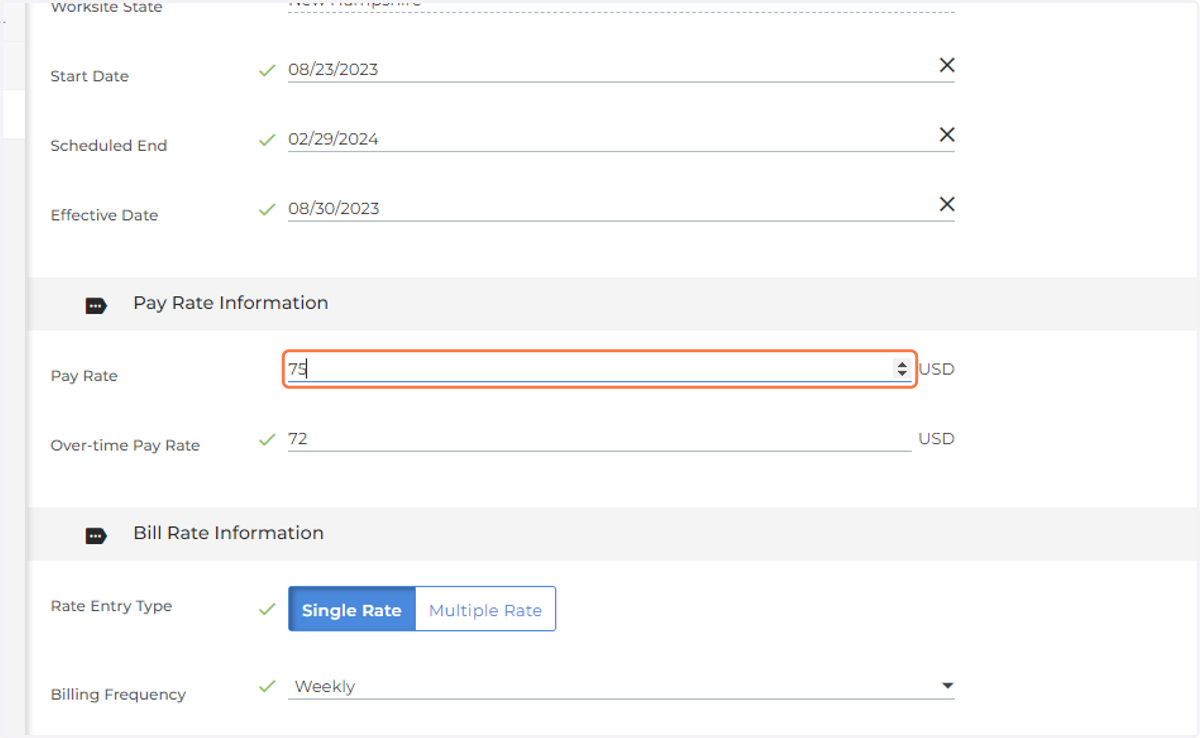
5. Enter OT pay rate (if applicable)
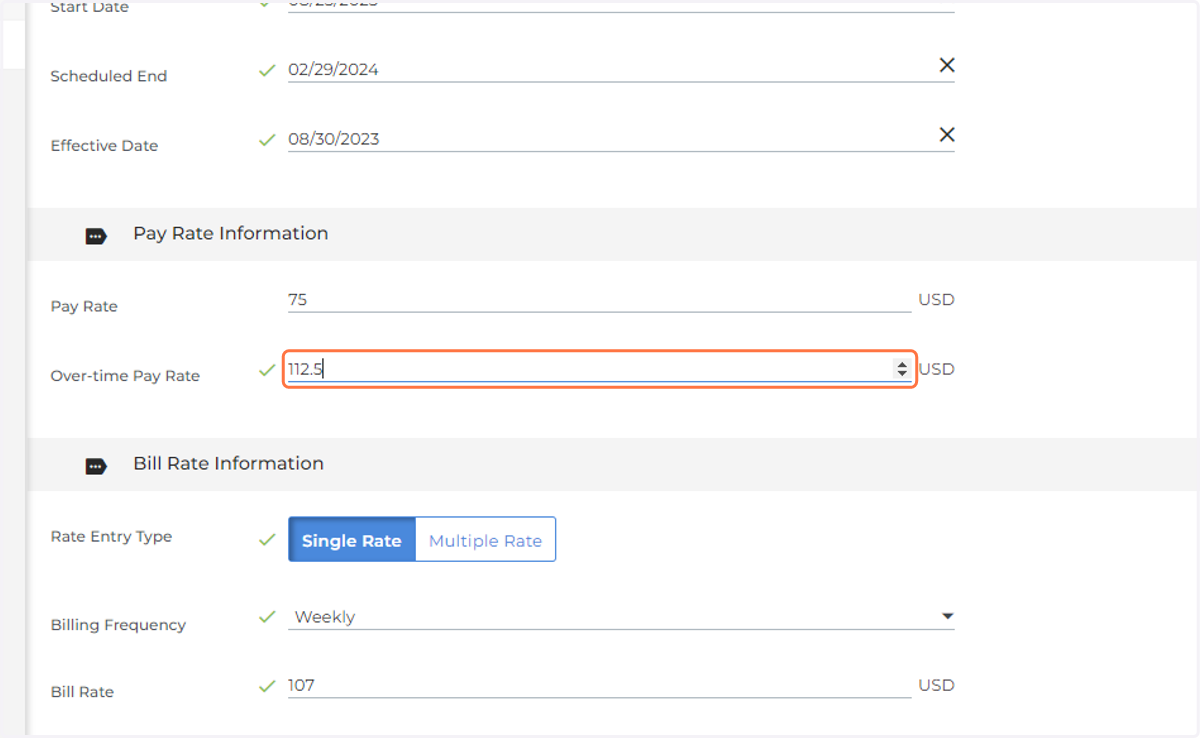
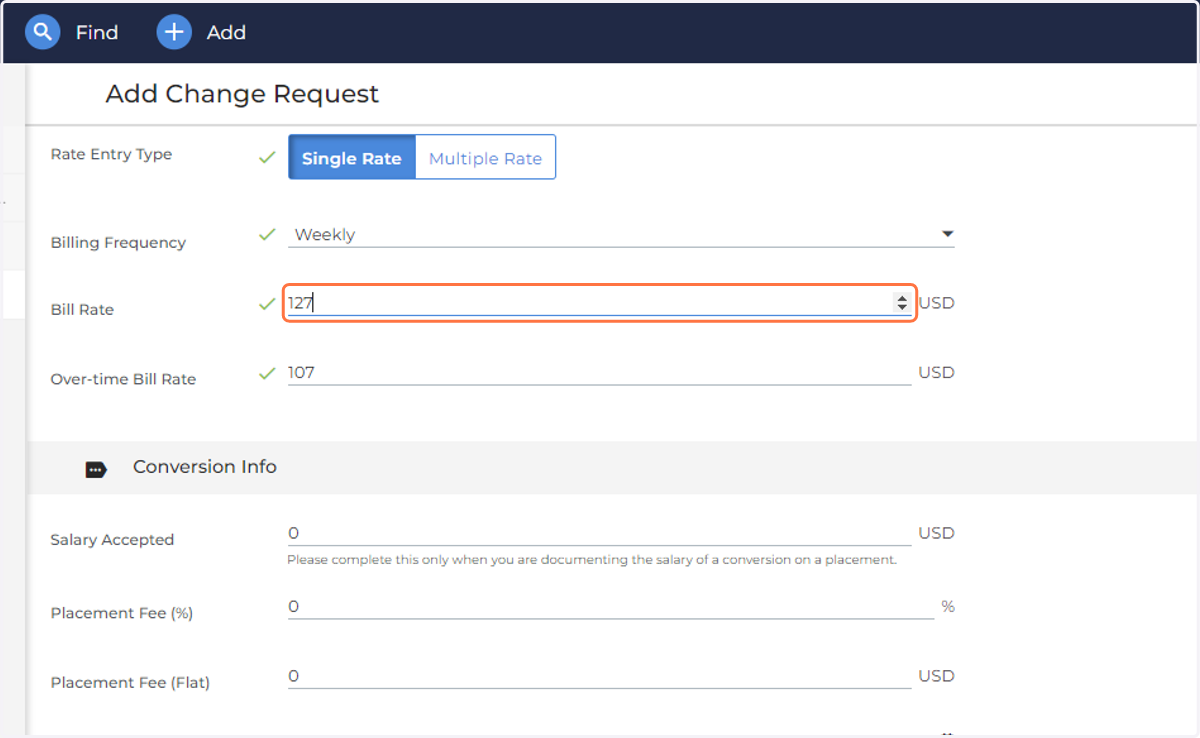
6. Enter in new bill rate (if applicable)
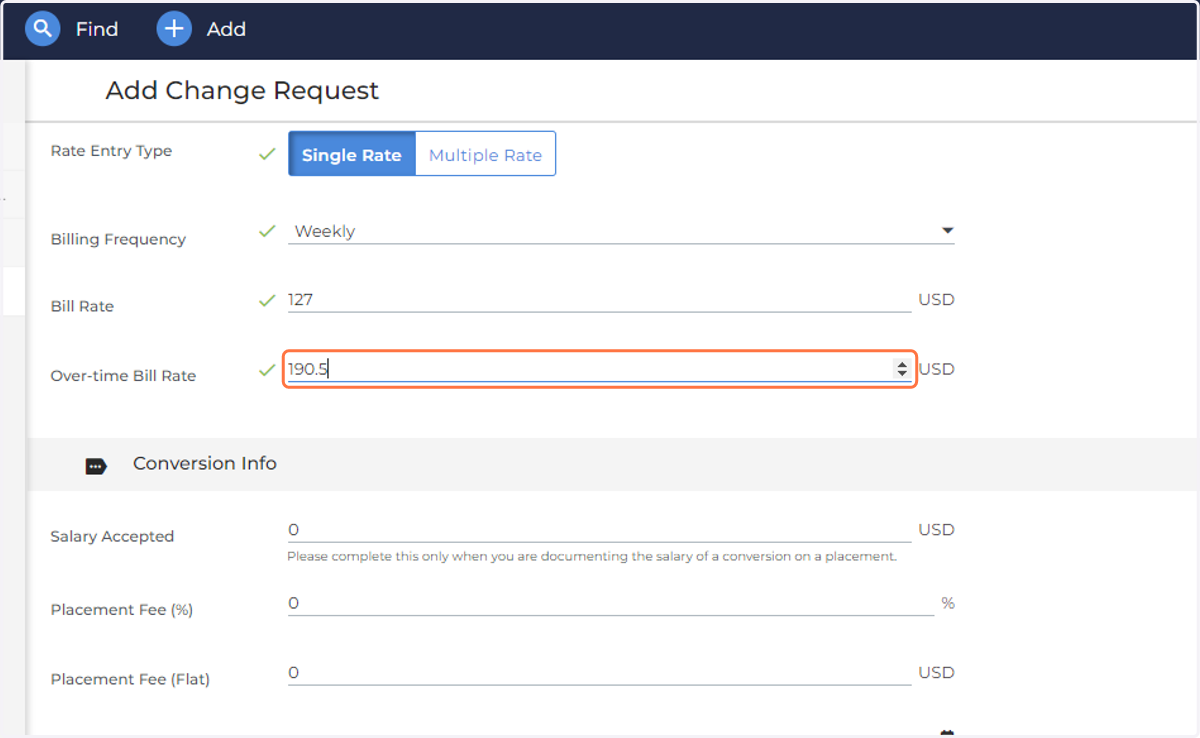
7. Enter in new OT bill rate (if applicable)
8. Add comment for the pay/bill rate change
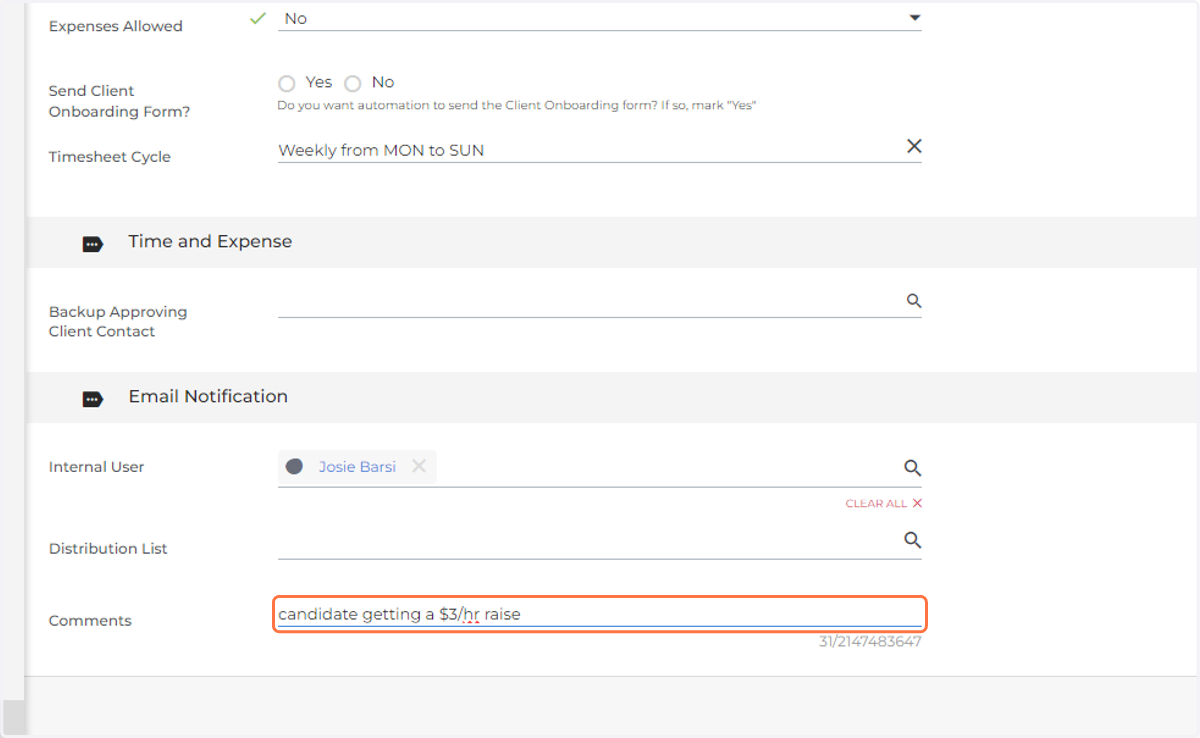
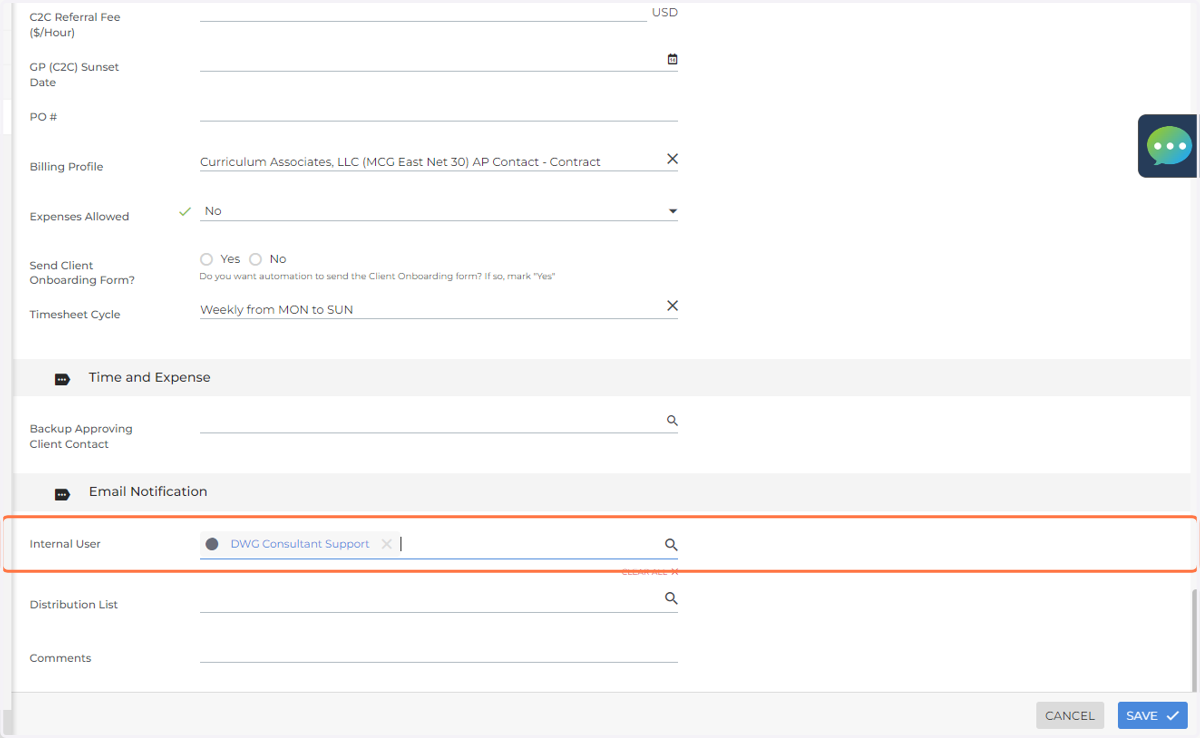
9. Add DWG Consultant Support on ANY Change Request
Either select support under internal user or select Change Request or Consultant Support under distribution list.
10. Hit Save