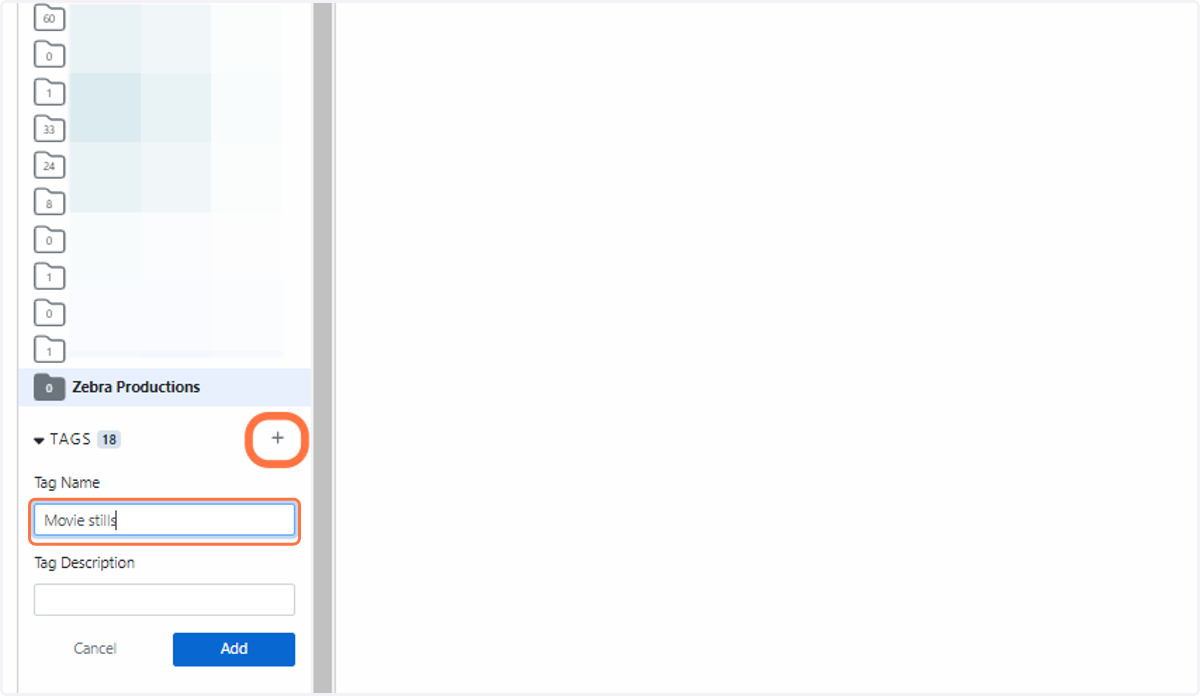
How do I create a Project and Tag?
Projects can be used to organise and store your uploaded assets. You can create as many of these as you need. You can also create tags and attach them to assets within a project.
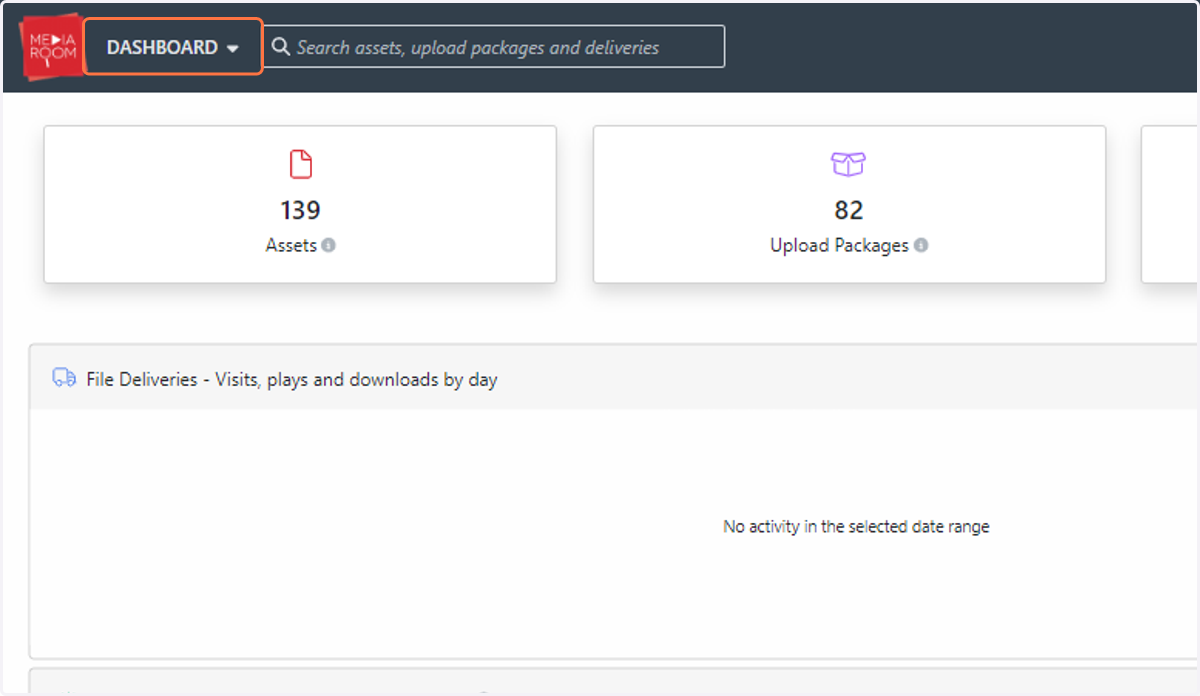
1. Click on DASHBOARD
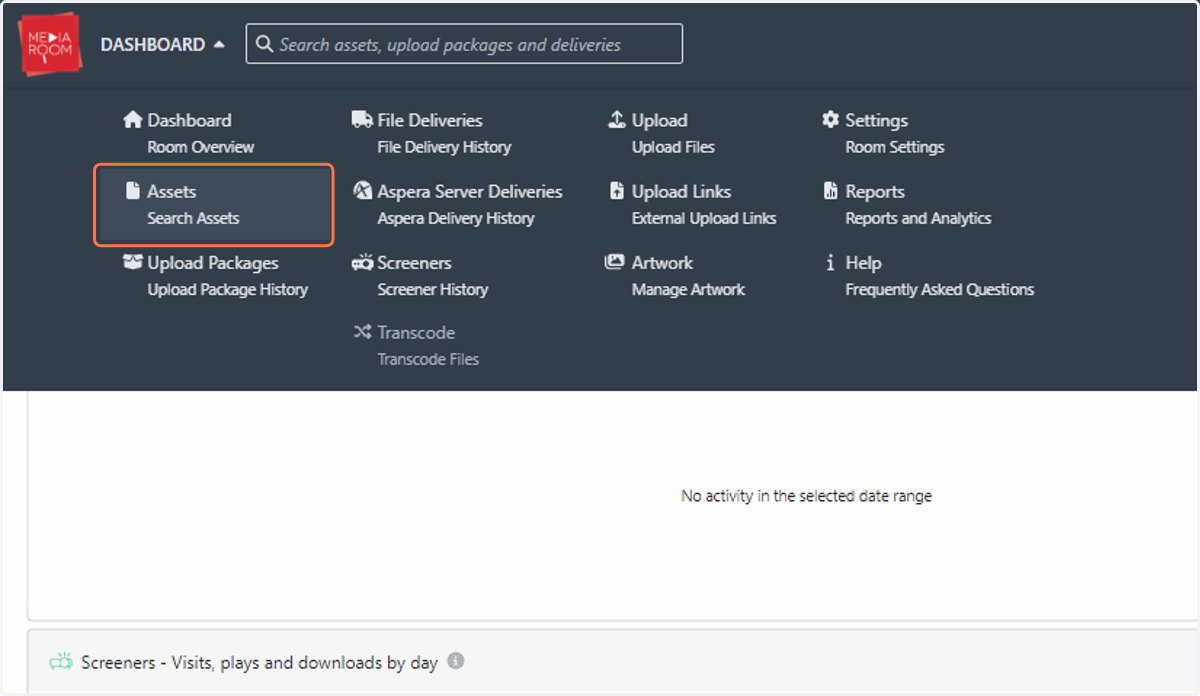
2. Click on Assets…
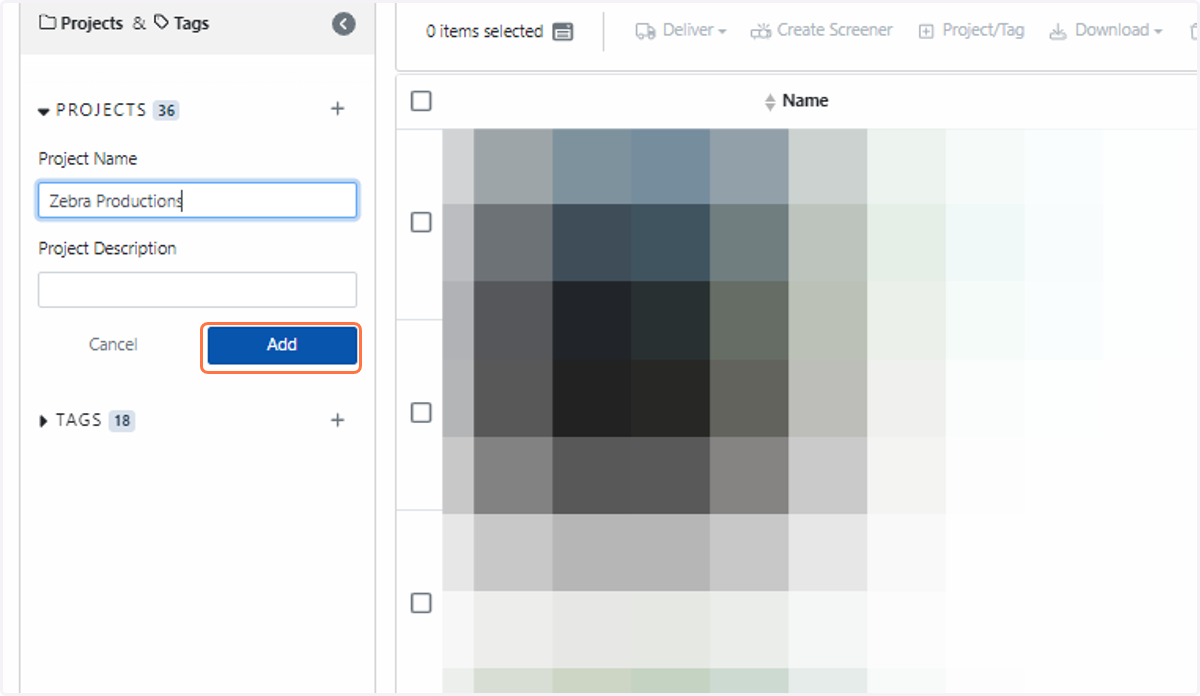
3. You will see a panel on the left dedicated to Projects and Tags. Click the “+” button to create a Project
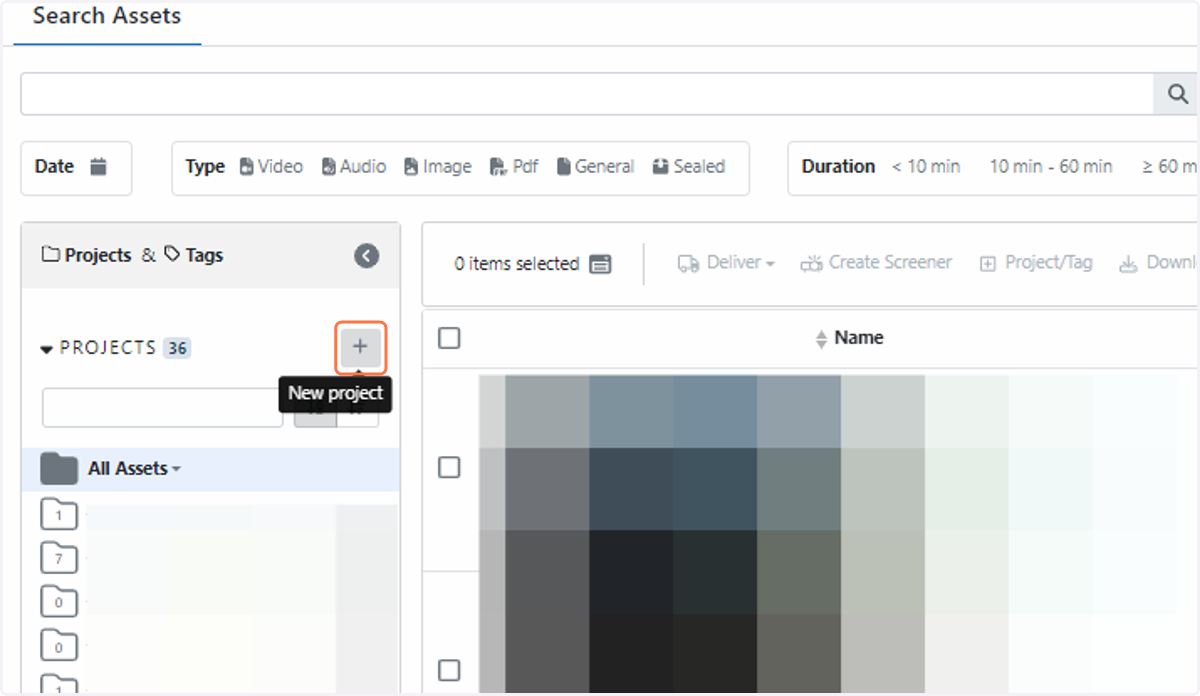
4. Type in the name of your project and click on Add
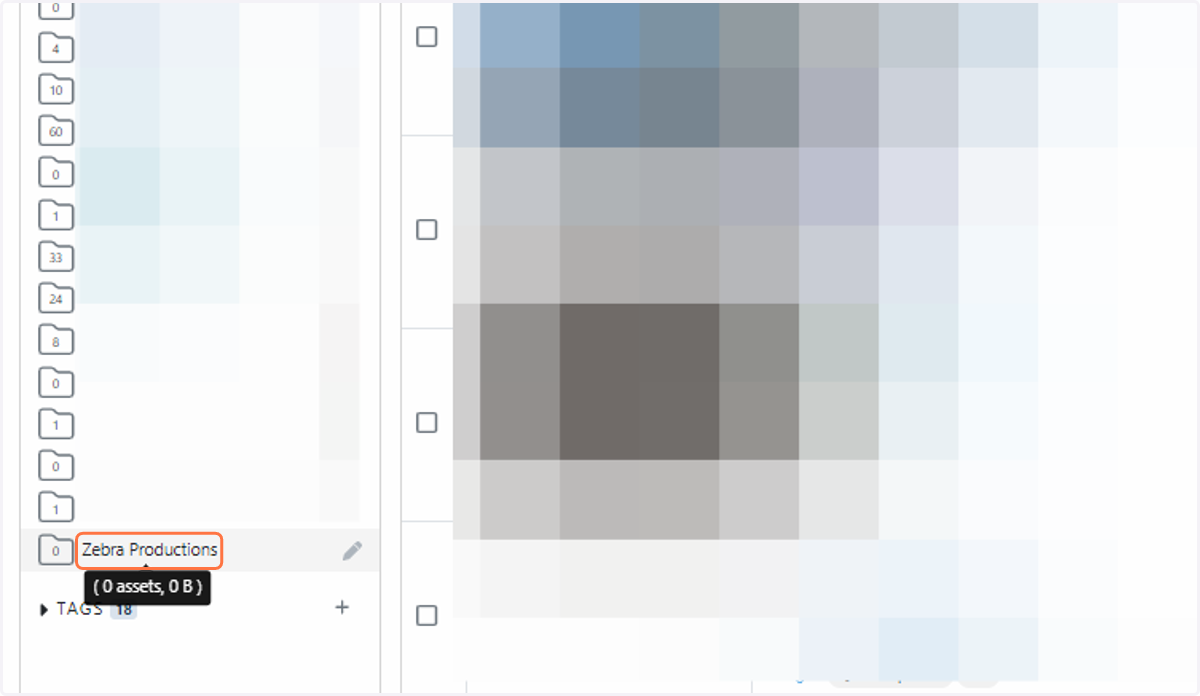
5. The project can then be accessed below via the same left panel
6. Asset tags are located underneath your projects. Simply click the “+” button to create a new tag