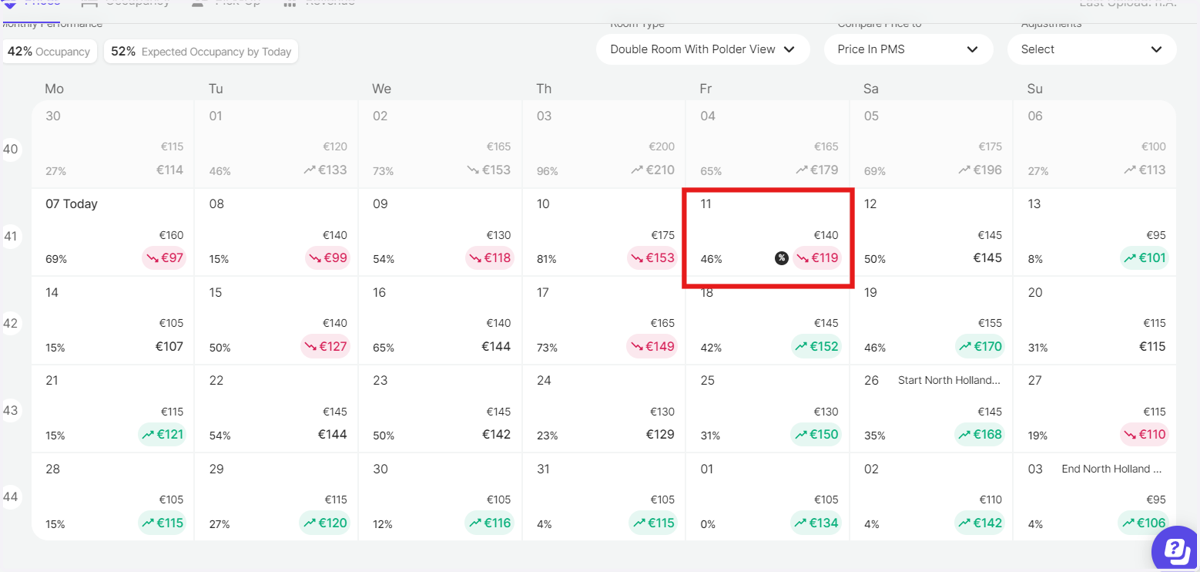
Adjusting Room Prices by Percentage in RoomPriceGenie
RoomPriceGenie
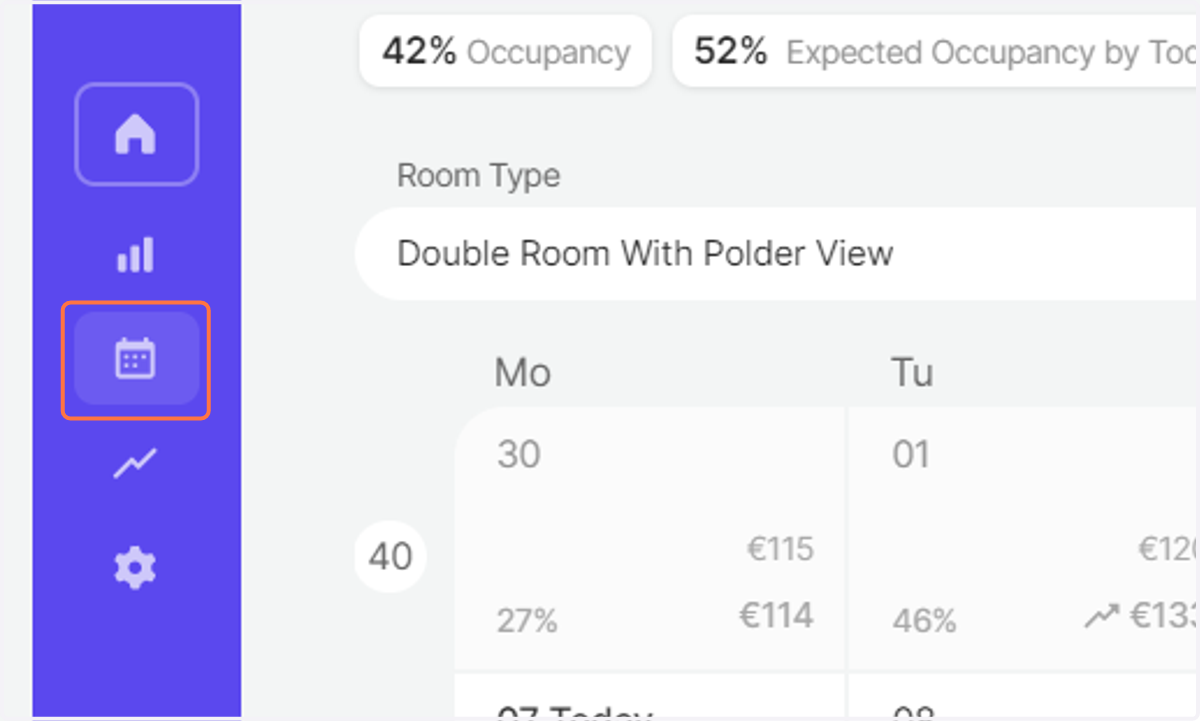
1. Log in to RoomPriceGenie and go to the Pricing Calendar
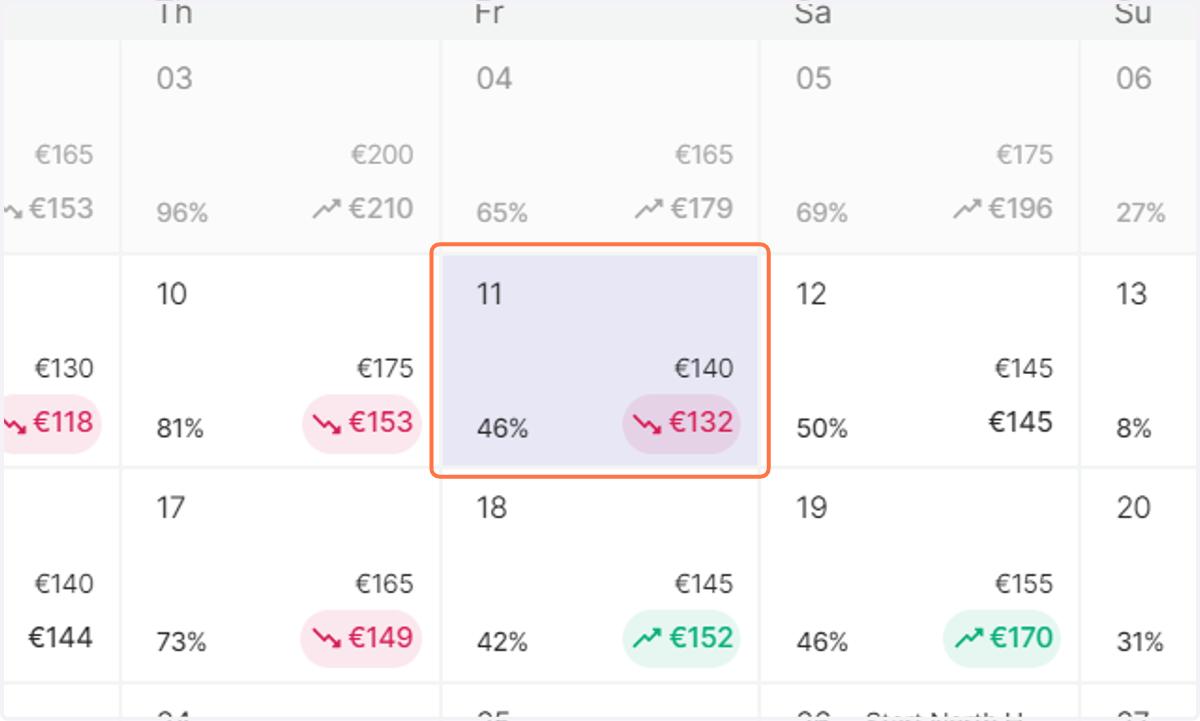
2. Select the date you shall like to adjust the prices for. A pop-up menu on your right shall appear.
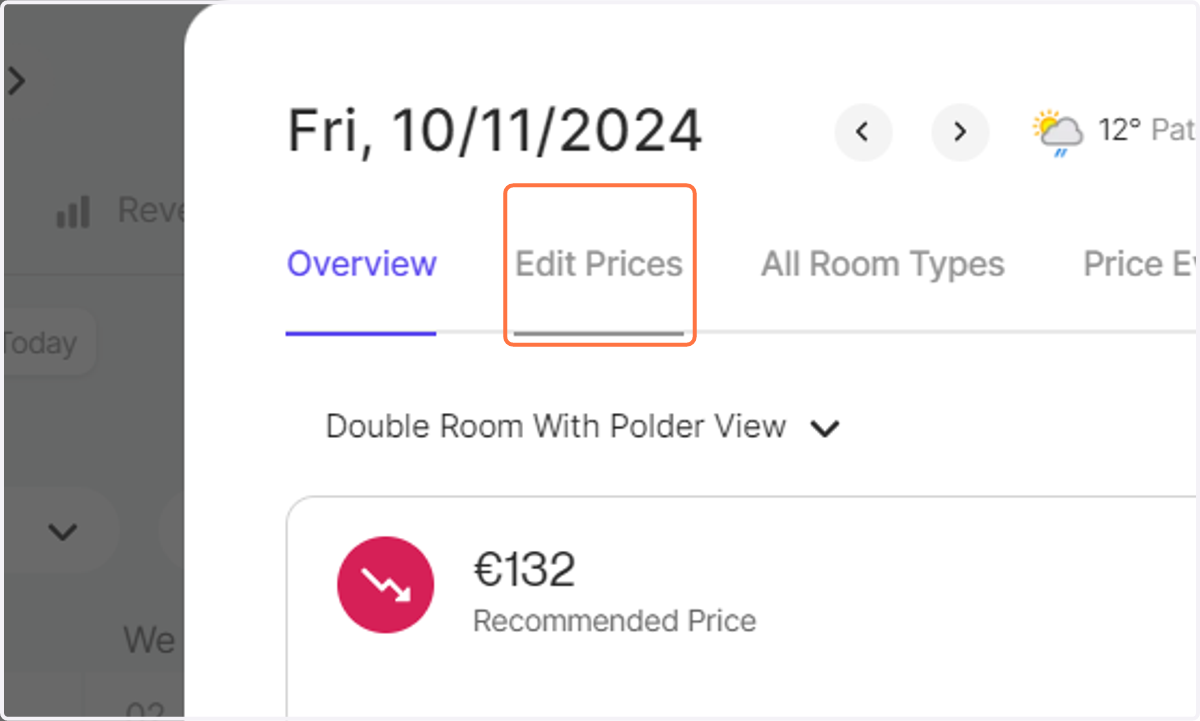
3. Click on Edit Prices
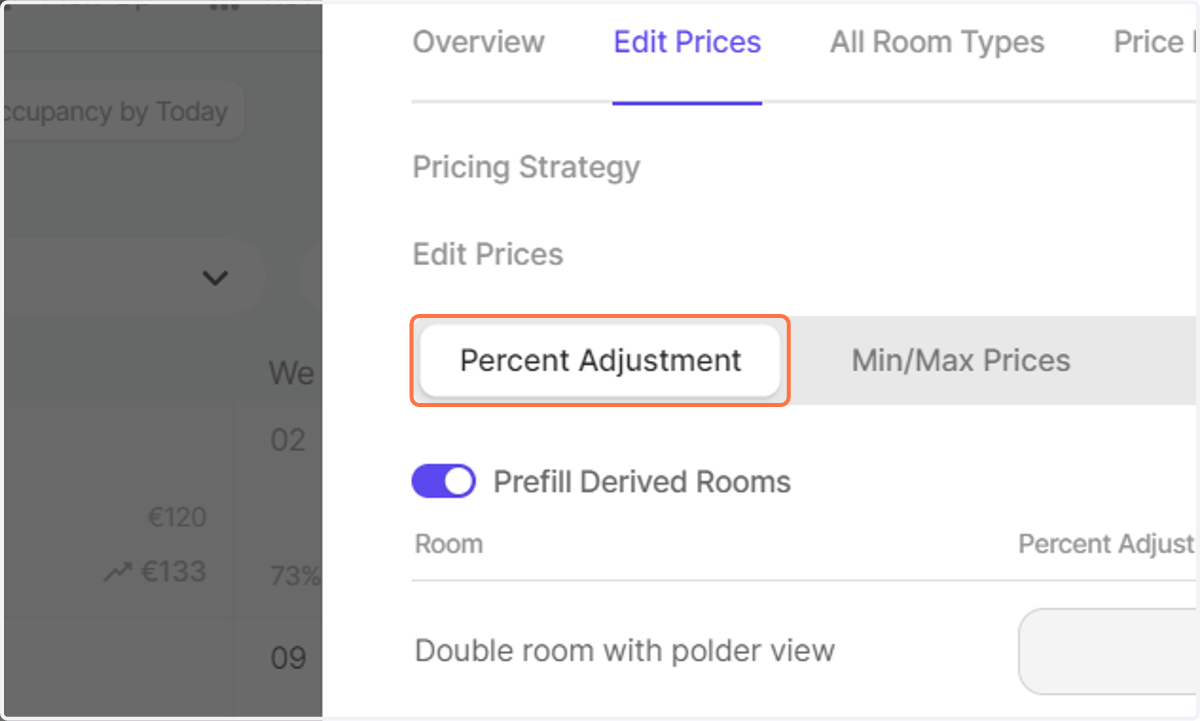
4. Select Percent Adjustment
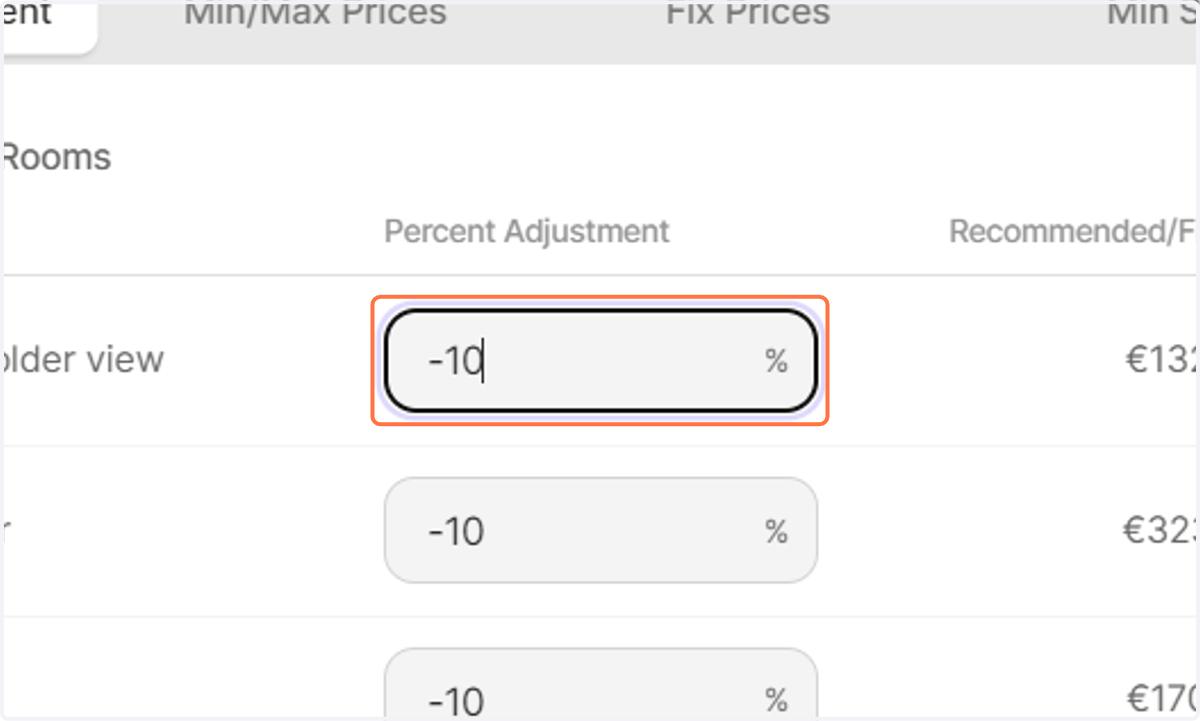
5. Input the Percentage value by which you shall like to alter the prices by.
Note: You can decrease as well as increase your prices.
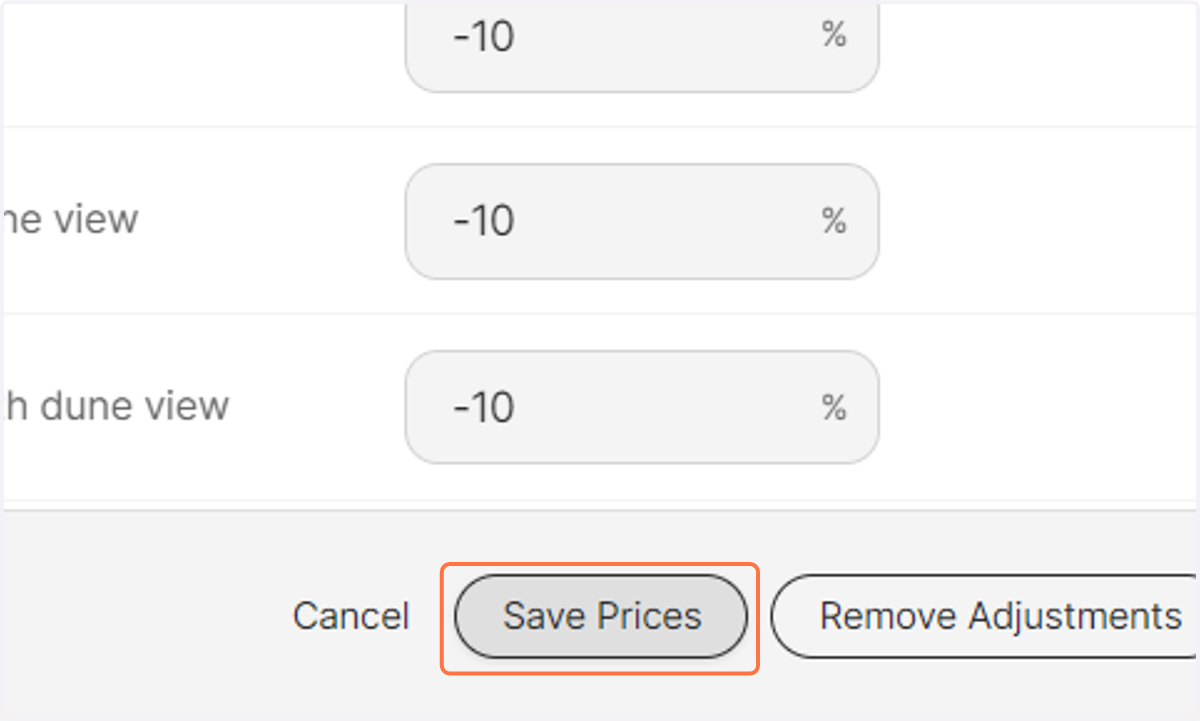
6. Click on Save Prices
By pressing Save, your changes shall be uploaded in the next pricing run.
7. Observe that the price for the selected date has been reduced by 10% in the pricing calendar.