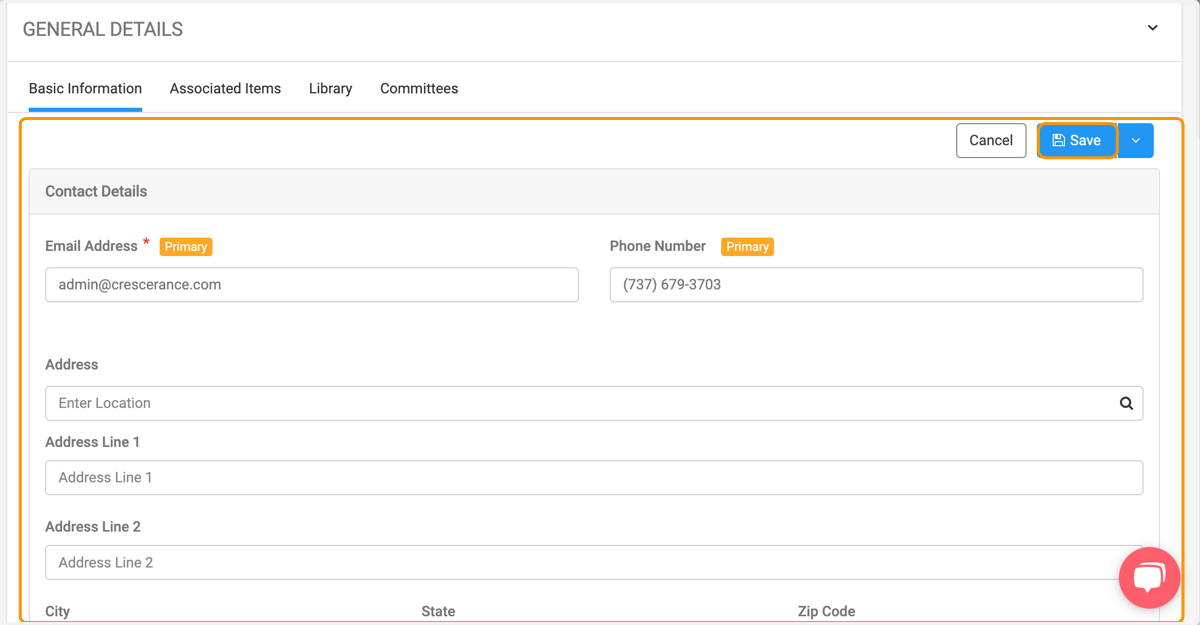
How do I manage my Engagifii profile and make changes to it?
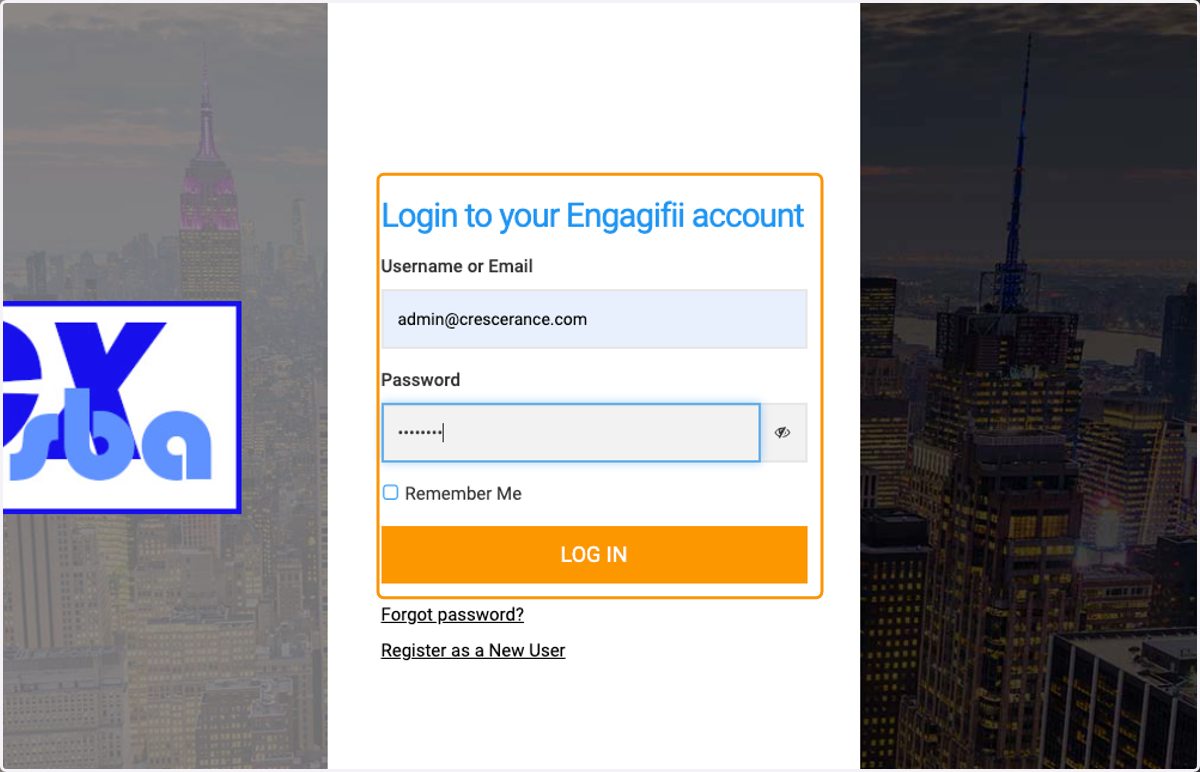
1. Login to your Engagifii account with your email and password
ENGAGIFII
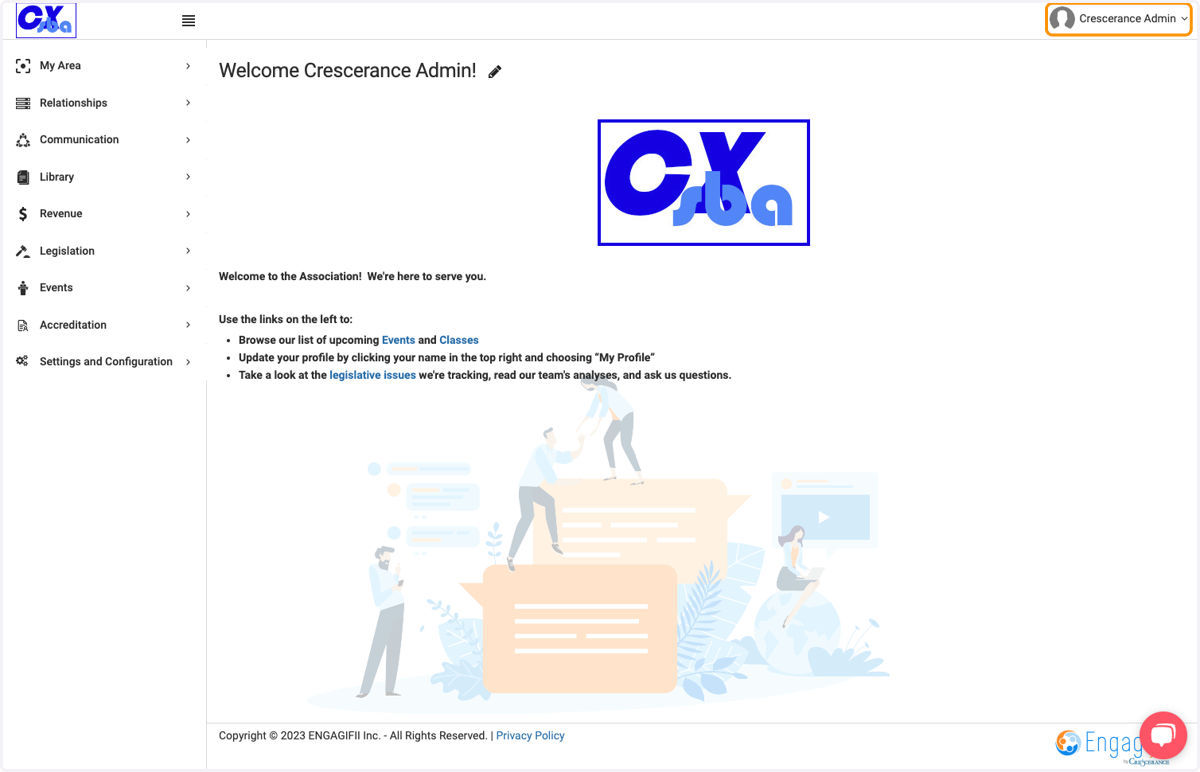
2. Click on your name at the top right of the page
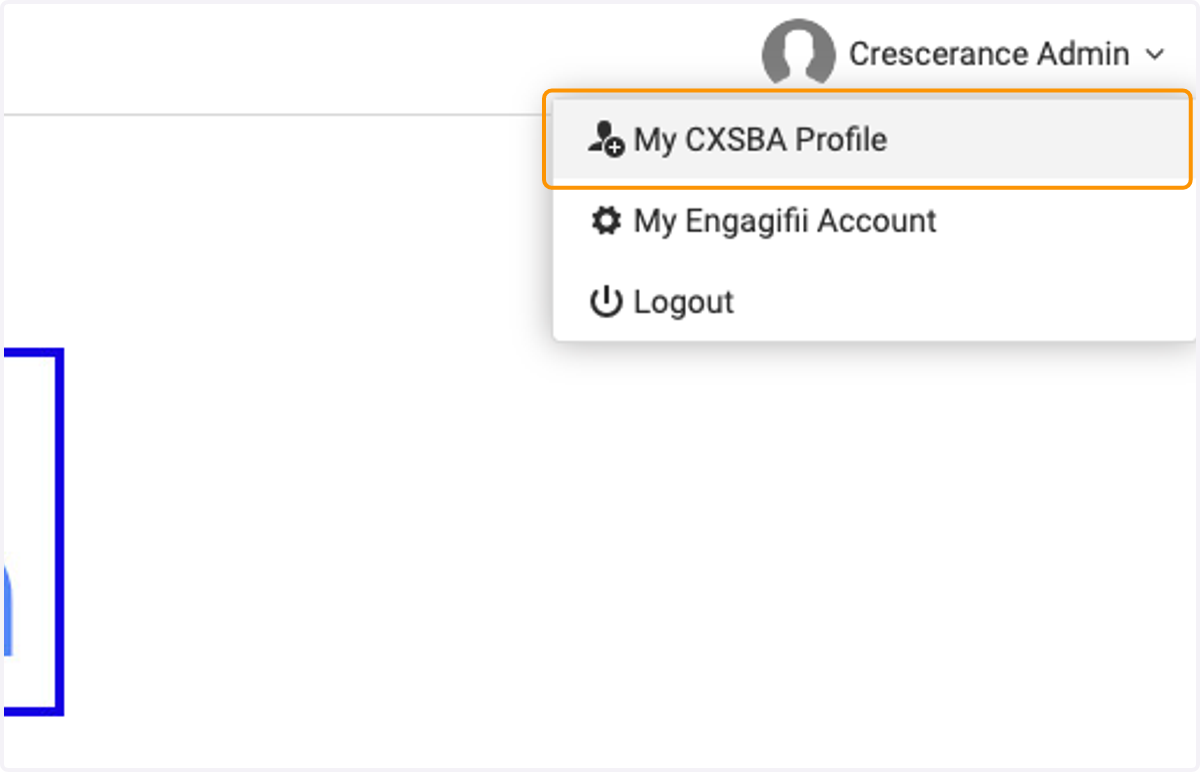
3. And select My Profile
4. On your profile page click on the Edit button to make updates
5. Scroll down to update your information and then Save