Fiskil - Balances

Signin | Finmo

  1. 1. Navigate to the Balances from the left nav bar
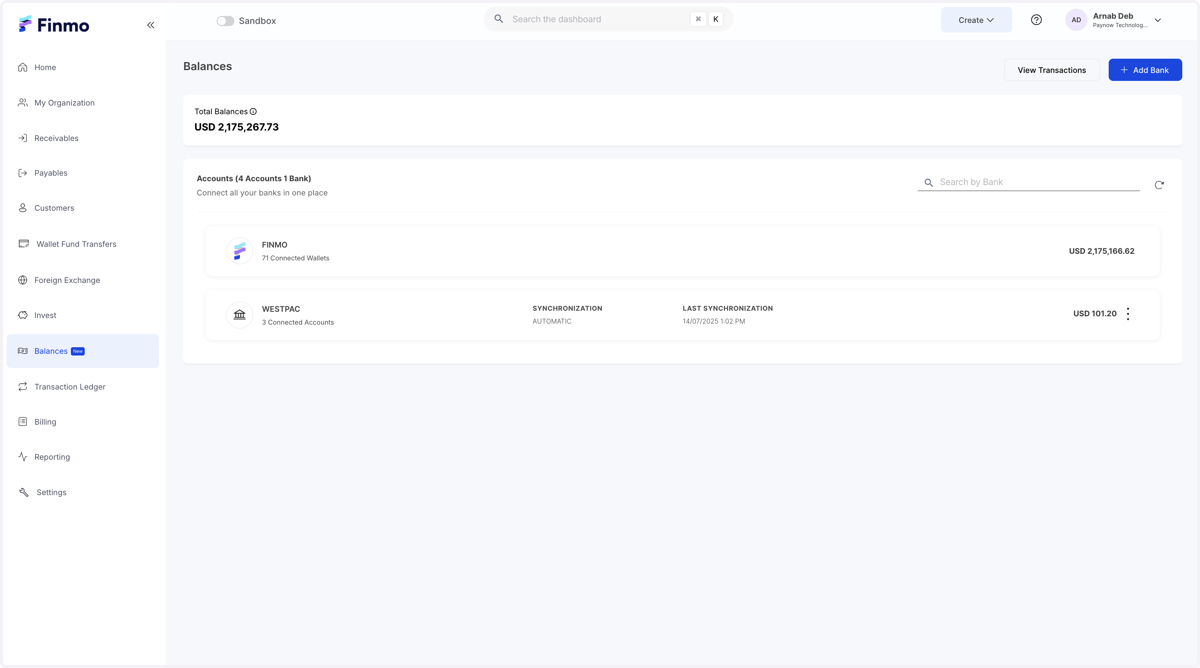
    Navigate to the Balances from the left nav bar
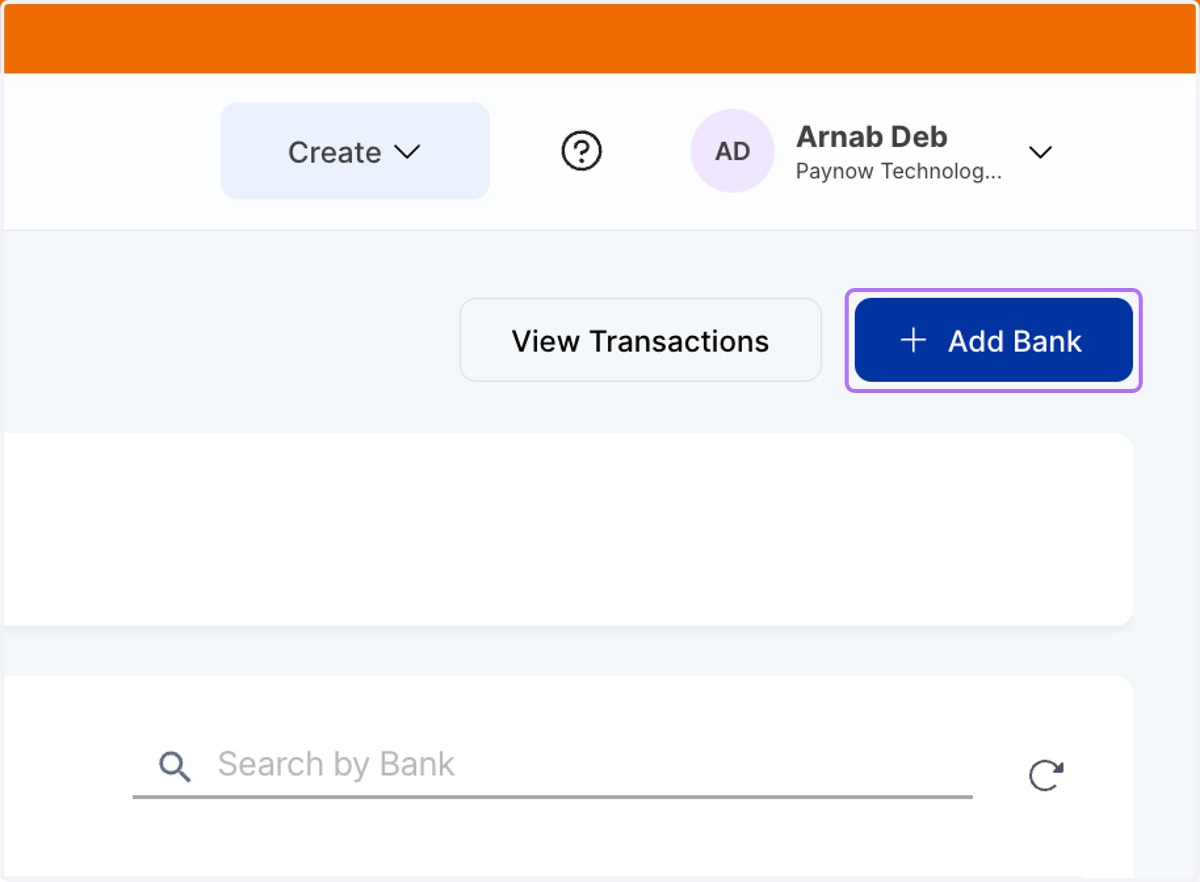
  2. 2. Click on Add Bank

    Click on Add Bank
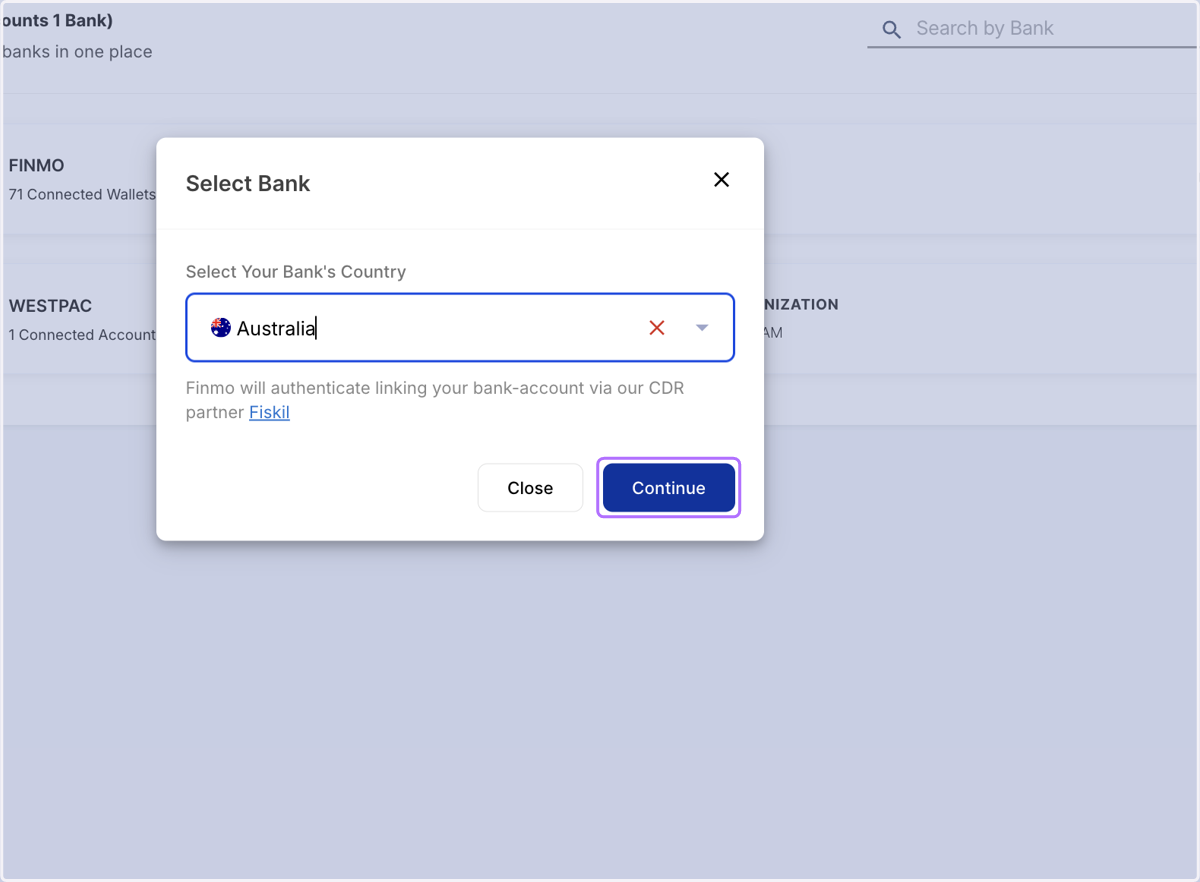
  3. 3. Search for Australia in the country dropdown
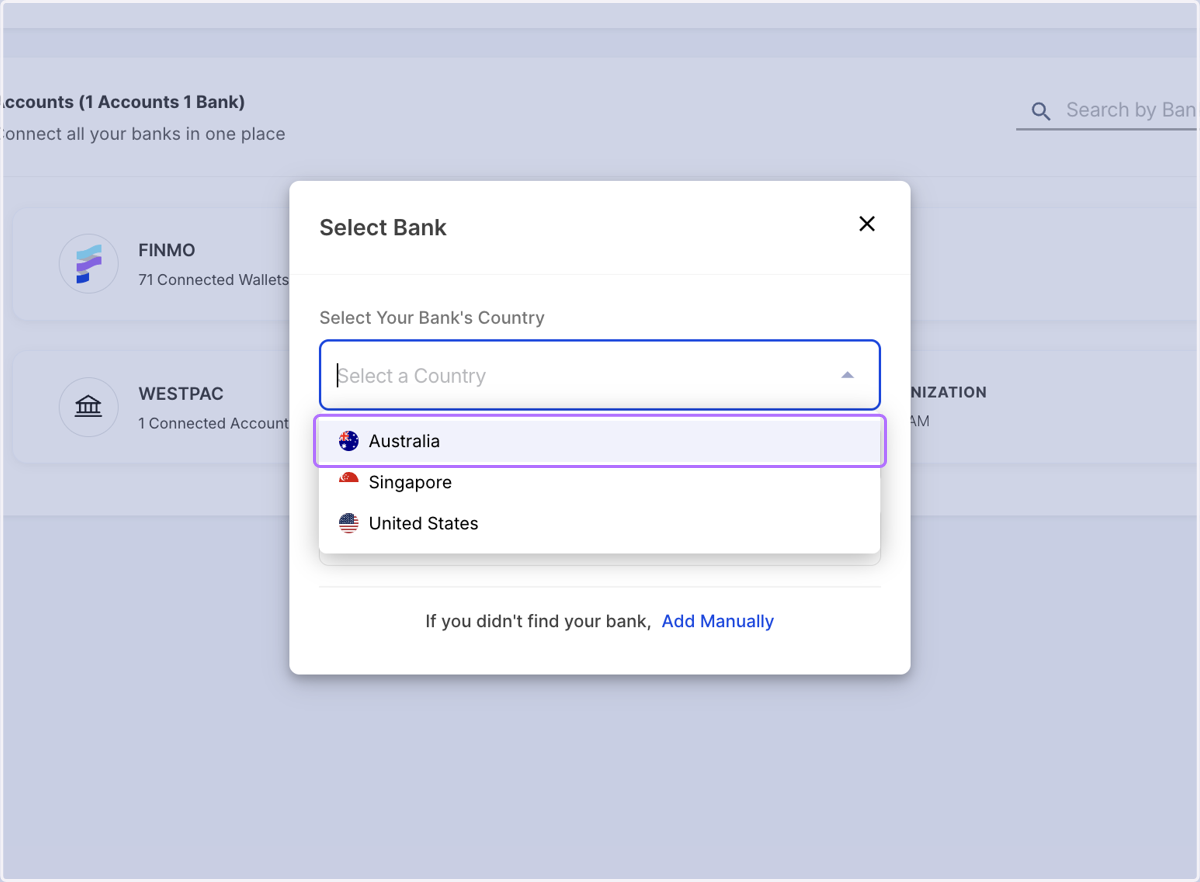
    Search for Australia in the country dropdown
  4. 4. Click on Continue

    Click on Continue

Auth UI - Fiskil

  1. 5. Provide consent to Fiskil to connect your bank for 1 year
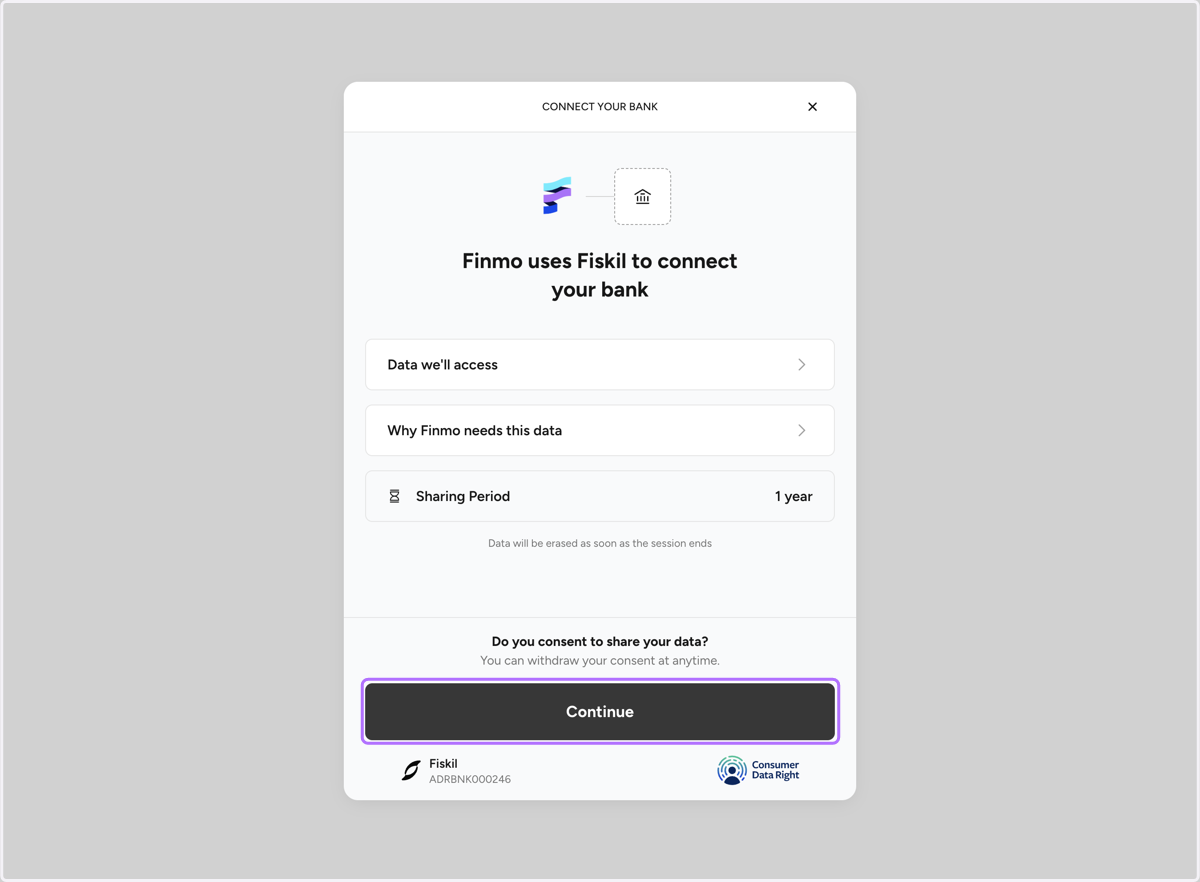
    Provide consent to Fiskil to connect your bank for 1 year
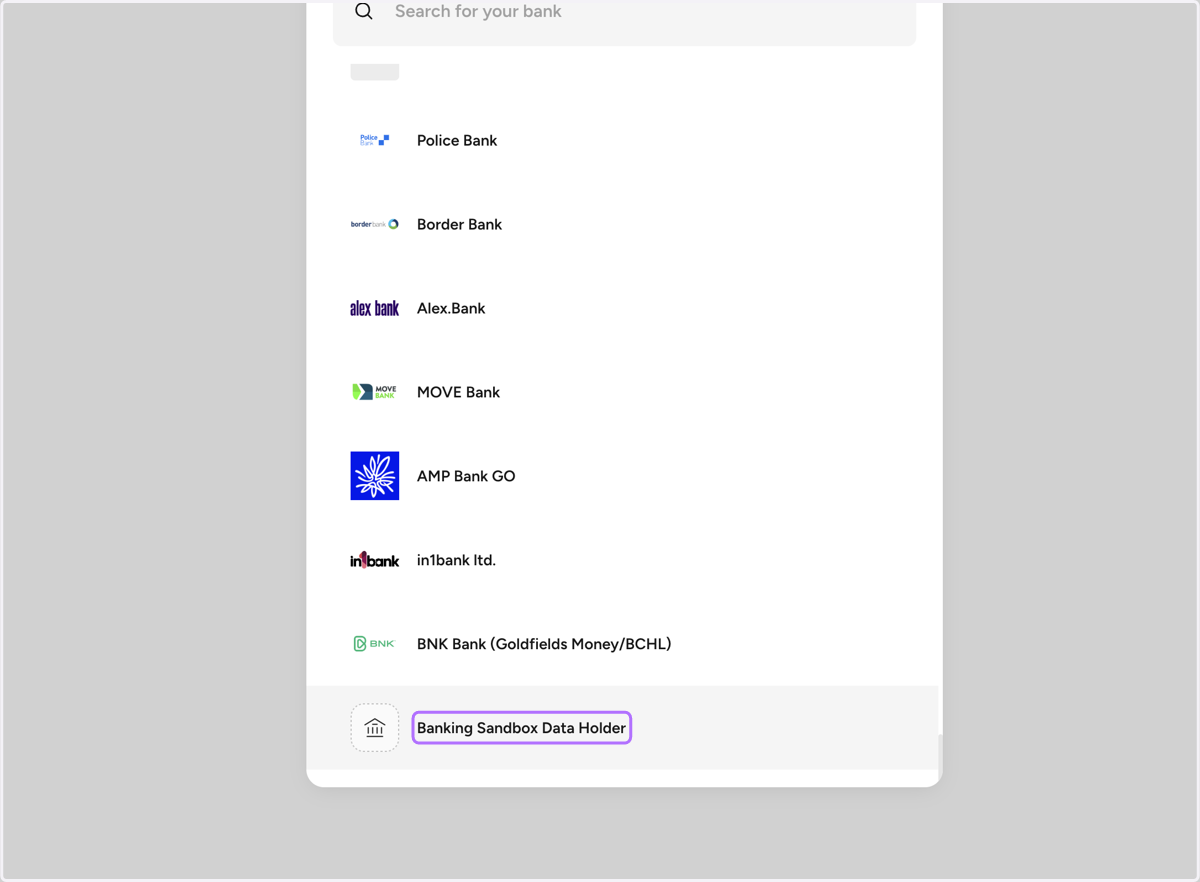
  2. 6. Select the bank of your choice

    Select the bank of your choice
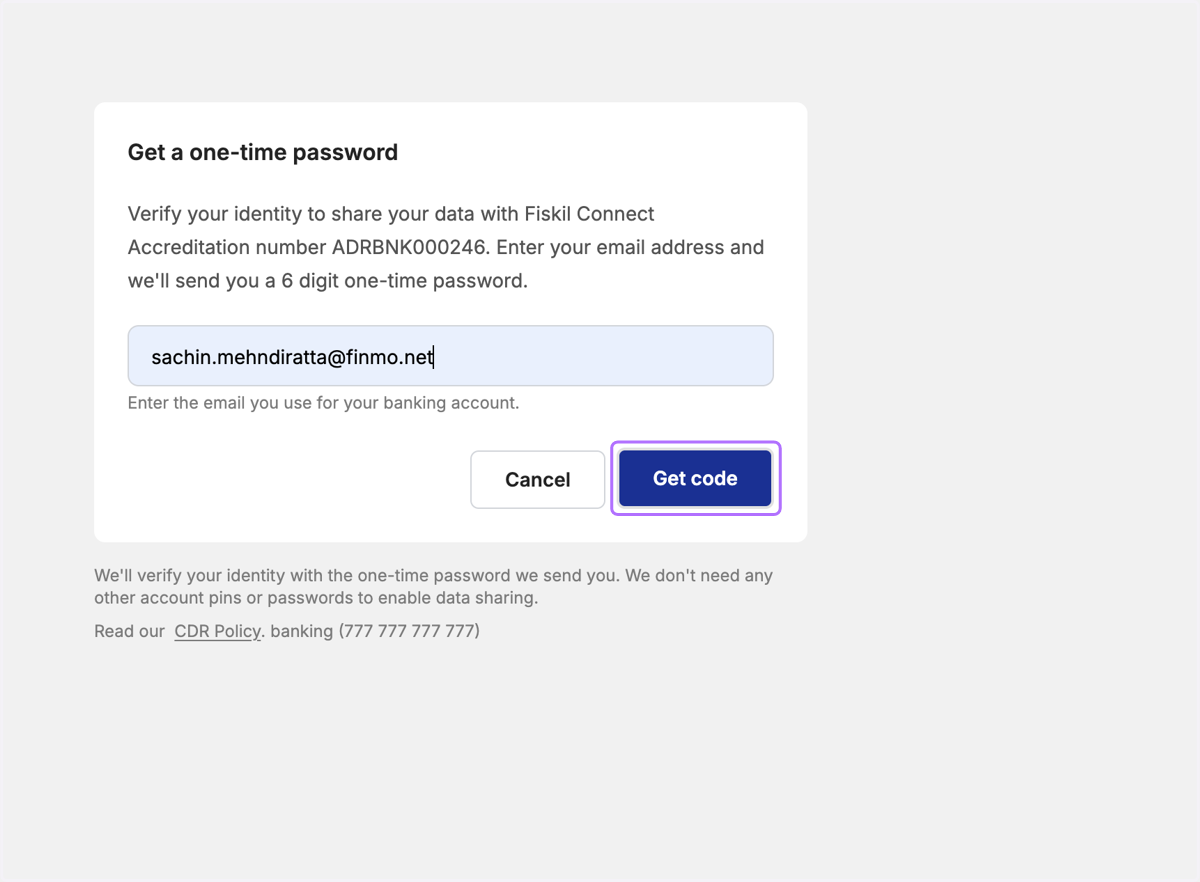
  3. 7. Click on Get code

    Click on Get code
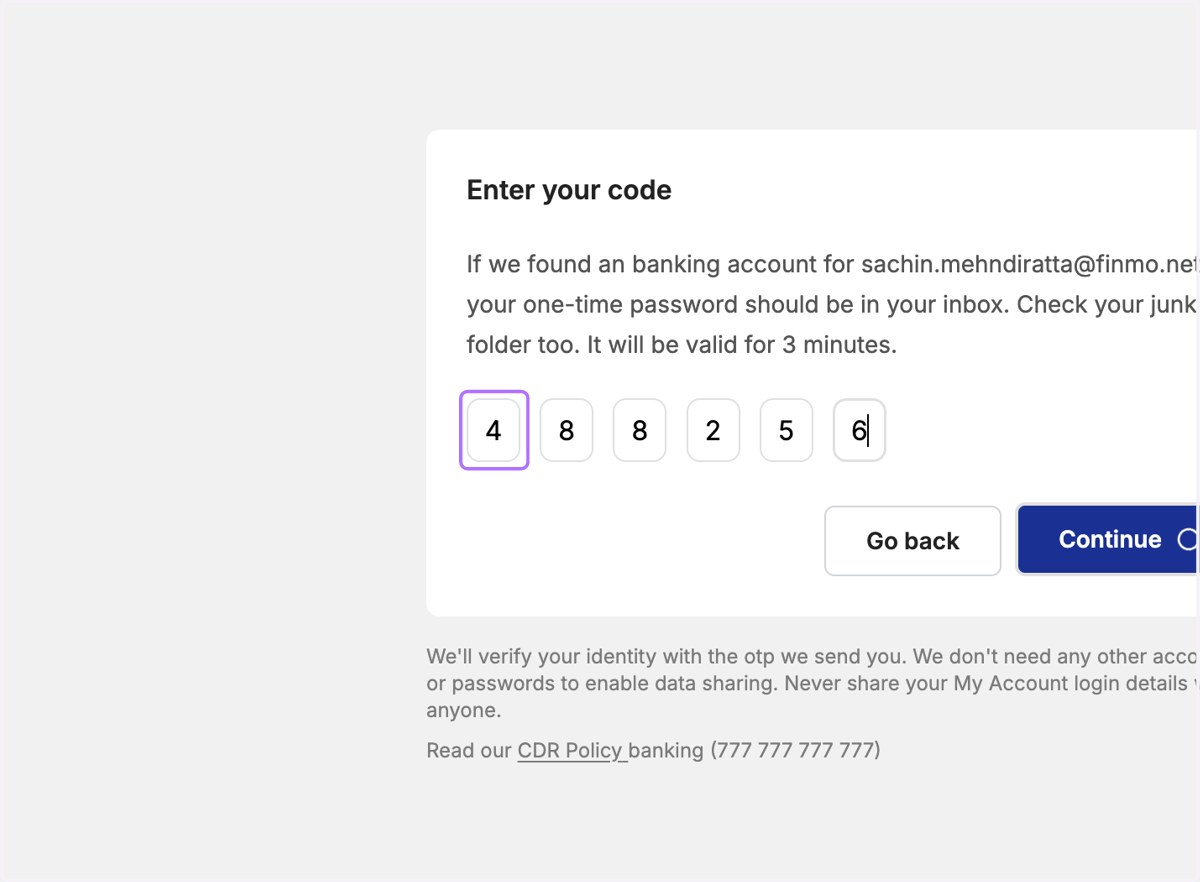
  4. 8. Verify OTP

    Verify OTP
  5. 9. Choose the accounts that you want to connect and click on continue
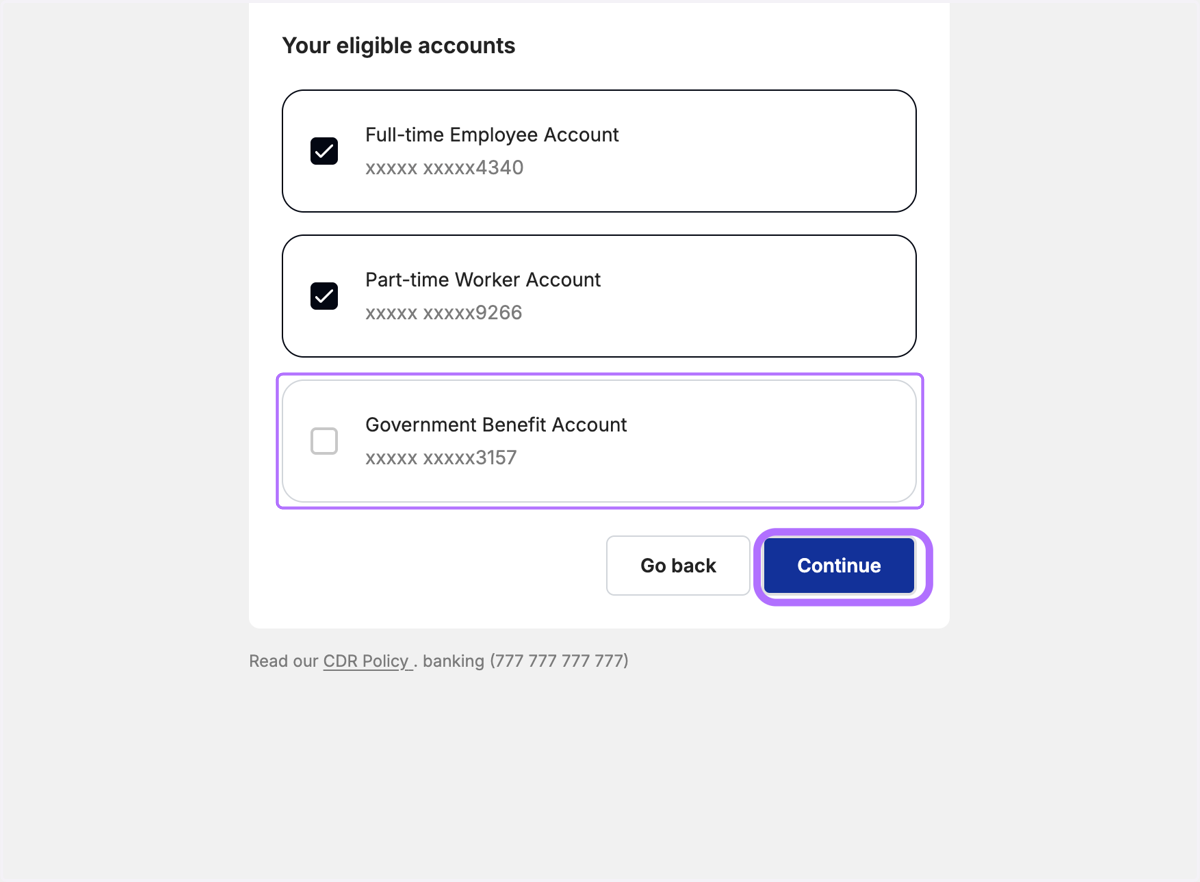
    Choose the accounts that you want to connect and click on continue
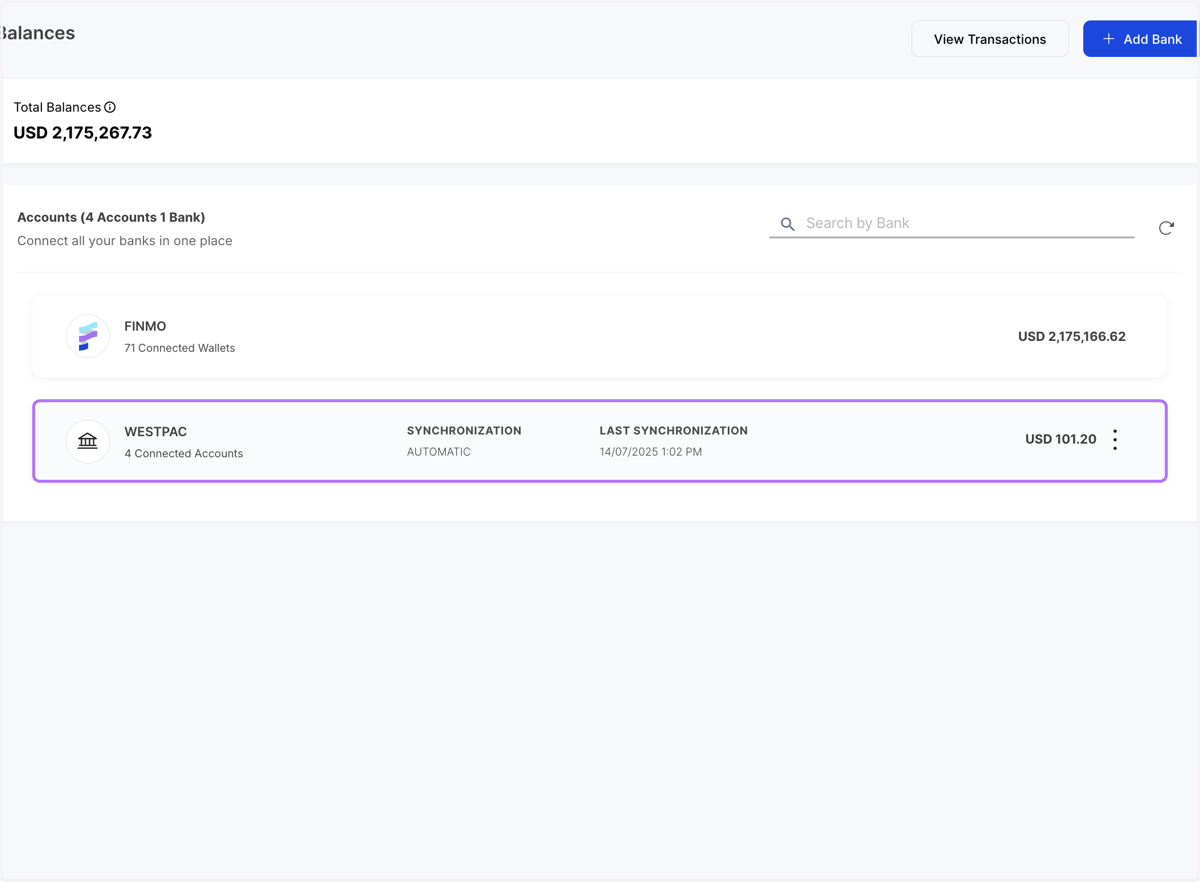
  6. 10. On the Finmo dashboard - refresh to find the bank accounts added
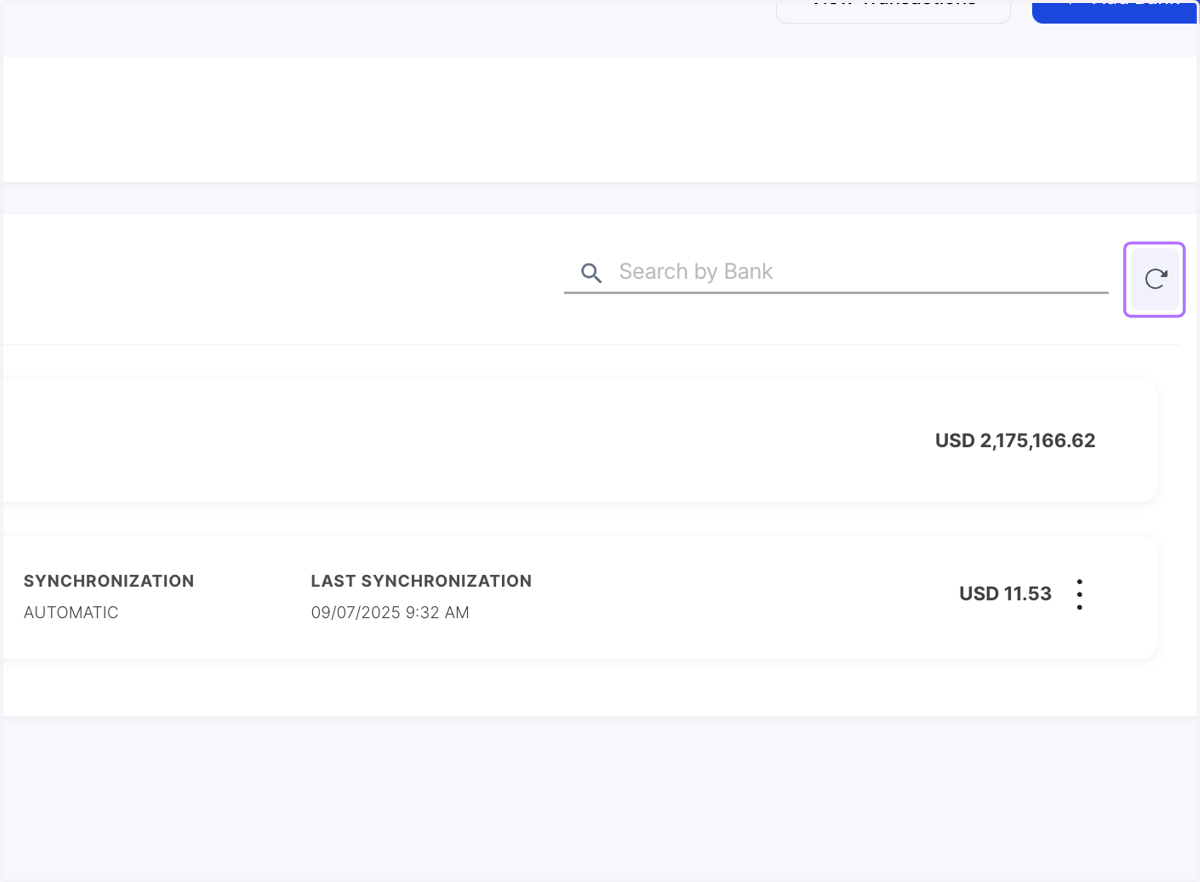
    On the Finmo dashboard - refresh to find the bank accounts added

Finmo Dashboard

  1. 11. Bank is added

    Bank is added
  2. 12. Click on a specific account to view their transactions
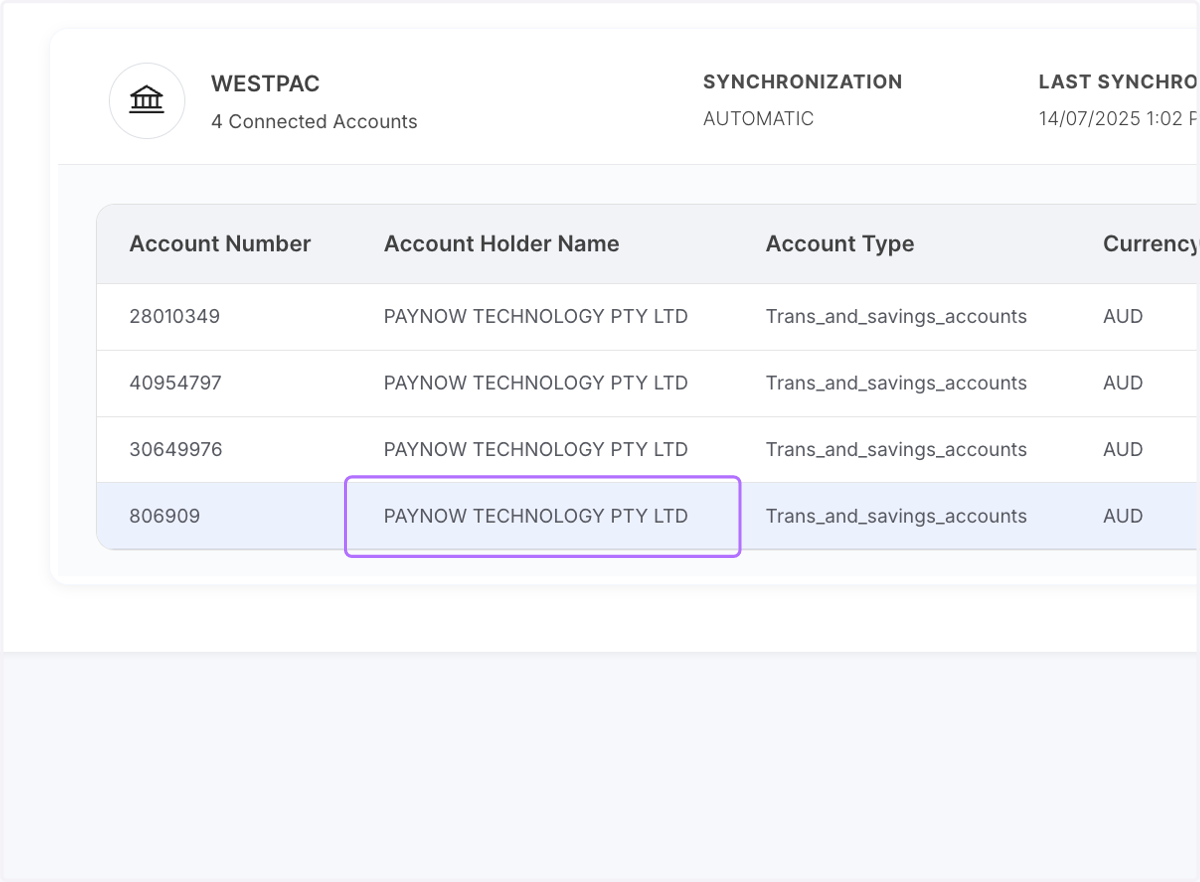
    Click on a specific account to view their transactions
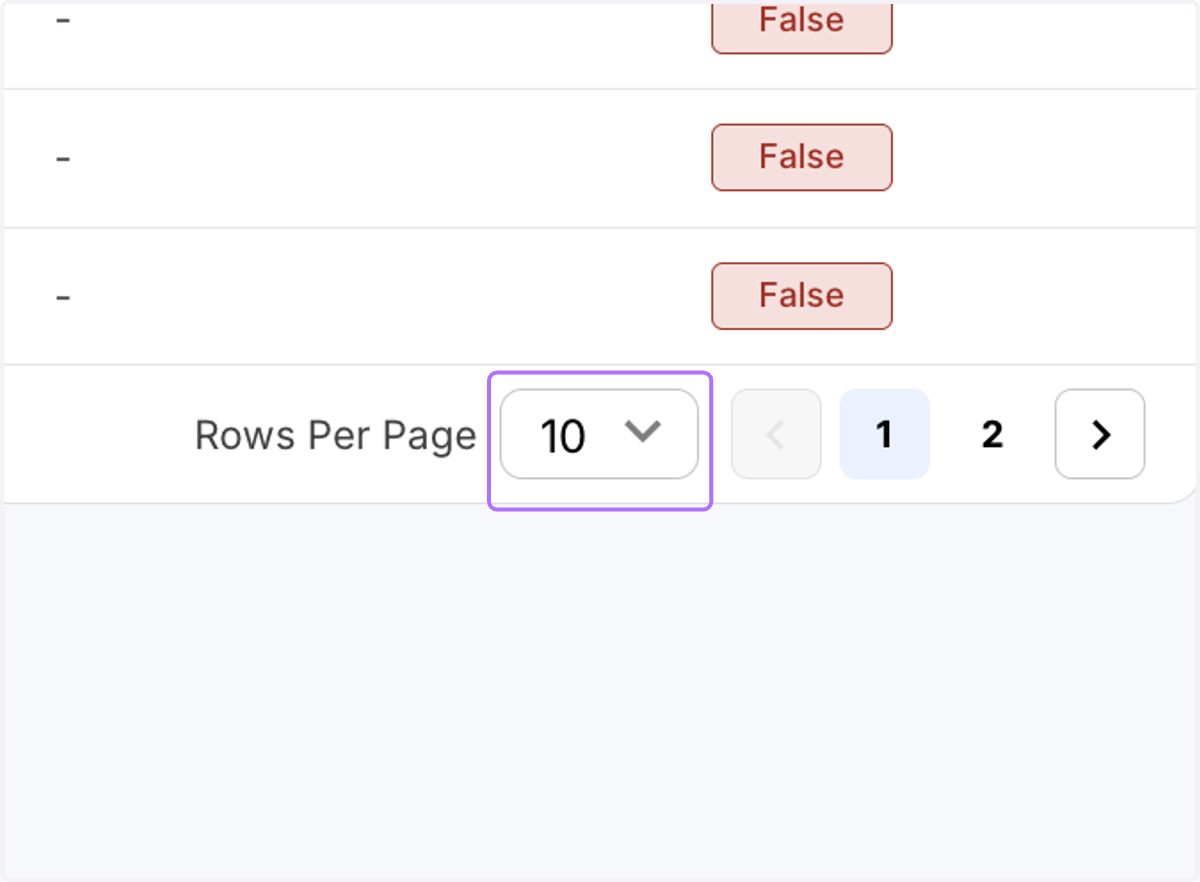
  3. 13. View the transactions

    View the transactions