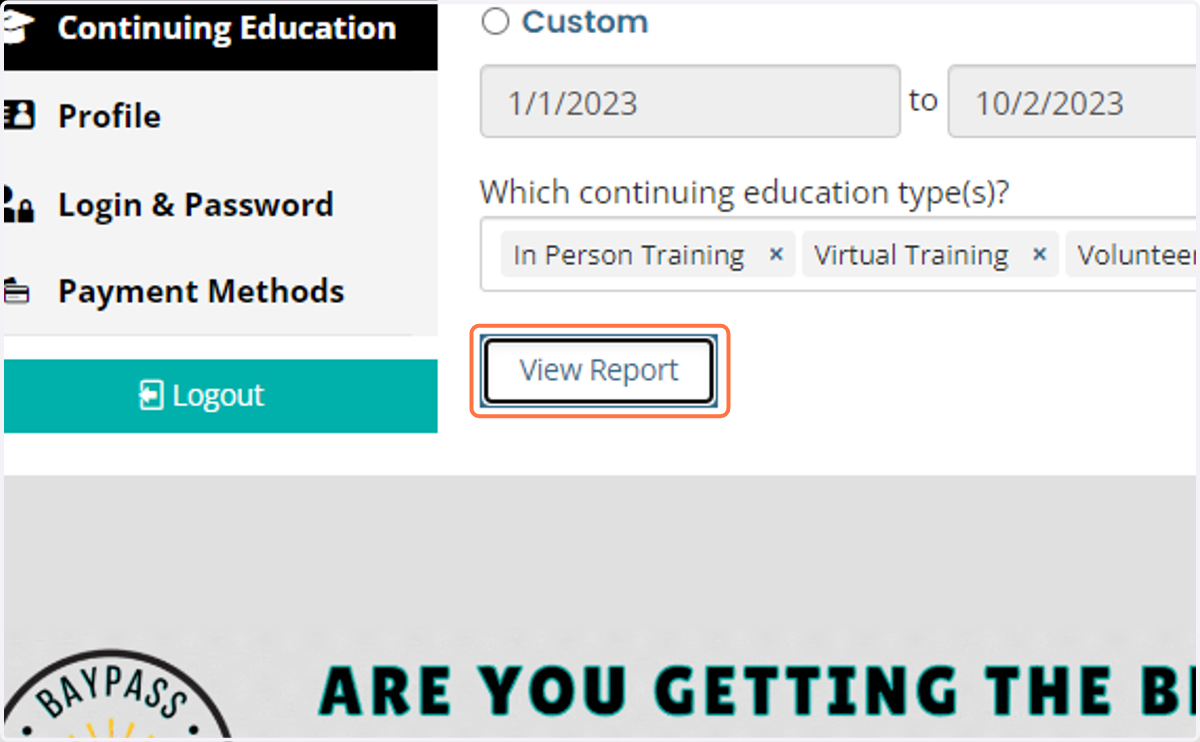
How to View/Download/Print Your Continuing Education Report on the BAAAHQ.org Member Website
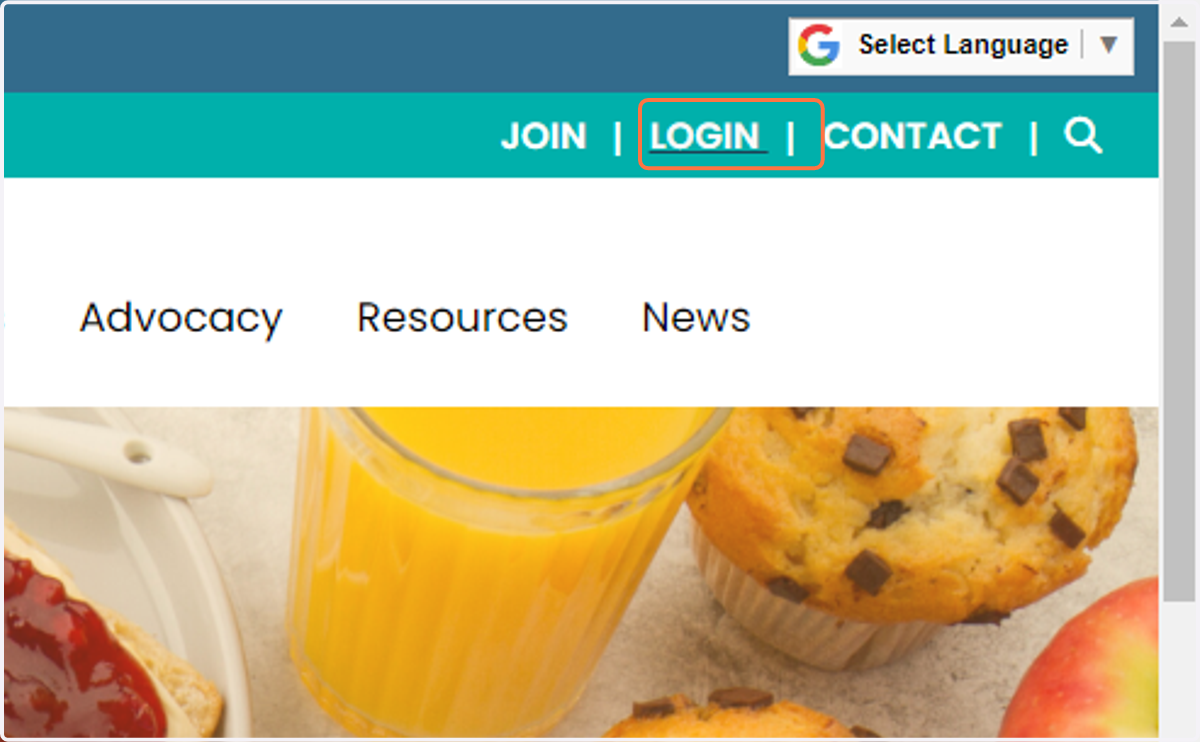
1. Click on LOGIN
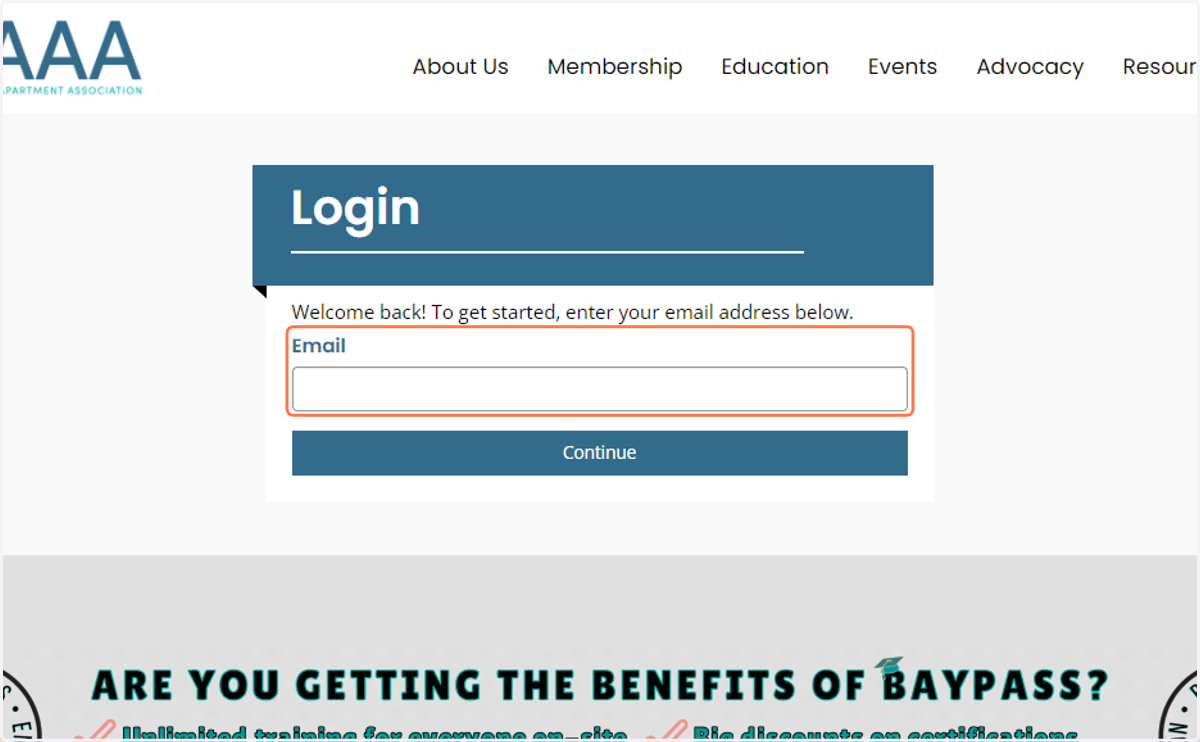
2. Type in your Email
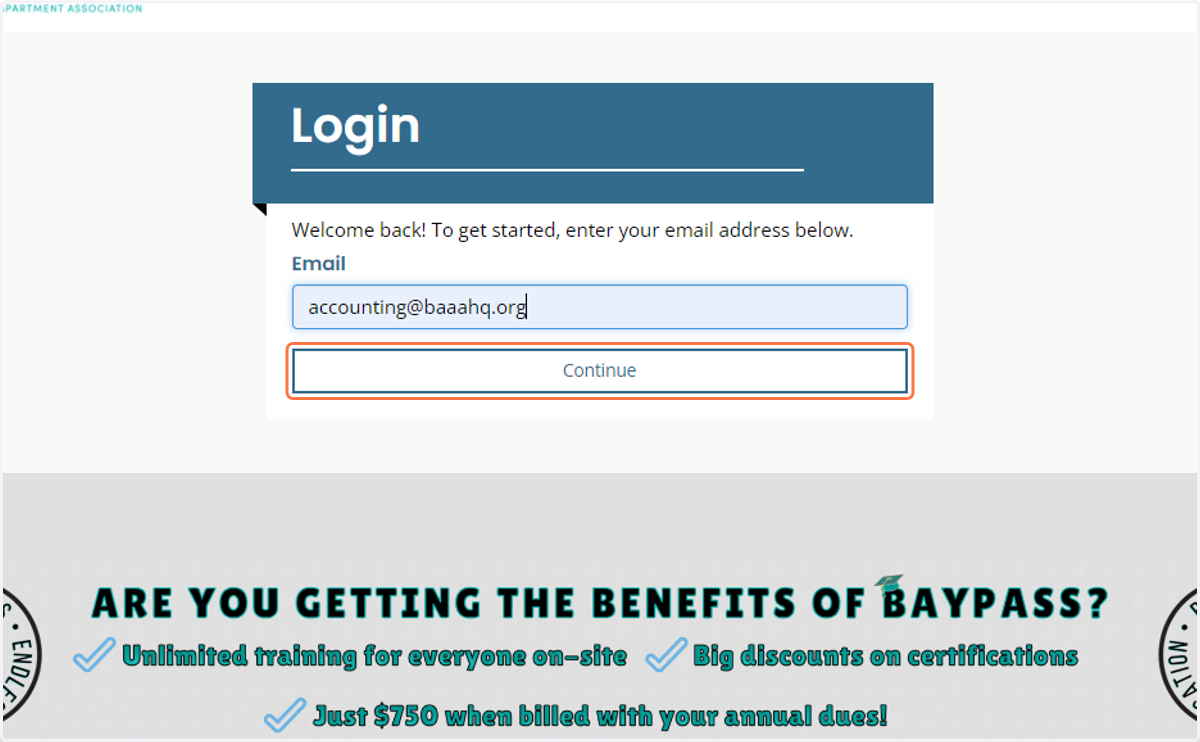
3. Click on Continue
4. Type password
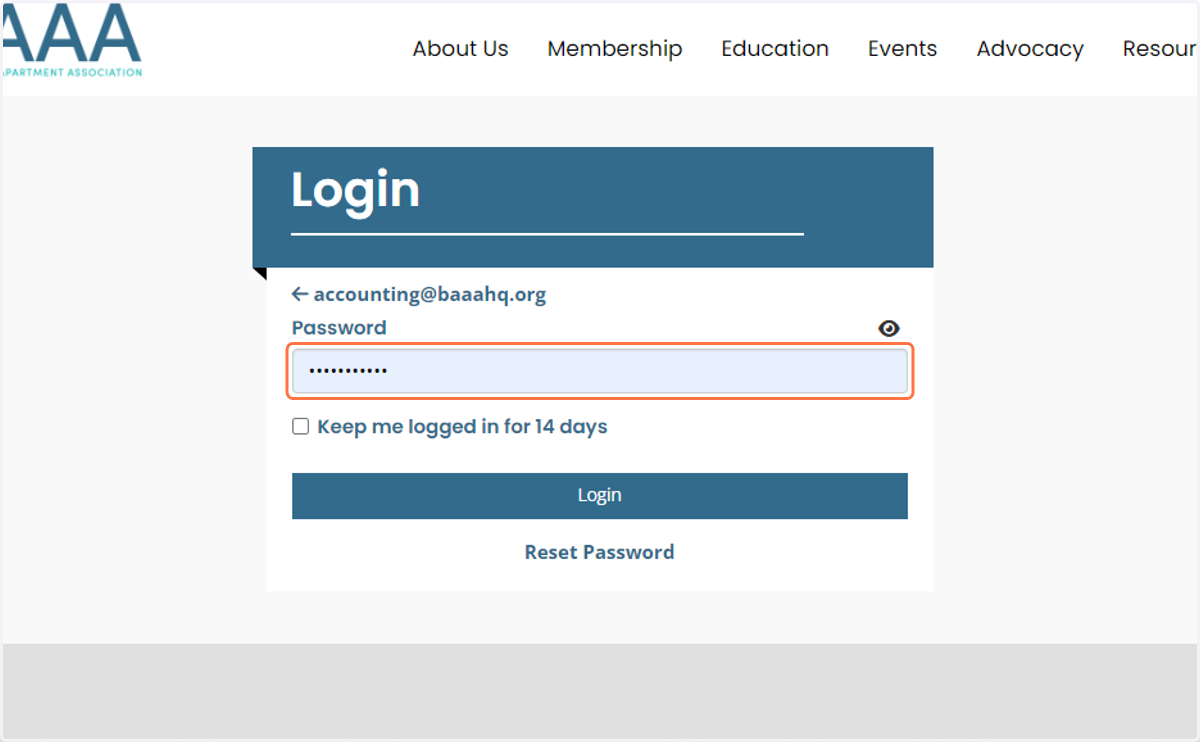
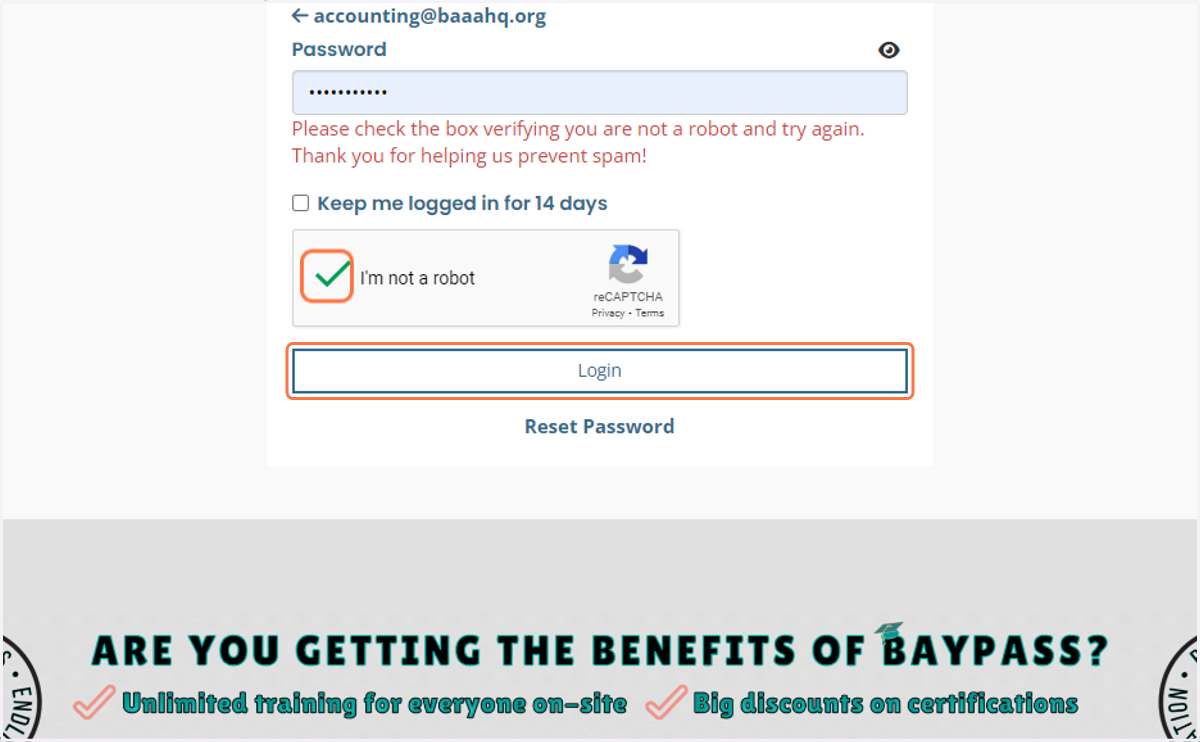
5. Click on "I'm not a robot"
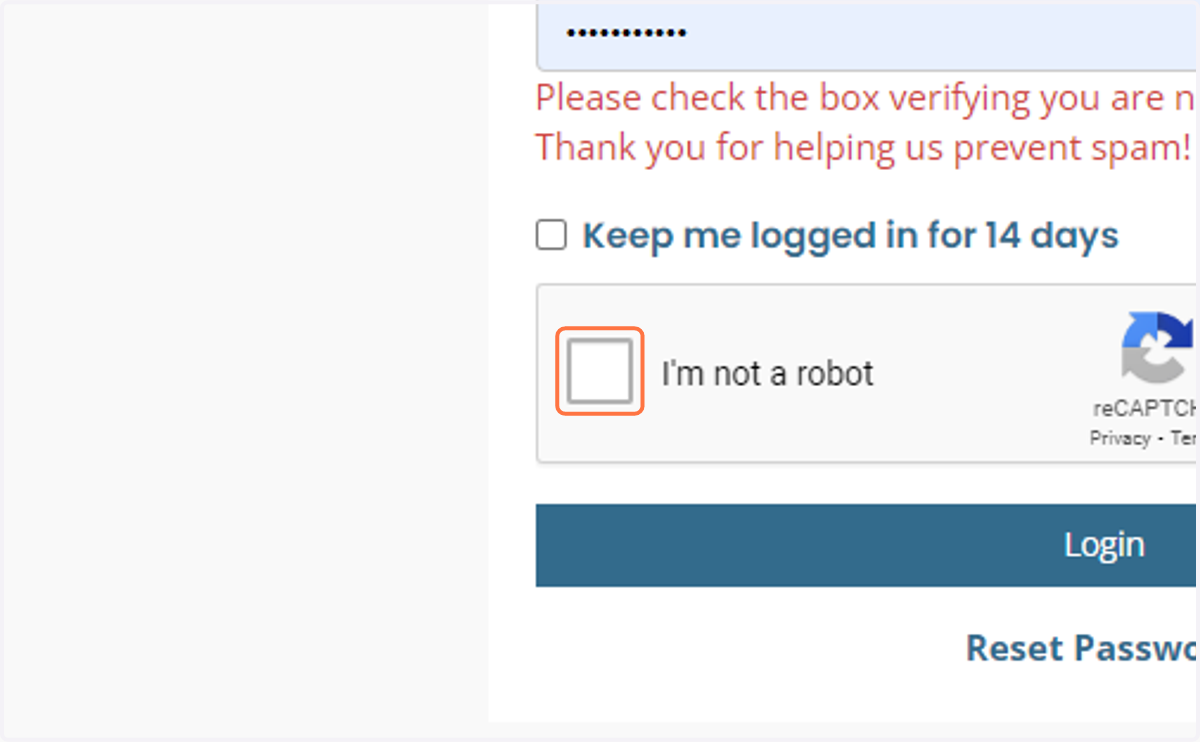
6. Click on Login
7. Once in your Member Compass, Click on Continuing Education
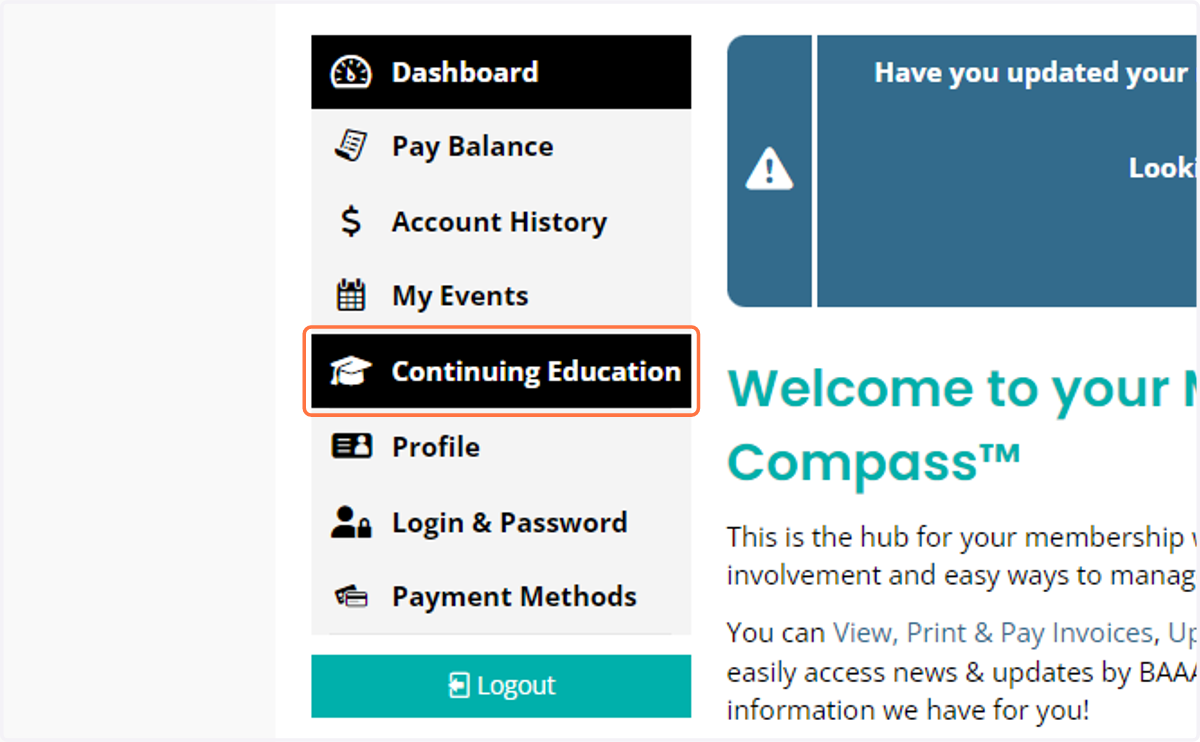
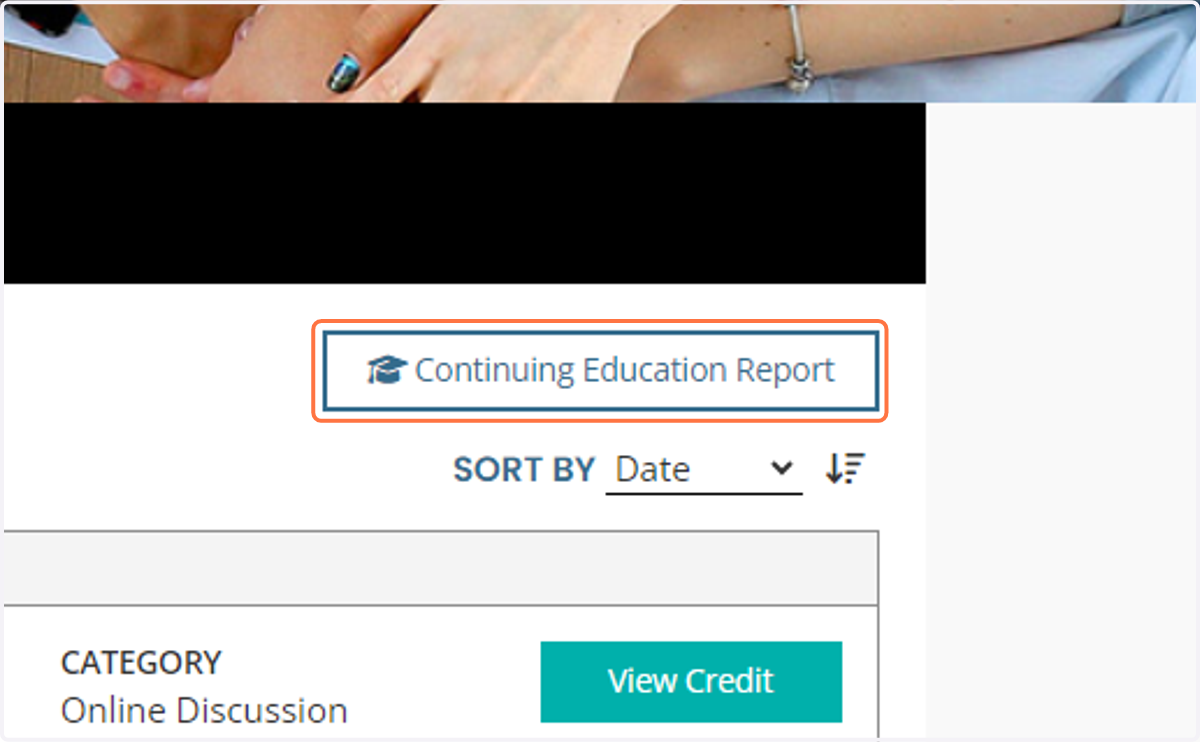
8. Click on Continuing Education Report Button
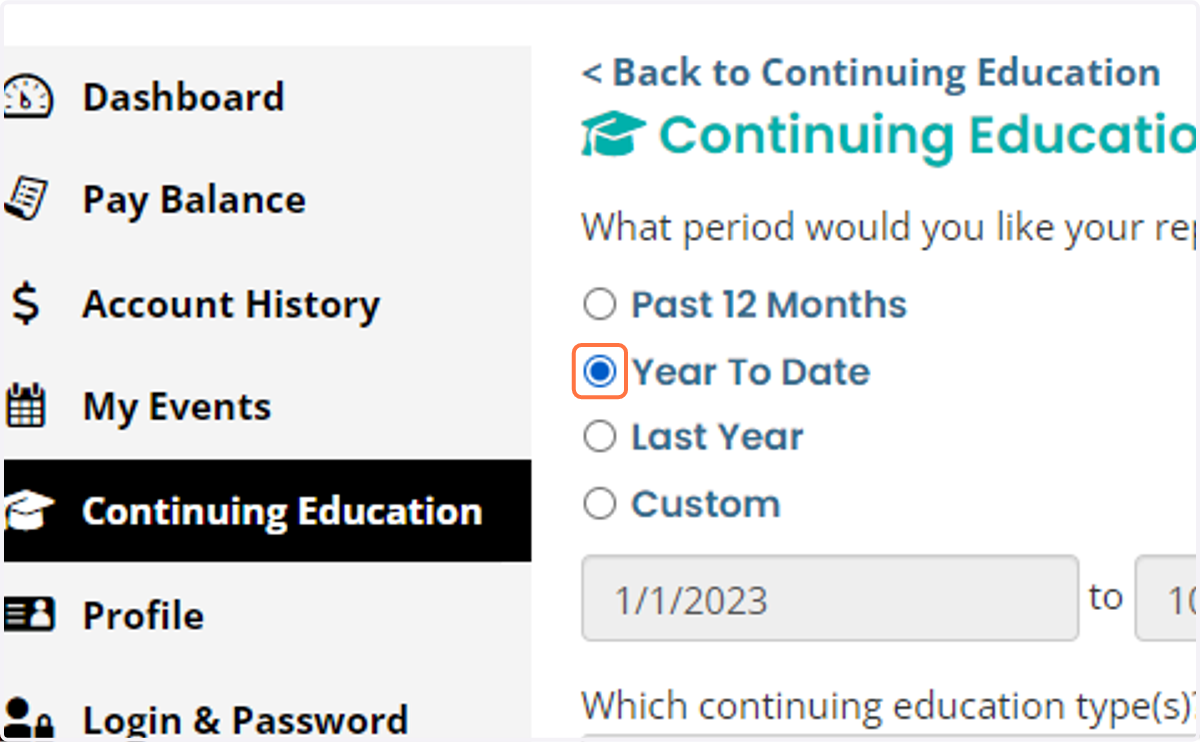
9. Here, you can choose your date range. We selected "Year To Date" for this example.
10. You can choose to show virtual, in-person, or volunteer service - or all 3!
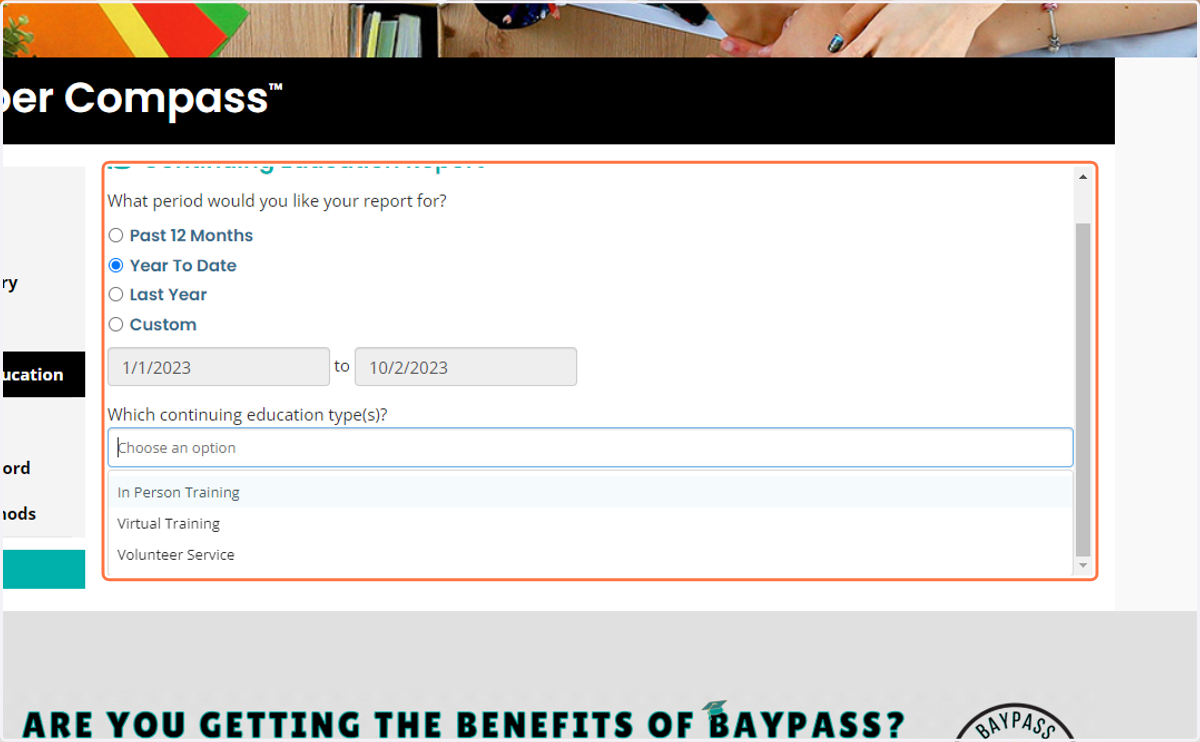
11. Click on View Report and Download and/or Print! All Done!