Removing an eSign Draft
Enotarylog
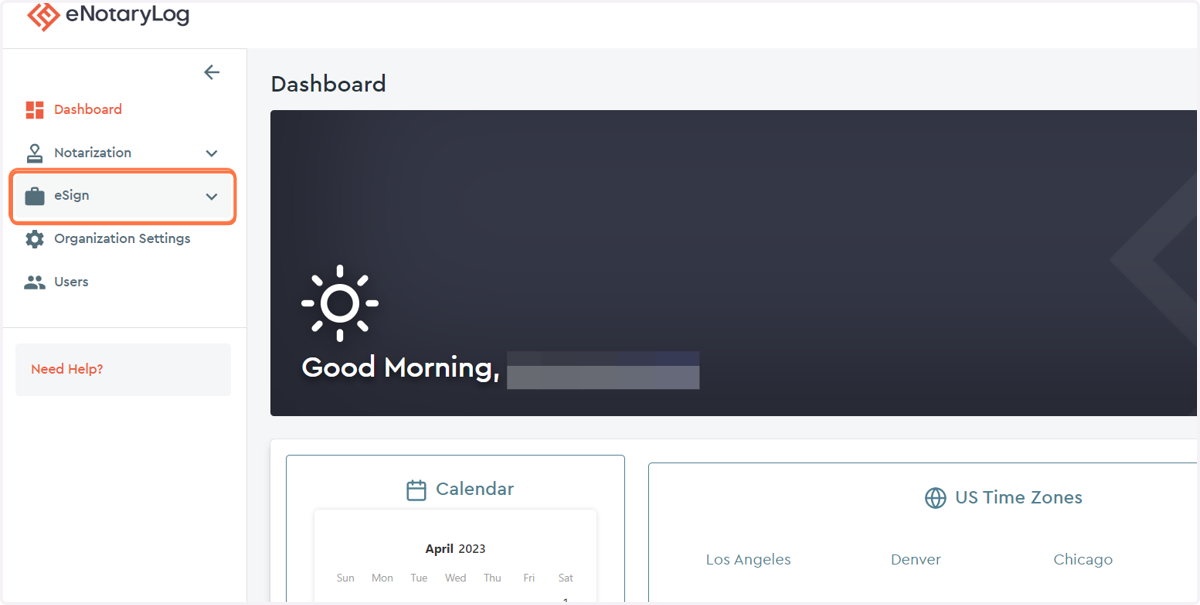
1. Click on the eSign drop down menu
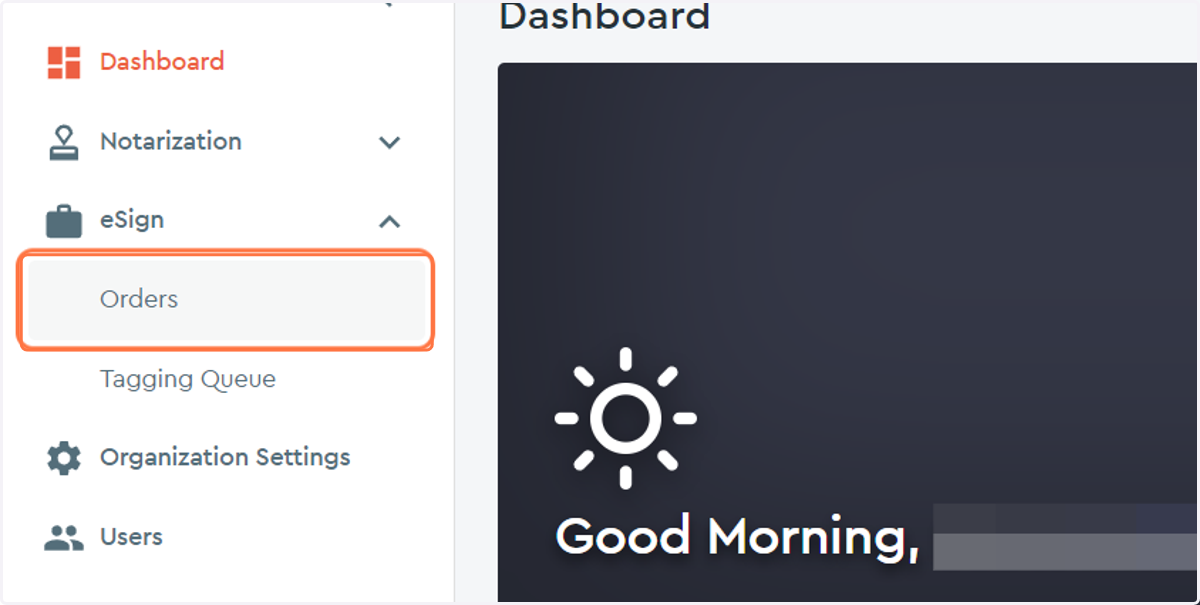
2. Click on the Orders option...
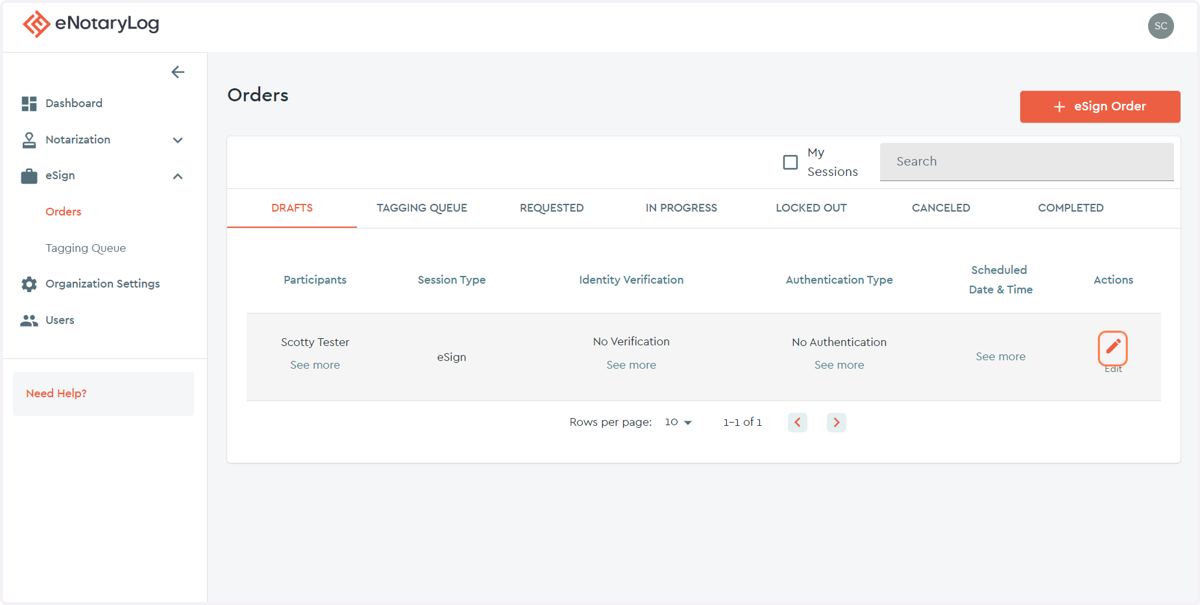
3. Under the DRAFTS tab, locate the eSign order draft and select the edit action for that order.
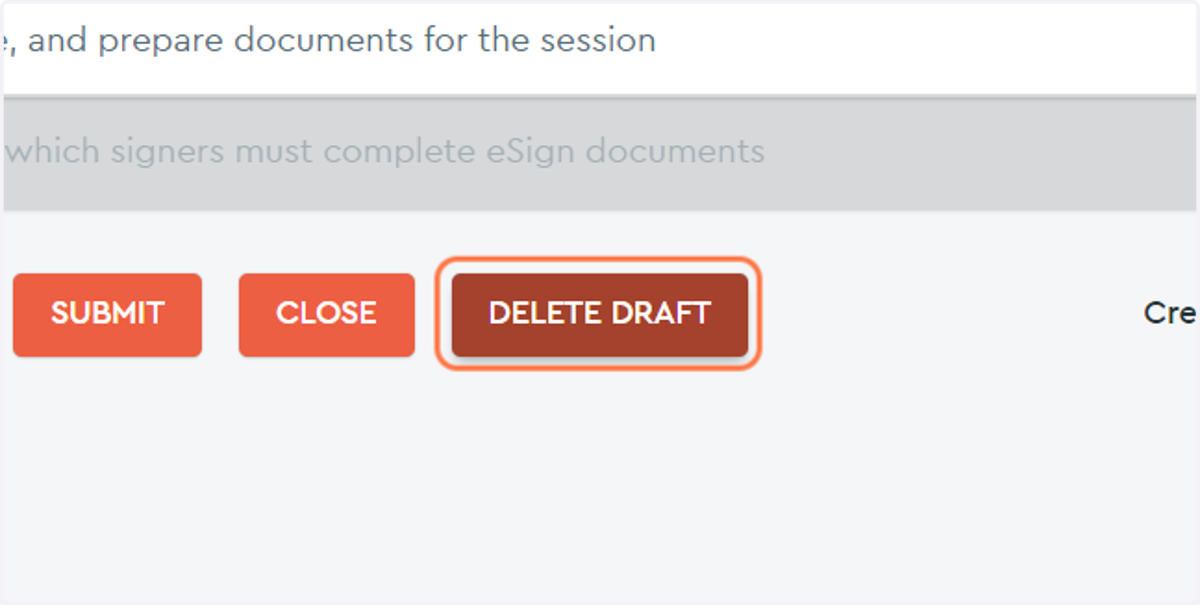
4. Click on DELETE DRAFT button...
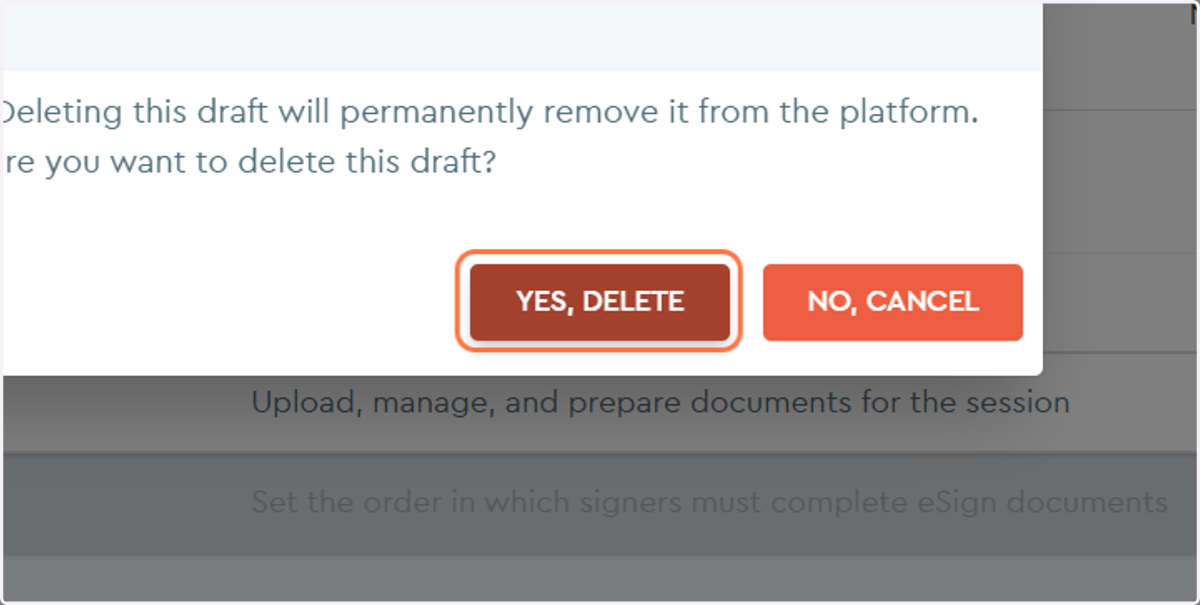
5. Click on the YES, DELETE button to confirm that you want to delete this draft.