Add Other Expense
Loadops
1. Go to Loadops by Optym
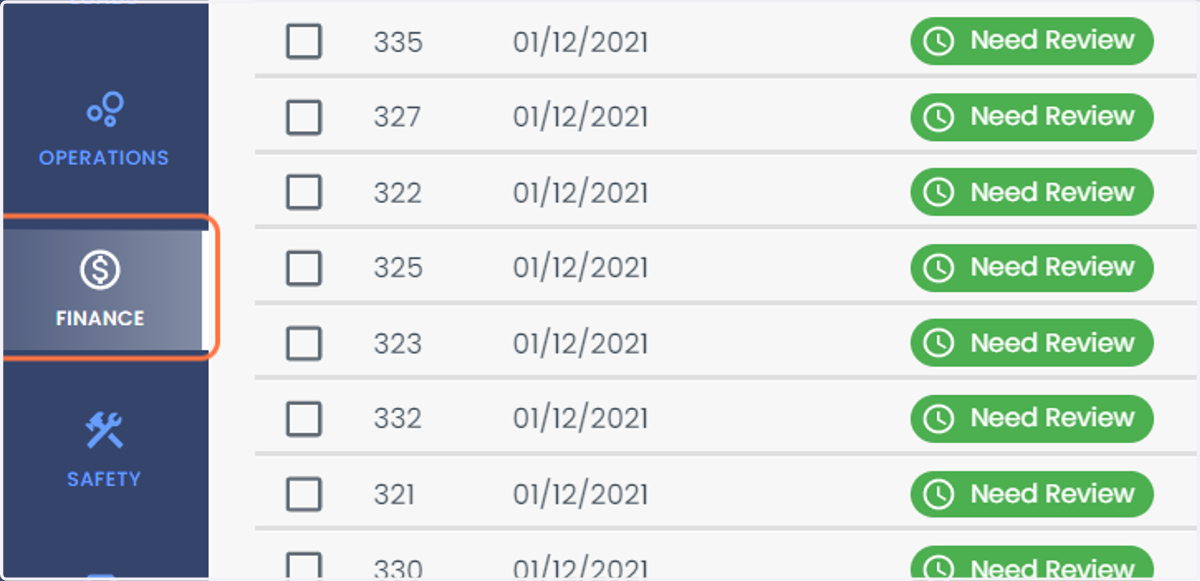
2. Click on FINANCE
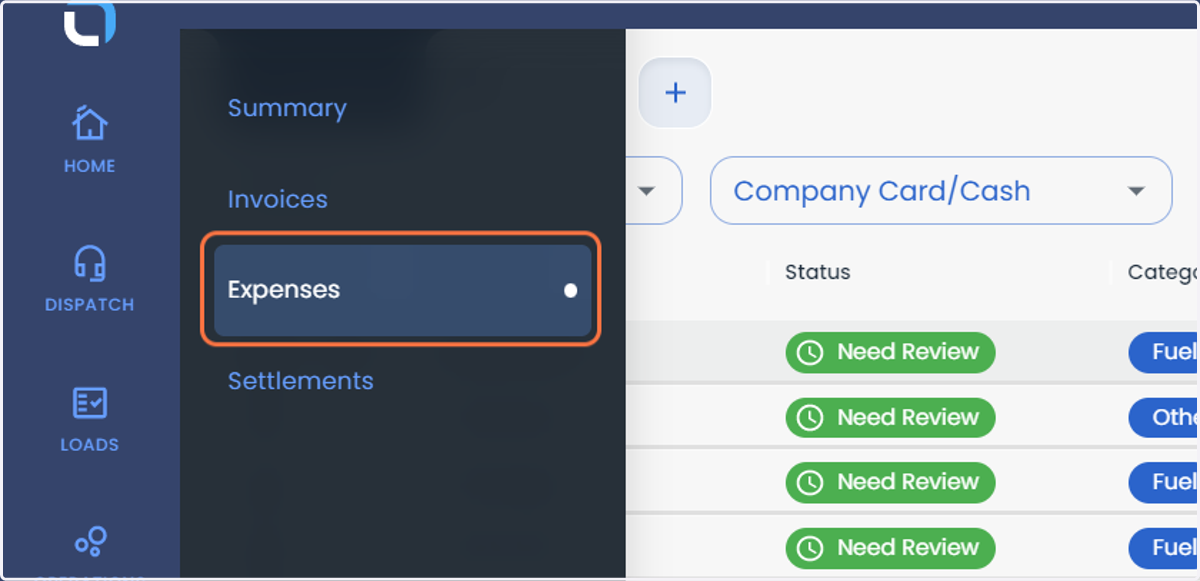
3. Click on Expenses
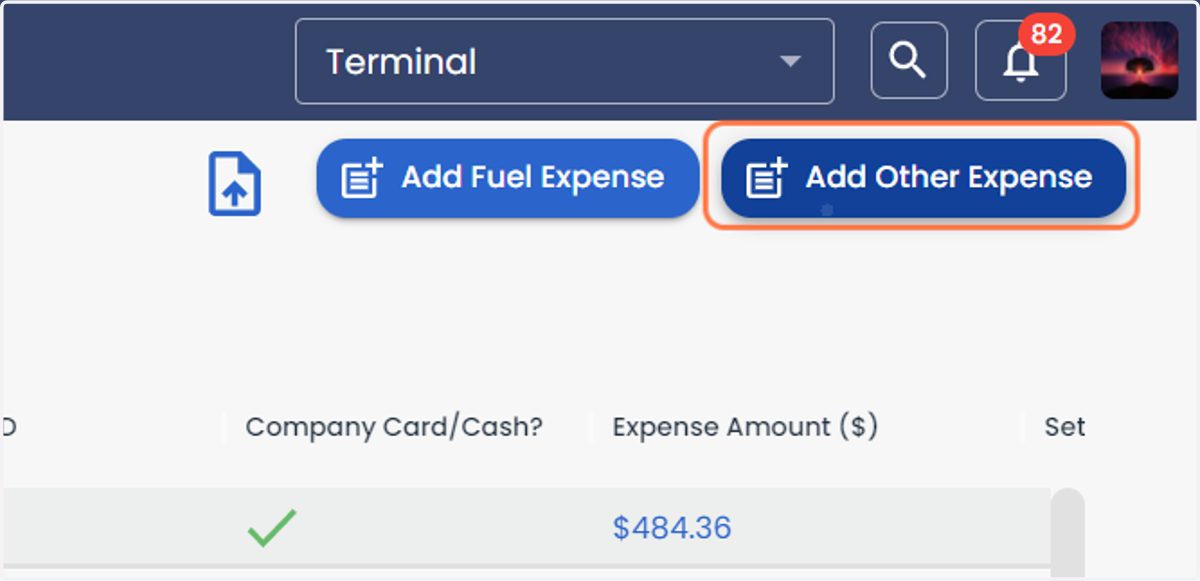
4. Click on Add Other Expense
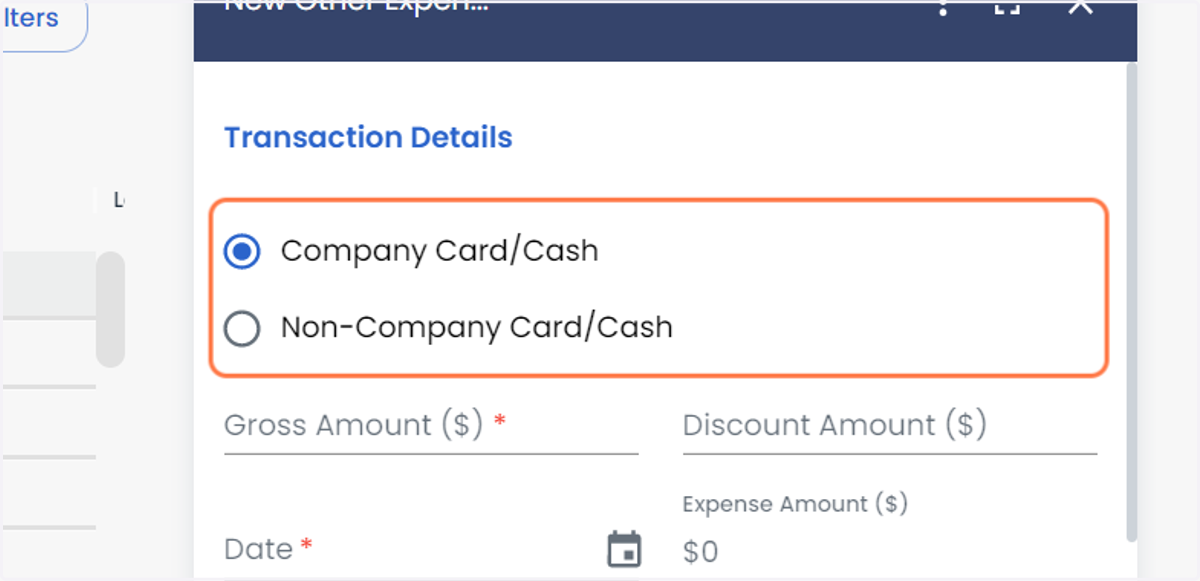
5. Select whether the expense is from Company Card/Cash or Non-Company Card/Cash
The Expenses can be attached to Driver or Tractor Settlements.
If you select the expense as Company Card/Cash, it will be a deduction in the settlements, if you select Non-Company Card/Cash, it will be a reimbursement in the settlements.
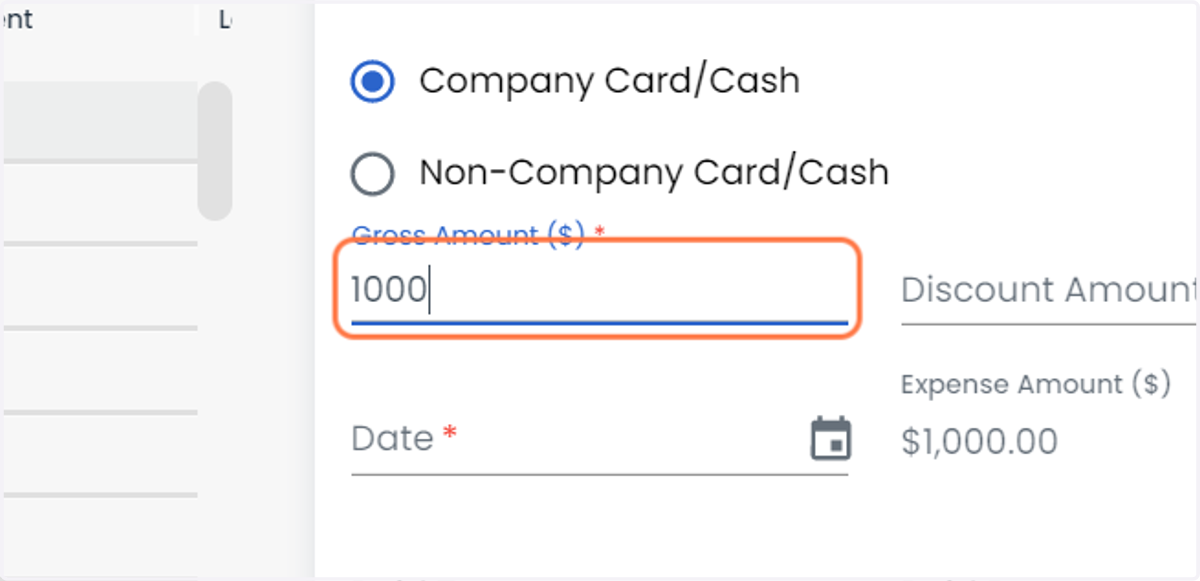
6. Enter the Gross Amount
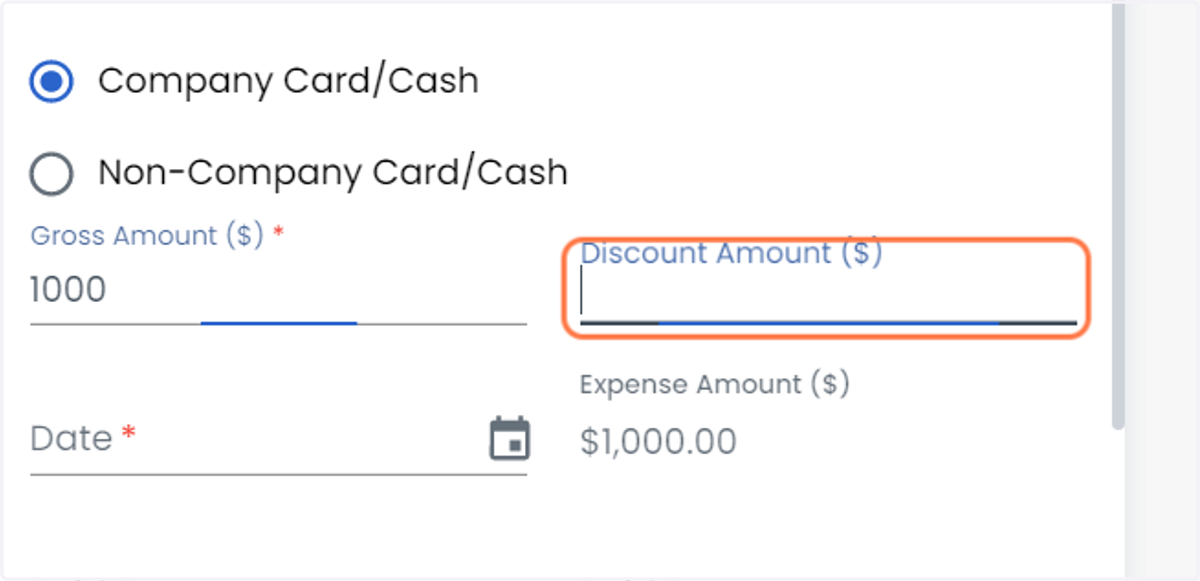
7. Enter the Discount Amount ($)
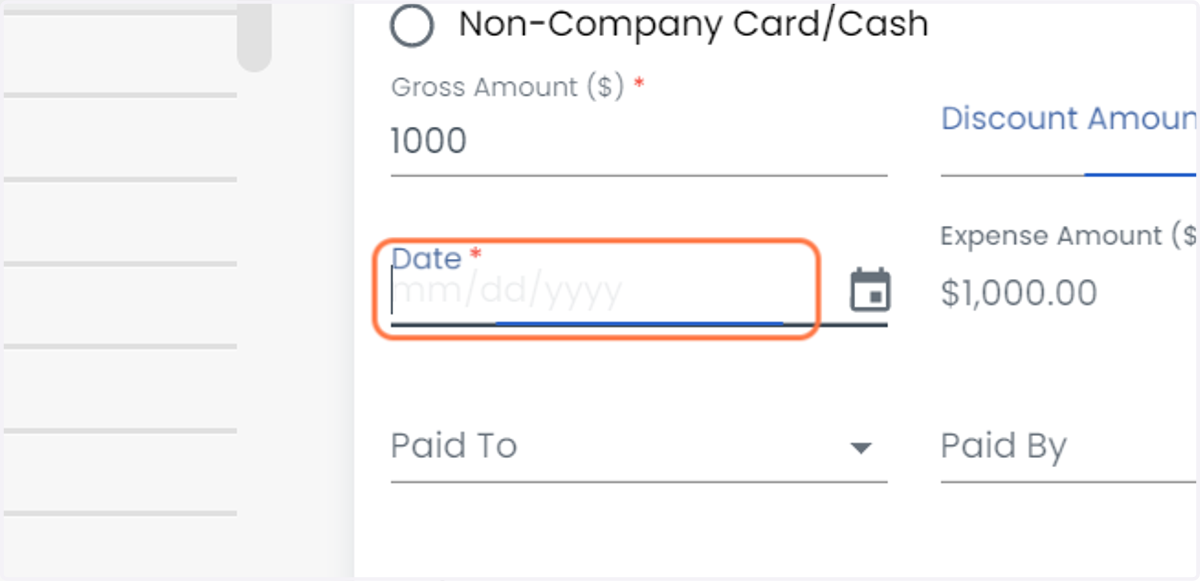
8. Select Date *
9. Select the Expense Paid to
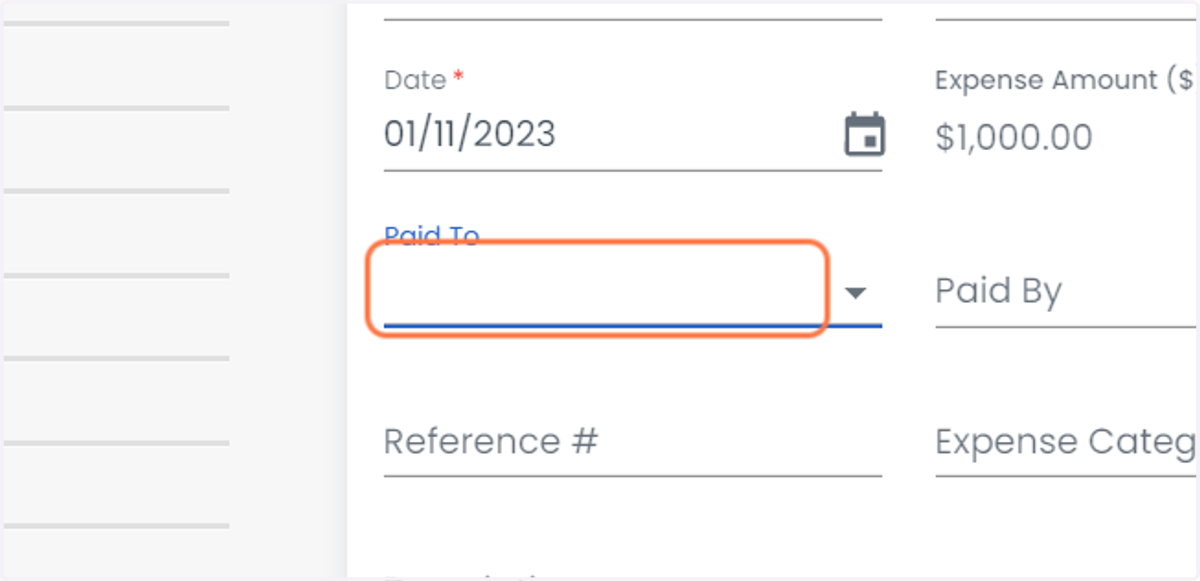
10. Select the Expense Paid by
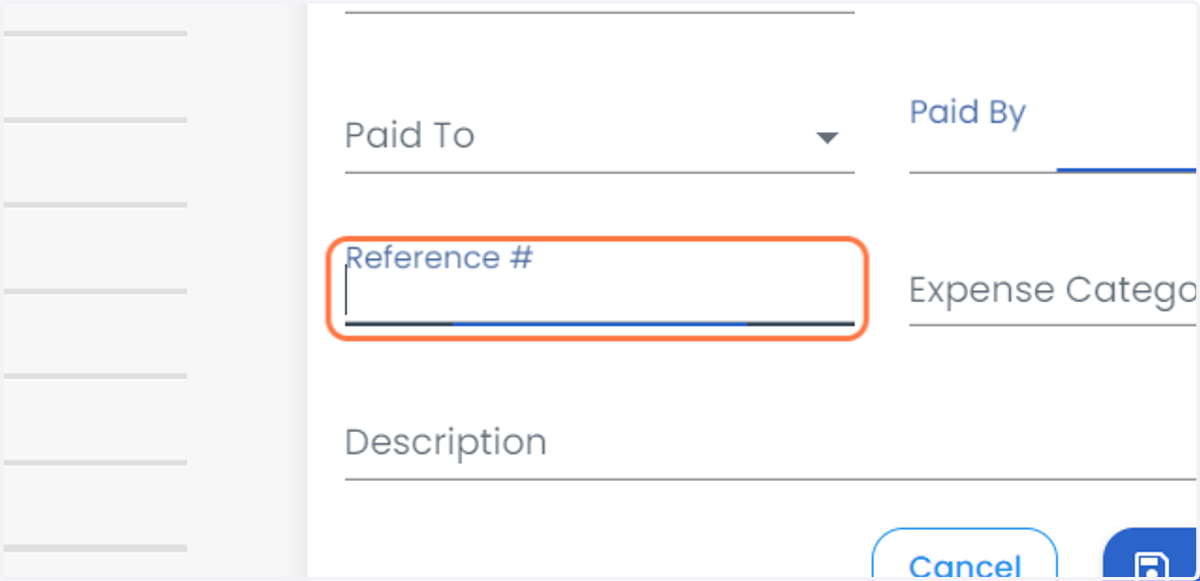
11. Enter the Reference #
12. Select the Expense Category
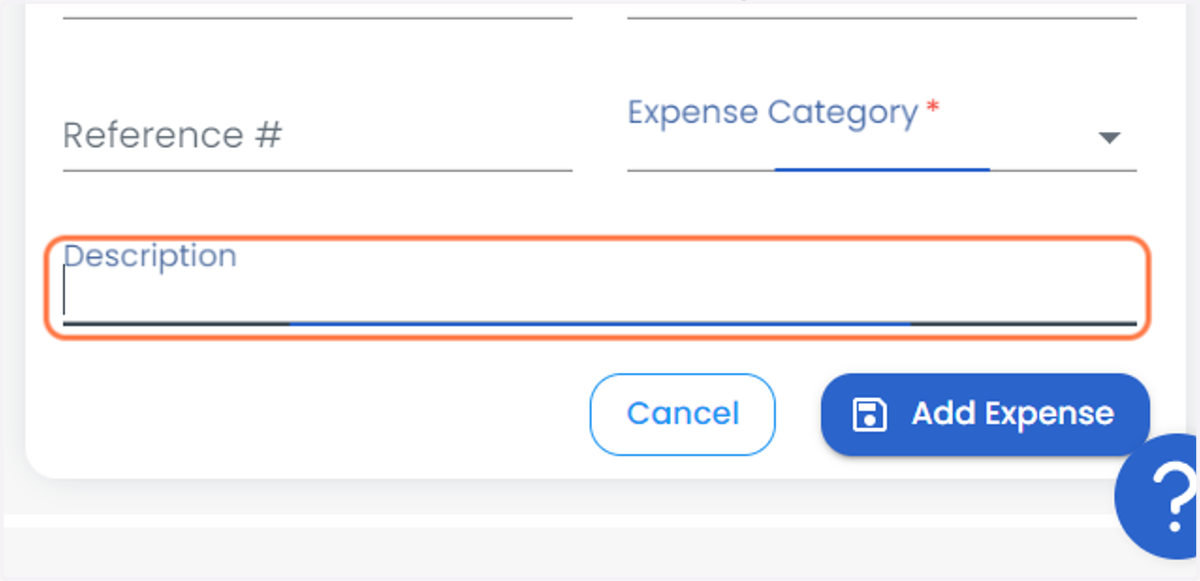
13. Enter the Description
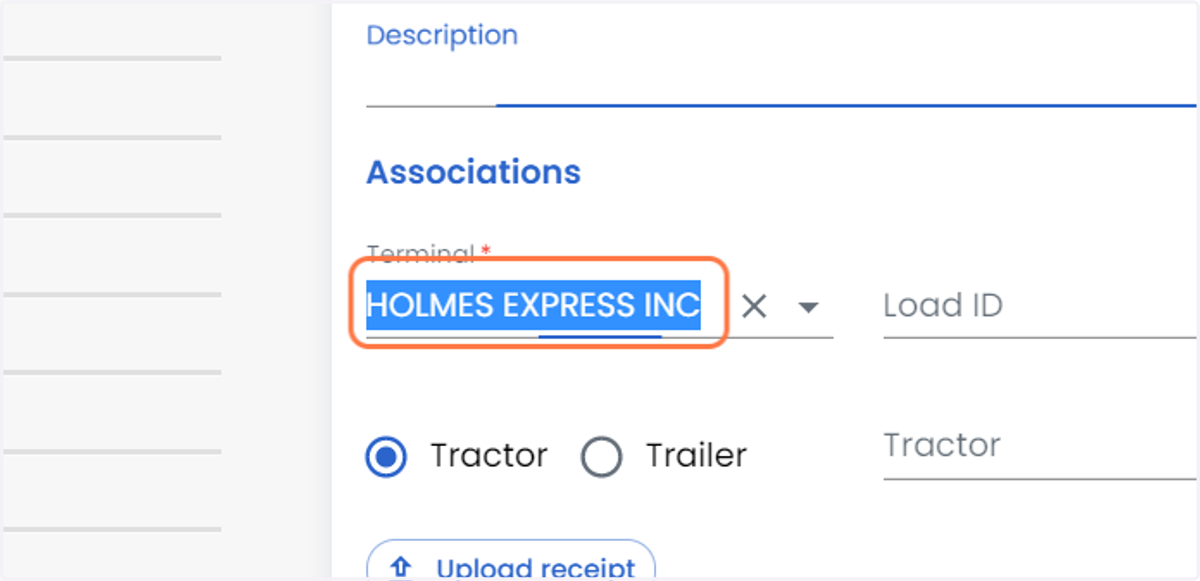
14. Select the Terminal
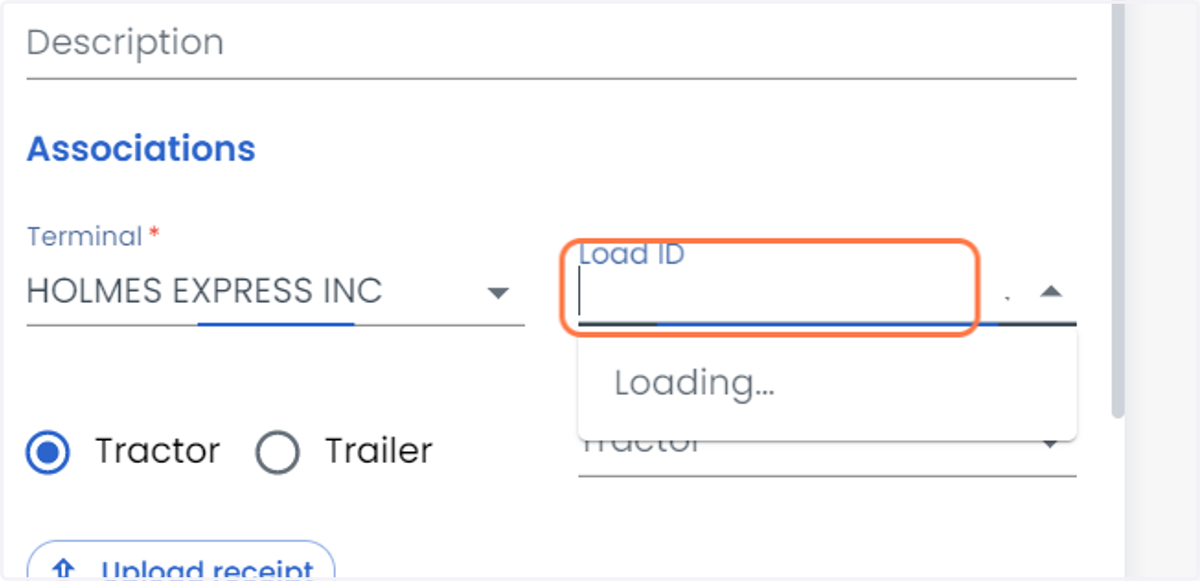
15. Select the Load ID
16. Select Tractor or Trailer
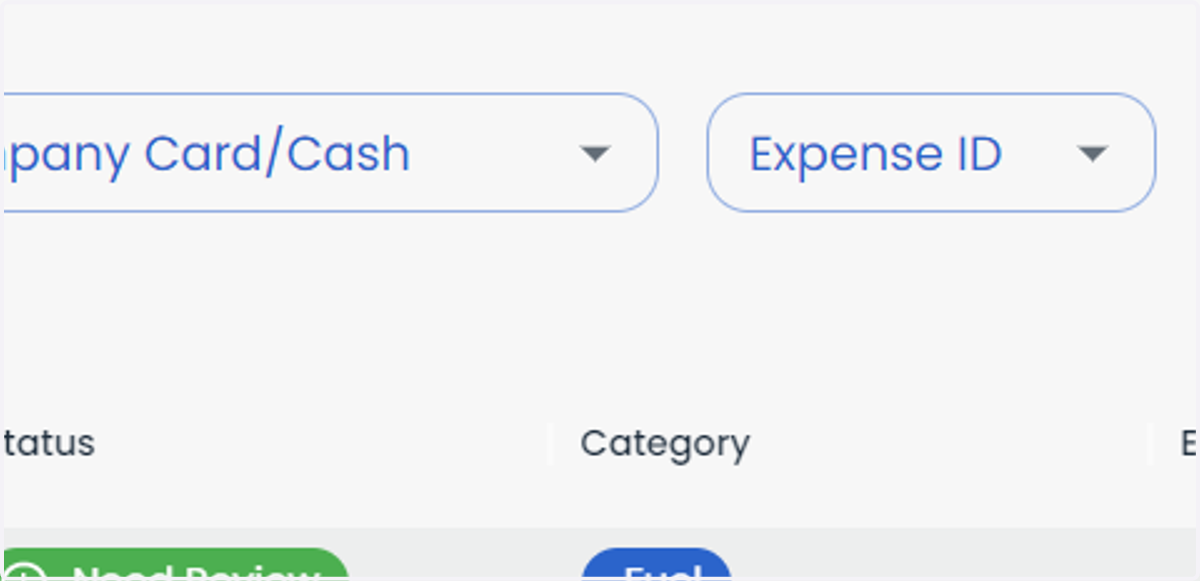
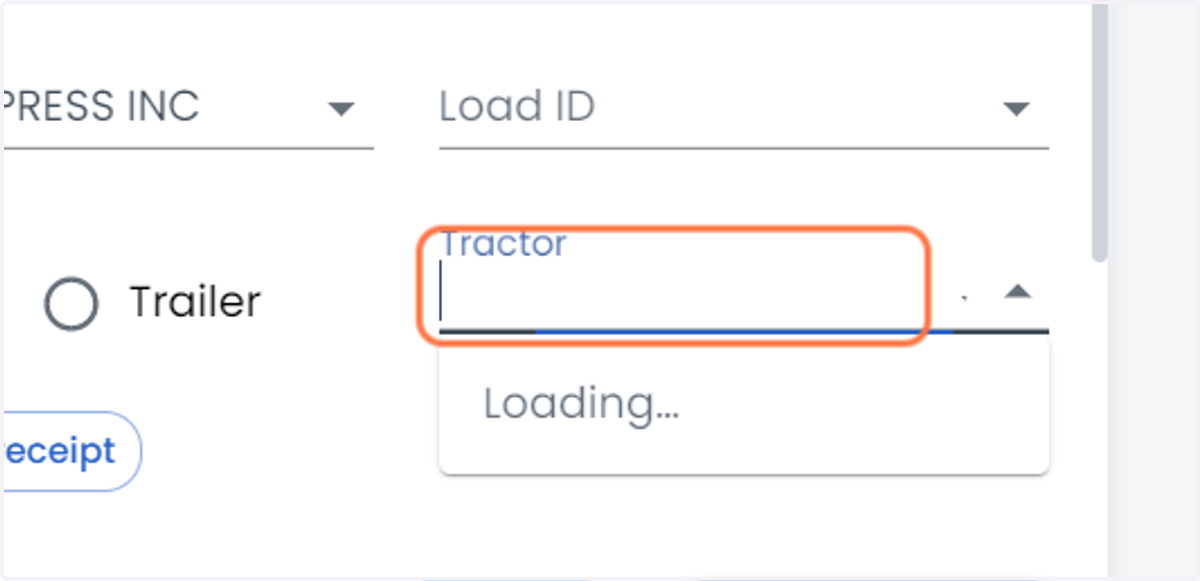
17. Select Tractor ID
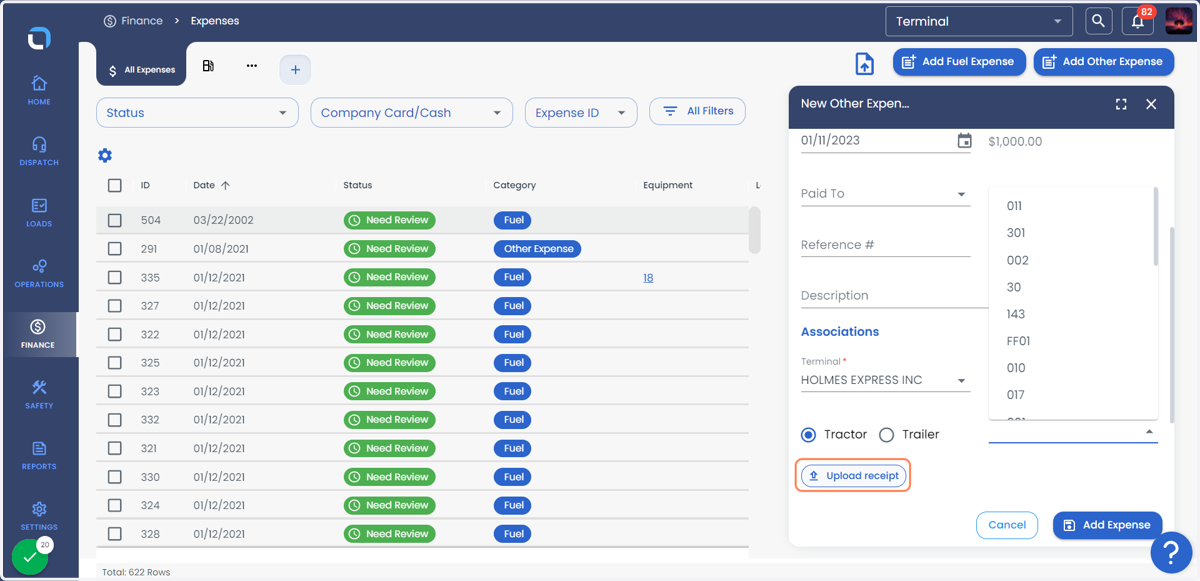
18. Click on Upload receipt to upload a receipt of Expense
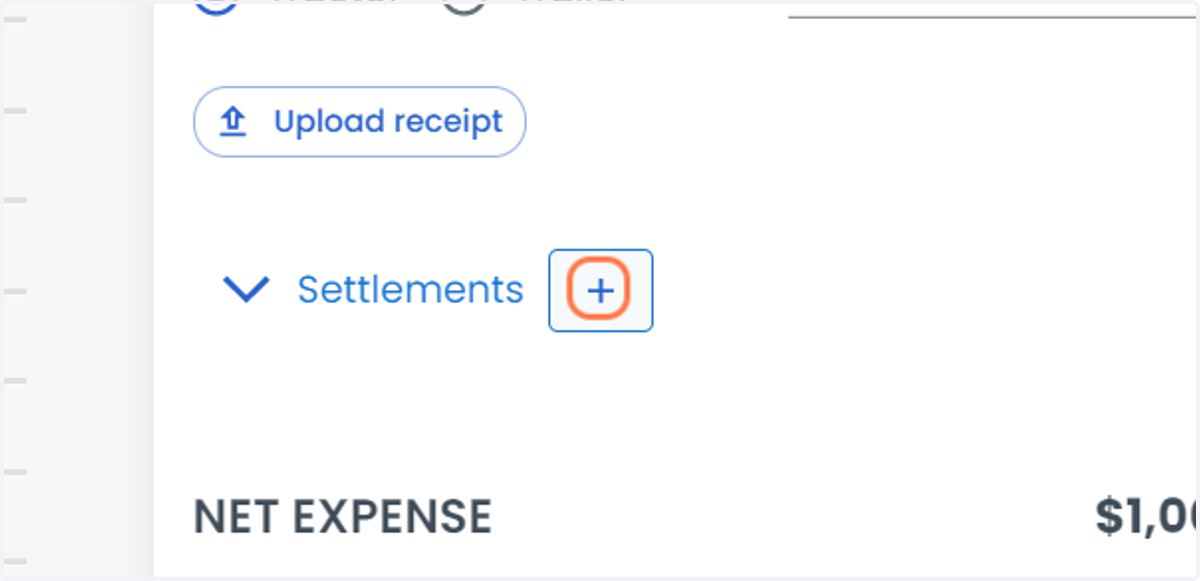
19. Click on "+" button adjacent to Settlements
20. Select Driver or Tractor
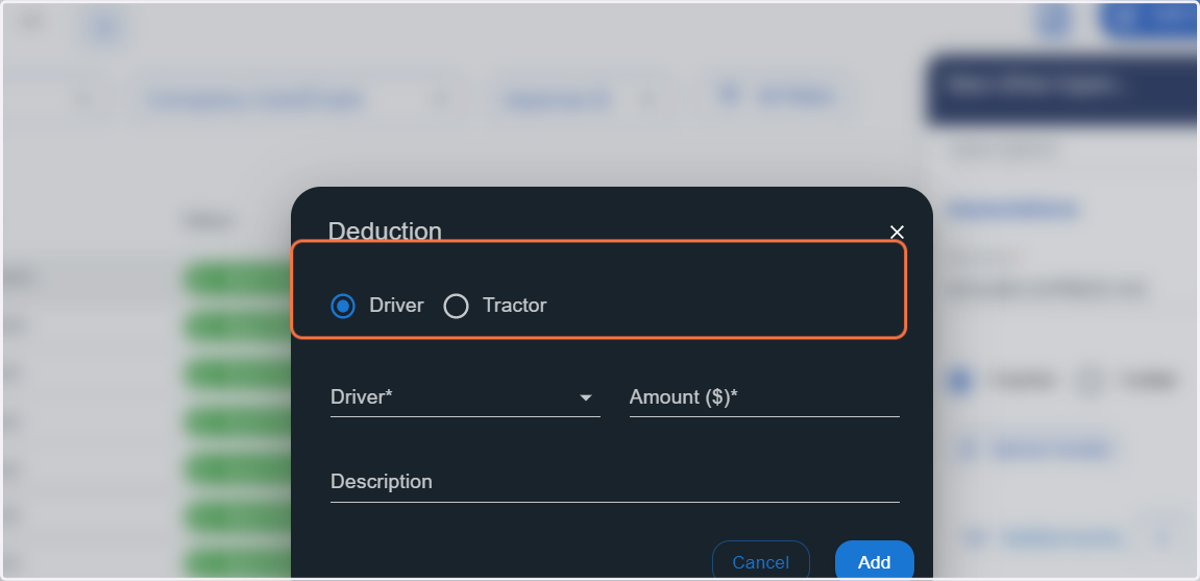
21. Select the Driver Name
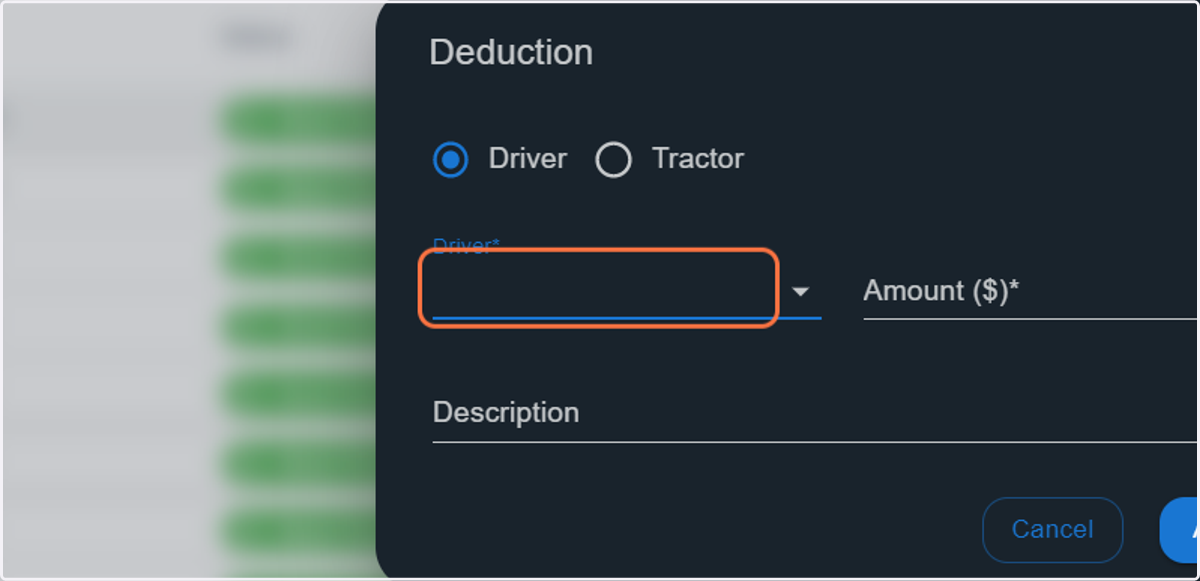
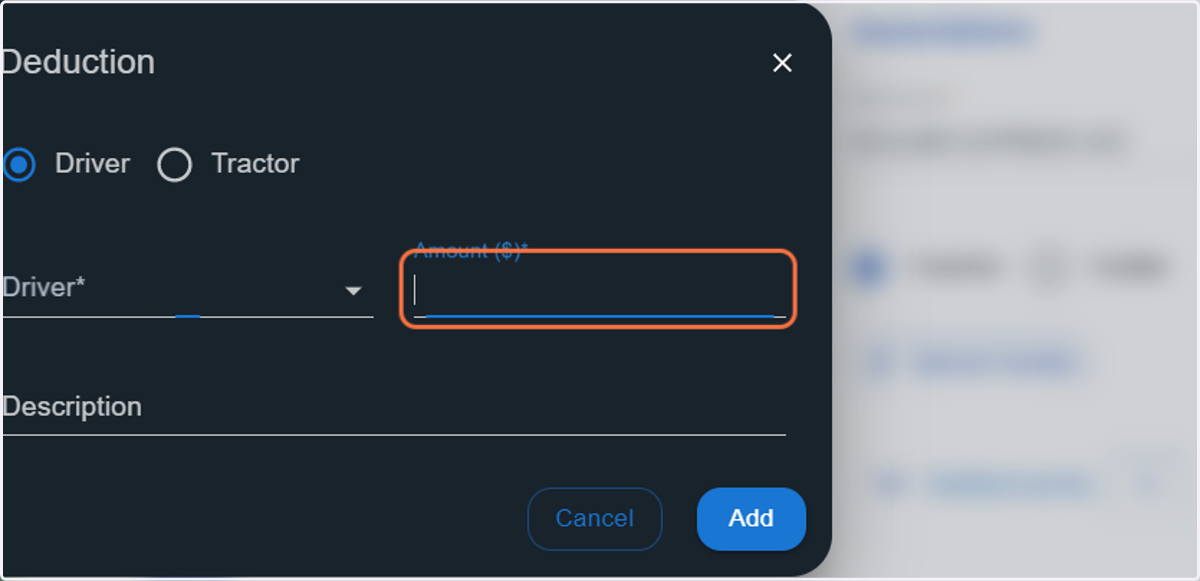
22. Enter the Amount
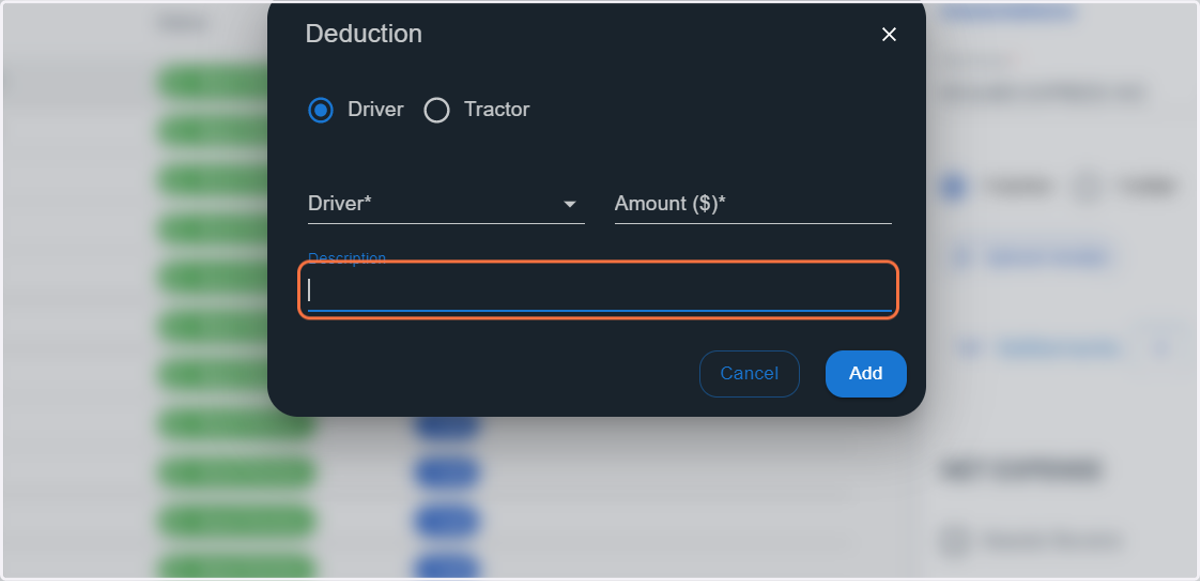
23. Enter the Description
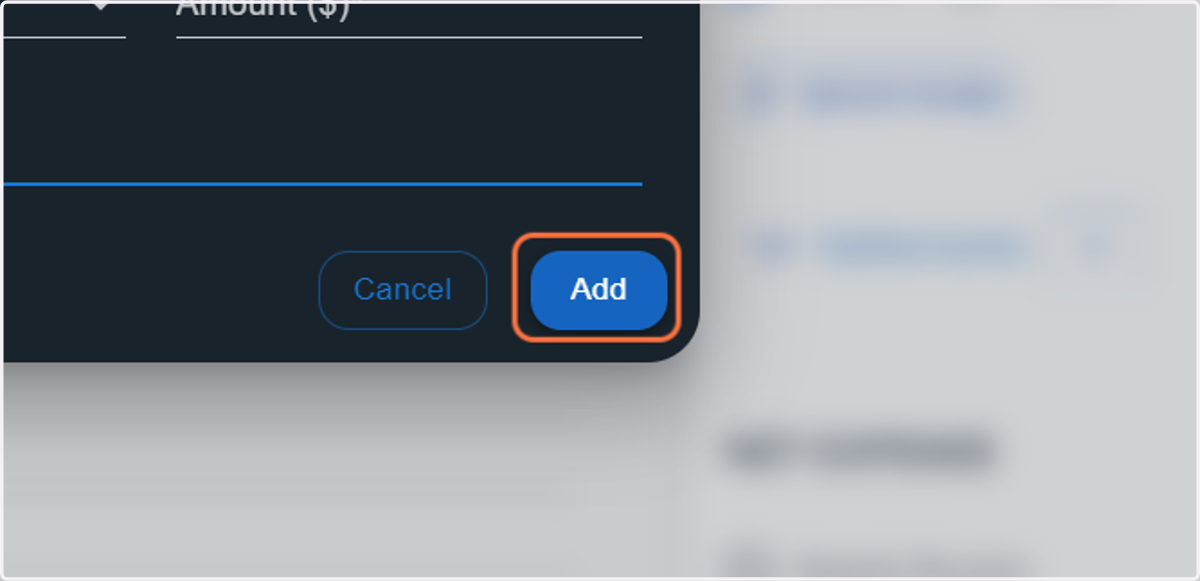
24. Click on Add
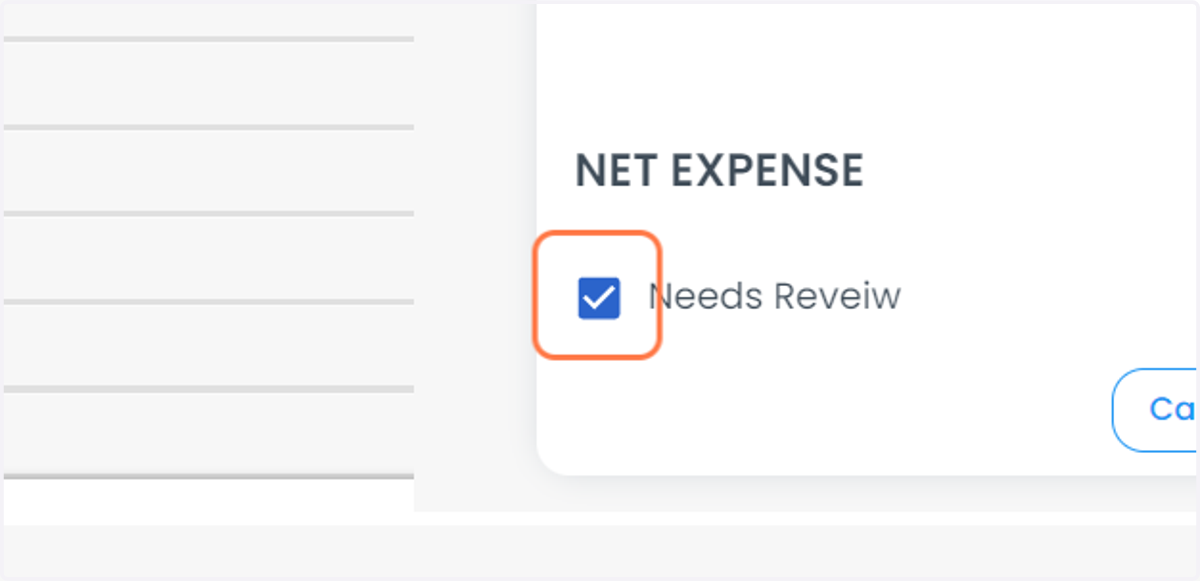
25. Check Needs Review if you want to review the Expense
26. Click on Add Expense