Synchronizing Collection Data | Collectibles.com
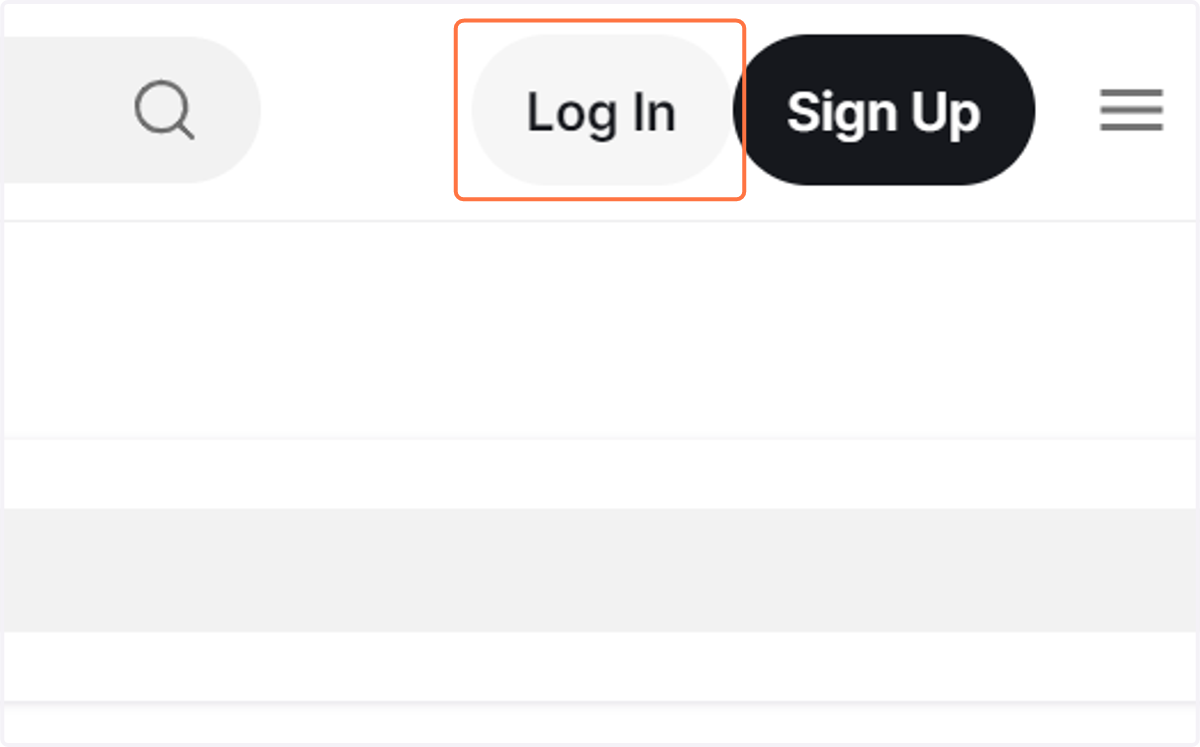
1. Log In to your account
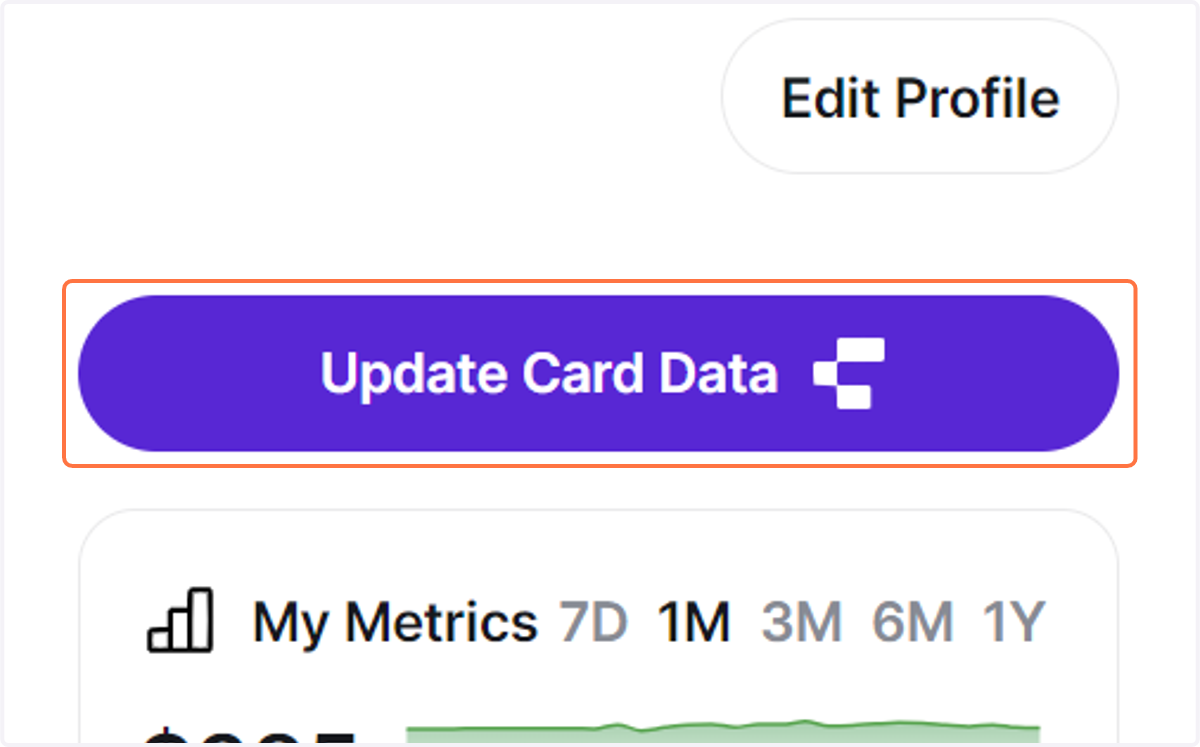
2. Click on Update Card Data
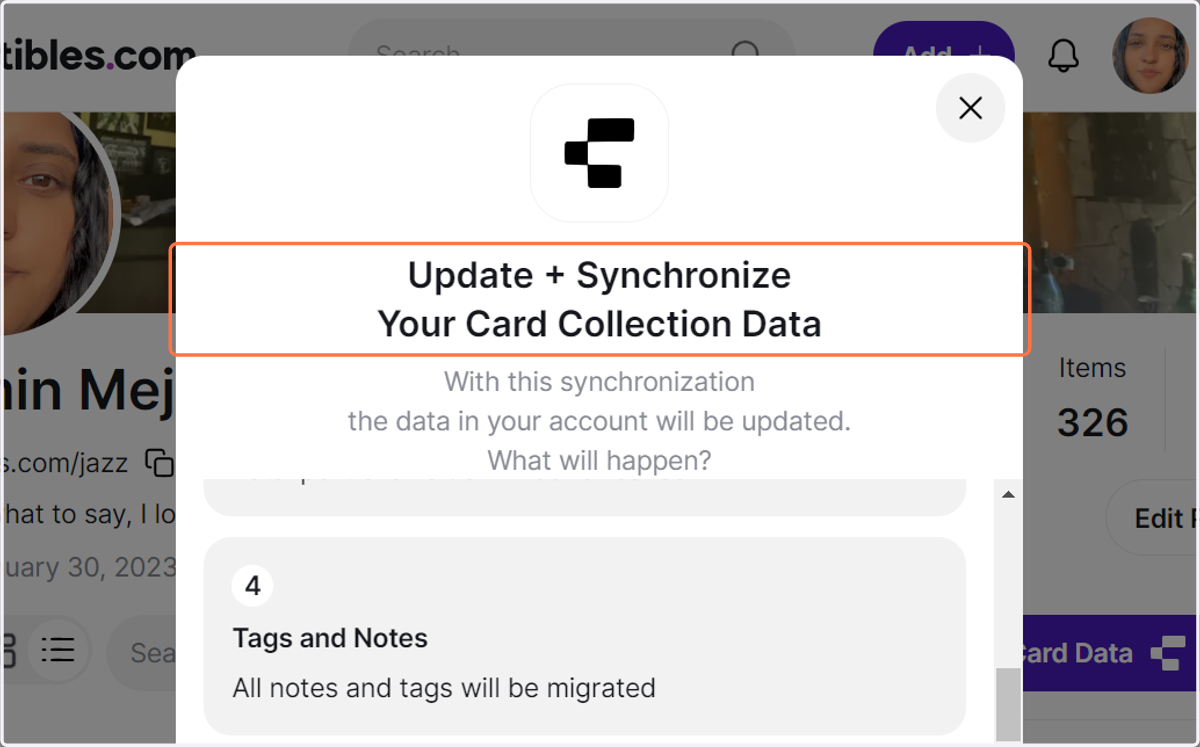
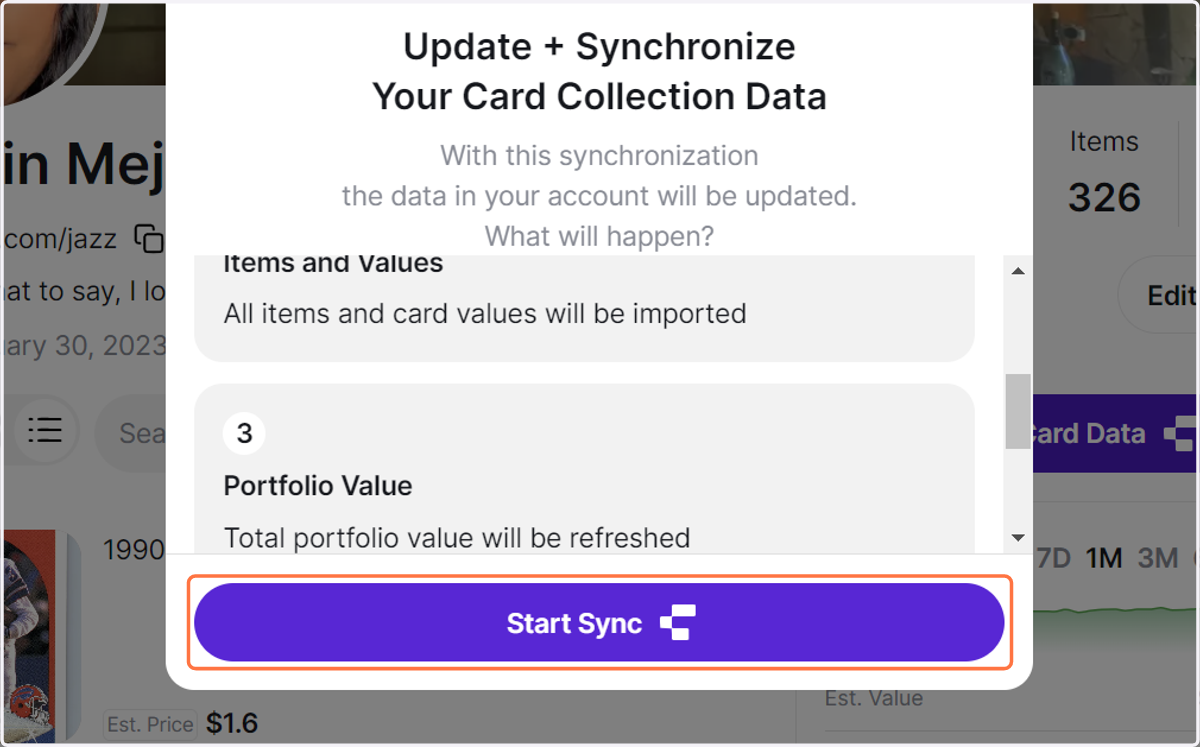
3. You'll get a pop-up explaining what to expect with this Synchronization.
4. Click on Start Sync once you read it.
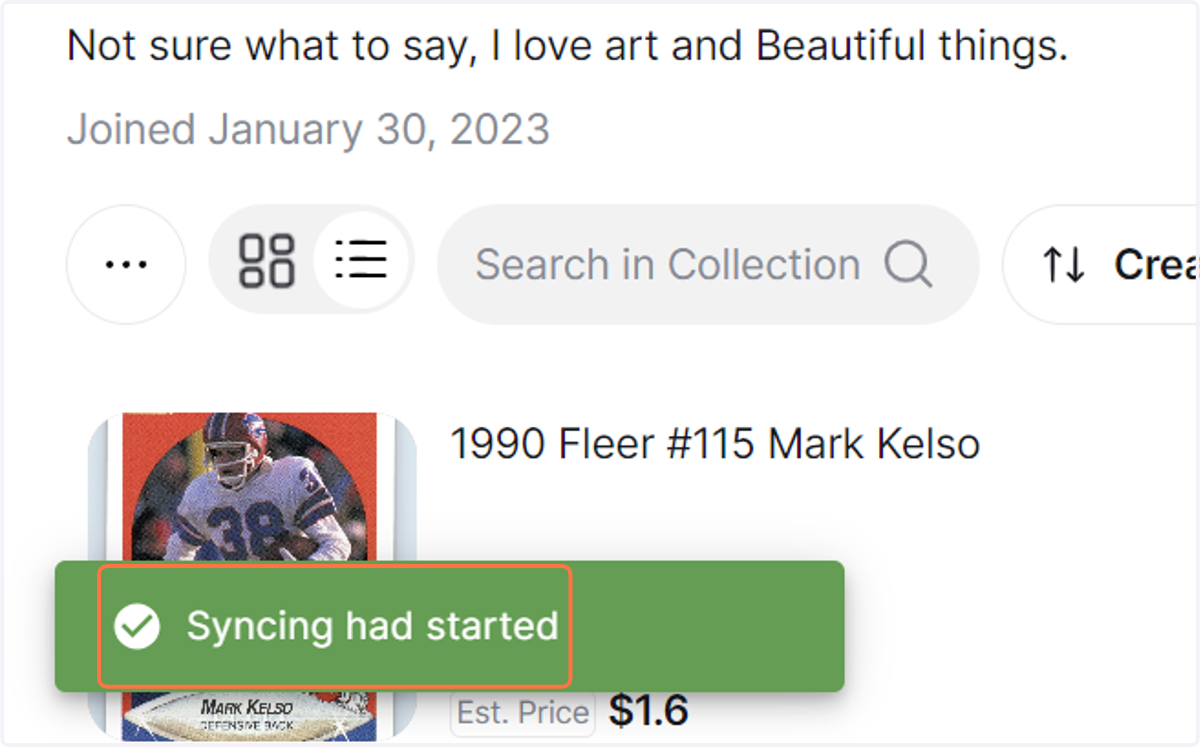
5. Your syncing will start and take a couple of minutes to be done.
You need to refresh the page to see the imported data in your collection.