Music Library
PASS PLUS
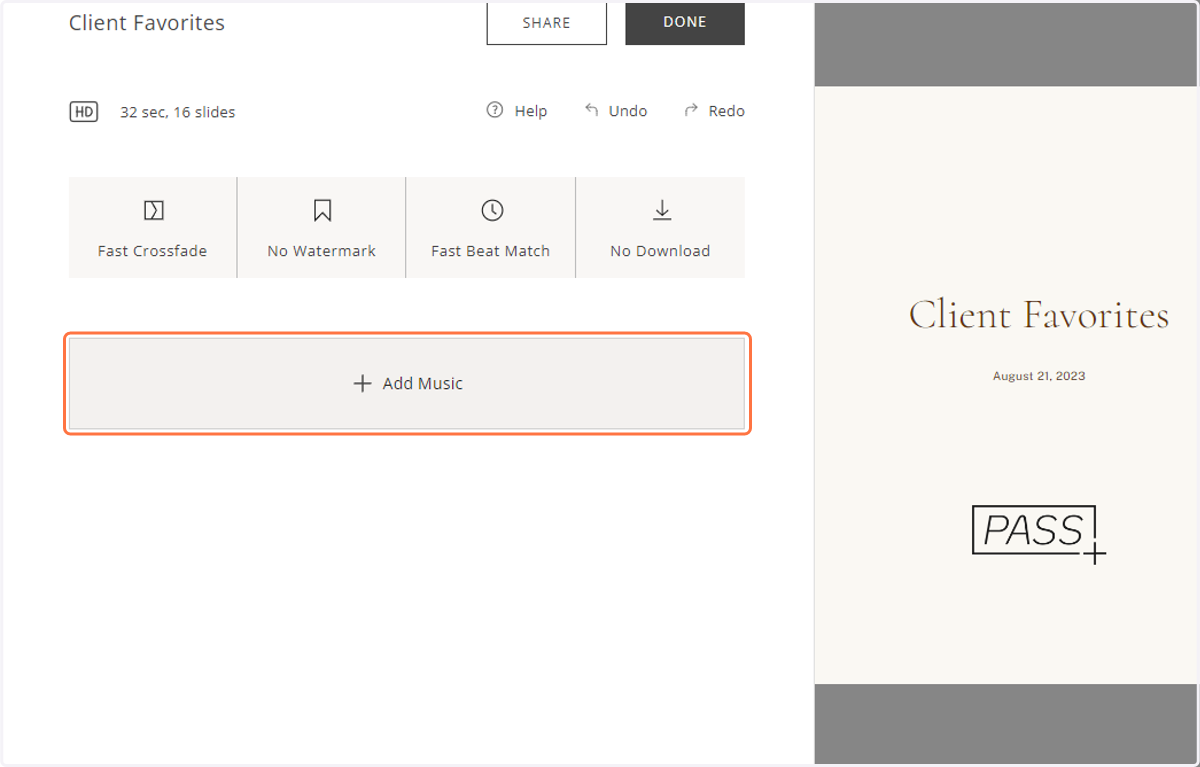
1. From the Slideshow Editor, click "+ Add Music" to browse through Pass Gallery’s music library.
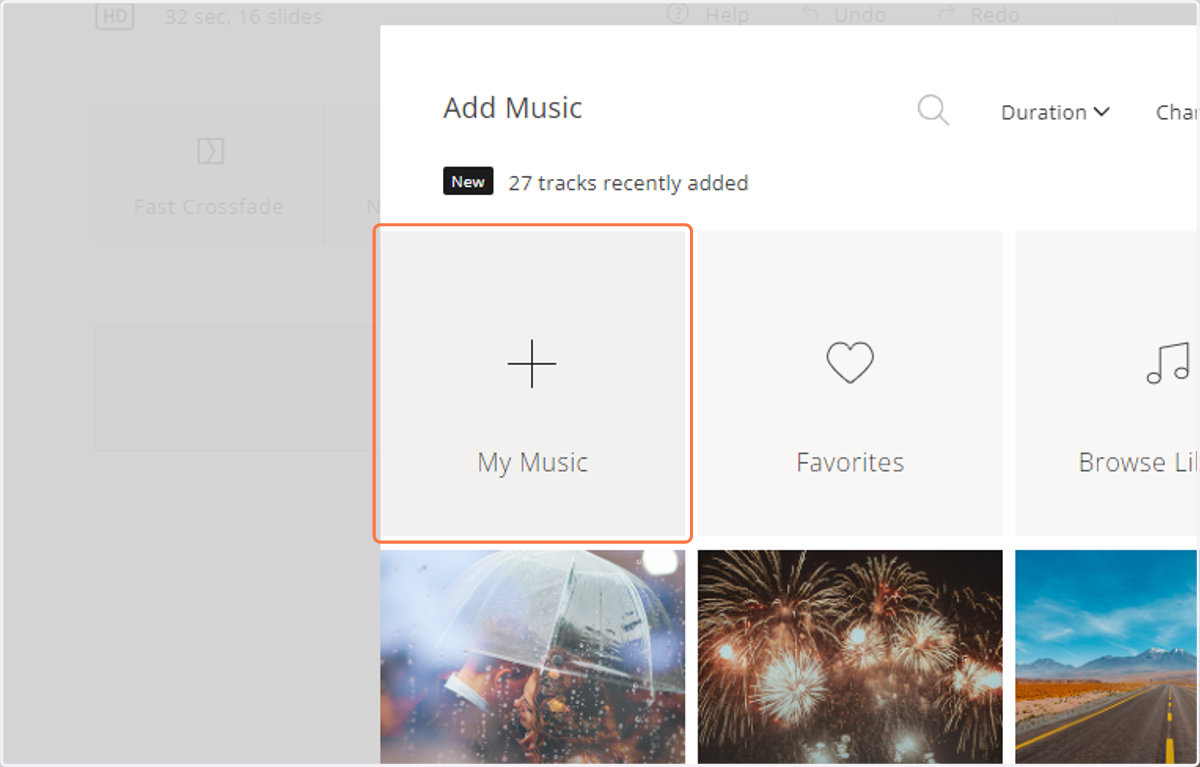
2. In the music library, you can upload your own tracks (.mp3 files only).
3. You can also sort through your favorited tracks.
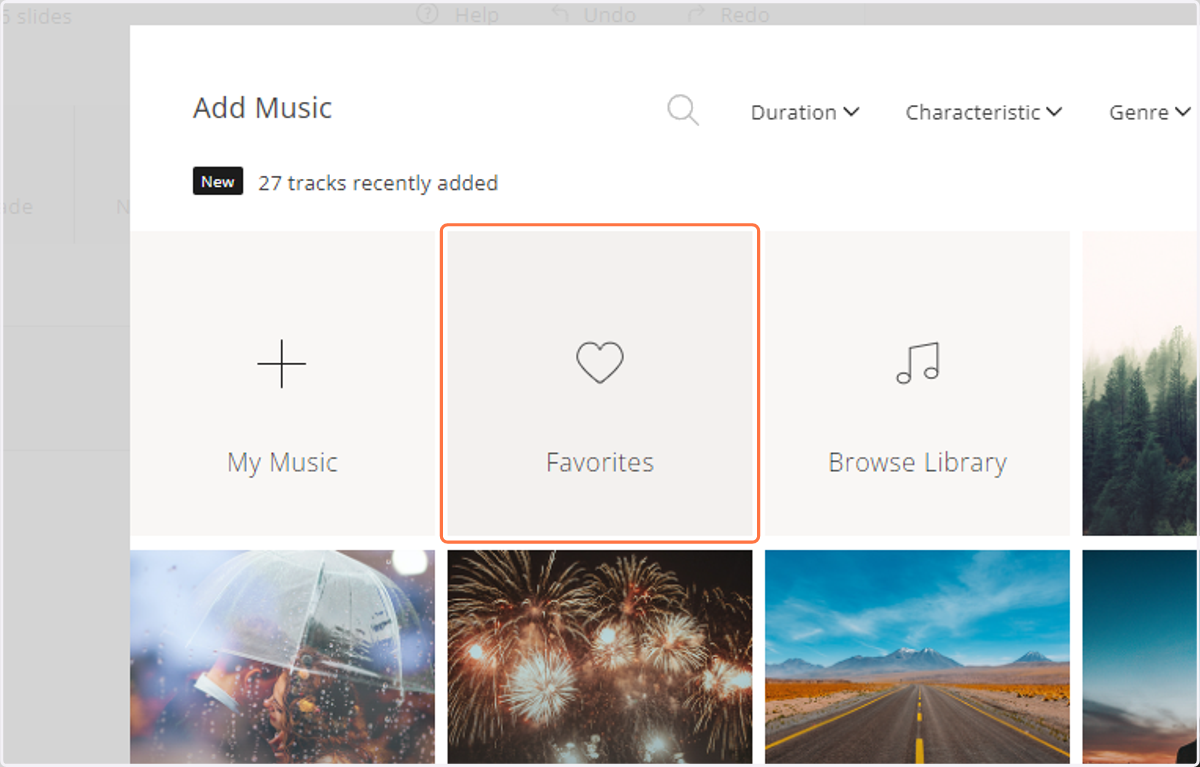
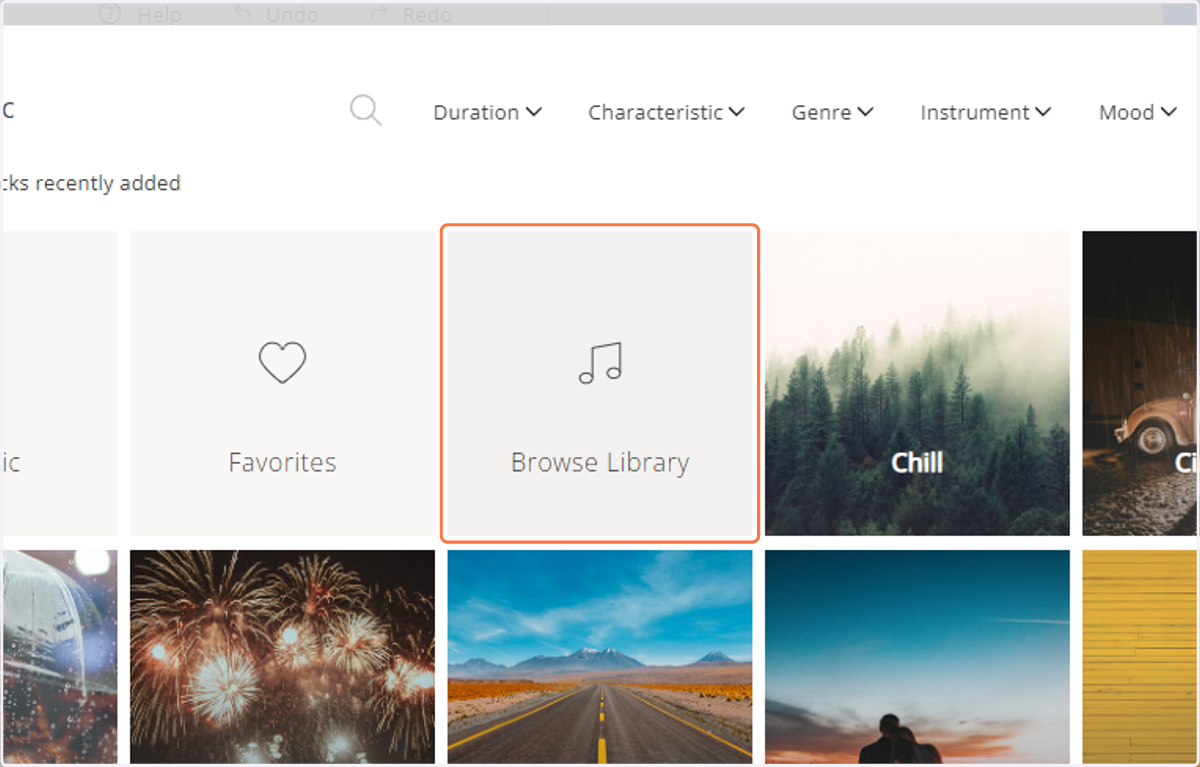
4. And you can browse the whole music library.
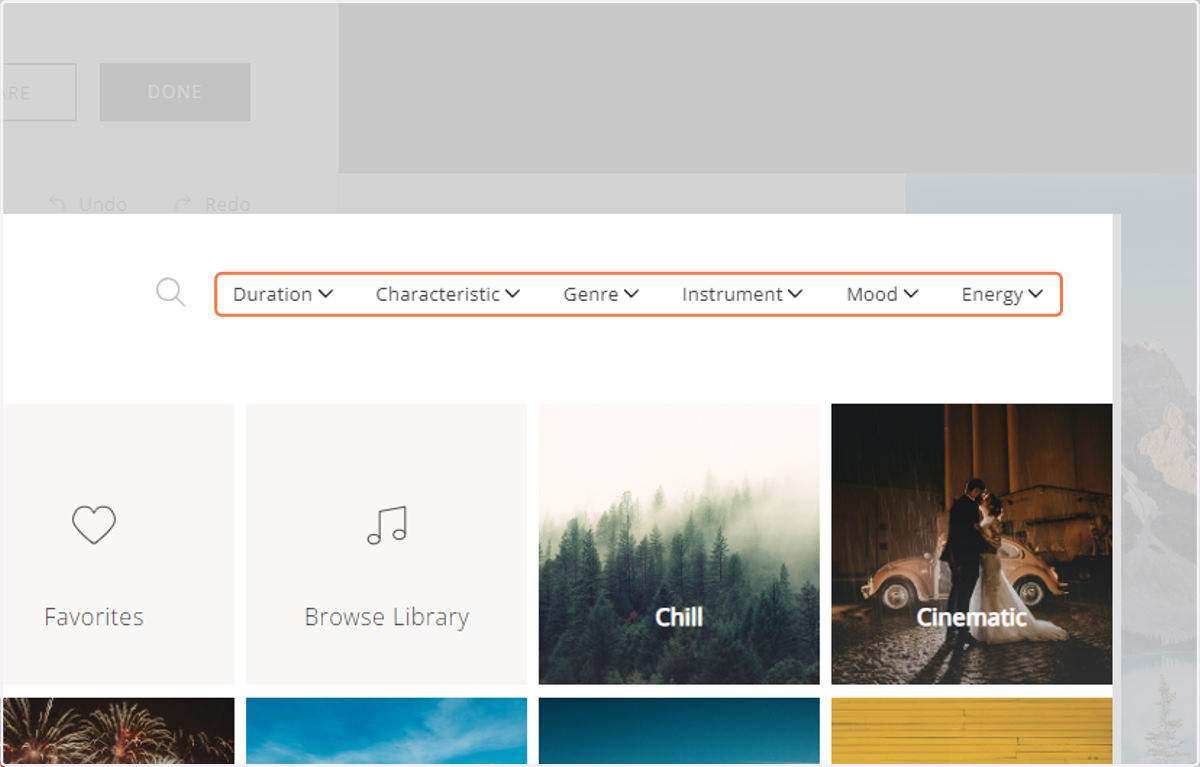
5. You can also filter tracks by duration, characteristic, genre, instrument, mood or energy.
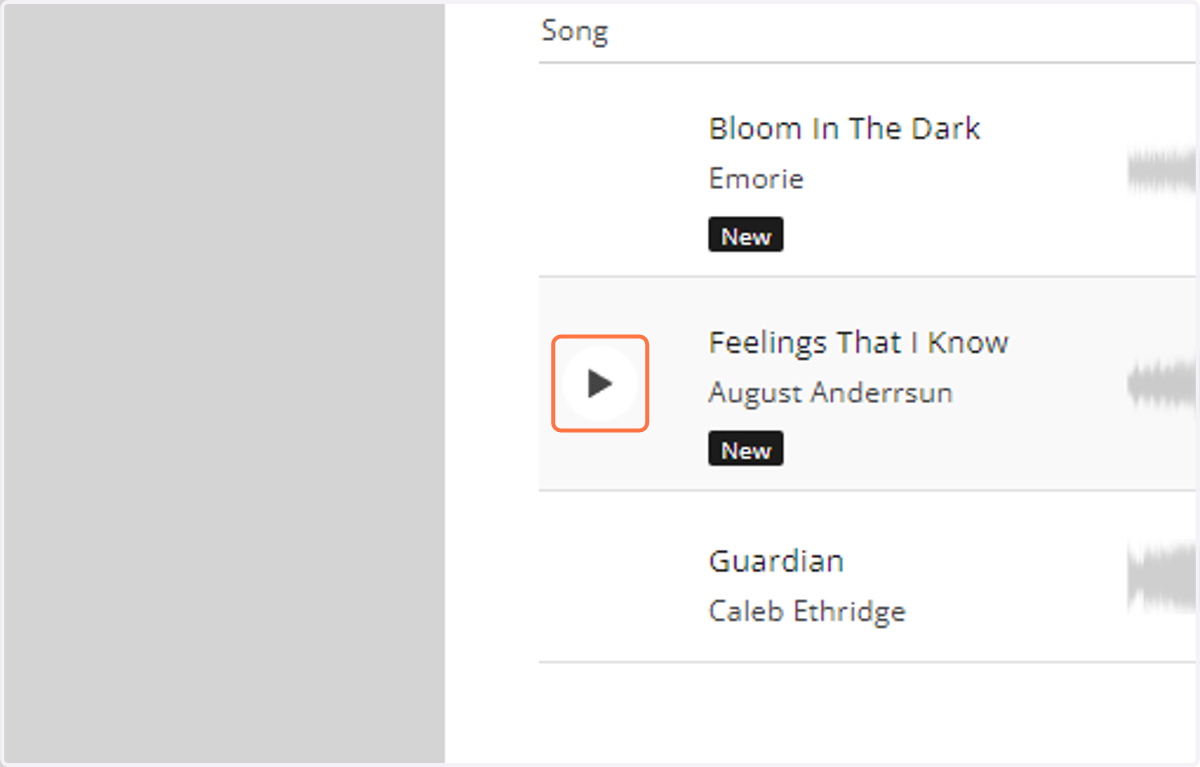
6. Click on the track thumbnail to begin playing.
7. You can see the duration and mood of the track, and how many photos you need to add or remove to match the beat and length of the track at whatever duration speed you set for the slides.
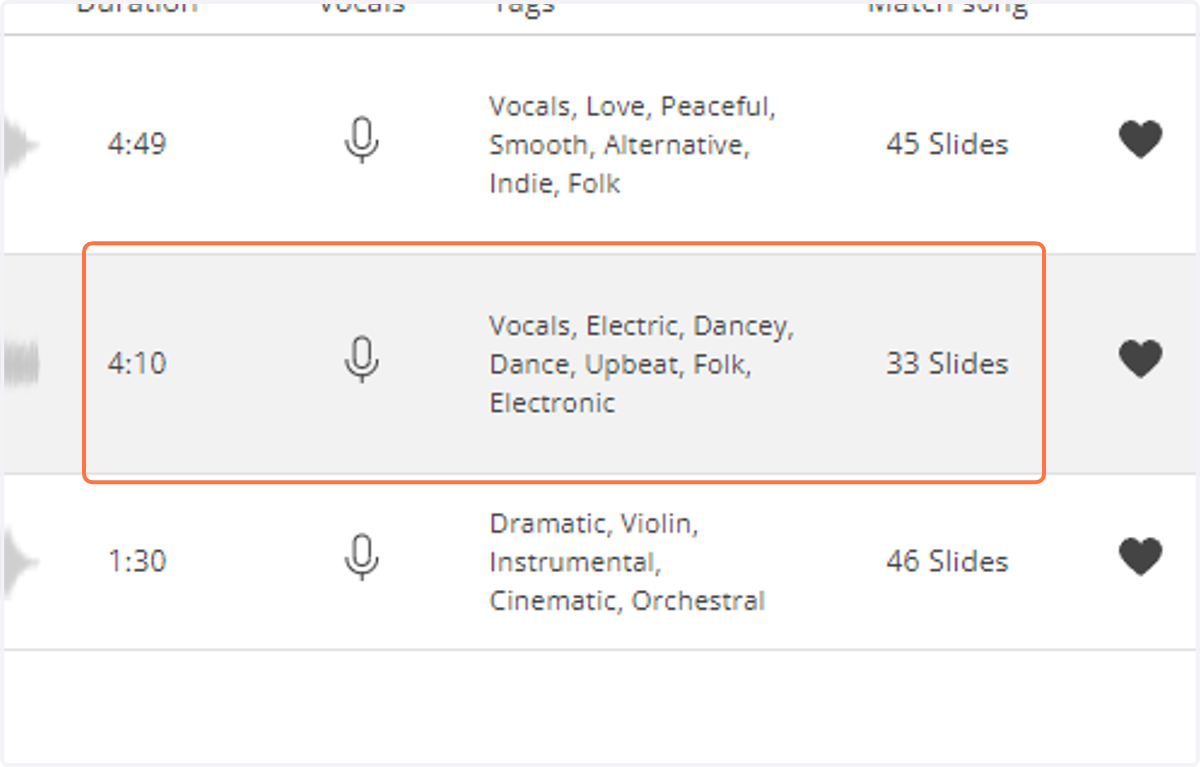
8. You can also click on the heart icon to add the track to your favorites list.
9. There is also a feature where you click the Custom Beat Match (the audio wave icon) to edit the beat matching in the track.
10. To add the track to your slideshow, click on the track to select it, and press "Continue".