Navigating AskMyAdvisor®

A Step-by-Step Guide

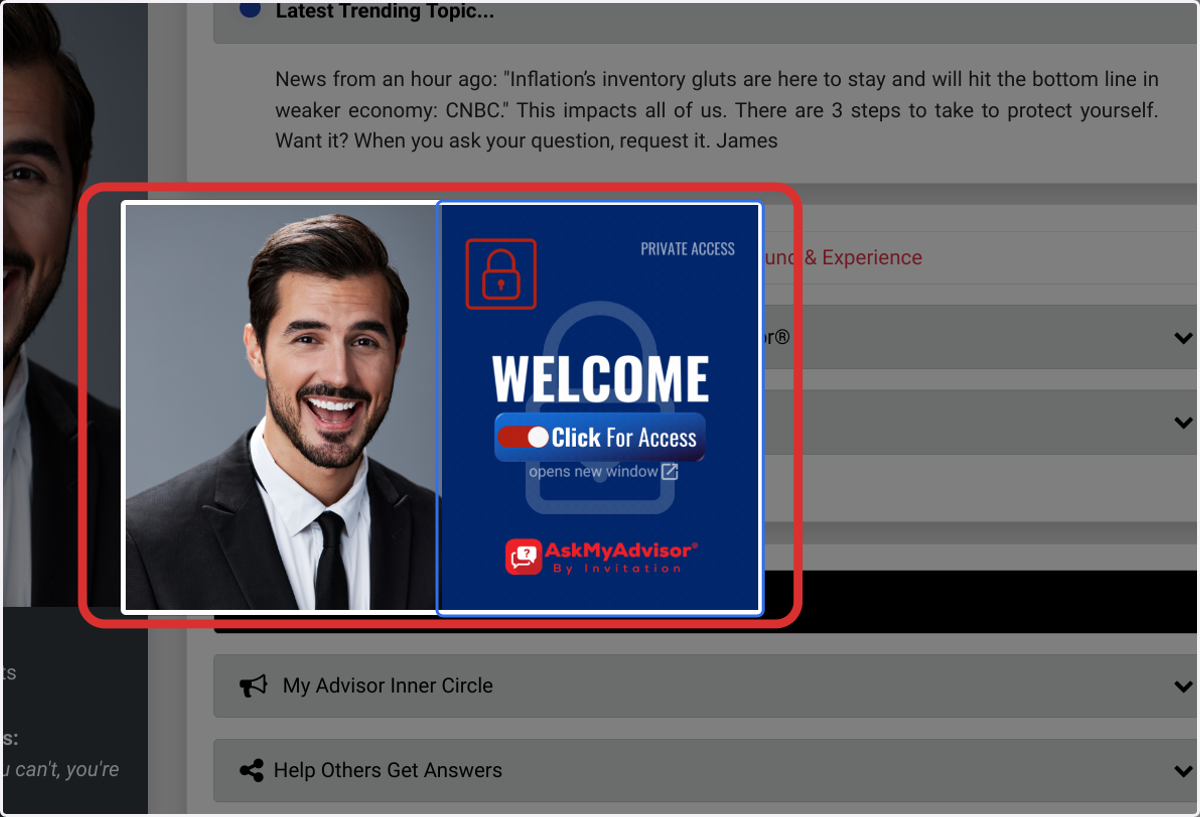
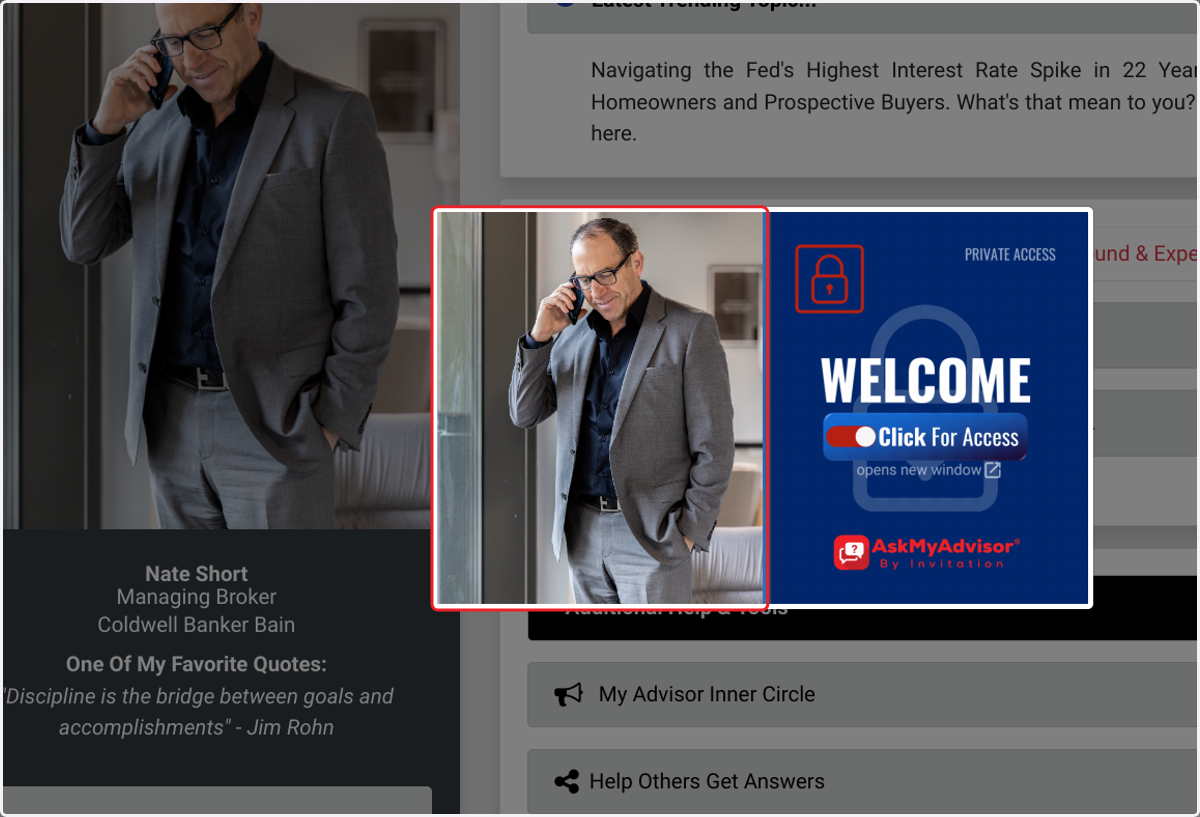
The gateway window

  1. 1. Click on image

    Click on image
  2. 2. Click on Read below then confirm.…
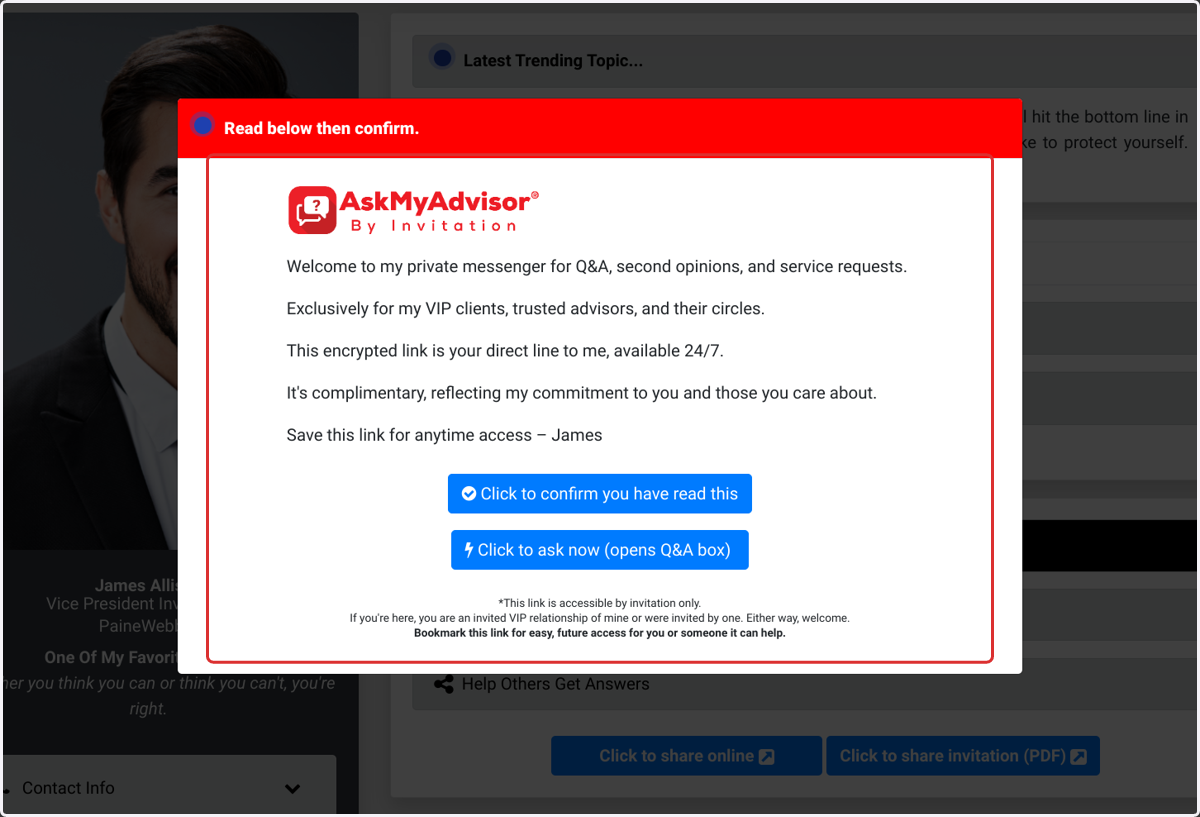
    Click on Read below then confirm.…
  3. 3. Click on Click to confirm you have read this
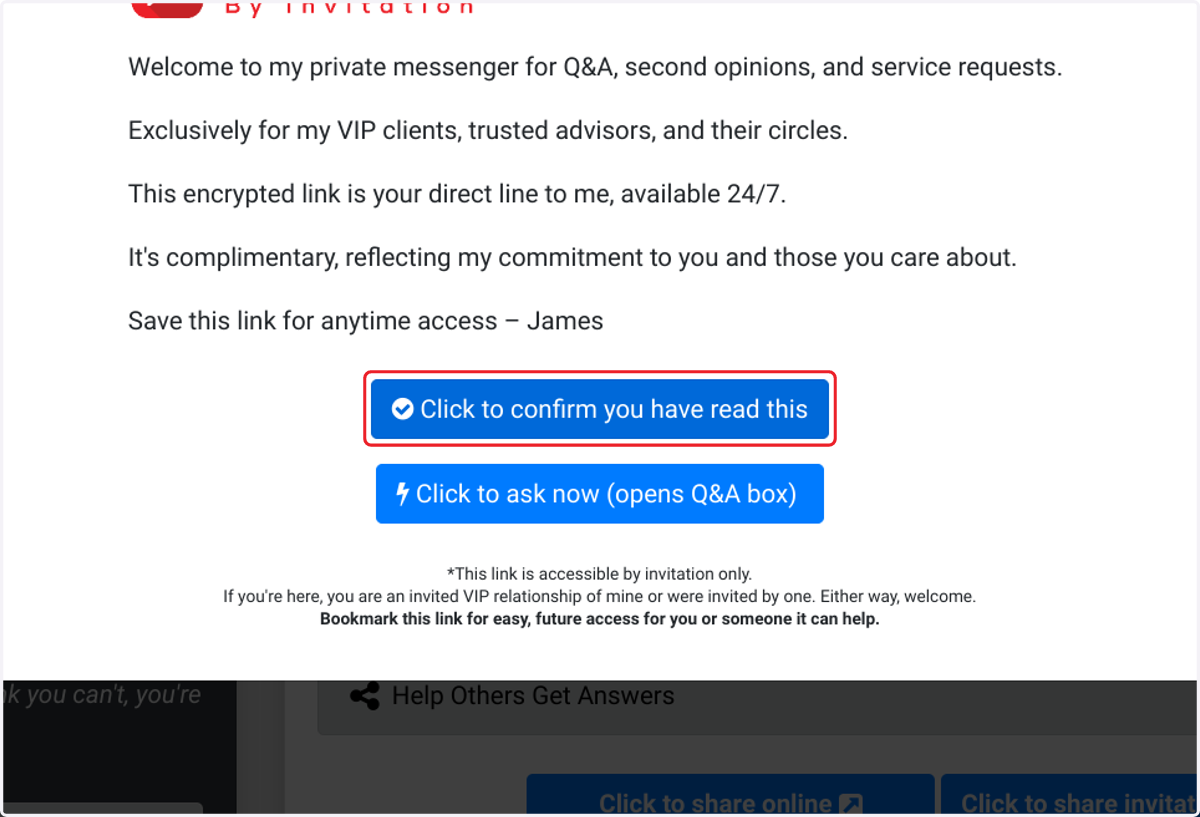
    Click on Click to confirm you have read this
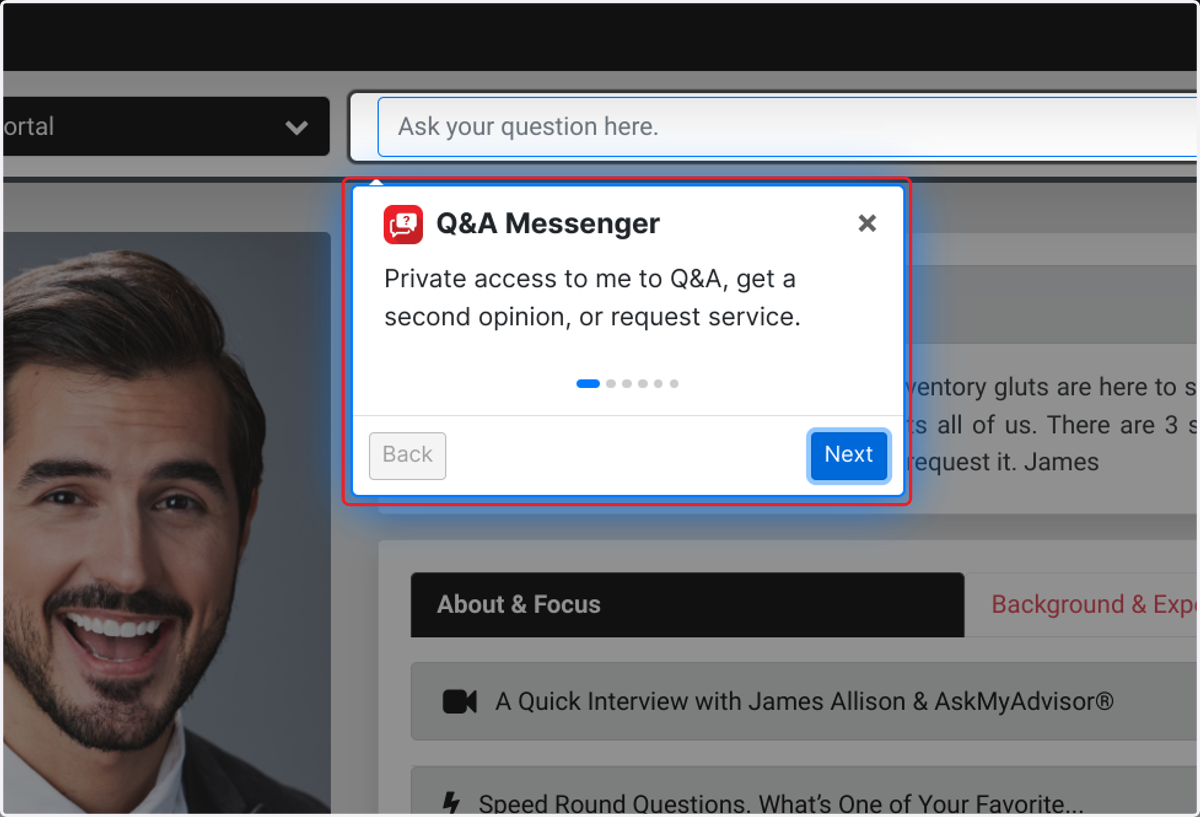
  4. 4. Q&A Portal

    Q&A Portal
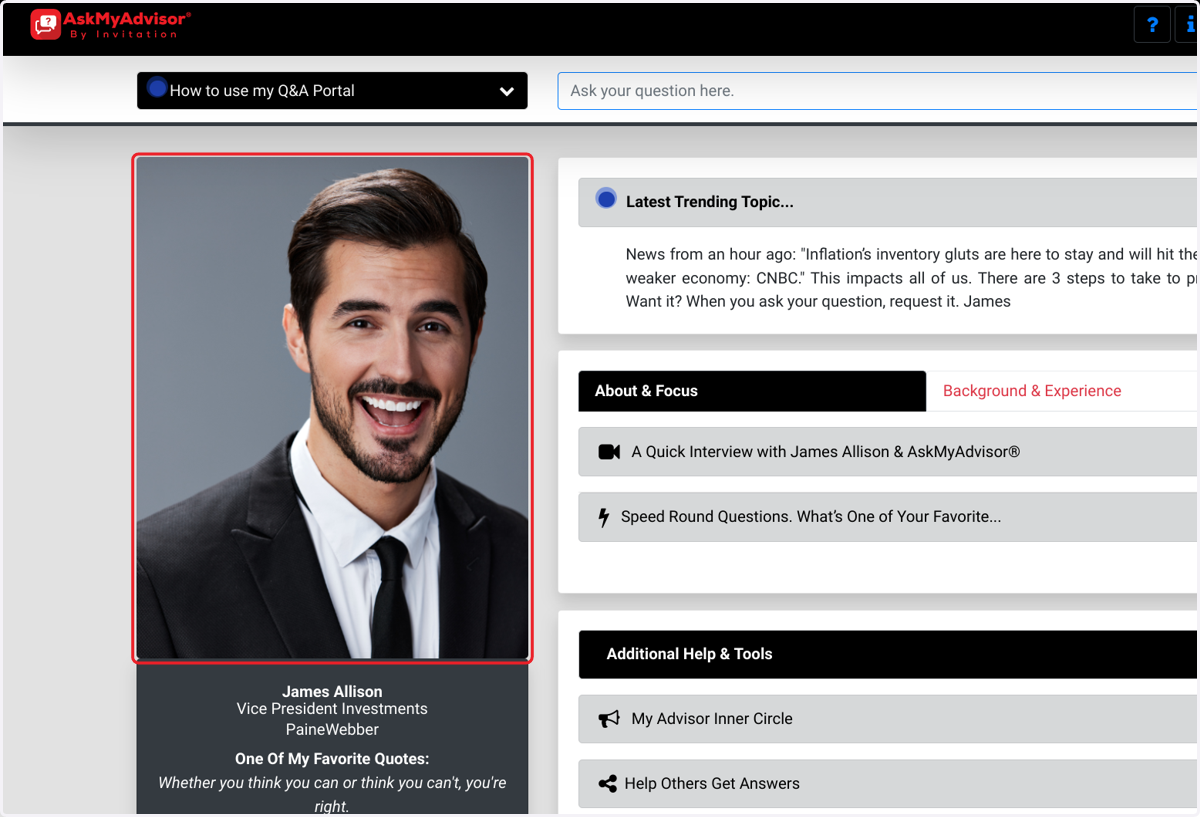
  5. 5. Click on James Allison

    Click on James Allison
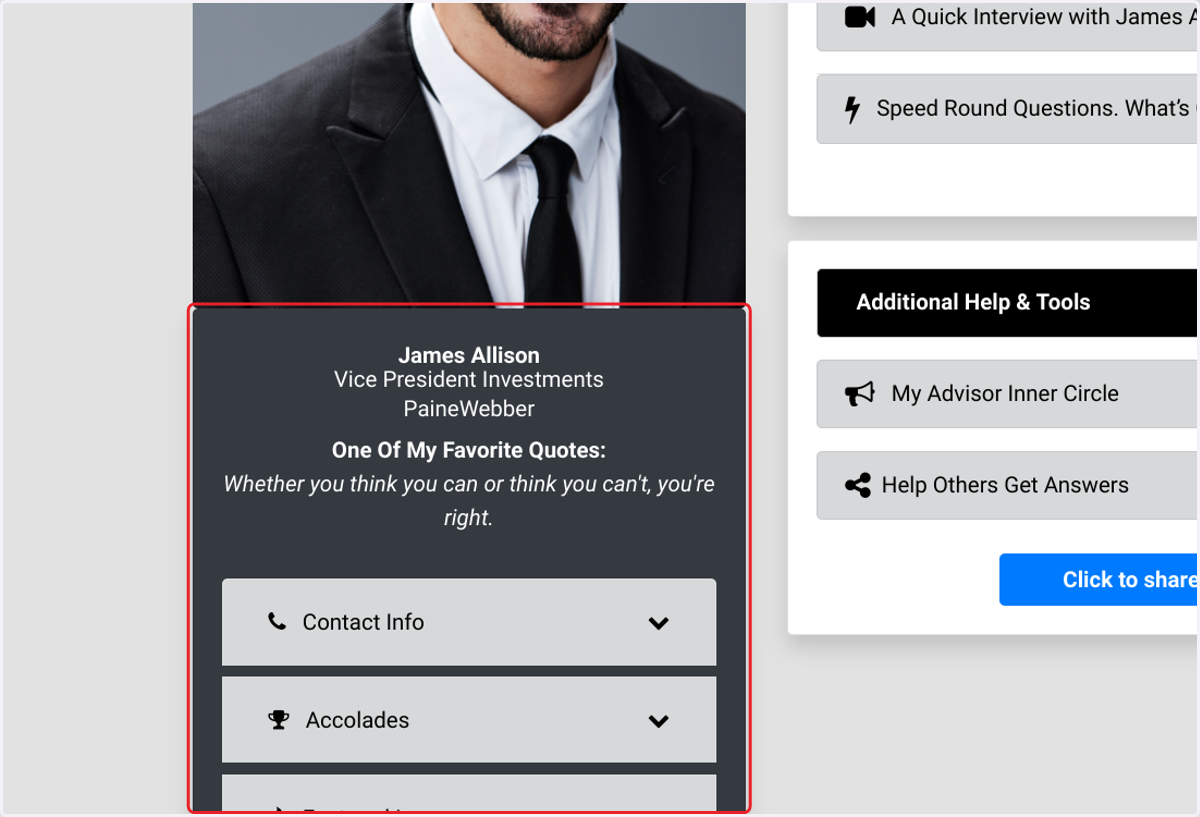
  6. 6. Click on James Allison…

    Click on James Allison…
  7. 7. Click on Latest Trending Topic...…
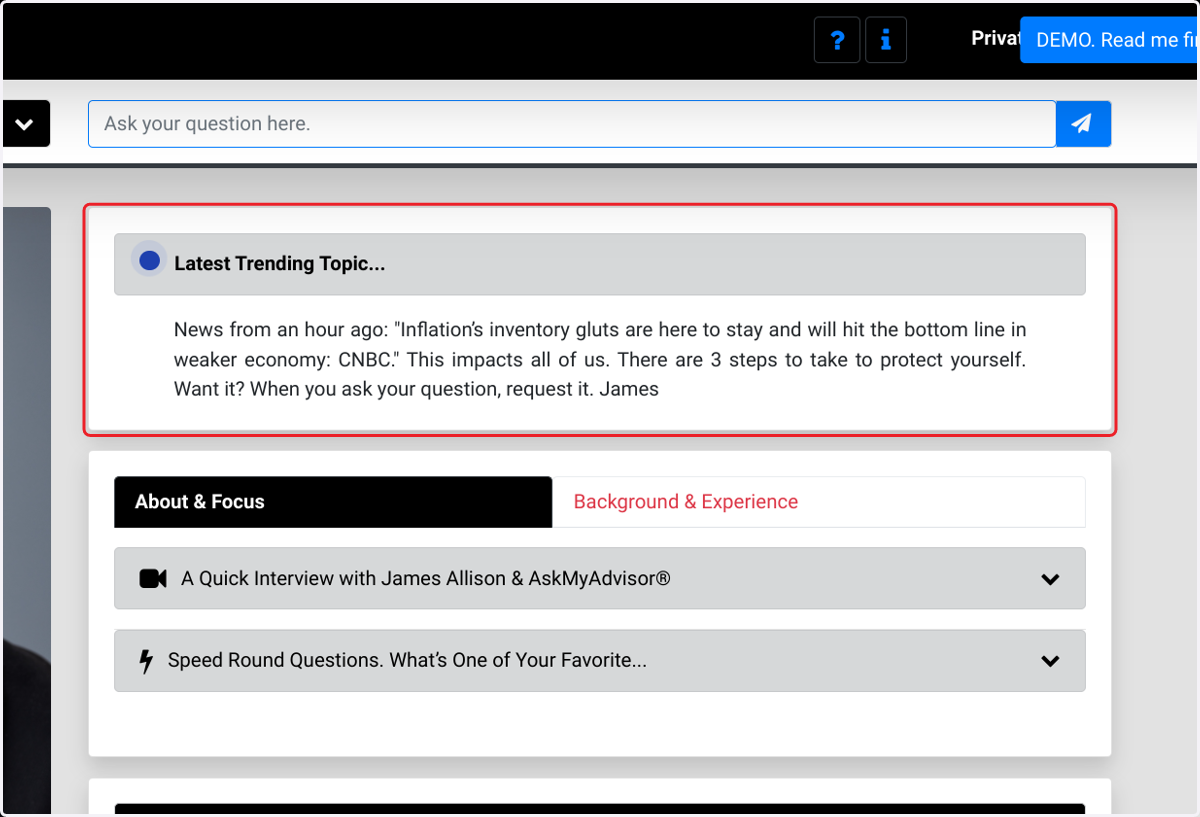
    Click on Latest Trending Topic...…
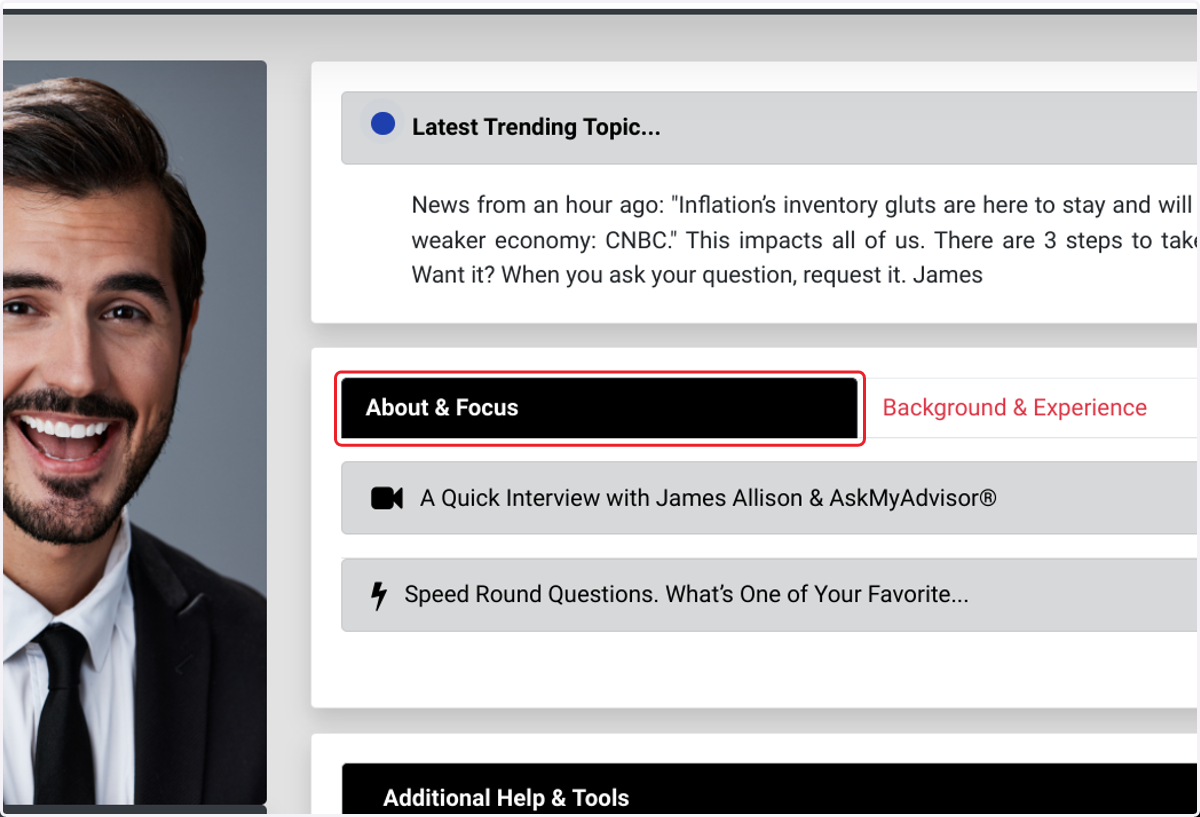
  8. 8. Click on About & Focus

    Click on About & Focus
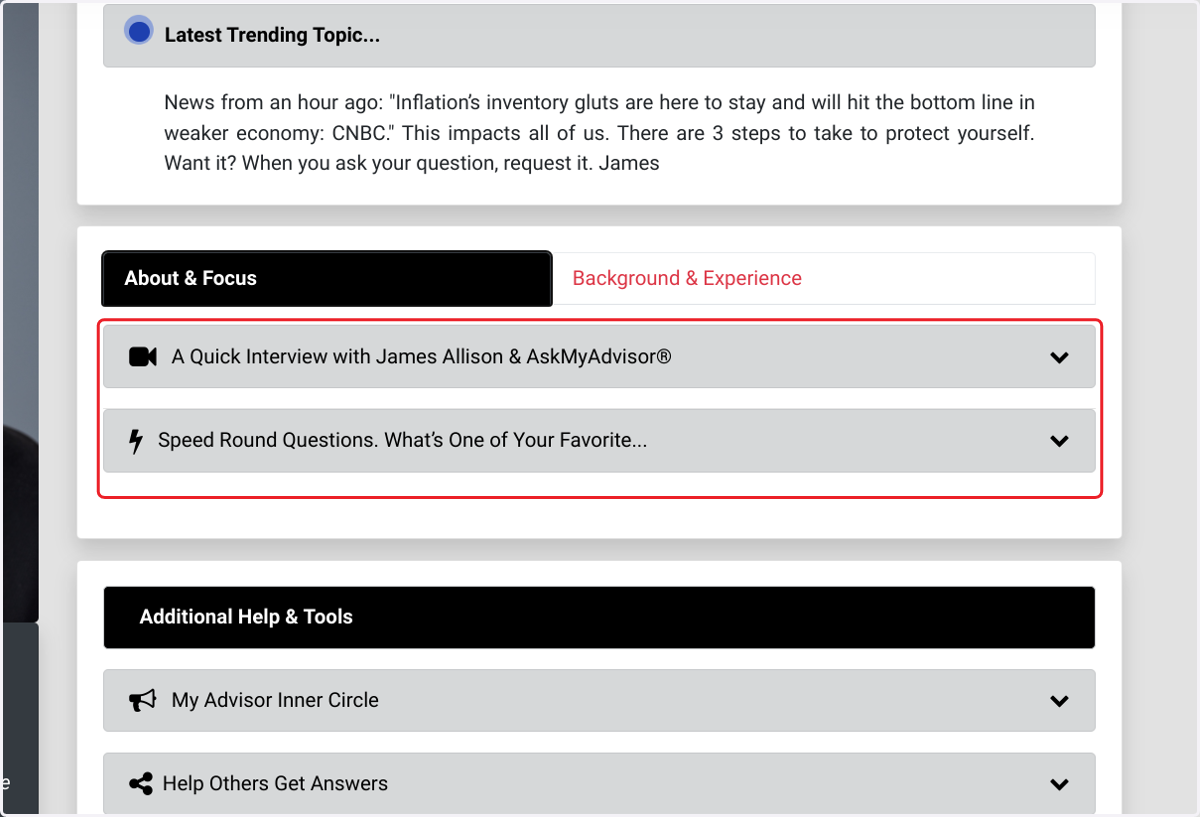
  9. 9. Click on About & Focus

    Click on About & Focus
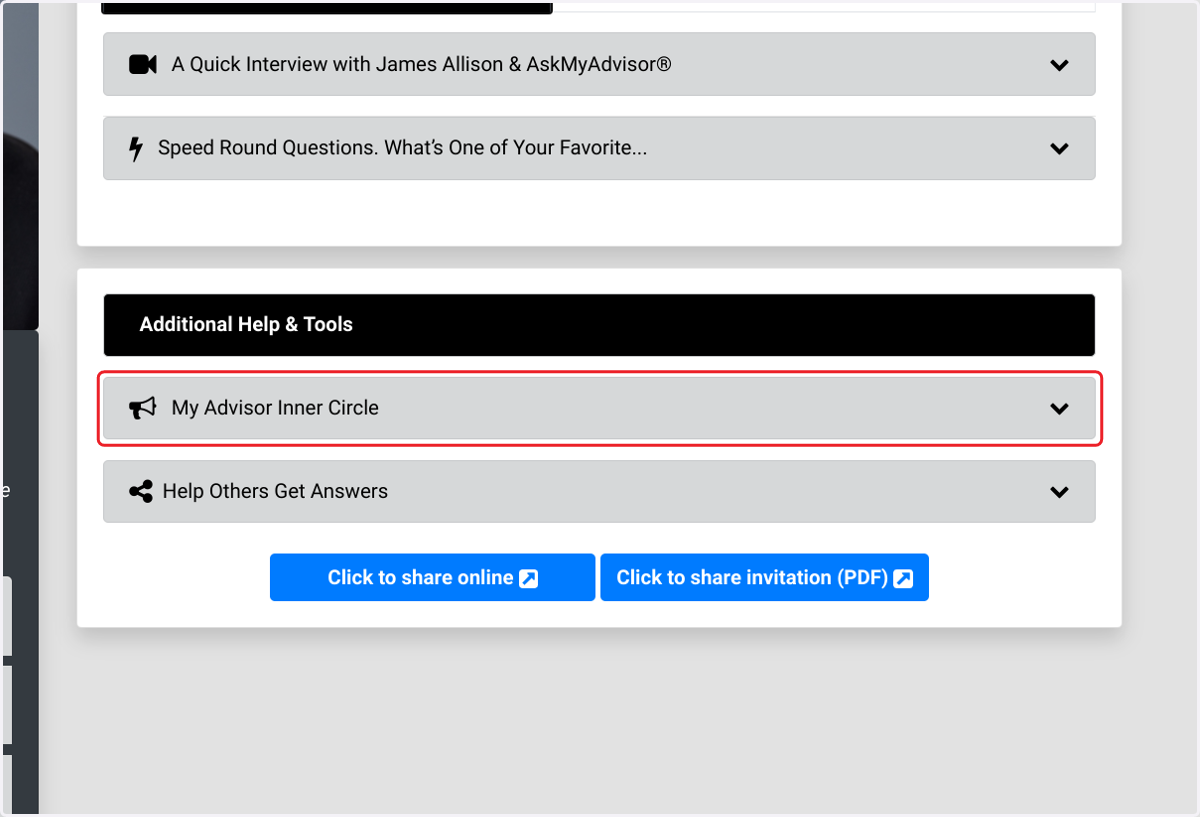
  10. 10. Click on My Advisor Inner Circle

    Click on My Advisor Inner Circle
  11. 11. Click on What is this? Direct access to my handpicked trusted advisor friends—experts in their fields—easily accessible for you or anyone you know who needs help. When you need them, click the blue button to connect.…
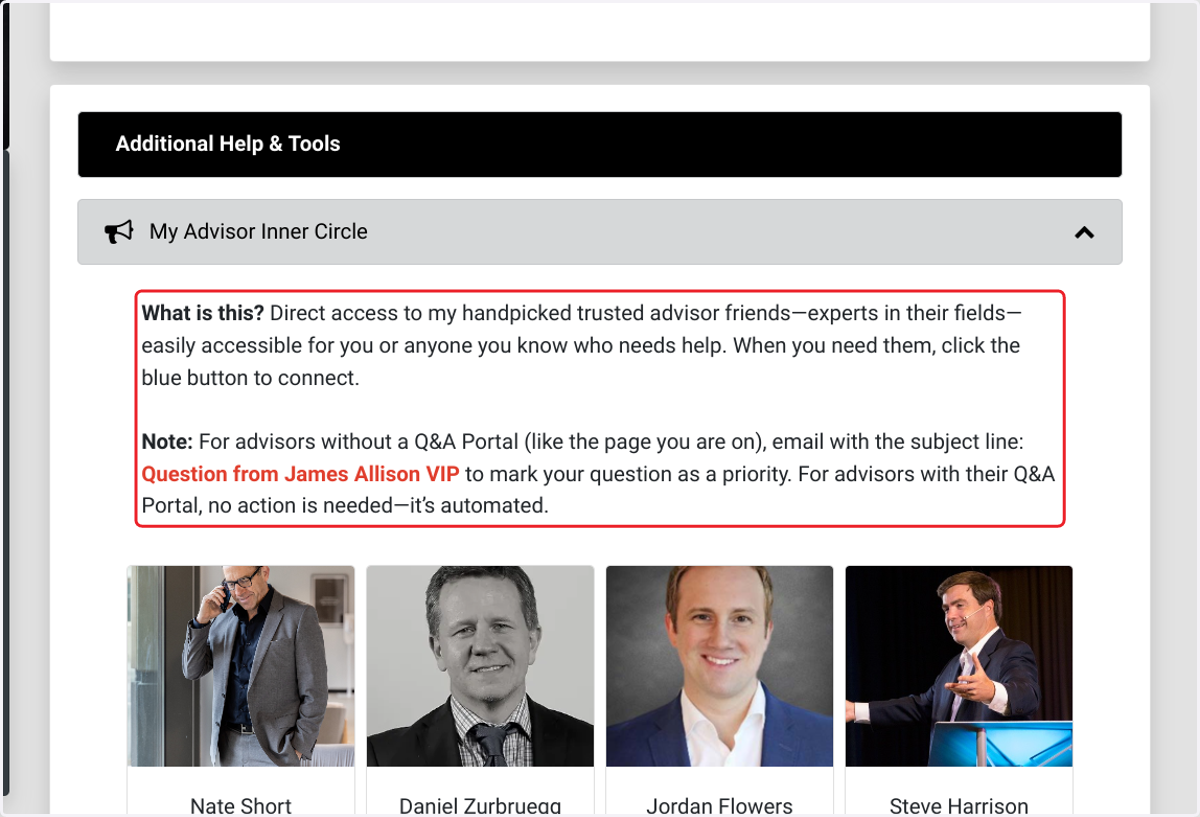
    Click on What is this? Direct access to my handpicked trusted advisor friends—experts in their fields—easily accessible for you or anyone you know who needs help. When you need them, click the blue button to connect.…
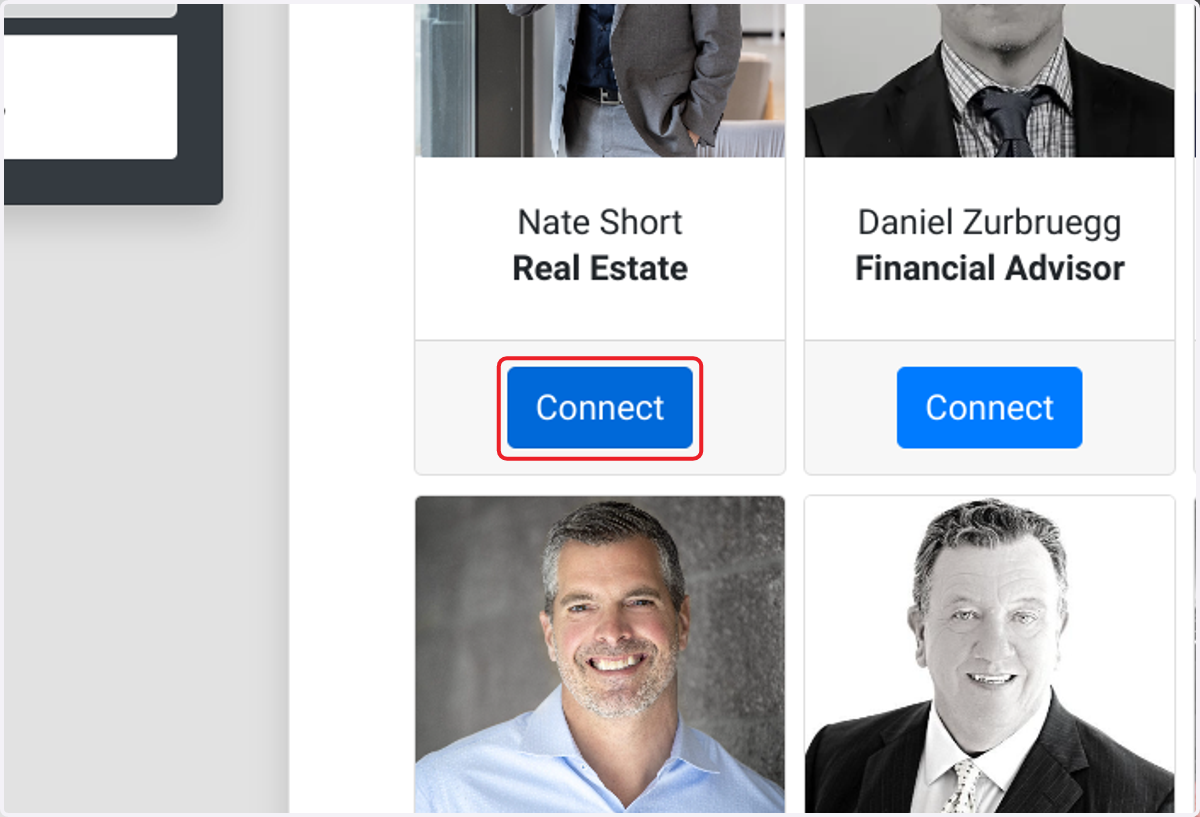
  12. 12. Click on Connect

    Click on Connect
  13. 13. Click on Nate Short

    Click on Nate Short
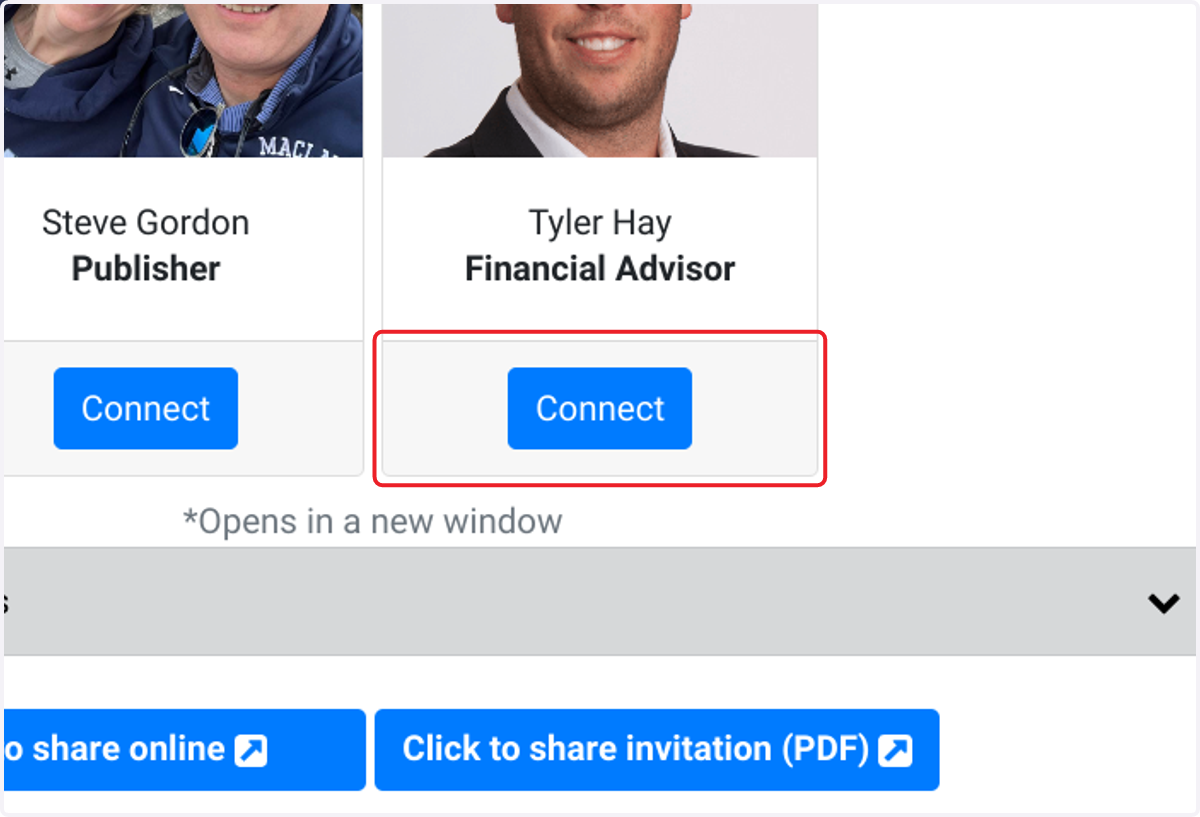
  14. 14. Click on Connect

    Click on Connect
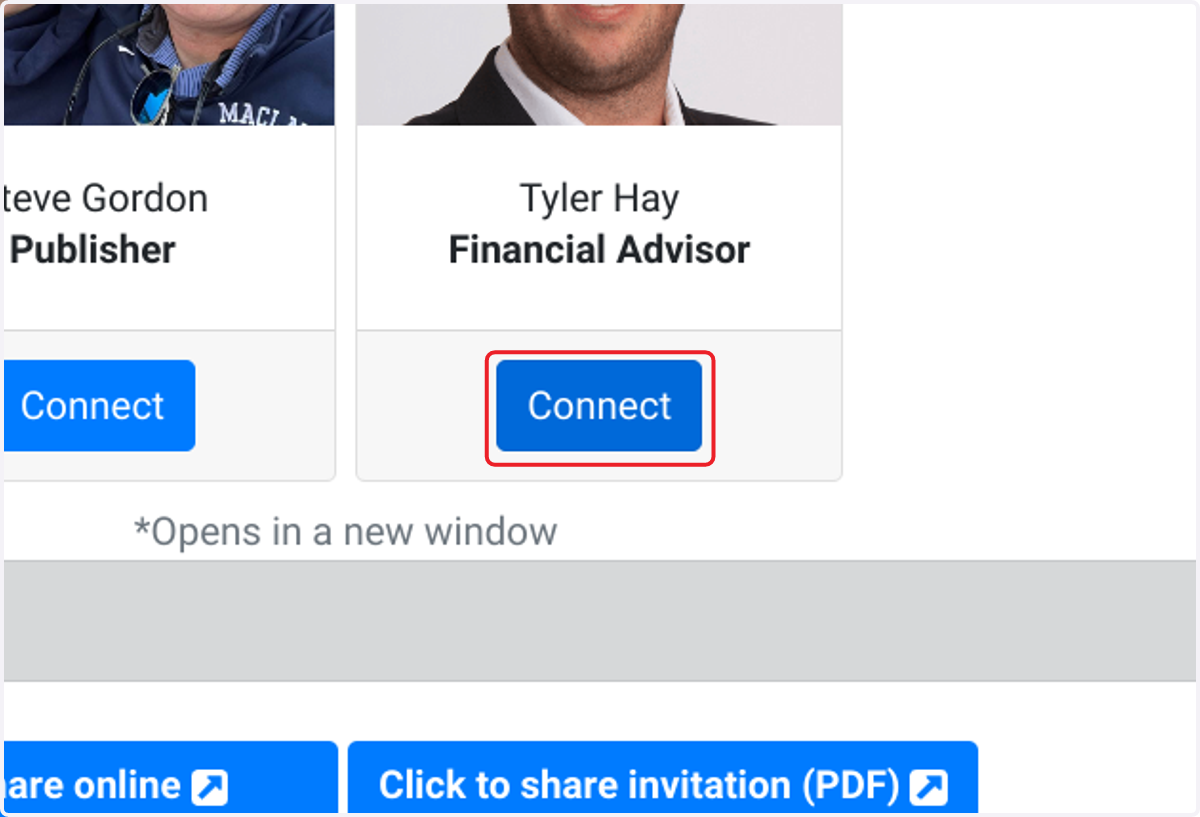
  15. 15. Click on Connect

    Click on Connect
  16. 16. Click on My Advisor Inner Circle…
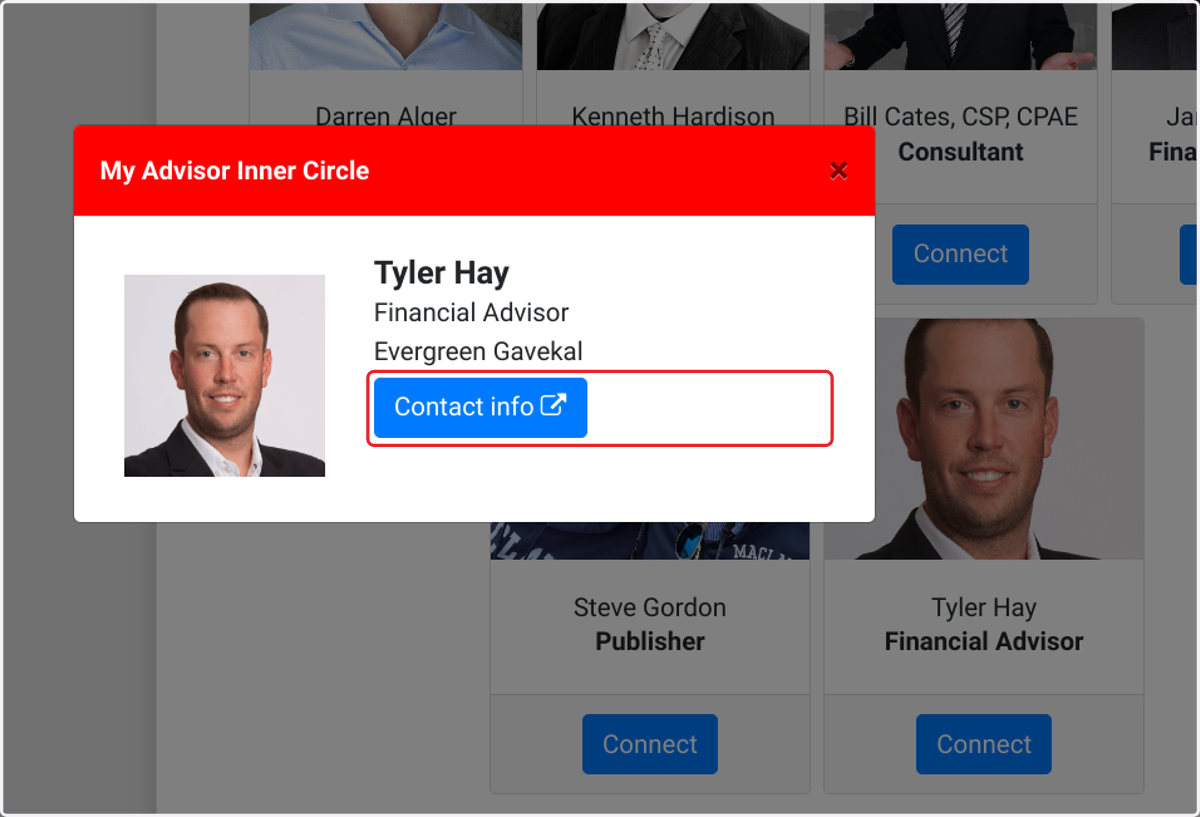
    Click on My Advisor Inner Circle…
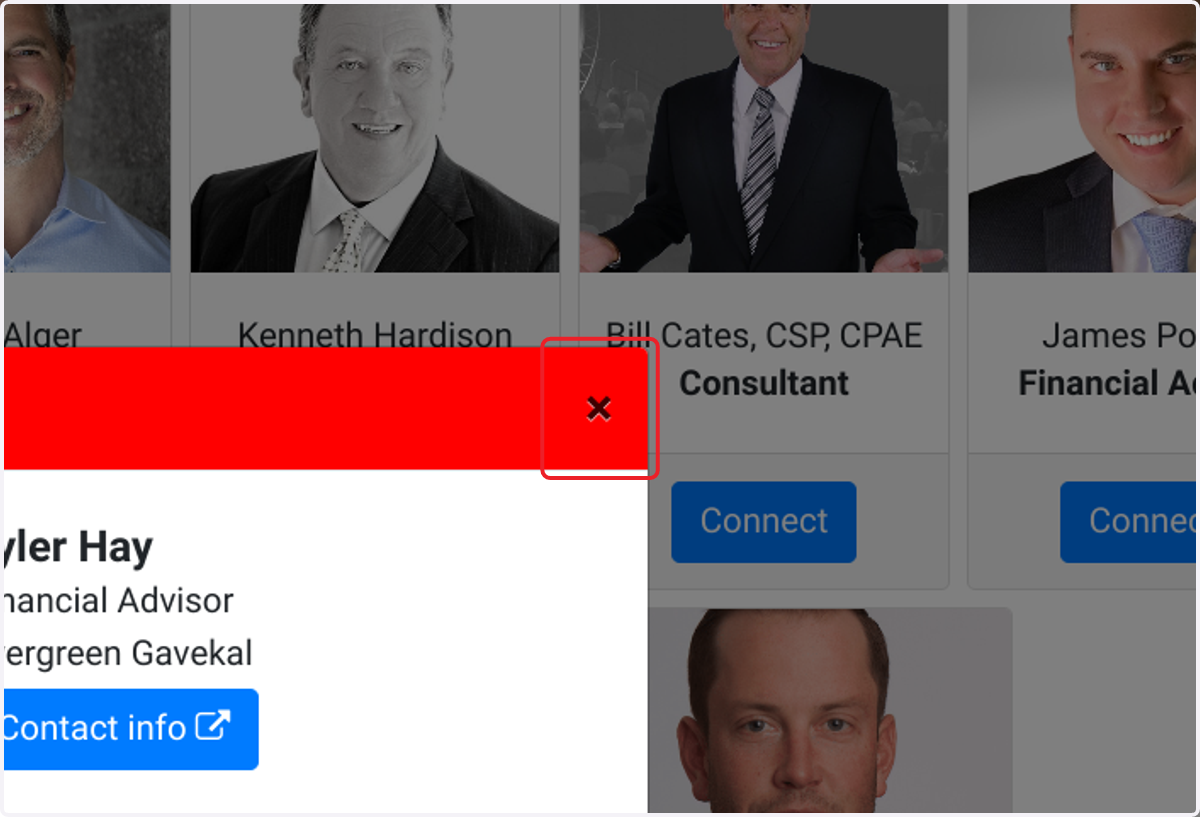
  17. 17. Click on ×

    Click on ×
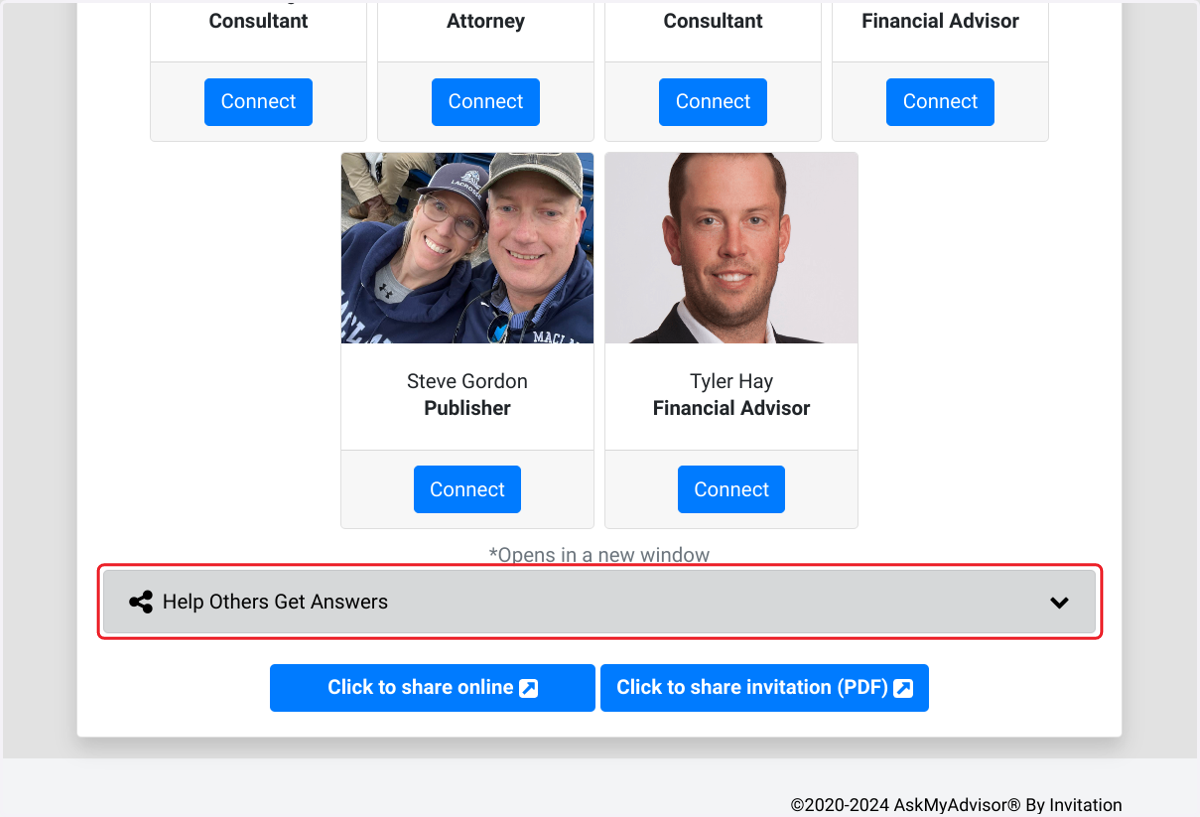
  18. 18. Click on Help Others Get Answers

    Click on Help Others Get Answers
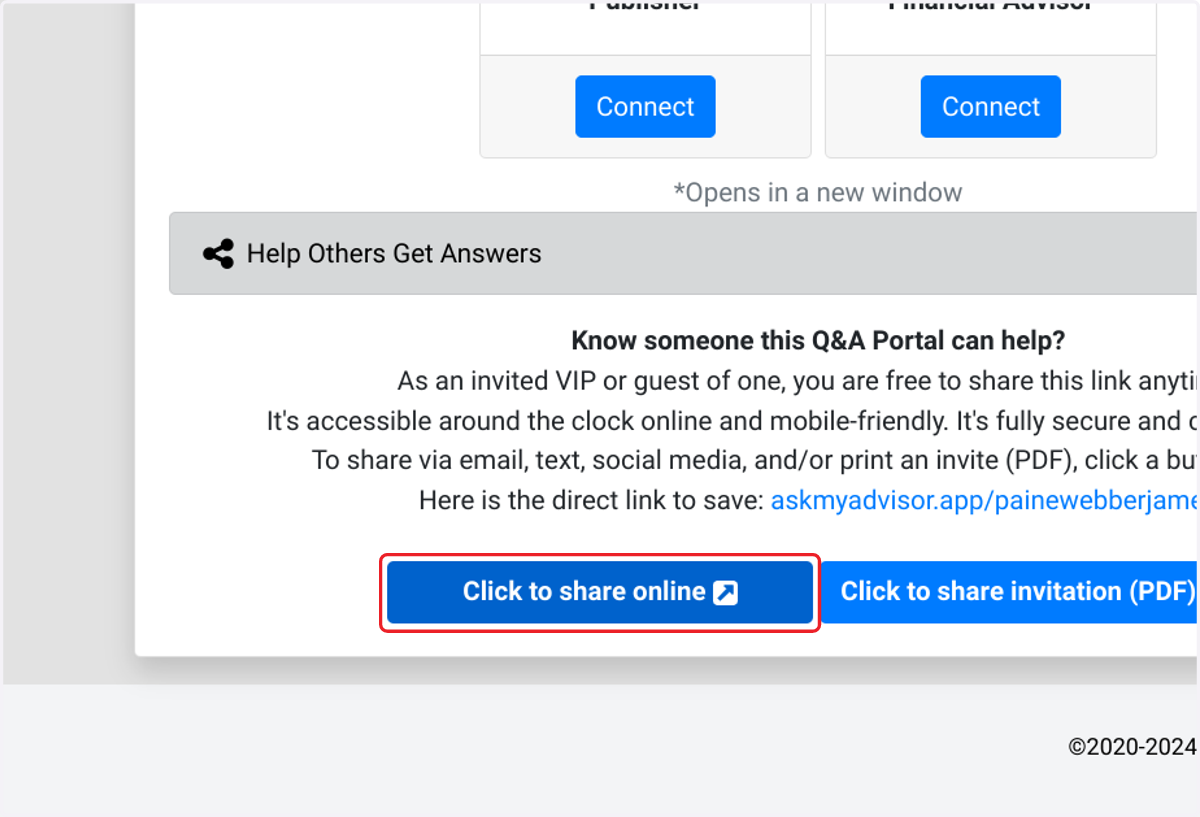
  19. 19. Click on Know someone this Q&A Portal can help?…
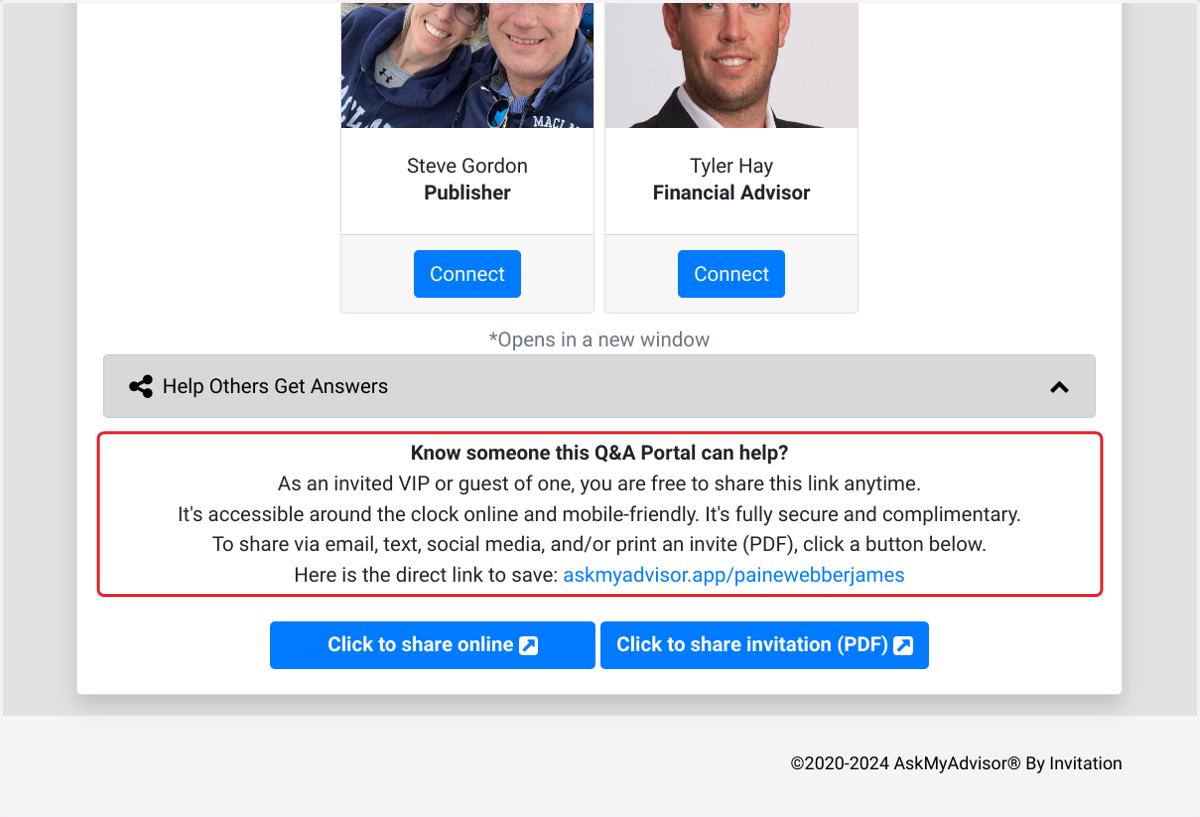
    Click on Know someone this Q&A Portal can help?…
  20. 20. Click on Click to share online

    Click on Click to share online
  21. 21. Click on Click to share invitation (PDF)
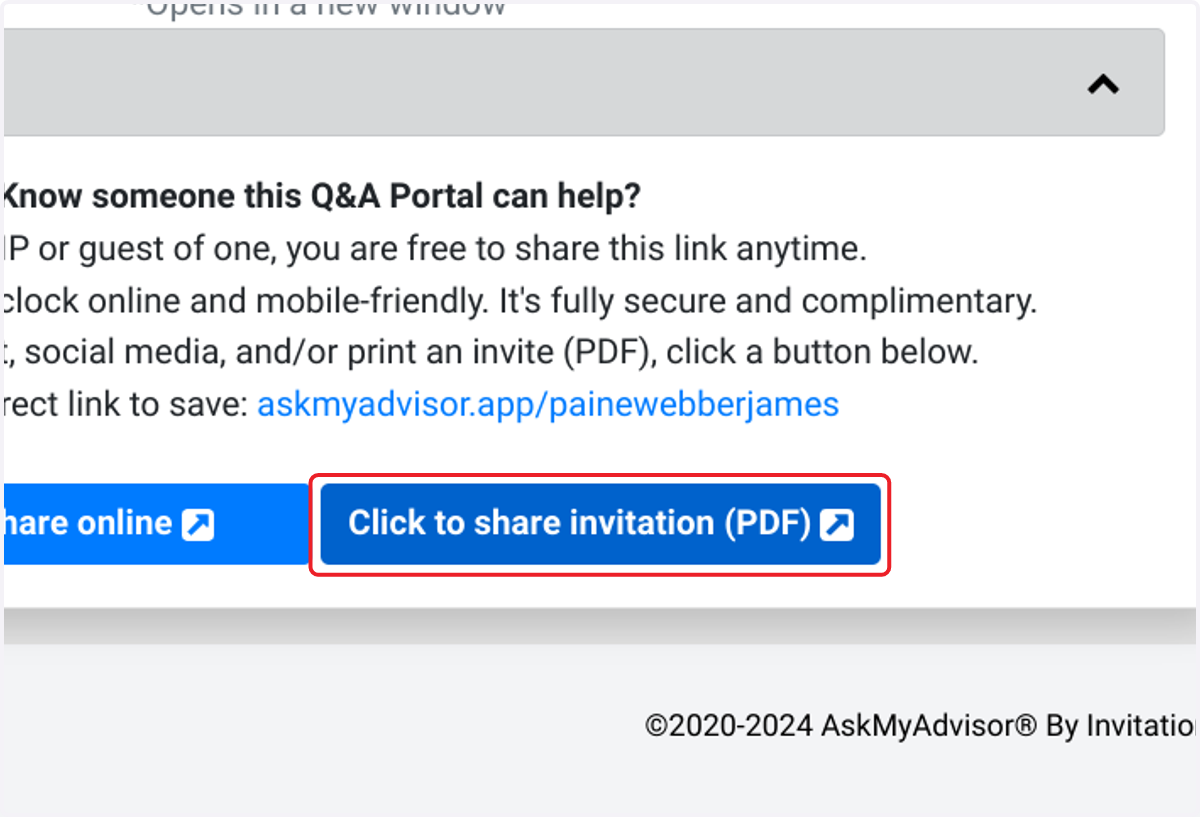
    Click on Click to share invitation (PDF)