How to Whitelist Engagifii Emails in Gmail
Gmail
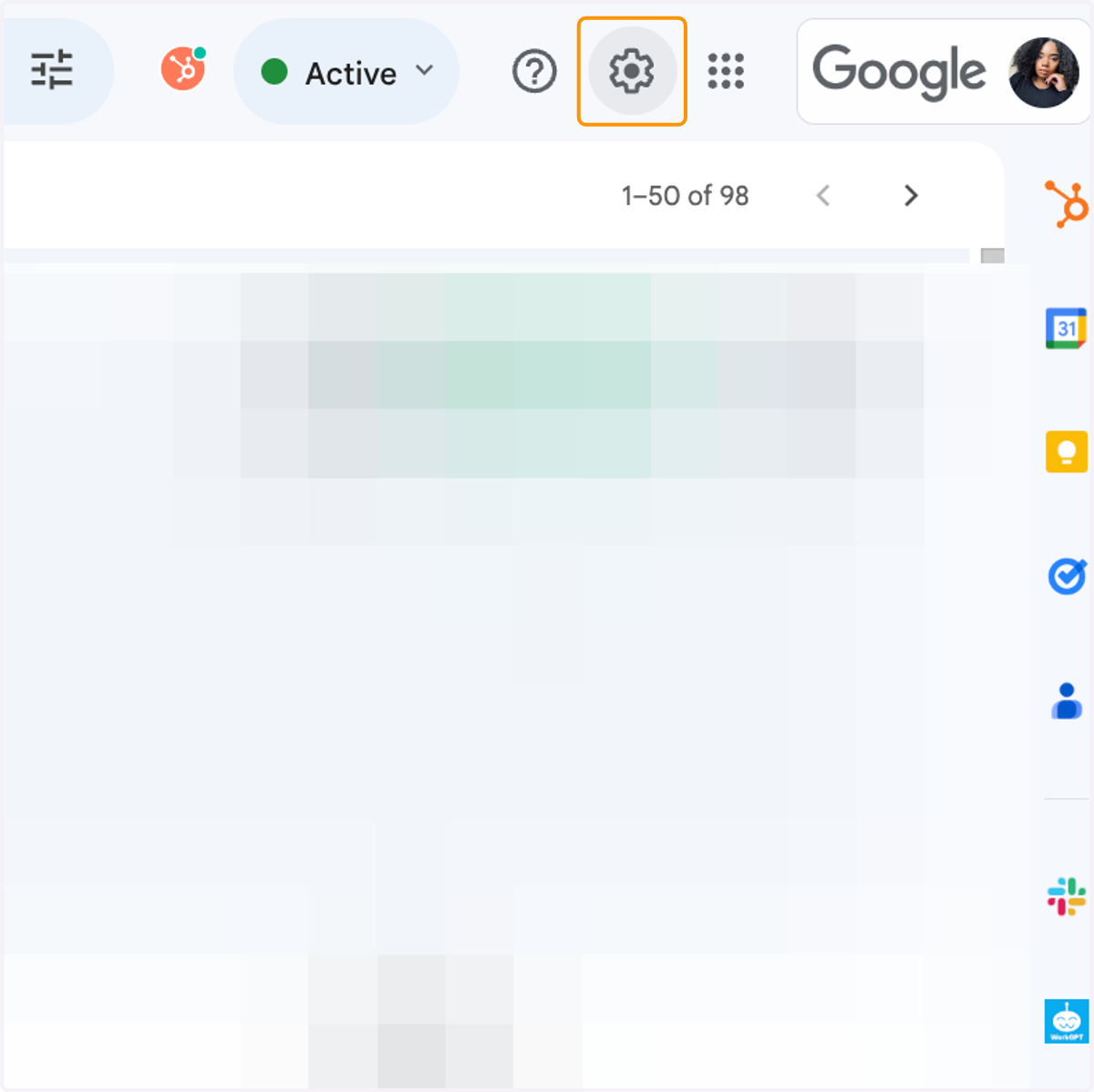
1. Click on the Settings Button
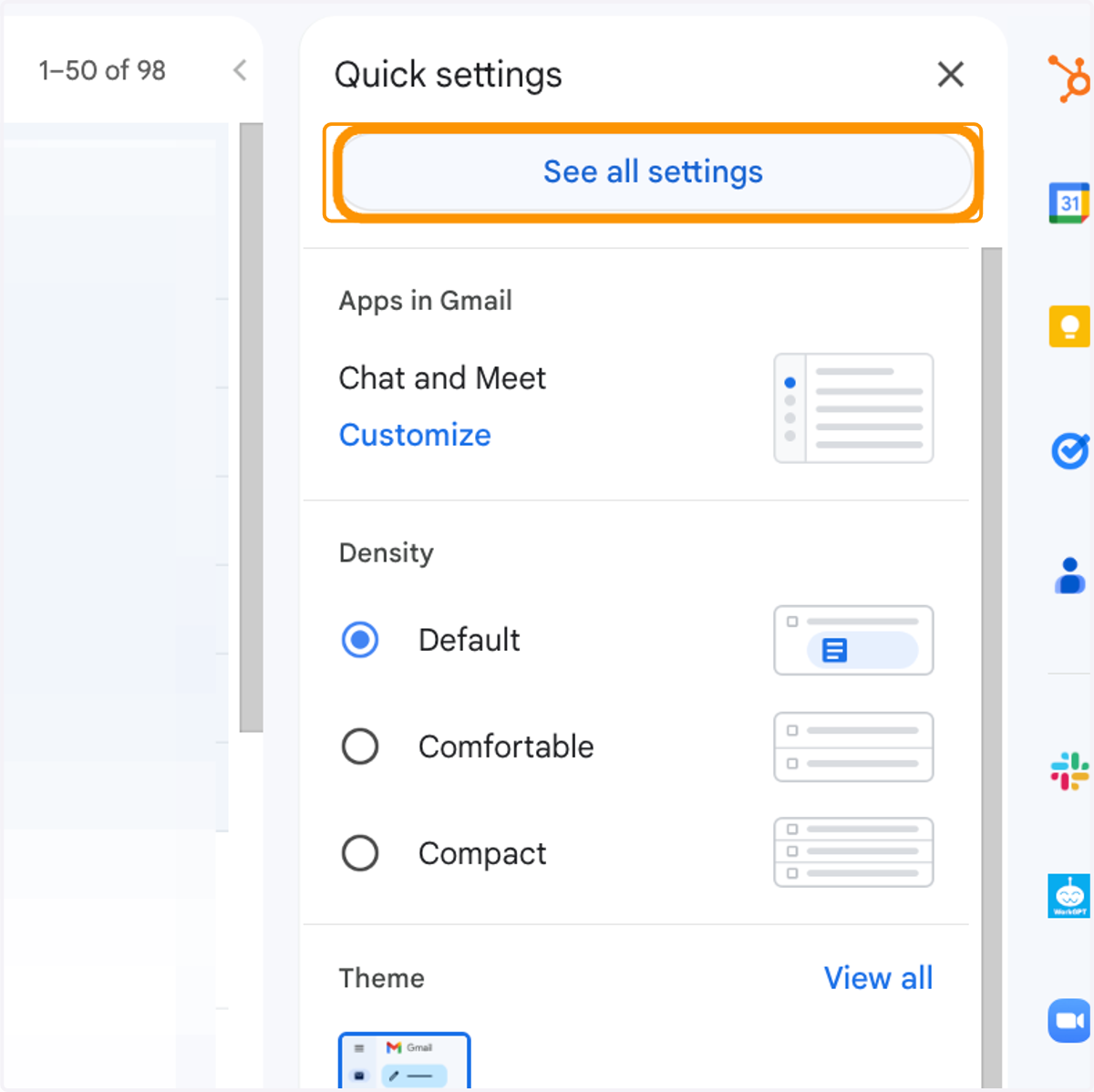
2. Click on See all settings
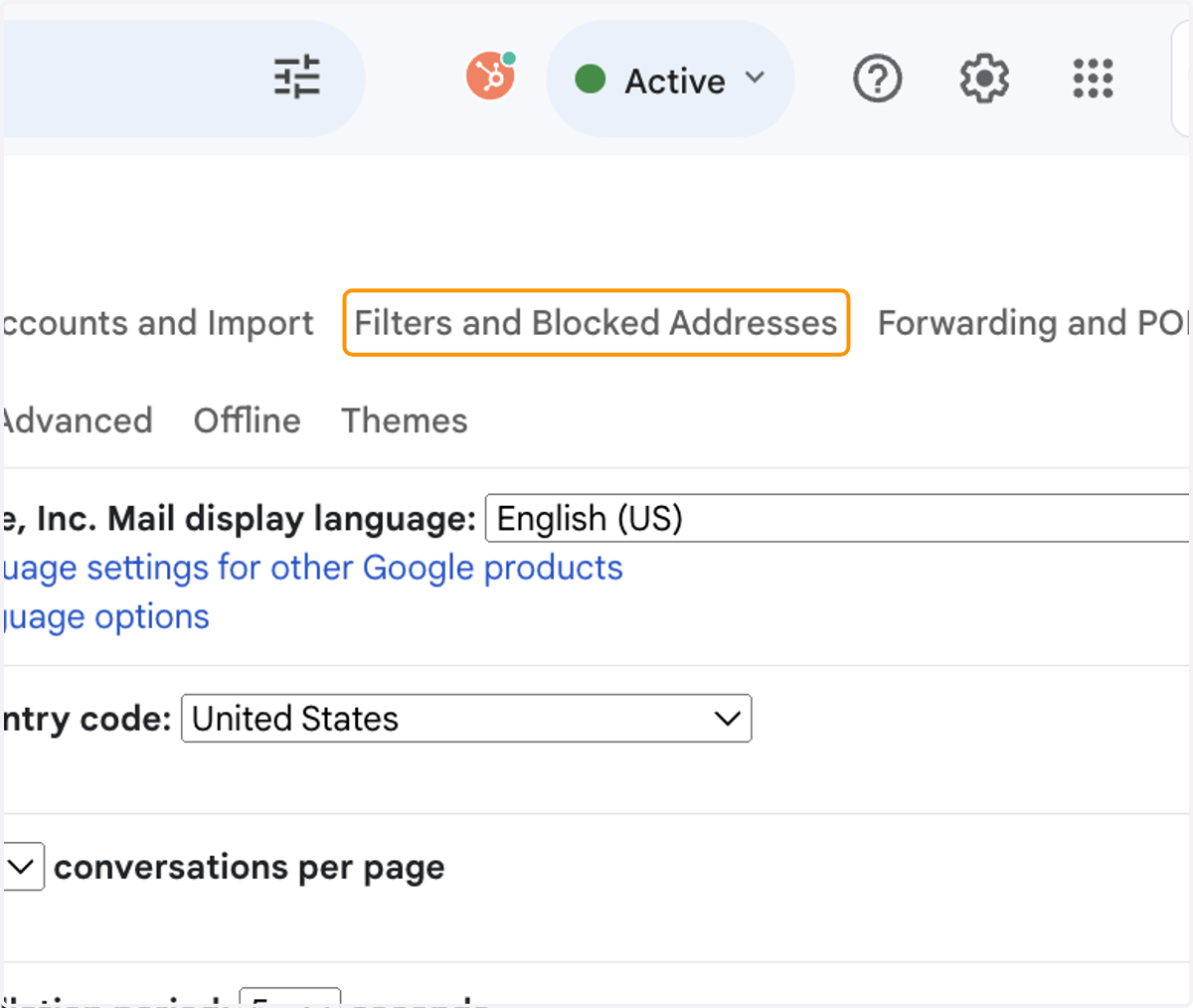
3. Click on Filters and Blocked Addresses
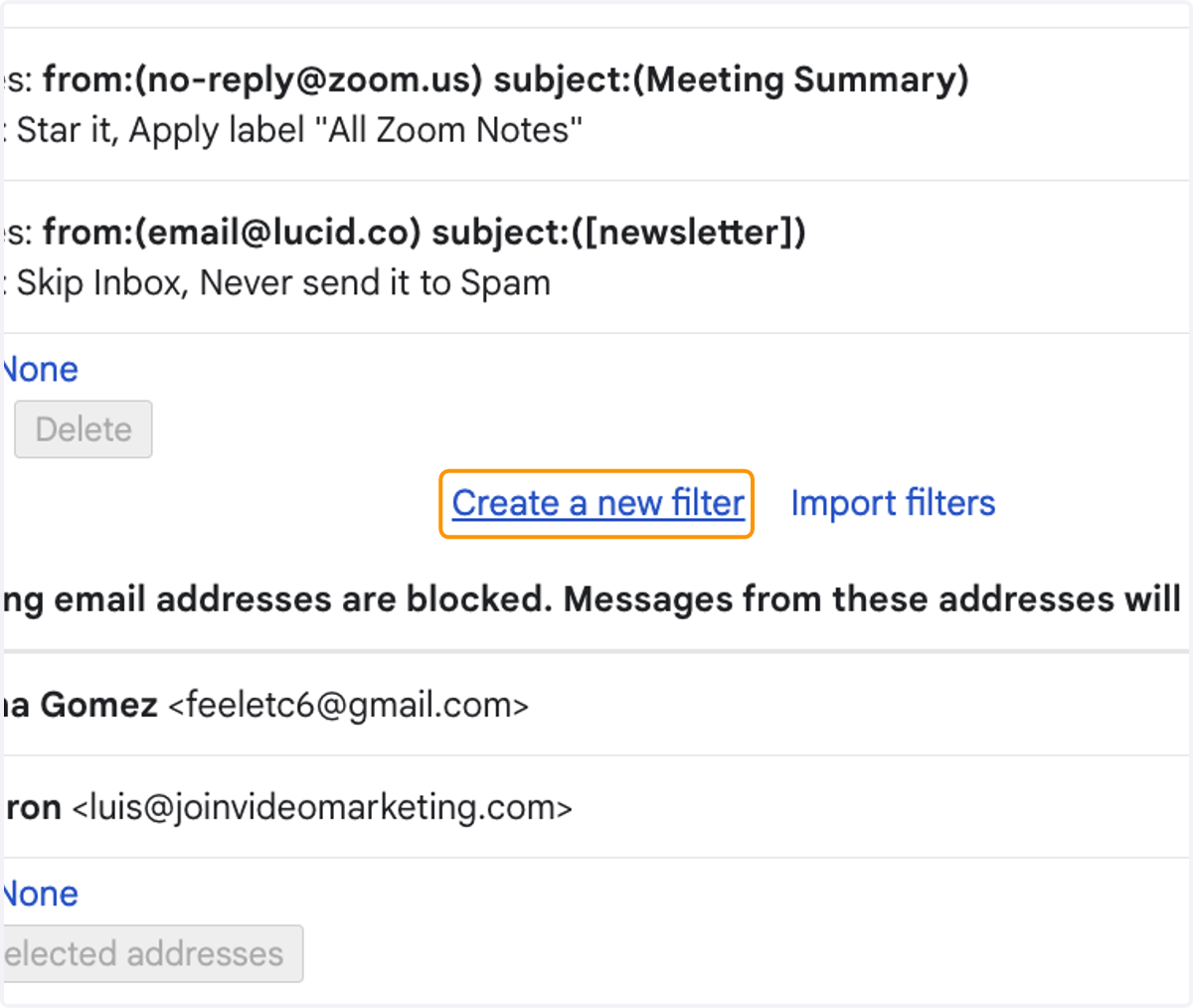
4. Click on Create a new filter
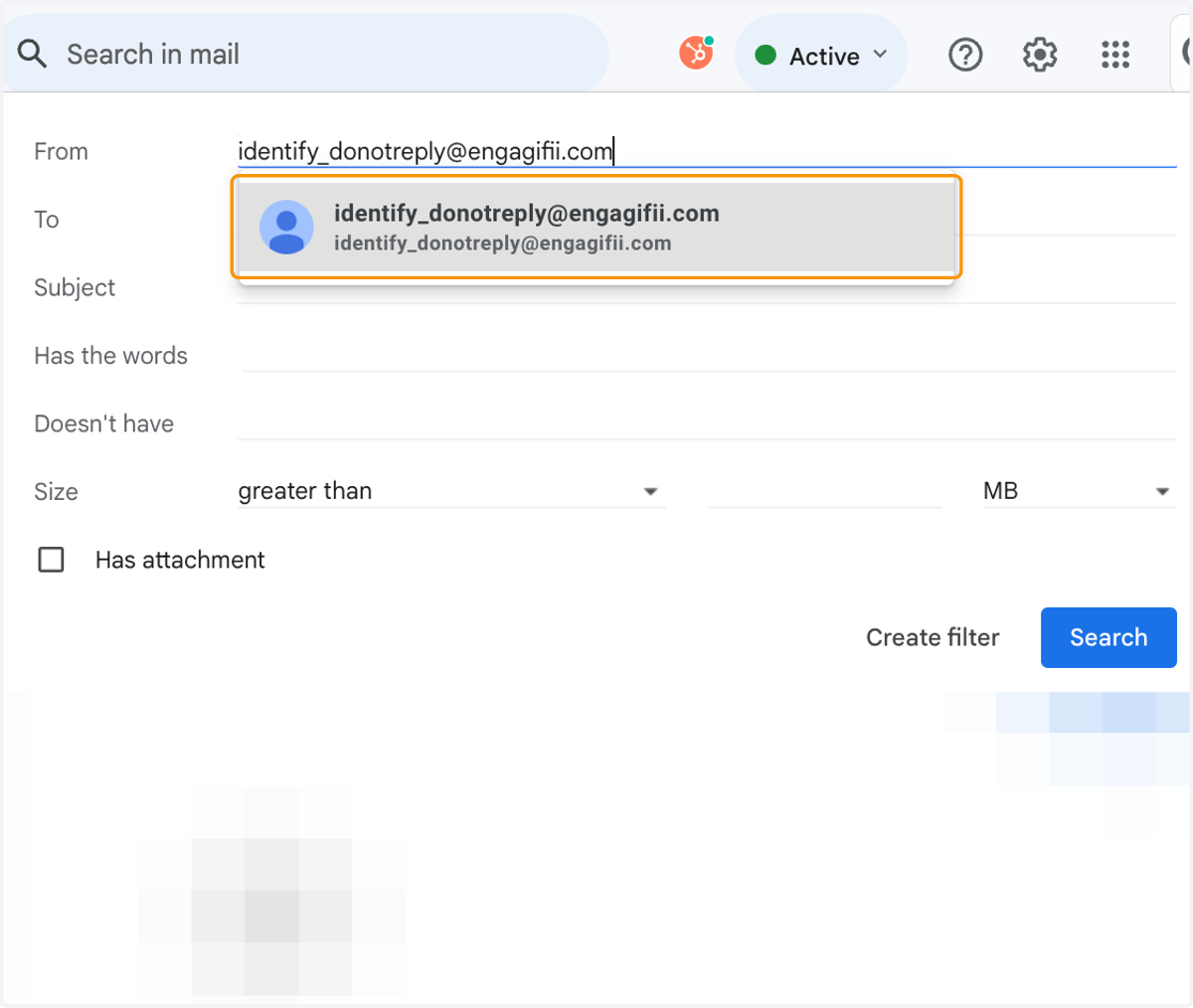
5. type identify_donotreply@engagifii.com…
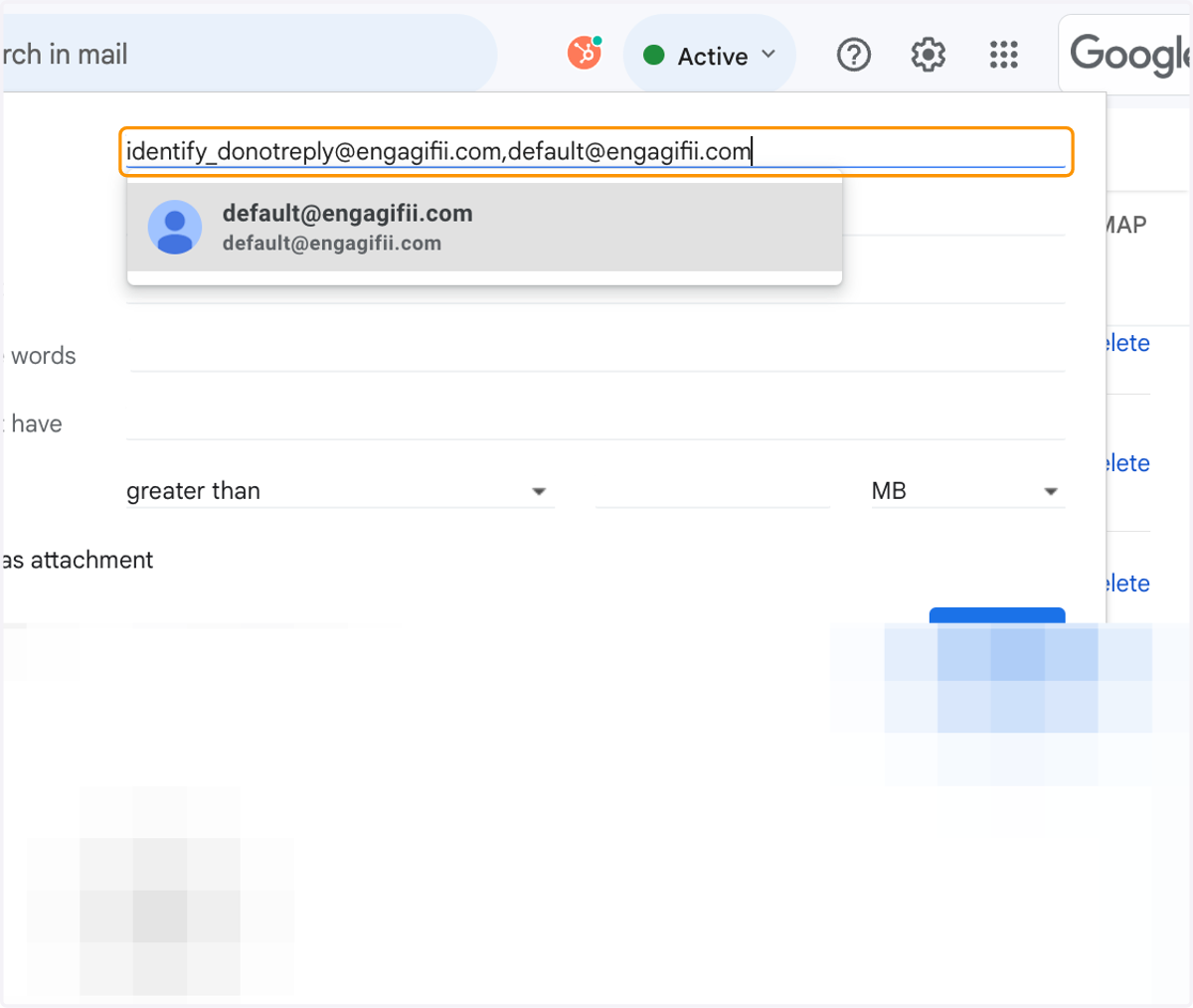
6. Add a comma and also type "default@engagifii.com"
7. Click on default@engagifii.com…
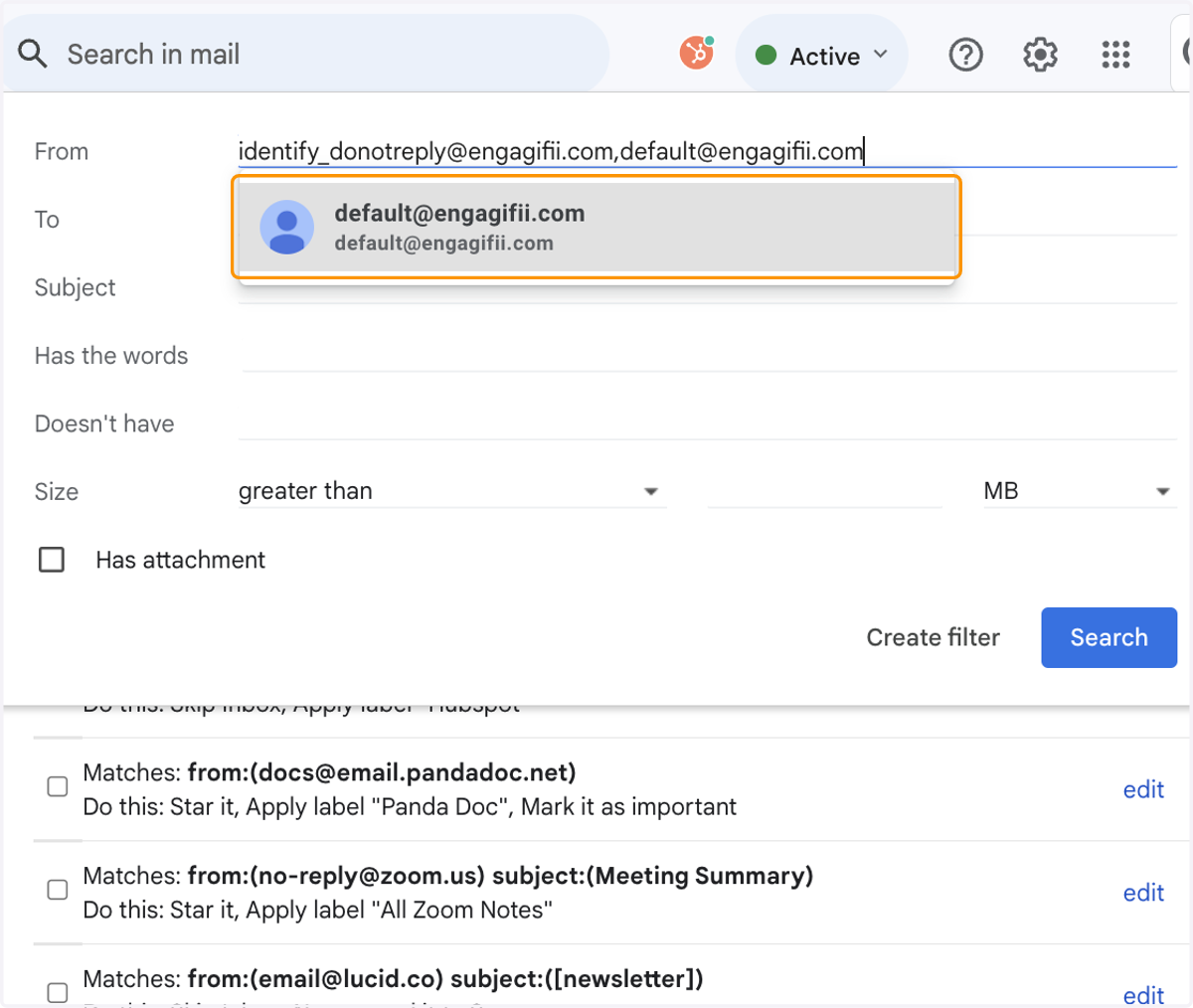
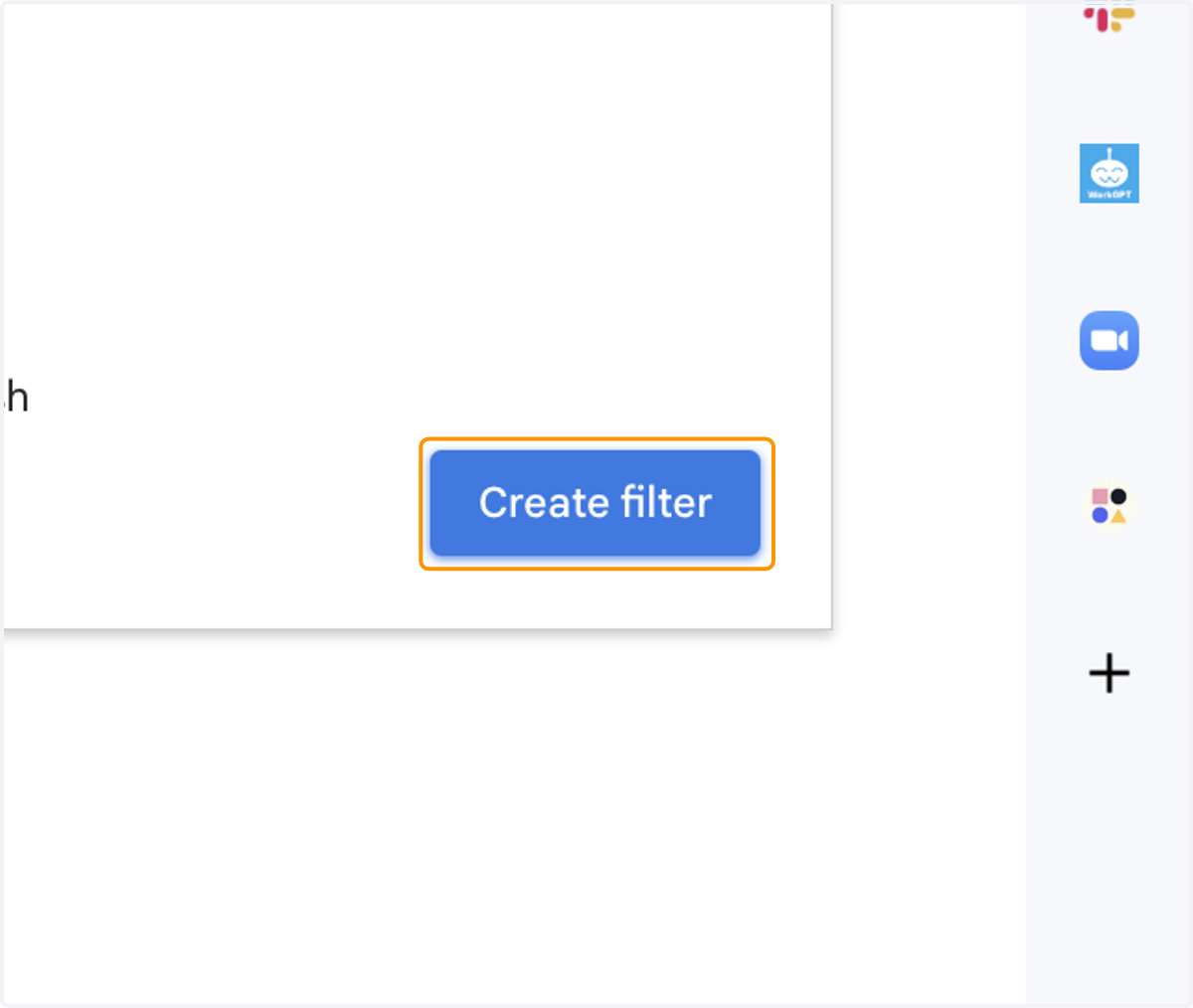
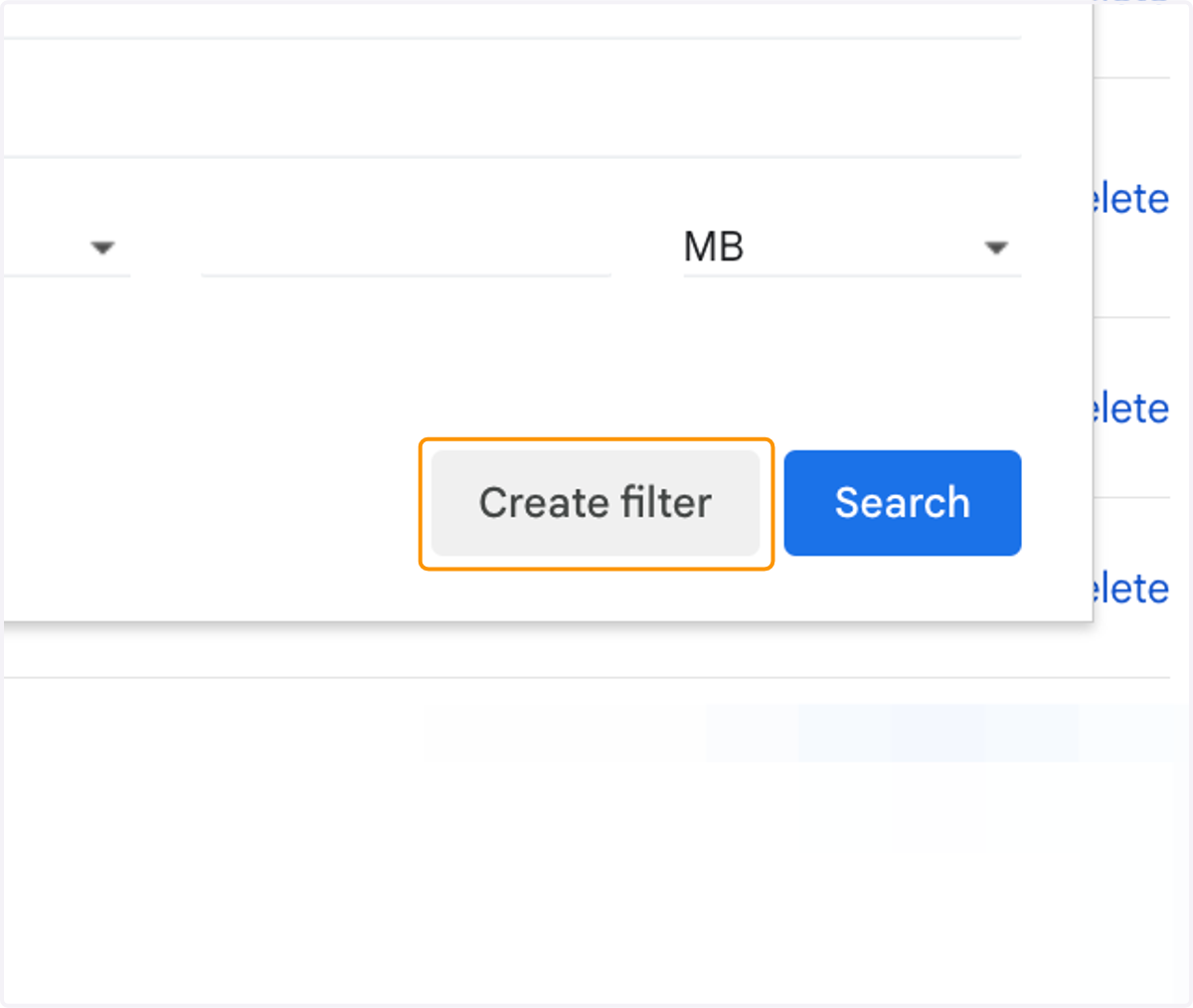
8. Click on Create filter
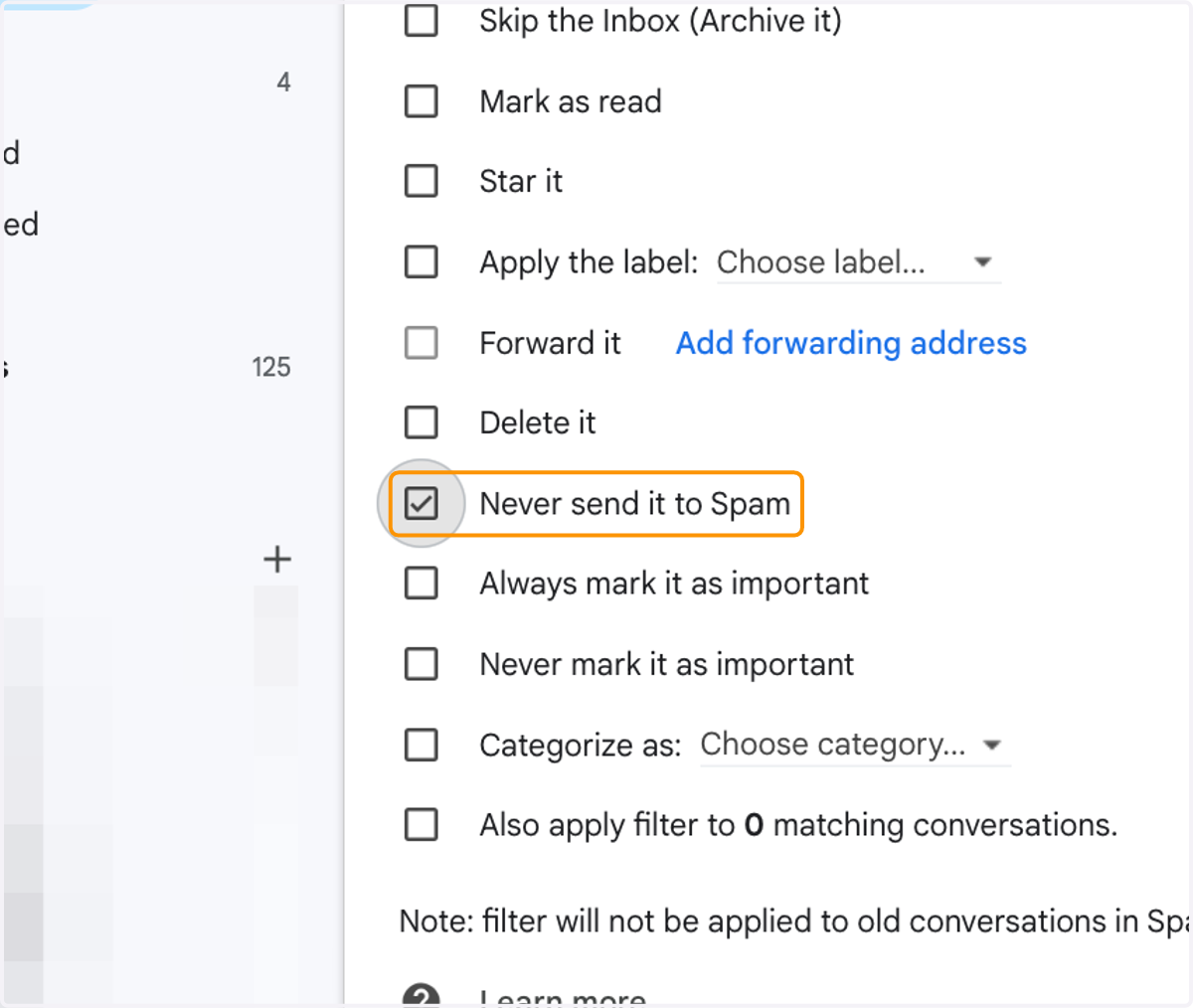
9. Check Never send it to Spam
10. Click on Create filter