Design Slideshow for Social Media
PASS PLUS
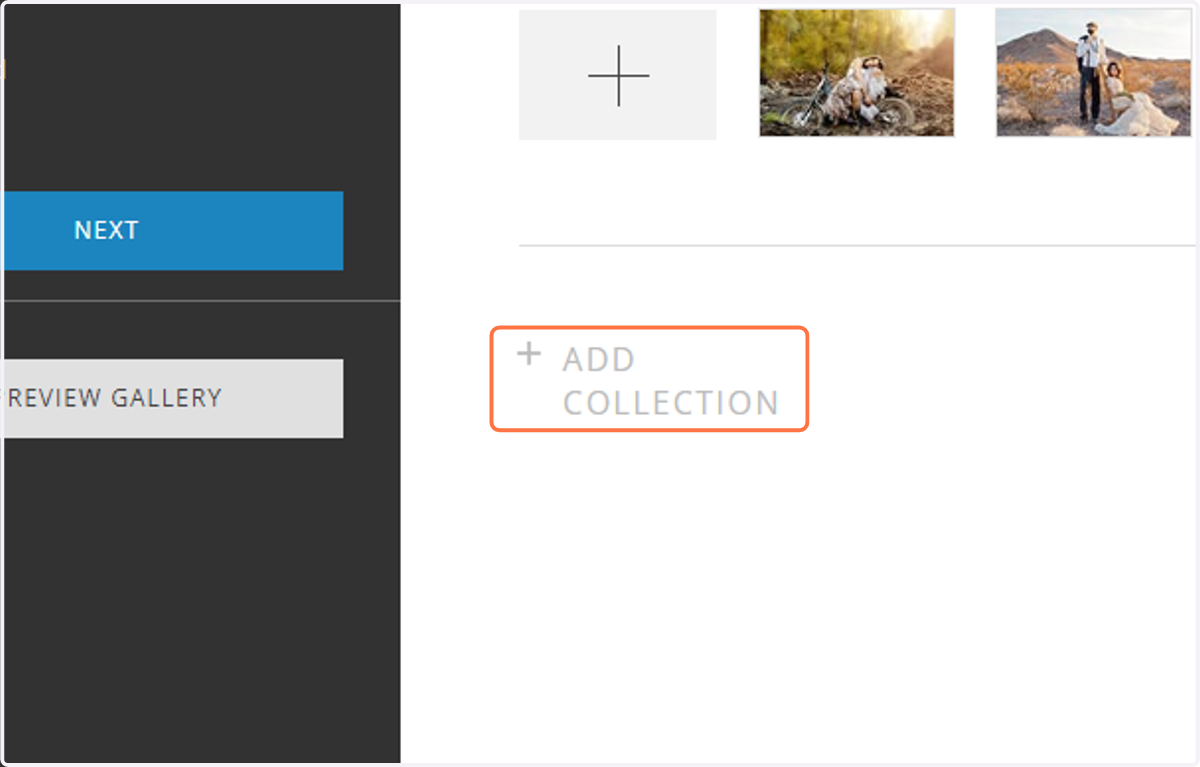
1. To begin, select the Photos tab in your specific project, and click + Add Collection.
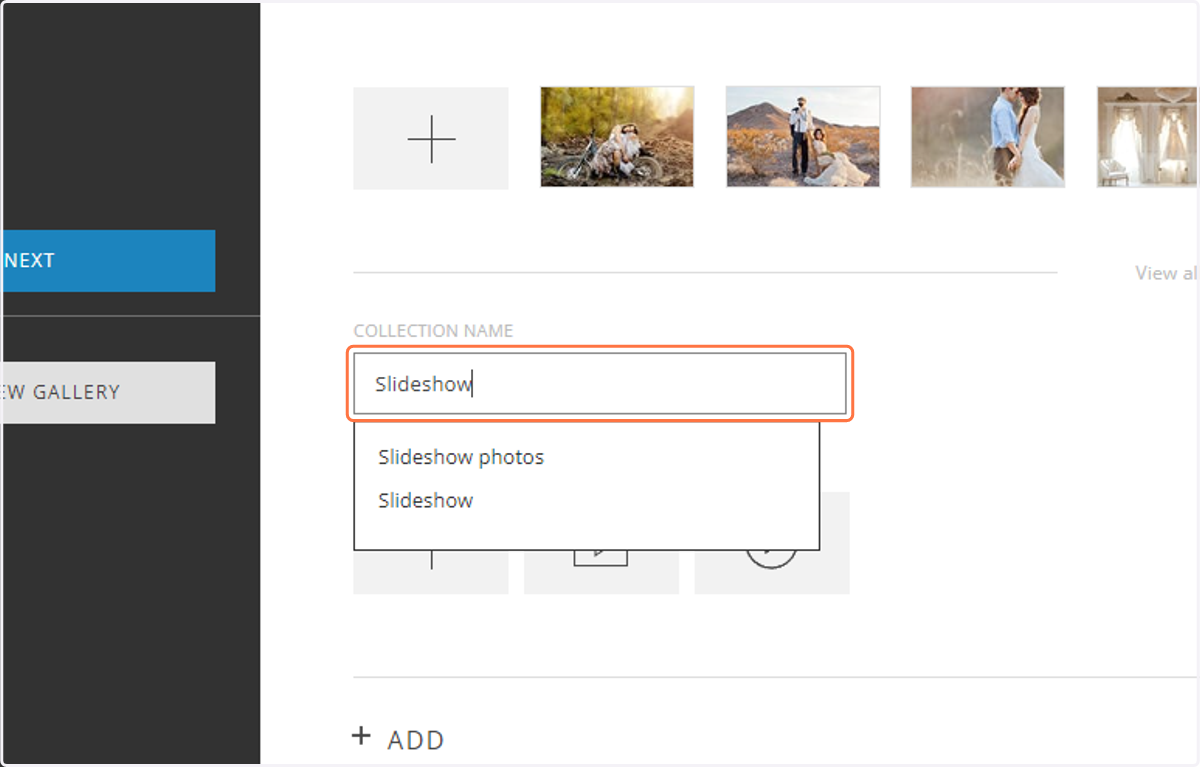
2. Name your collection.
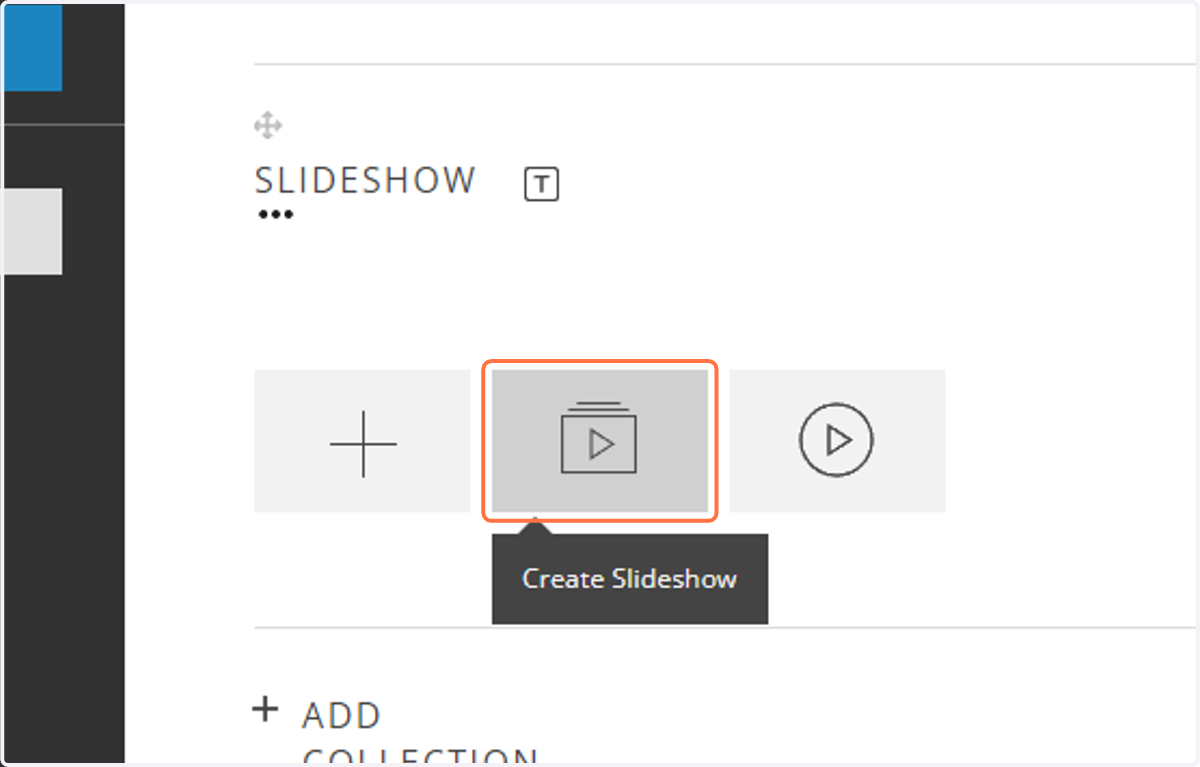
3. Select + Create Slideshow.
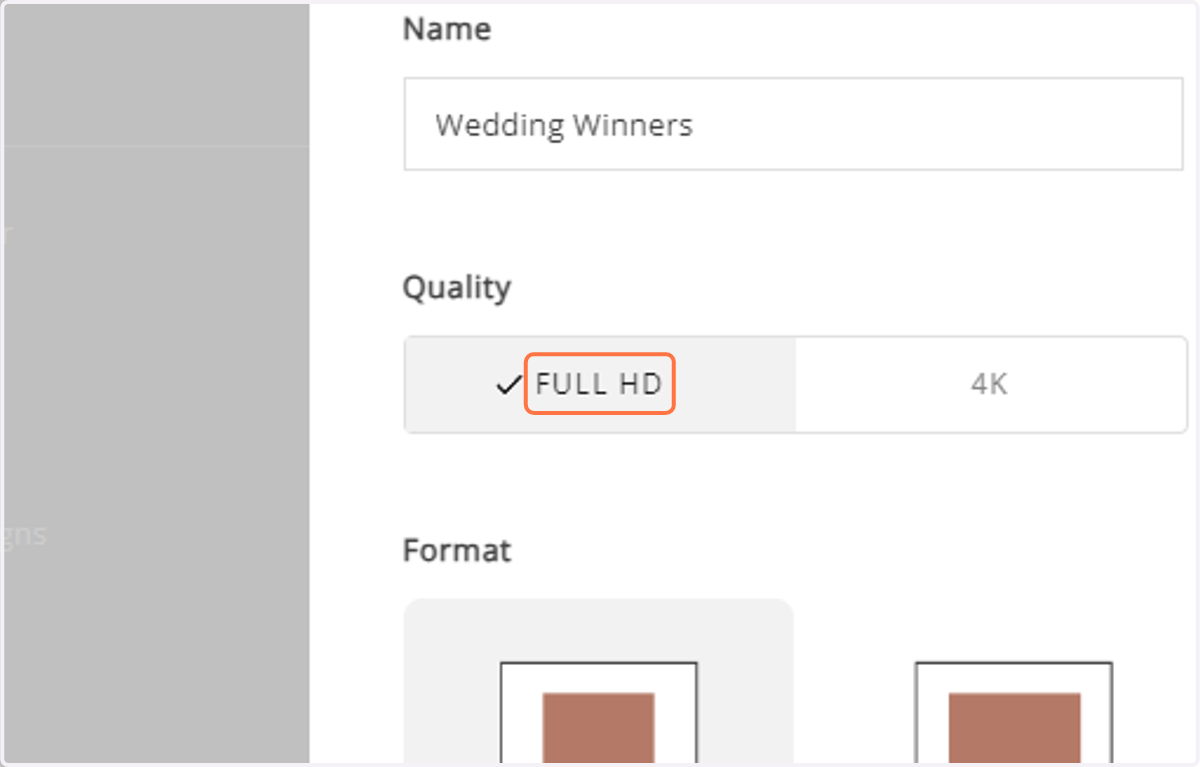
4. Select the quality. Full HD will create the slideshow in 1920x1080px, and 4K will create the slideshow in 3840px. Please note: to use 4K quality, you need to purchase the 4K Slideshow Add-On.
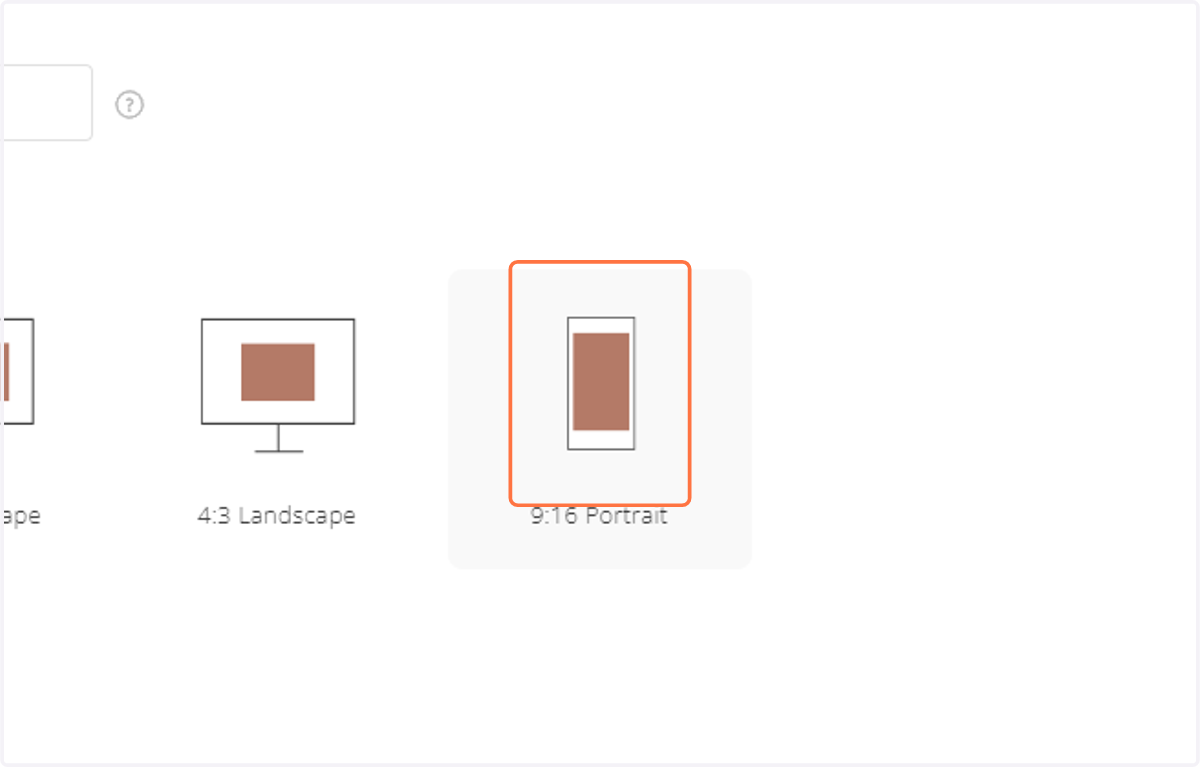
5. Now choose the display format. Select 9:16 Story format to fit vertical social media displays (i.e. Instagram stories and reels).
6. Click Continue.
7. Then select the photos you want to include in the slideshow.
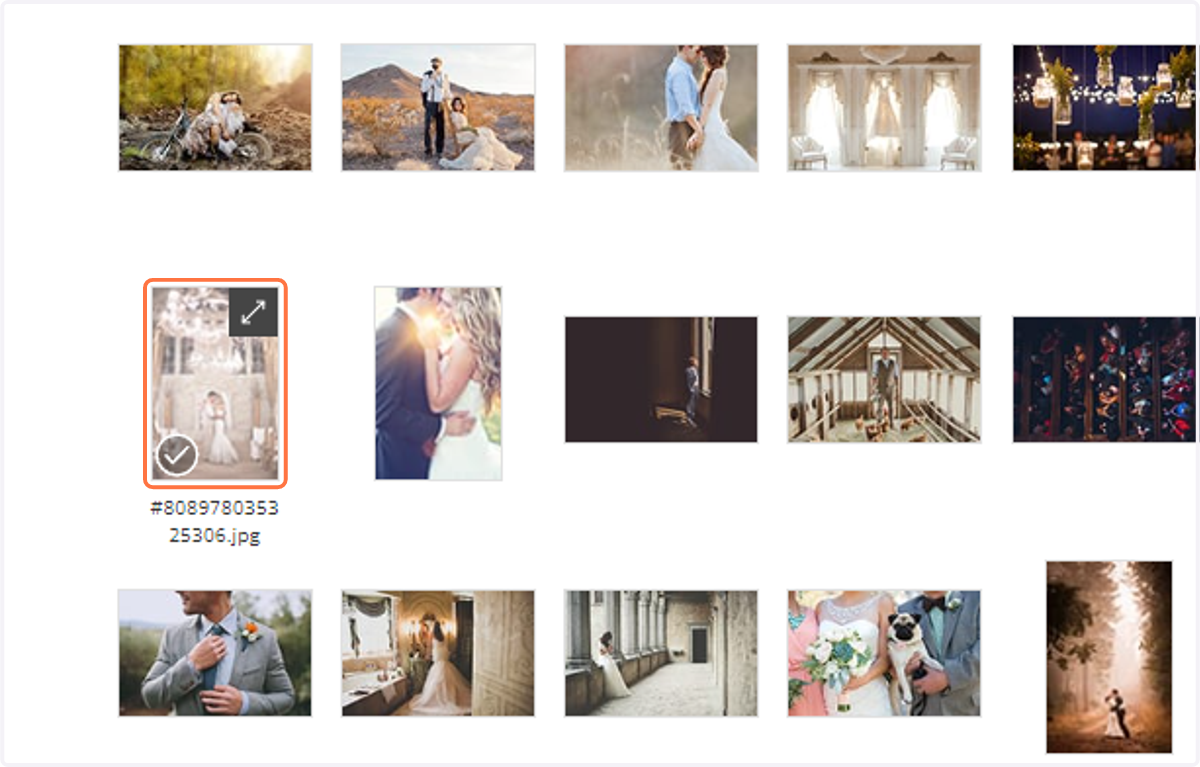
8. Click Add Photos.
9. Now you can select music and design your slideshow.
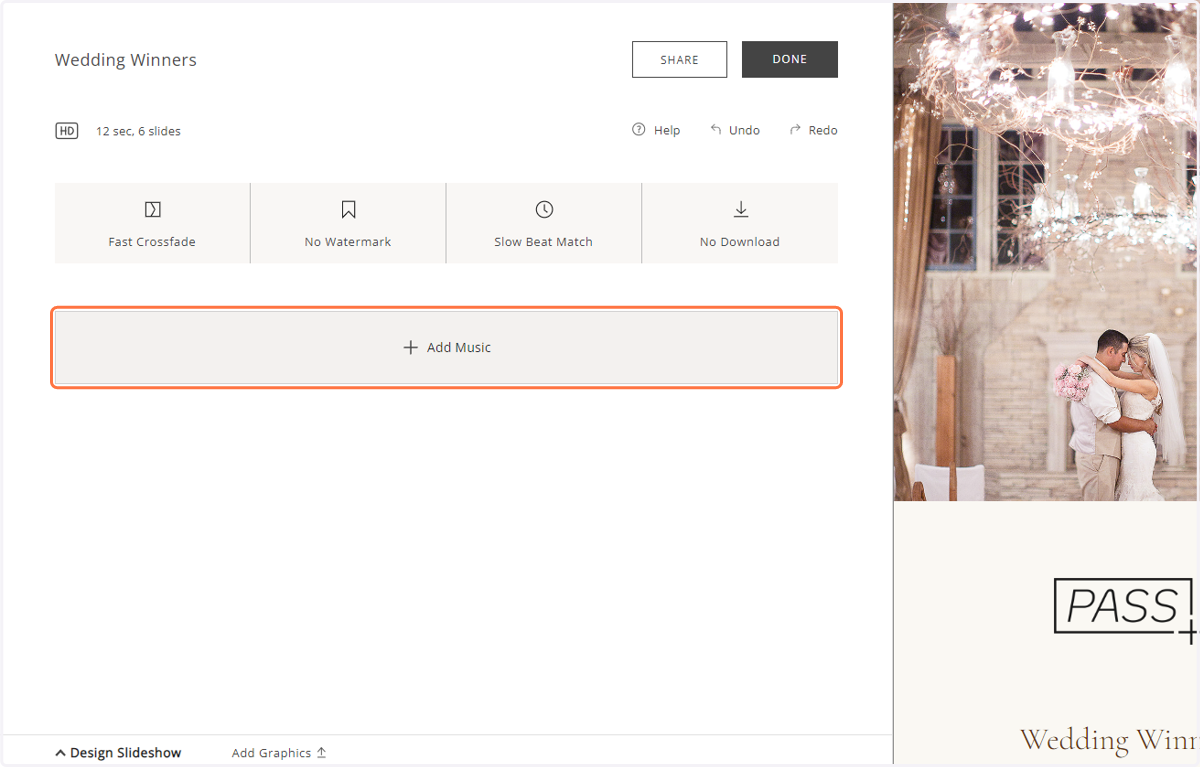
10. Music will cut with a fade to fit the slideshow length if your slideshow is shorter than the full song.
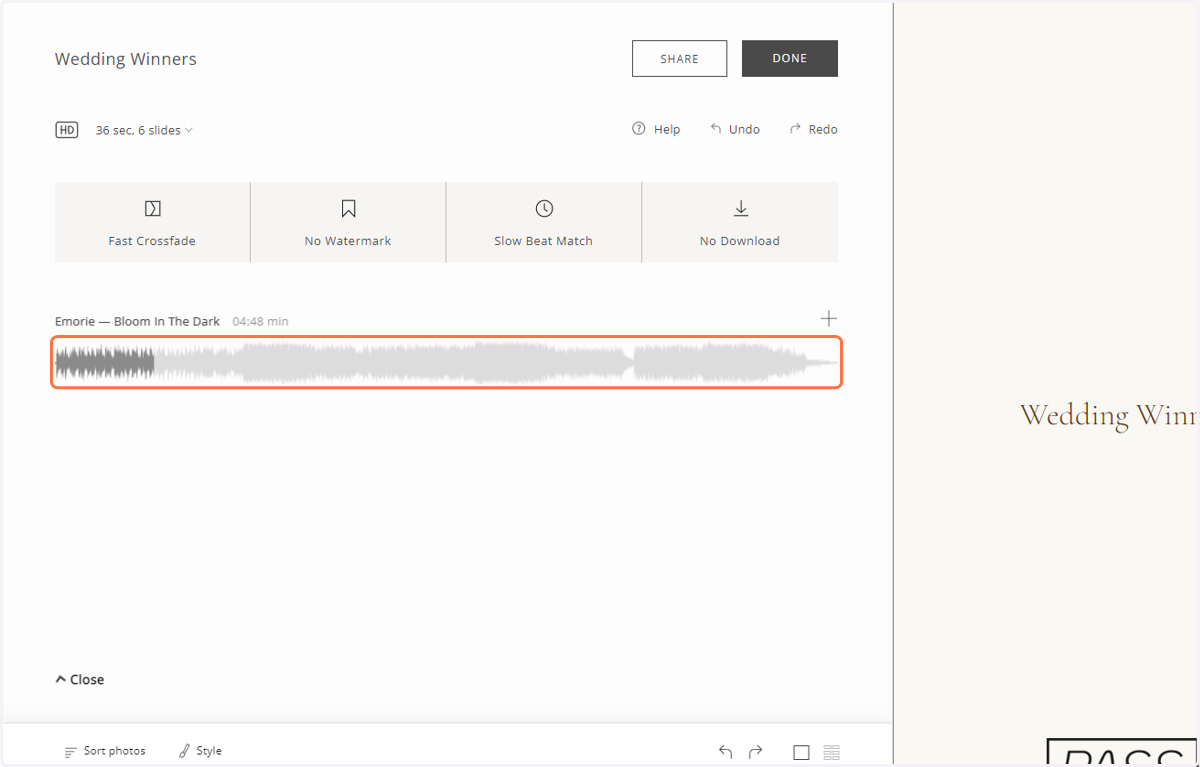
11. You can also trim the song to fit any length.
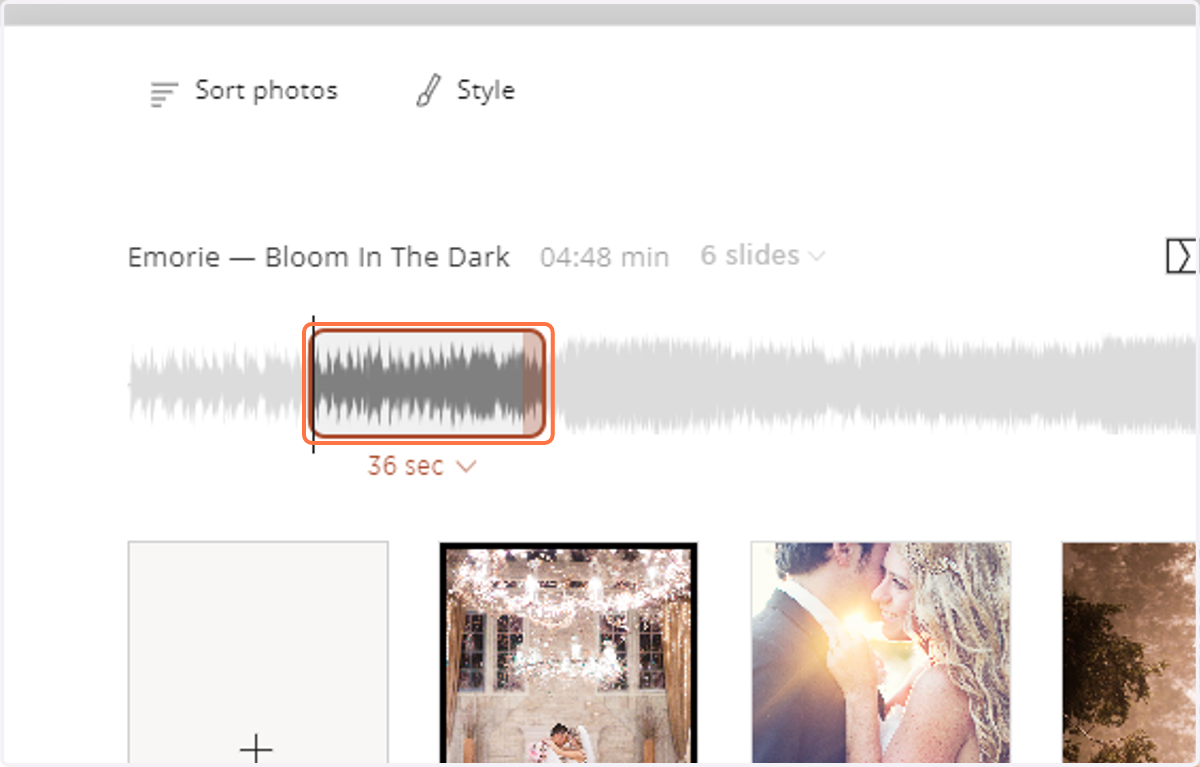
12. Click on the song to access the trim tool.
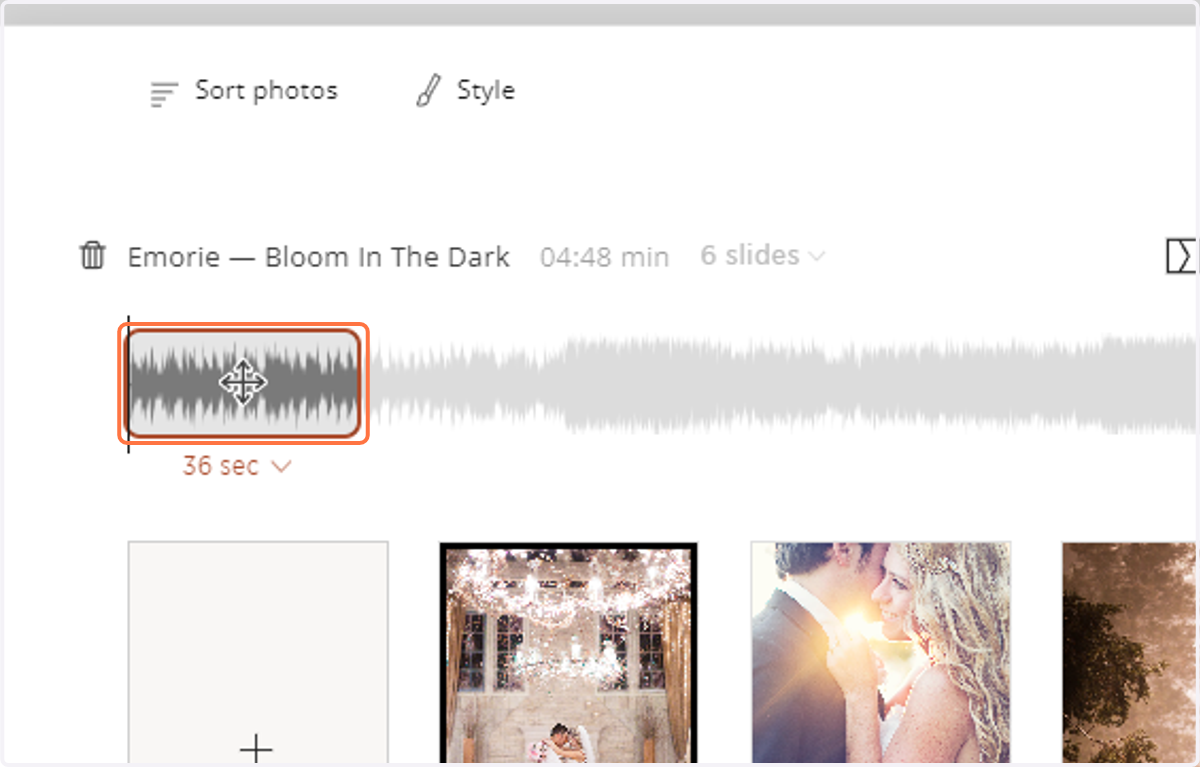
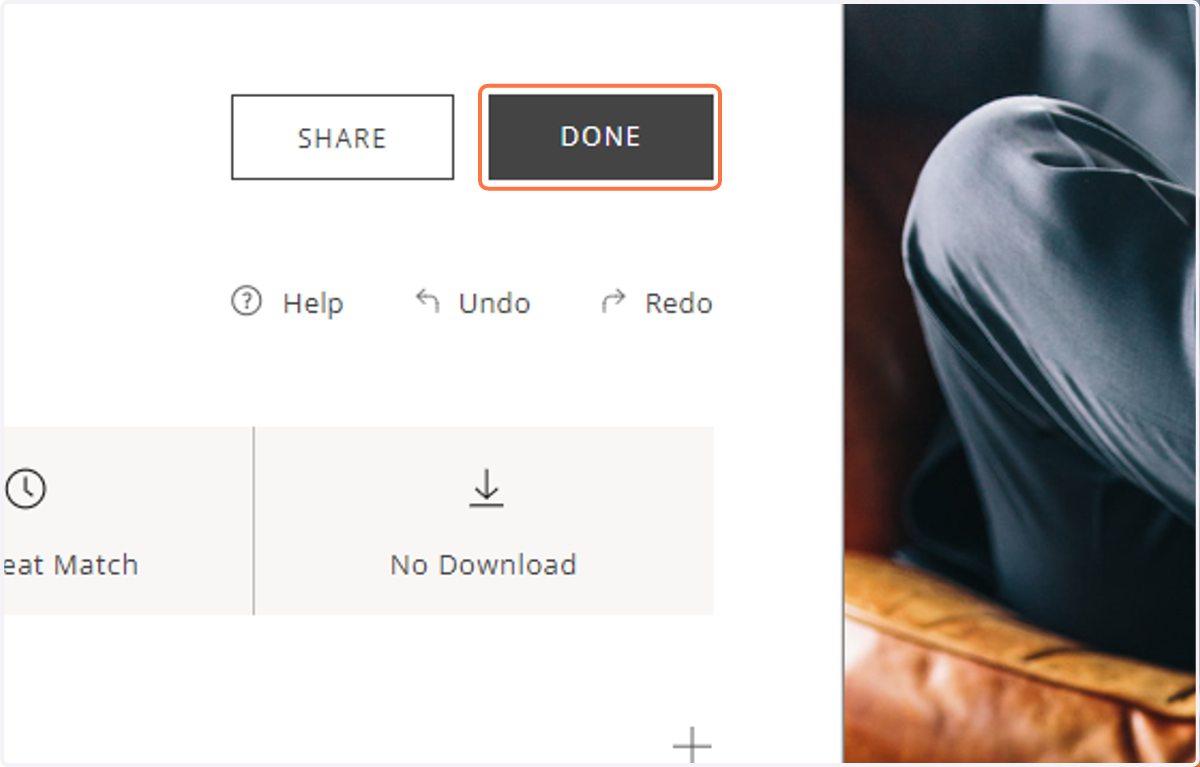
13. Click Done to save your progress.