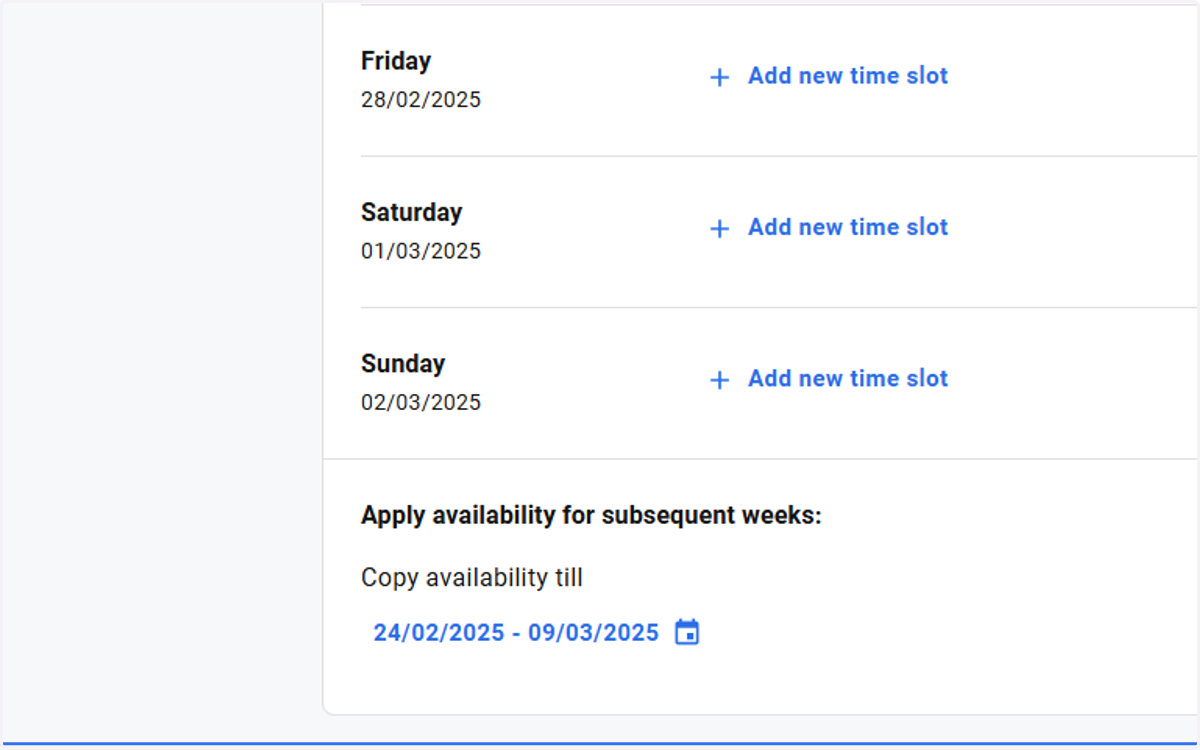
Deviating opening times of an organization
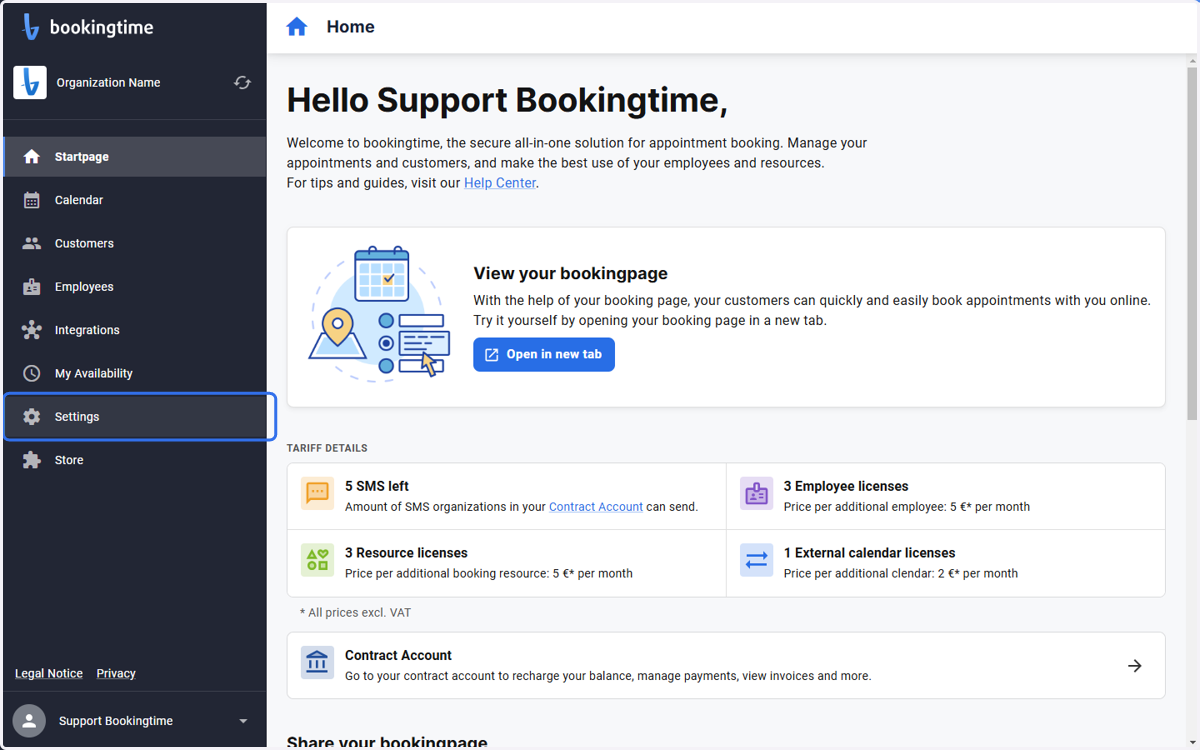
1. Click on Settings
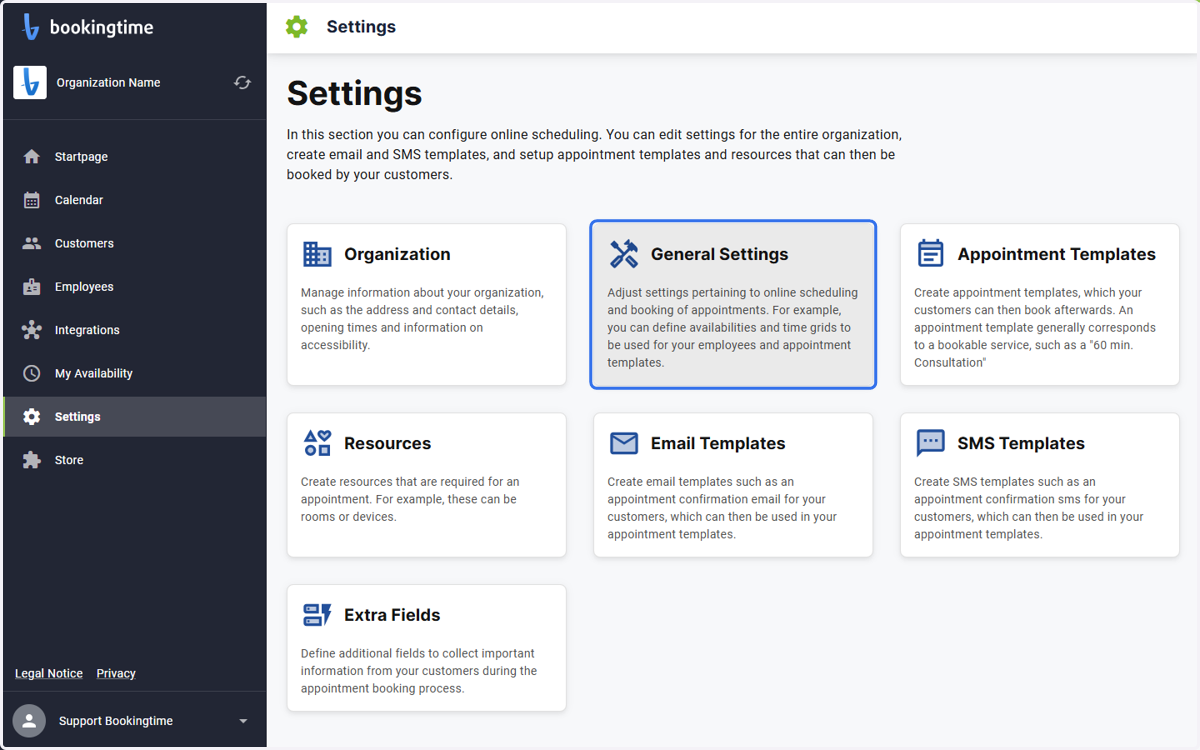
2. Click on General Settings
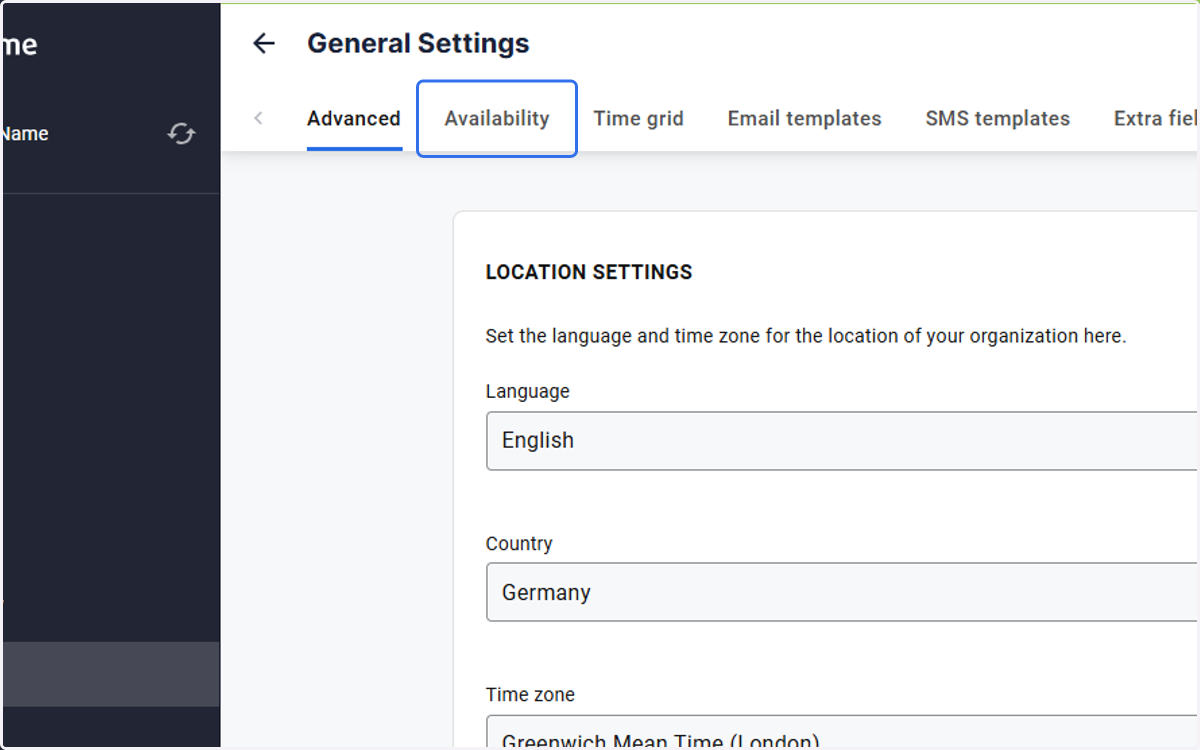
3. Click on Availability
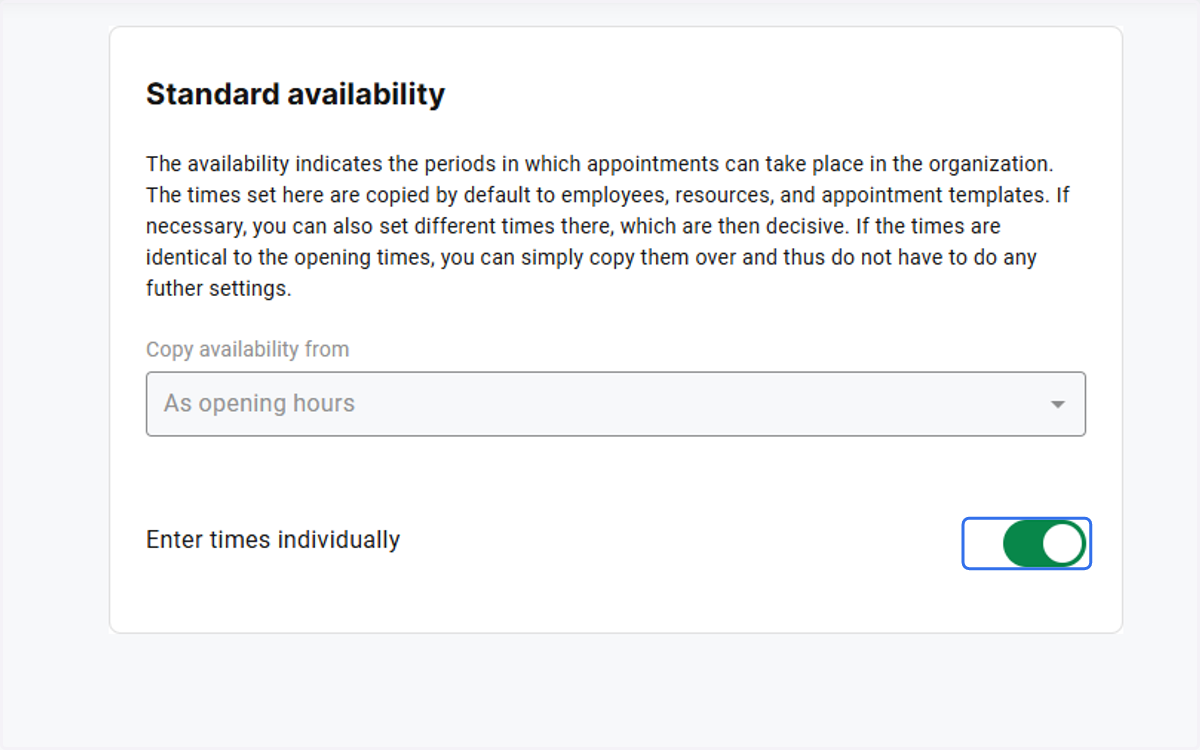
4. Check Enter times individually
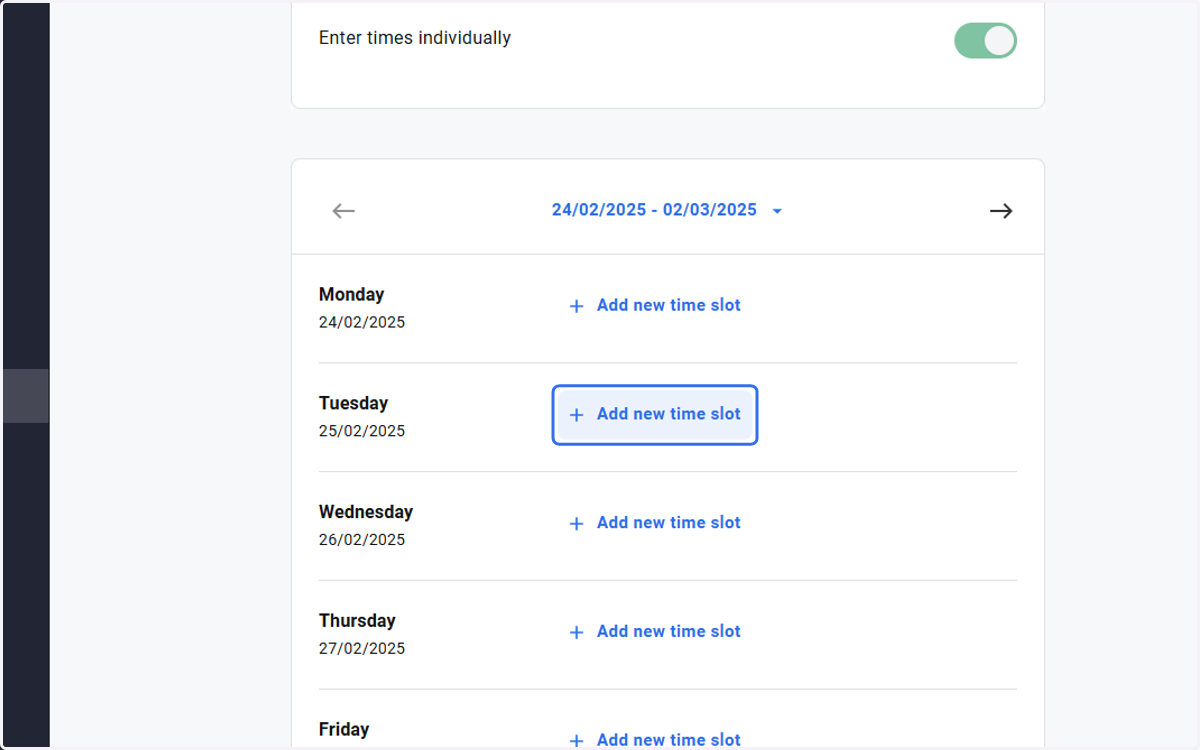
5. Click on Add new time slot
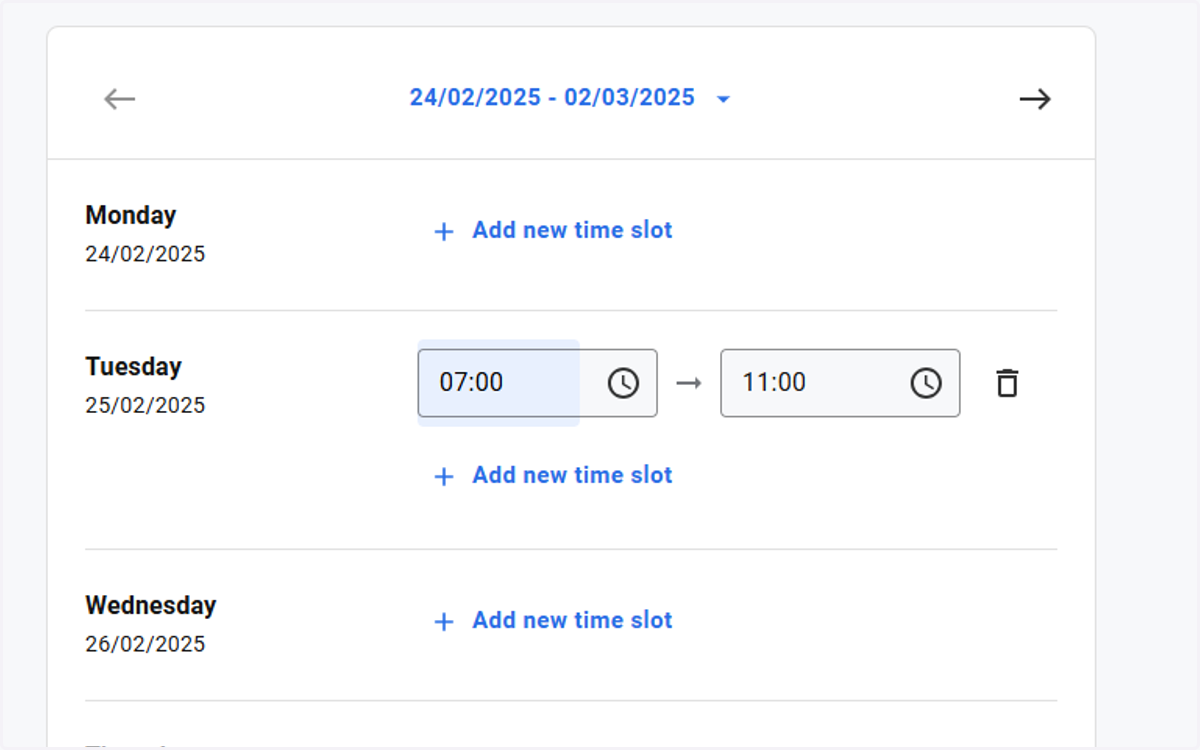
6. Set the time to your needs
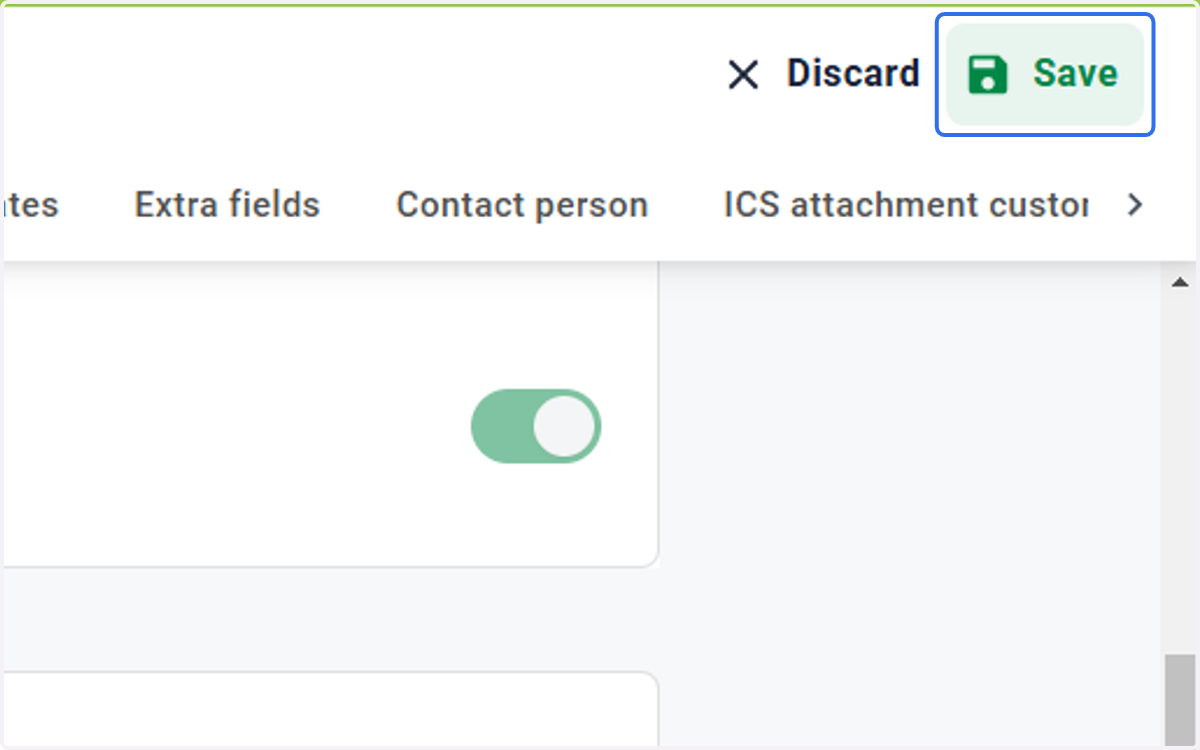
7. Click on Save
8. If a specific day or all days over a longer period need to be applied, you have the option to do so here.
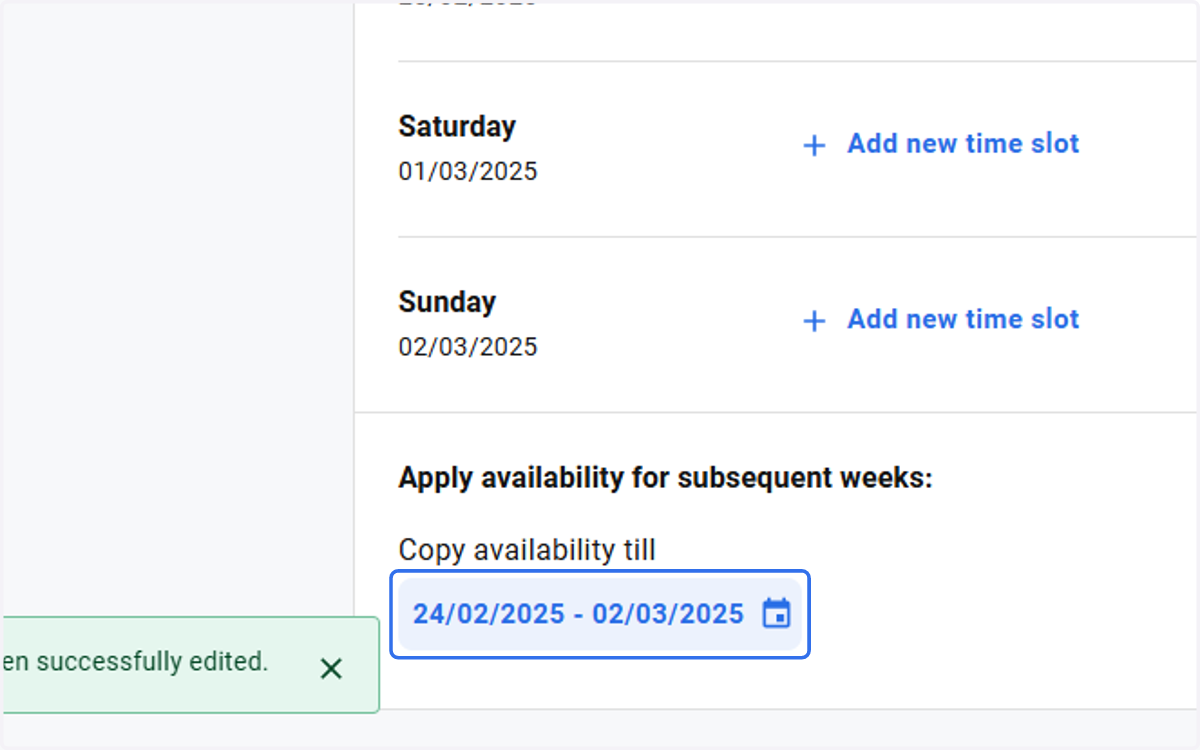
9. Choose a day
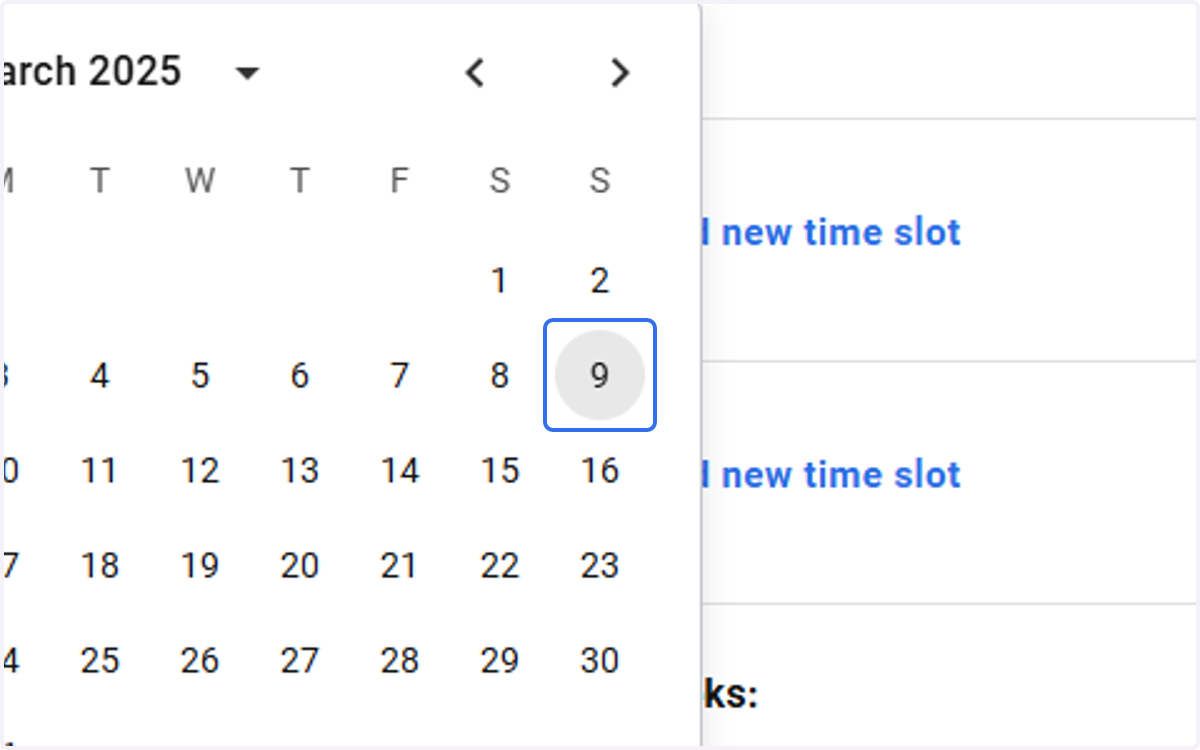
10. At the end, you will see the selected time period