Viewing, editing and deleting Draft Emails
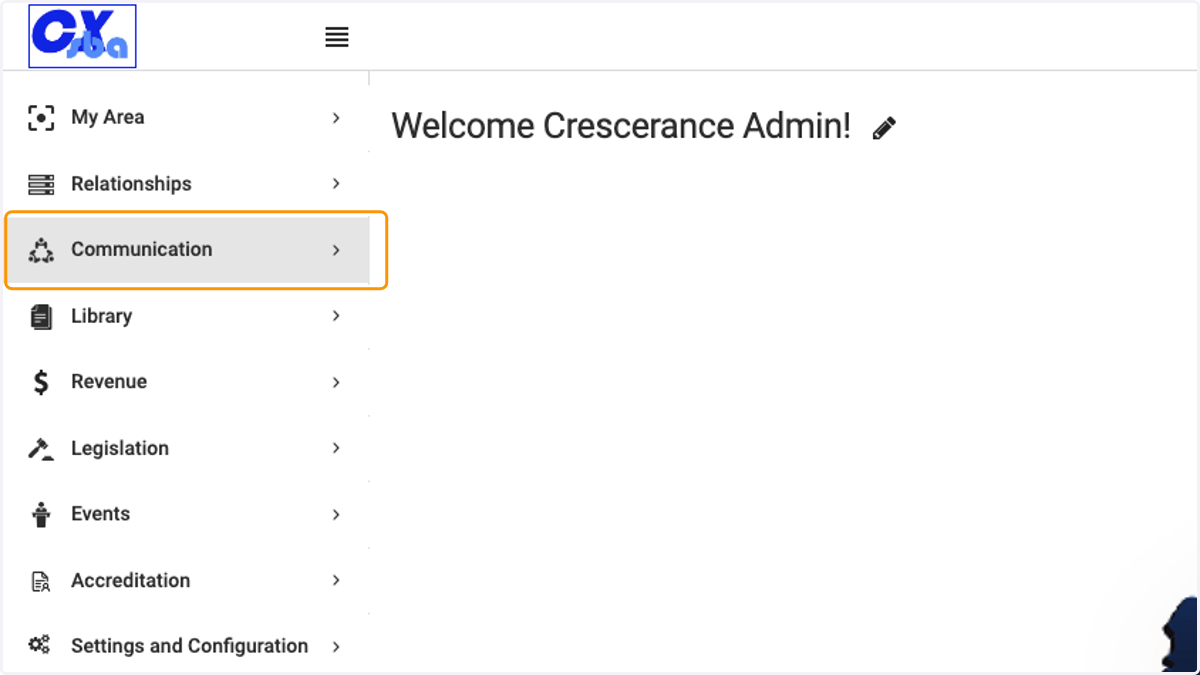
1. Click on Communication
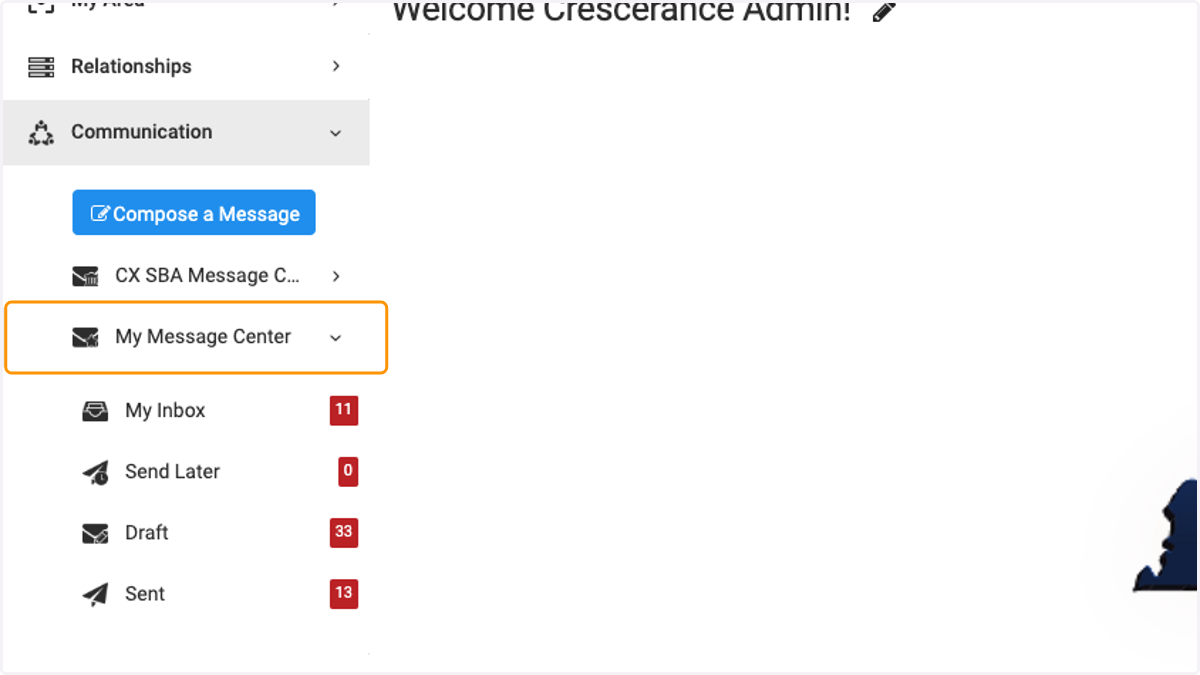
2. Click on My Message Center
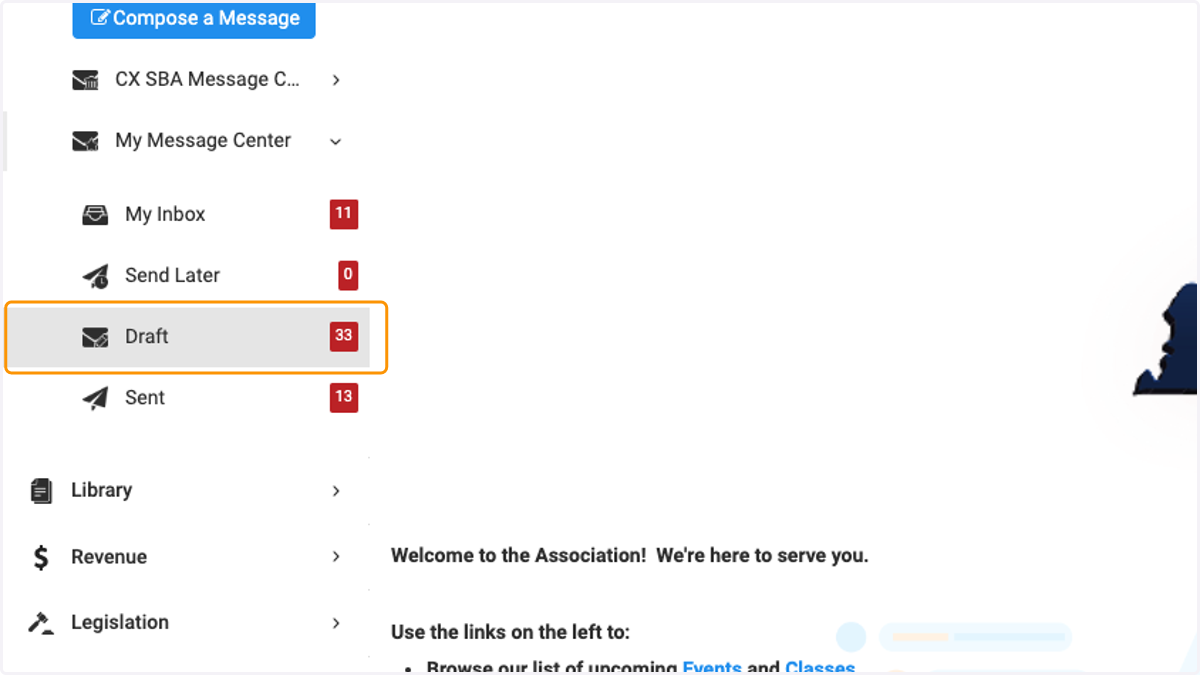
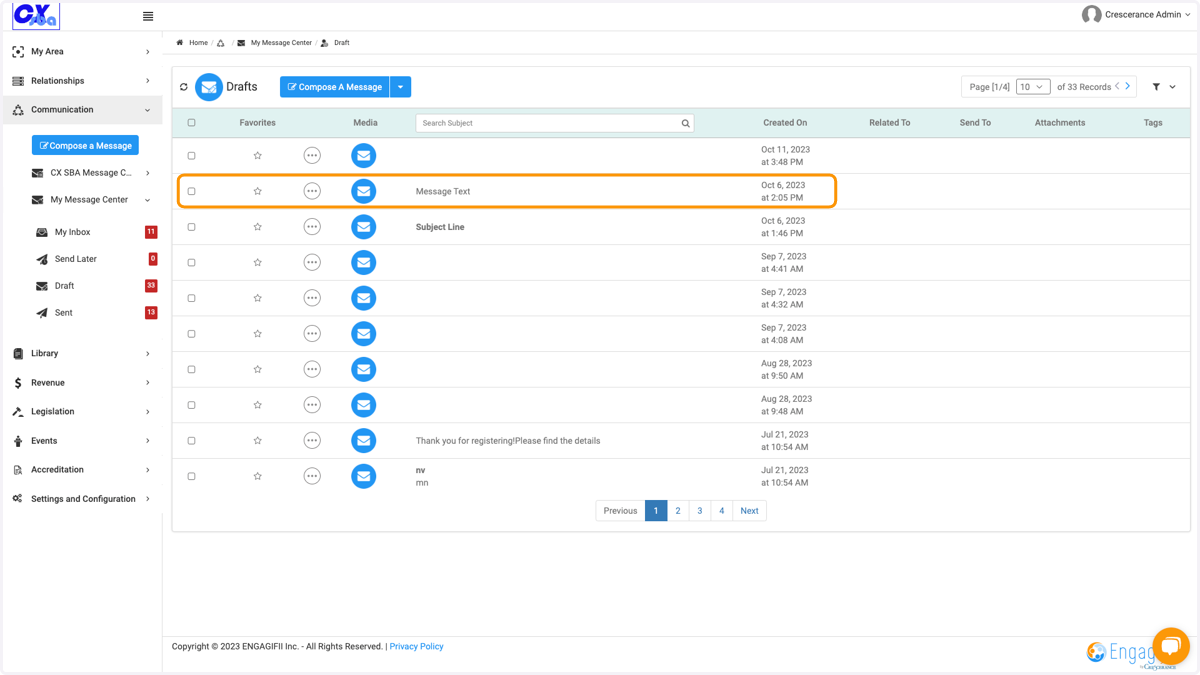
3. Click on Draft…
4. Click on the message you wish to continue to edit or send
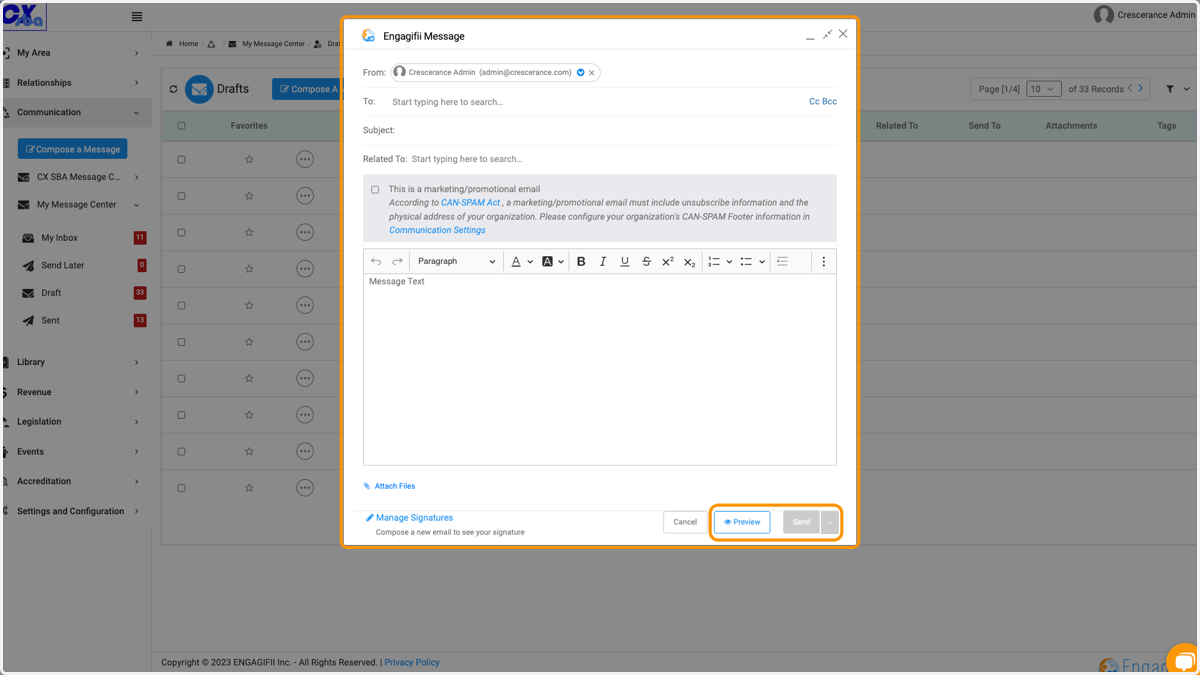
5. Continue to edit your email message and then select preview or send when finished.
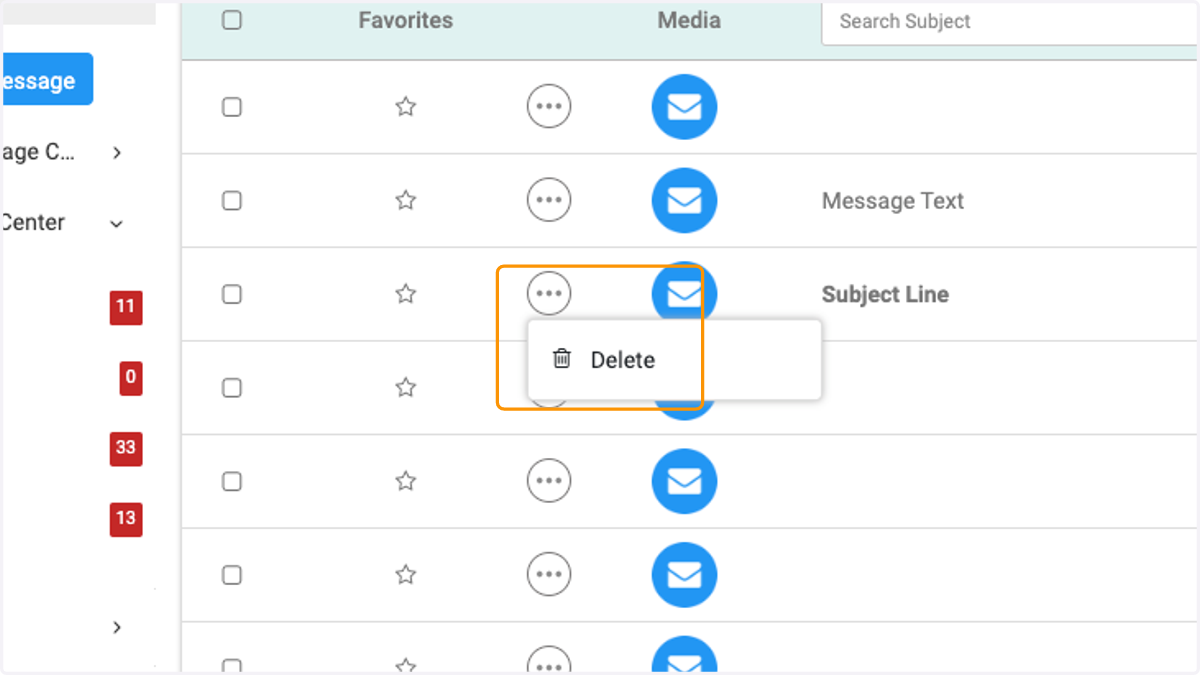
6. Click on the three dots if you wish to delete an email draft.