Adding a post toCollectibles.com
Feed | Collectibles.com | Collectibles
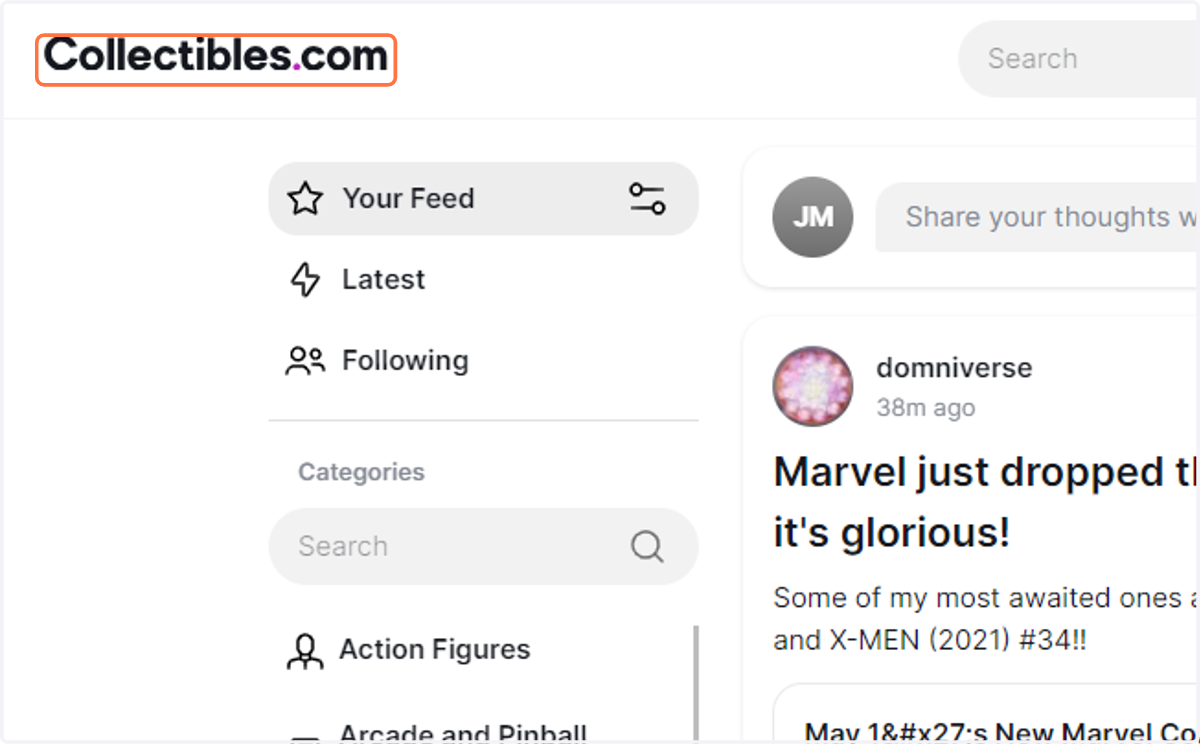
1. Click on the Home Page
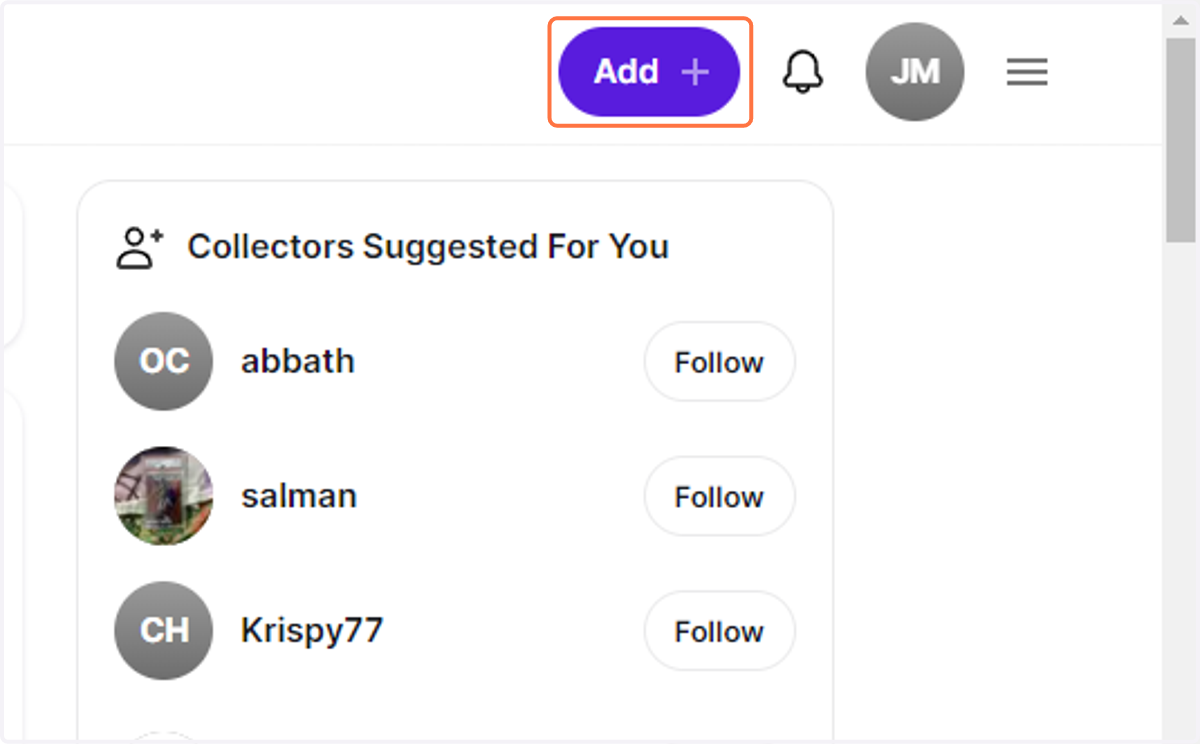
2. Click on Add
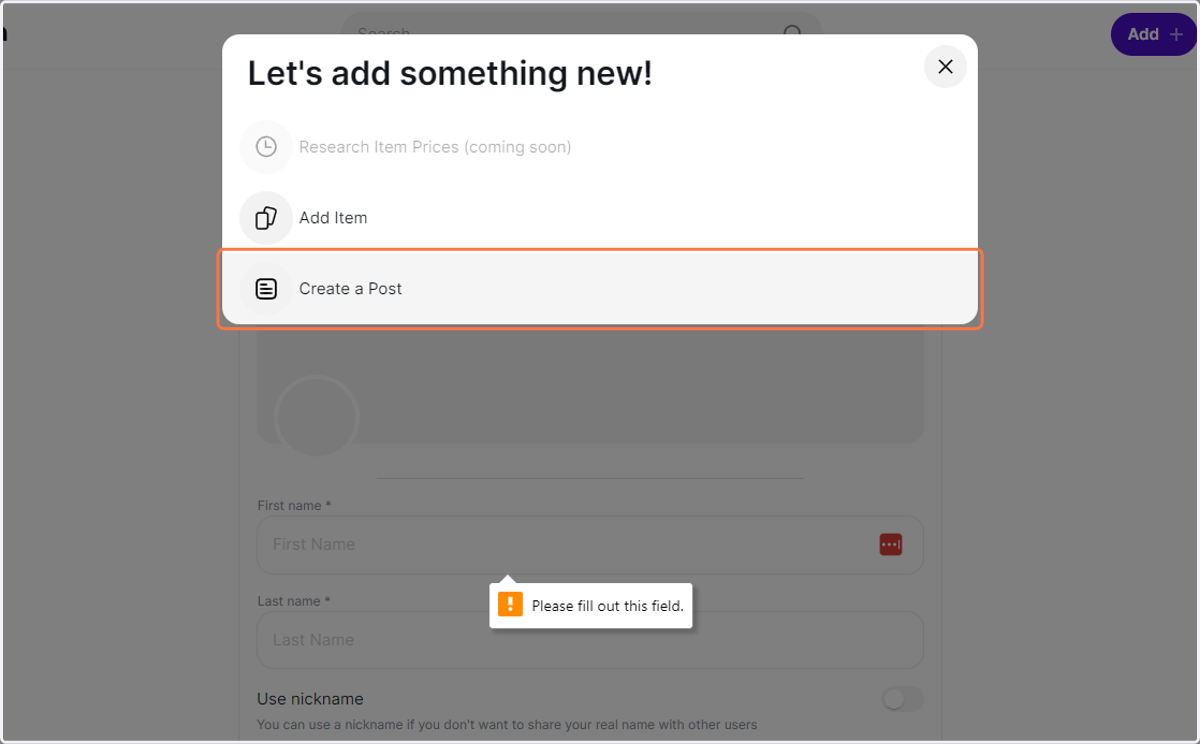
3. Click on Create a Post
4. Add a Title
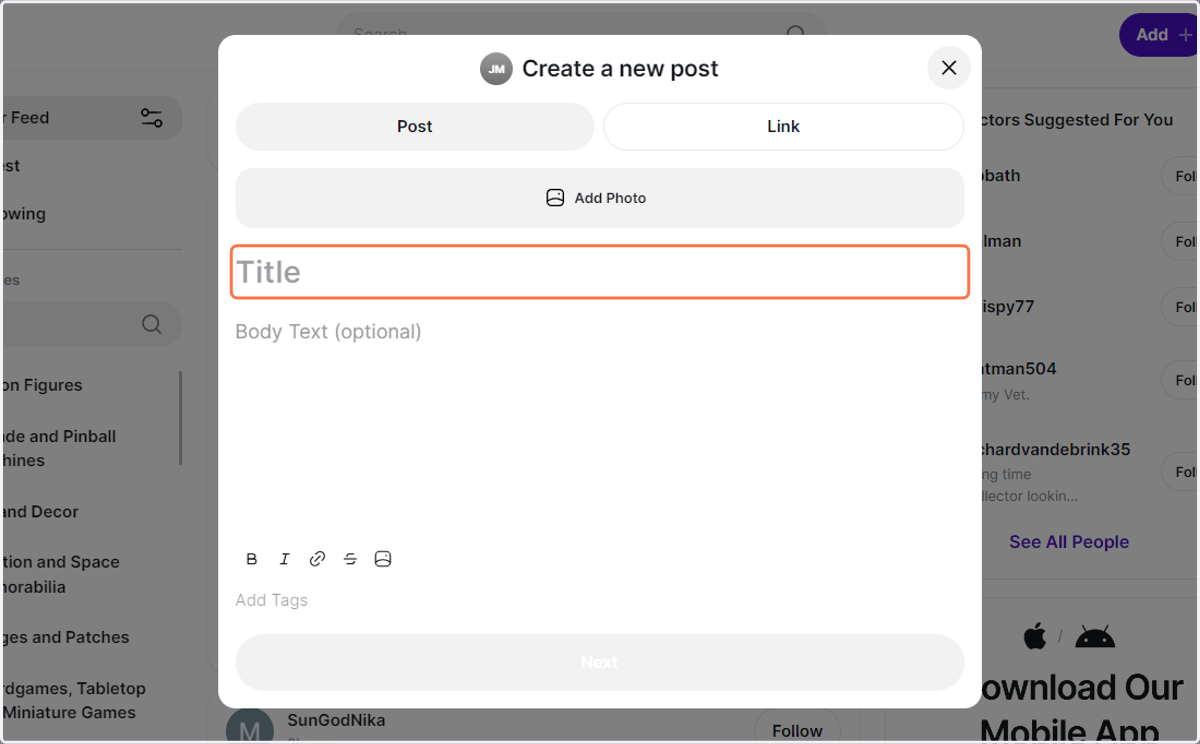
5. Add Photo
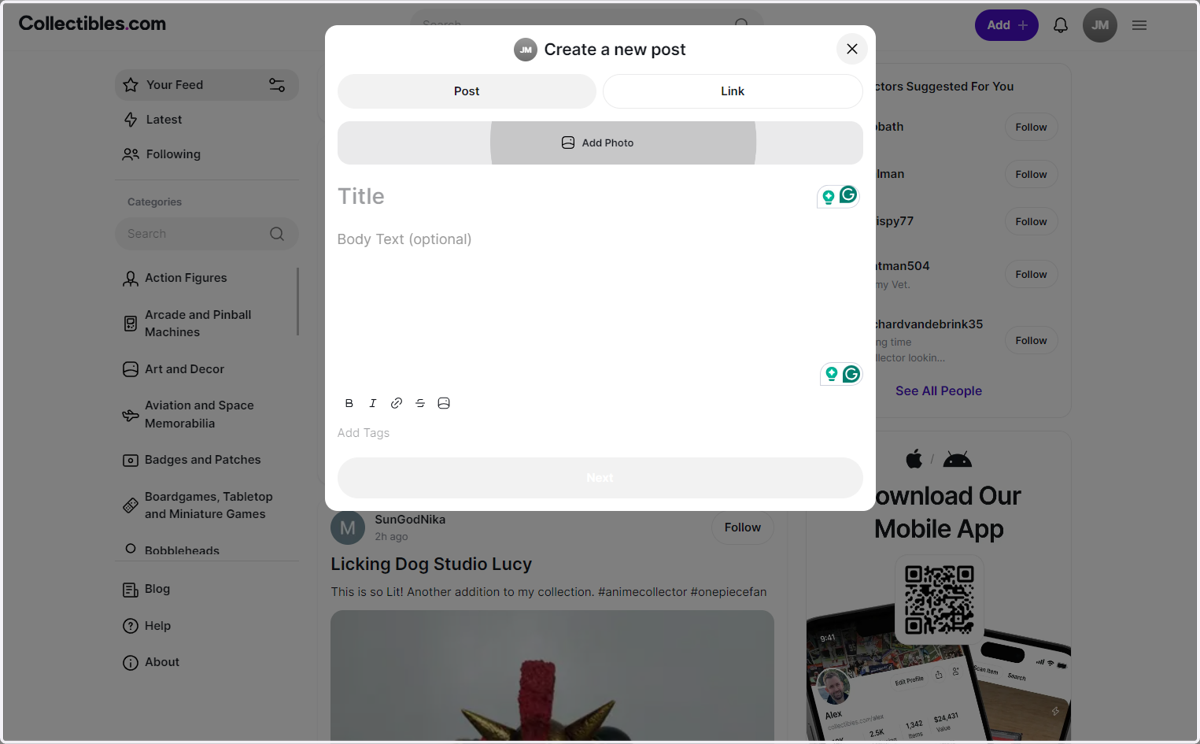
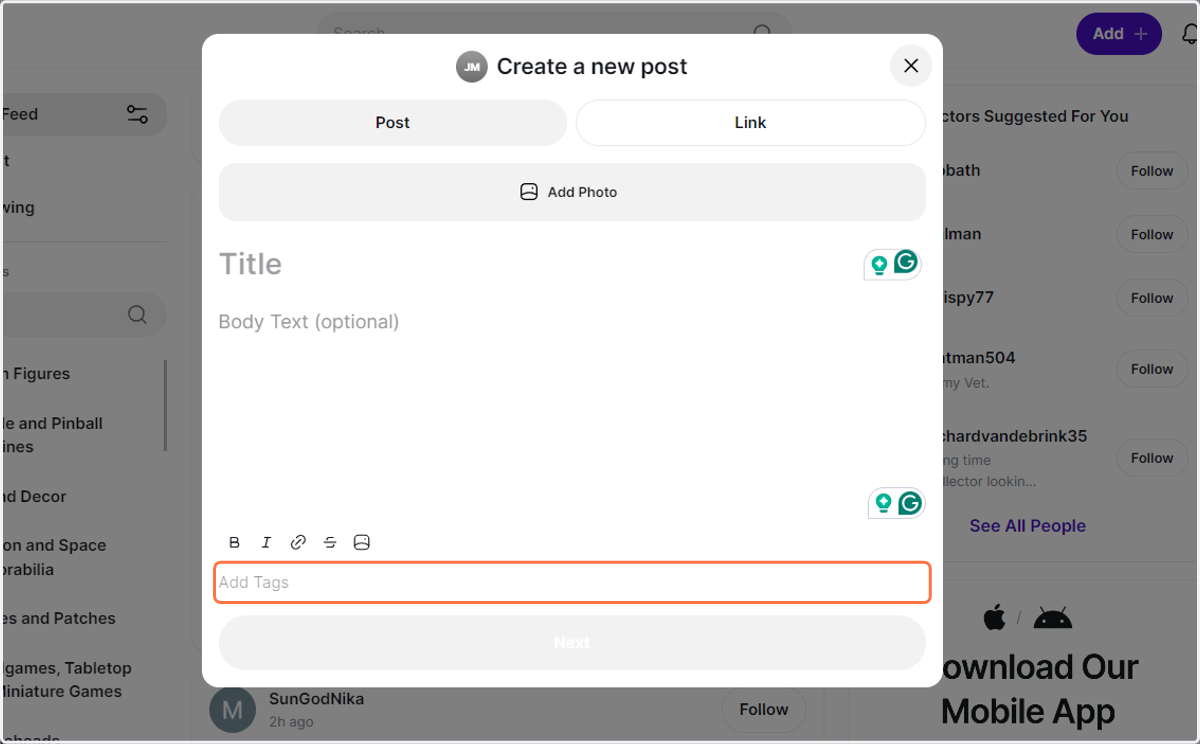
6. Add Tags
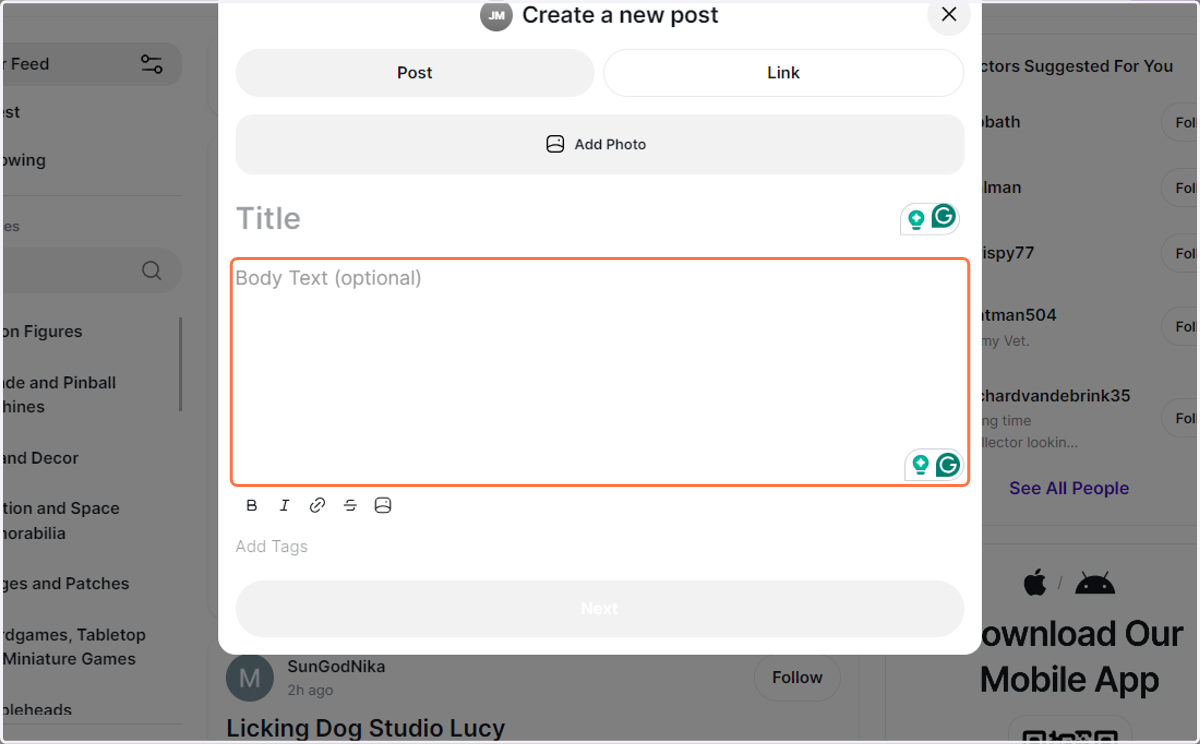
7. Fill in your body.
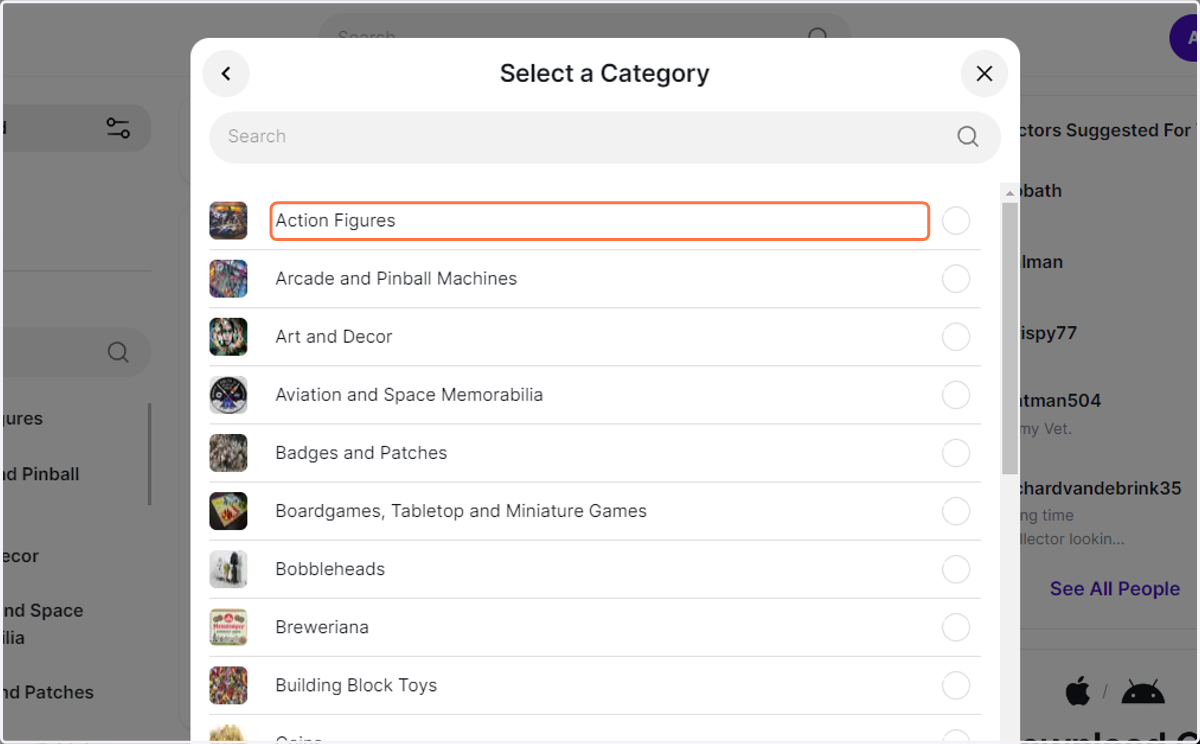
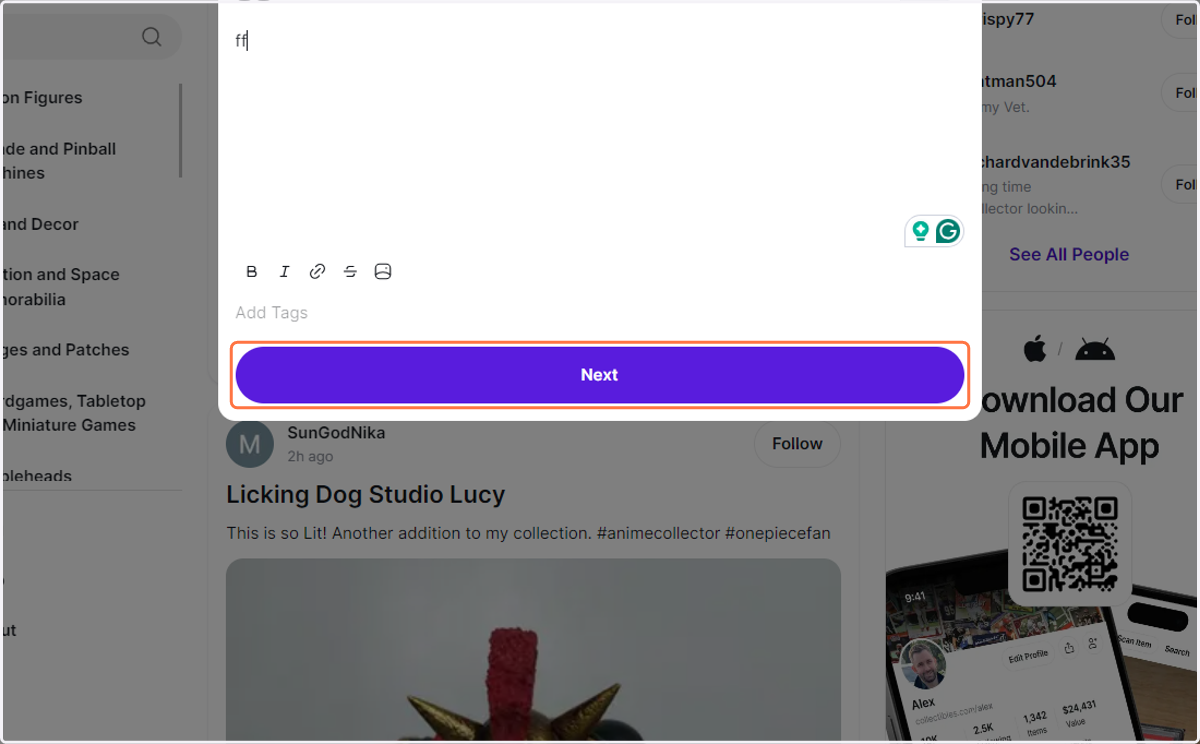
8. Click on Next
9. Select your category and save.