Reset Password in SalesLogs
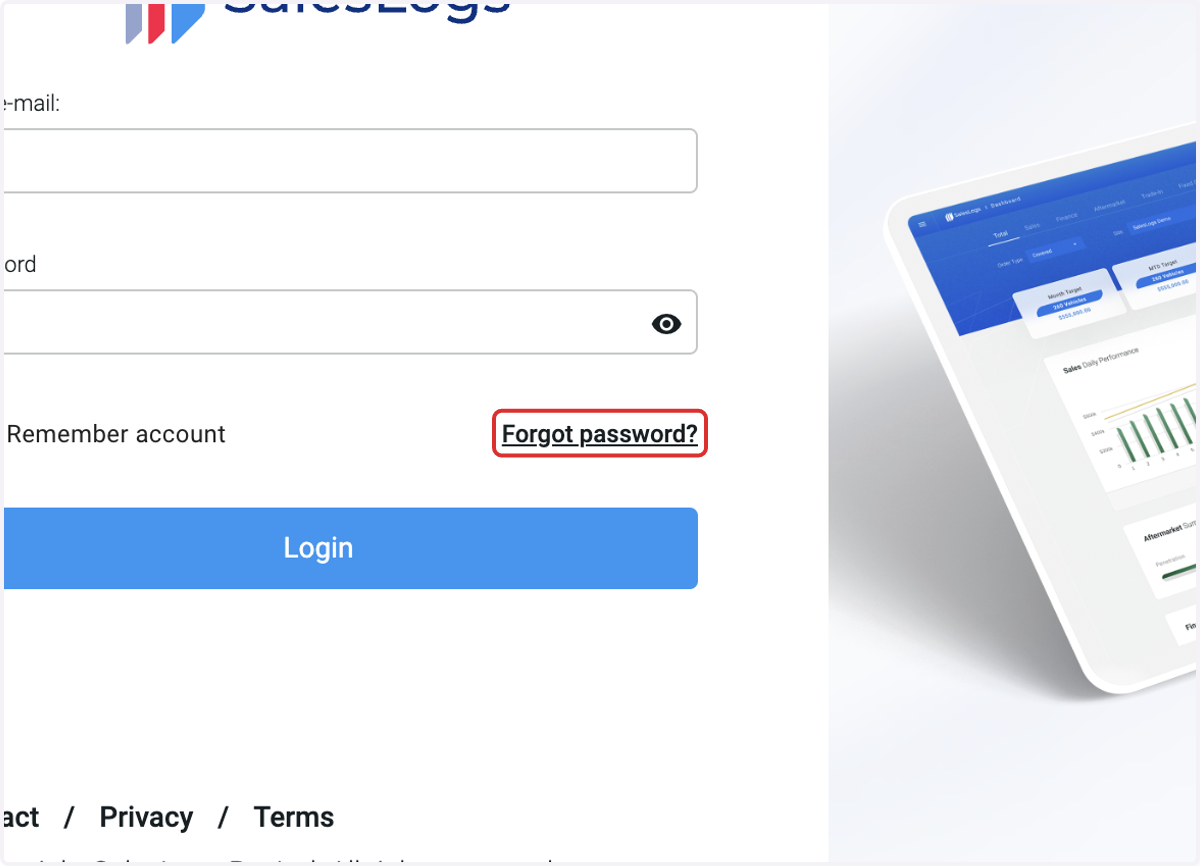
SalesLogs Login Screen
1. Click on Forgot password?
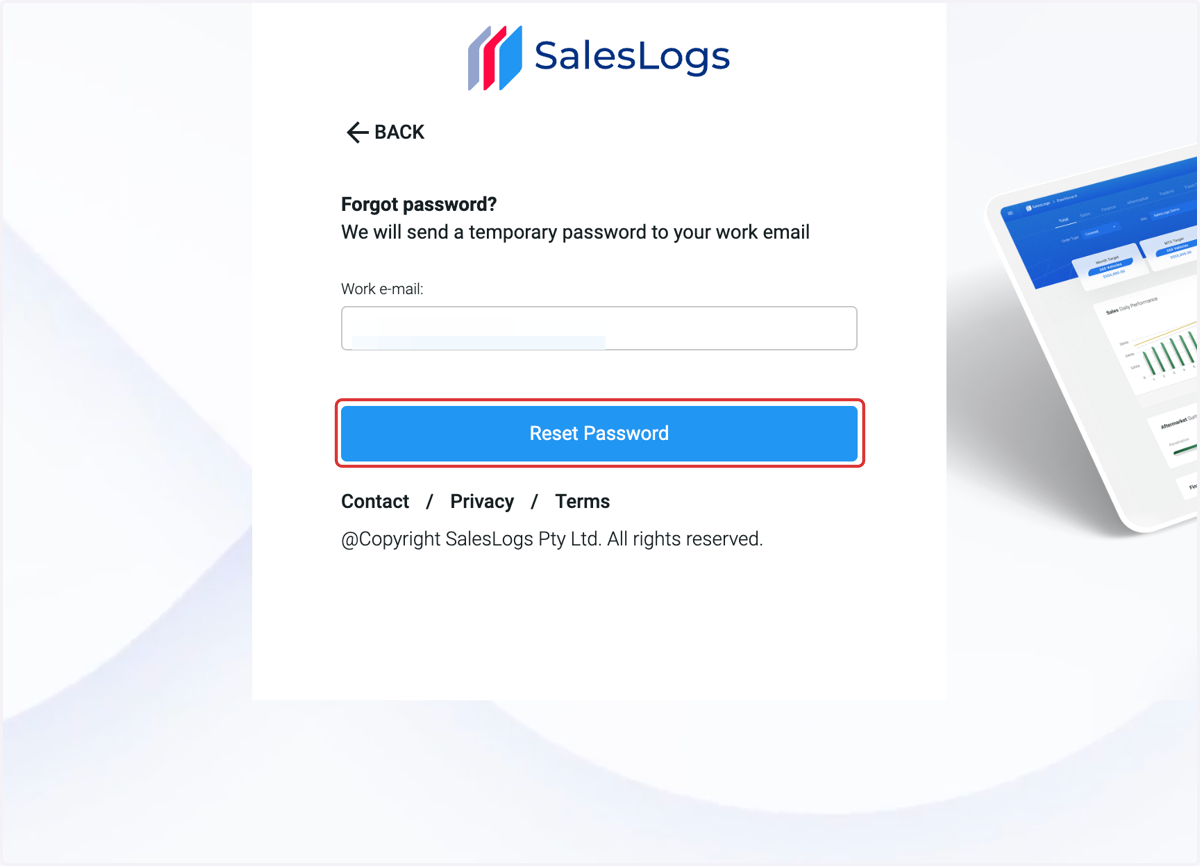
2. Enter work e-mail. Click on Reset Password
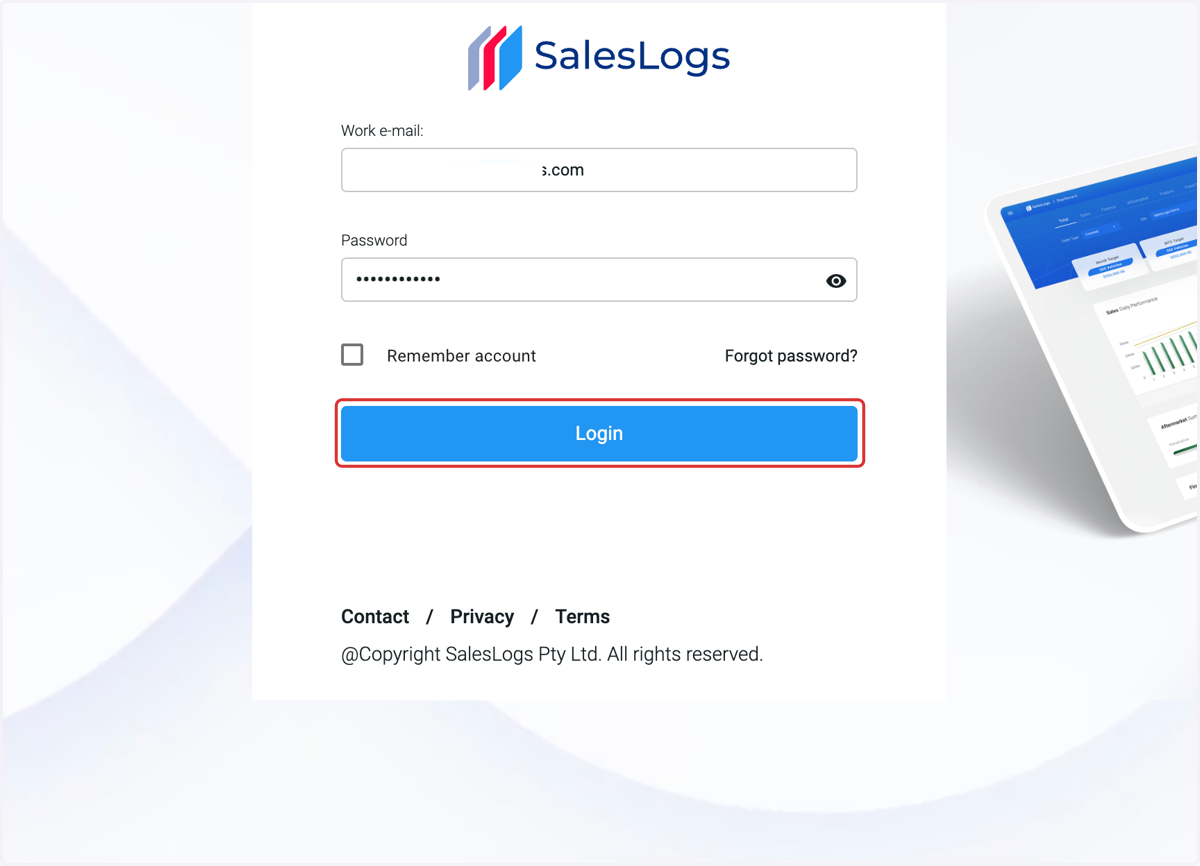
3. Enter your temporary password that was emailed to you. Click on Login
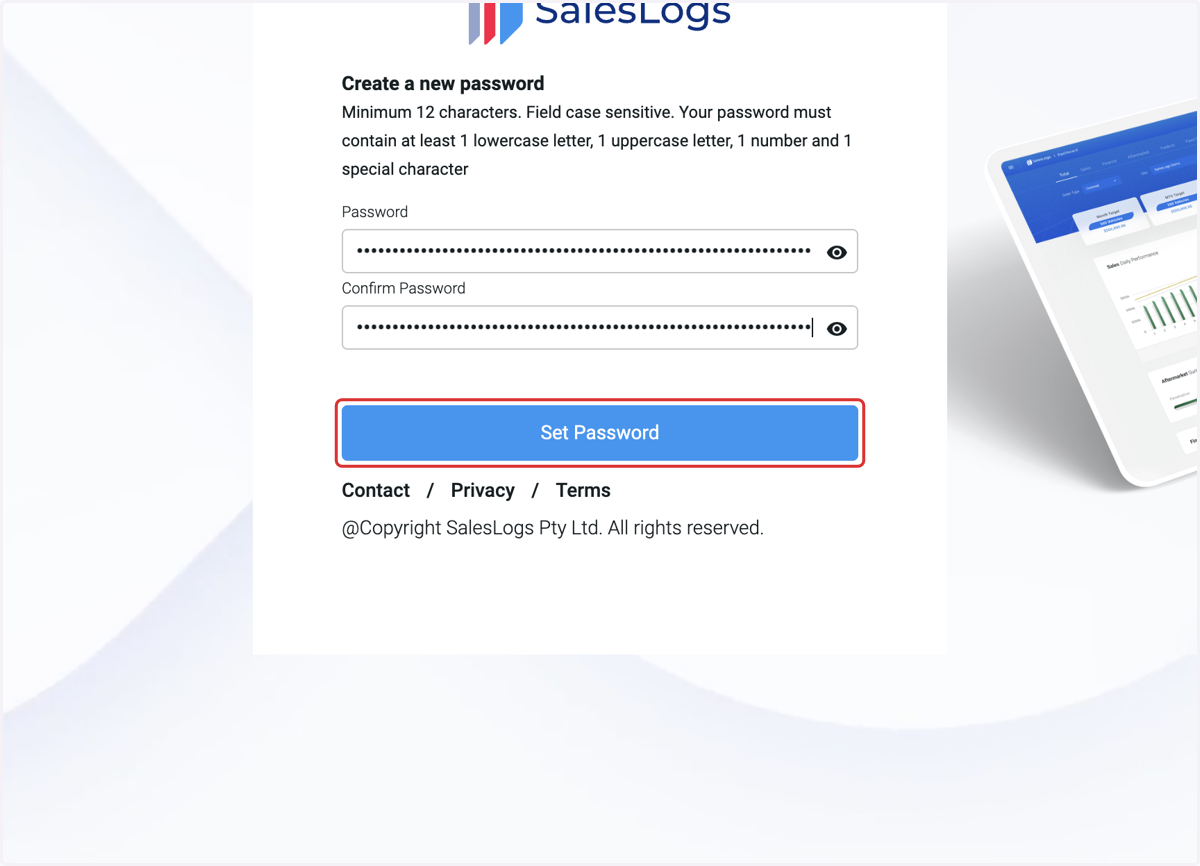
4. Create a new password. Confirm password. Click on Set Password
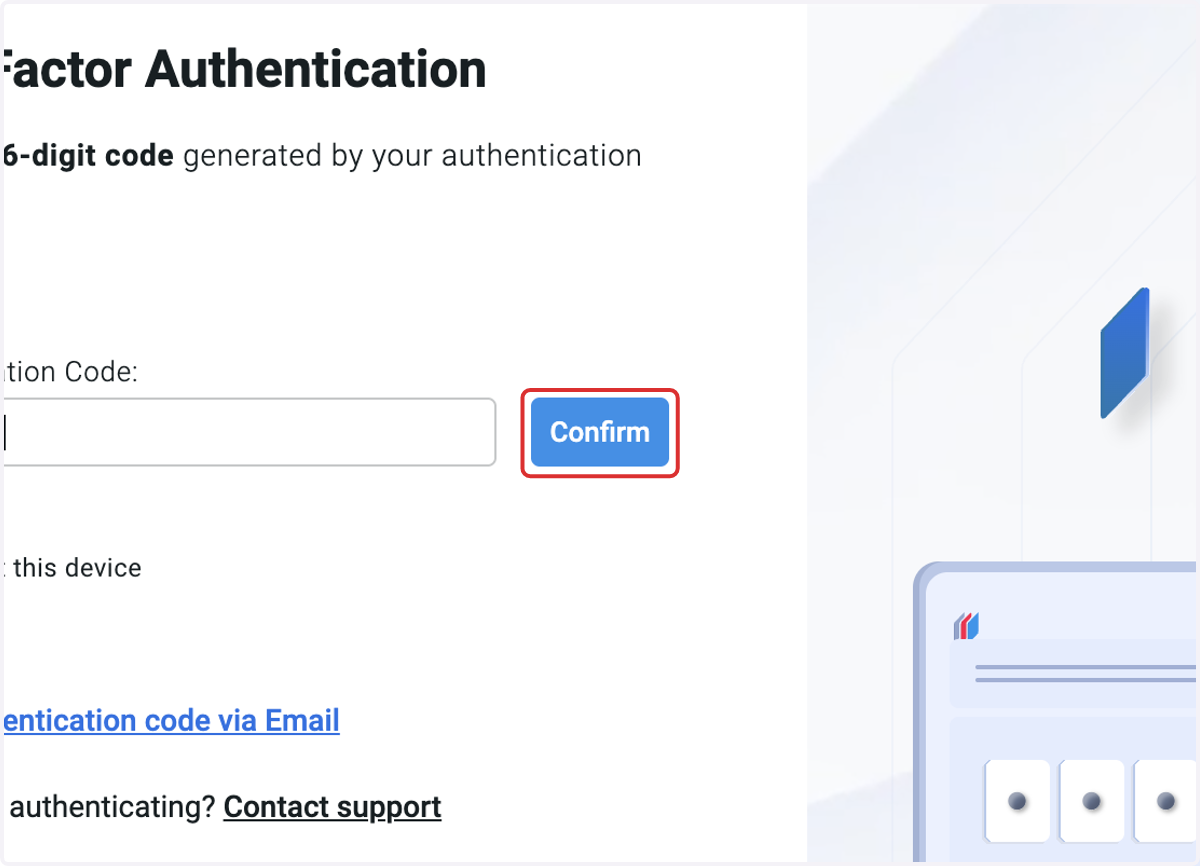
5. Enter your authentication code from your existing authentication app
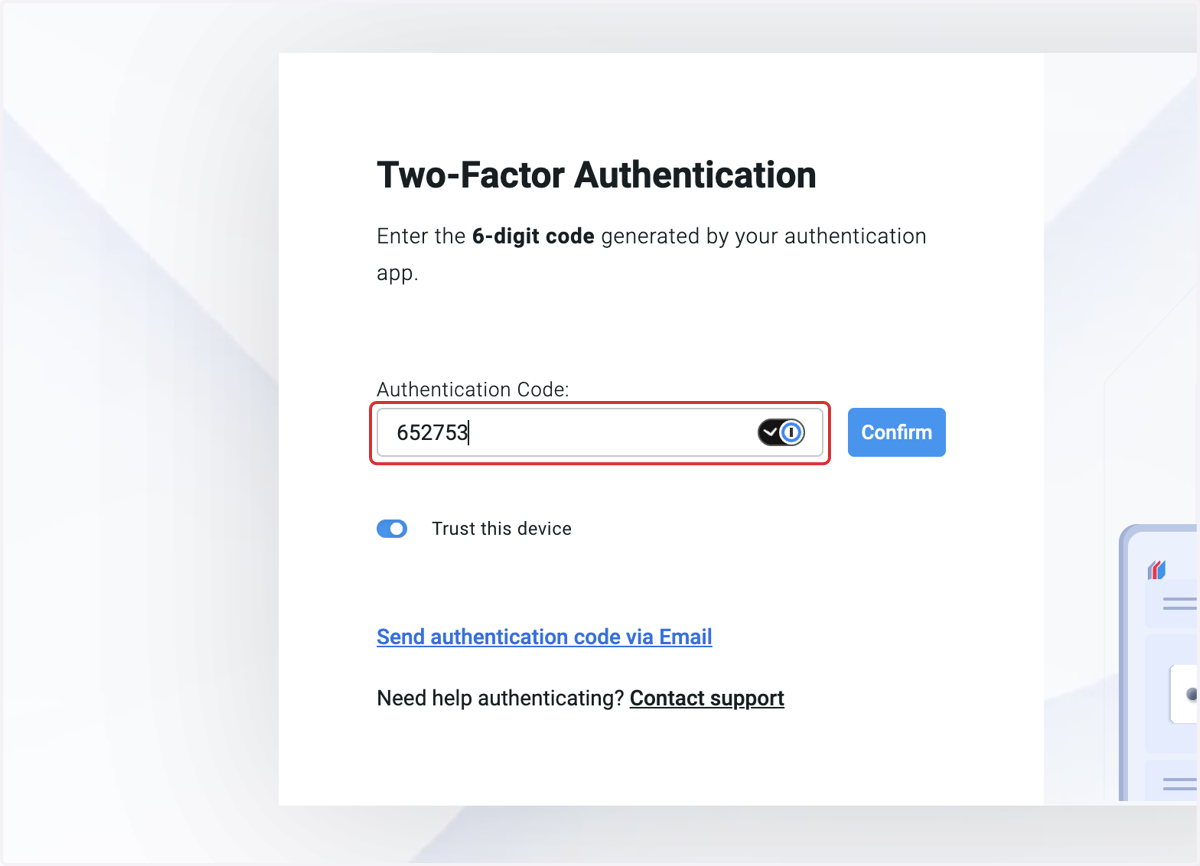
6. Click on Confirm