Create a Custom Role

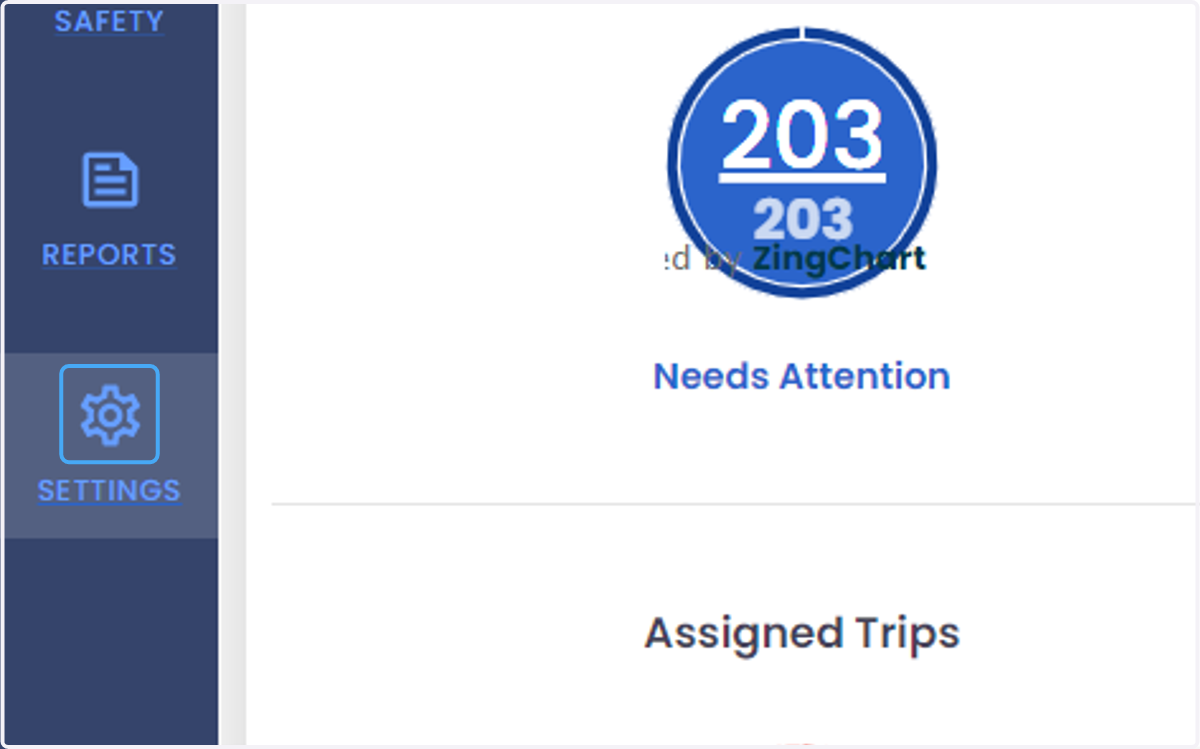
  1. 1. Click on SETTINGS

    Click on SETTINGS
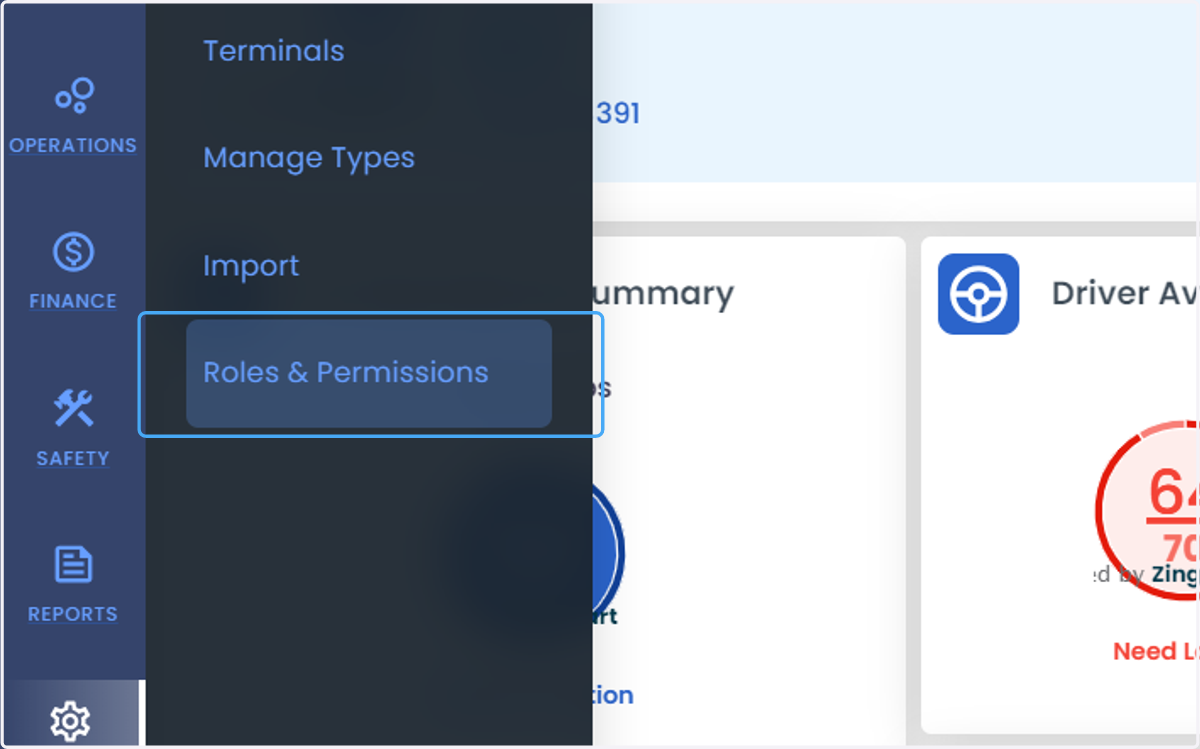
  2. 2. Click on Roles & Permissions

    Click on Roles & Permissions
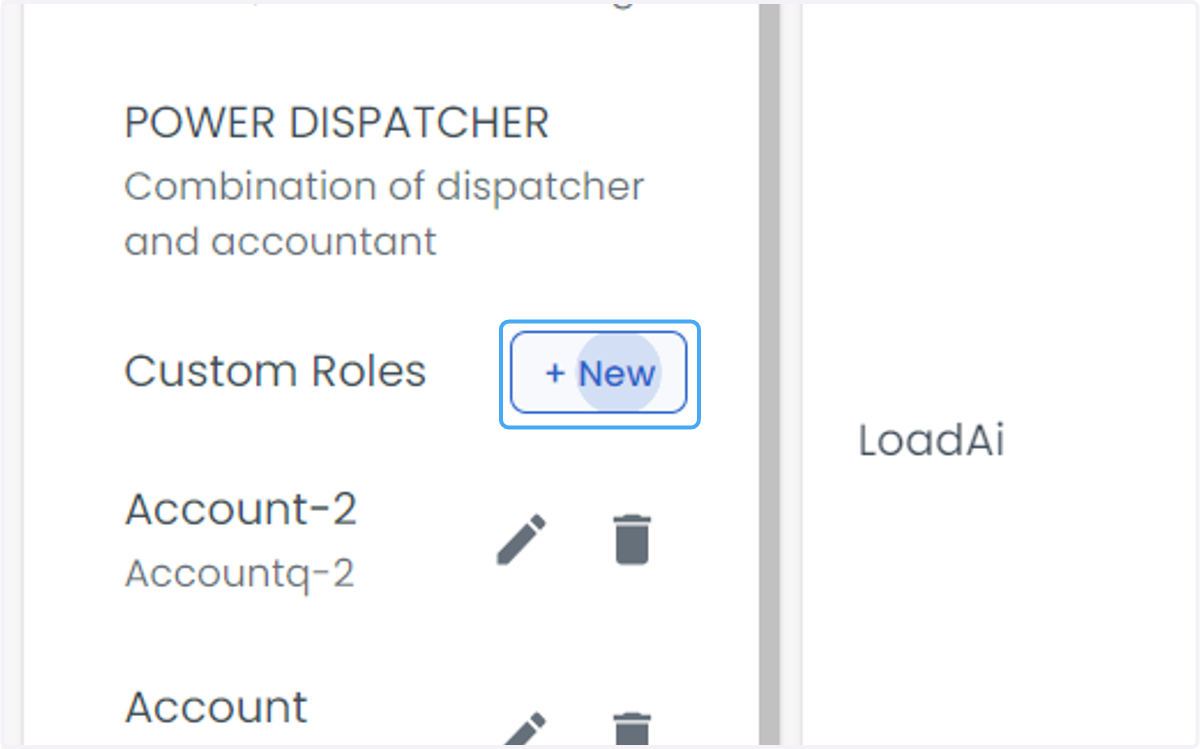
  3. 3. Click on + New

    Click on + New
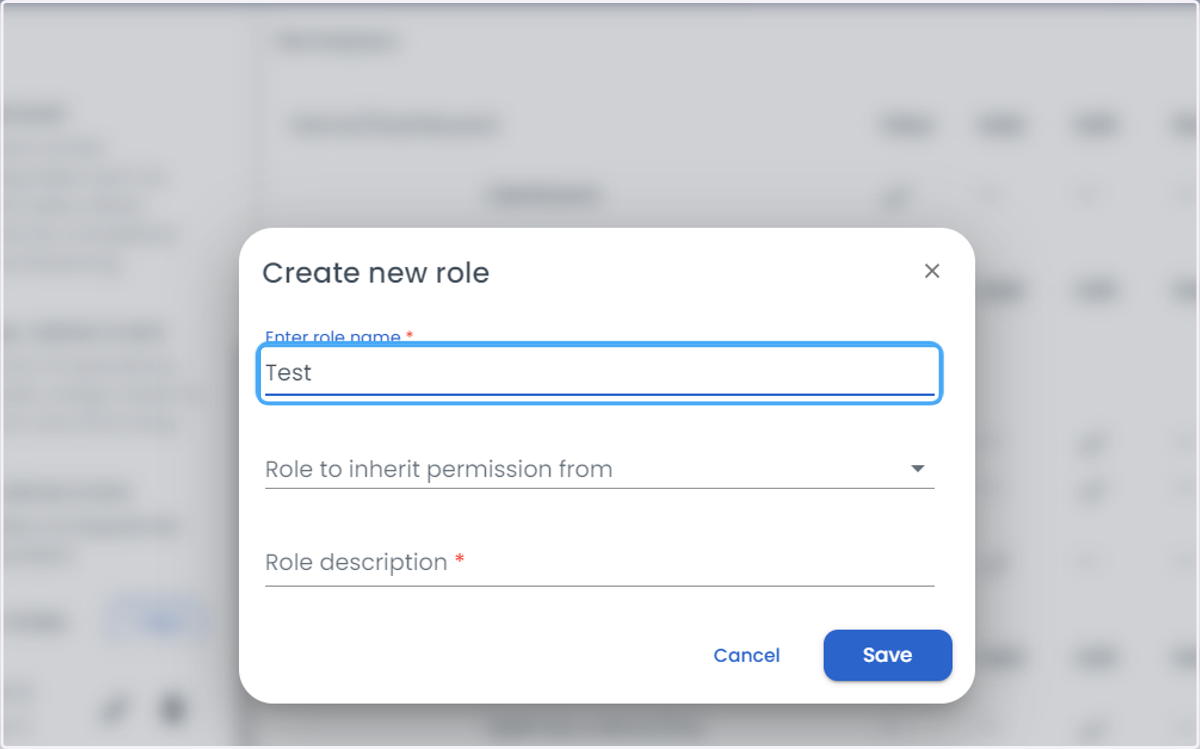
  4. 4. Enter the name of Custom Role.

    Enter the name of Custom Role.
  5. 5. Select the existing role from which the permission will be inherited
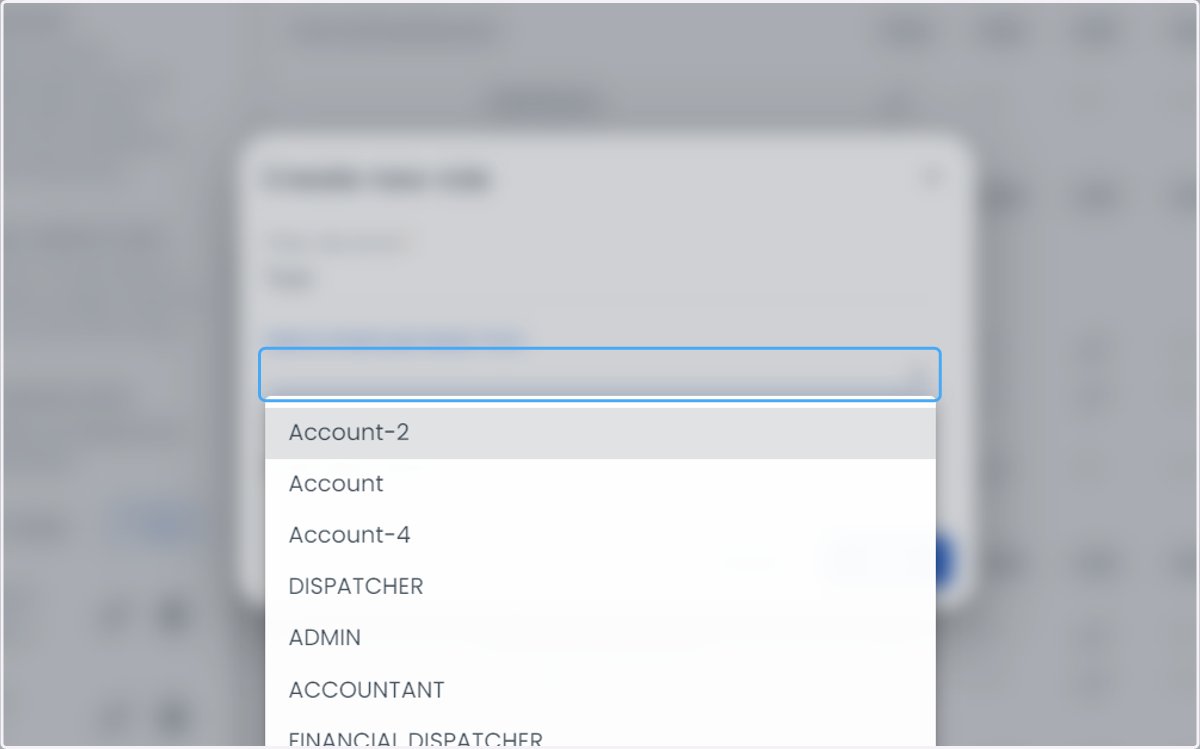
    Select the existing role from which the permission will be inherited
  6. 6. Enter the custom role description.
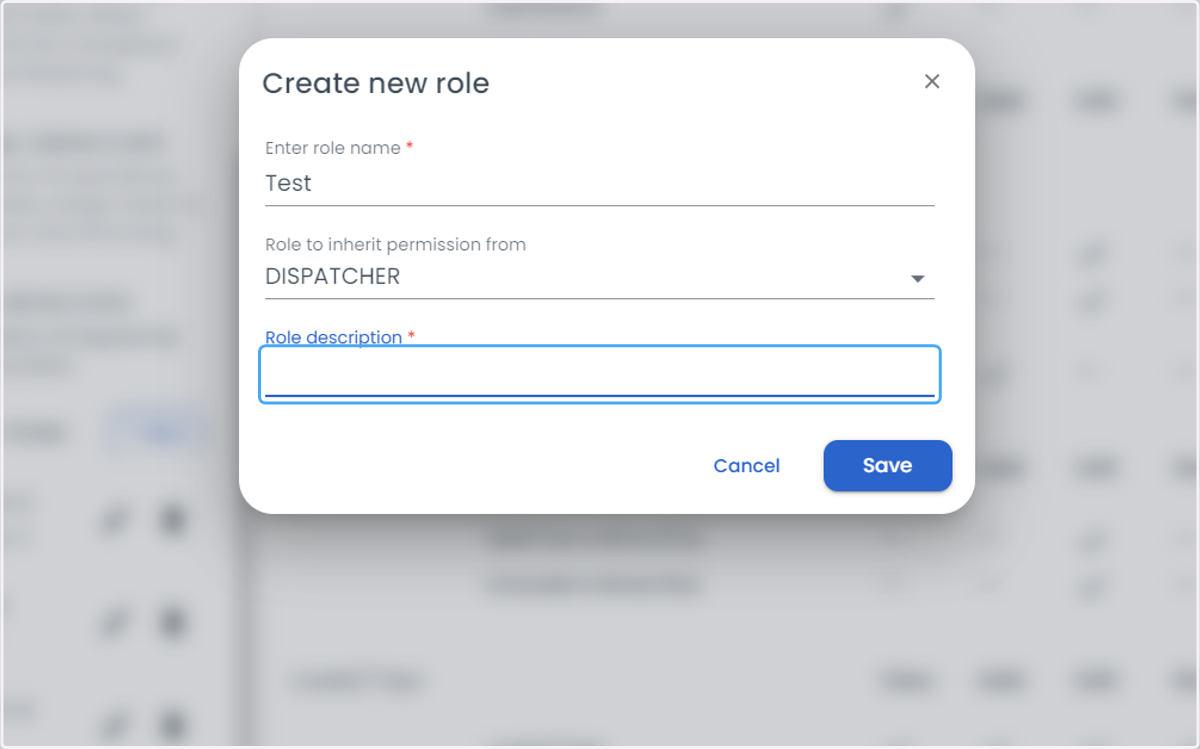
    Enter the custom role description.
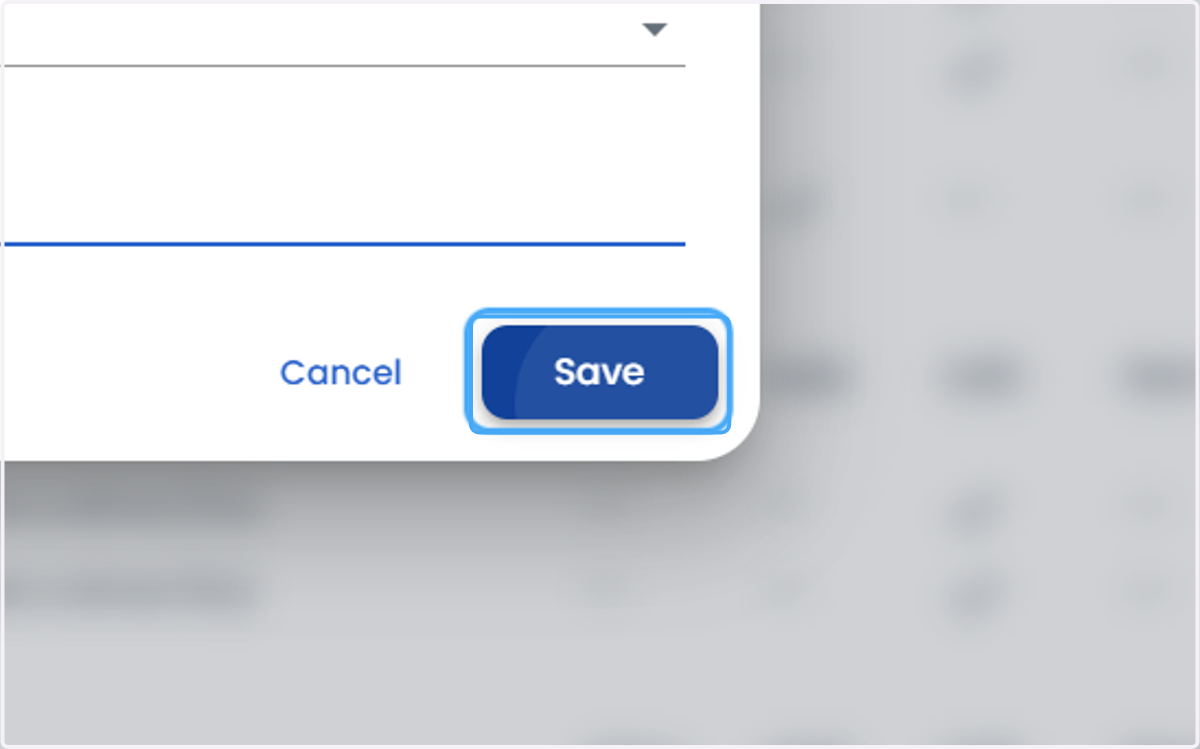
  7. 7. Click on Save

    Click on Save