How to upload existing translations in Localazy
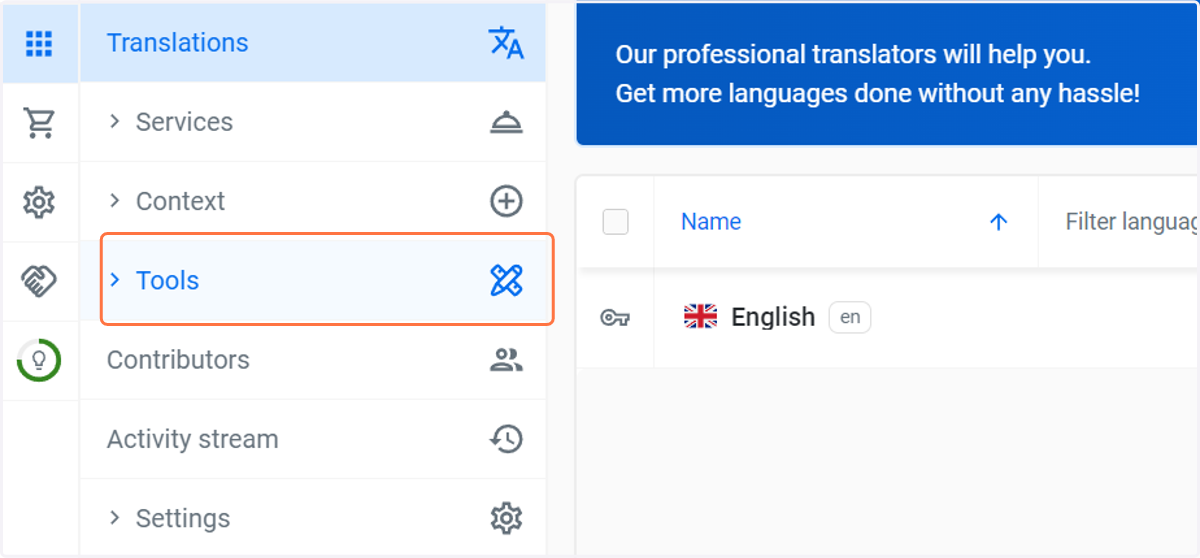
1. Open your project in Localazy, in the menu, click on Tools
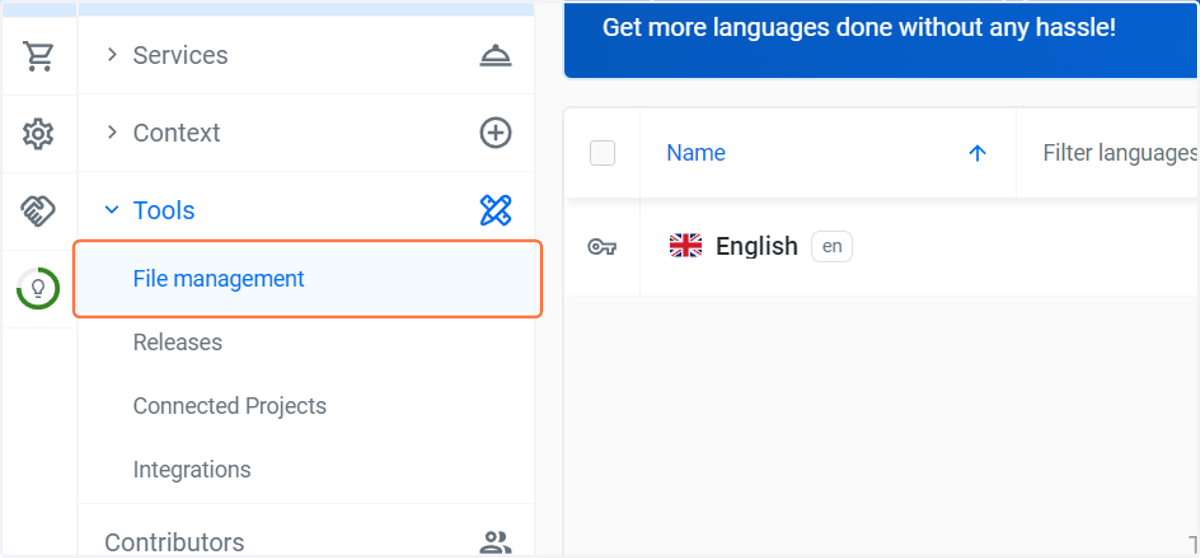
2. Select File management
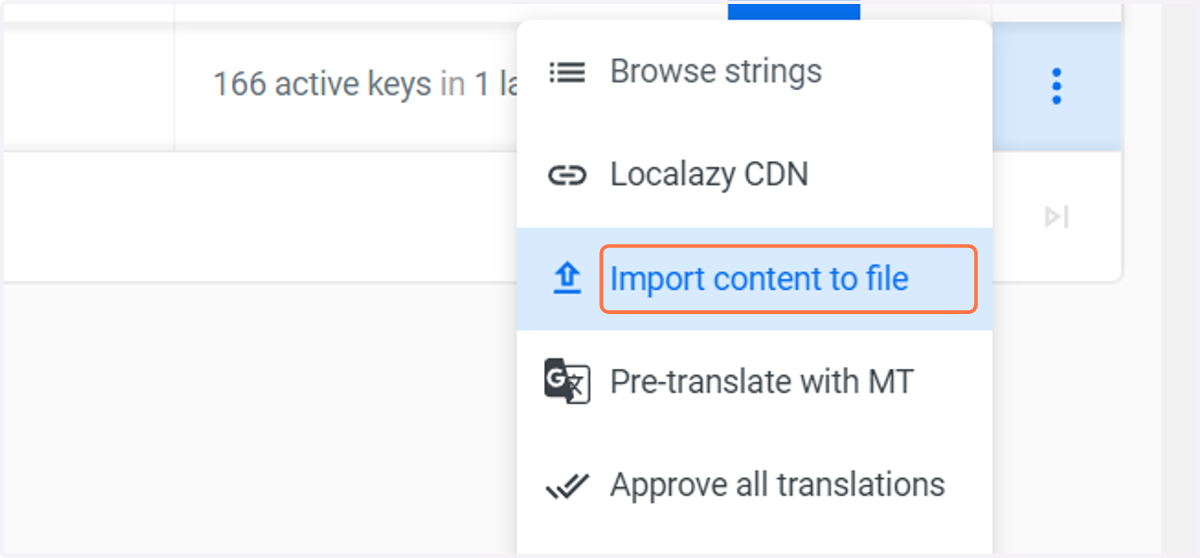
3. To upload a translated resource in a new language, select the original file and click on context menu.
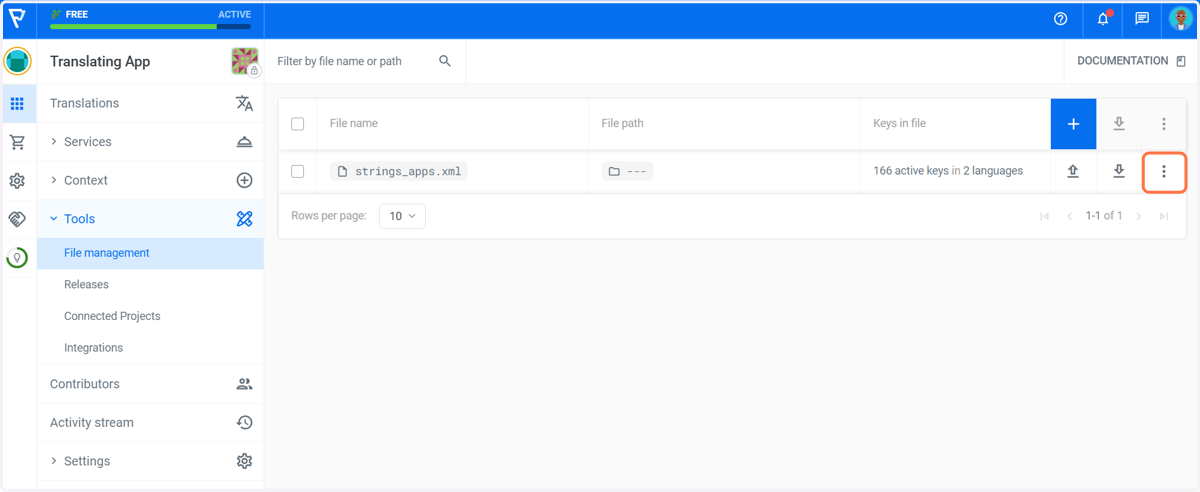
4. Select Import content to file.
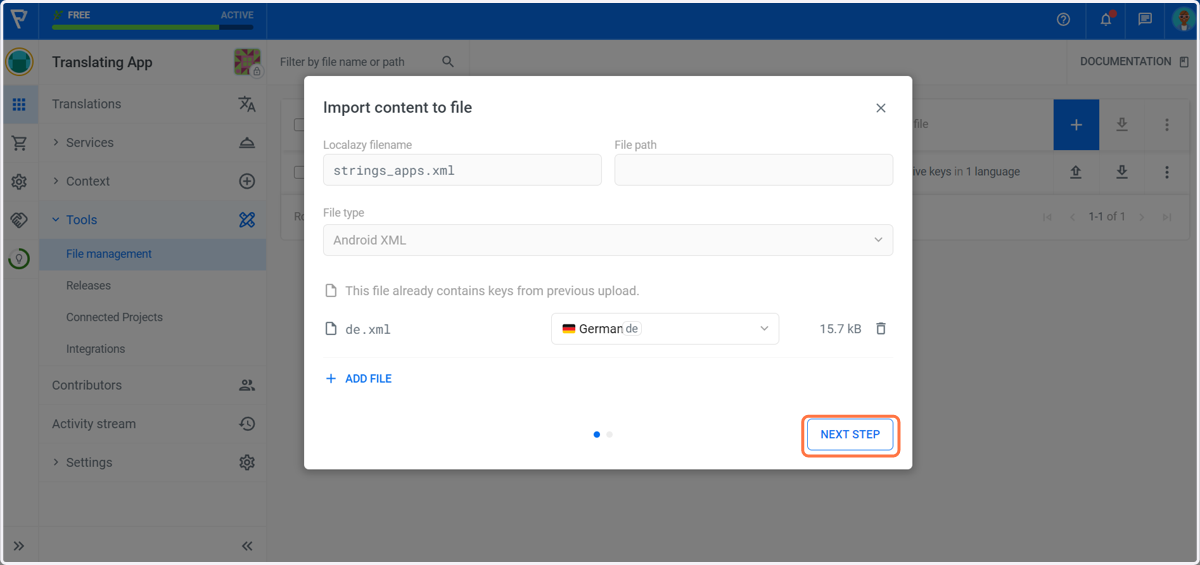
5. Drag and drop your translated file and click on NEXT STEP
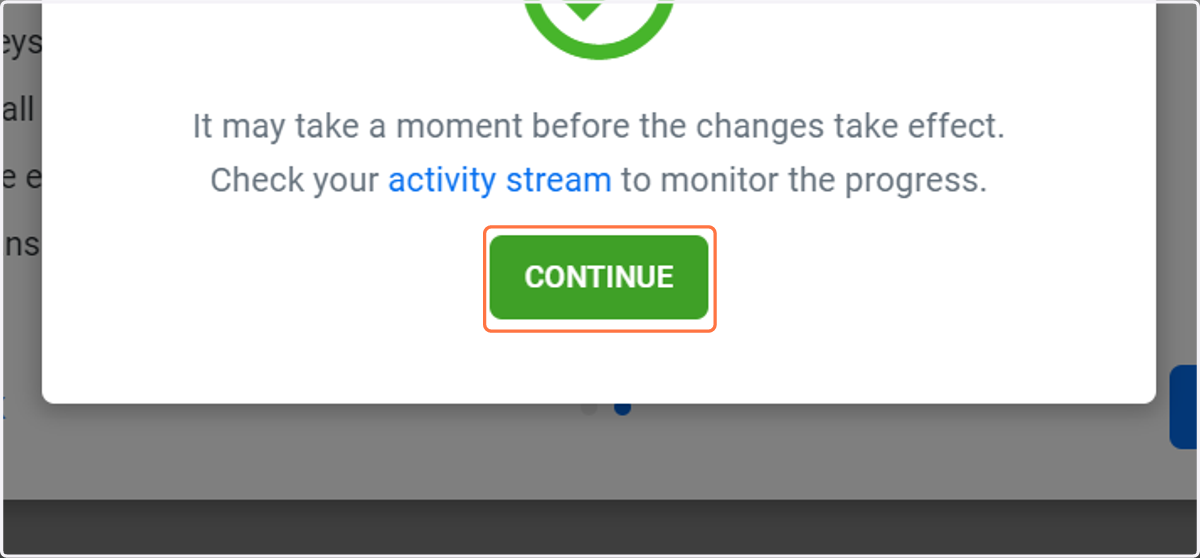
6. Your file is updated successfully, click on CONTINUE
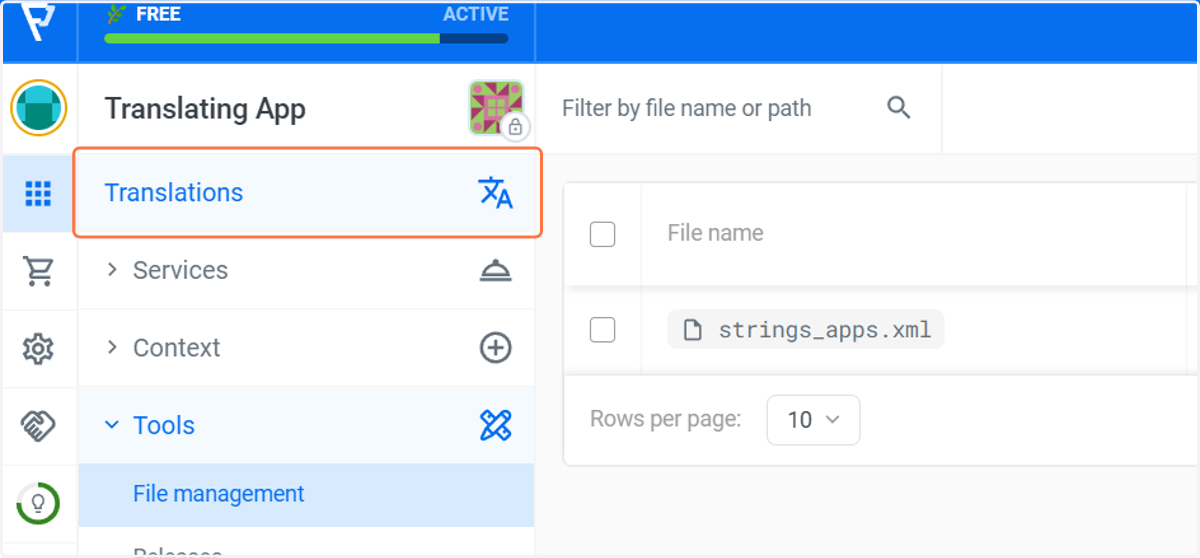
7. Click on Translations to return to the main page
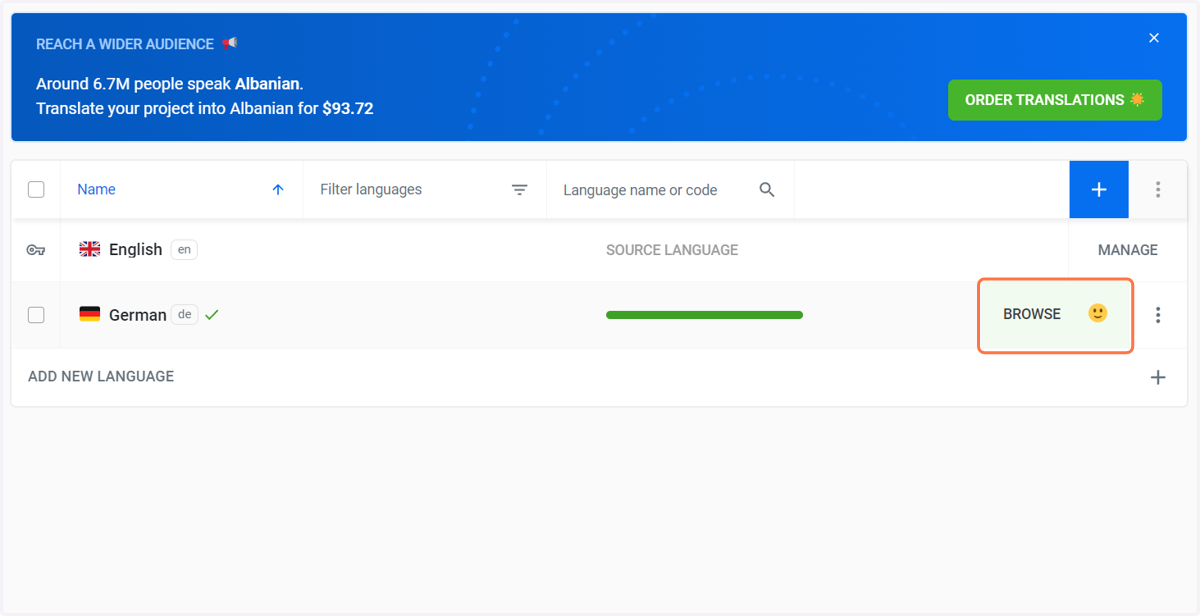
8. Your project speaks German...