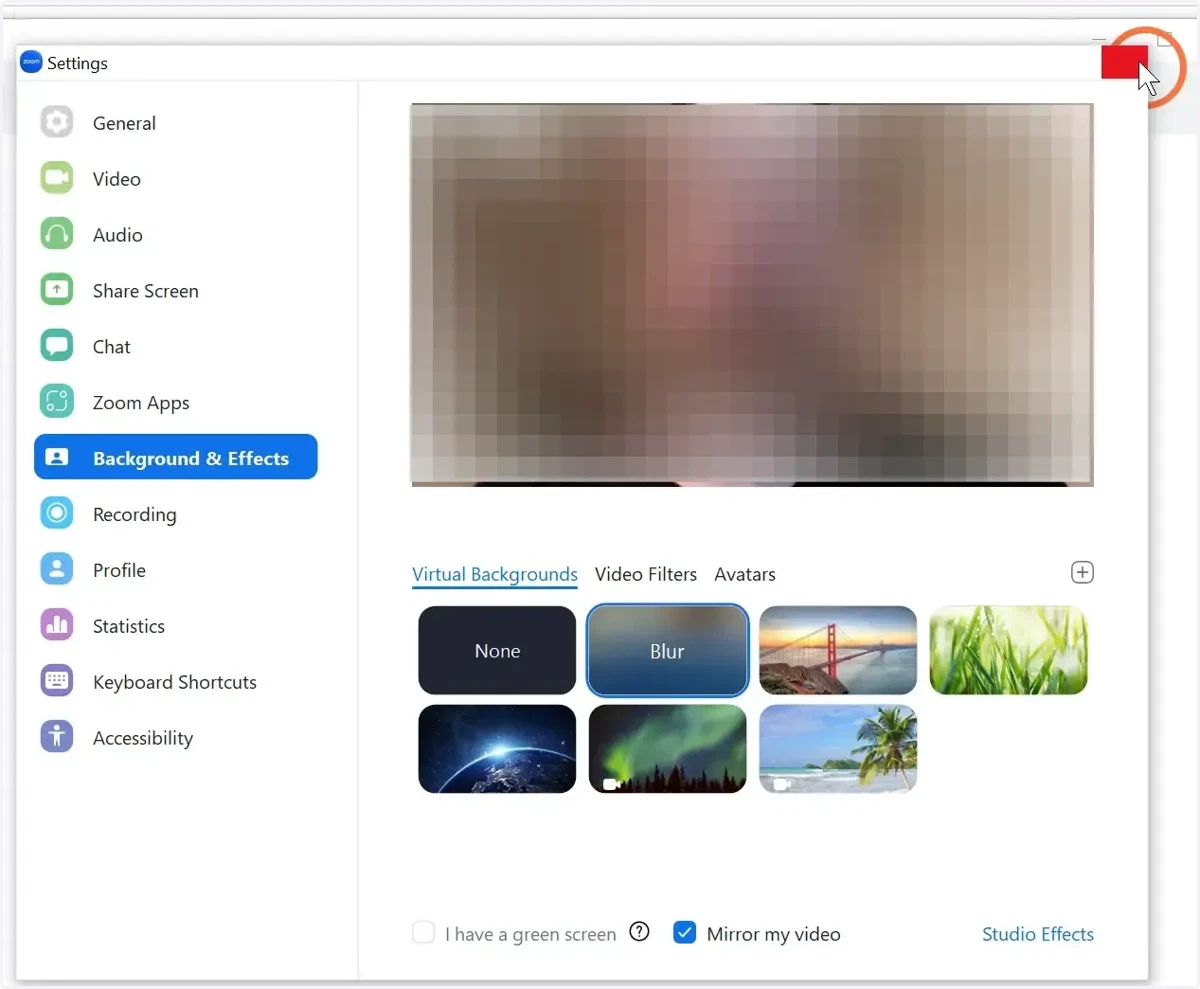
How to Blur Background on Zoom: Before a meeting
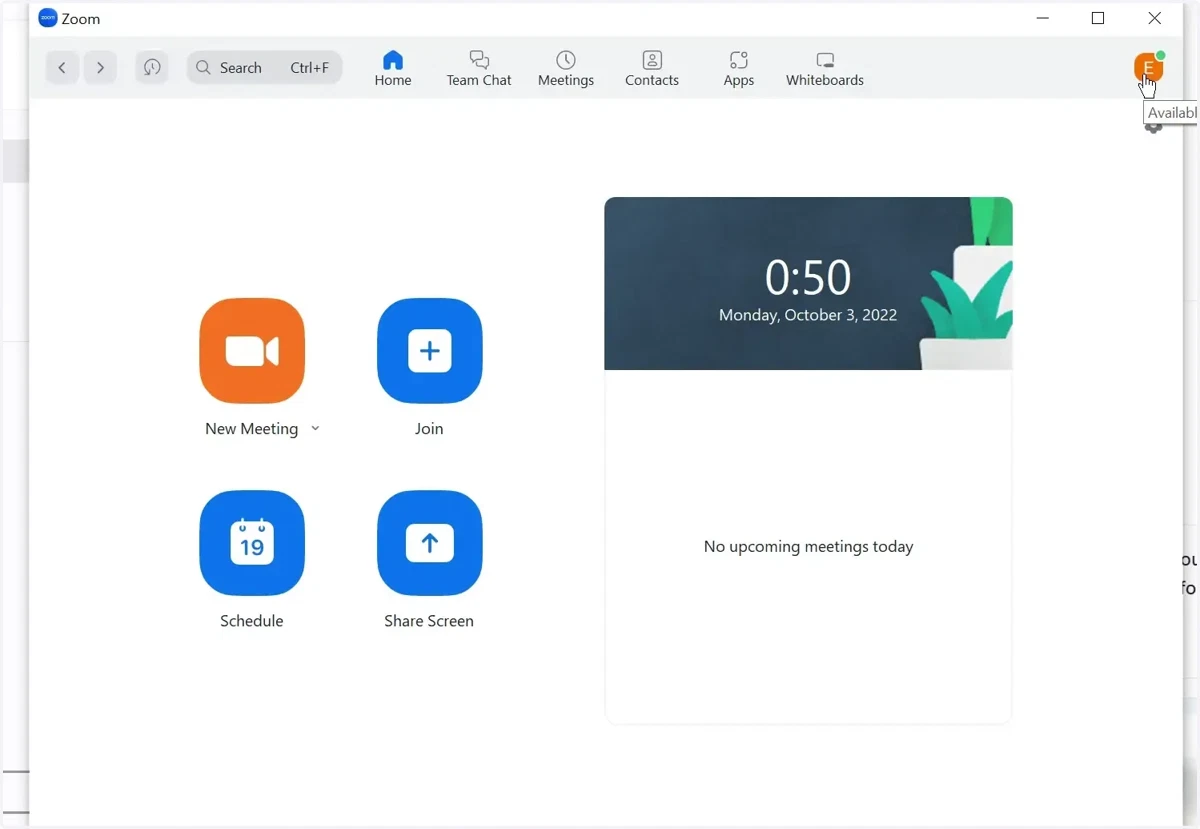
1. Log in to the Zoom desktop app and click on your profile picture on the top right
zoom
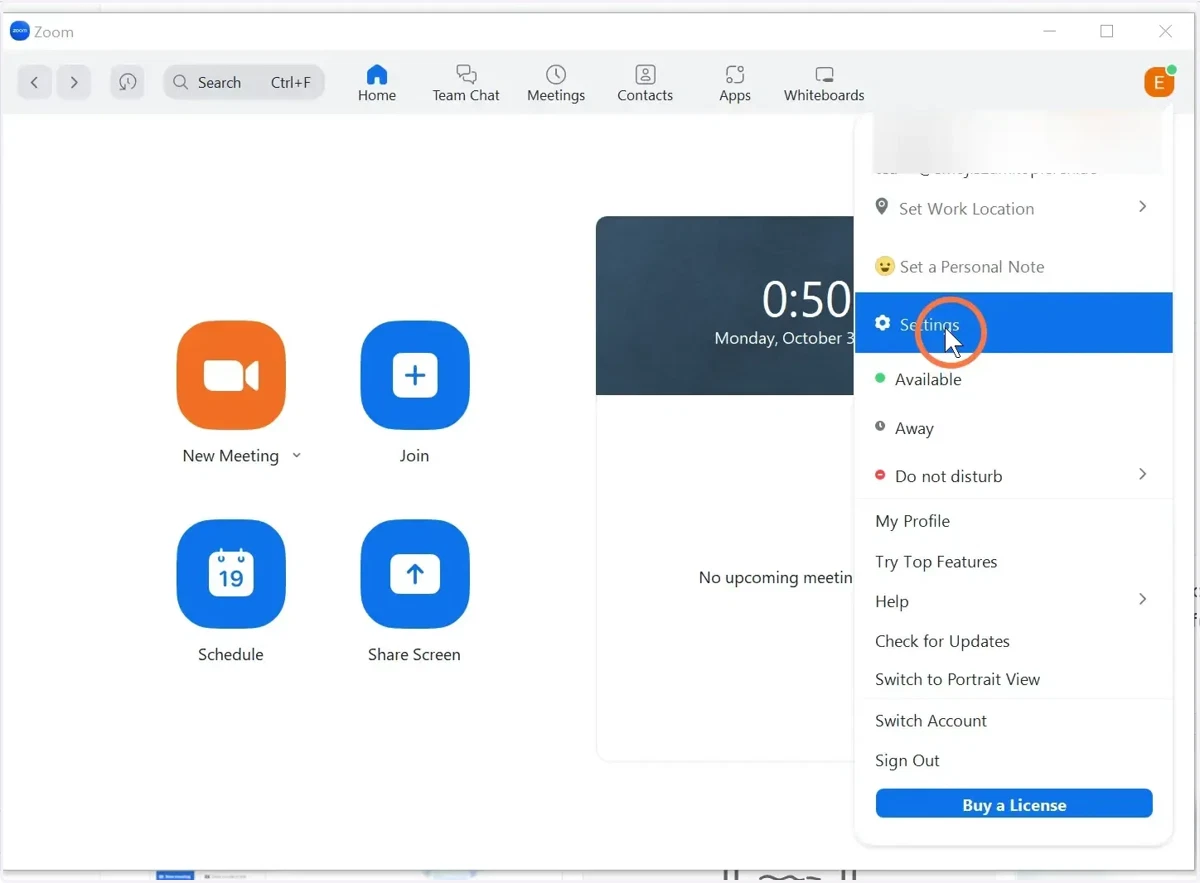
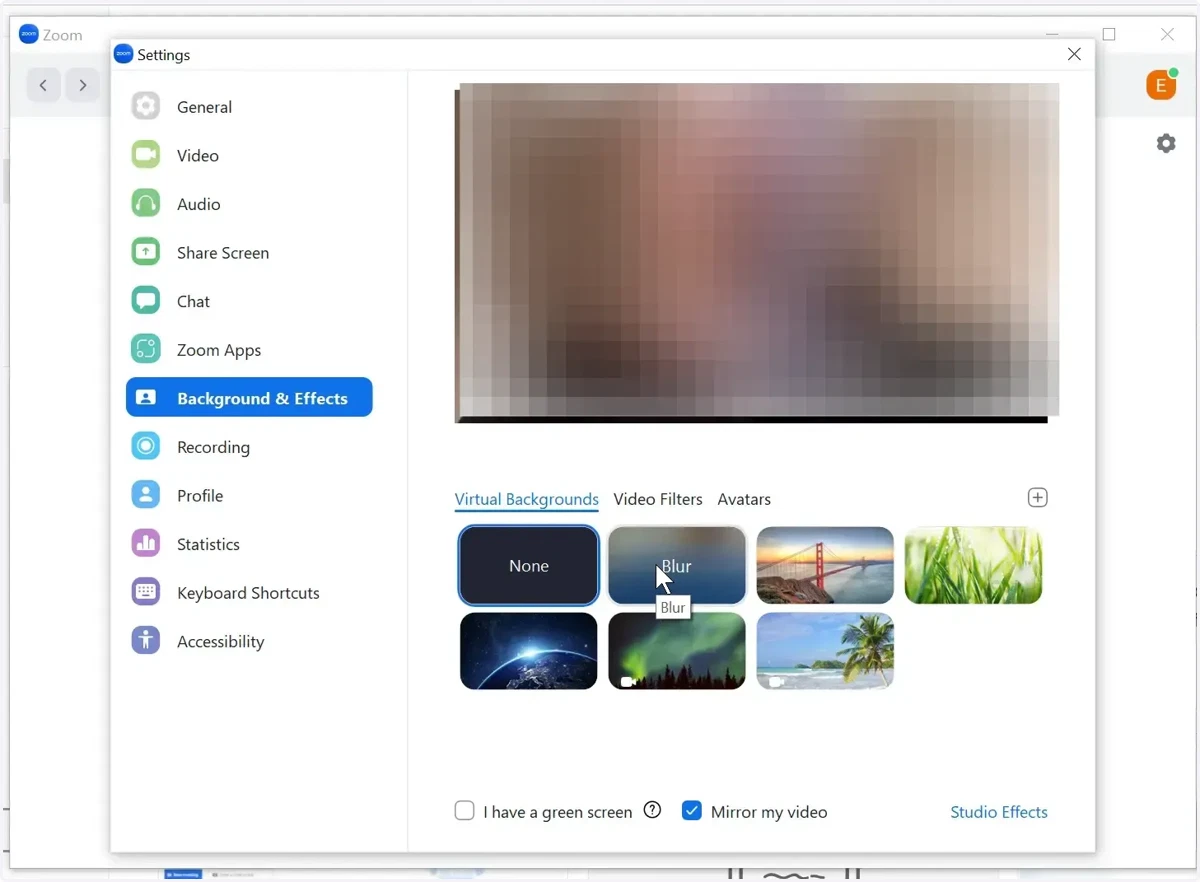
2. Click on Settings
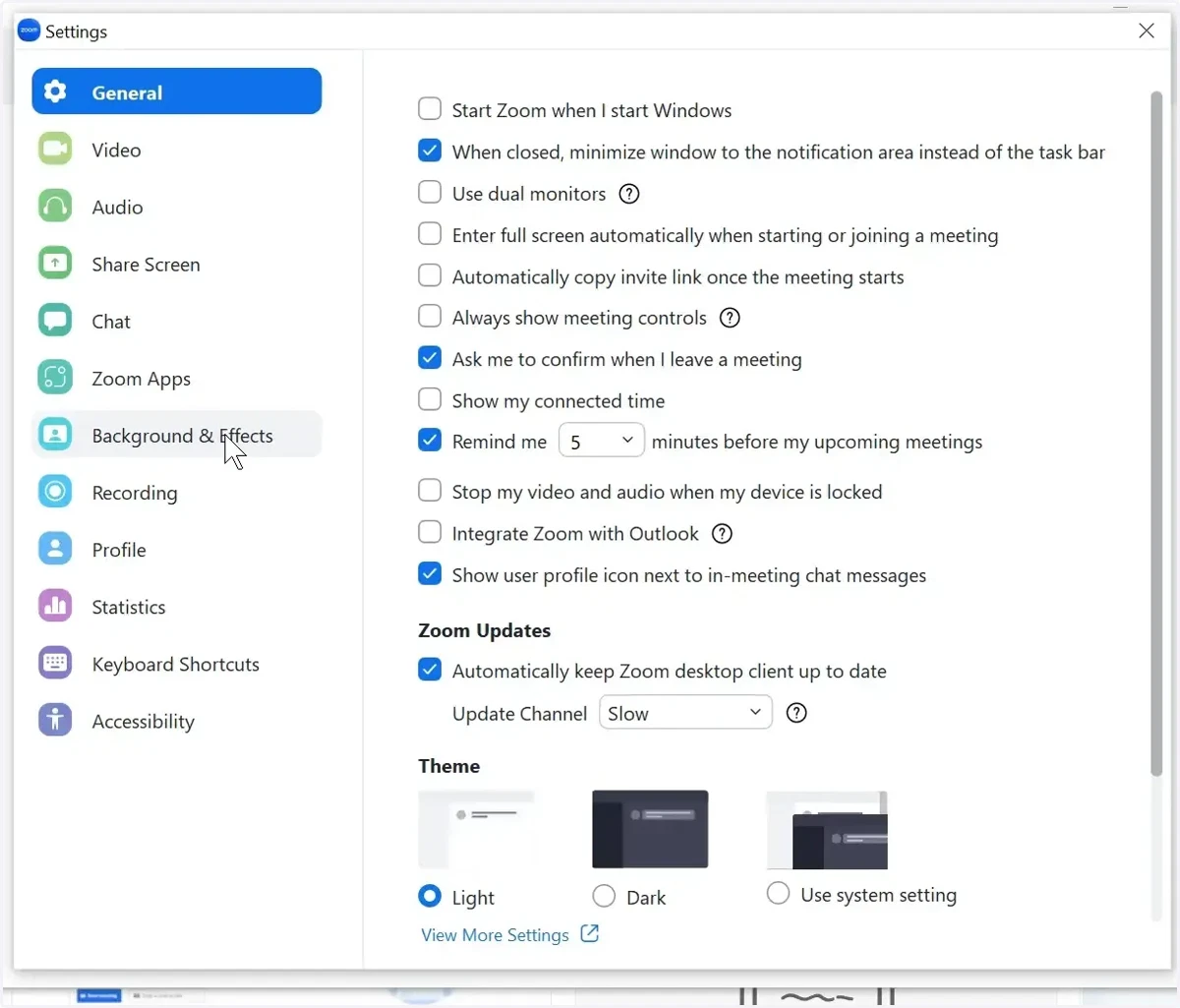
3. Choose Backgrounds & Filters
4. Click on the Blur option
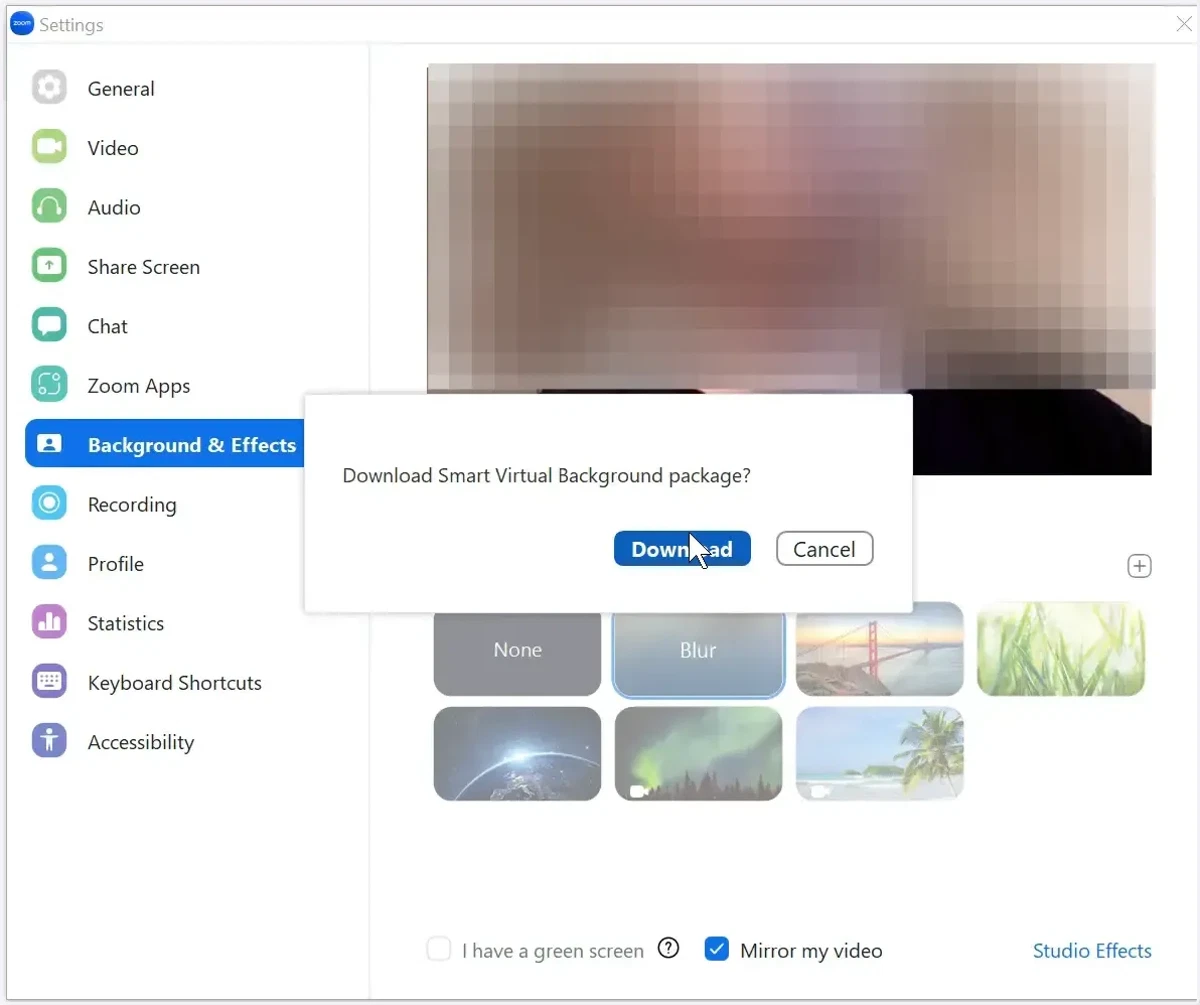
5. Download Smart Virtual Background Package
6. Close the Settings menu