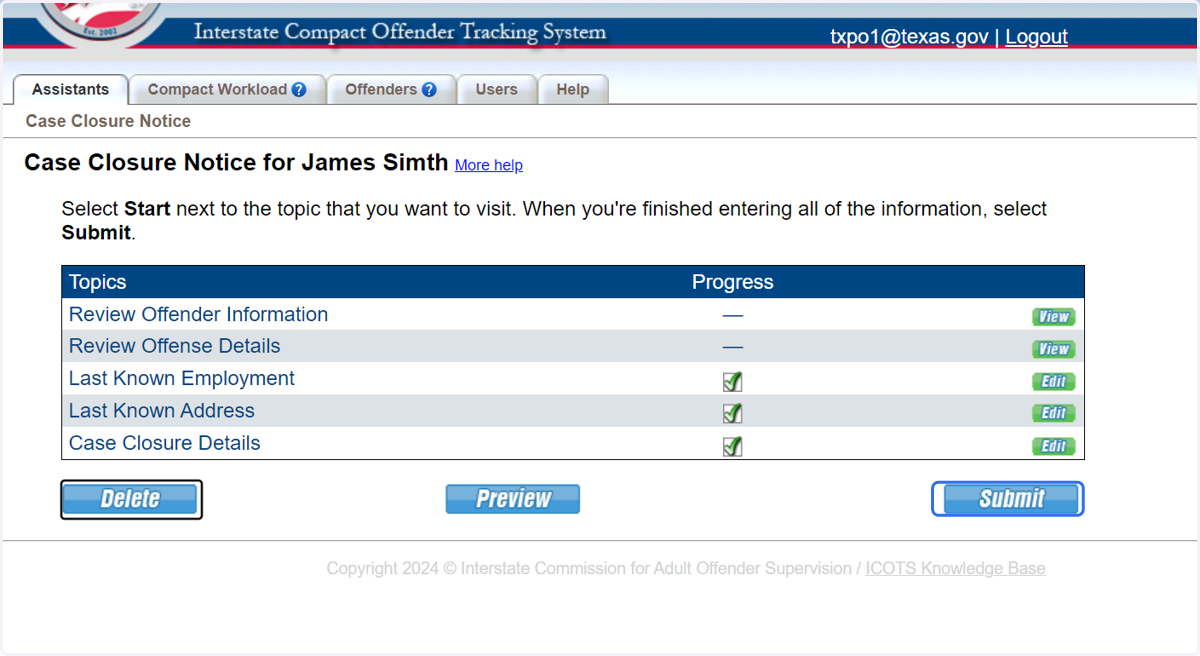
Case Closure Notice
1. From the Profile Compact Cases tab create the Case Closure Notice.
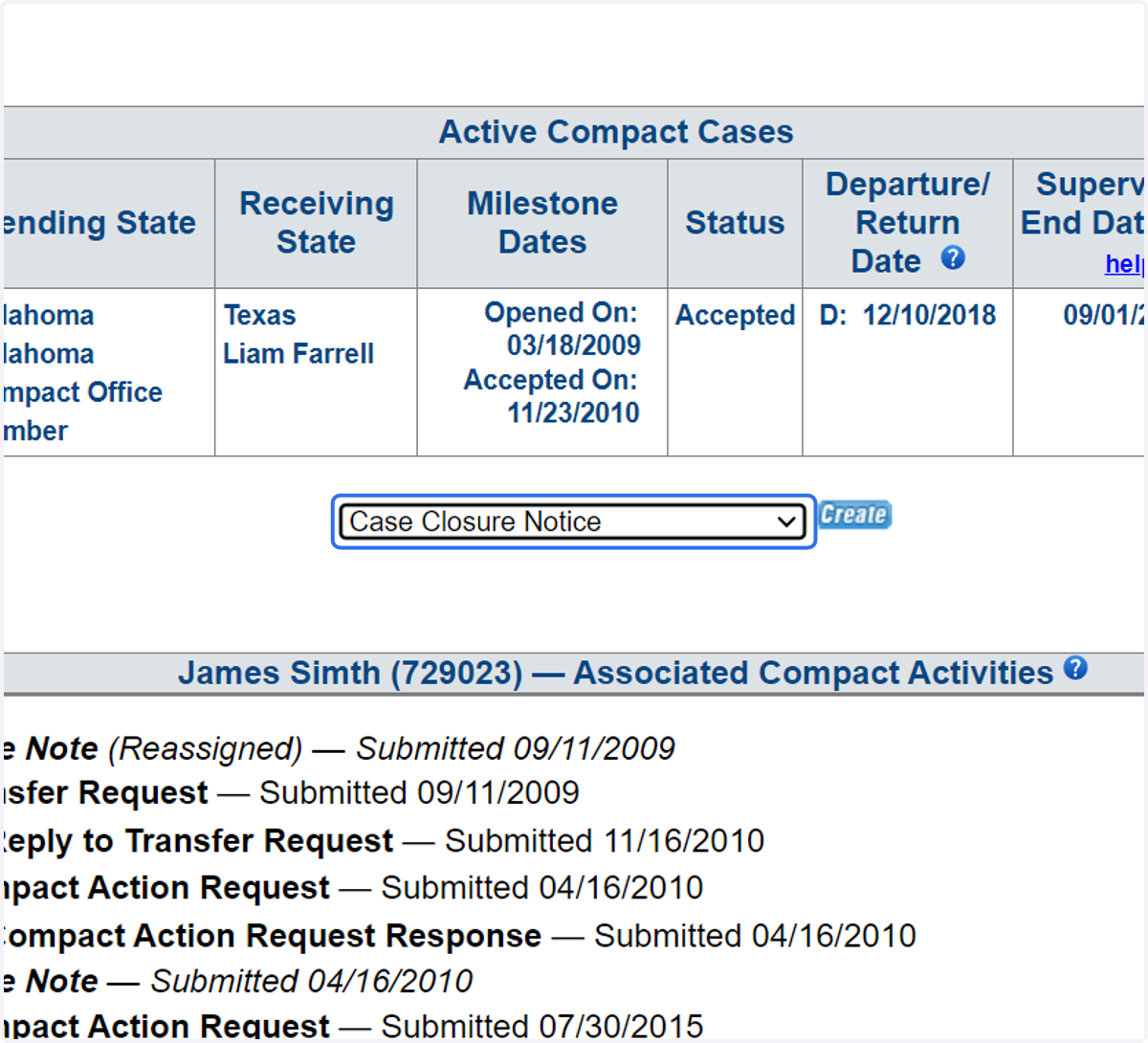
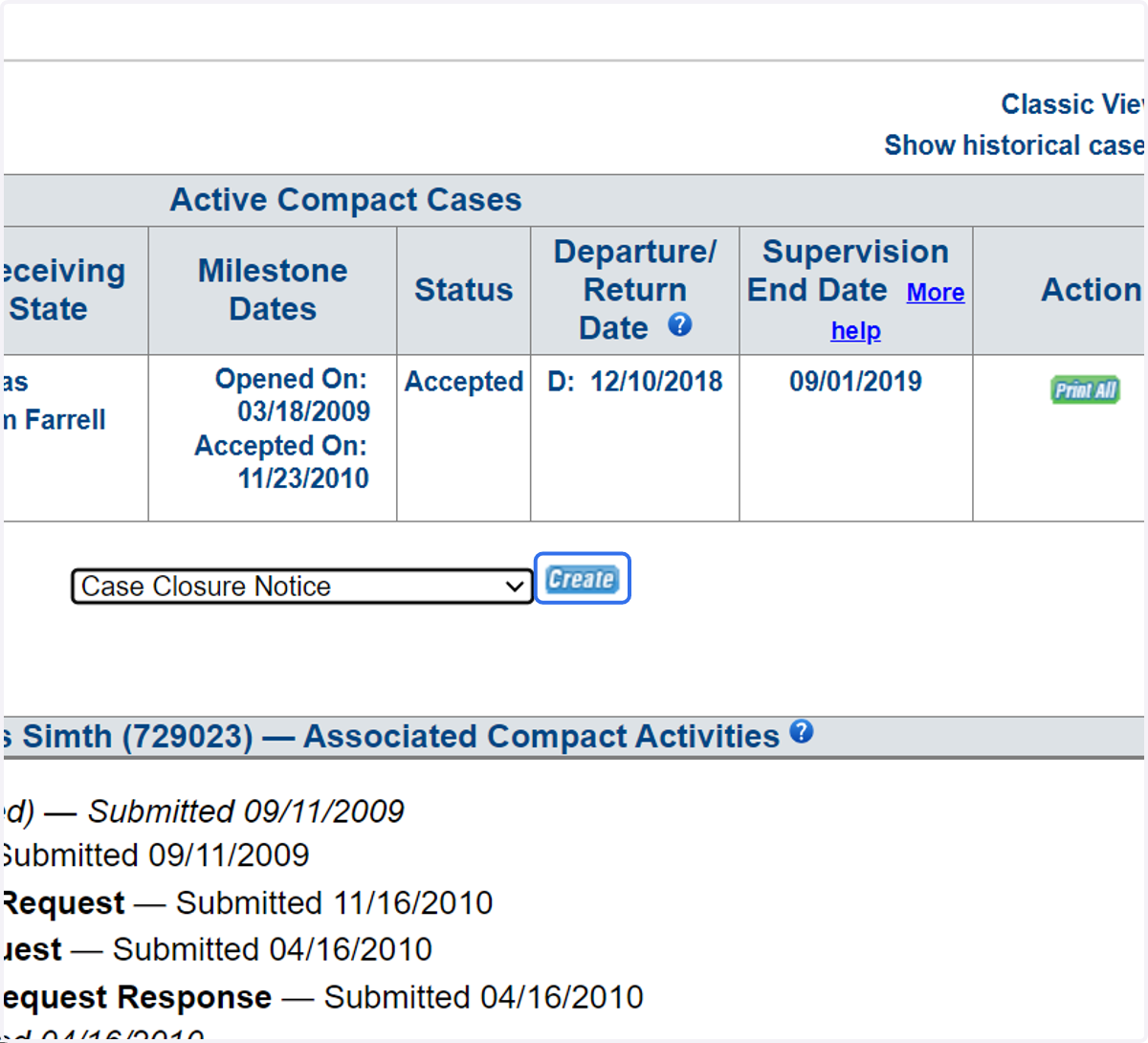
2. Click 'Create.'
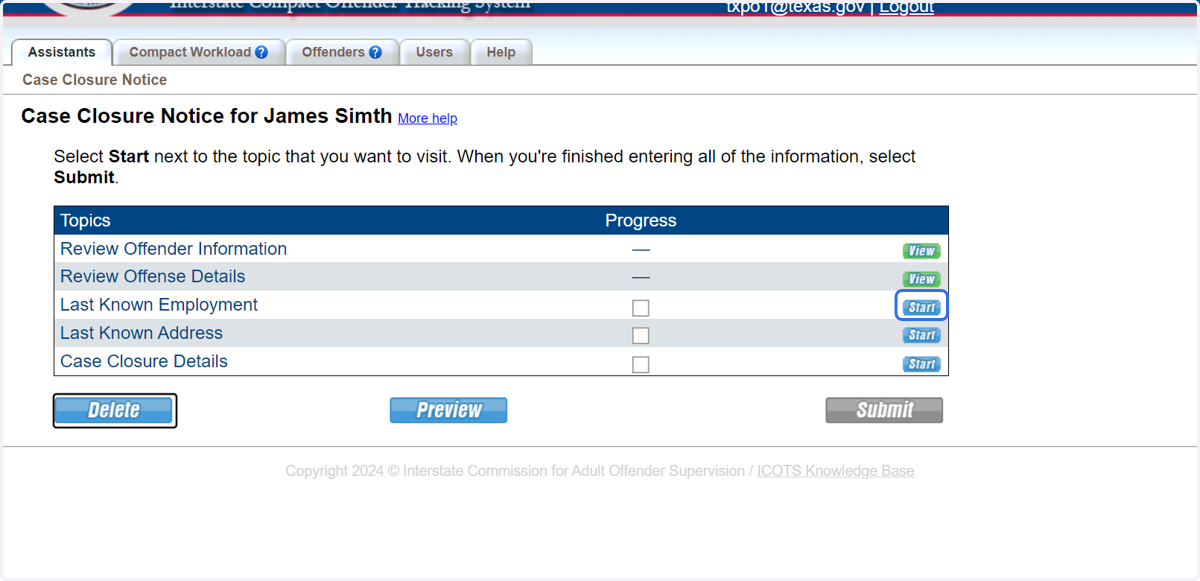
3. Proceed to Last Known Employment.
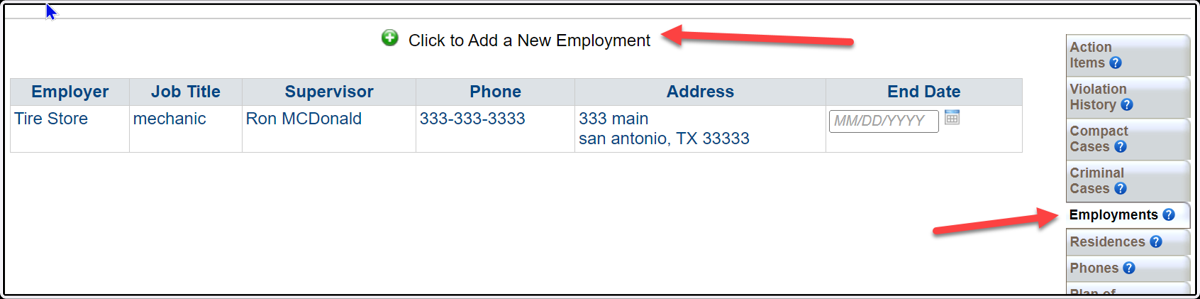
4. Select 'No' if the employment is current. Select 'Yes' and update the employment if needed.
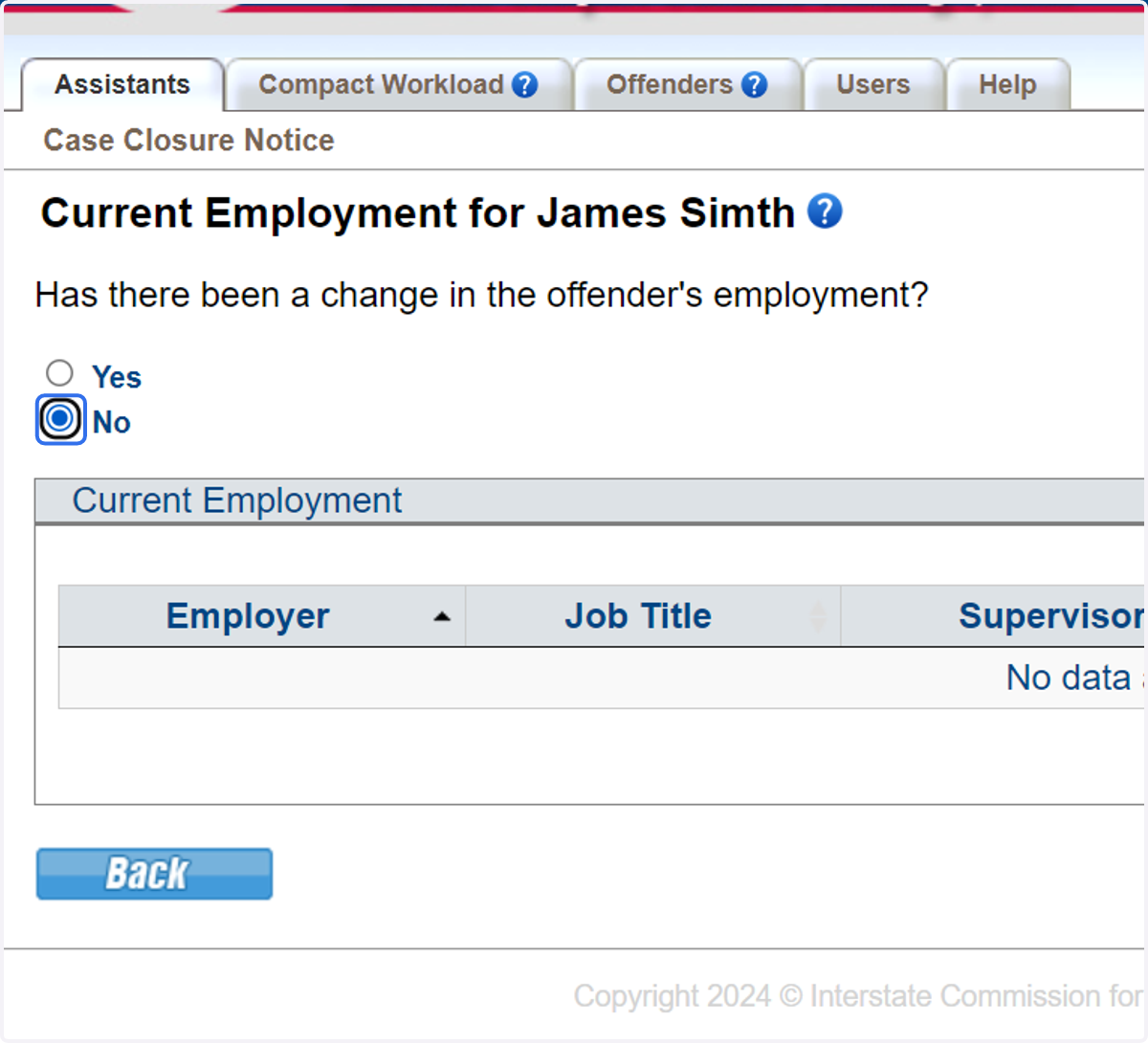
5. This screenshot shows where to make the employment updates.
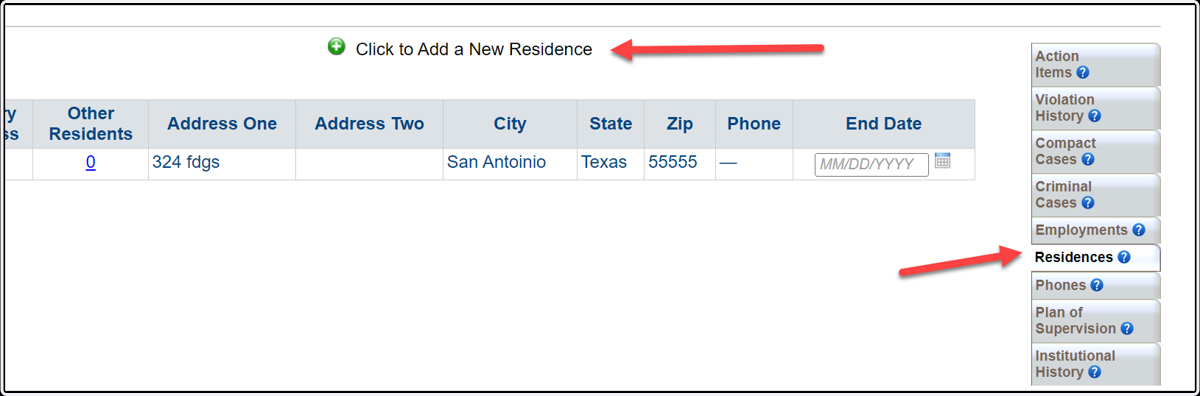
6. Proceed to Last Known Residence.
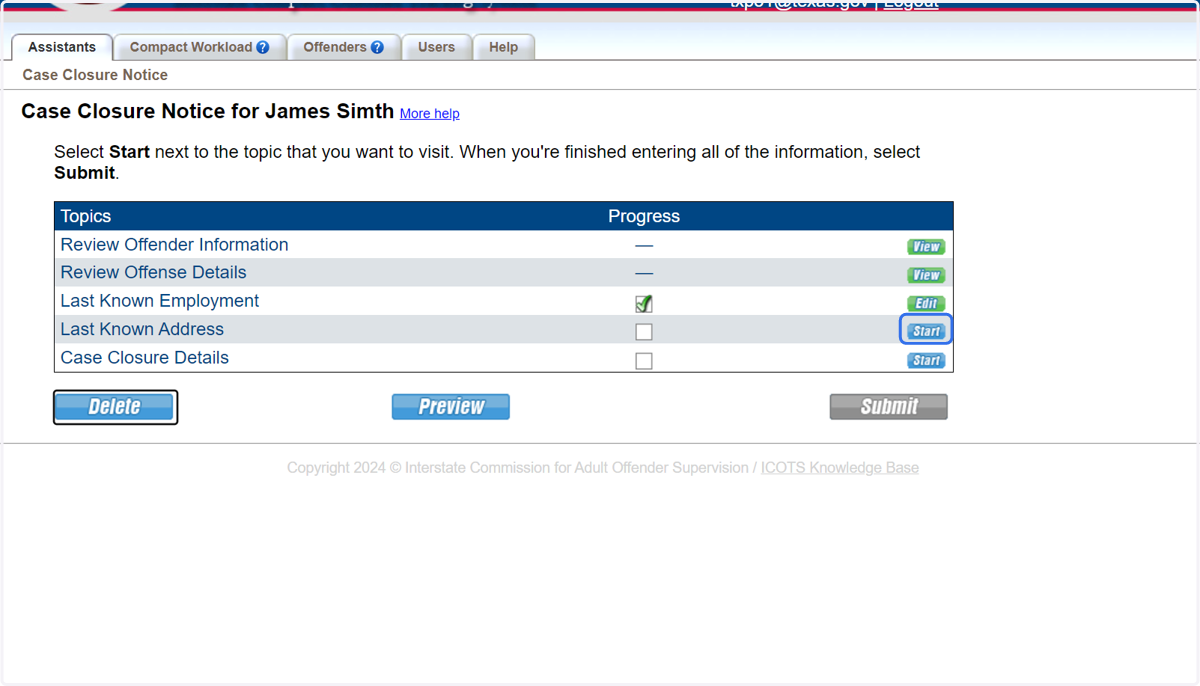
7. Select 'No' if the address is current. Select 'Yes' and updated the address if needed.
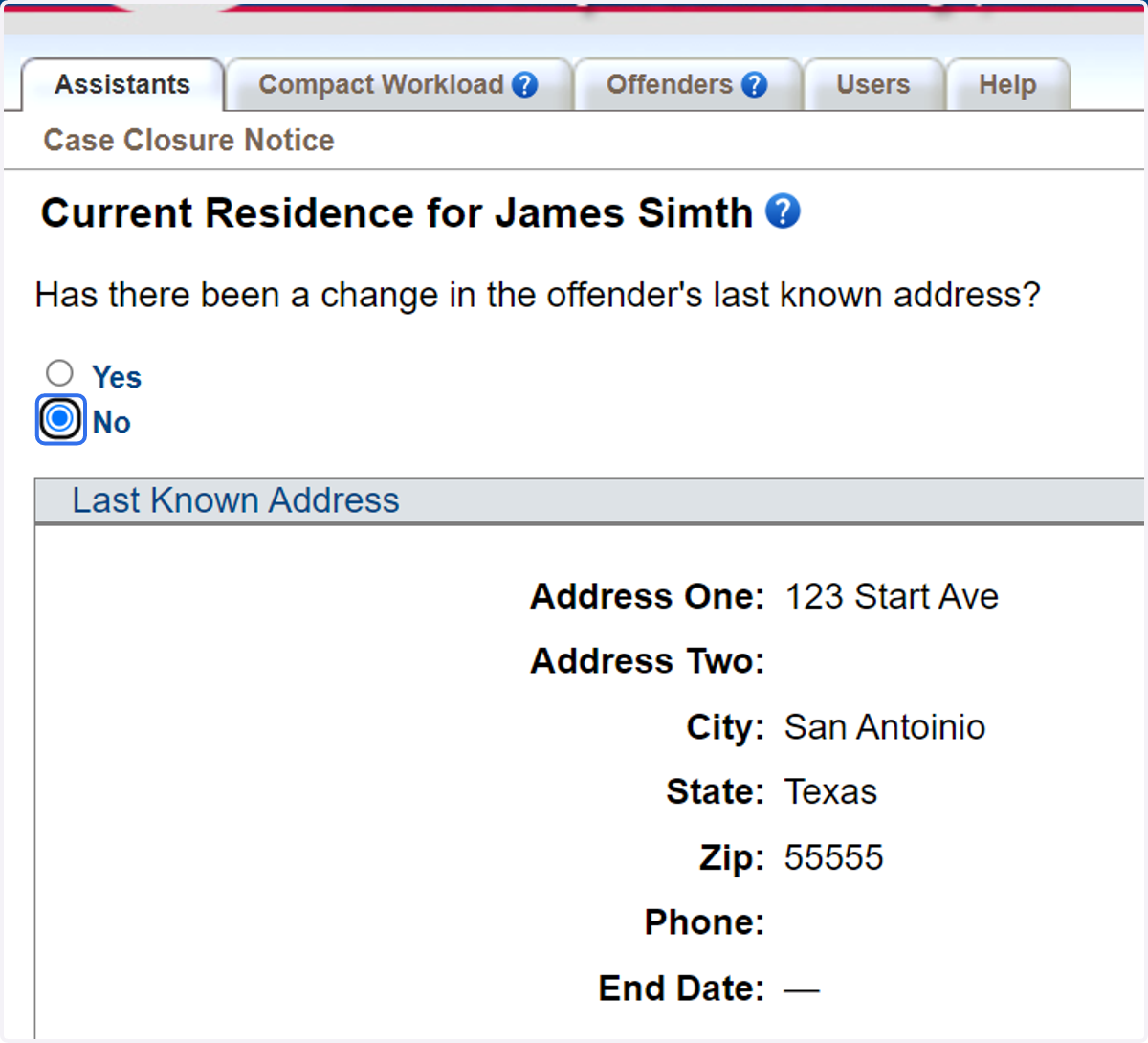
8. This screenshot shows where to make the address updates and to add 'other residents' residing in the home.
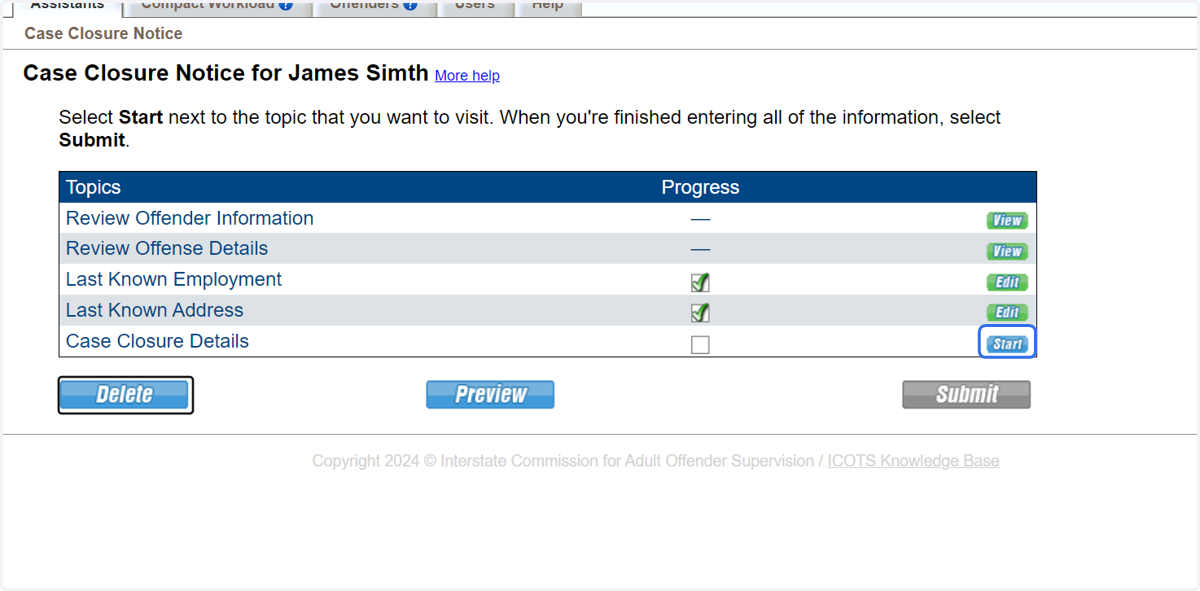
9. Proceed to Case Closure Details
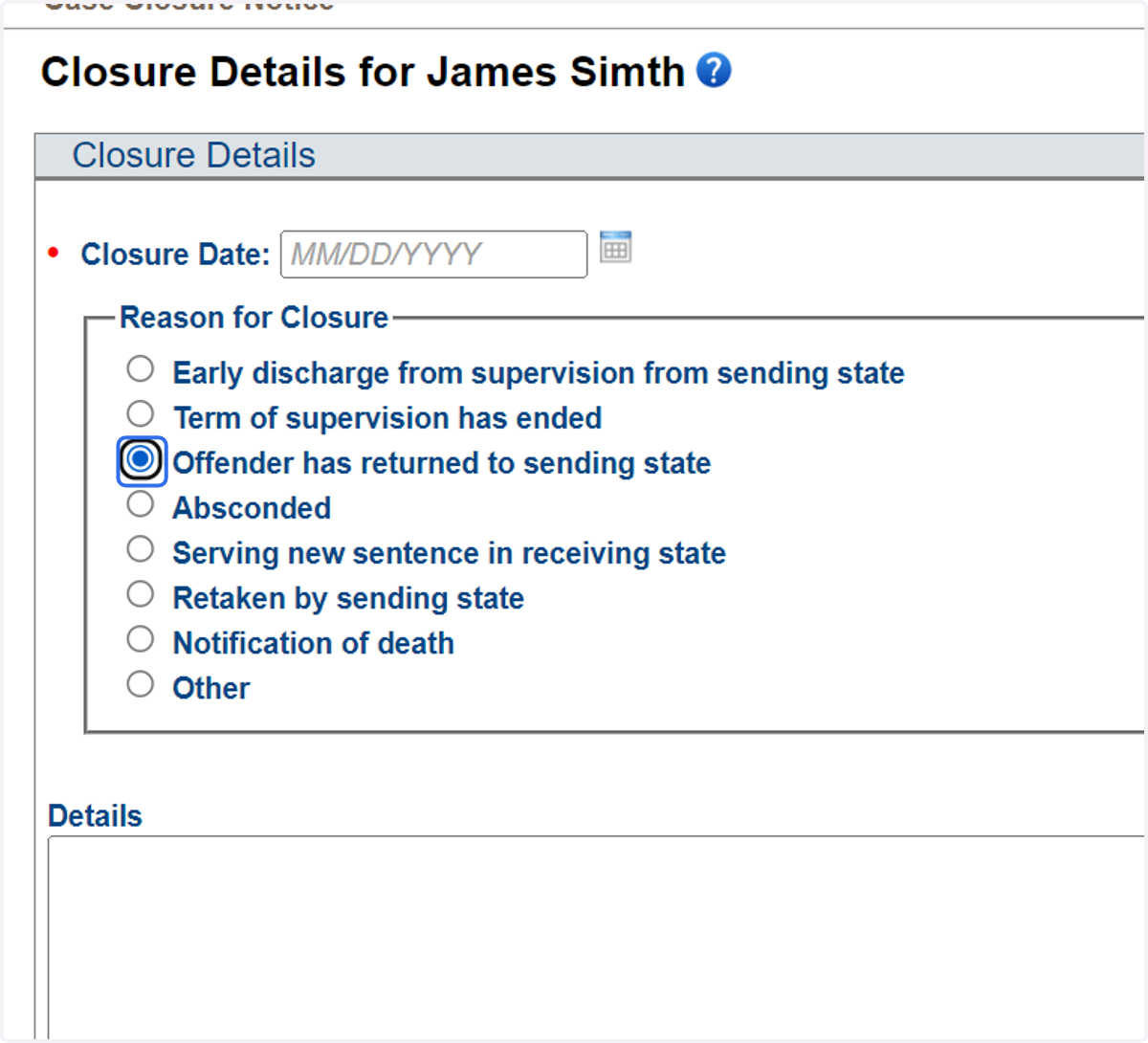
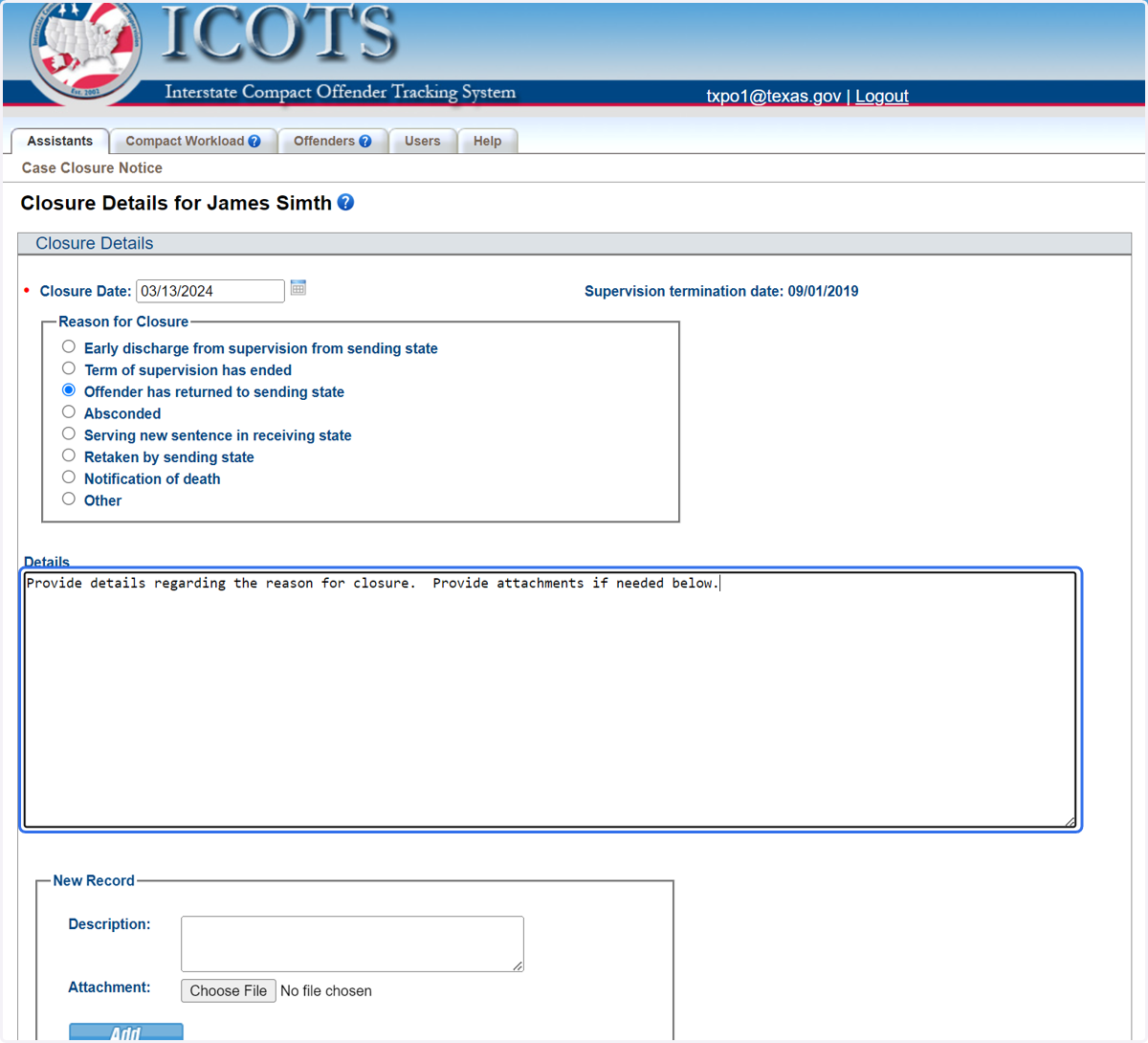
10. Choose the reason for closure. For this example, the individual has returned to the sending state.
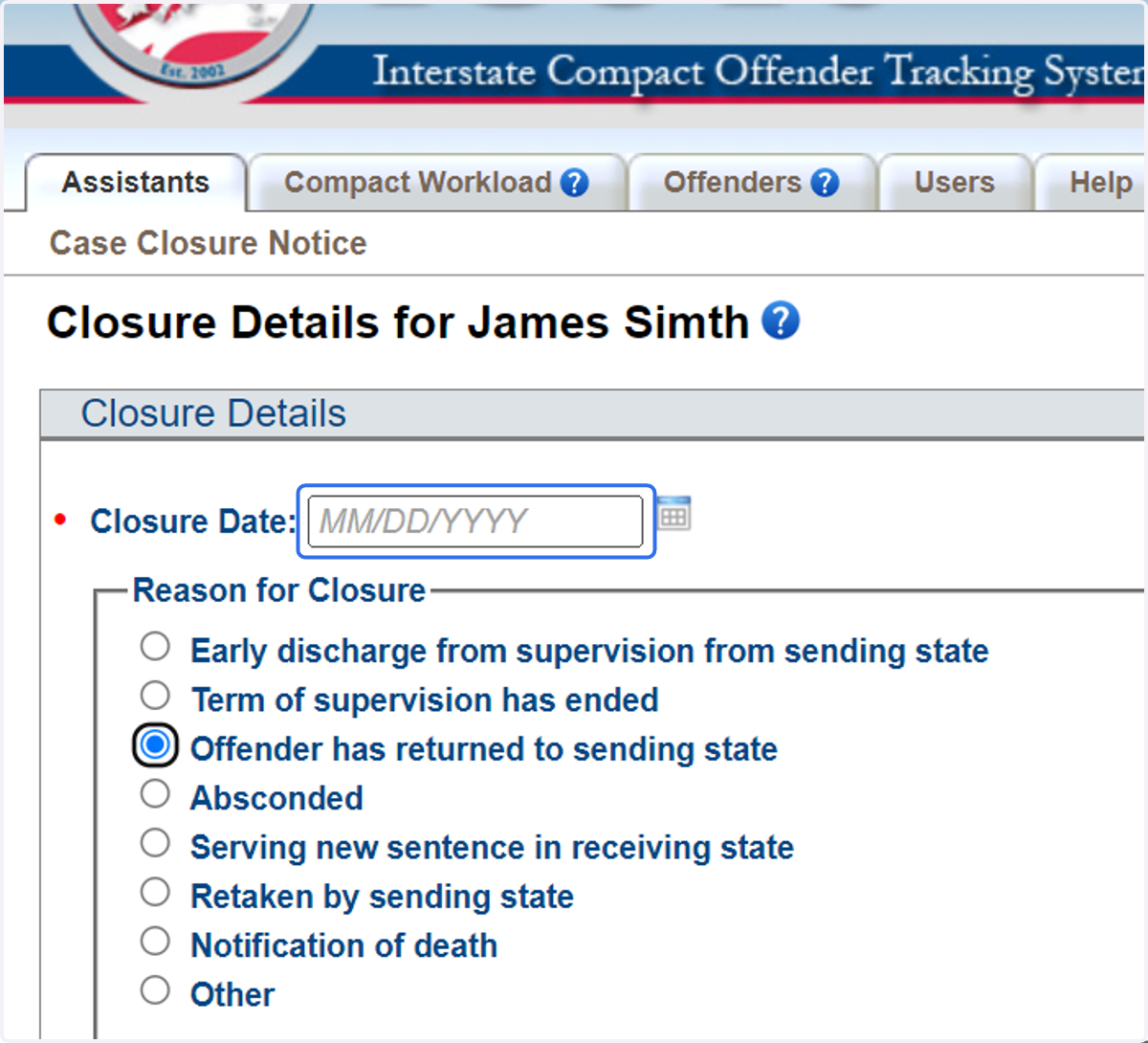
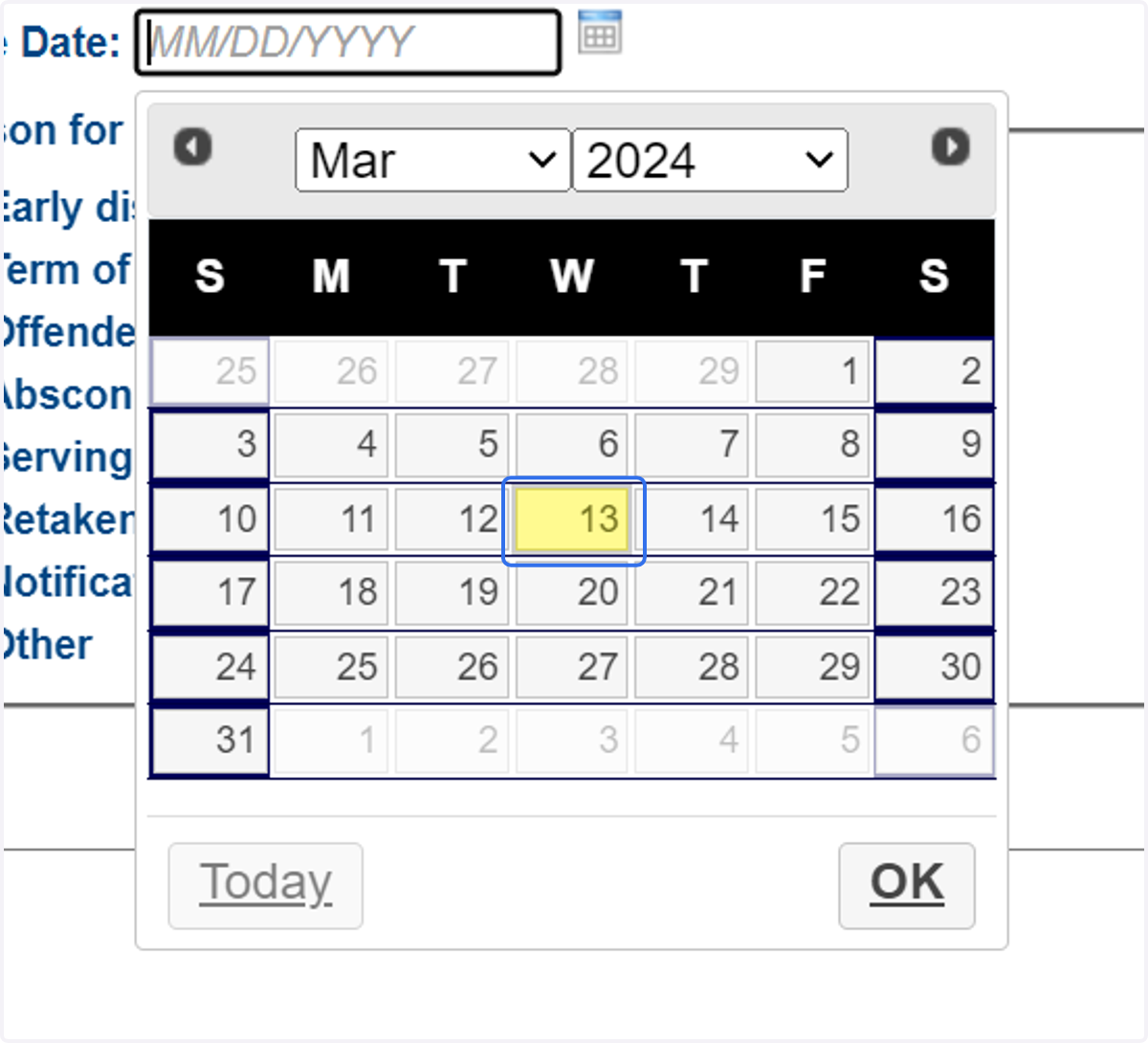
11. Provide the closure date
12. Click on 13
13. Provide details regarding the reason for closure. Provide attachments if needed below.
14. Be sure to preview the Case Closure Notice to view how it will be saved and display in ICOTS. When completed, click 'Submit.'