Changing your email alerts subscription
Here's how to change your own HQi details, password or subscriptions.
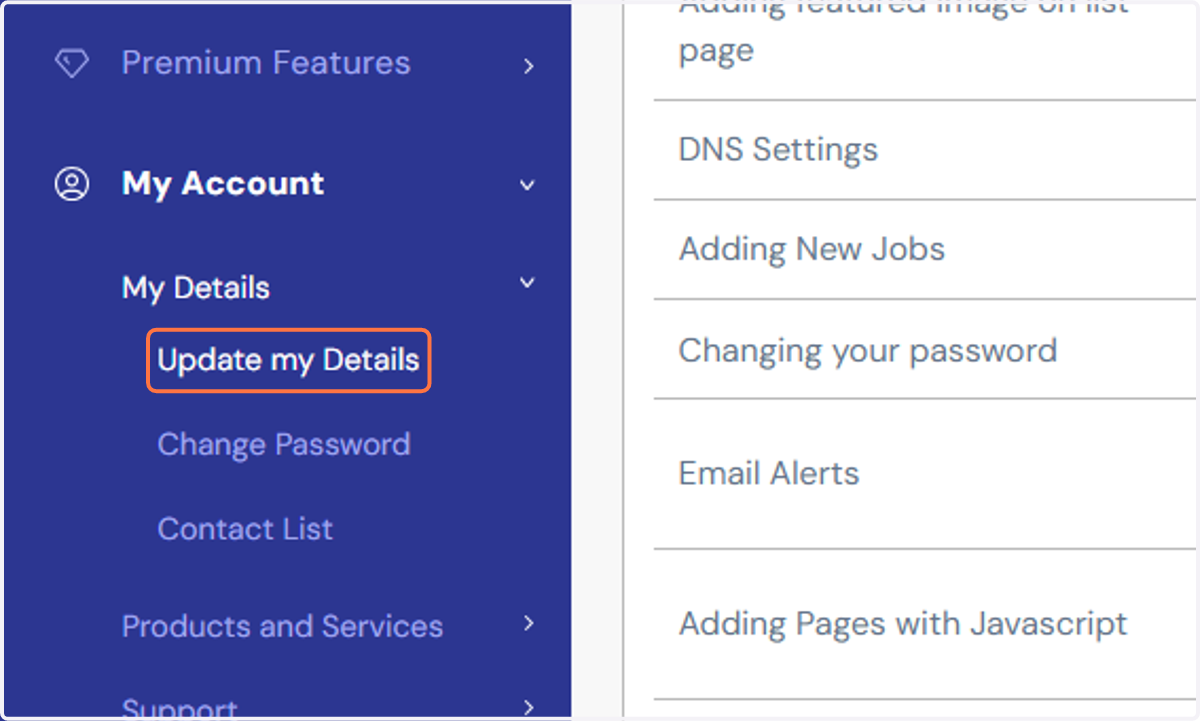
1. Click on "My Details" link under HQi's "My Account" section and tap "Update my Details".
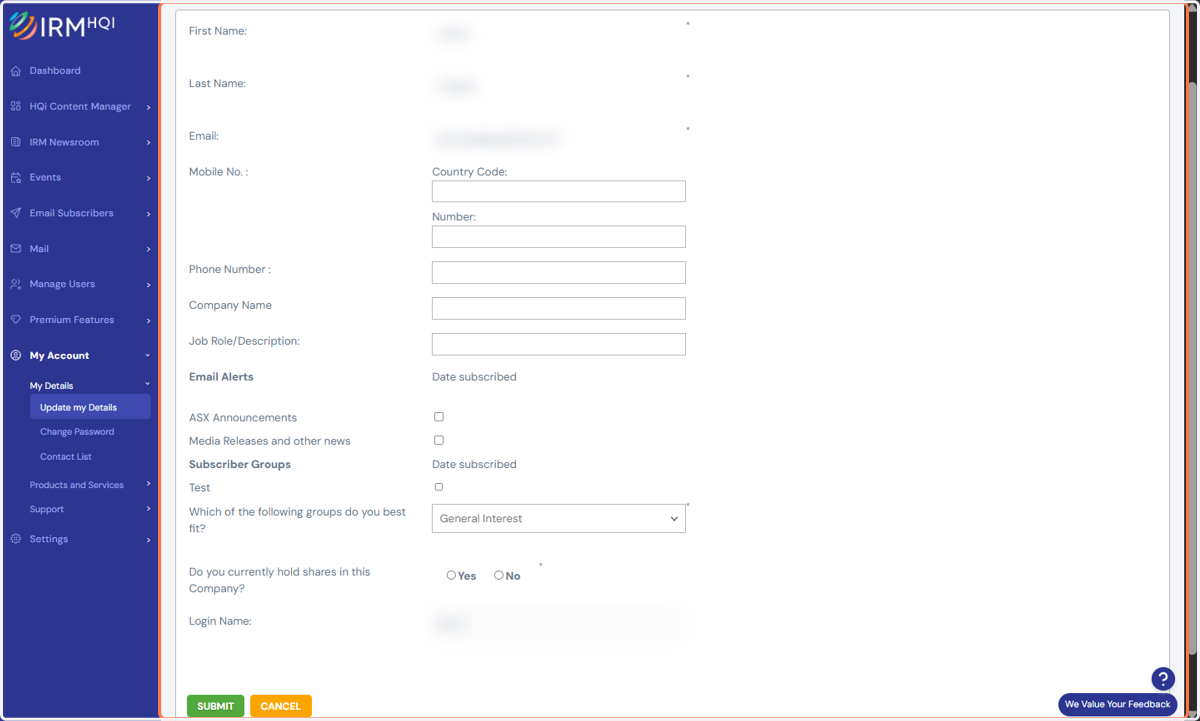
2. On the following page, change your email alert preferences and personal details then hit the "Submit" button to save your amends.