Printing Payer Statements
Yardiaspnc7
1. Go to Yardi Systems, Inc.
2. Click on Status to Find the Resident

3. Click on Resident's Name

4. Click on Data/Reports

5. Click on Payer Statement
6. Type in the Desired Month

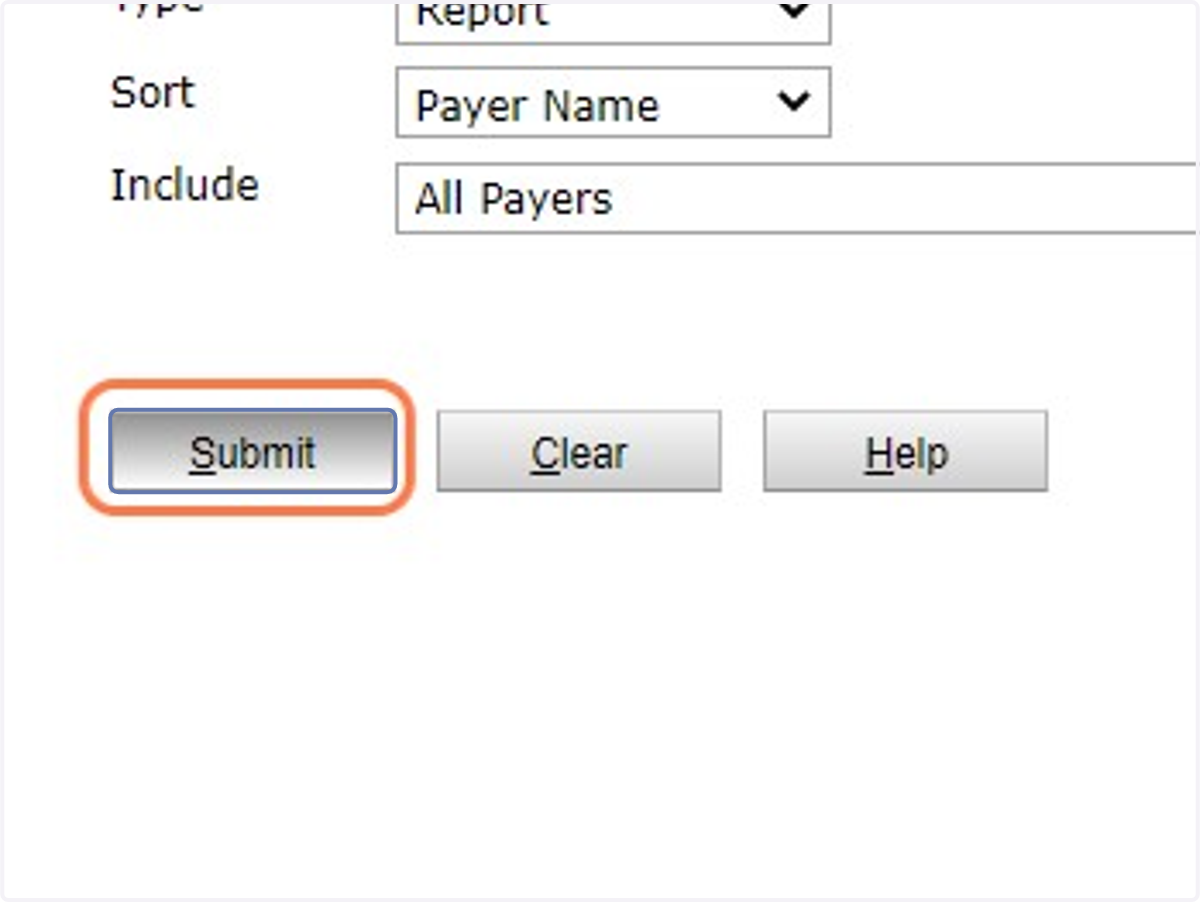
7. Click on Submit
8. Click on the Floppy Disk then PDF to export and print
