How to disable file deliveries
Disable all or some recipients’ access to a file delivery. This is especially useful when a delivery has been made in error.
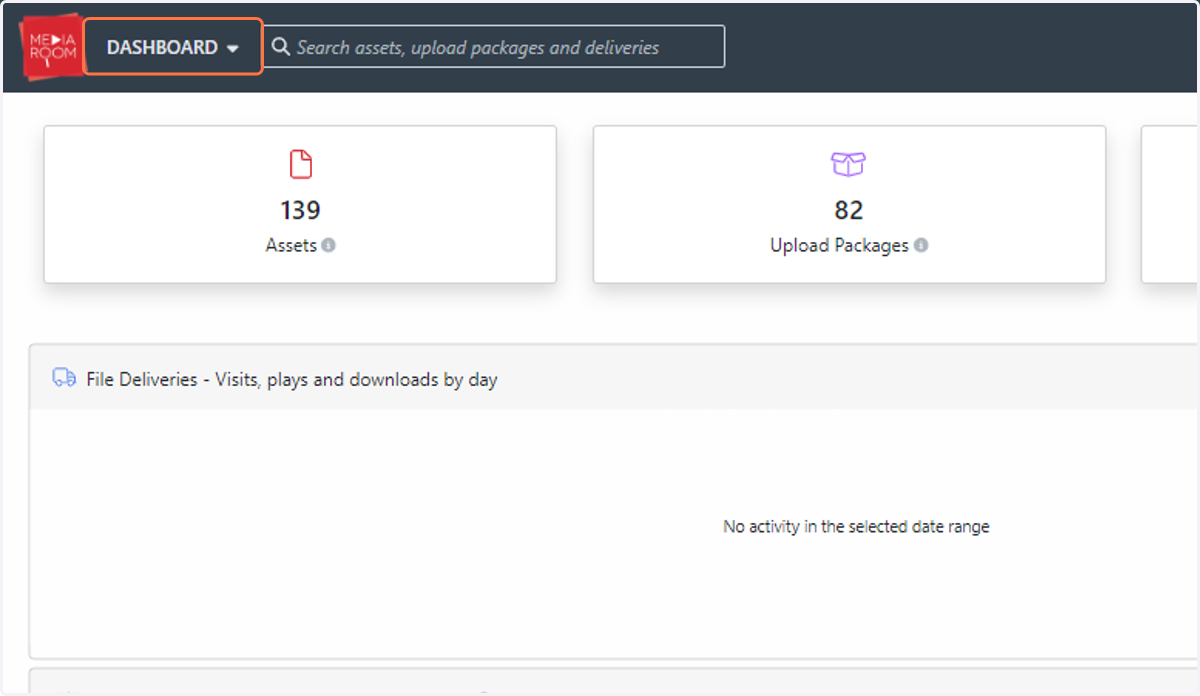
1. To disable all access to a delivery, click DASHBOARD
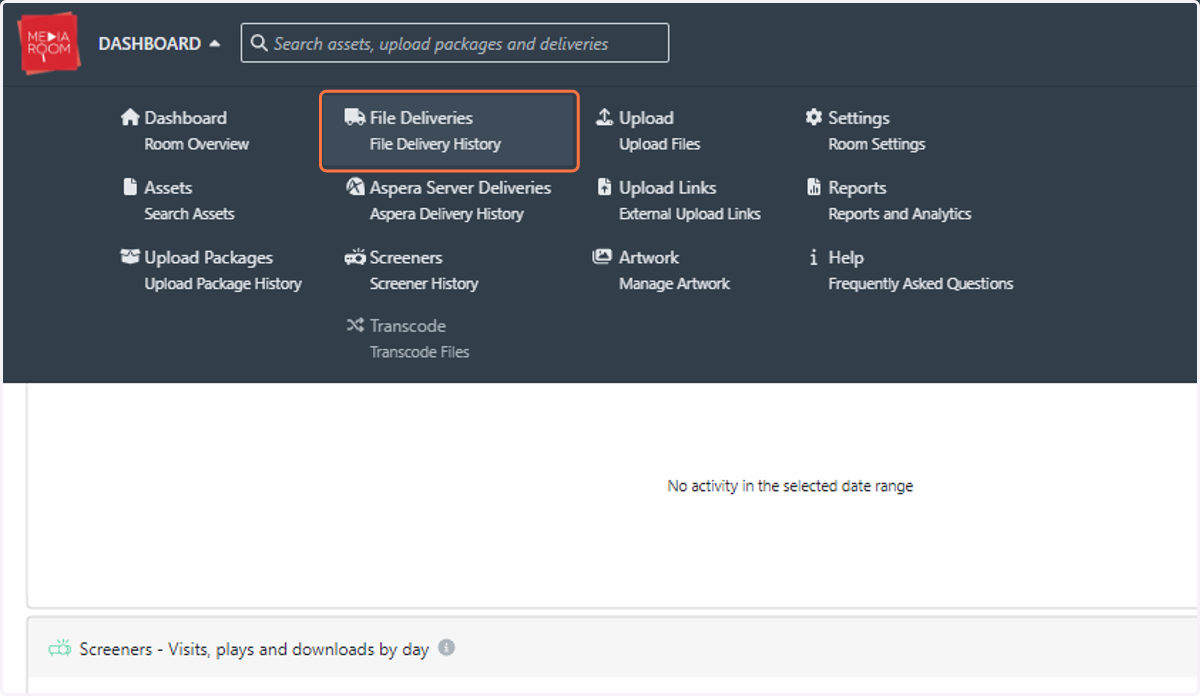
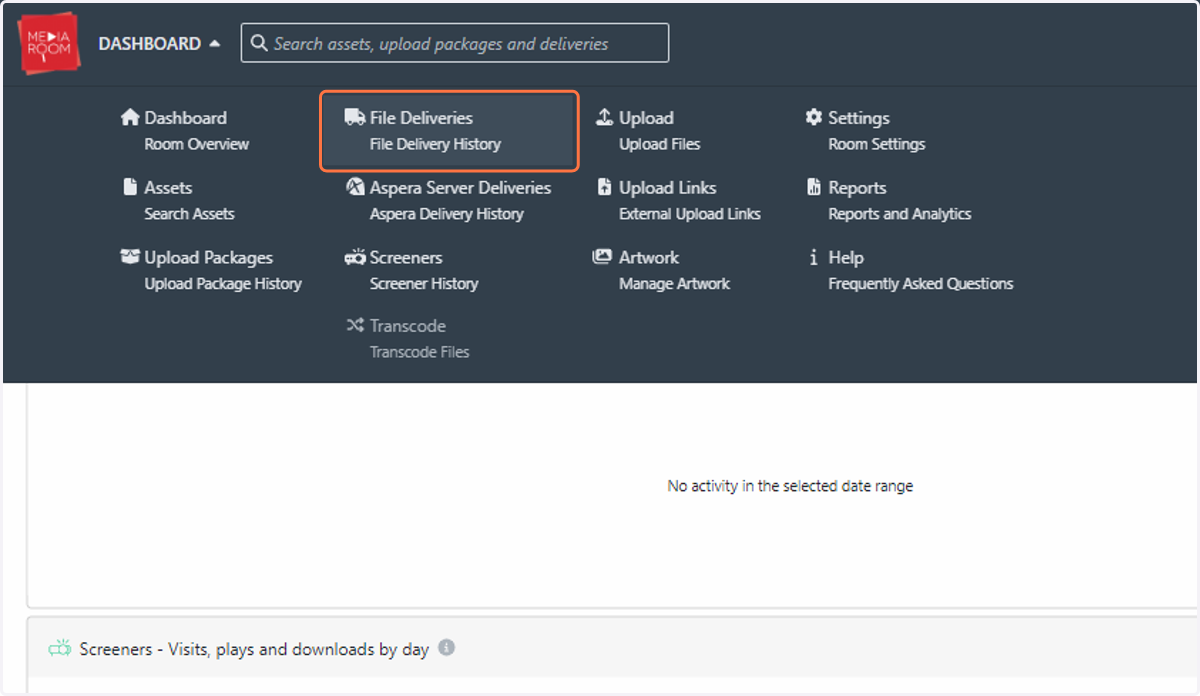
2. Click on File Deliveries…
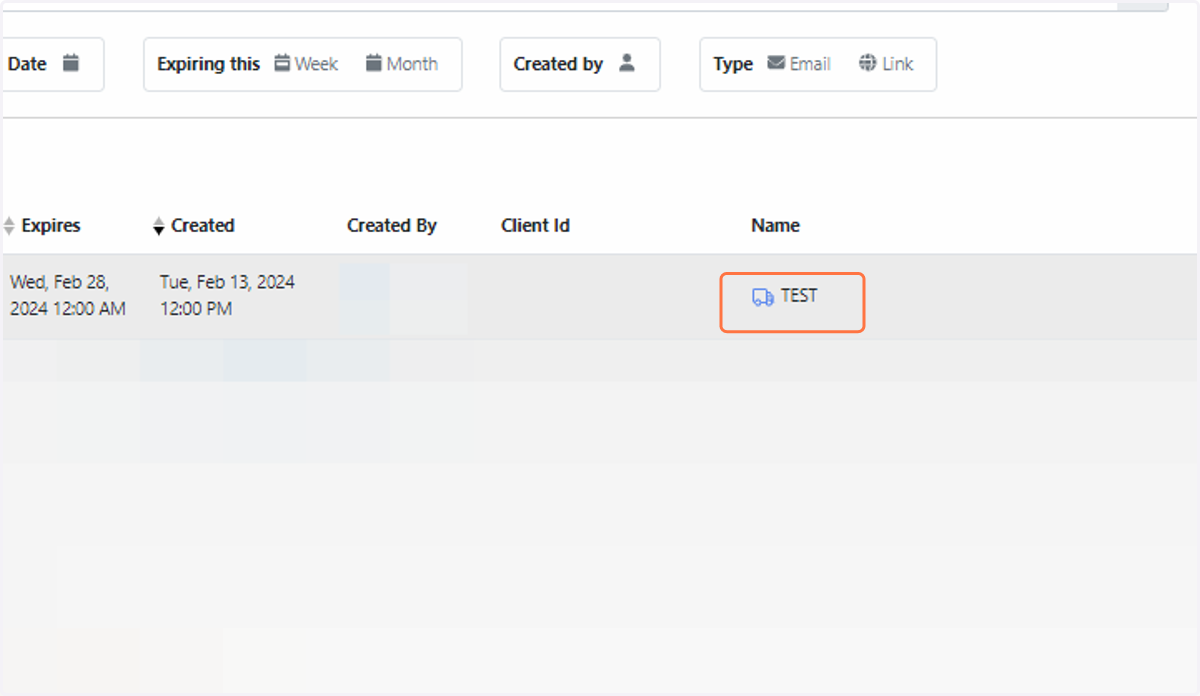
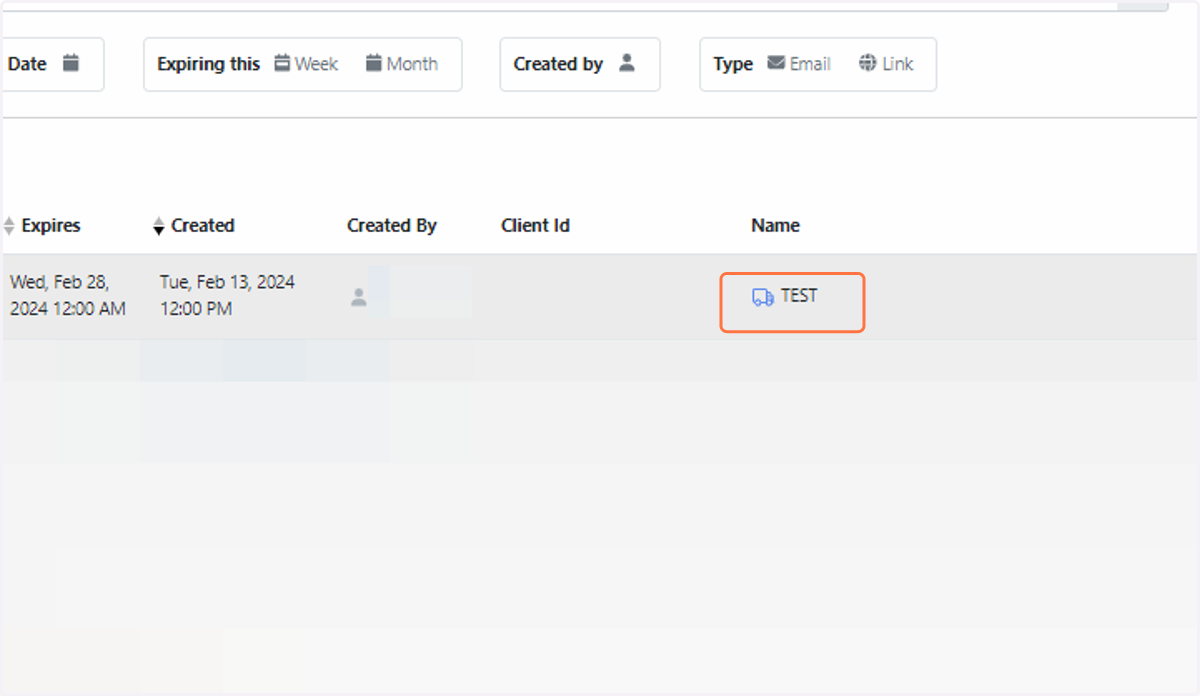
3. Click on the name of the delivery
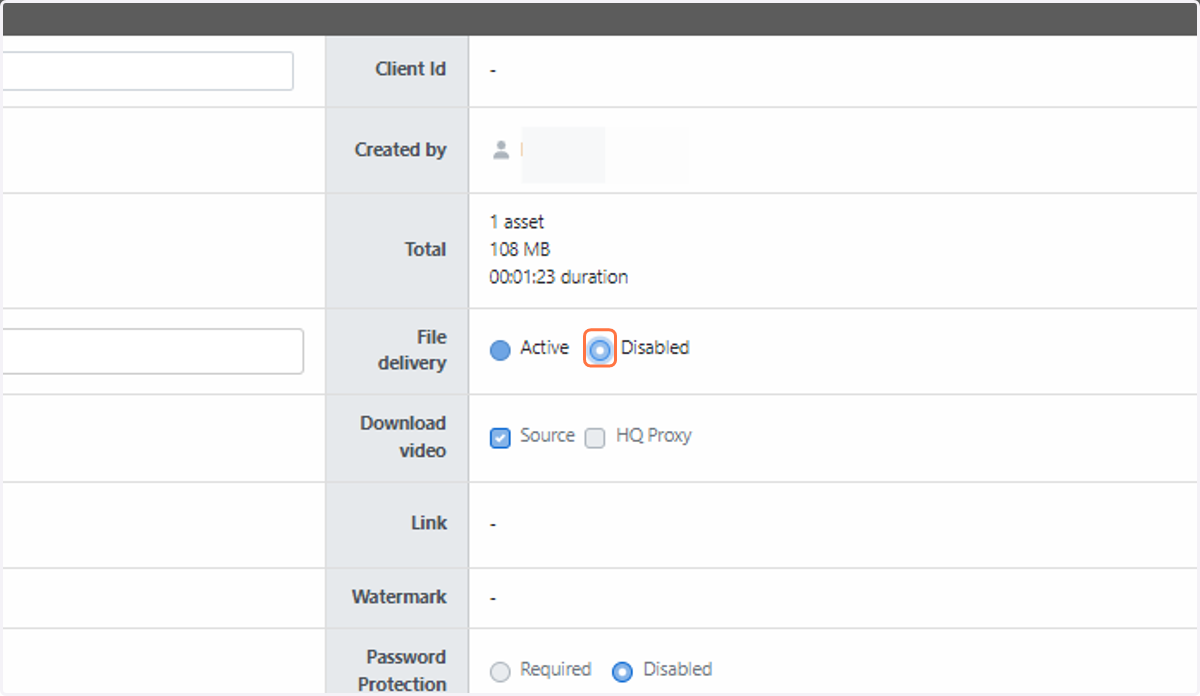
4. Click the “Disabled” button in the “Delivery Details” table
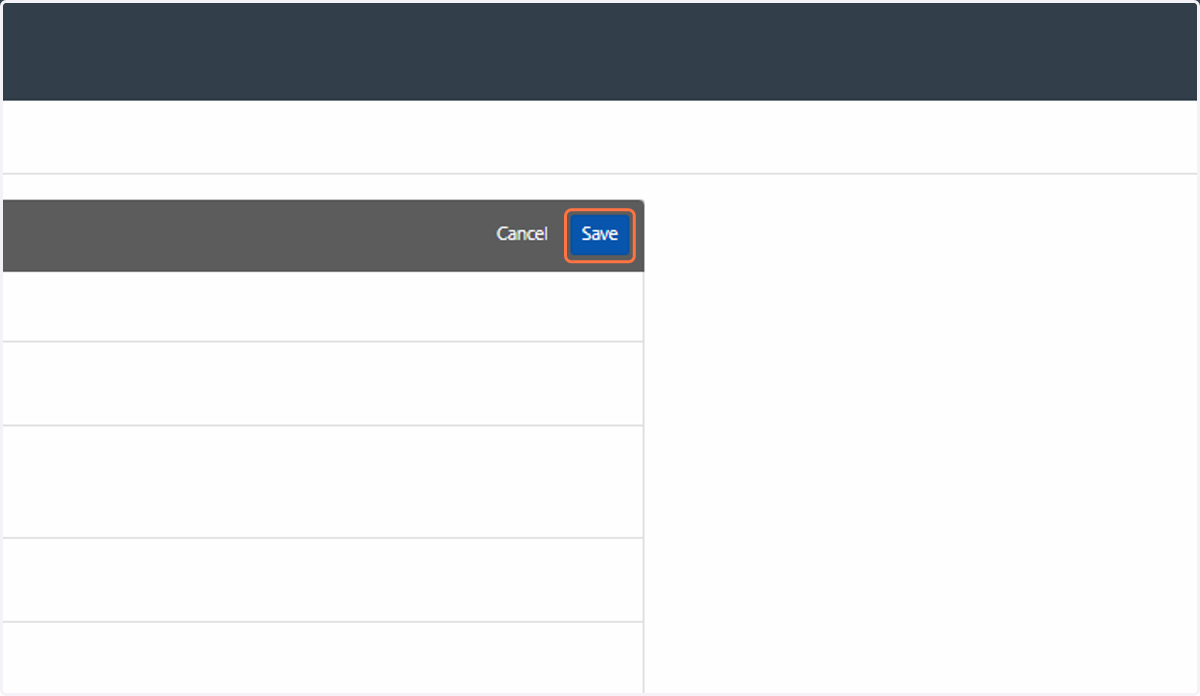
5. Click on Save
6. To disable a particular recipient's access to a file delivery, click on File Deliveries…
7. Click on the name of the delivery
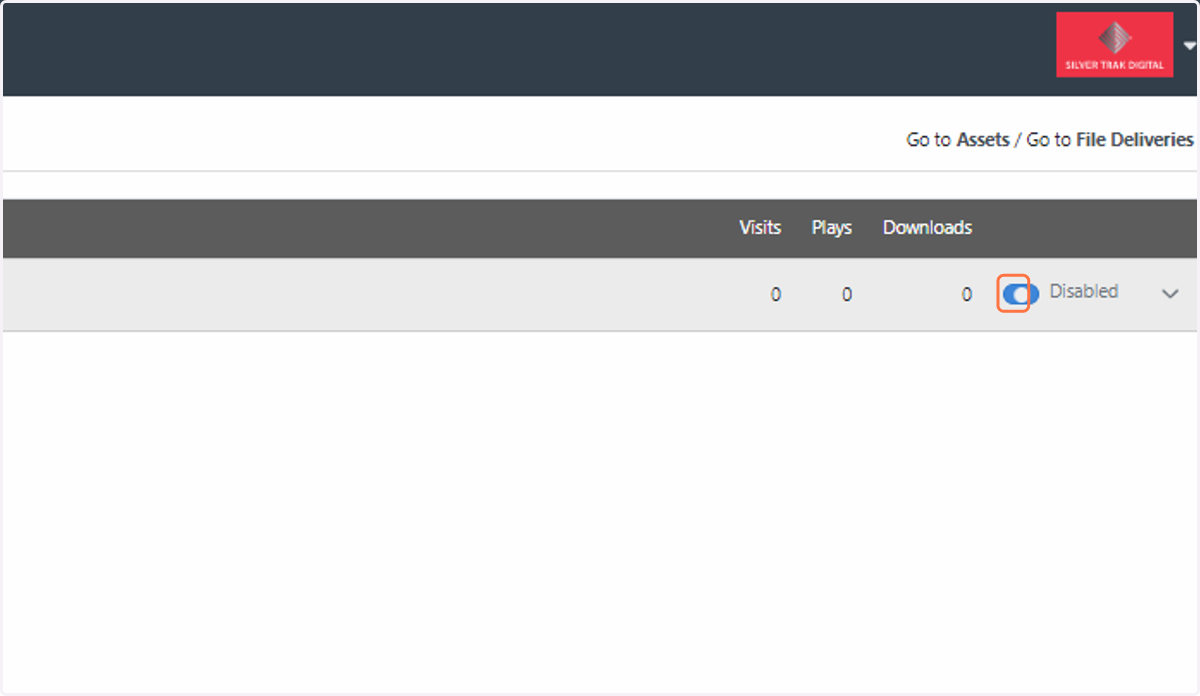
8. Click on the "Recipients" tab
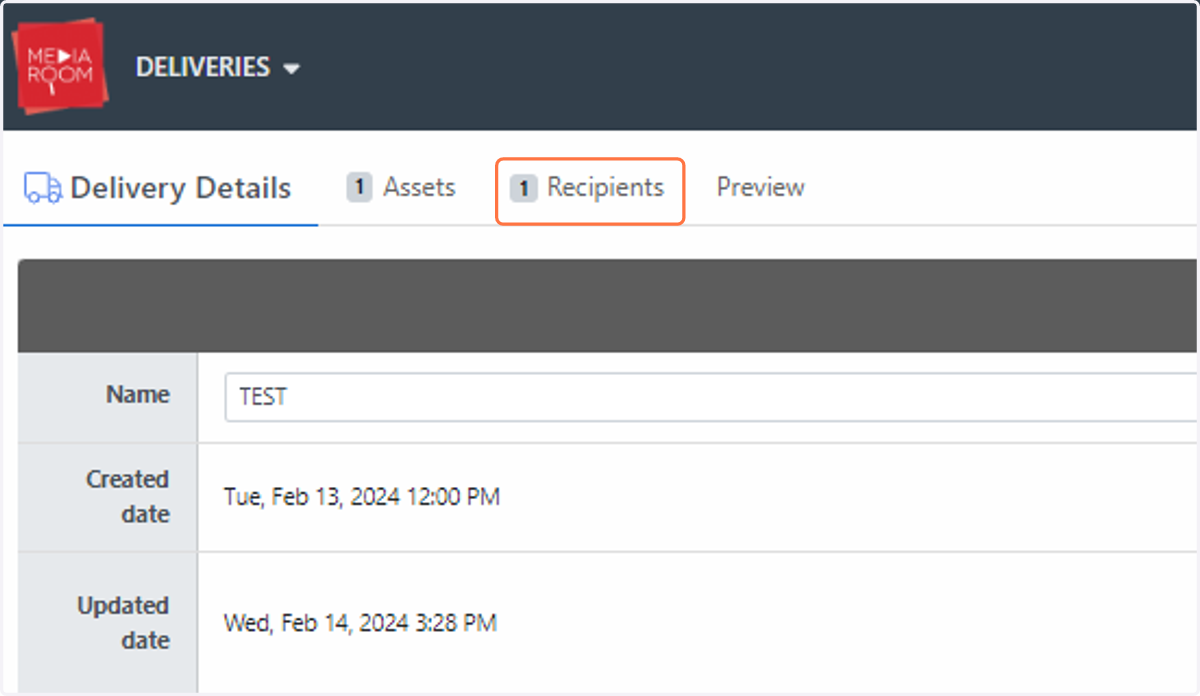
9. Amend the blue toggle button to "Disabled". This is located on the right side of the "Recipient Activity" box