Xero Invoice & NetPay Option
Xero Invoice & NetPay Option
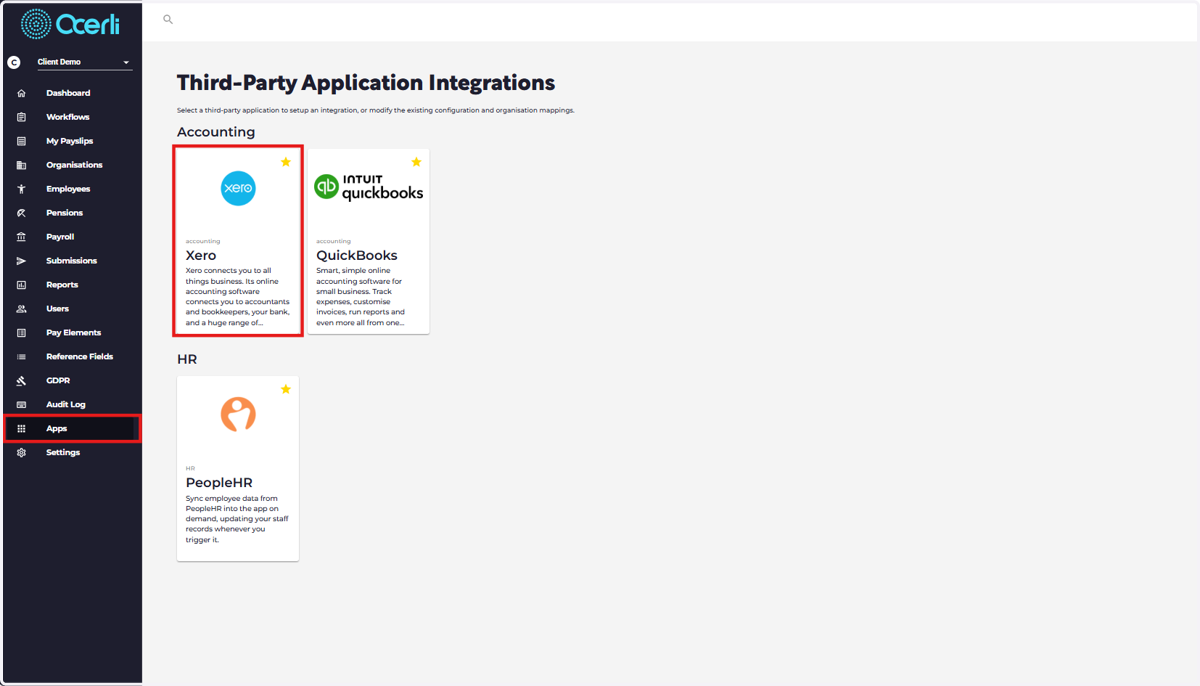
1. Navigate to the main menu on the left
Click on 'Apps' > Click on Xero Accounting Option
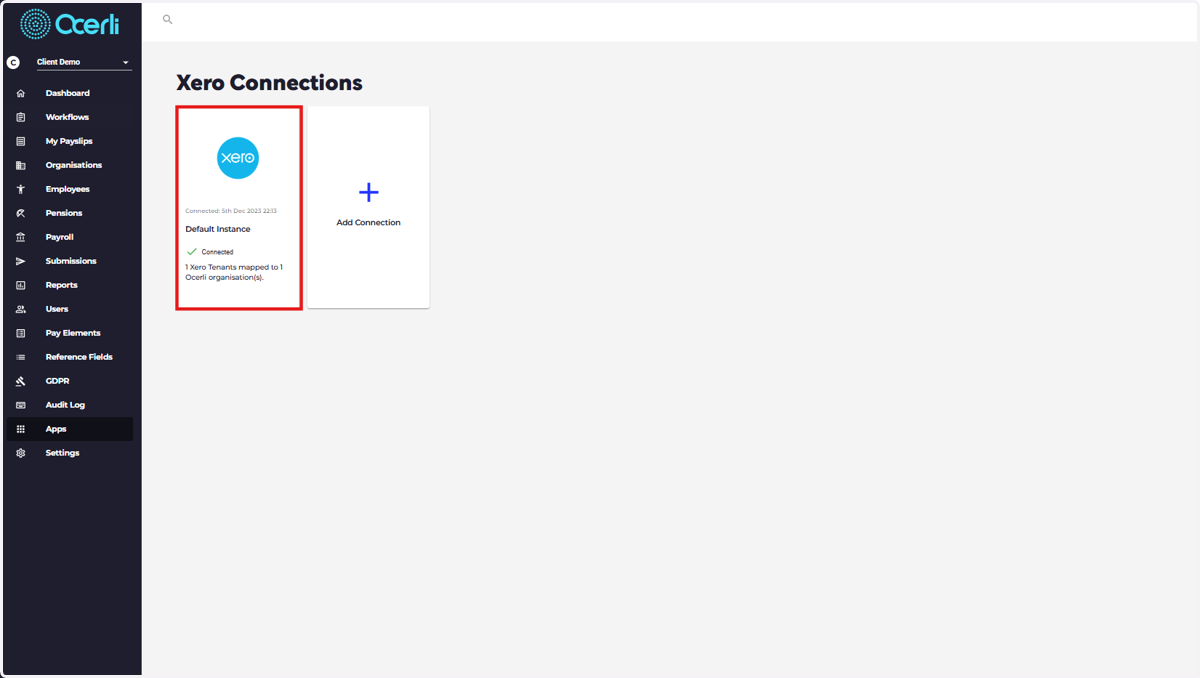
2. Click on your Xero Connected Organisation
If you have not yet connected to Xero, please use this process
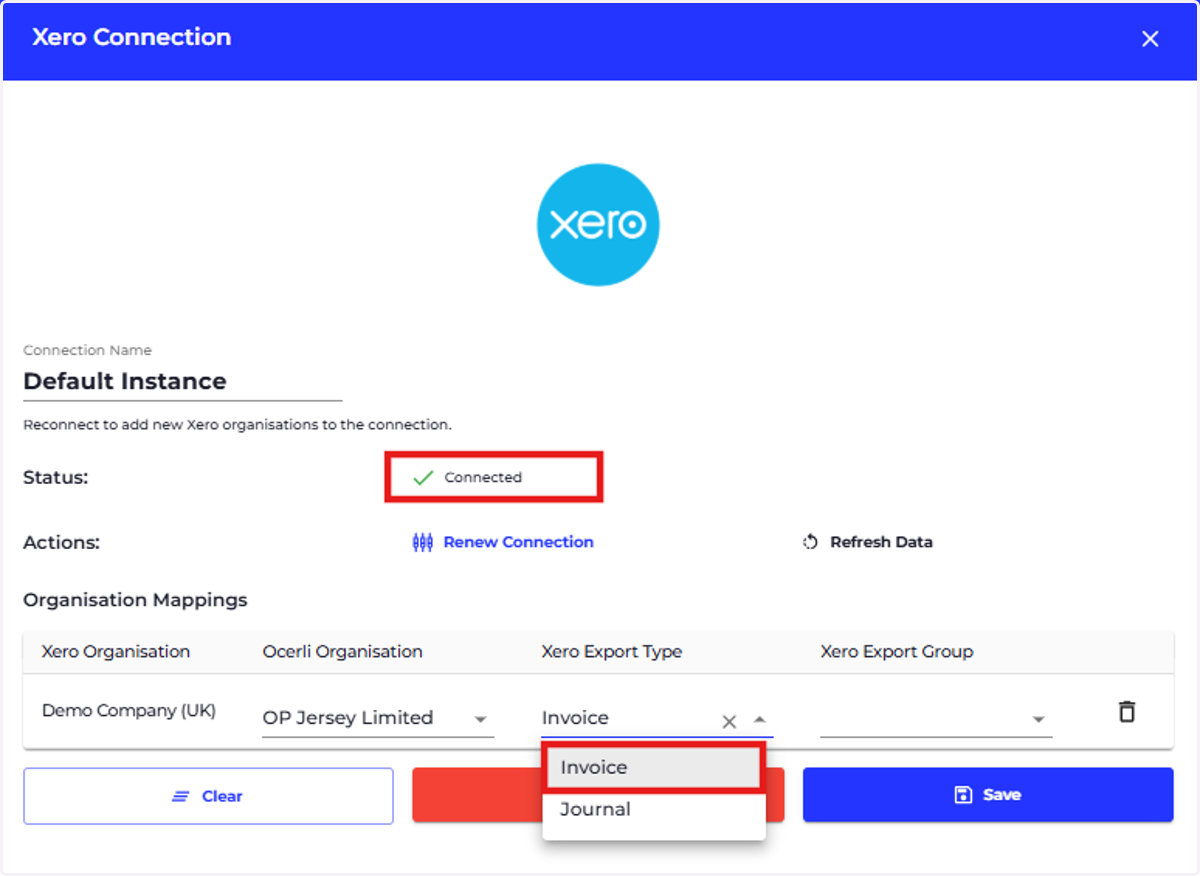
3. Click on Xero Export Type dropdown against the relevant organisation
Click on 'Invoice'
4. Click on Xero Export Group dropdown
Select 'NetPay'
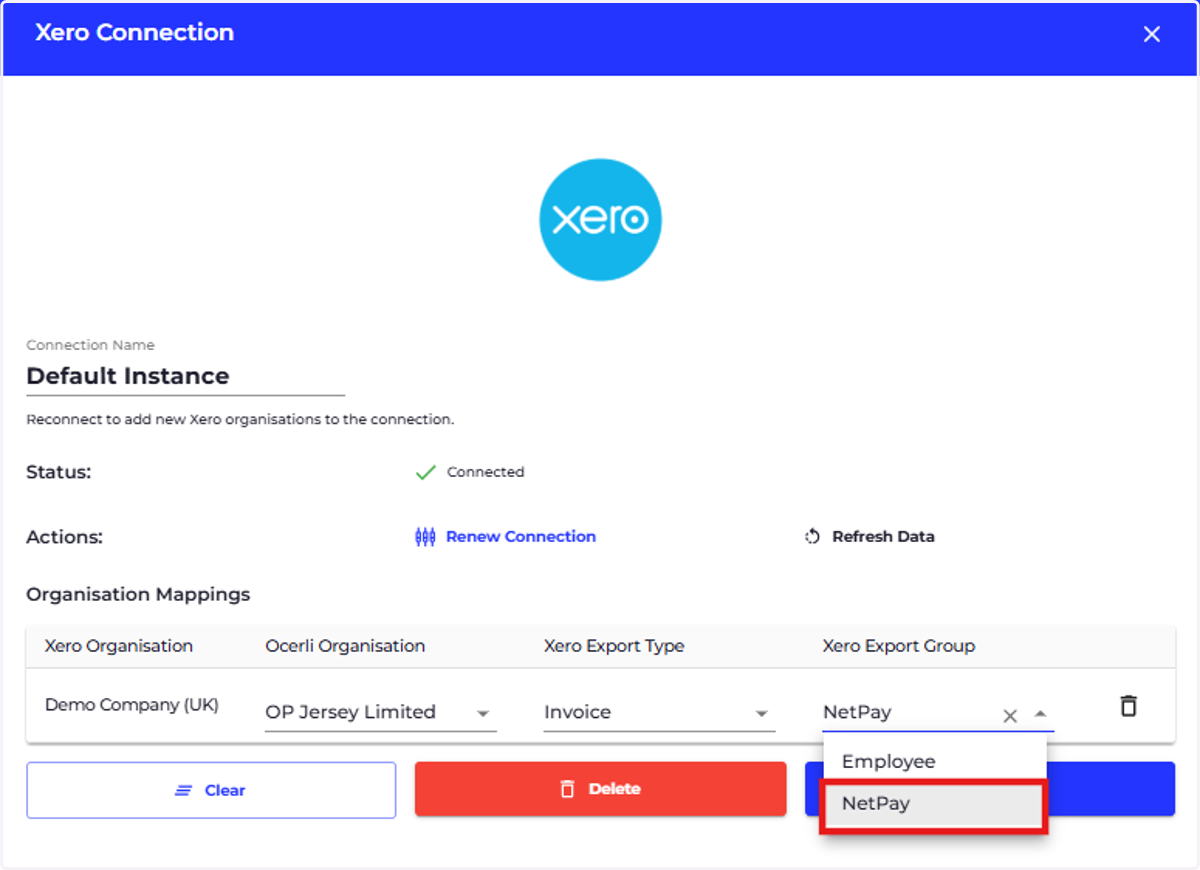
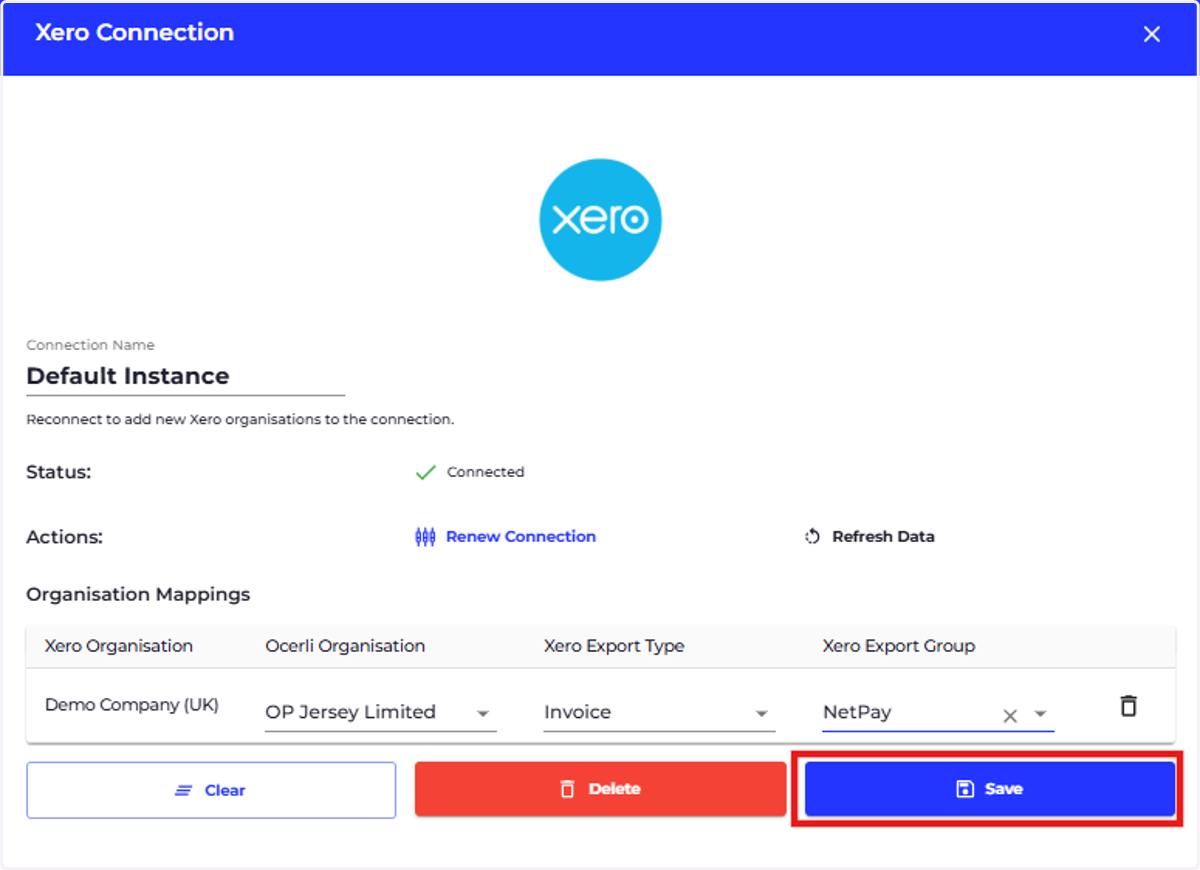
5. Select 'Save'
6. Select 'REFRESH DATA'
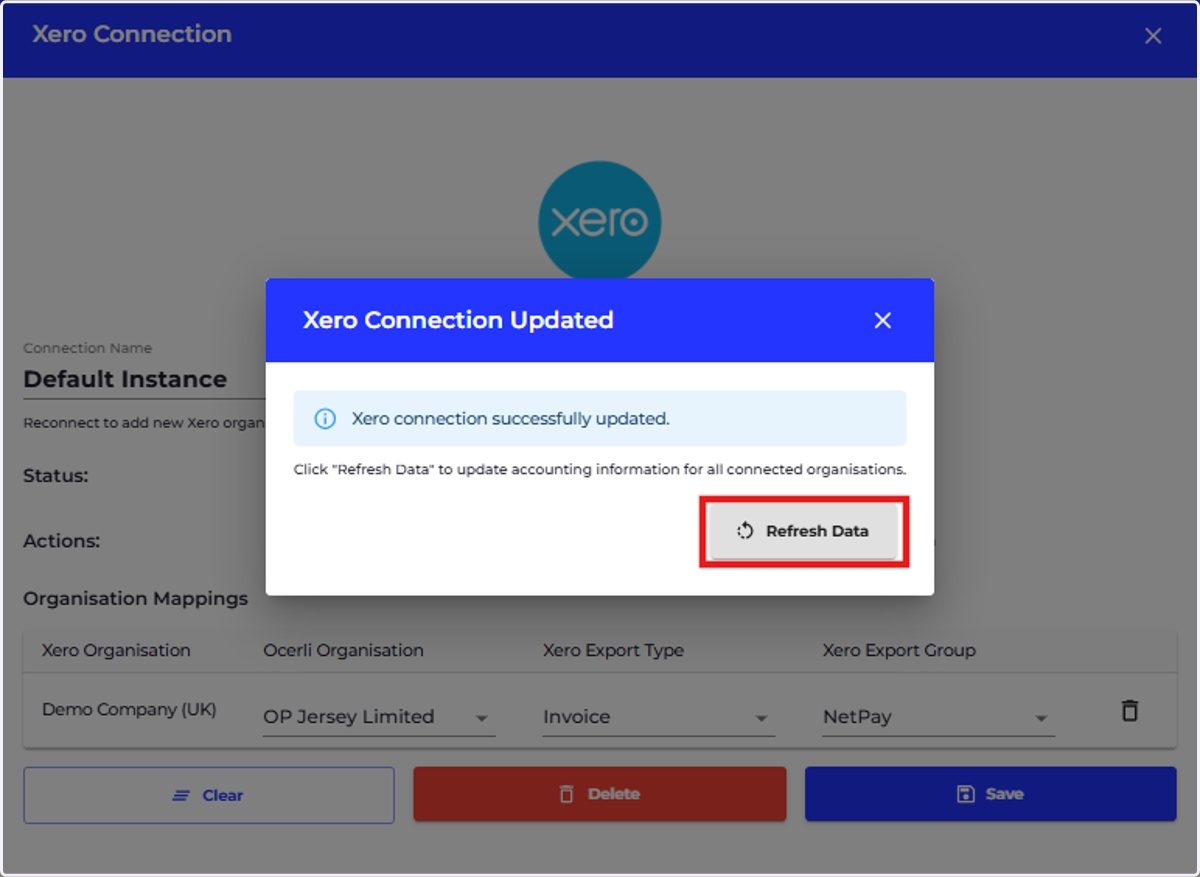
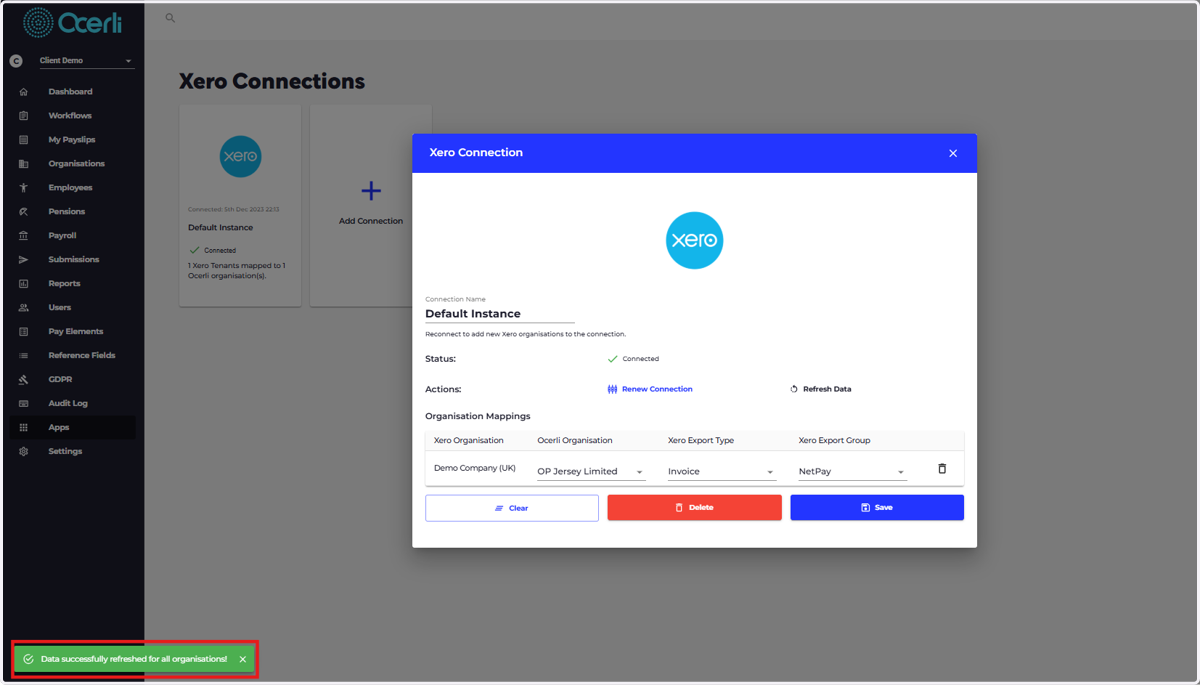
7. A green message will appear at the bottom left of the screen notifying you that the data has been refreshed successfully