1.1 How can my client purchase & download high-res photos?
Wedding Winners
Purchasing an Individual Photo
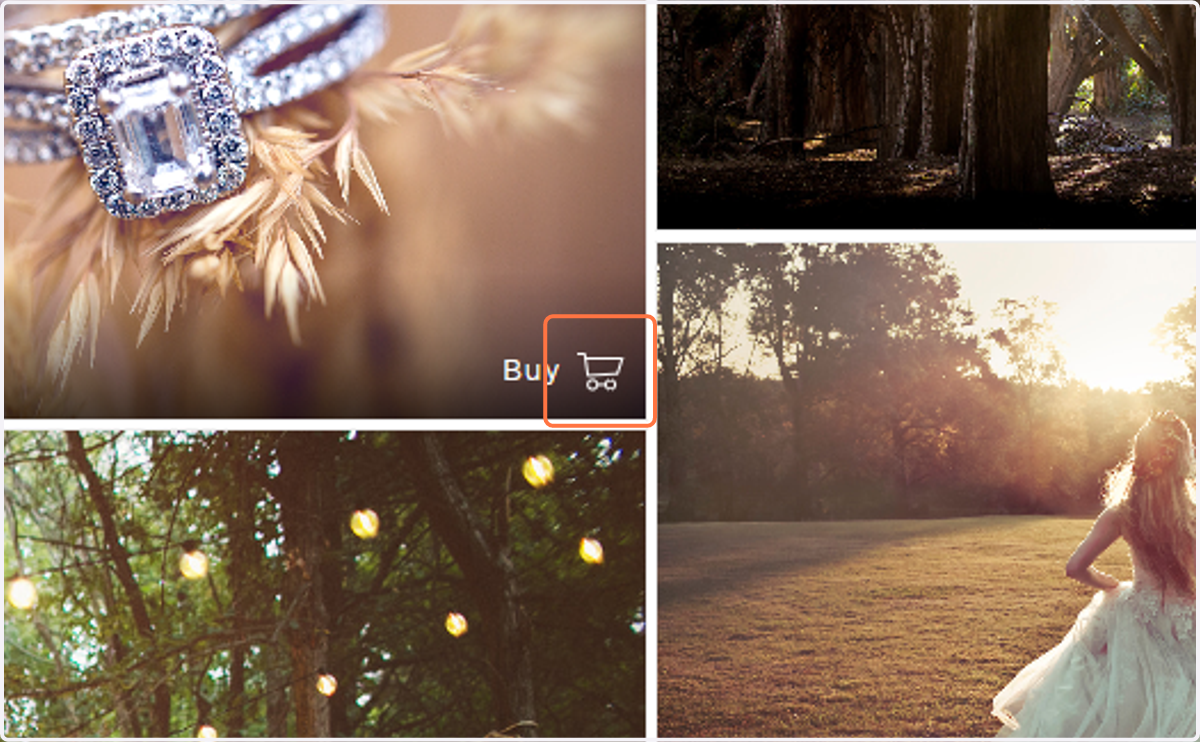
1. Hover over the photo you would like to purchase and click Buy.
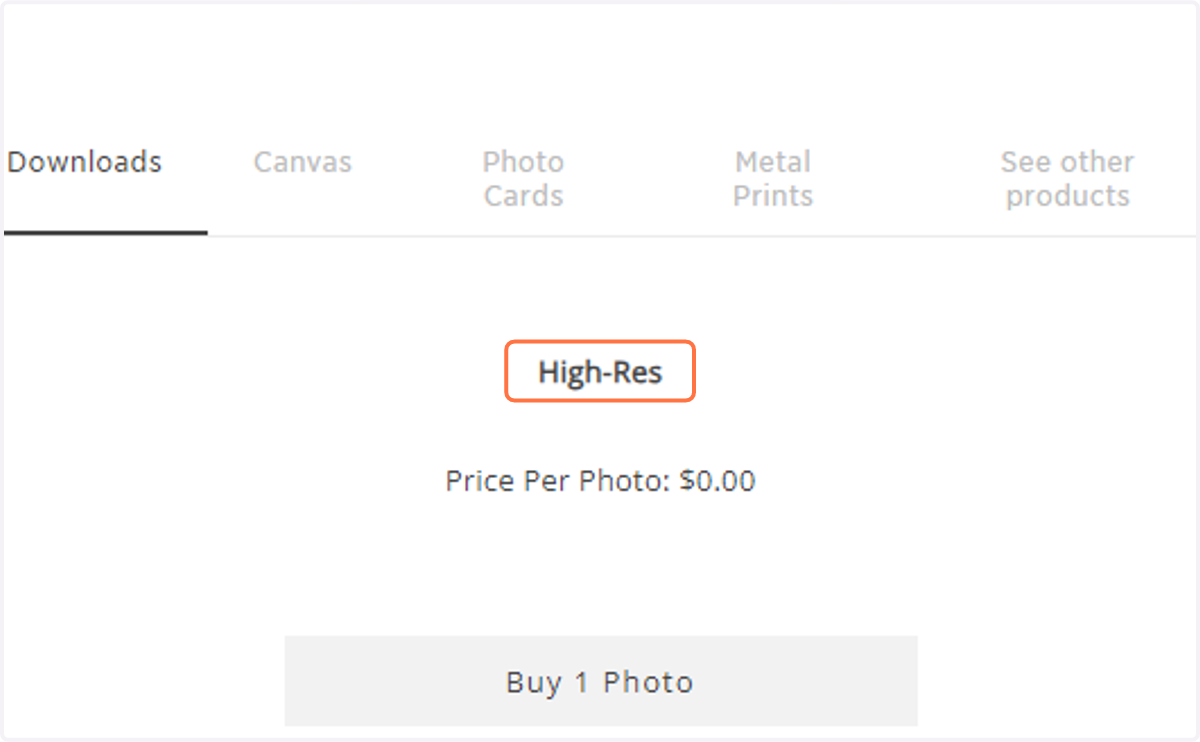
2. Click Downloads, select the quality.
3. Then select to Buy 1 Photo or Buy Full Gallery Downloads.
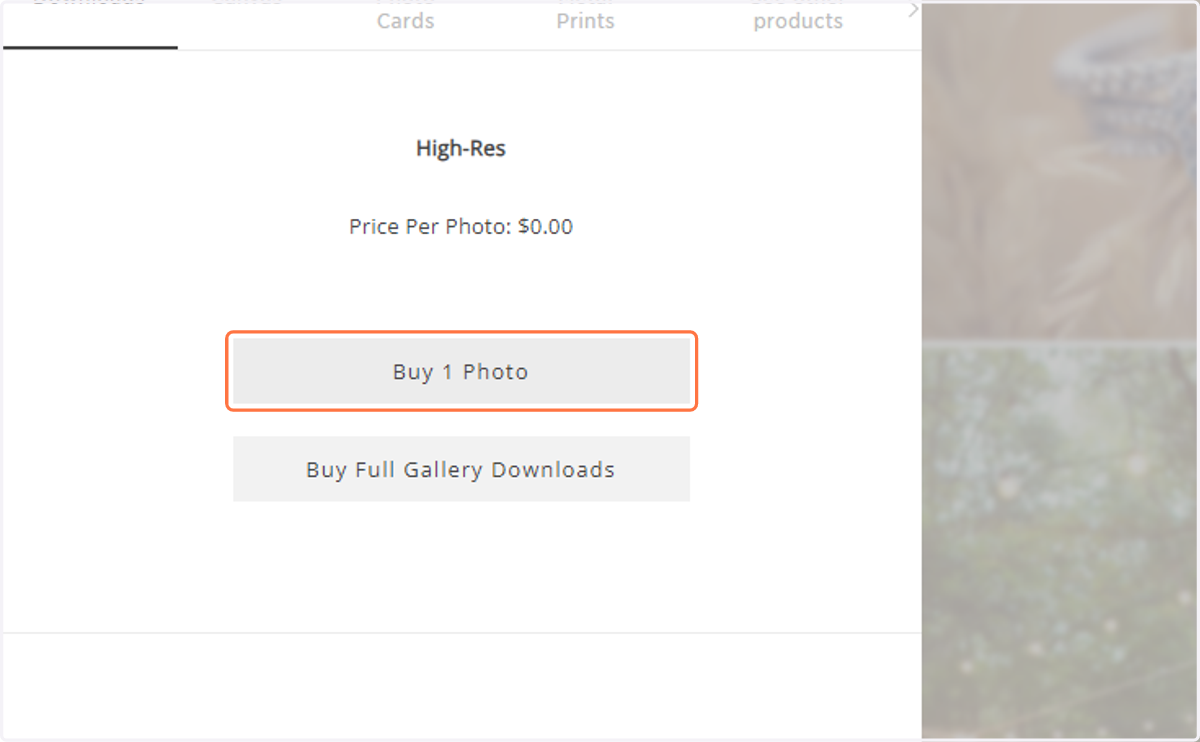
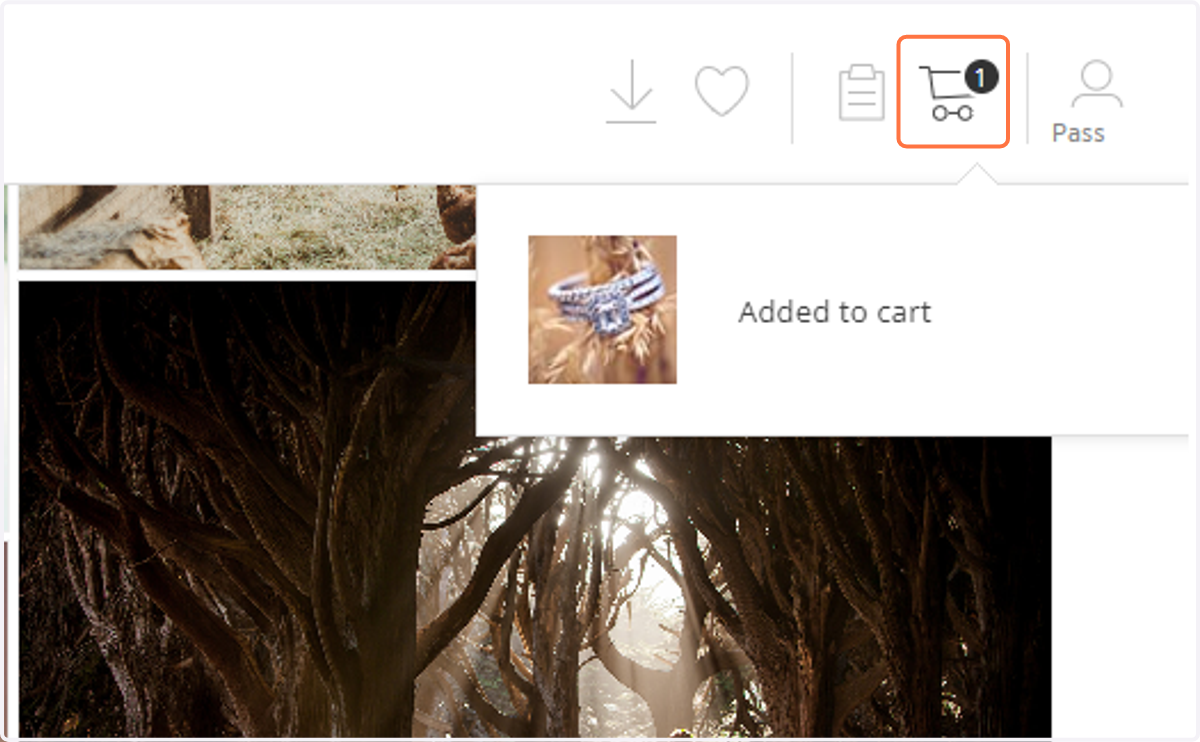
4. Your photo is now added to your cart.
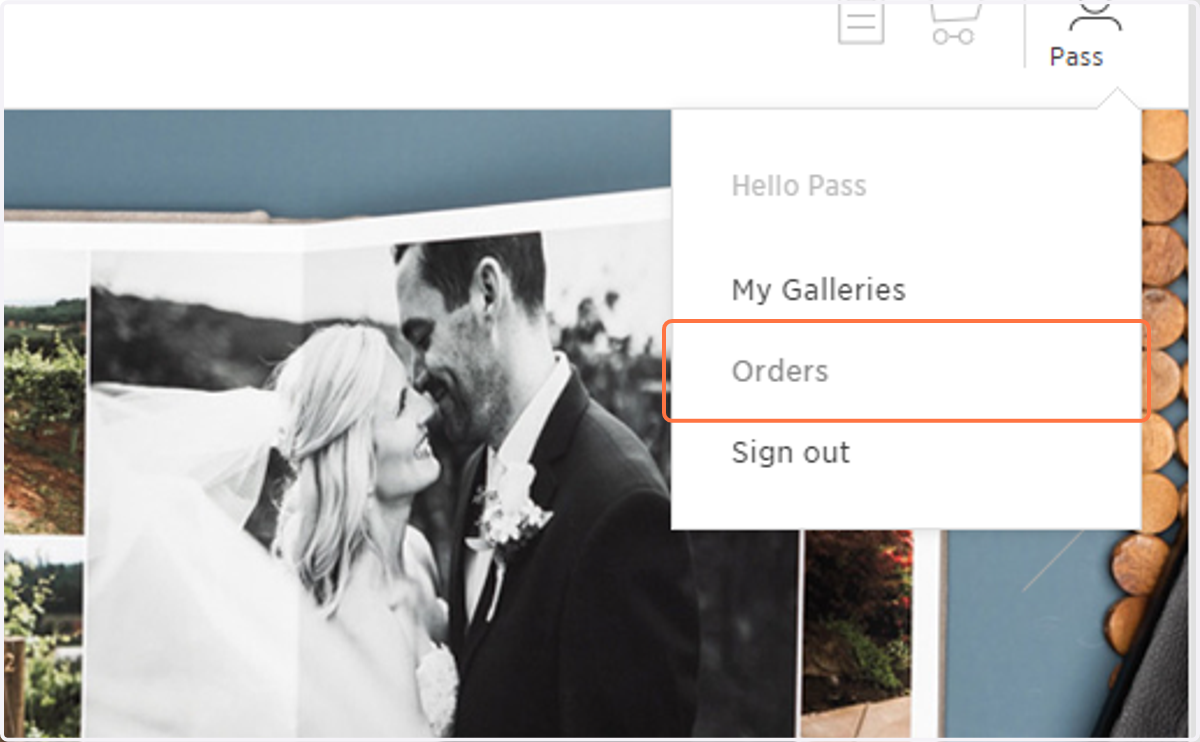
5. Locate the order under the "Orders" tab in your profile.
6. Click on Download.