Recording Payments on Engagifii

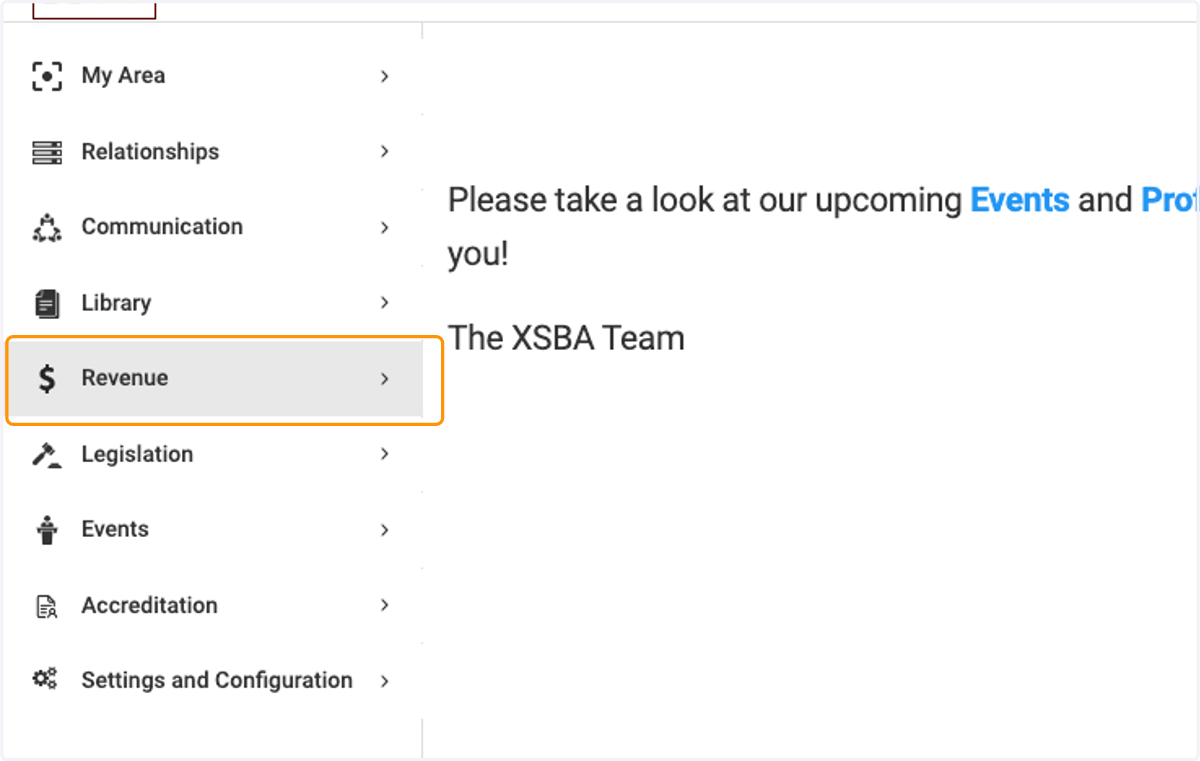
  1. 1. Click on Revenue

    Click on Revenue
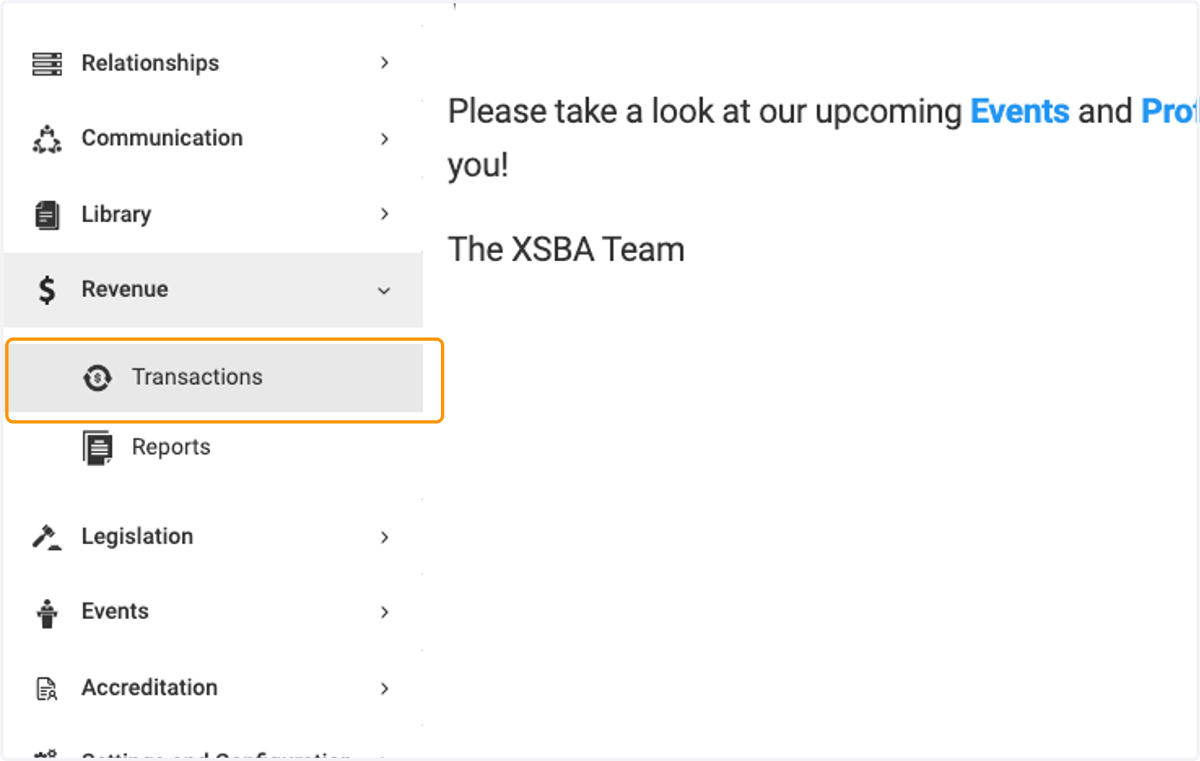
  2. 2. Click on Transactions

    Click on Transactions
  3. 3. Search for your unpaid invoice and then click on Record Payment
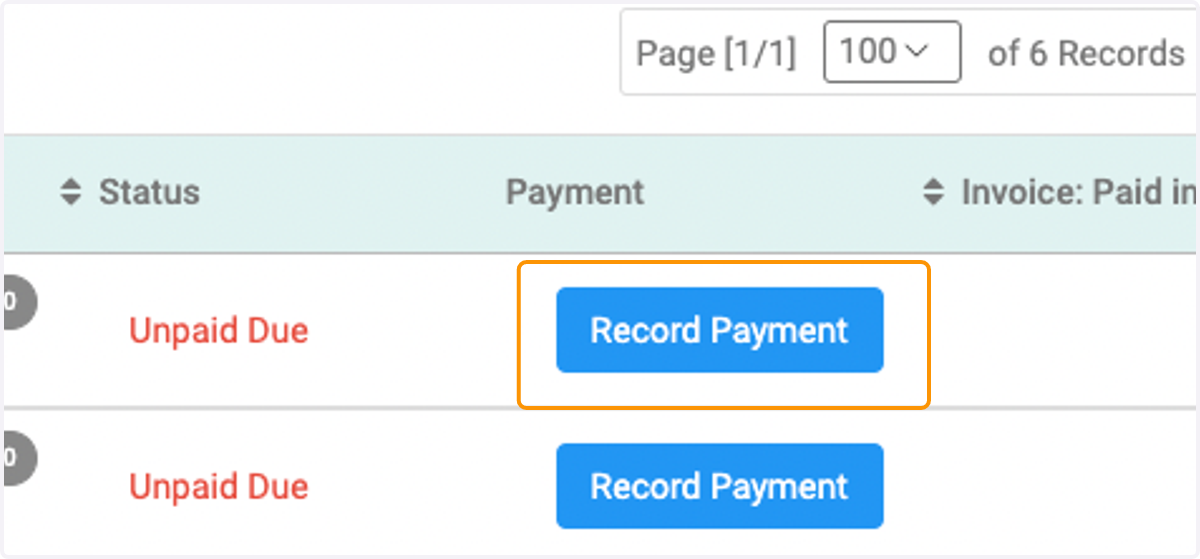
    Search for your unpaid invoice and then click on Record Payment
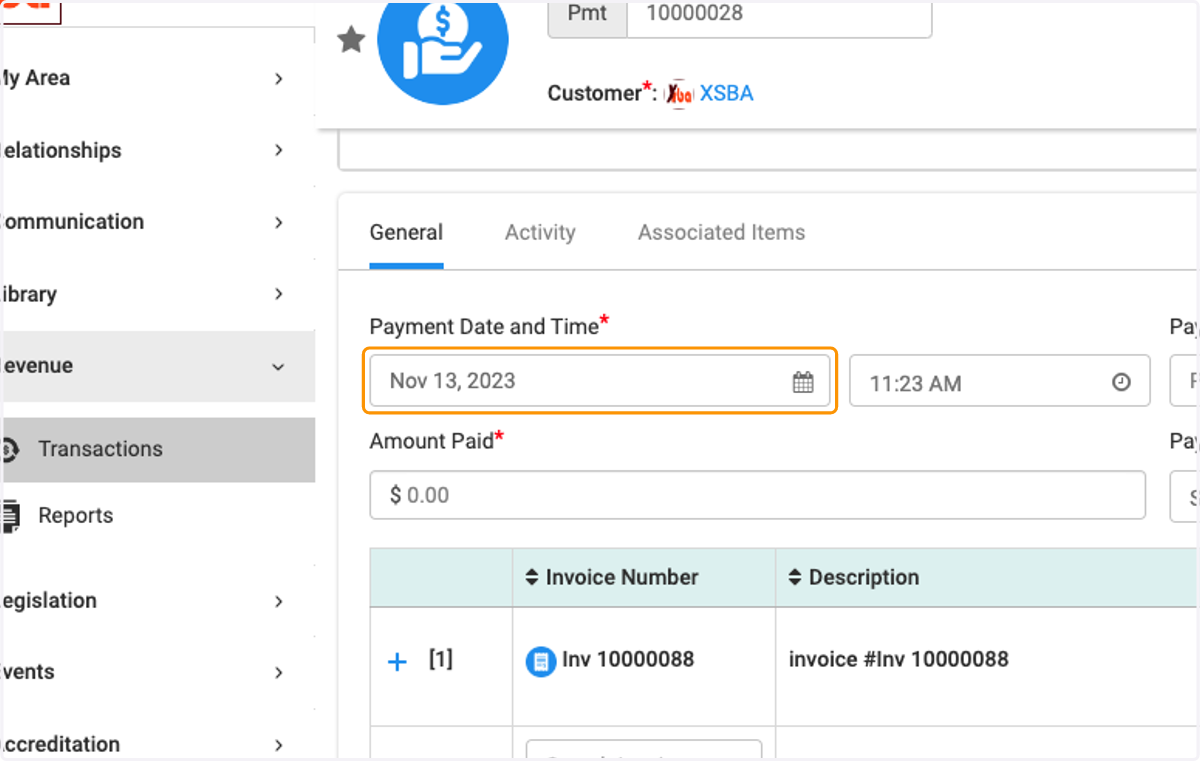
  4. 4. Enter a Payment Date and Time

    Enter a Payment Date and Time
  5. 5. Enter a Payment Reference Number if applicable
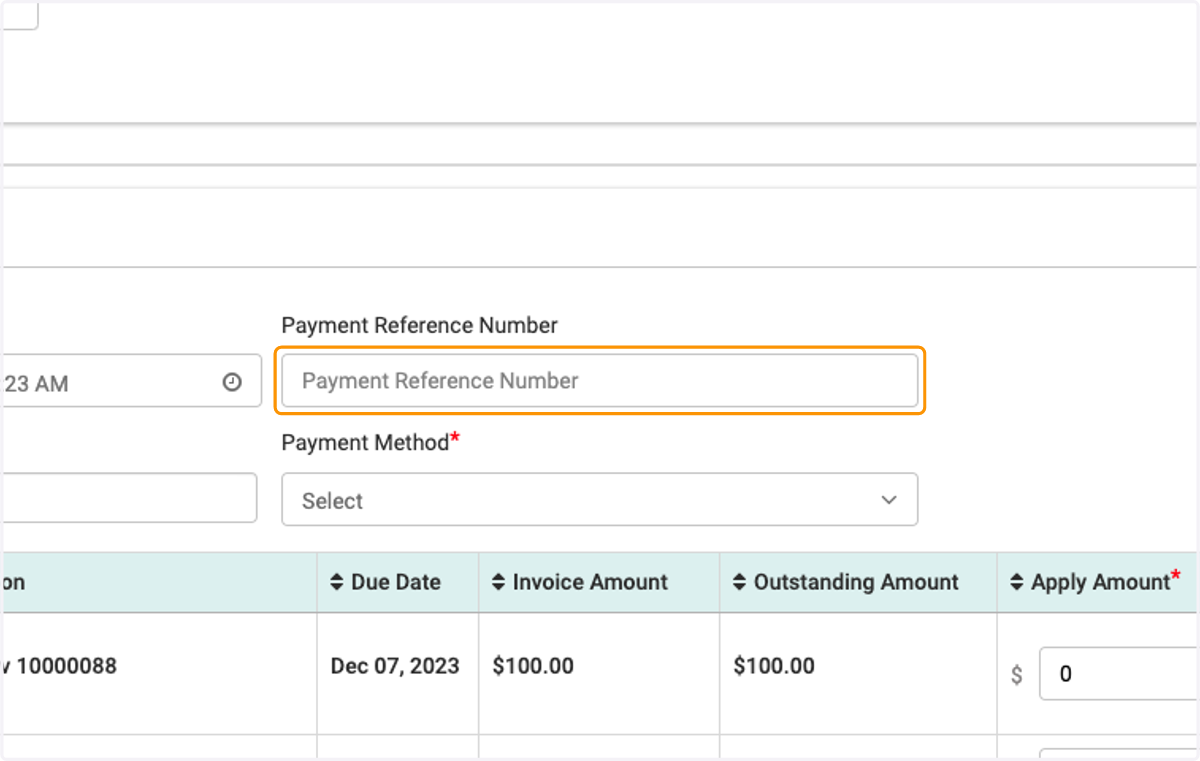
    Enter a Payment Reference Number if applicable
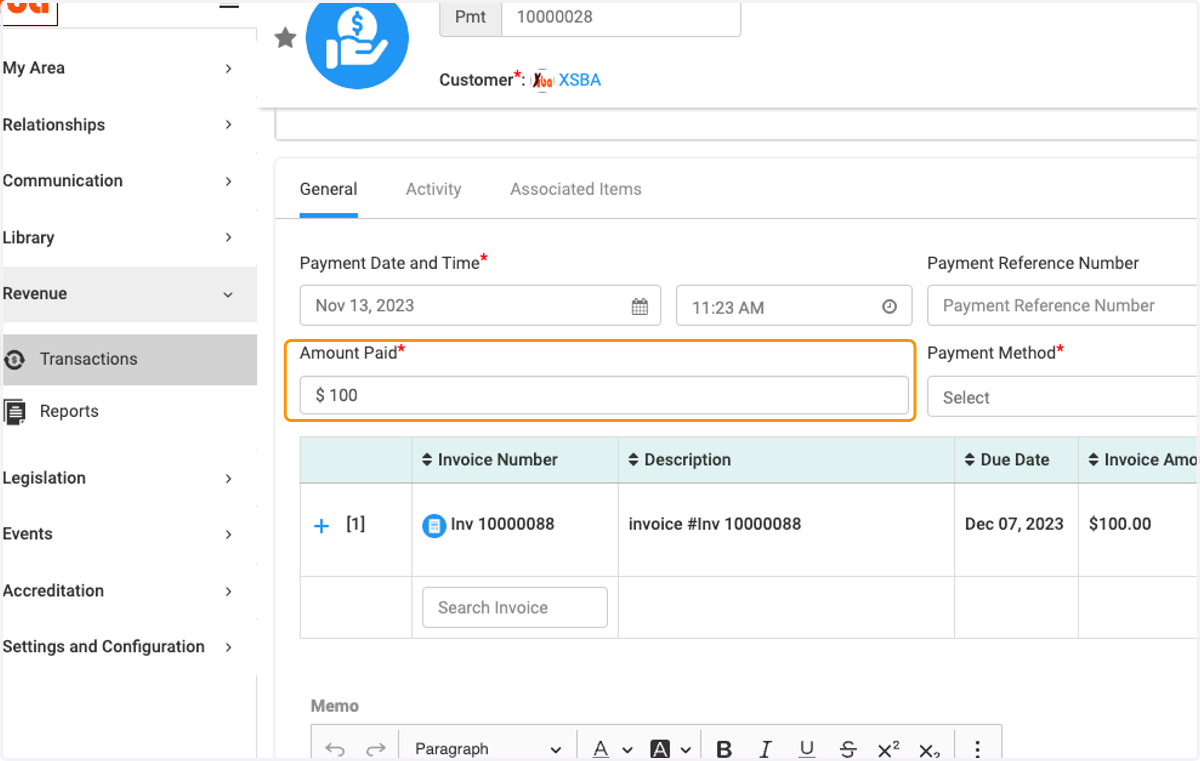
  6. 6. Enter the amount of the payment

    Enter the amount of the payment
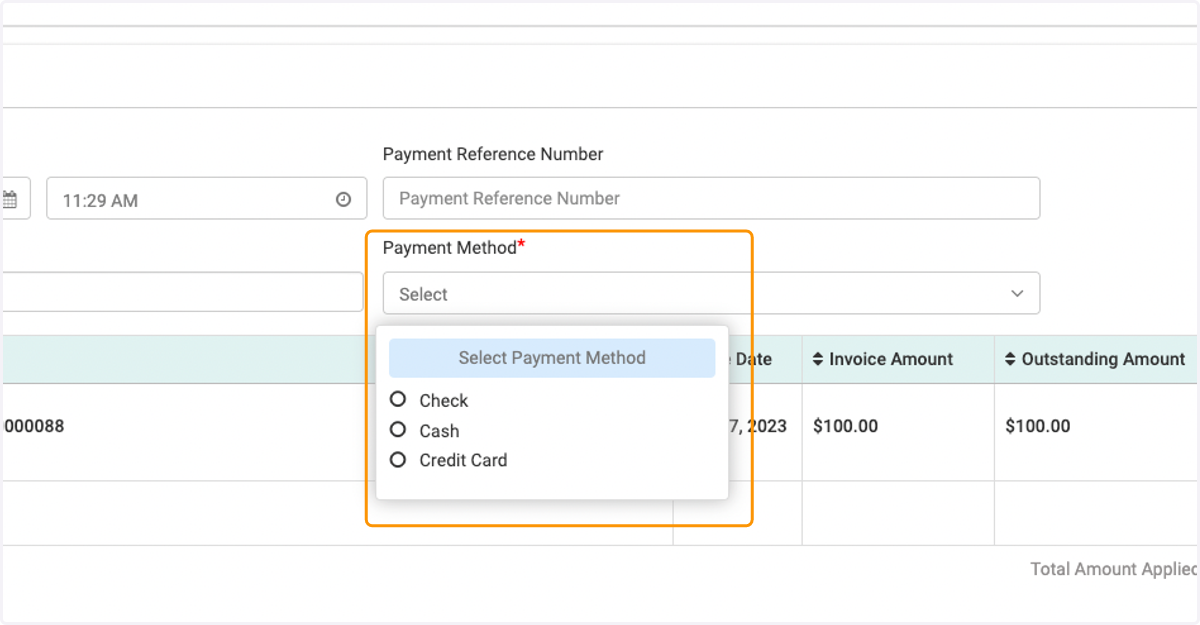
  7. 7. Select the Payment Method

    Select the Payment Method
  8. 8. Enter amount to apply to this invoice
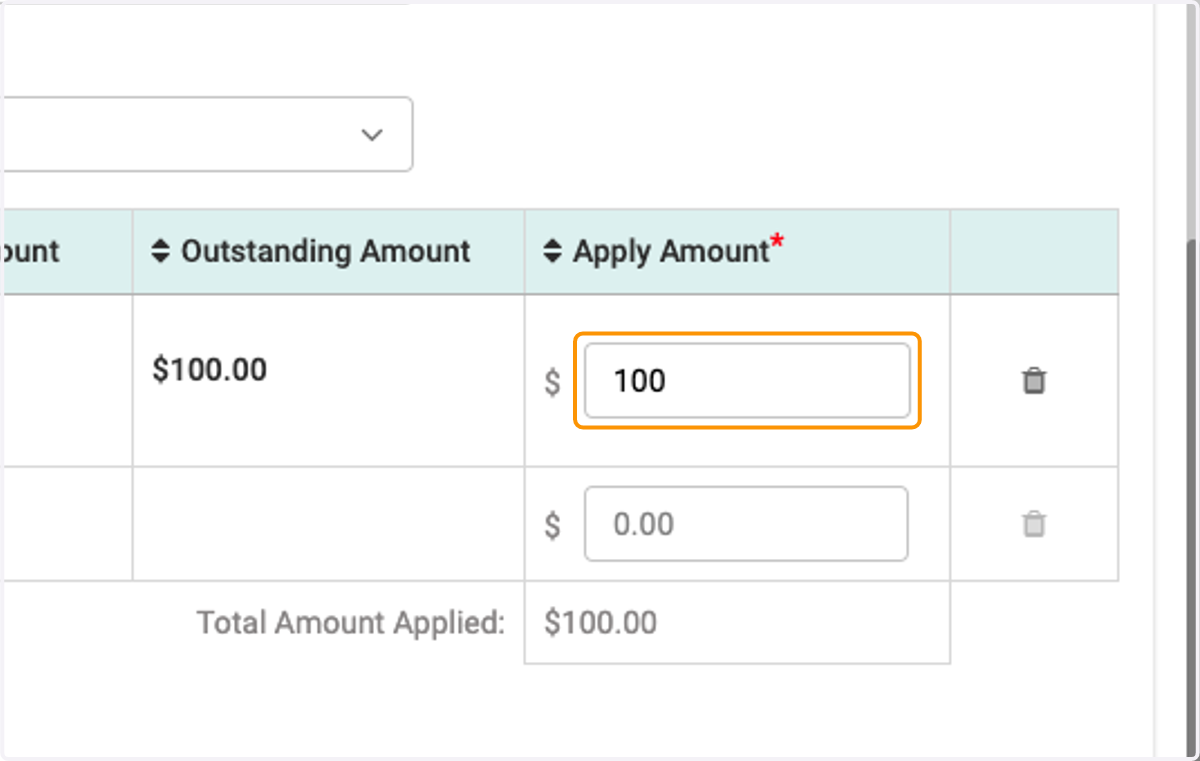
    Enter amount to apply to this invoice
  9. 9. If you set up a credit card processor with Engagifii, click proceed
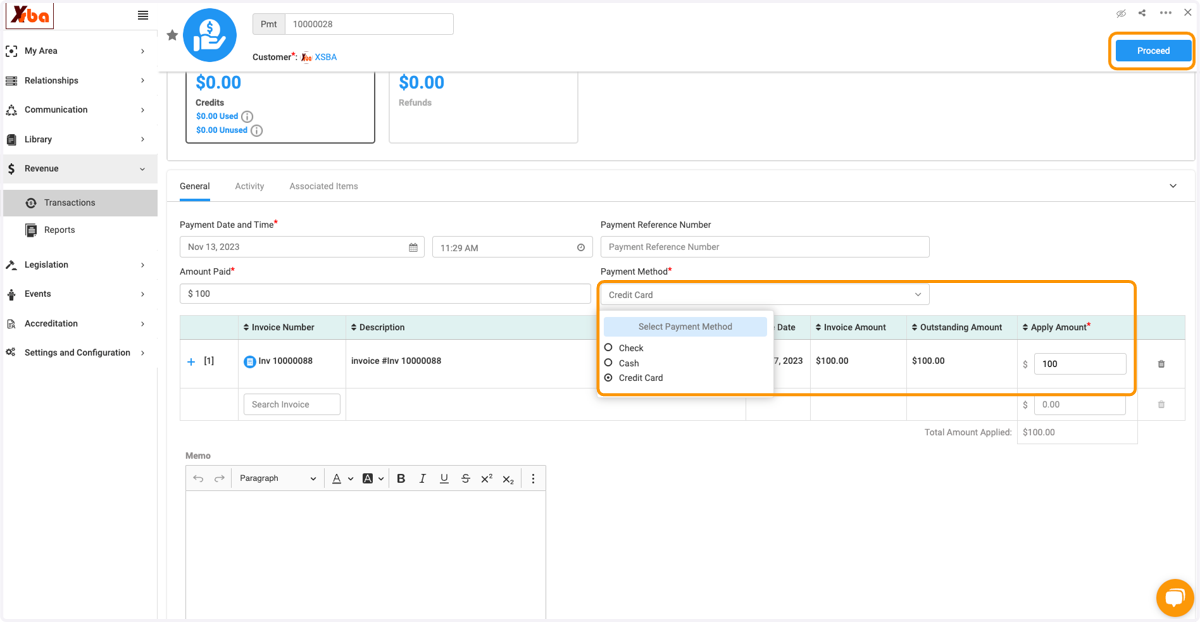
    If you set up a credit card processor with Engagifii, click proceed
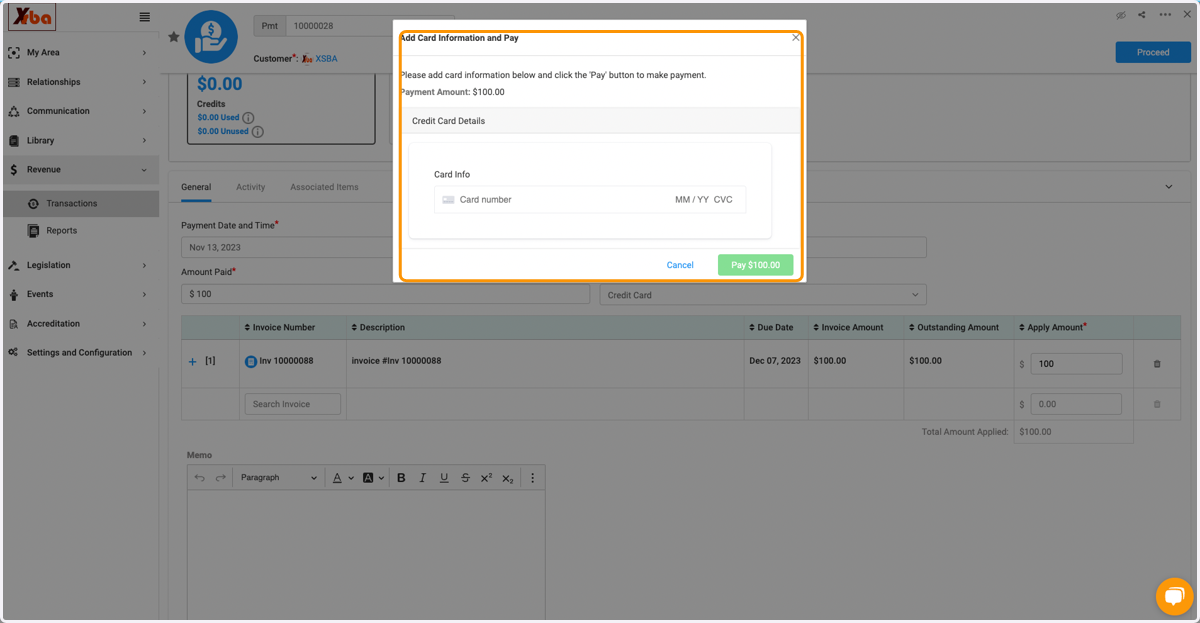
  10. 10. Enter credit card information

    Enter credit card information
  11. 11. Add any additional notes in the Memo field
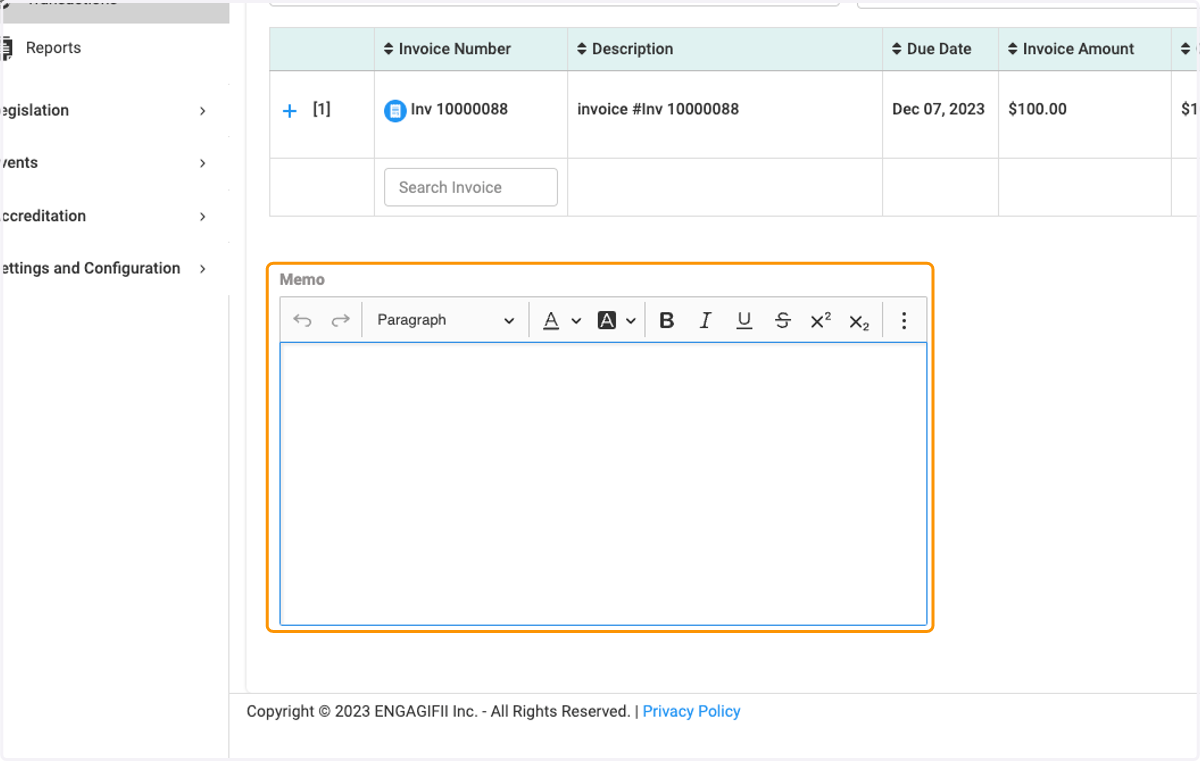
    Add any additional notes in the Memo field
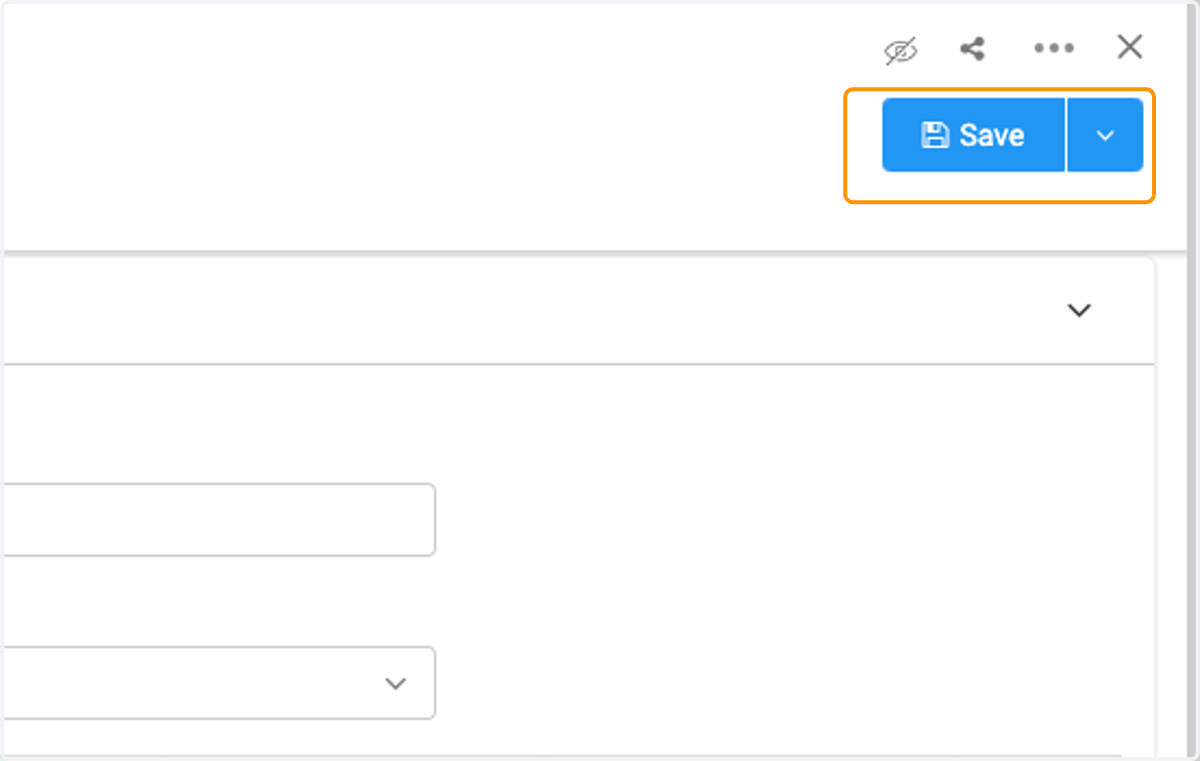
  12. 12. Click on Save

    Click on Save