Daily Snapshot
RunLoyal - All-In-One software to run your pet business
1. Click on Daily Snapshot
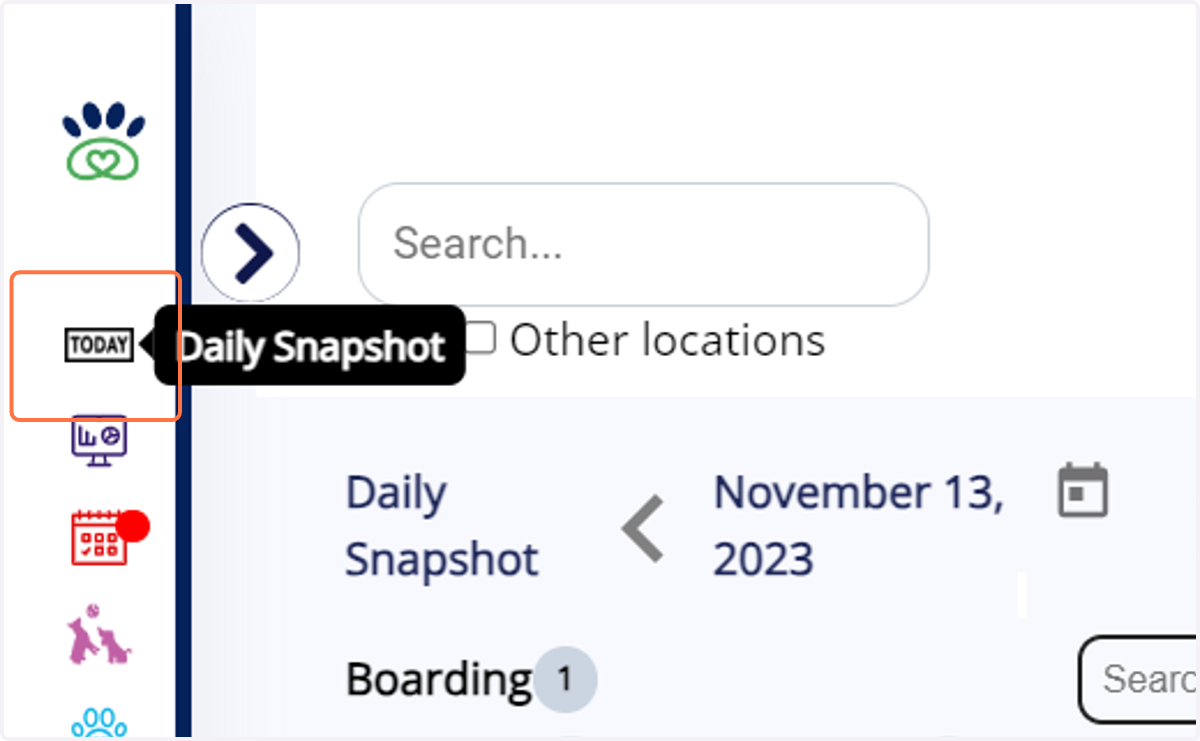
2. You can now use a day navigation feature that takes you to a specific date...
It includes navigation for the previous day, the next day, and even calendar-based navigation.
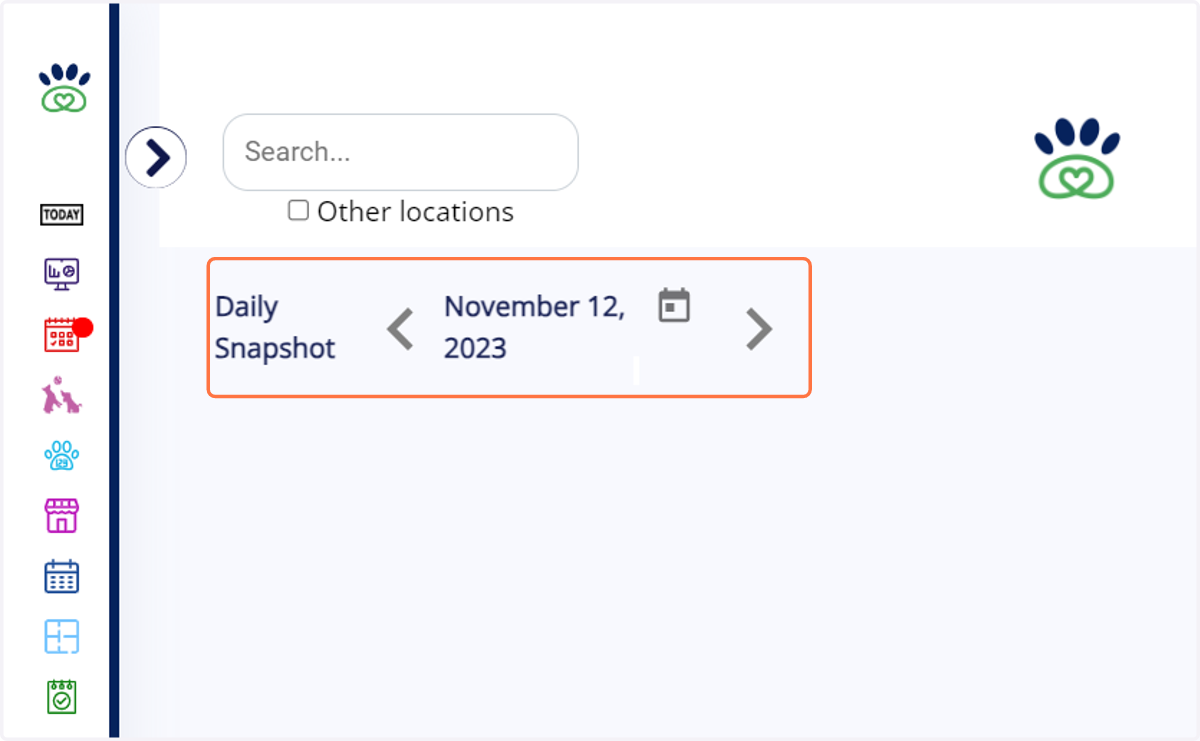
3. Previous day Navigation..
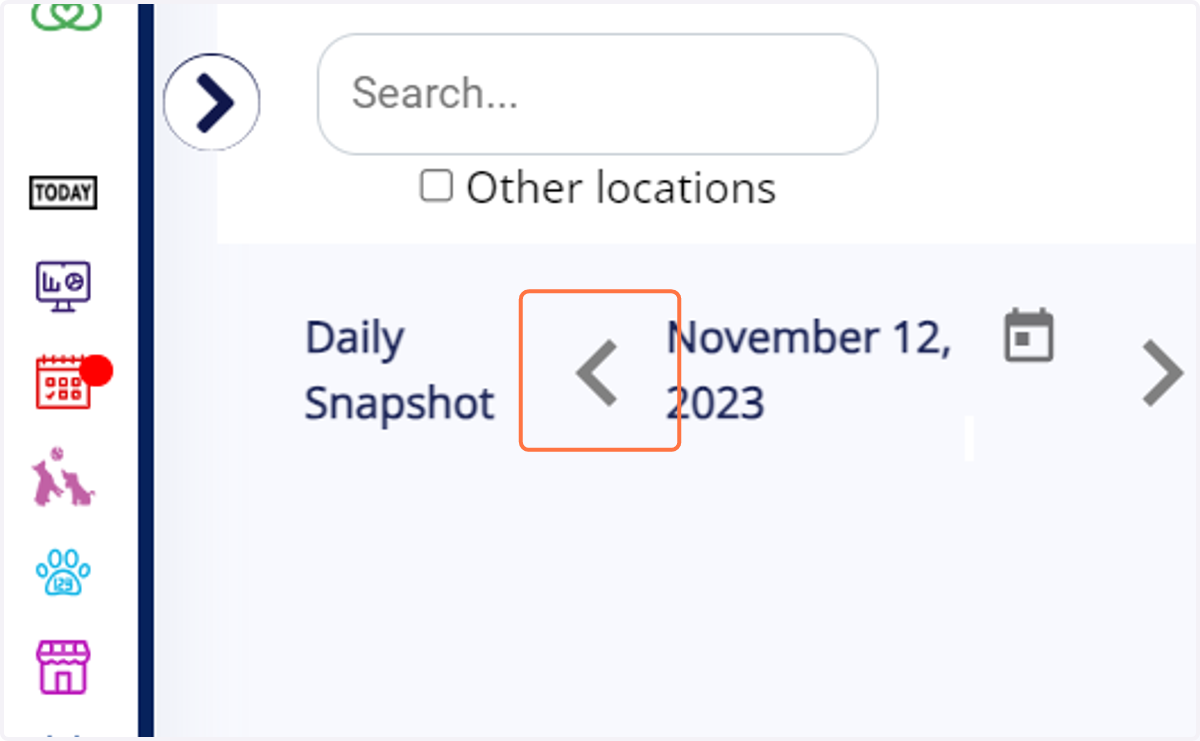
4. The previous day appointments will be shown here
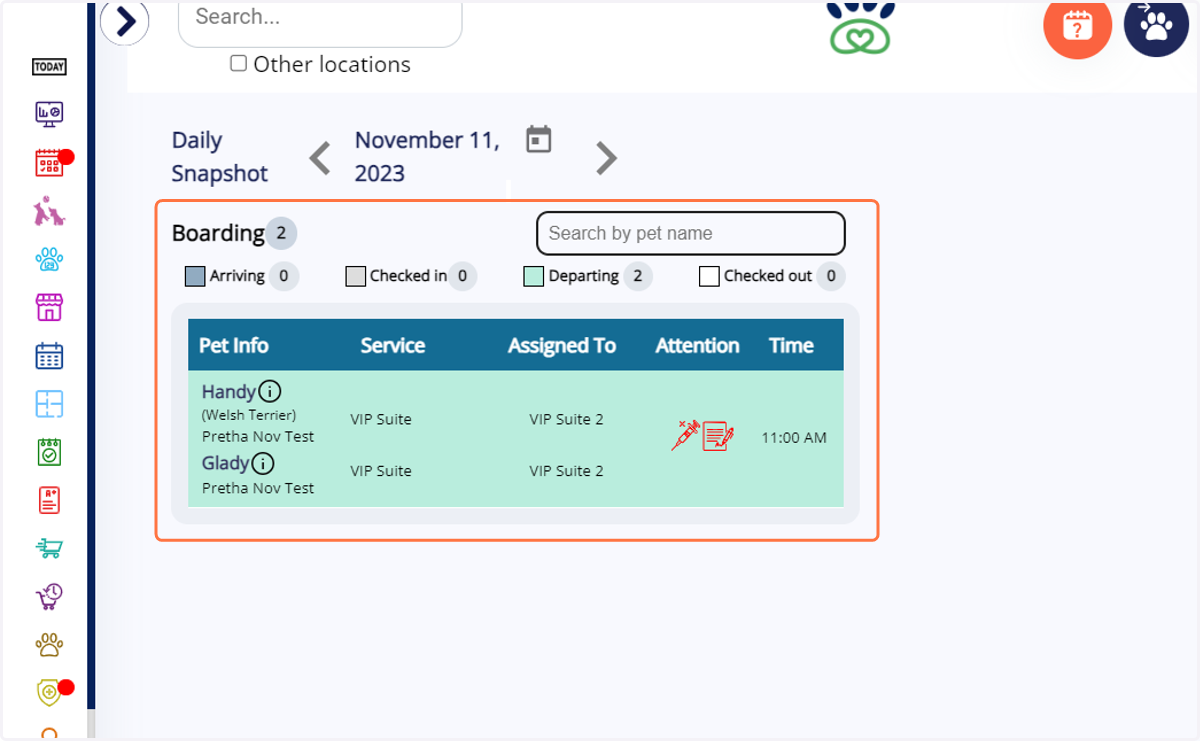
5. Next day Navigation
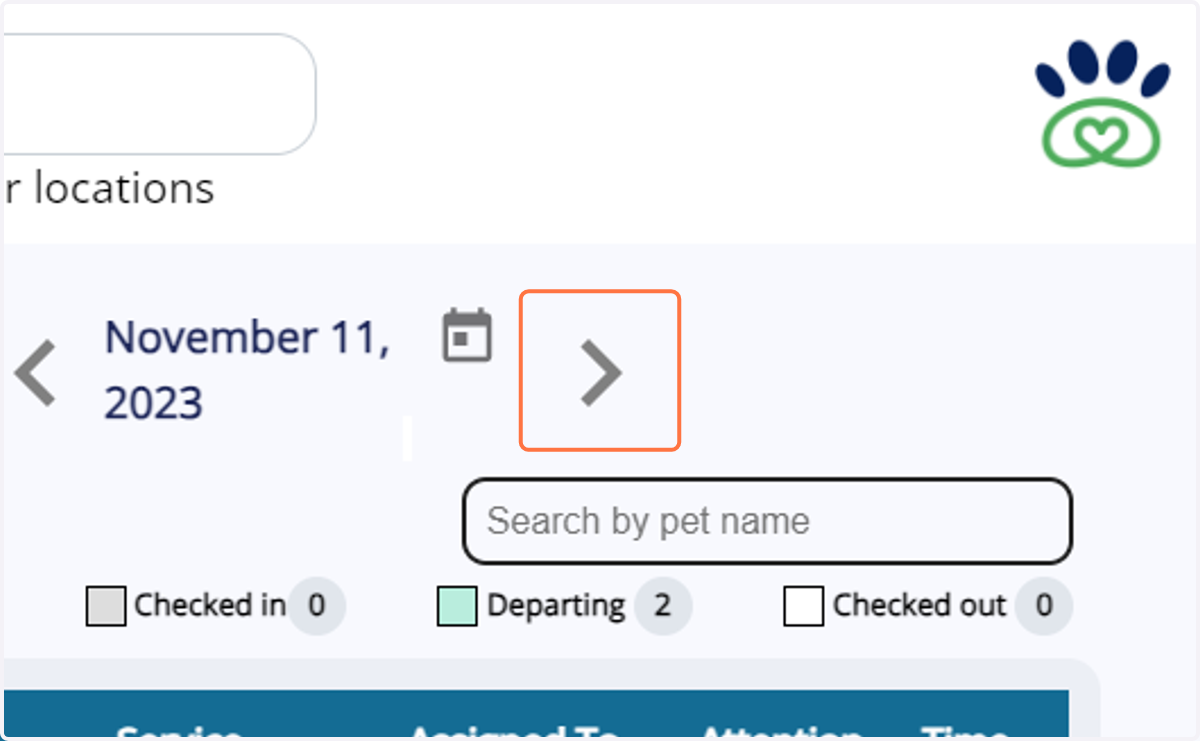
6. The next day appointments will be shown here
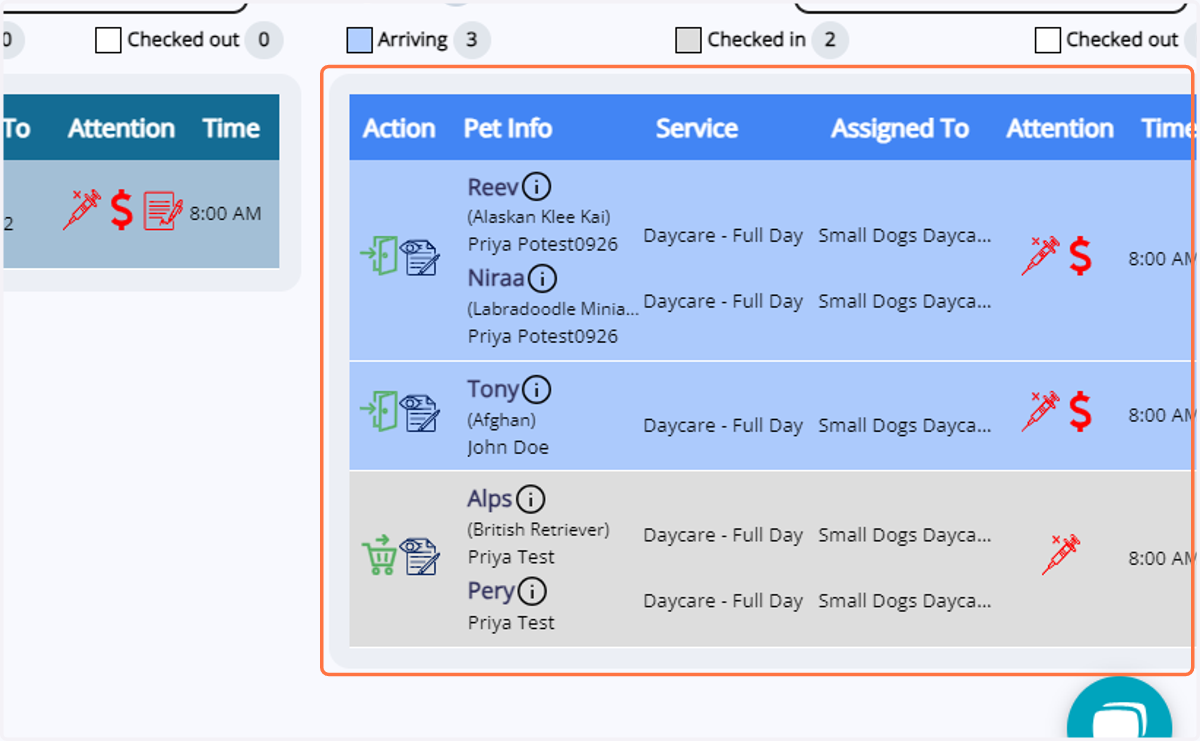
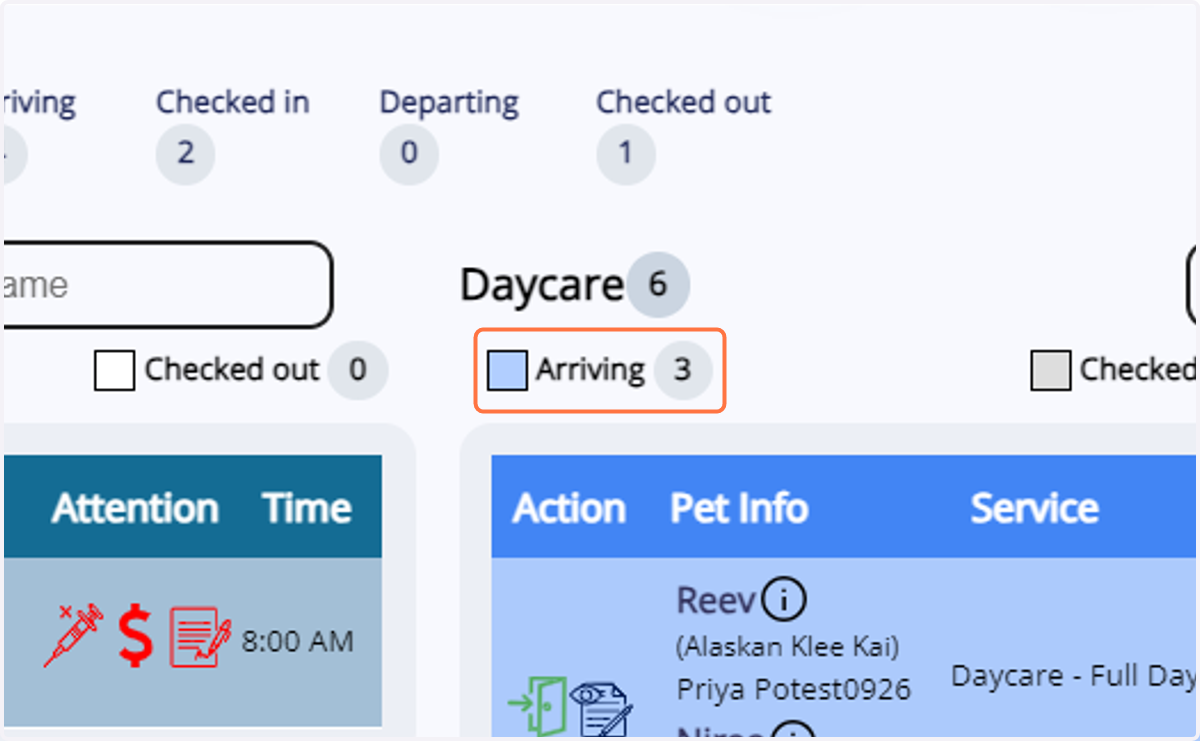
7. When you click on 'Arriving' under a service, it sorts the appointments accordingly.
8. Click on "Easy check-in"
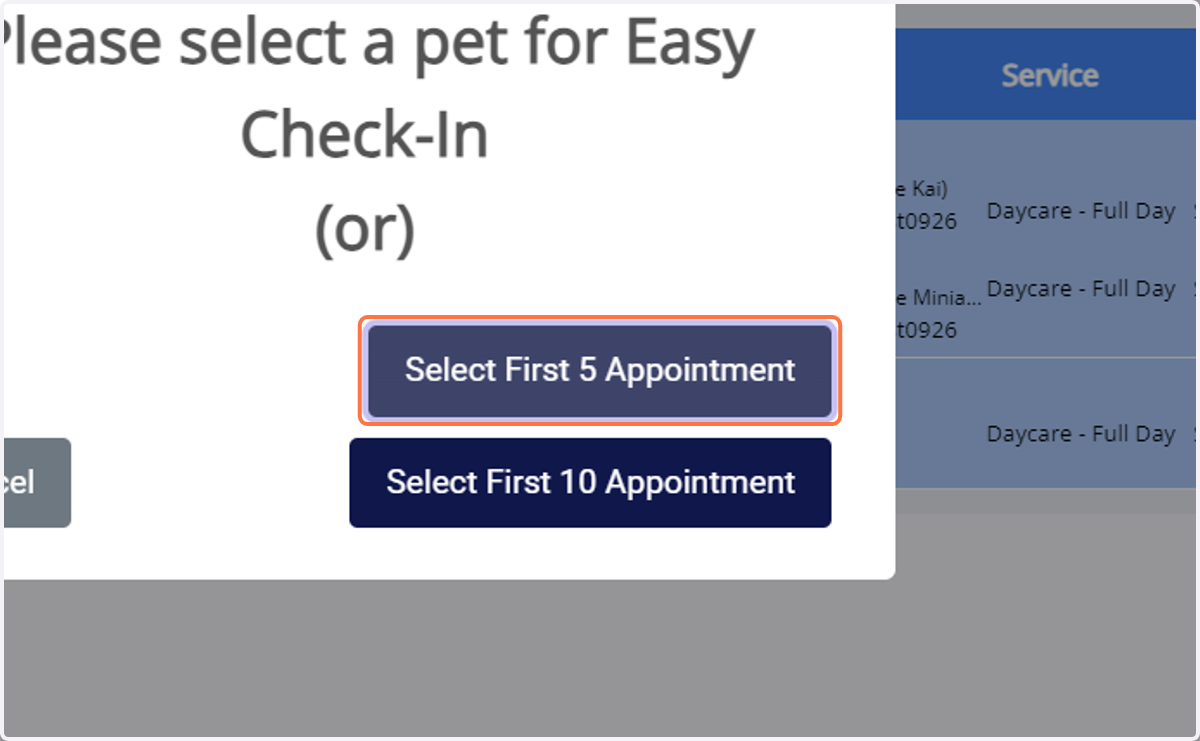
This feature facilitates easy check-in for today's pets. It offers two options: selecting the first 5 appointments and selecting the first 10 appointments.
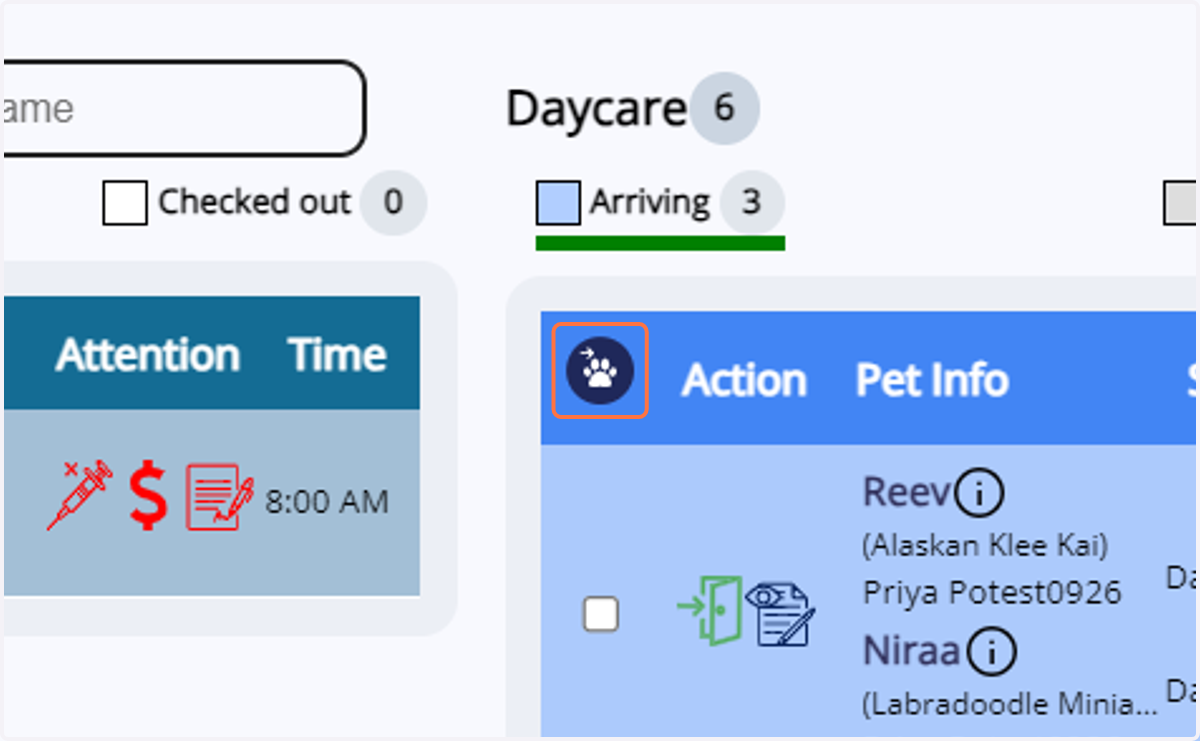
9. Click on Select First 5 Appointment
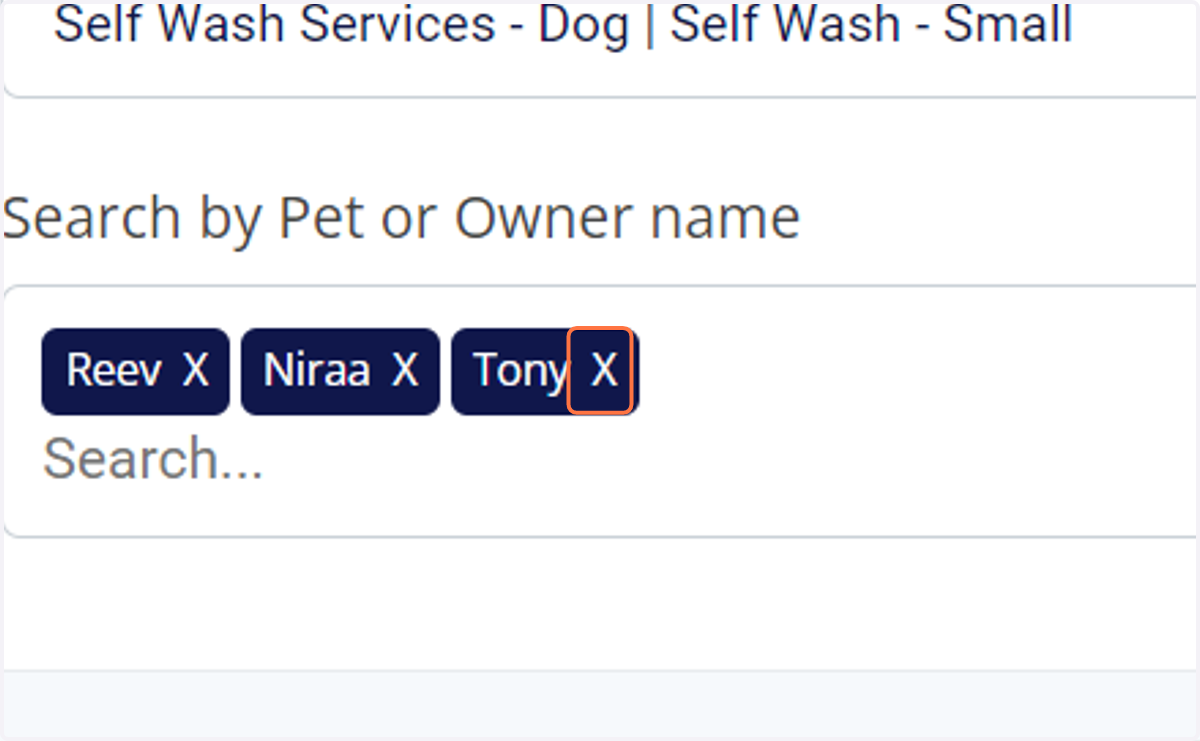
10. You can remove pets by clicking on the 'X' next to their names and add them by searching...
11. Click on Check-In
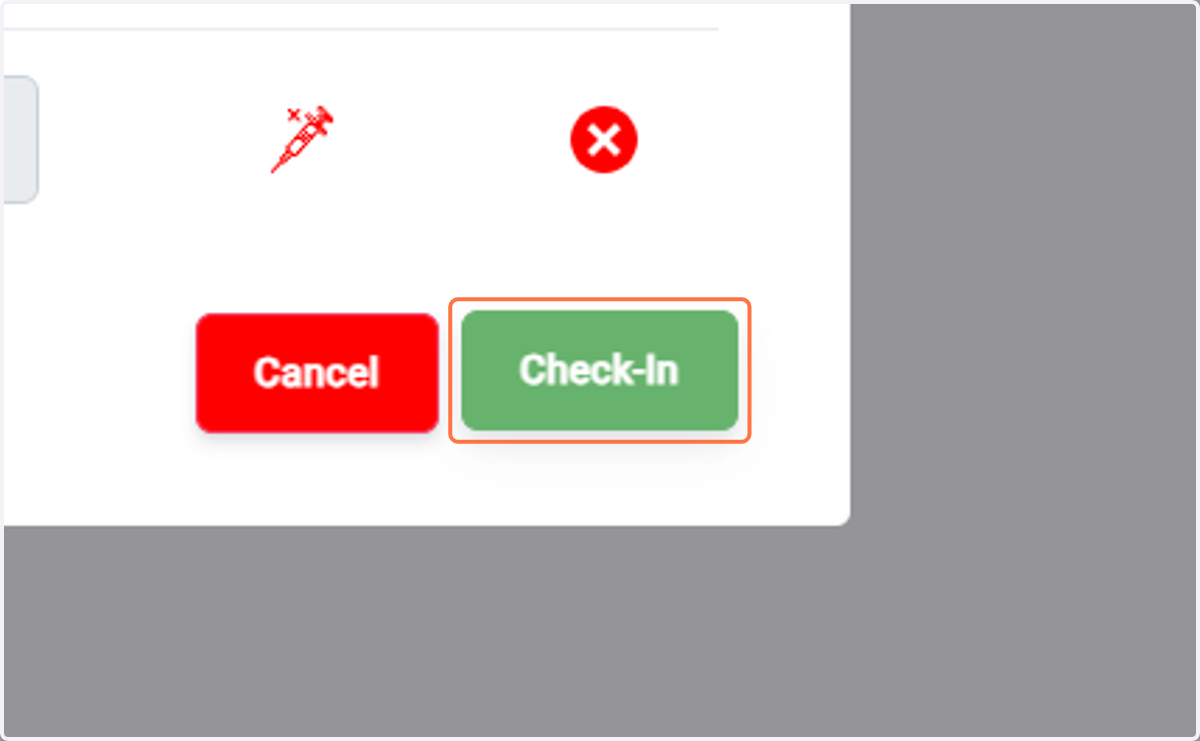
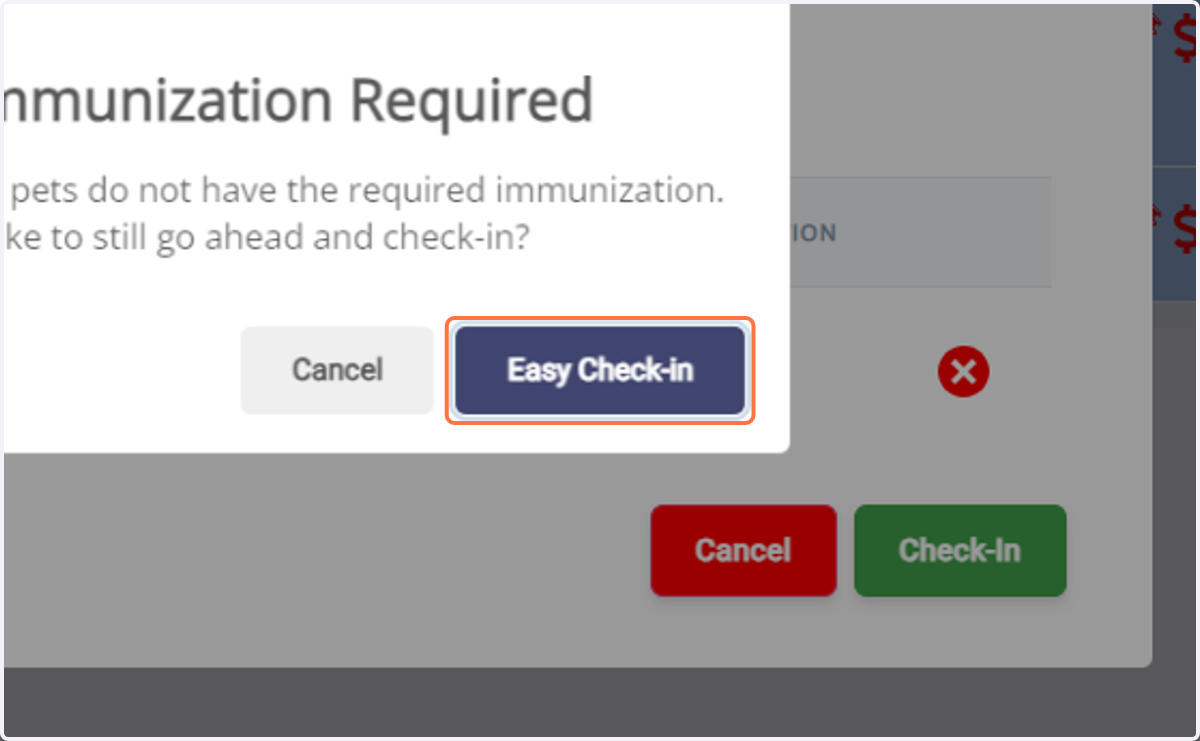
12. Click on Easy Check-in
13. When you click on 'Checked in' under a service, it sorts the appointments accordingly, and the same applies for 'Checked out' as well.
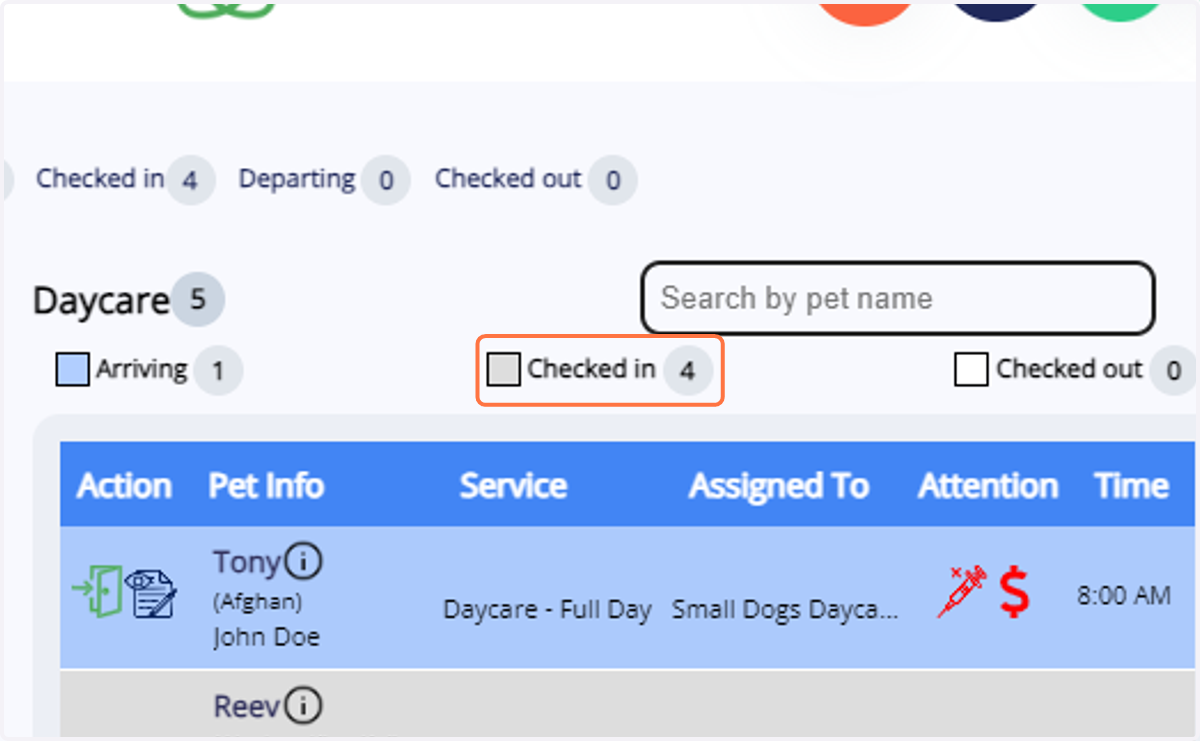
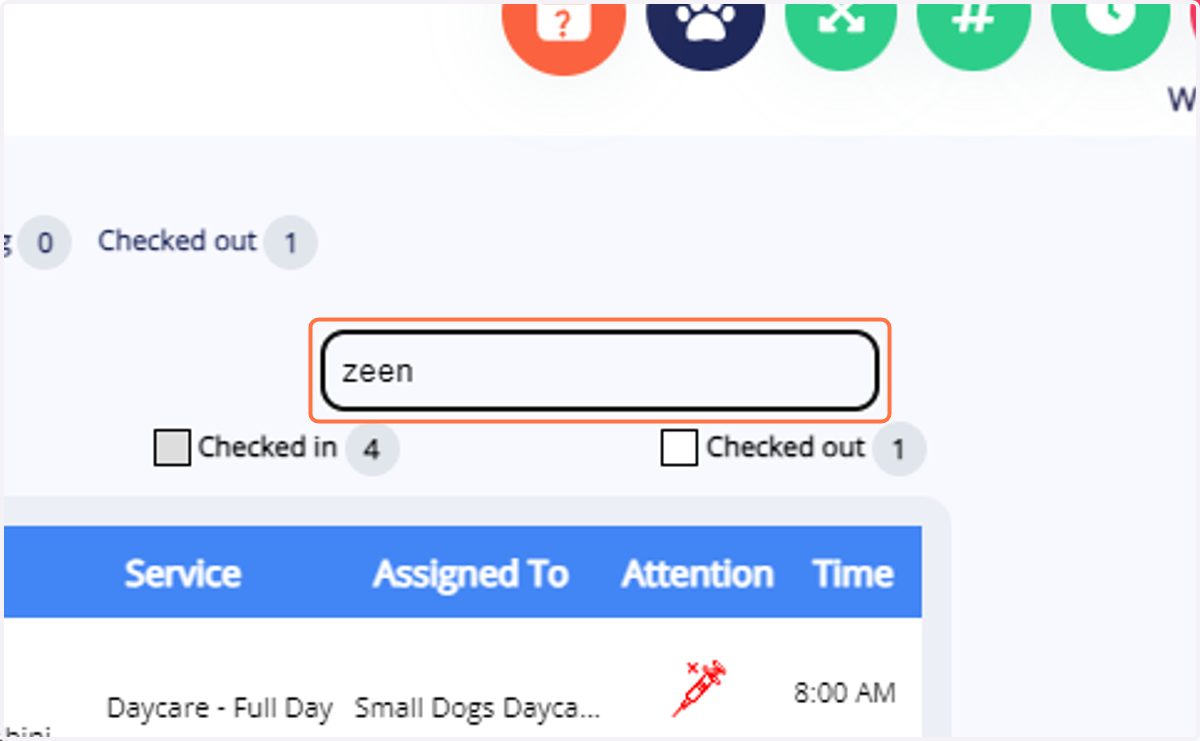
14. You can sort pets by searching for them using their names for easier usability.