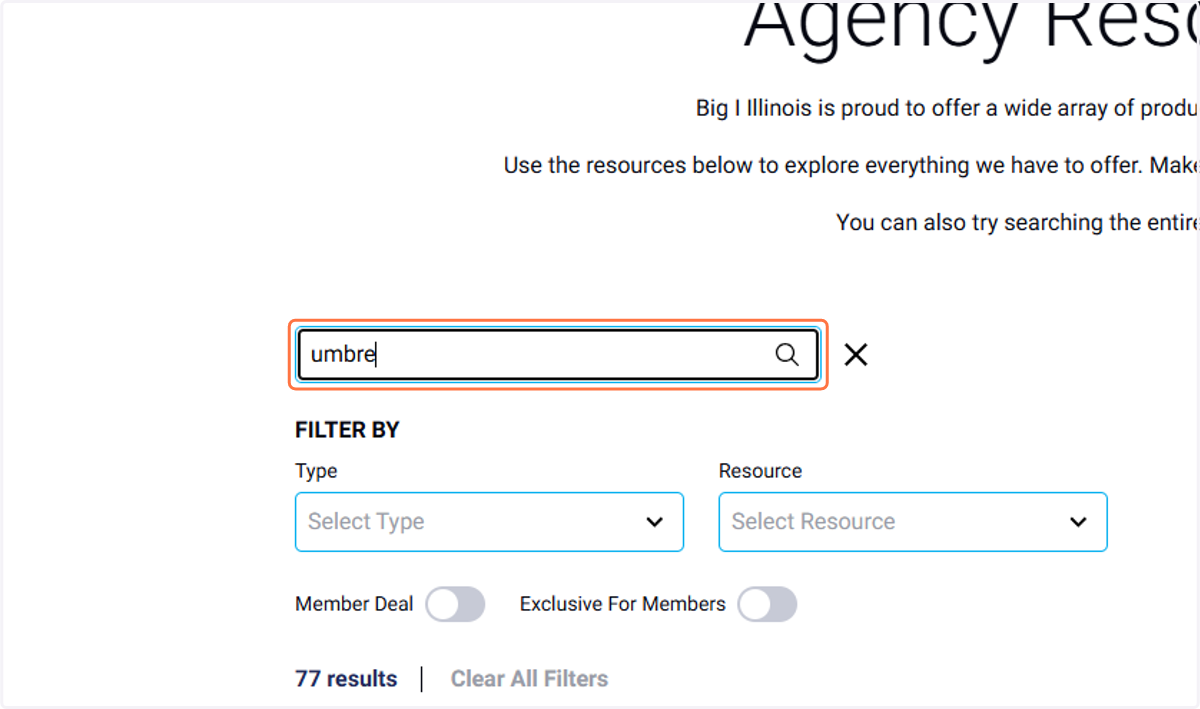
Navigating Big I Illinois Resources Benefits
Big I Illinois: Premier Education & Membership for Insurance Agents
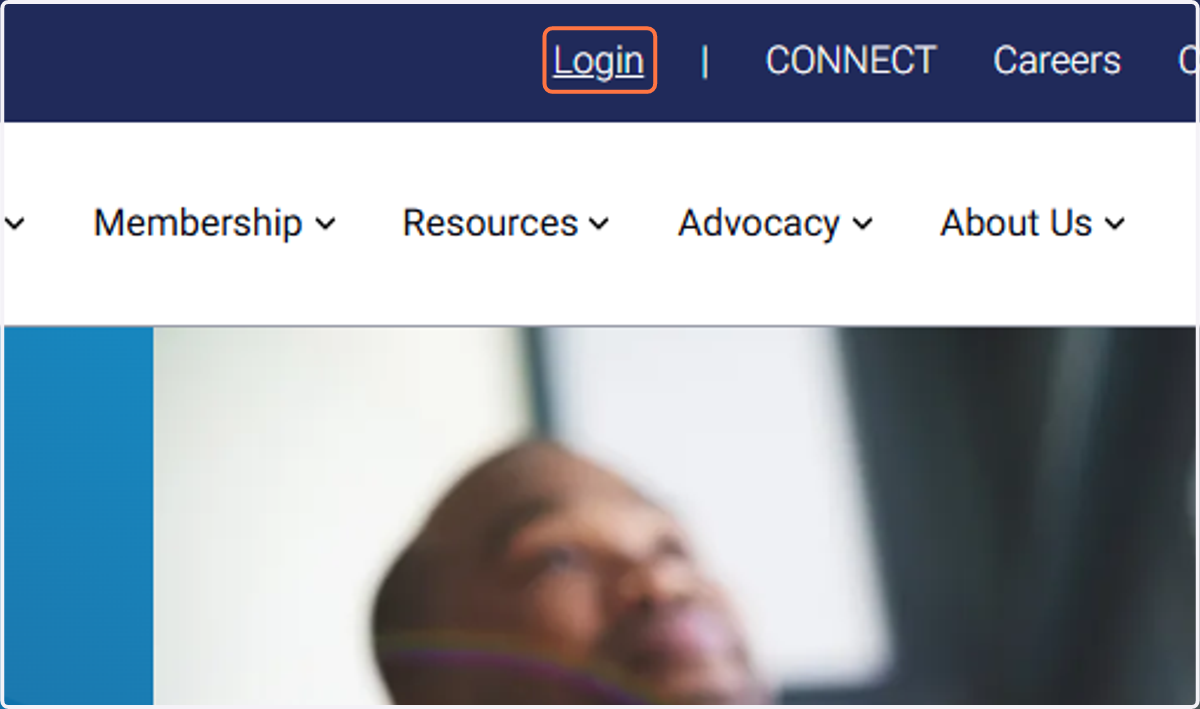
1. Login to the Big I Illinois website.
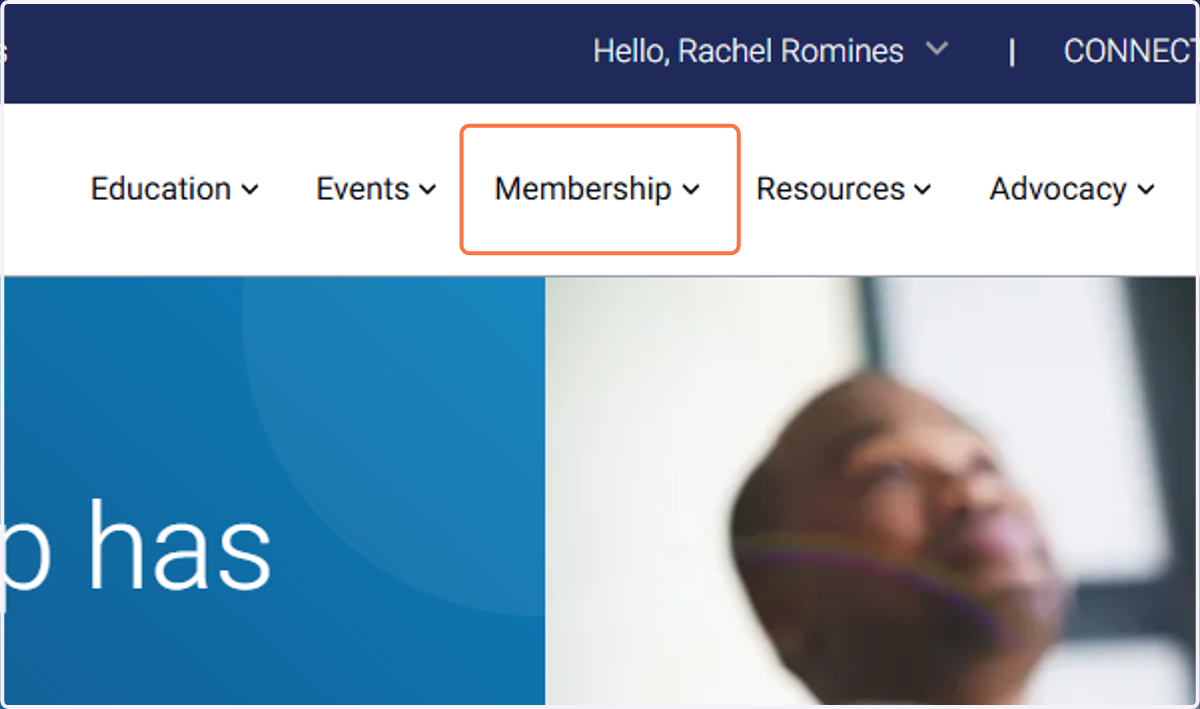
2. Hover over the membership tab.
Mobile users, click the three lines menu in the upper right hand corner to expand the menu.
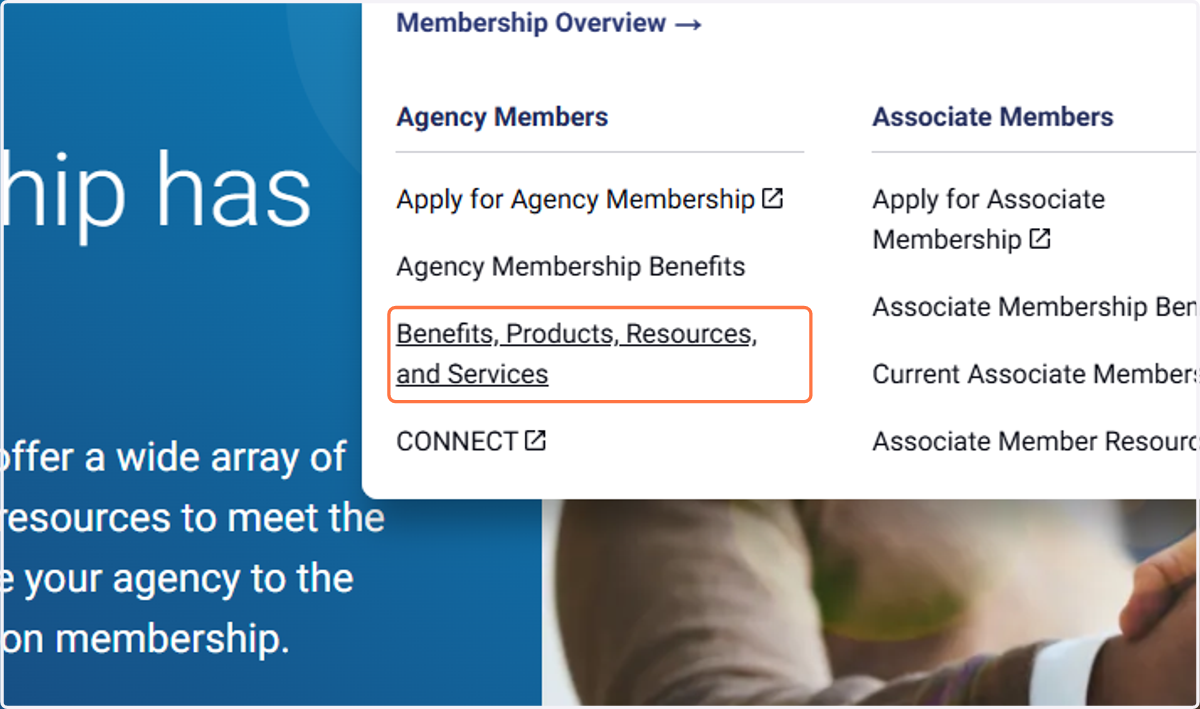
3. Click on Benefits, Products, Resources, and Services
4. Scroll through page by page or use the categories or filters.
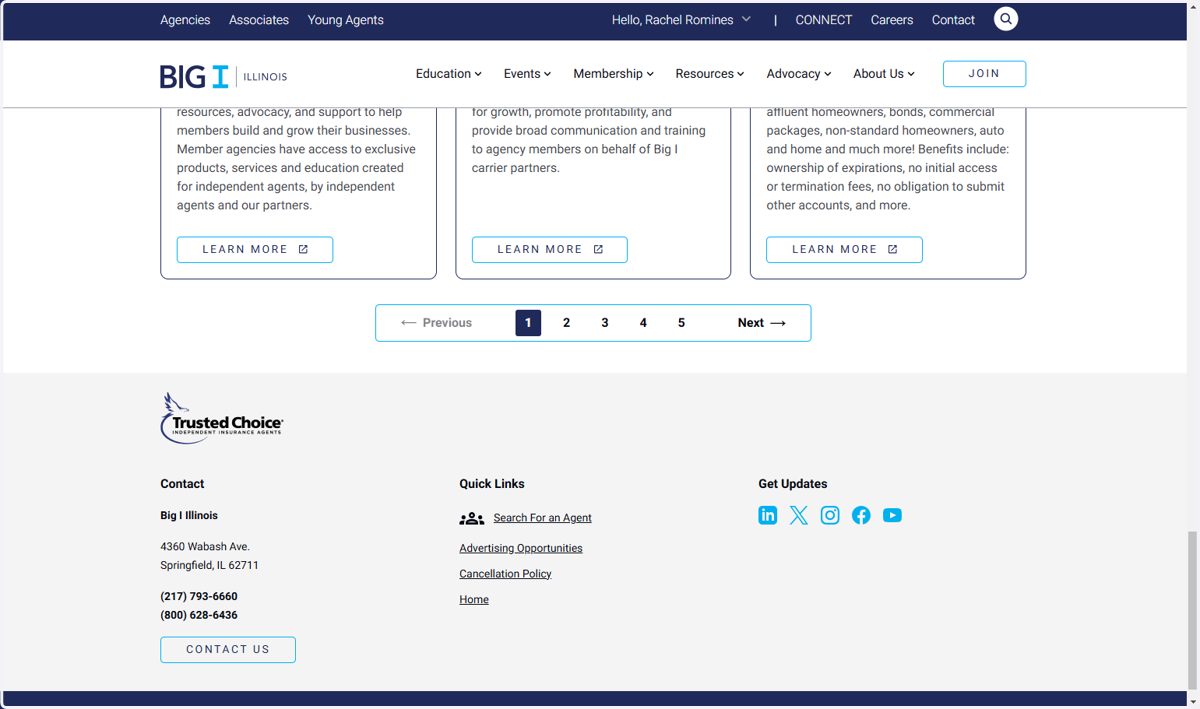
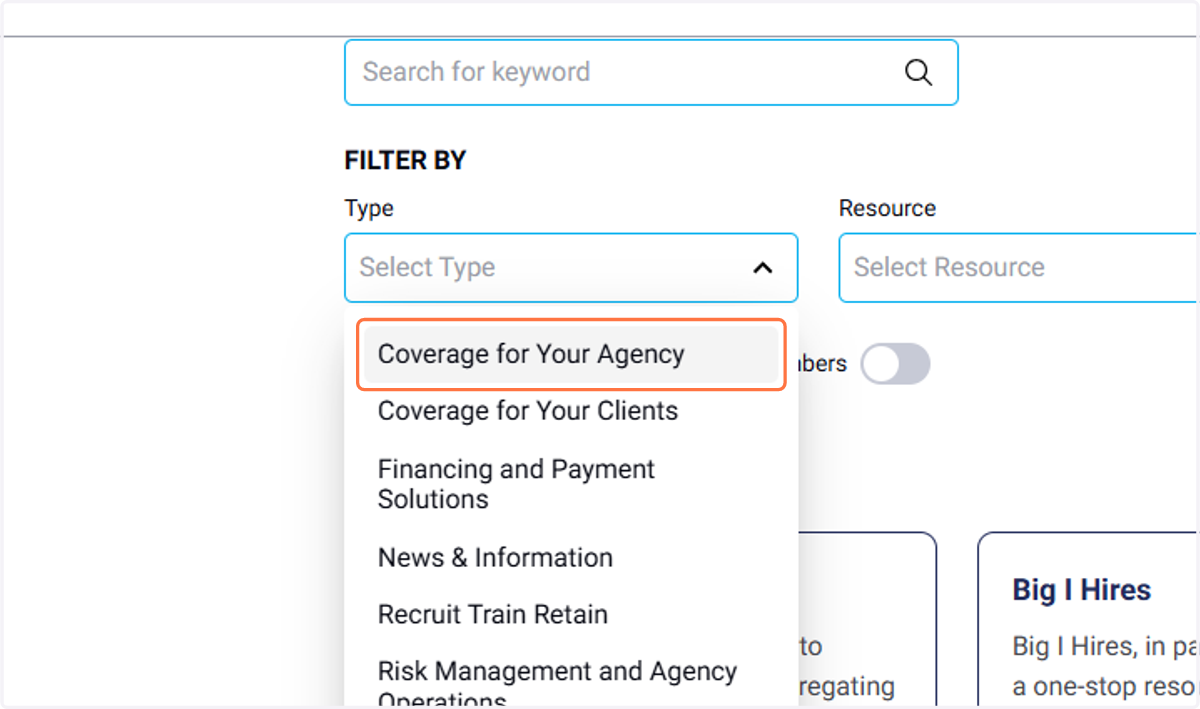
5. Check out all the filter options.
Review the cards that show.
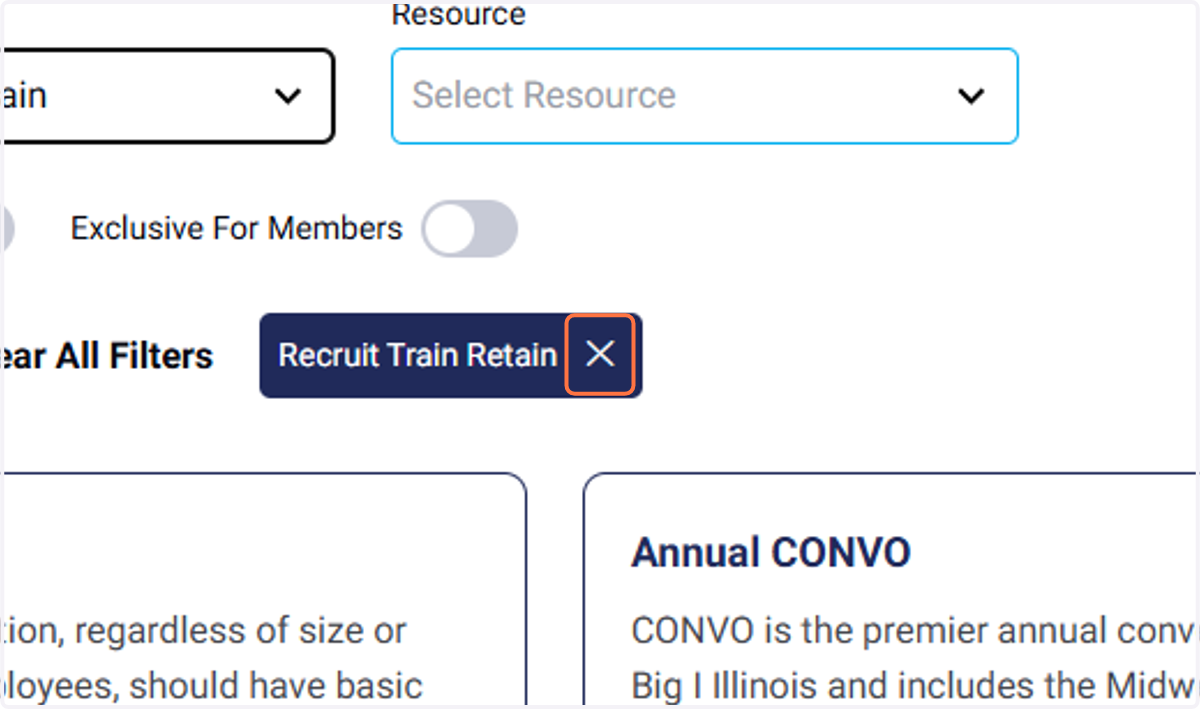
6. To remove any filter, click on ✕
7. You can also enter a search term that to find what you need.