Generate a Classroom-Ready Teaching Manual in Professor Fox
Professor Fox by Dasomlre
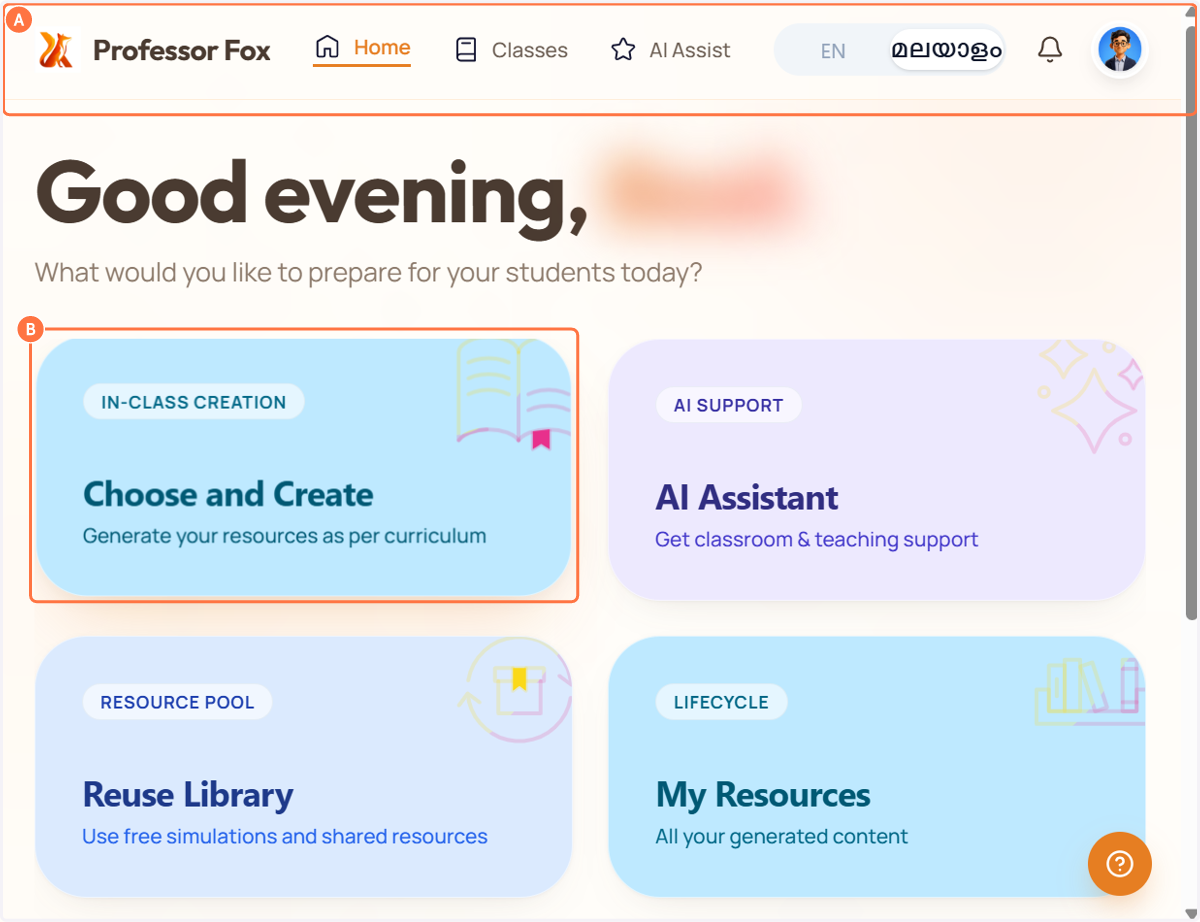
1. A. Open Professor Fox
1. B. Click on Choose and Create
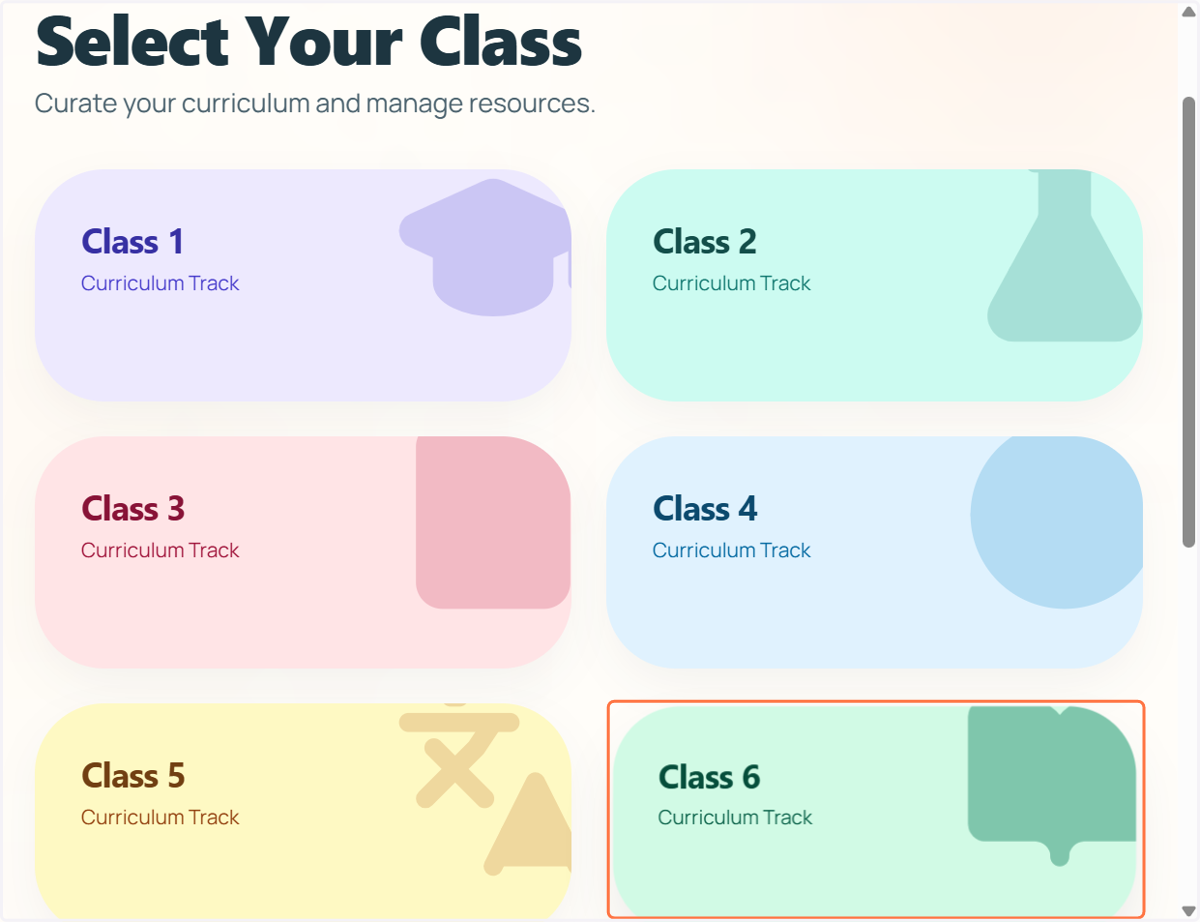
2. Choose the class for which you would like to generate a teaching manual.
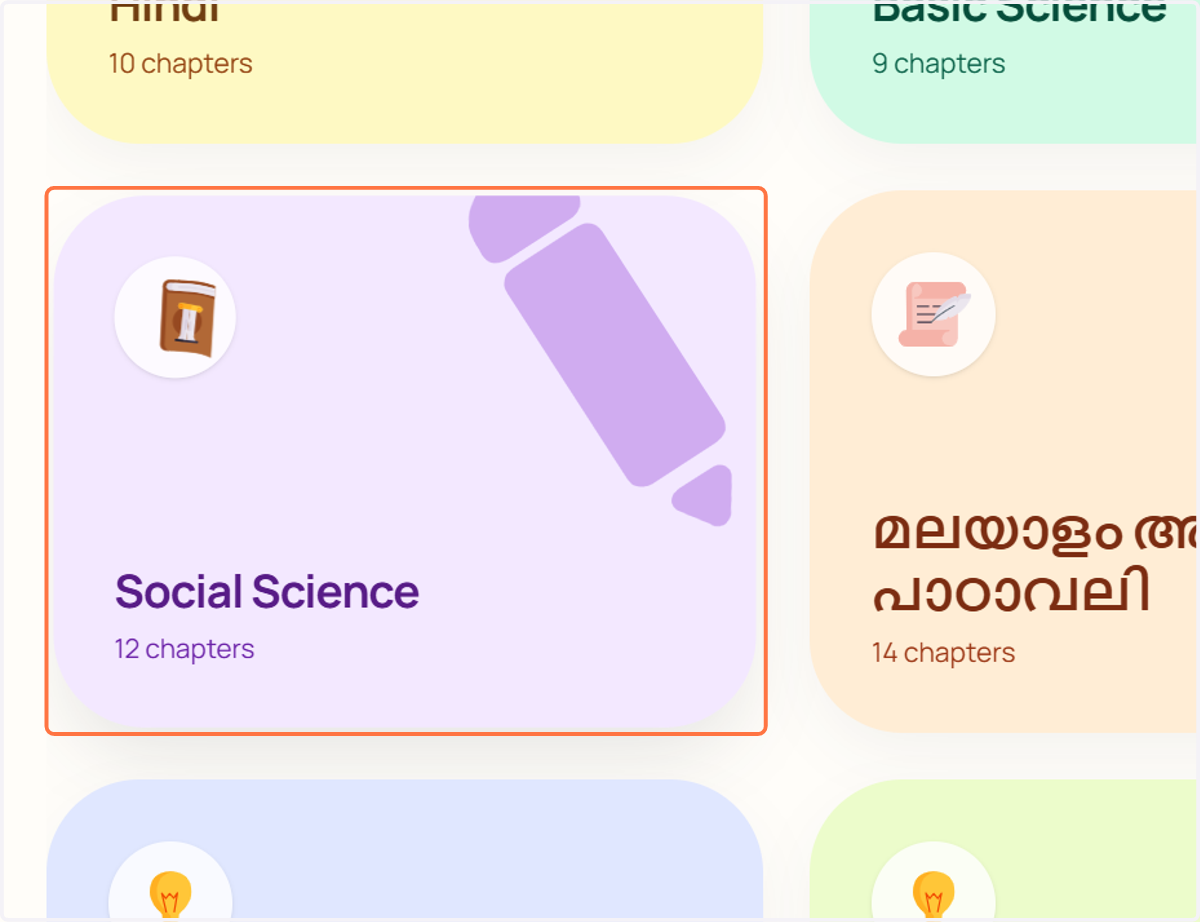
3. Choose the subject for which you would like to generate a teaching manual.
4. Click on My Teaching Manual
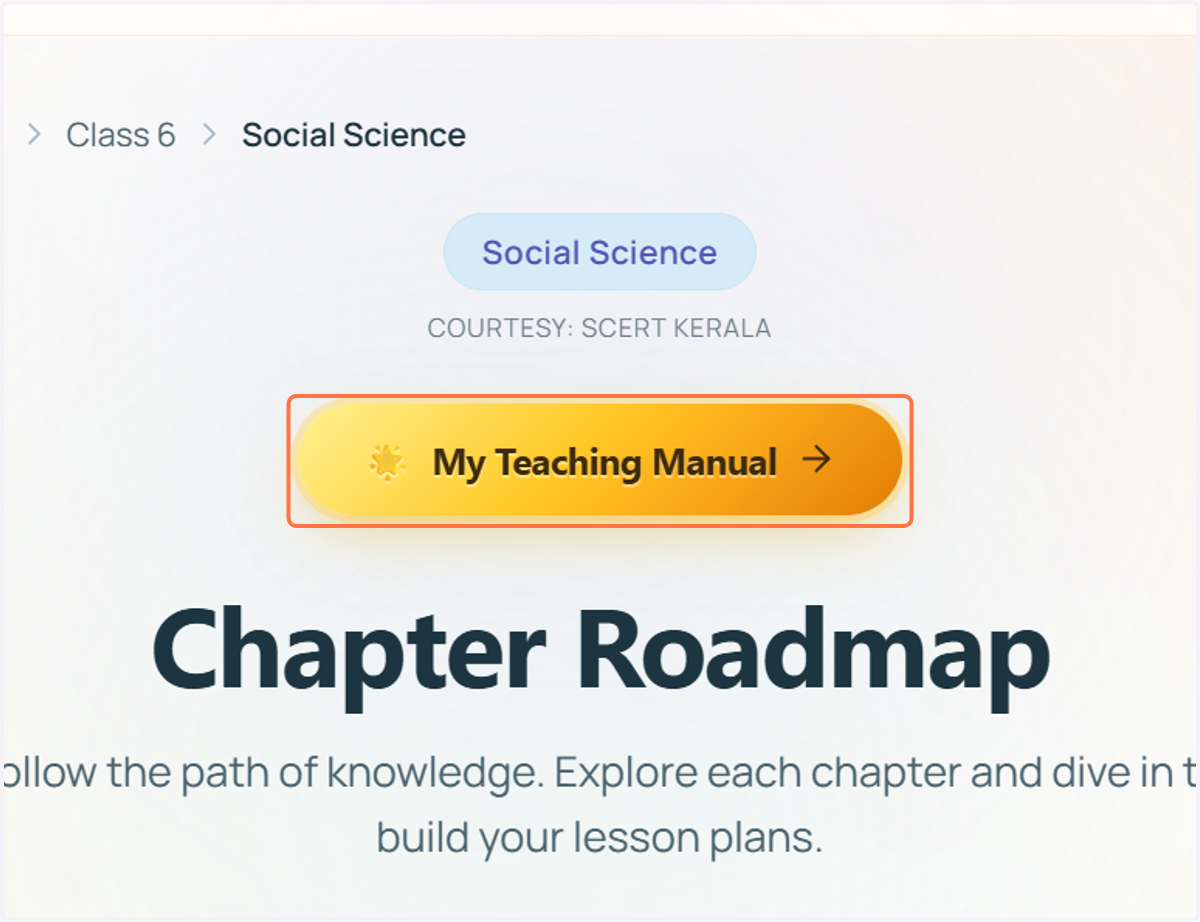
5. Choose the chapter/unit for which you would like to generate a teaching manual.
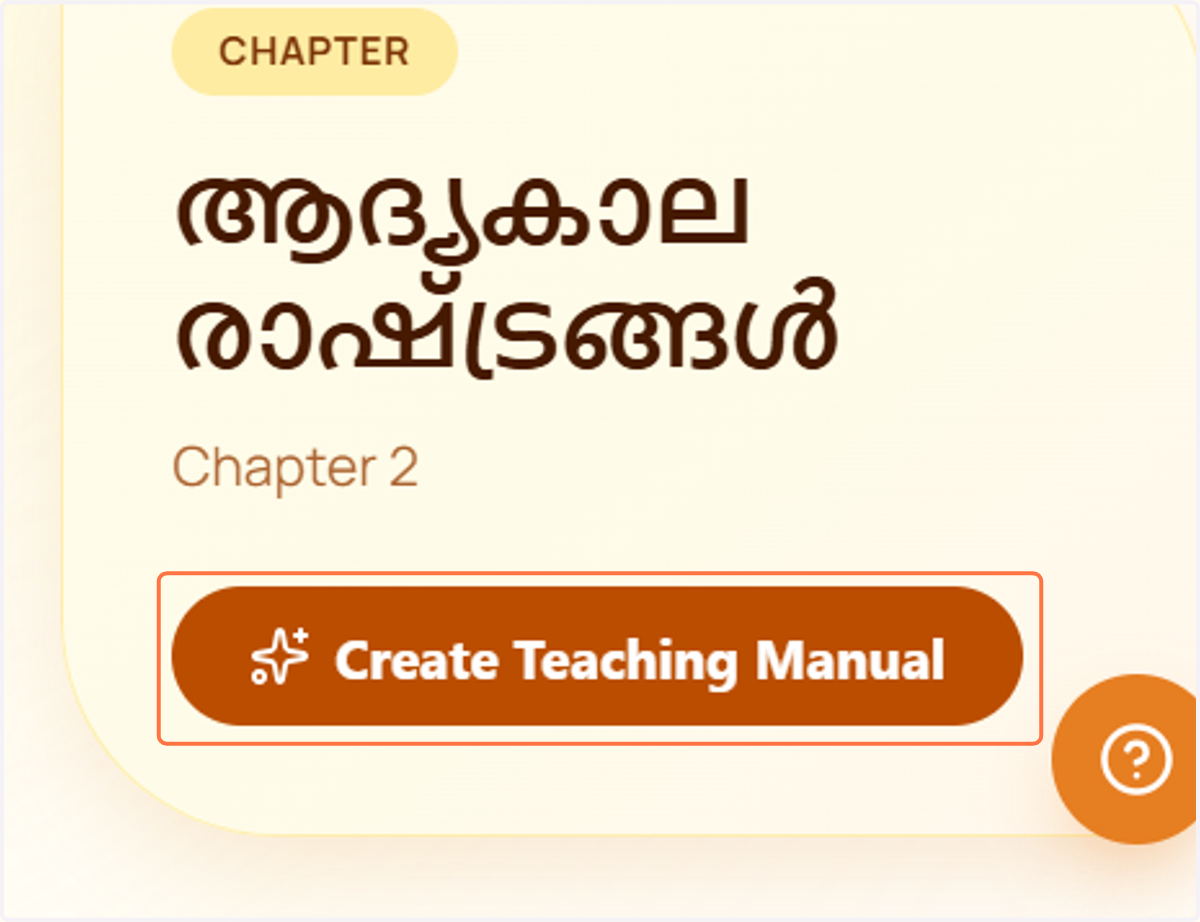
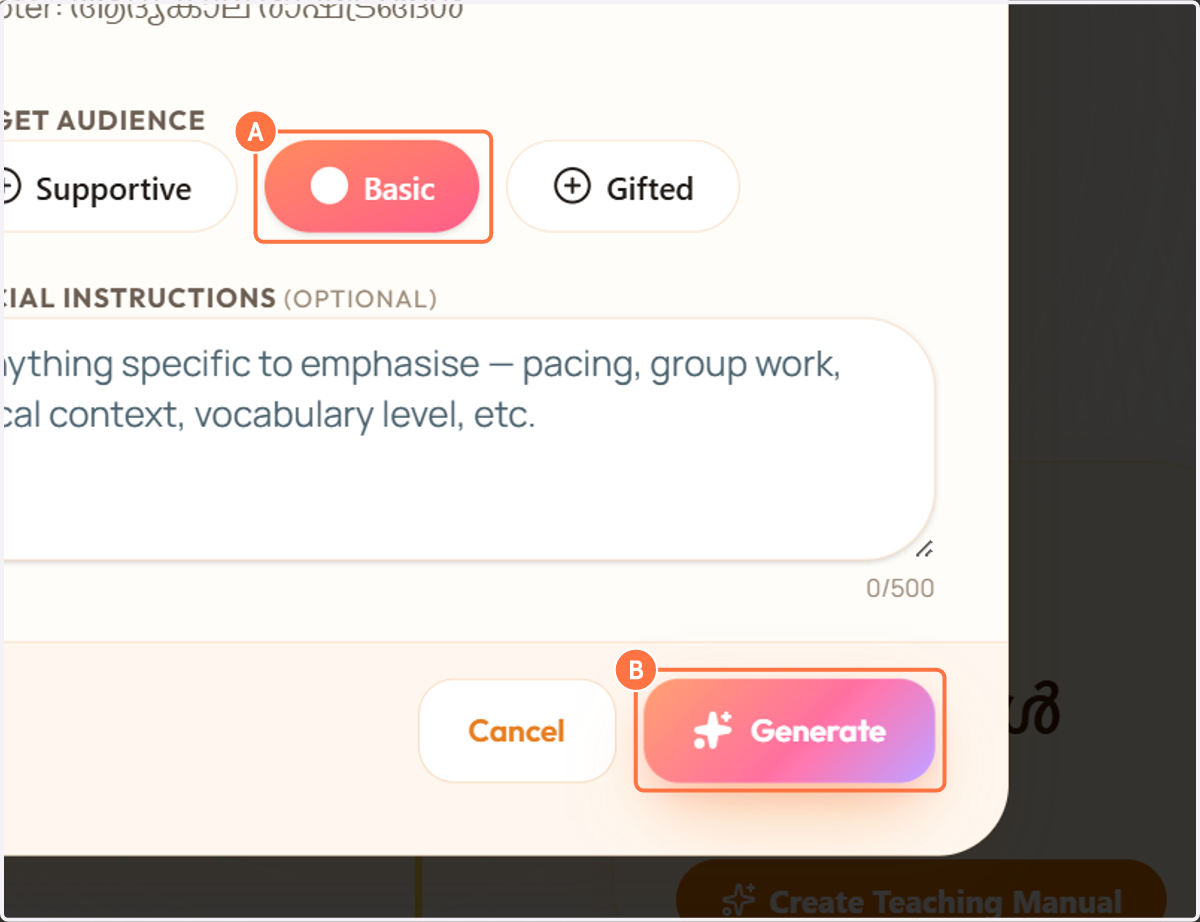
6. A. Choose the student level that best reflects your classroom needs (Supportive, Basic, or Gifted)
6. B. then click "Generate" to create a customized teaching manual.
7. Professor Fox is now creating your personalized teaching manual based on the selected class, subject, chapter/unit, and learner level. This may take a few moments.
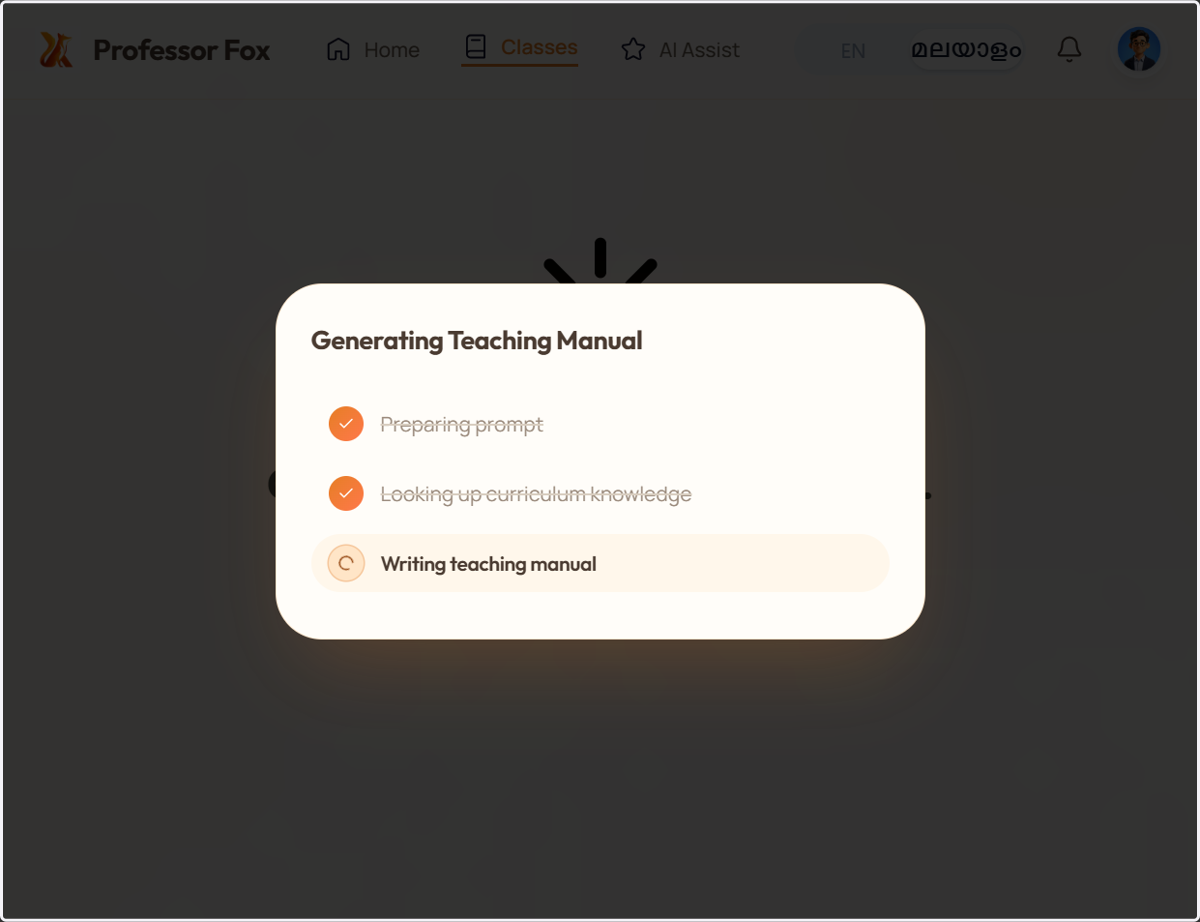
8. Your teaching manual is now ready ,now you can review its contents.
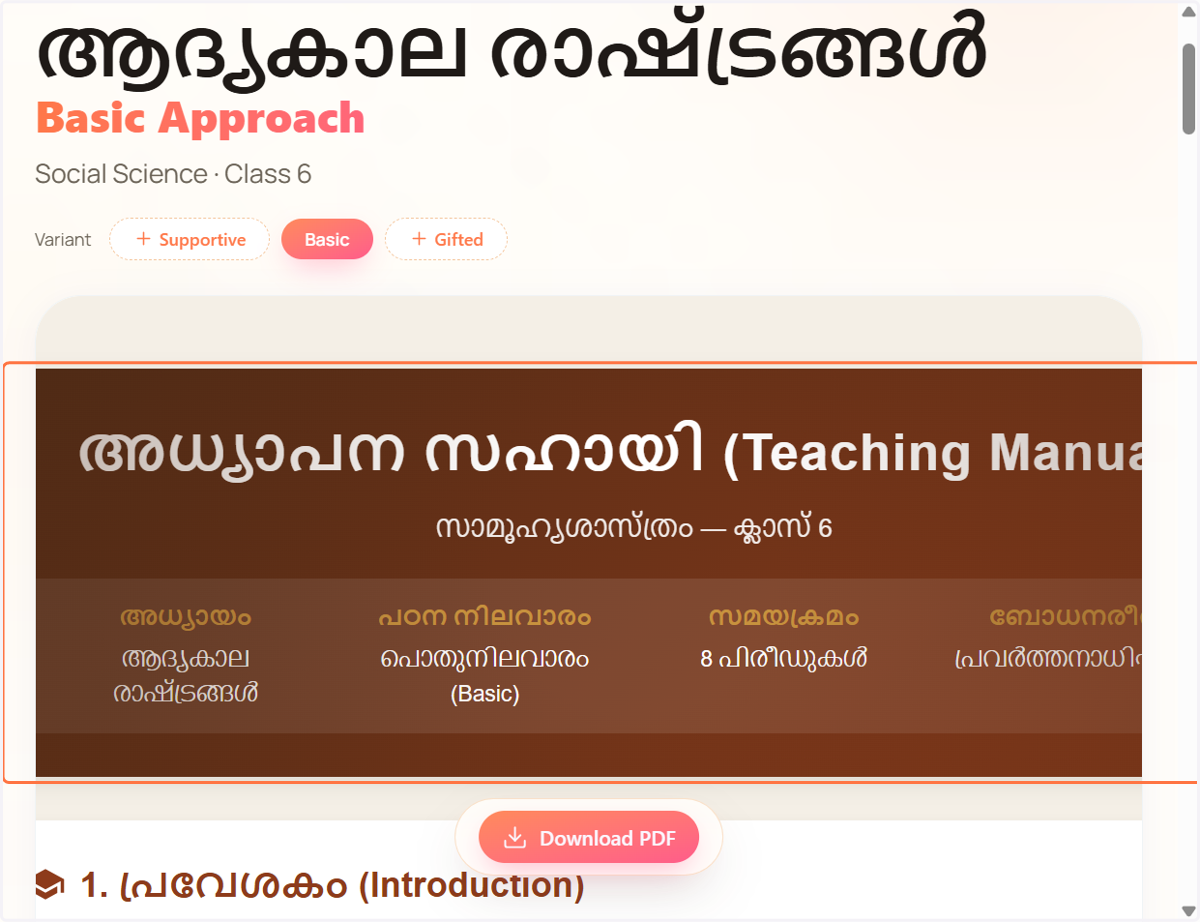
9. Click on "Download PDF" to save the teaching manual to your device.