Marking Number Status

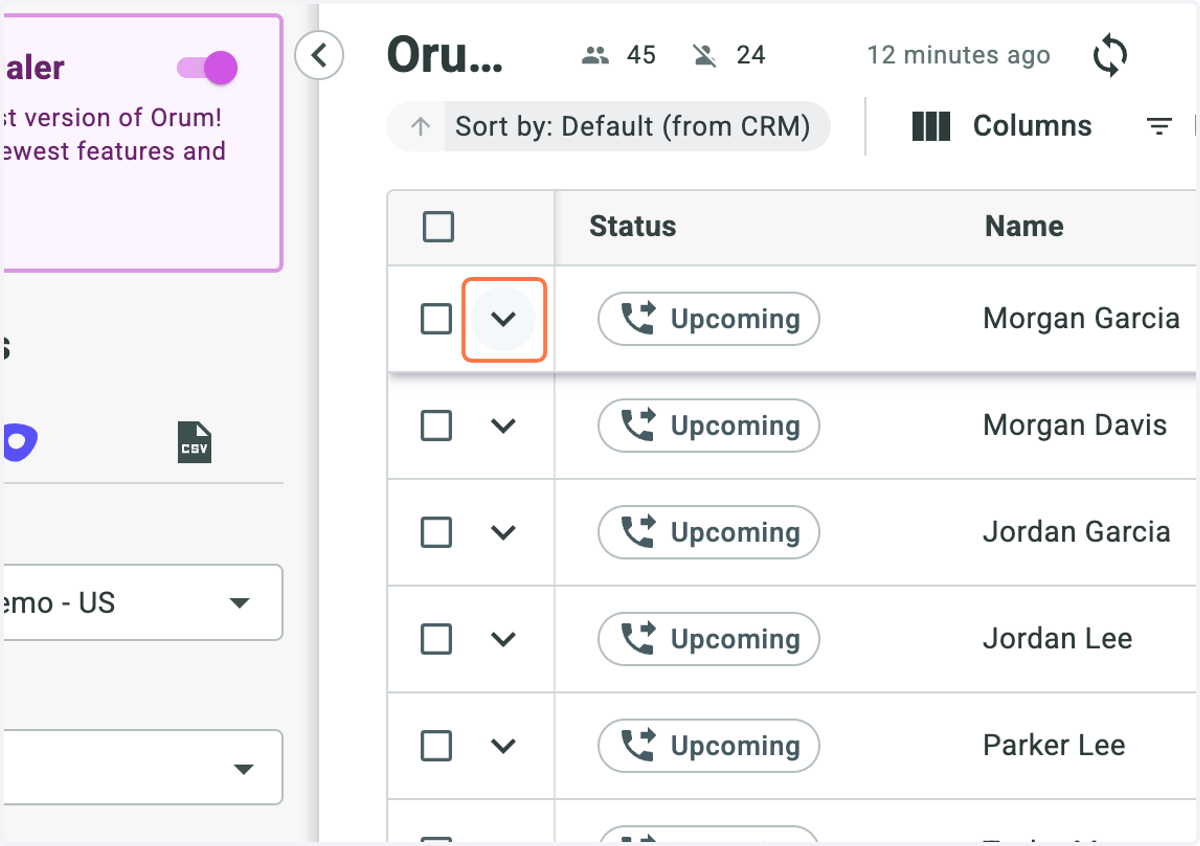
  1. 1. After each number, you can mark a status
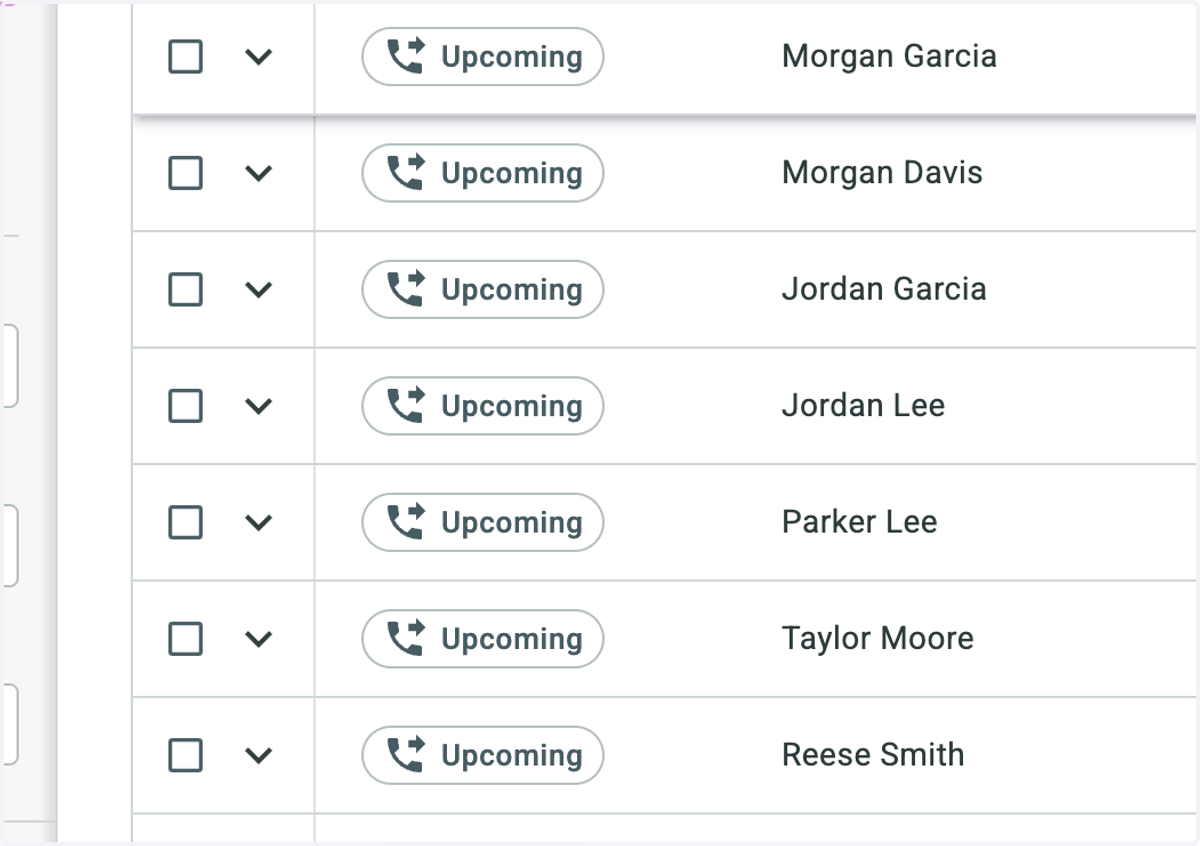
    After each number, you can mark a status
  2. 2. In this drop-down, you can select an option
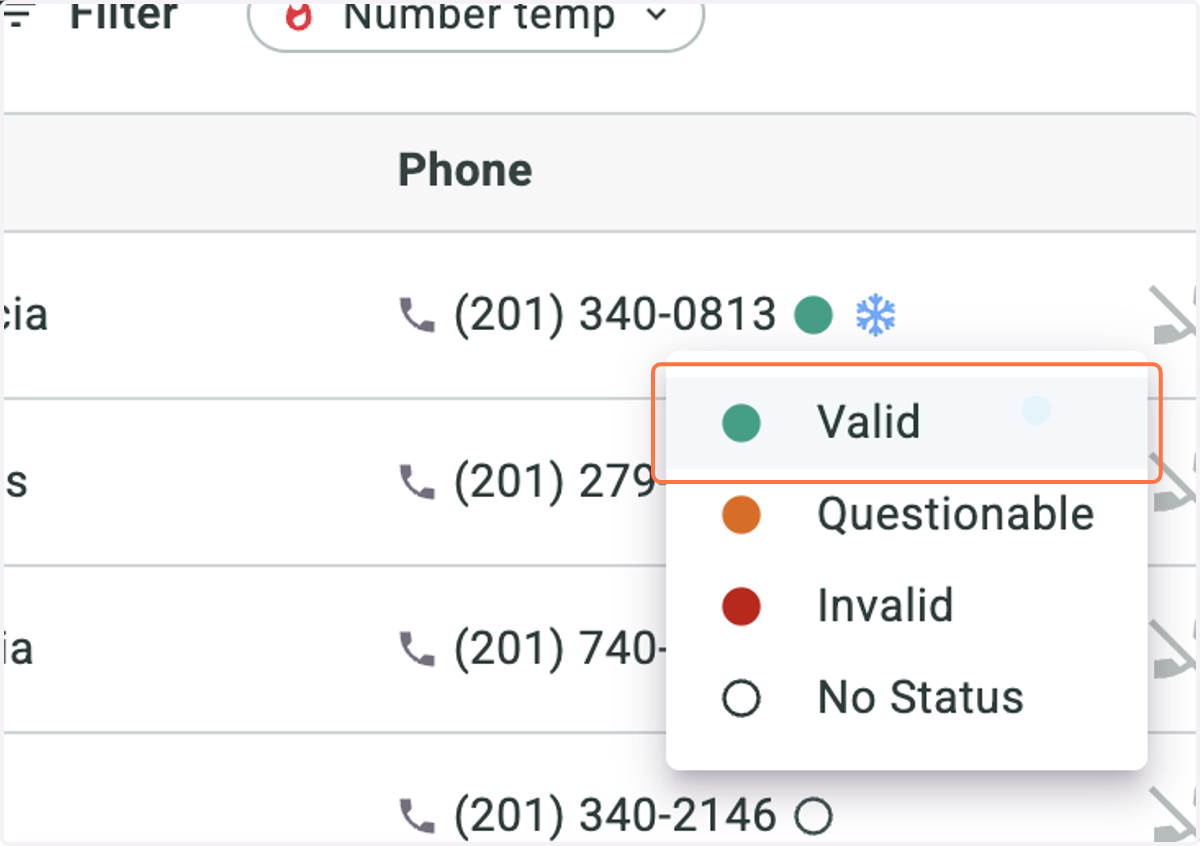
    In this drop-down, you can select an option
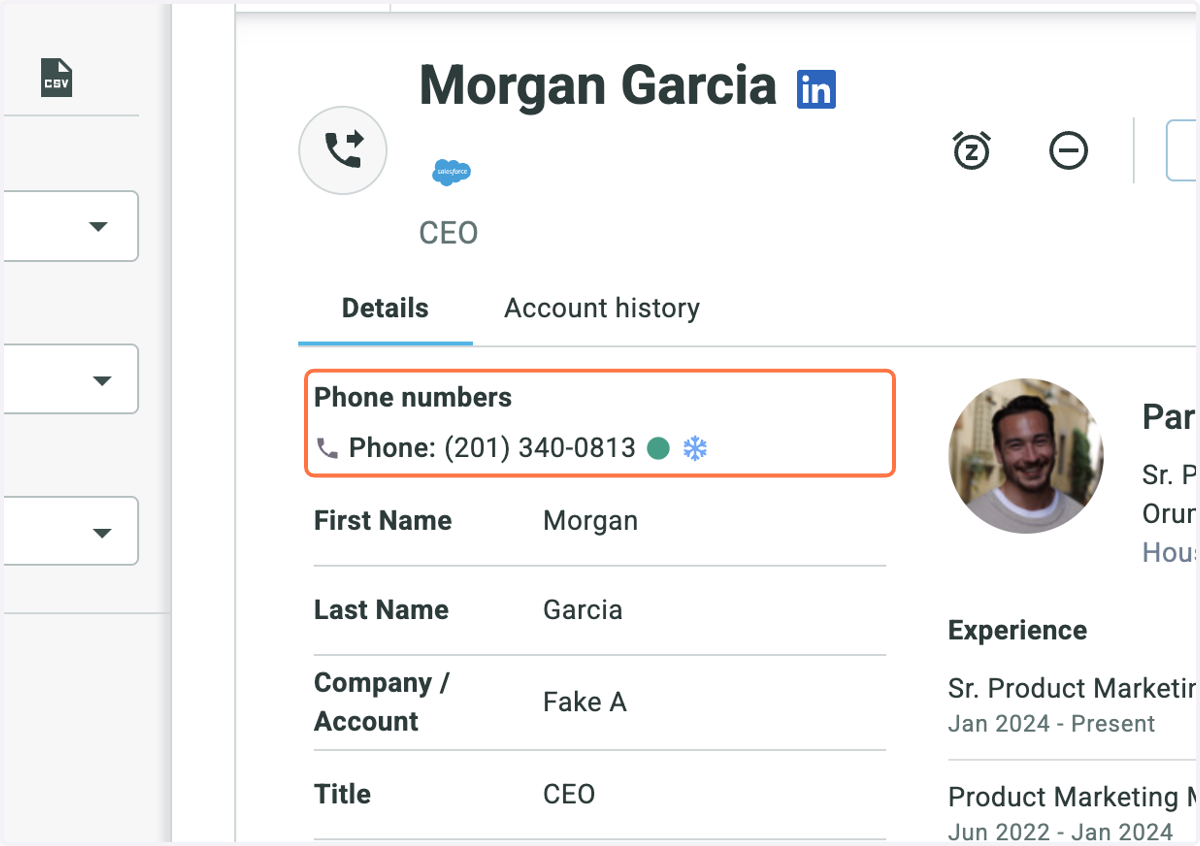
  3. 3. You can also find the number status in the prospect details
    You can also find the number status in the prospect details
  4. 4. In this section here

    In this section here
  5. 5. Click on the status here to assign a new one
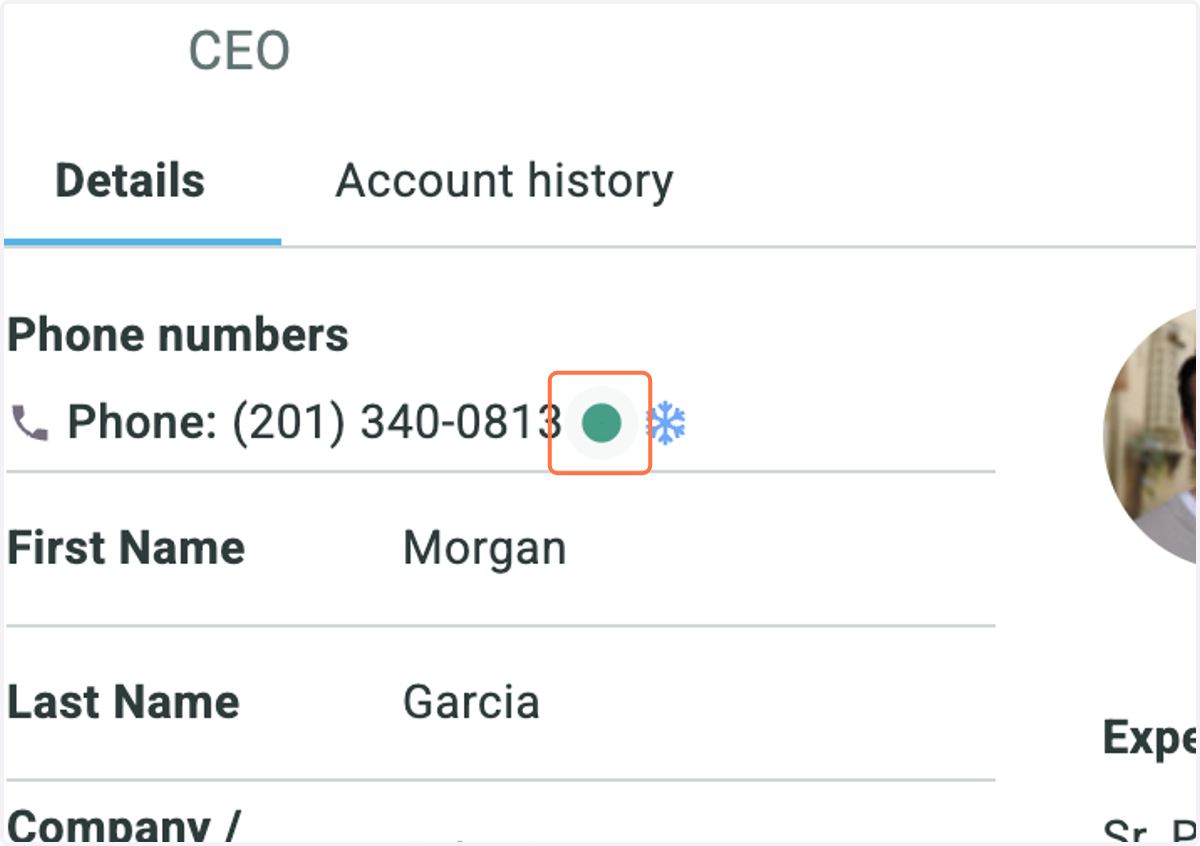
    Click on the status here to assign a new one
  6. 6. Click on the status you'd like to mark the number as
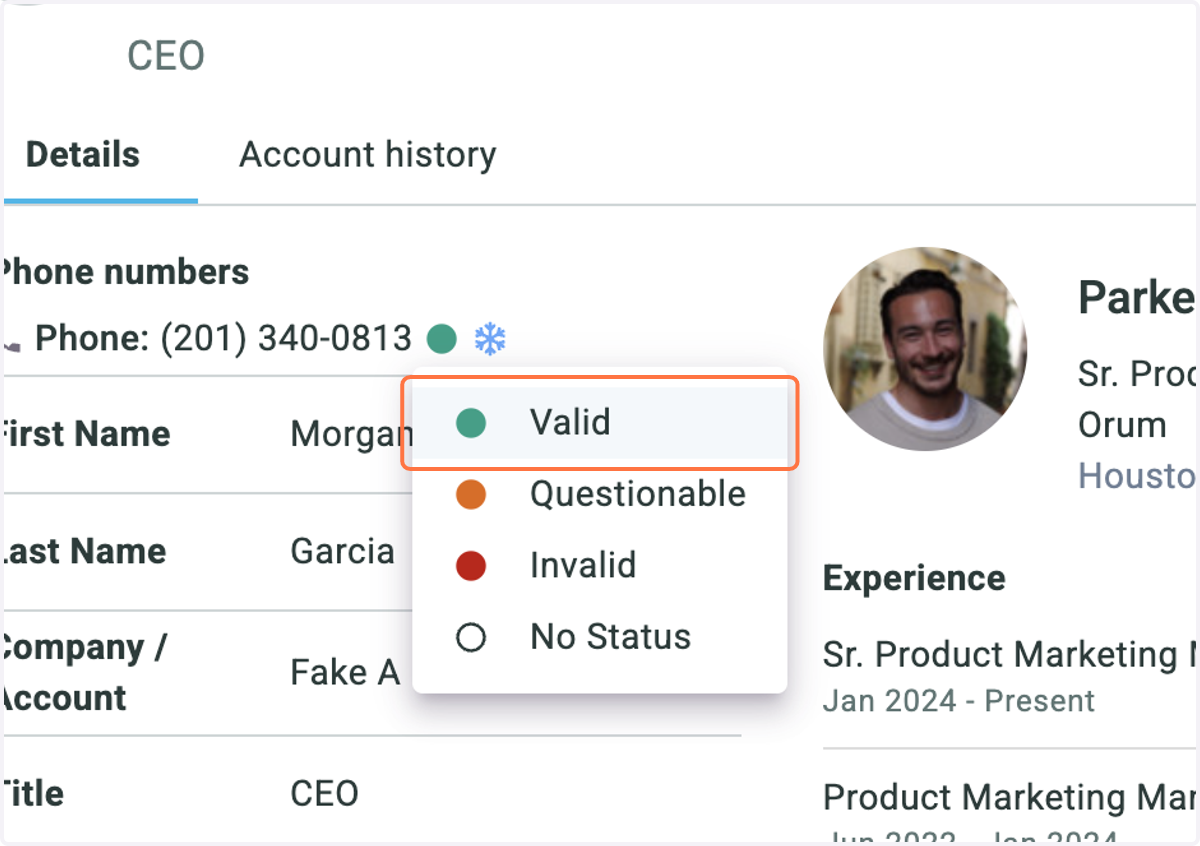
    Click on the status you'd like to mark the number as