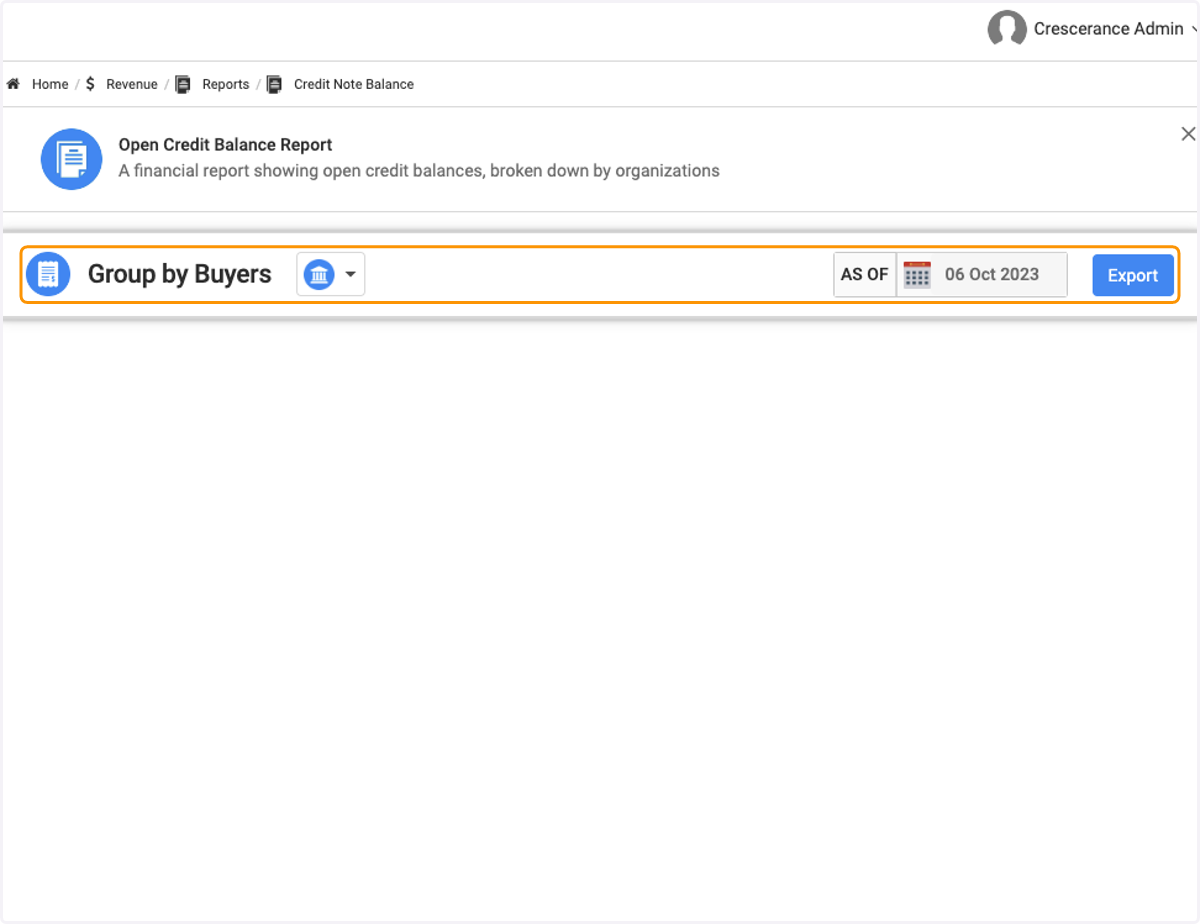
Revenue Reports | Open Credit Balance Report
Head to your Engagifii Workspace
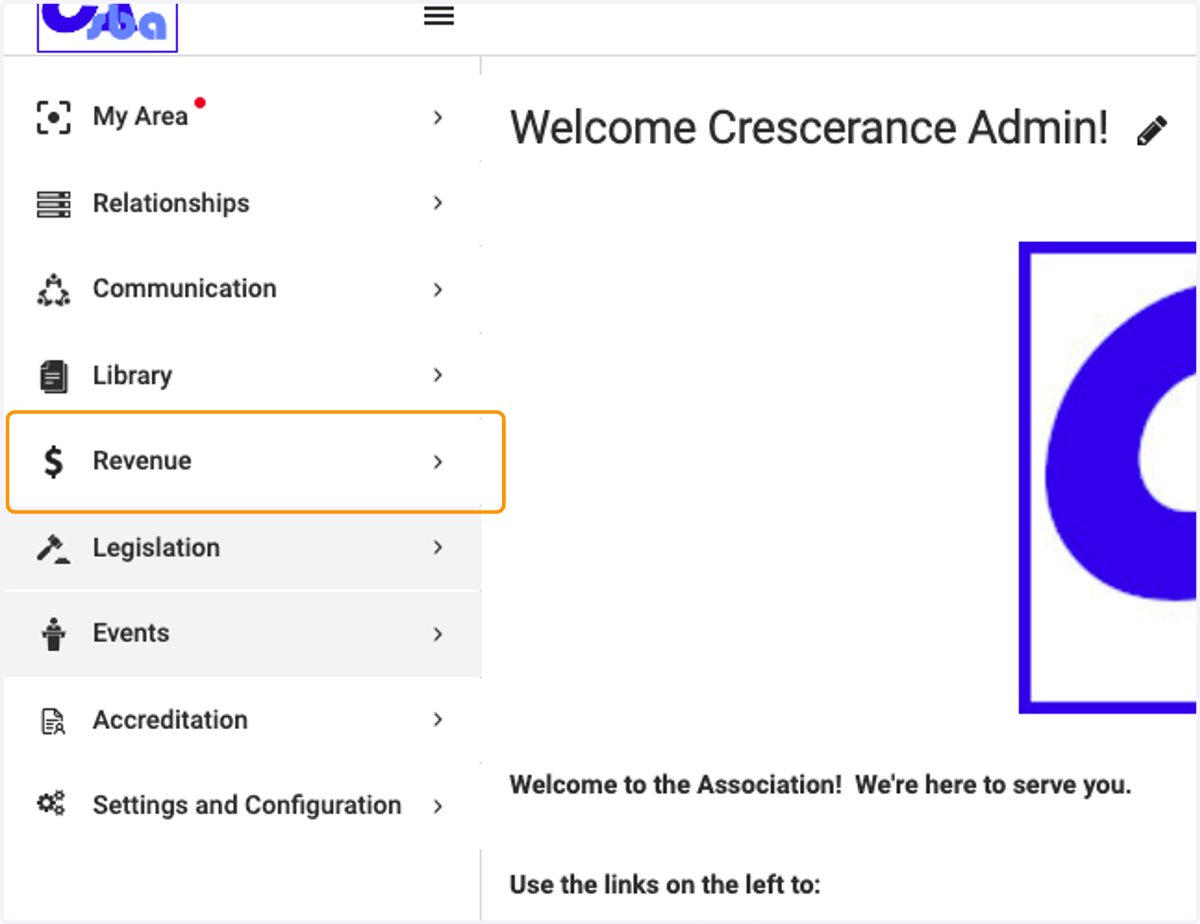
1. Click on Revenue
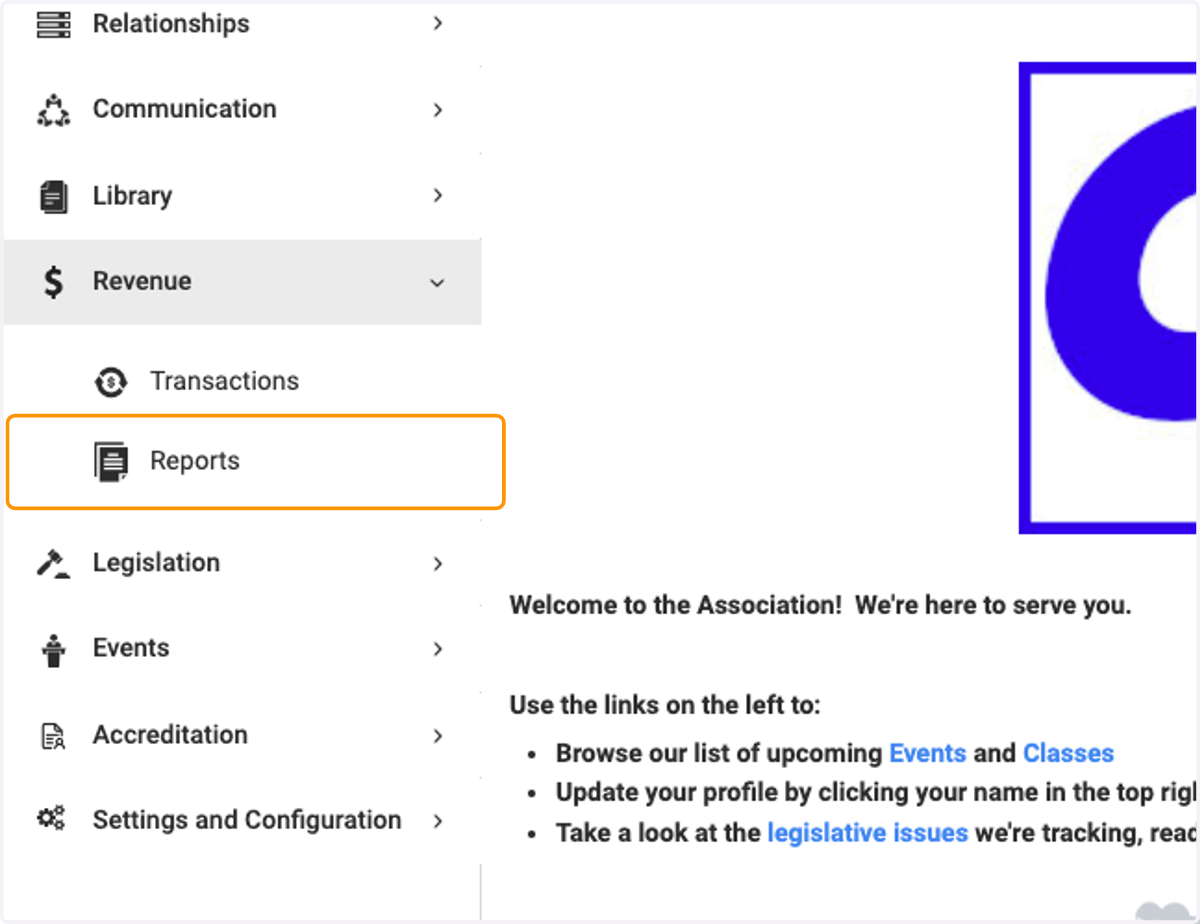
2. Click on Reports
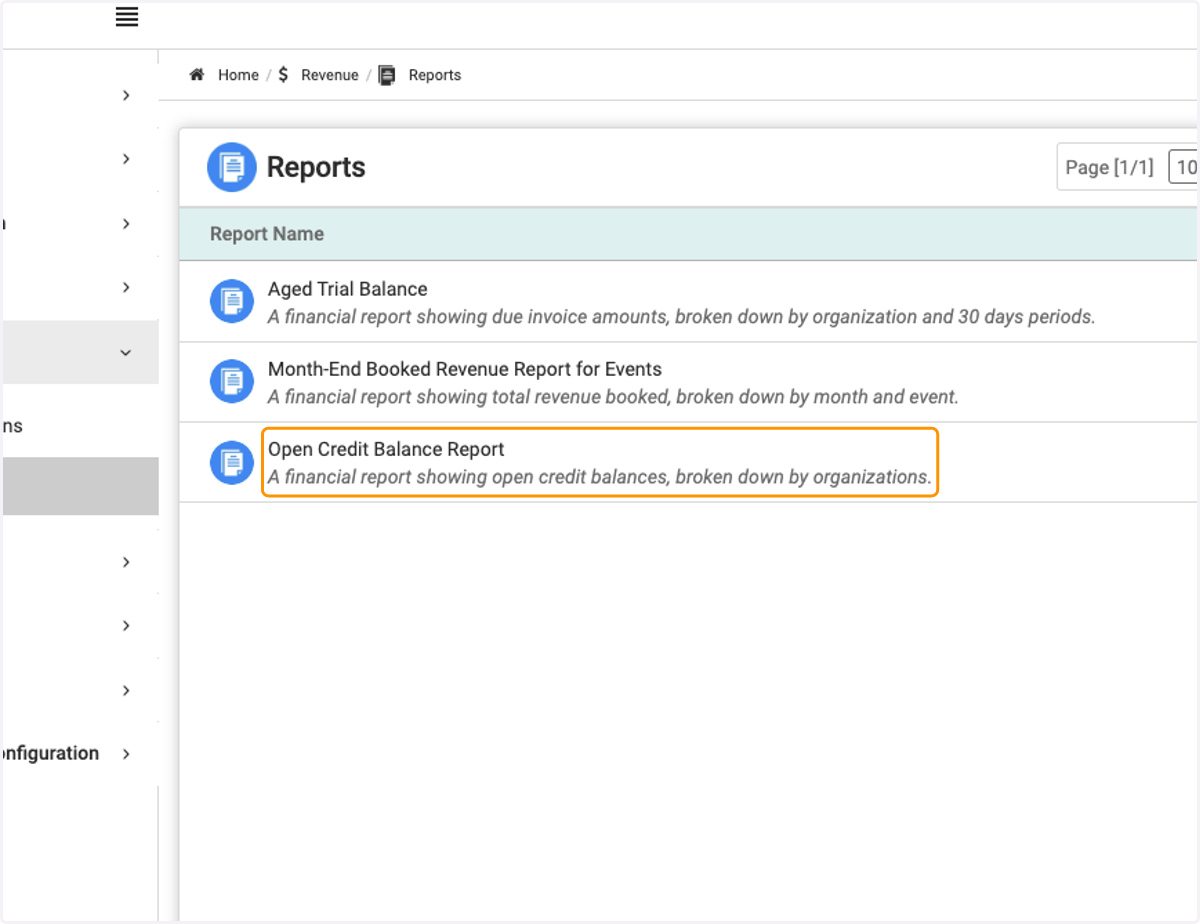
3. Click on Open Credit Balance Report
4. In the section called Group by Buyers, it will display all buyers within your workspace (whether Individual or Organization) and what credit balances they currently have