How to Approve a Program
Use this guideline to learn how to approve a program so that it appears in the Mentoring Connector Program Inquire List.
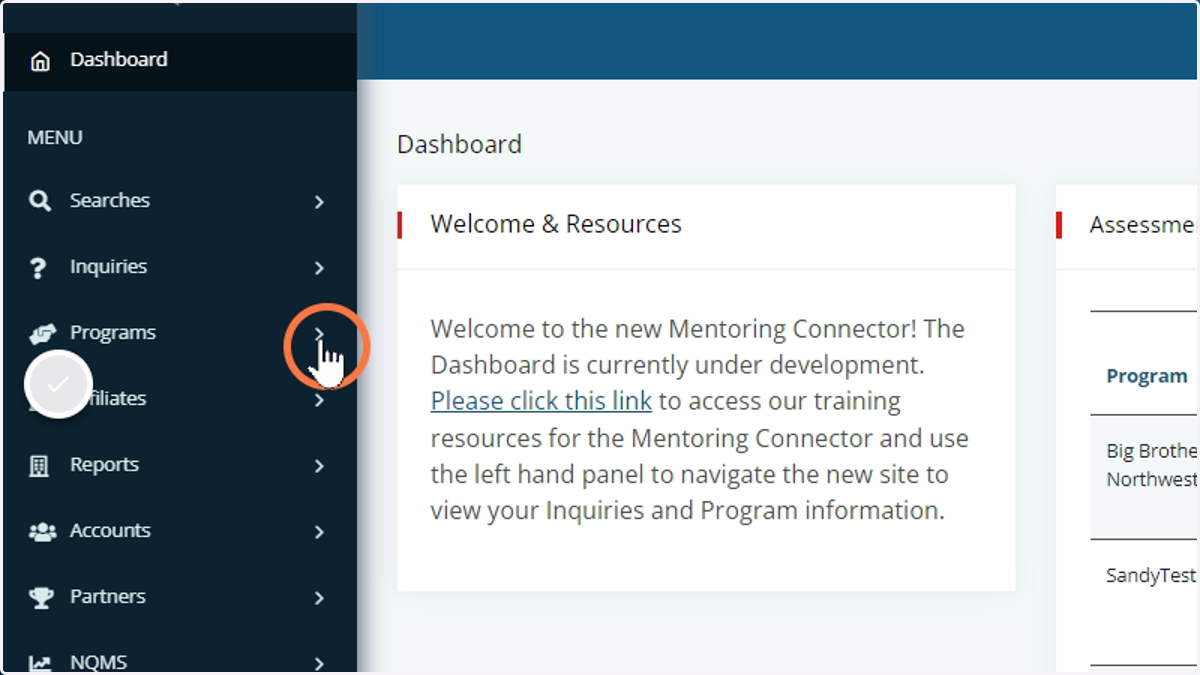
1. Access the Program Menu
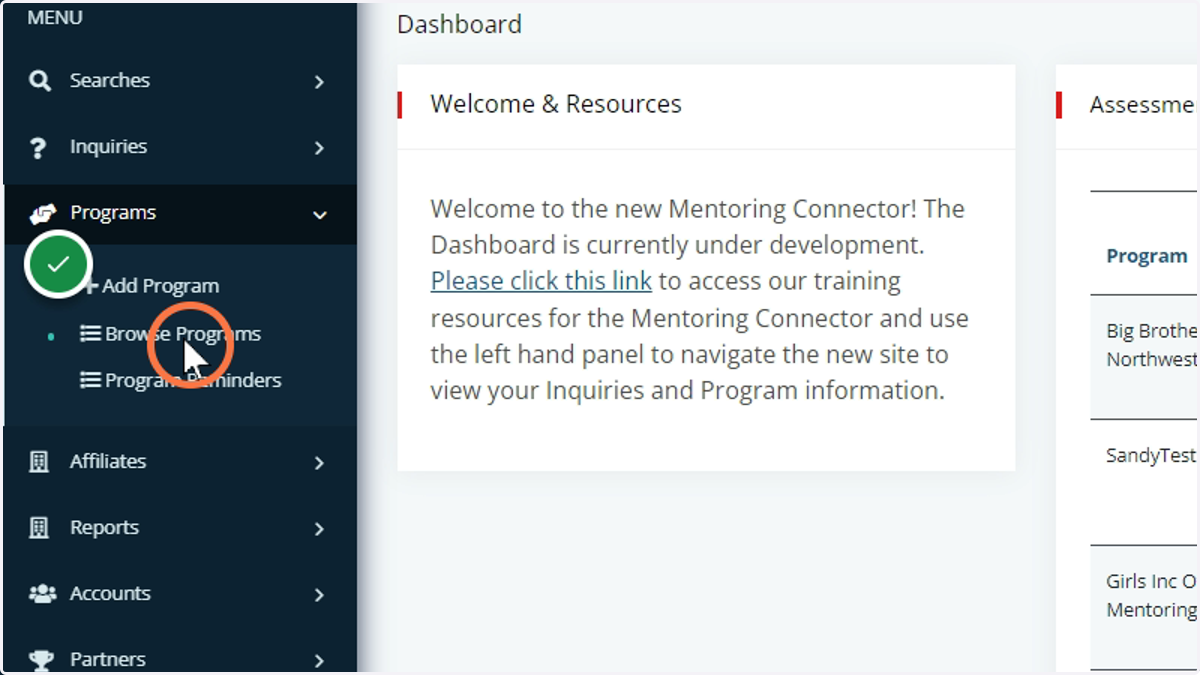
2. Click on Browse Programs
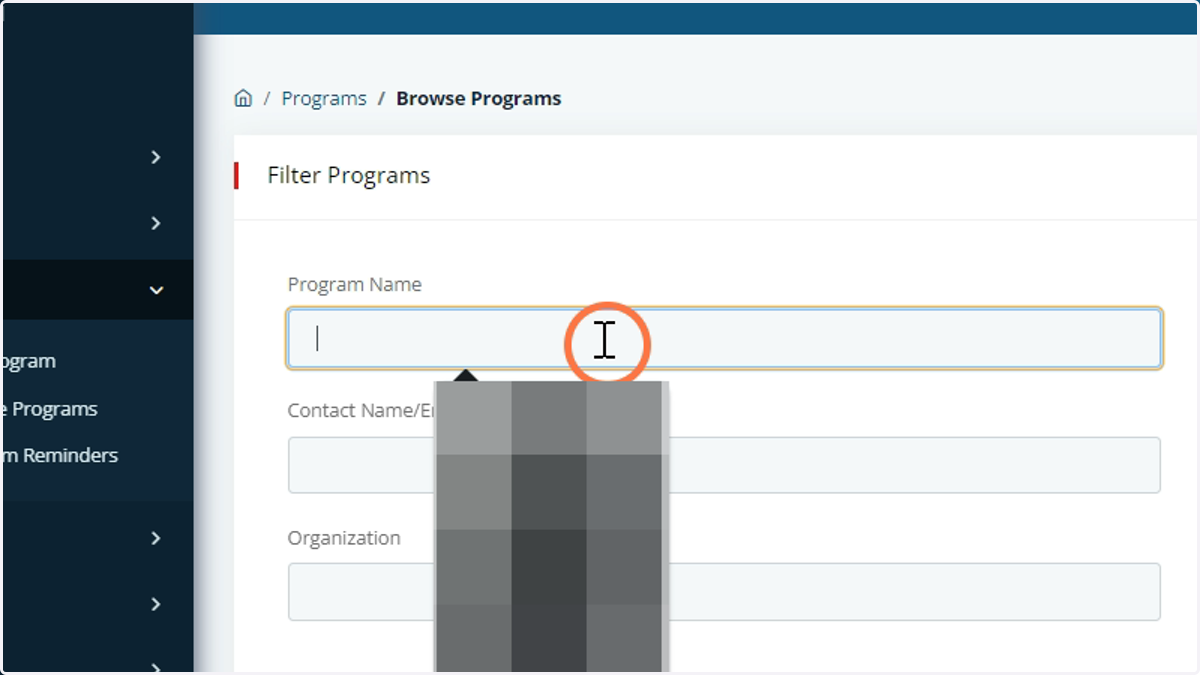
3. Search for the Program you would like to edit the status for
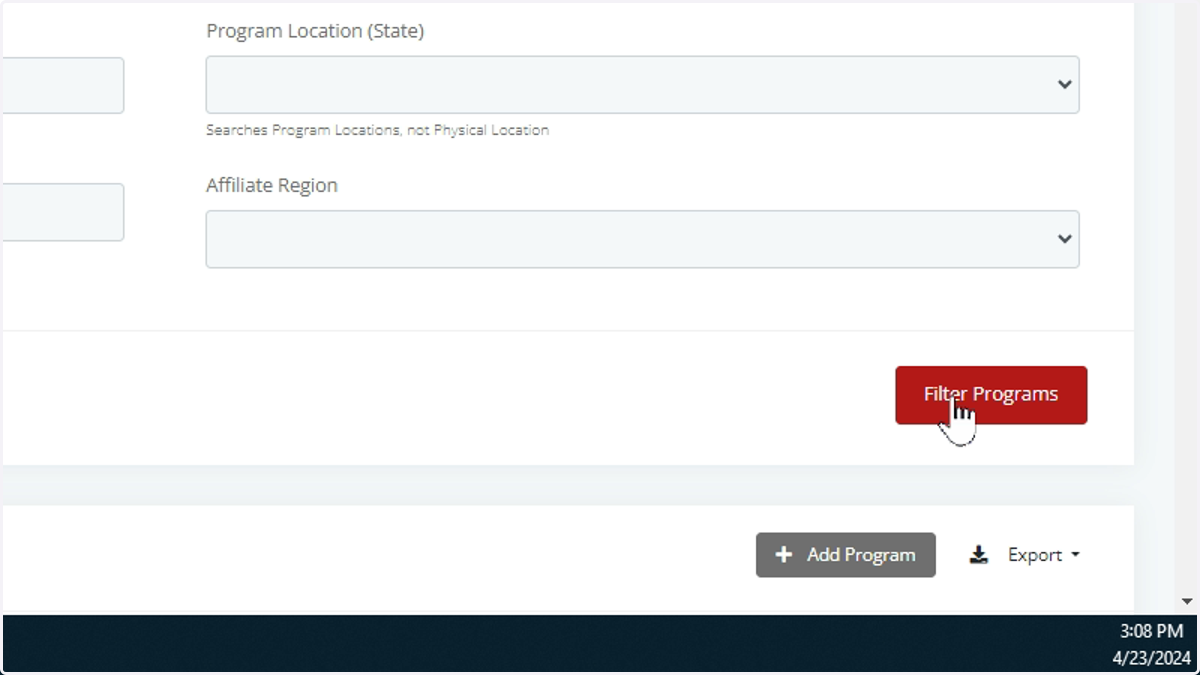
4. Click on Filter Program
5. View the Program Details
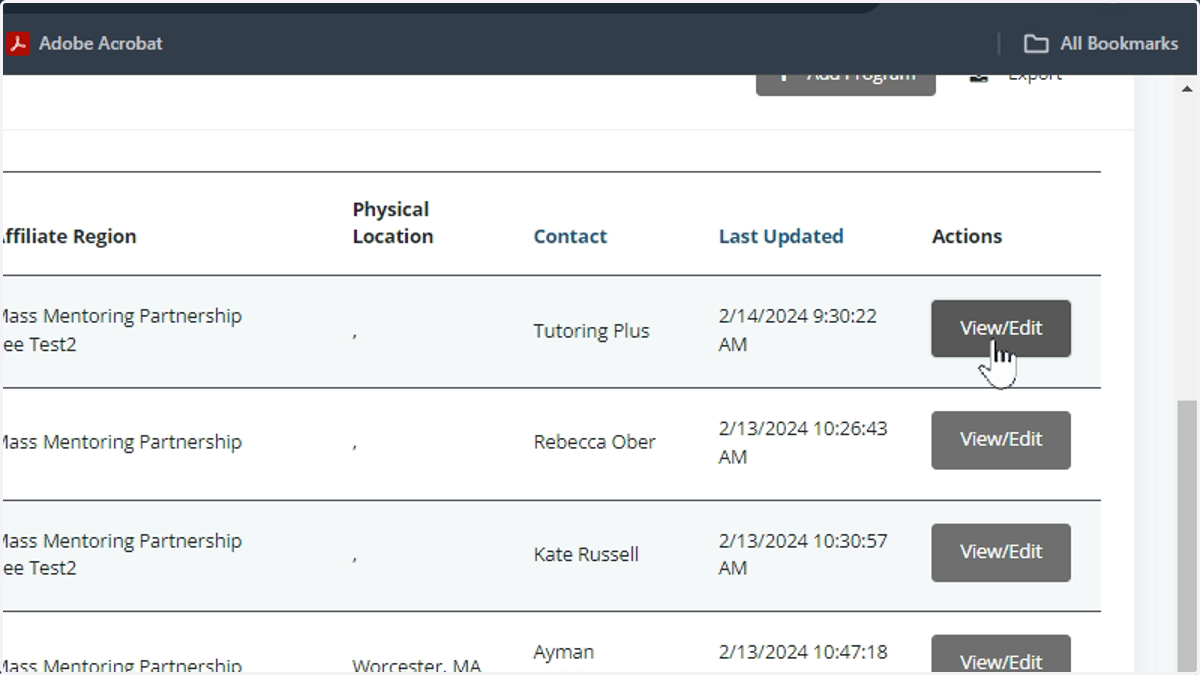
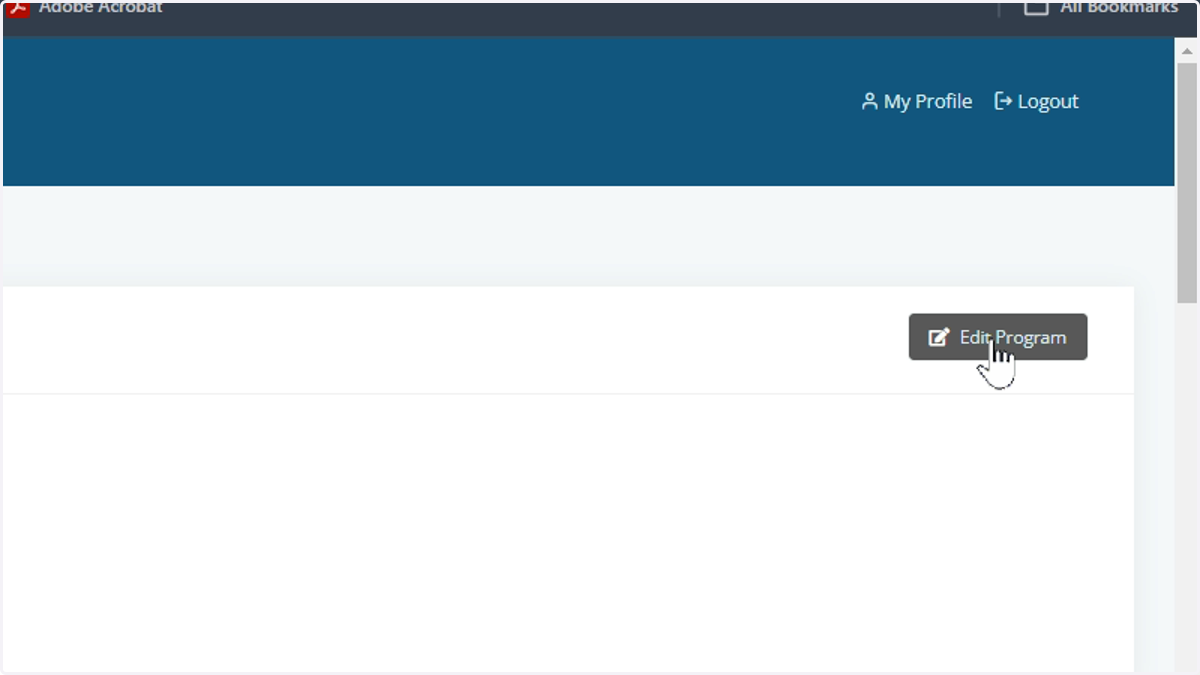
6. Click on Edit Program
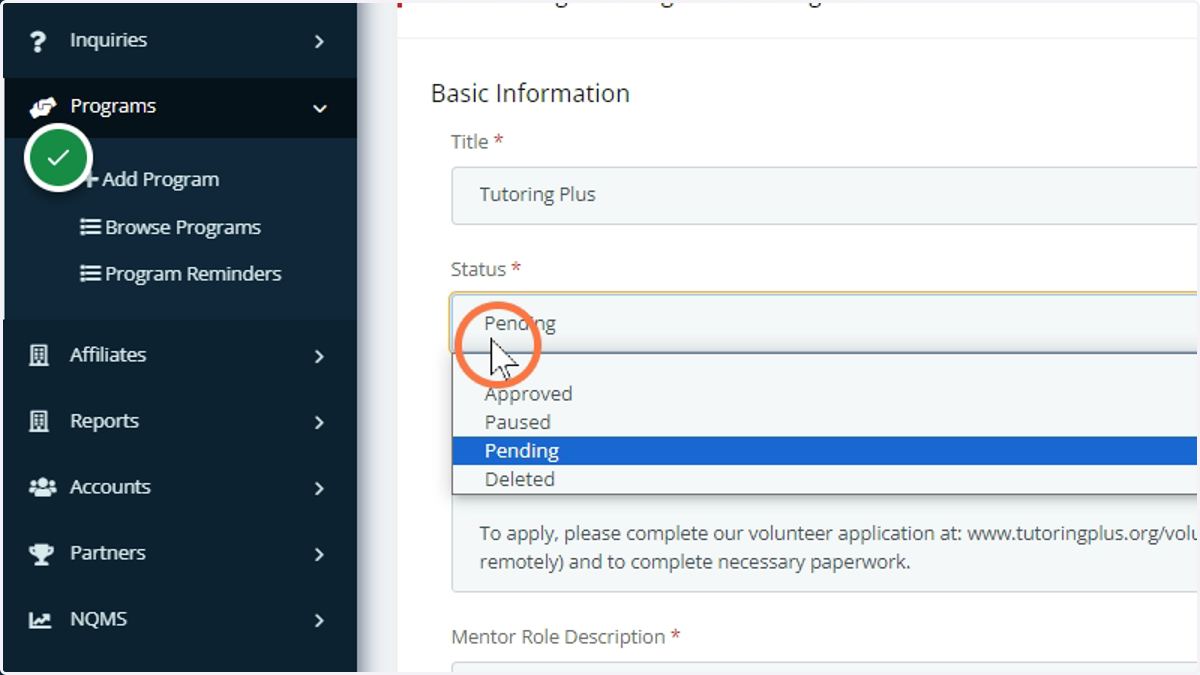
7. Update the status using the options provided
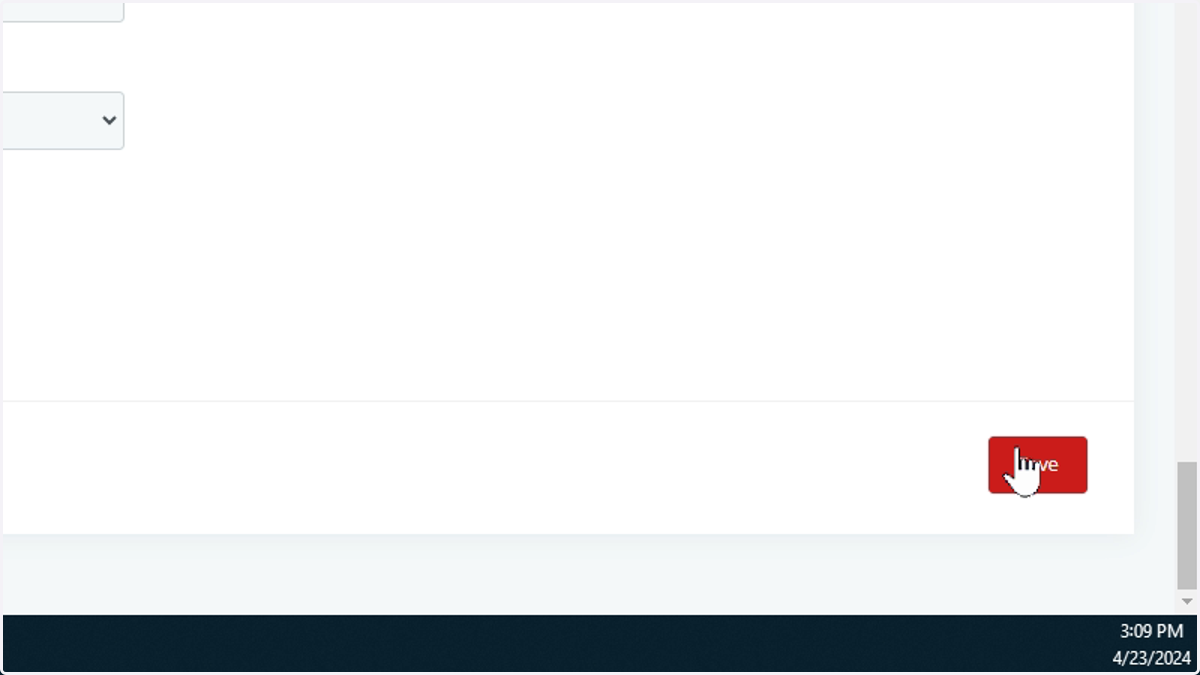
8. Once status is set to Approve, click Save.
9. Once saved, please do a quick test search to confirm that the program appears correctly.