Add and convert a lead in Salesforce
Force
1. Go to Home | Salesforce
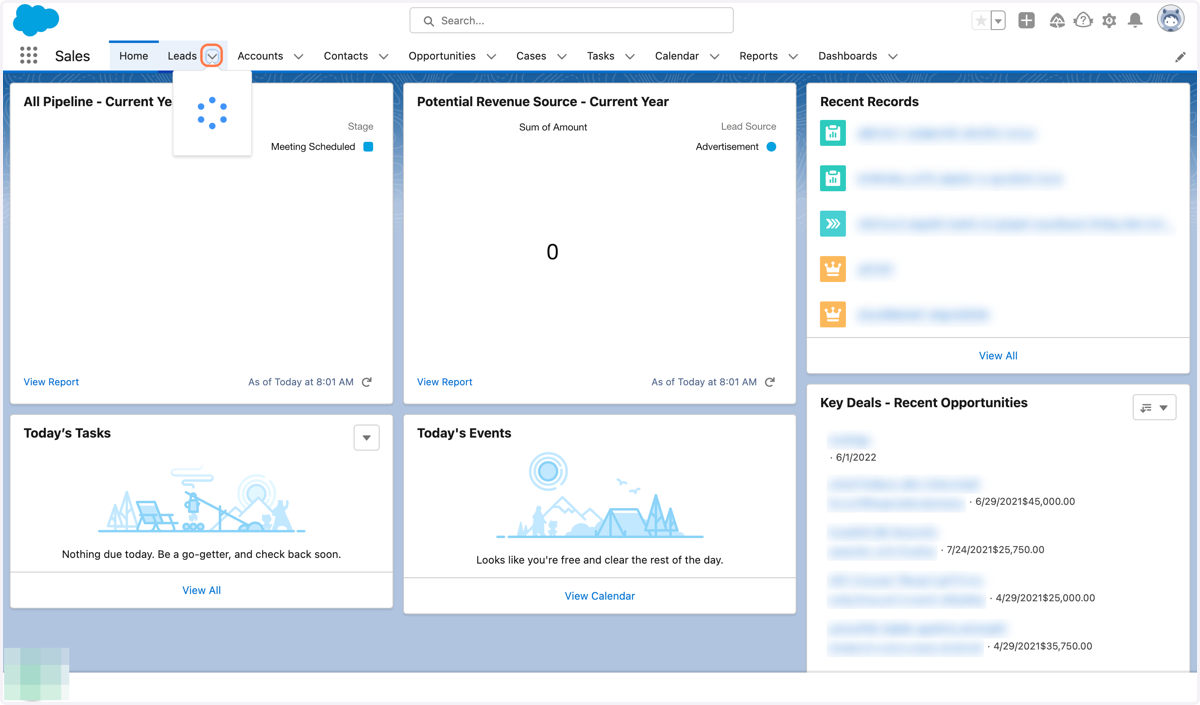
2. Click on Leads Menu
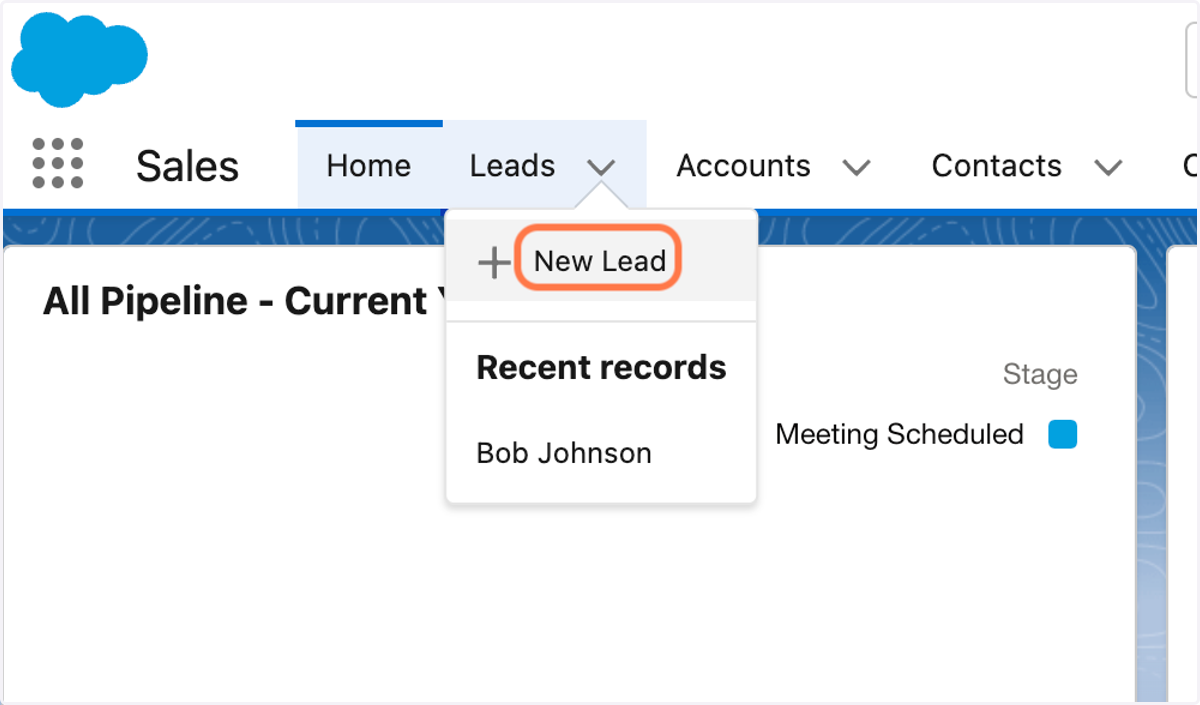
3. Click on New Lead
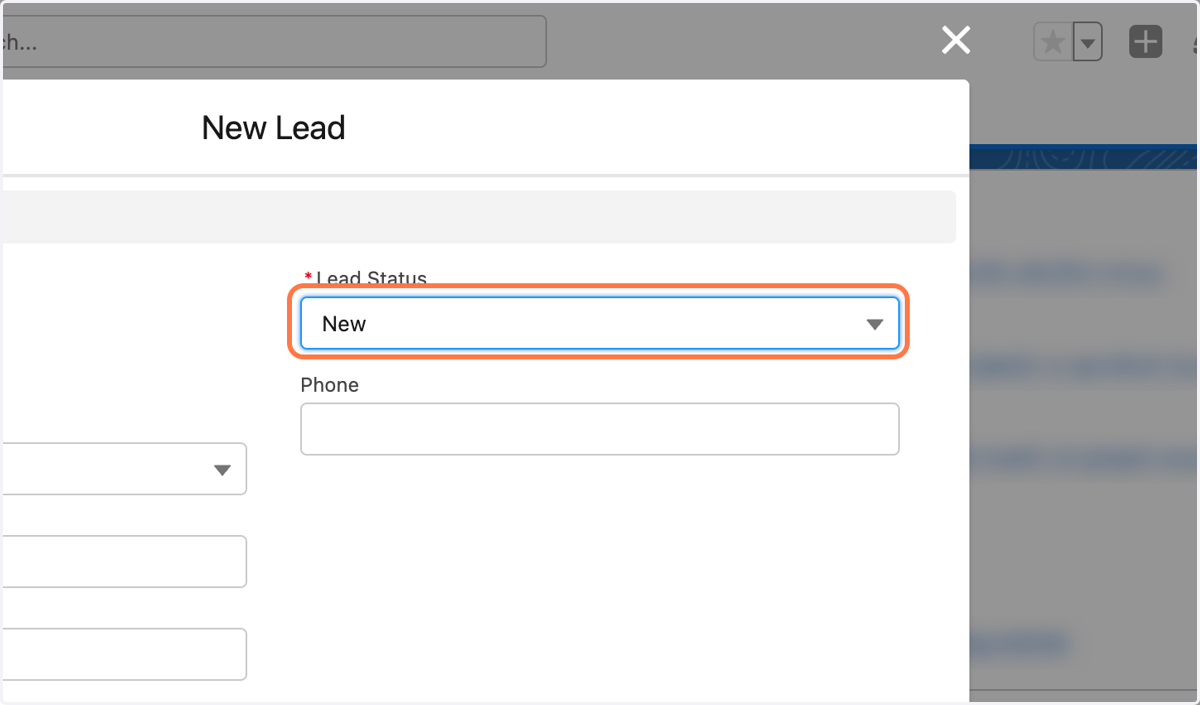
4. Click on Lead Status and choose Working
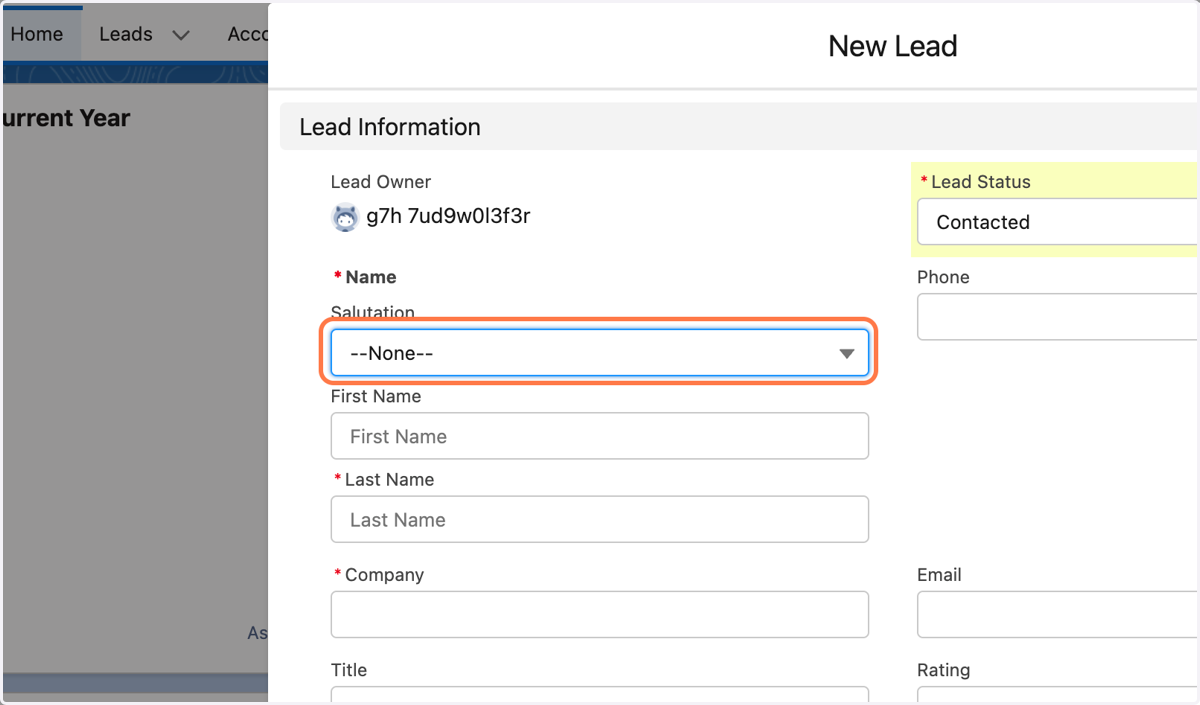
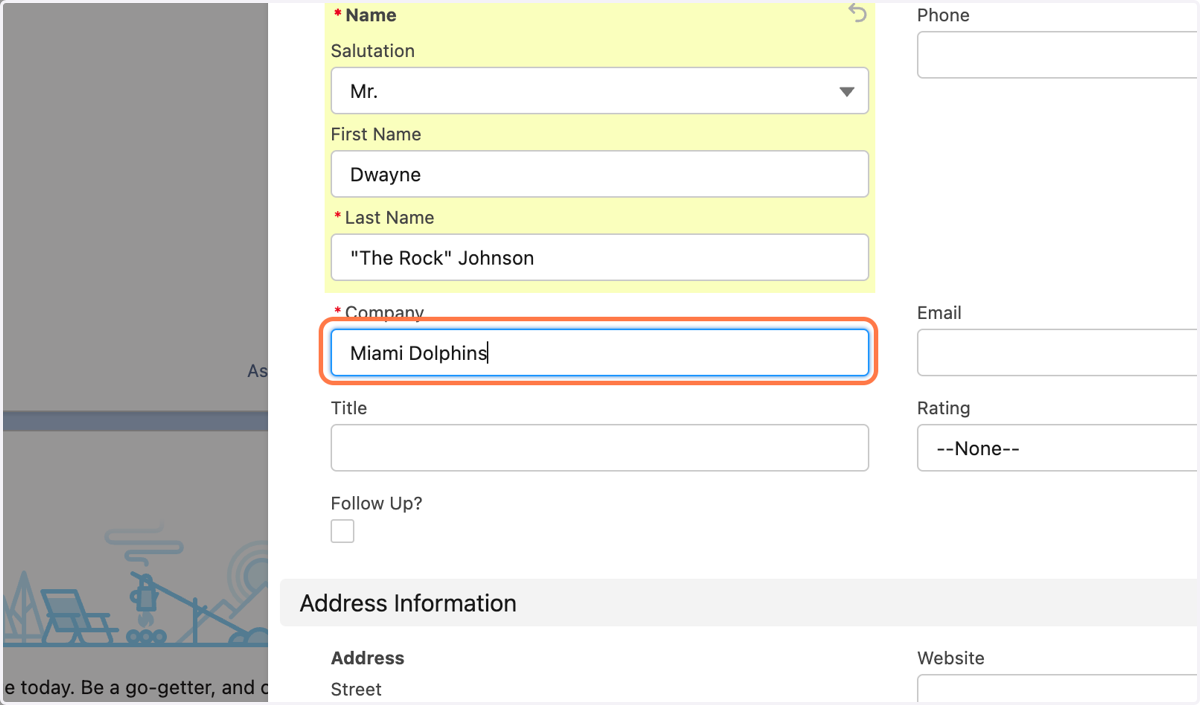
5. Enter the contact's information (First Name, Last Name)
Force
6. Add Company information
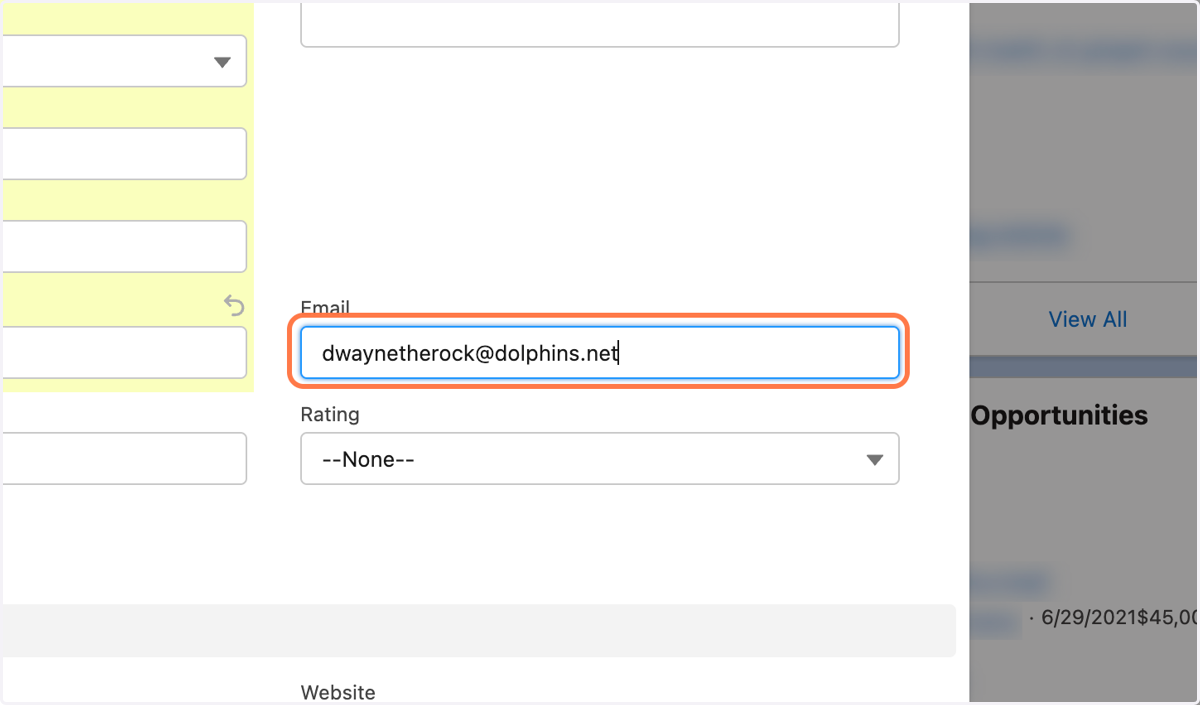
7. Add email
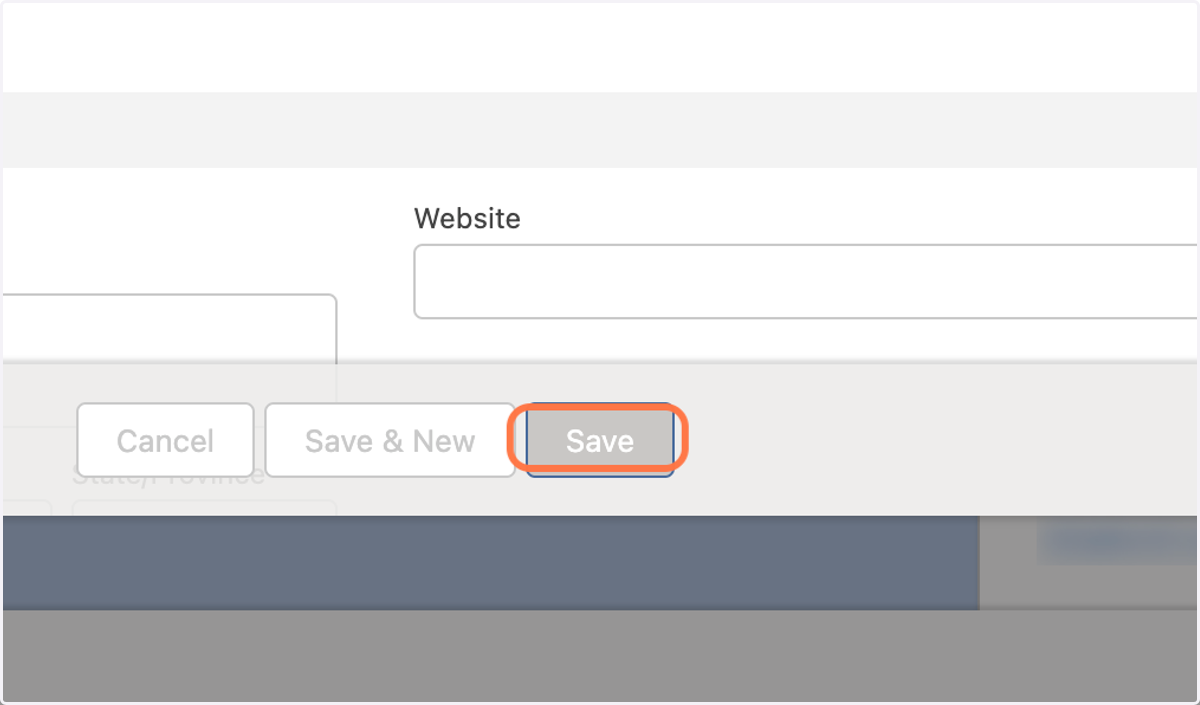
8. Click on Save
9. In lead contact page, convert status to working, and then select Mark as Current Status
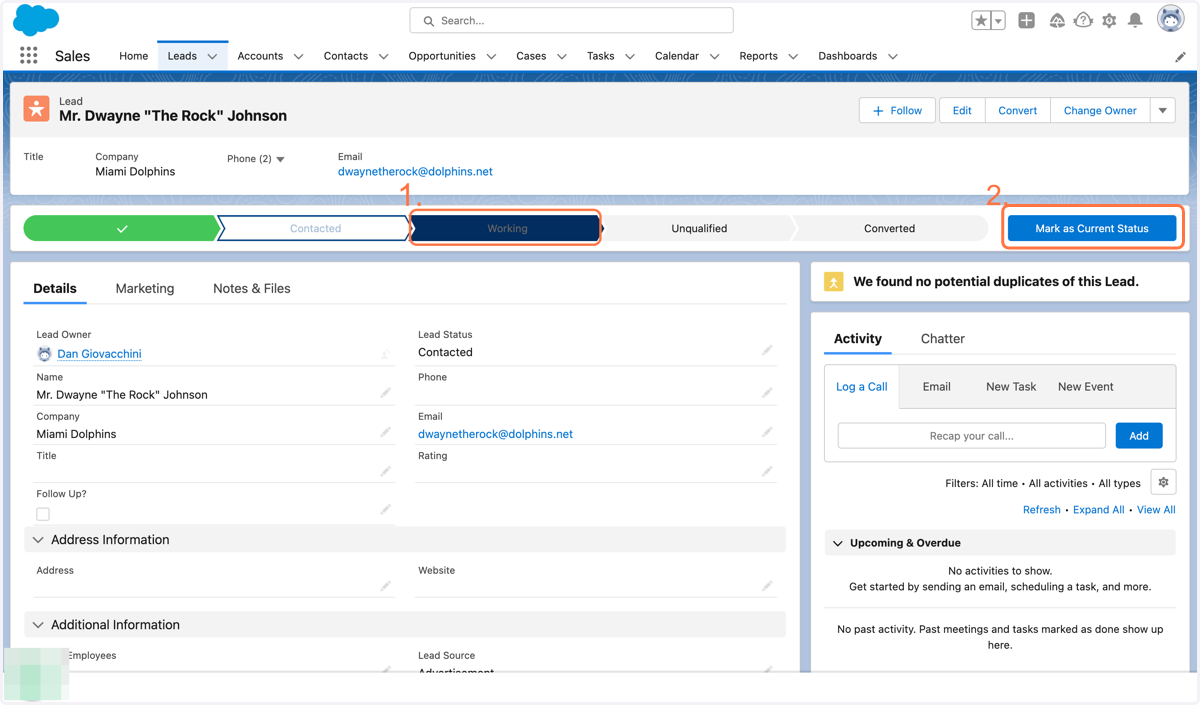
10. Once time to convert lead, click convert
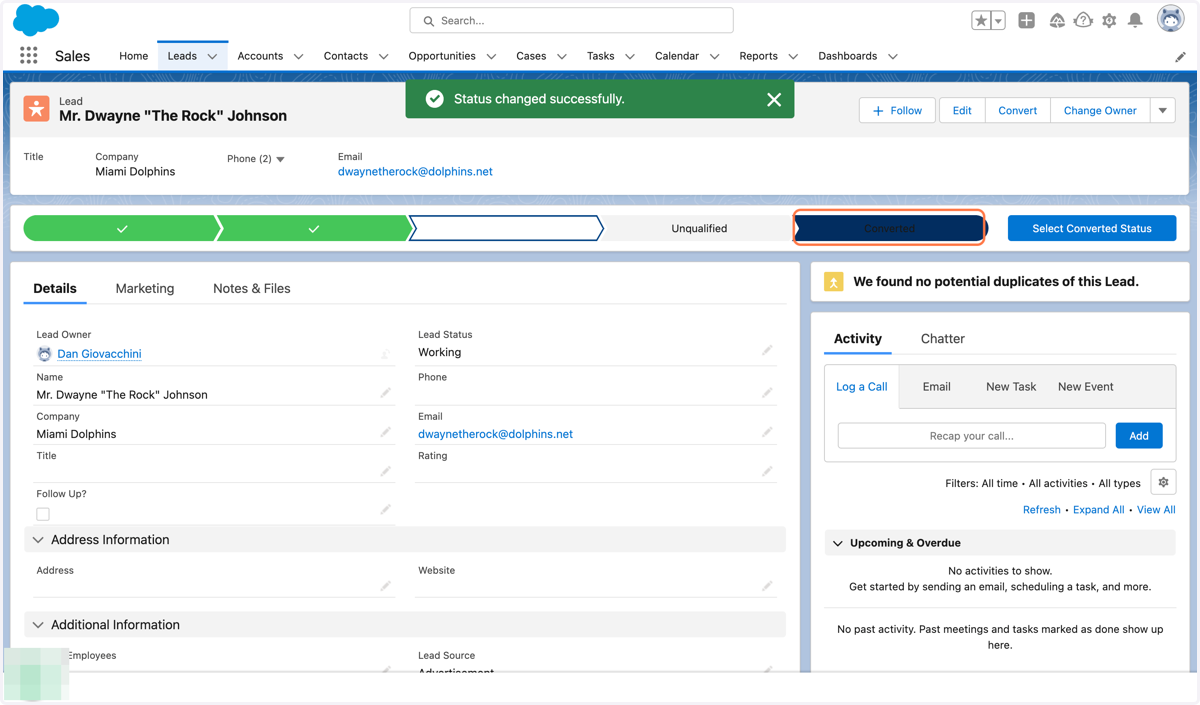
Force
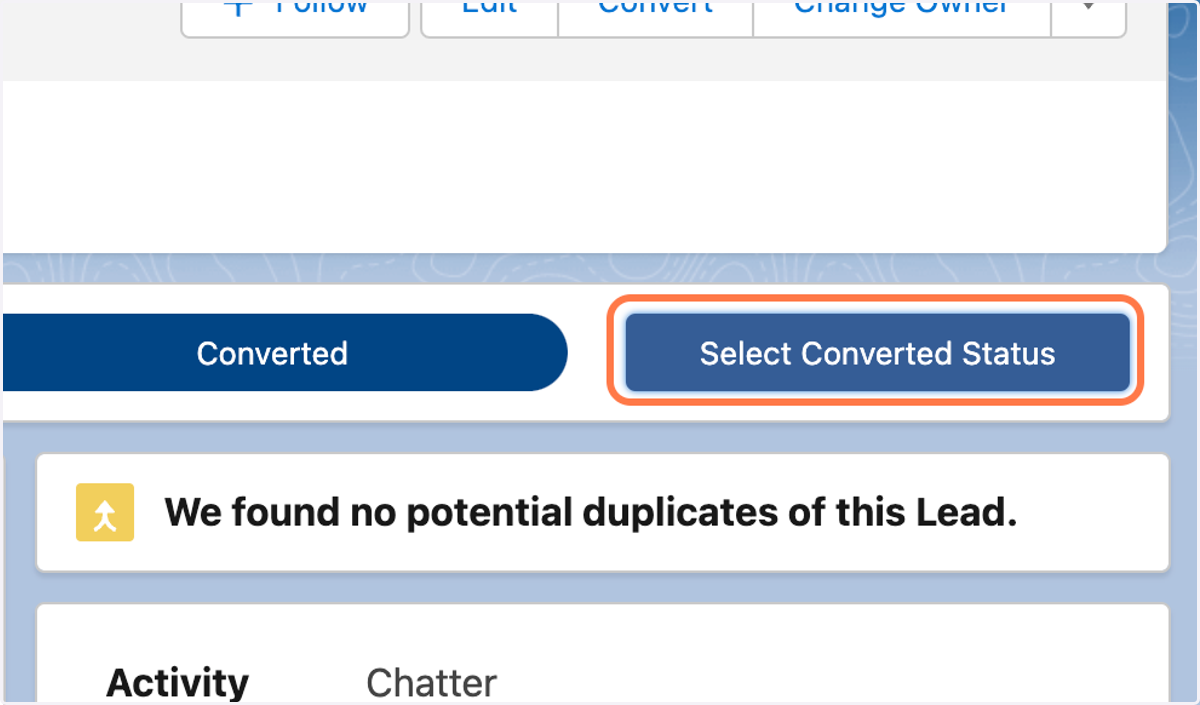
11. Click on Select Converted Status
12. Add record owner
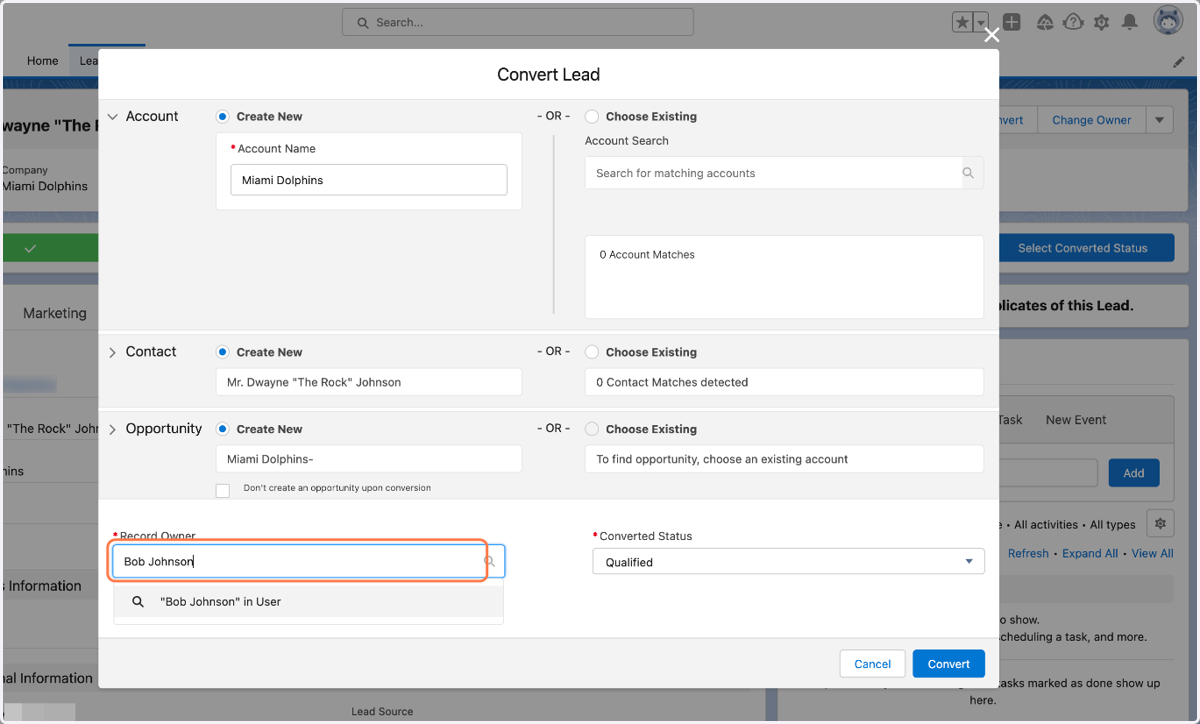
13. Click on Convert
