Arkan Platform Tour
Home | أركان
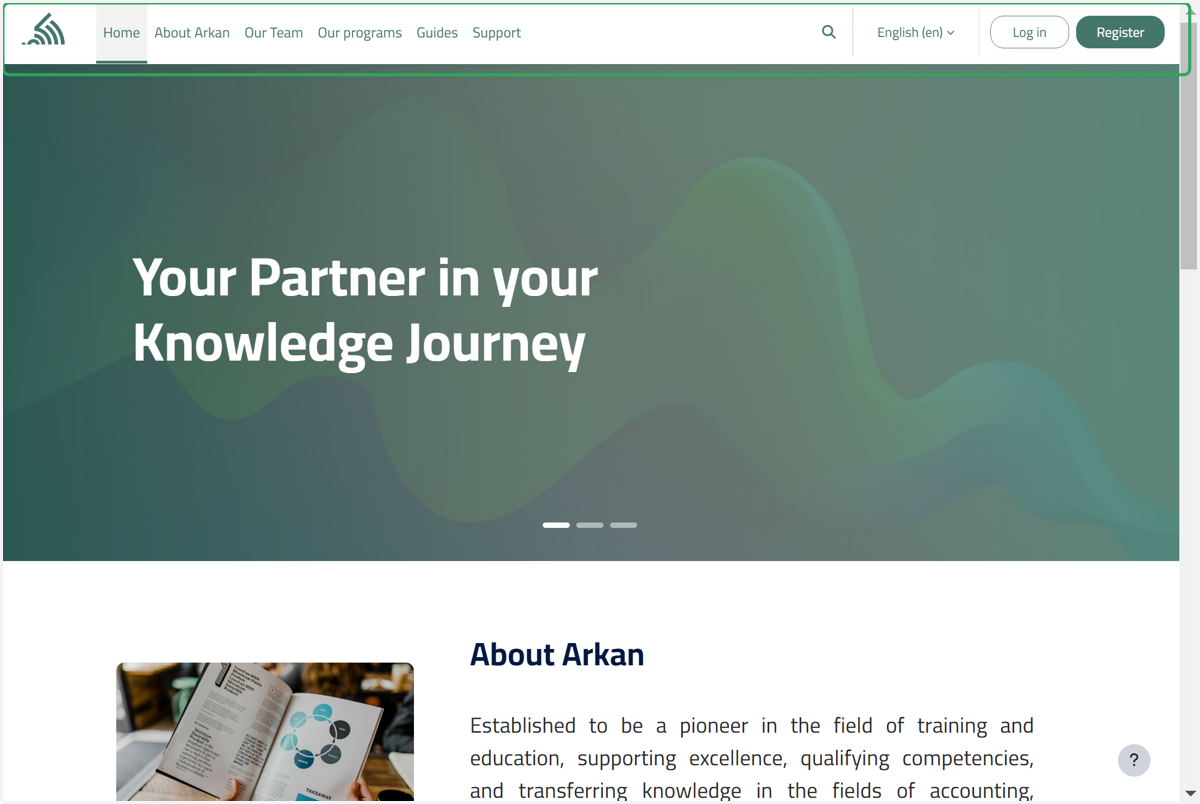
1. Click on Site navigation
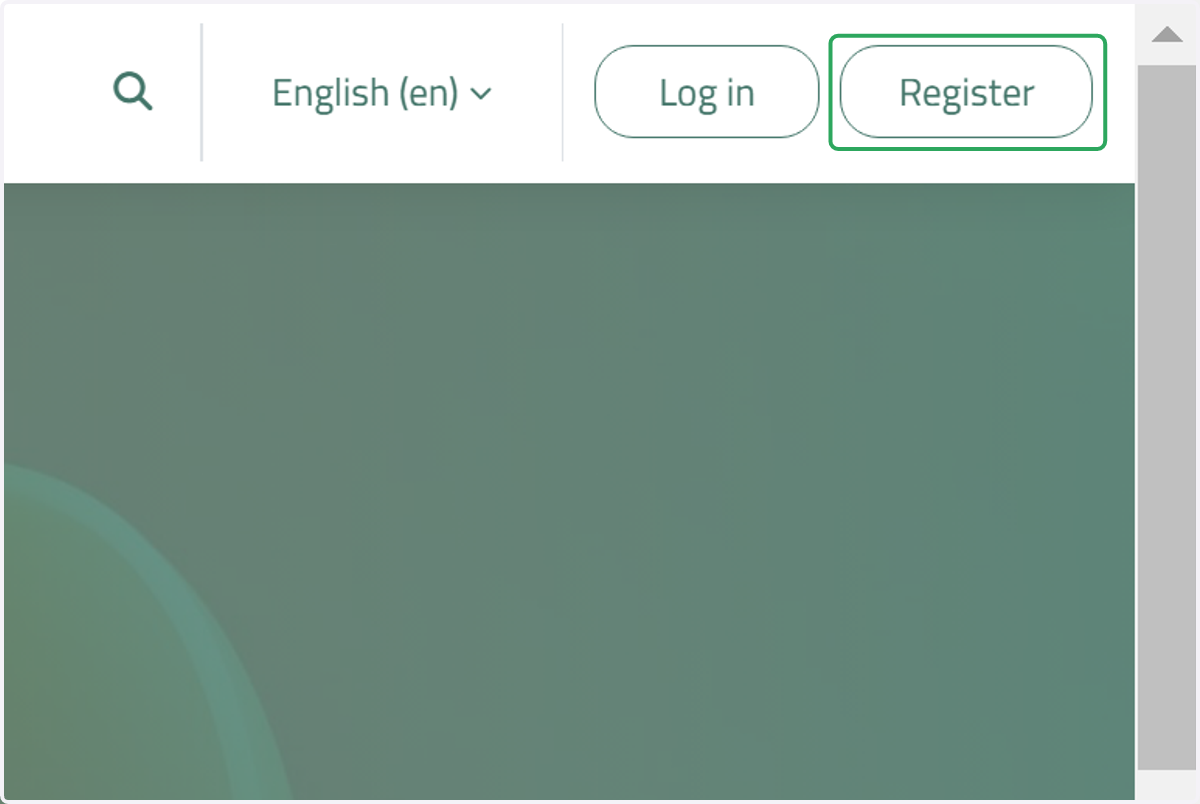
2. Click on Register
Click on this button to open the account creation form.
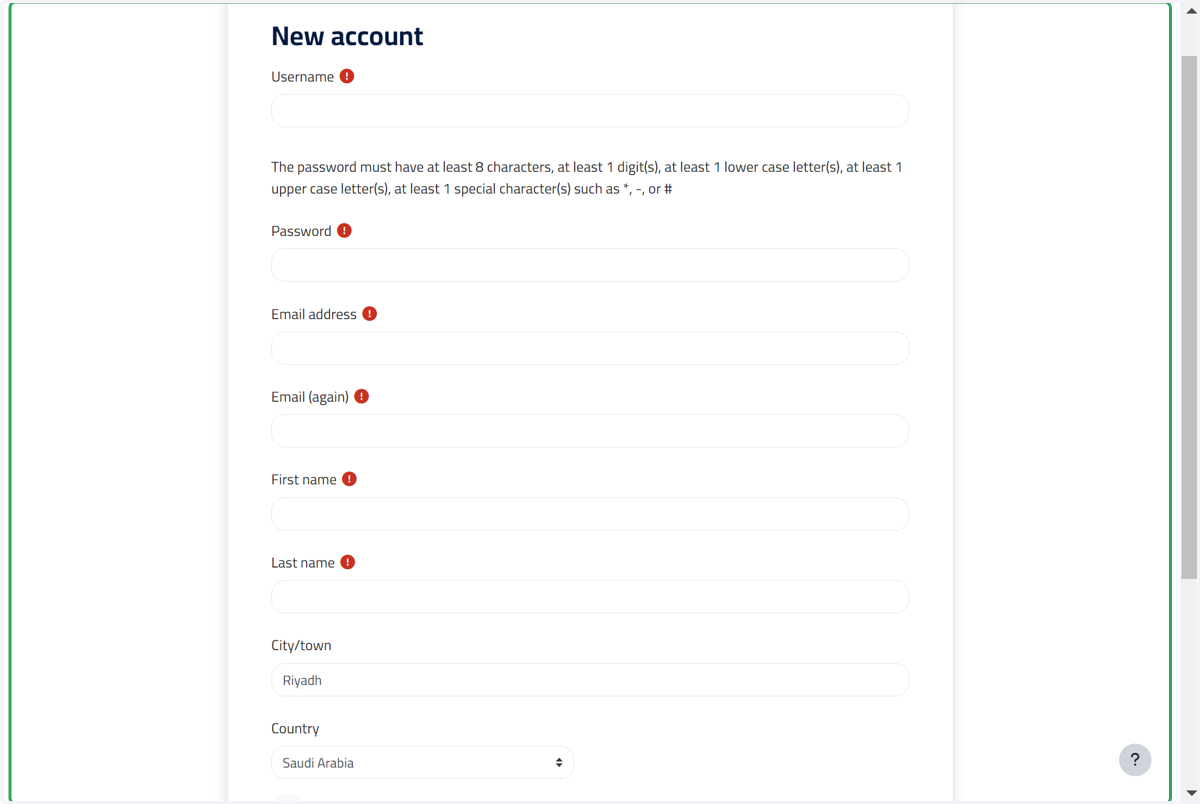
3. Click on Content
Fill out the account creation form.
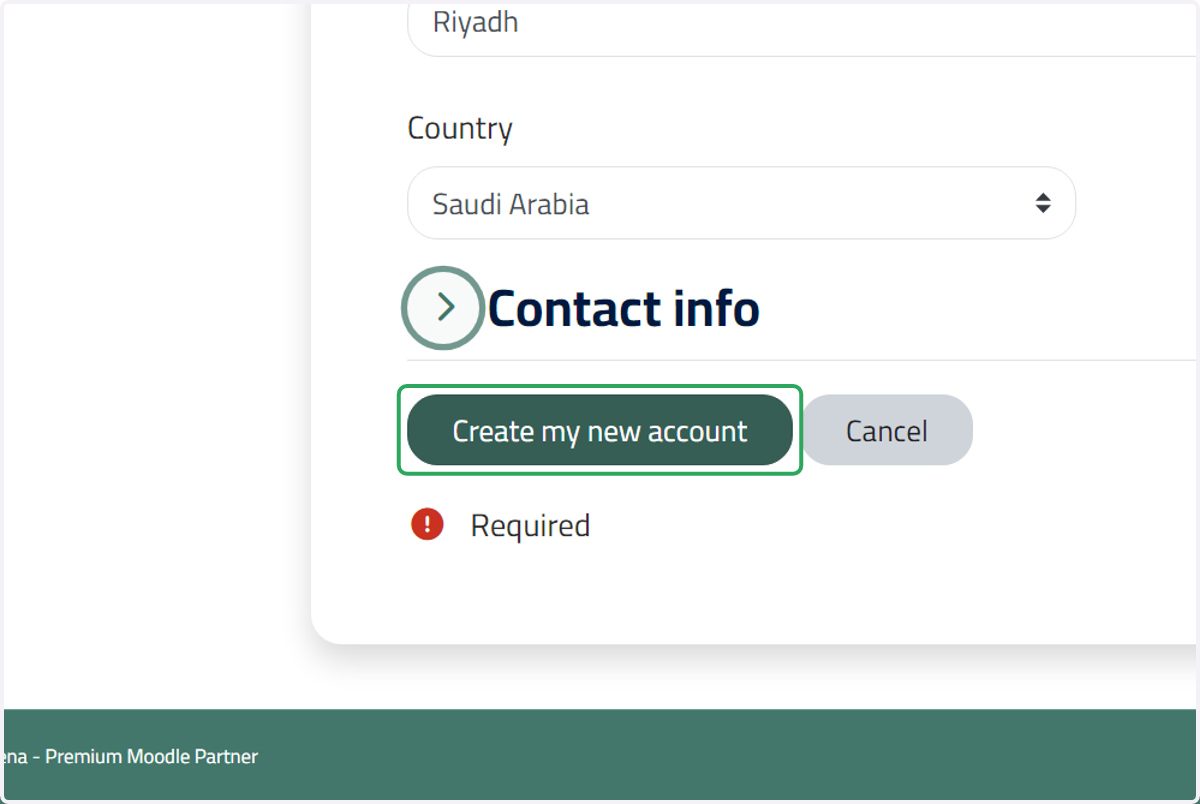
4. Click on Create my new account
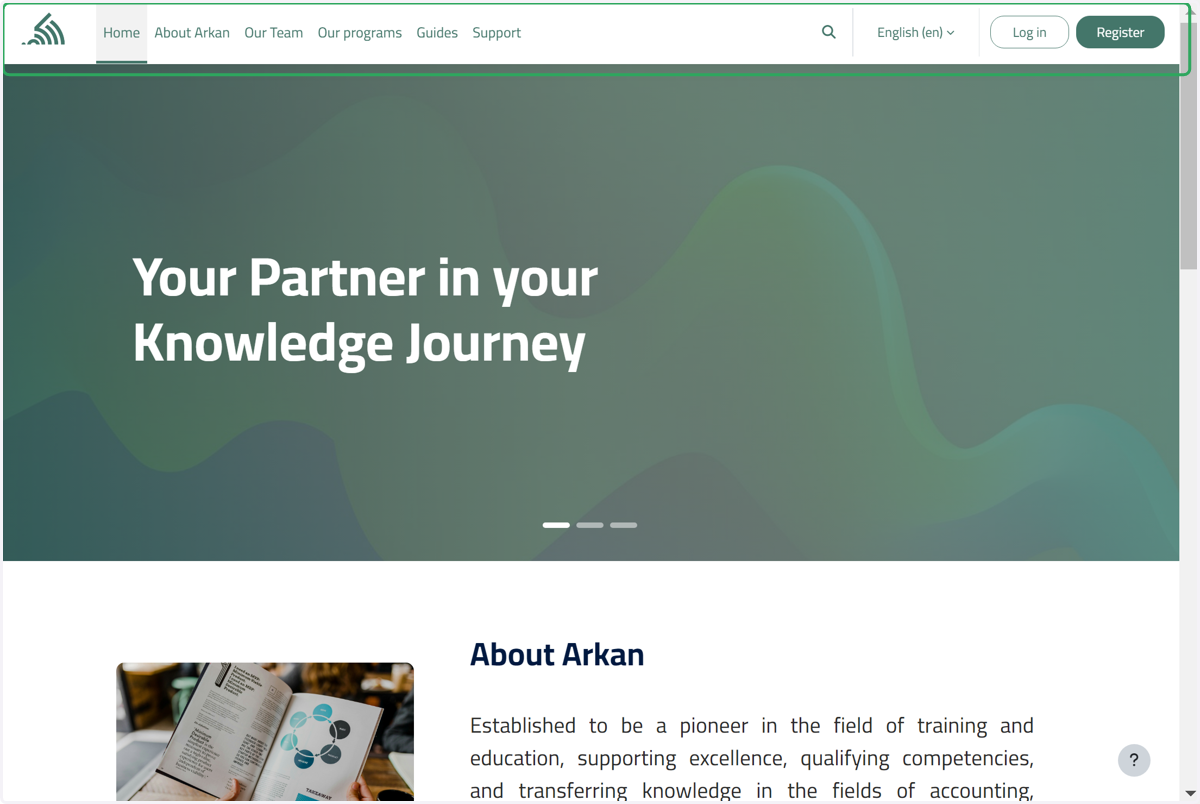
5. Click on Site navigation
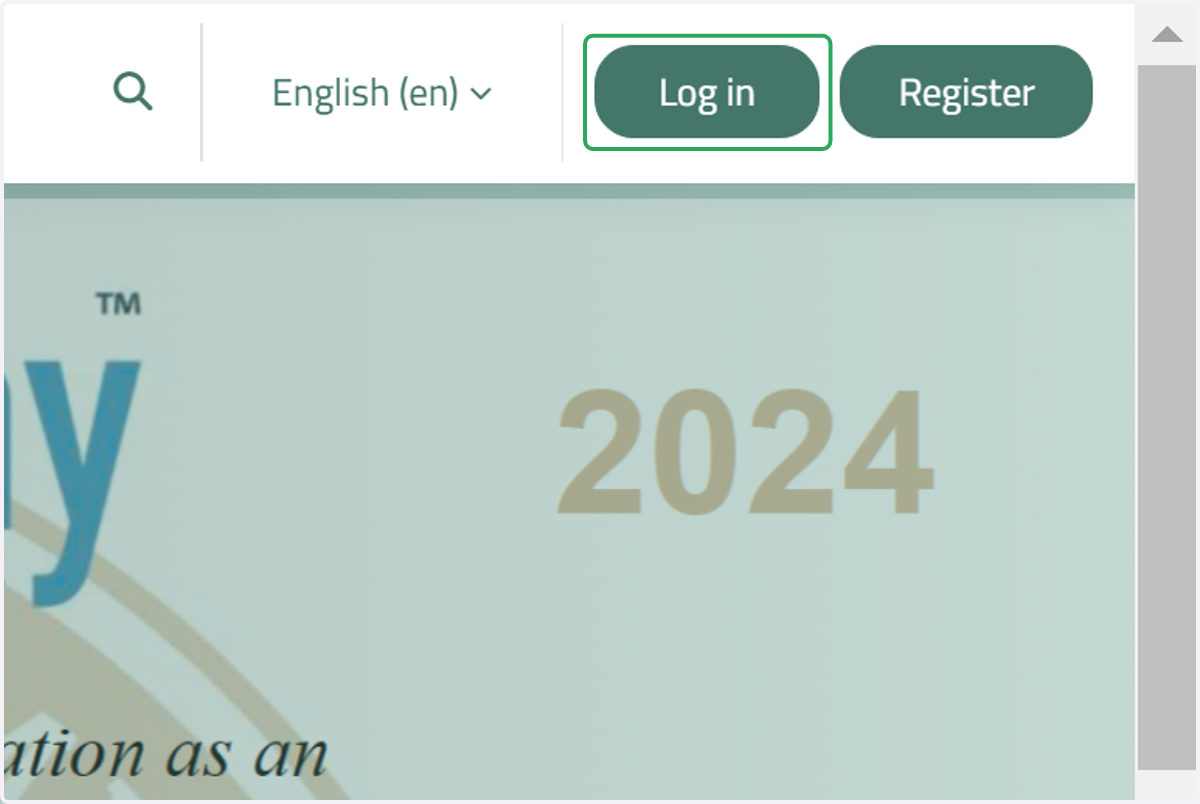
6. Click on Log in
Click on this button to log in to your account.
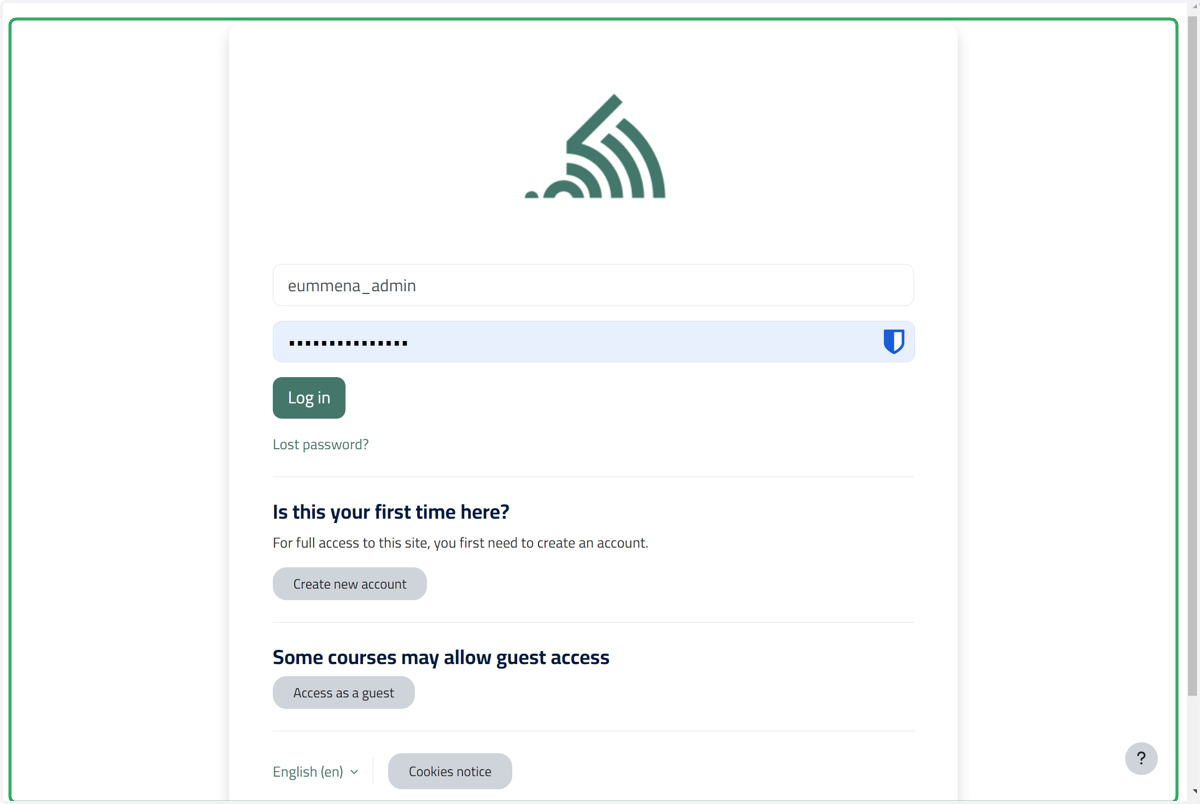
7. Click on Content
Enter your username or your email.
Enter your password.
8. Click on Access as a guest
If you're interested in viewing the website as a guest, click on the 'Access as a Guest' button.
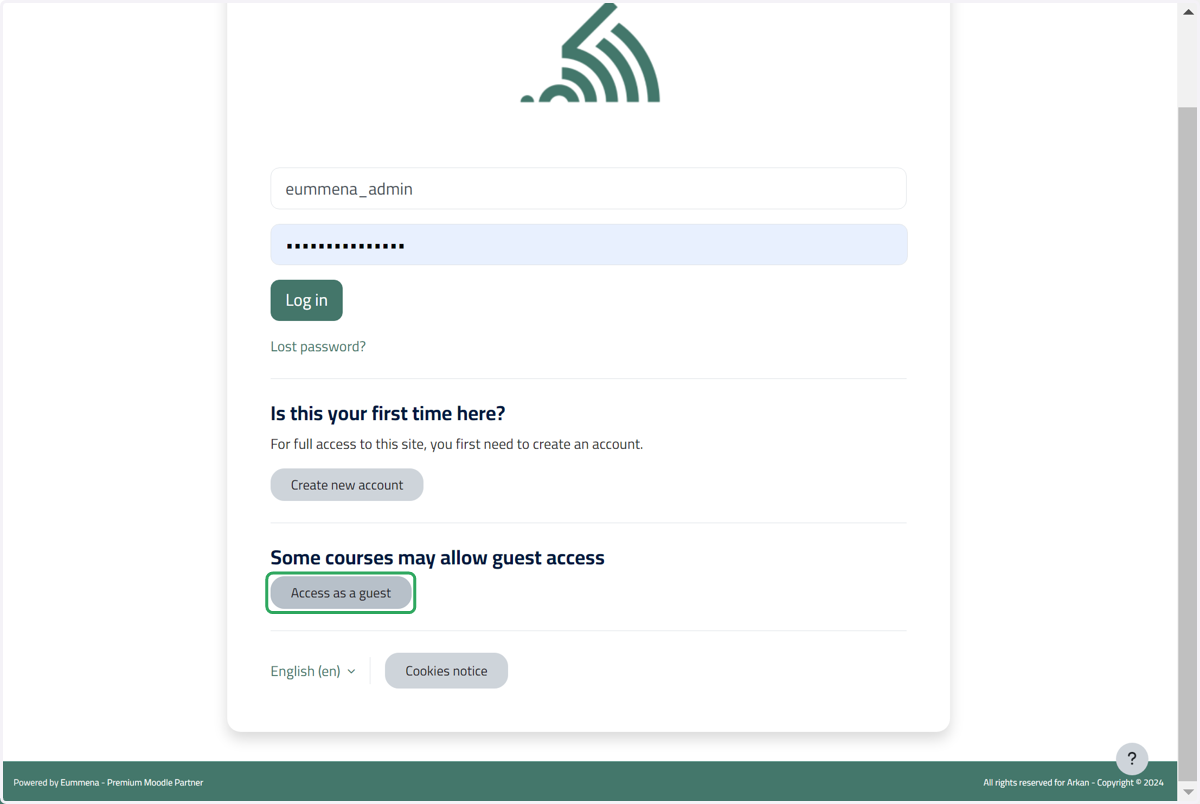
9. Click on Log in
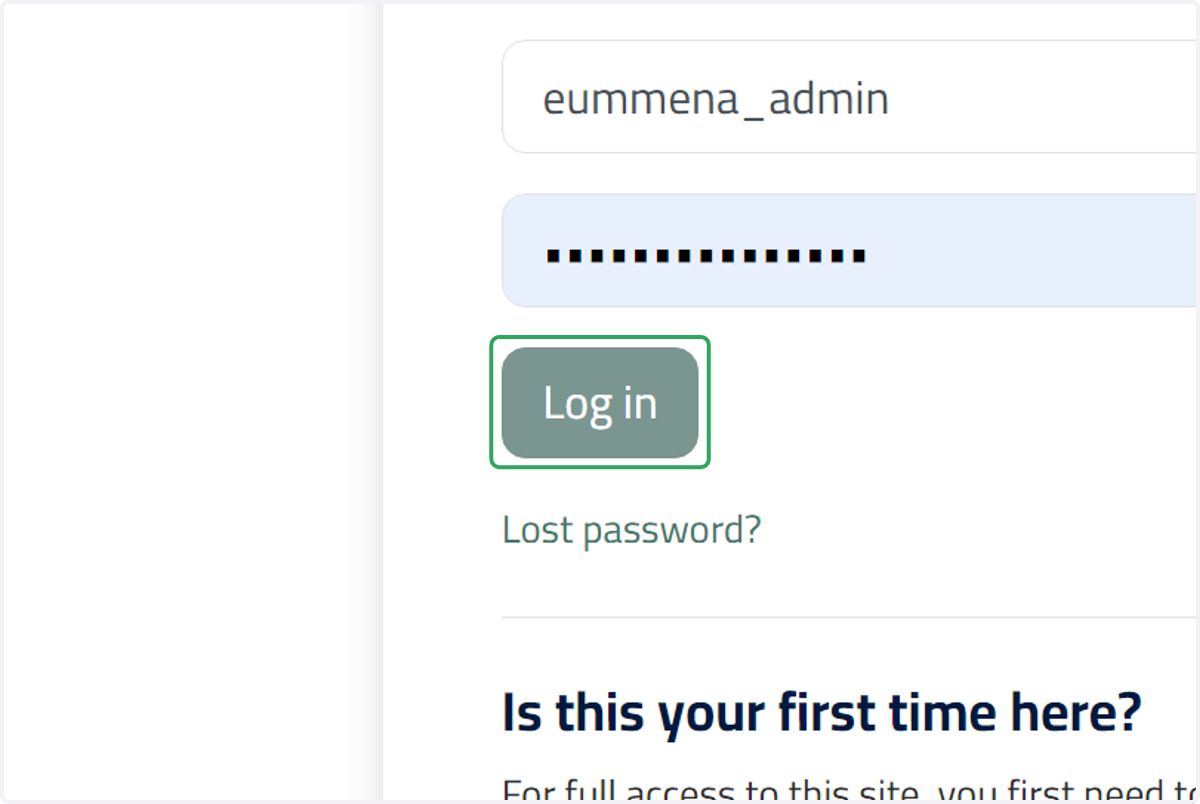
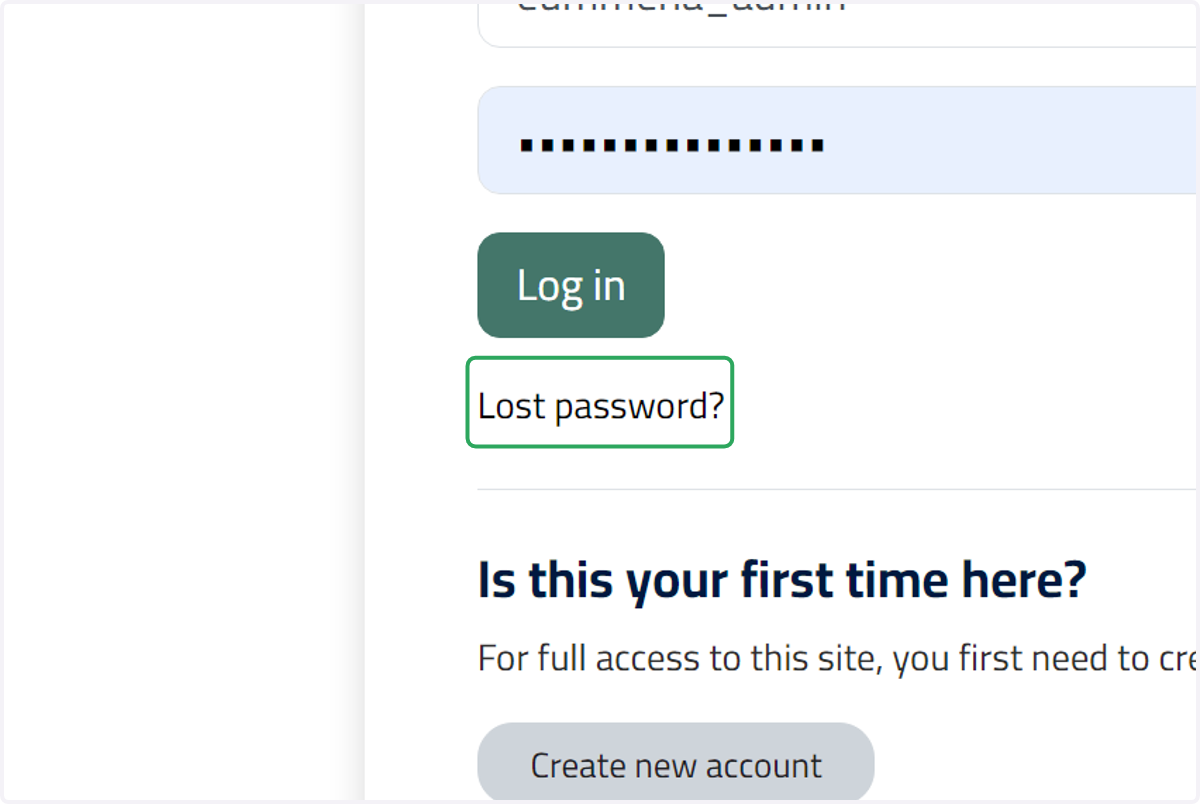
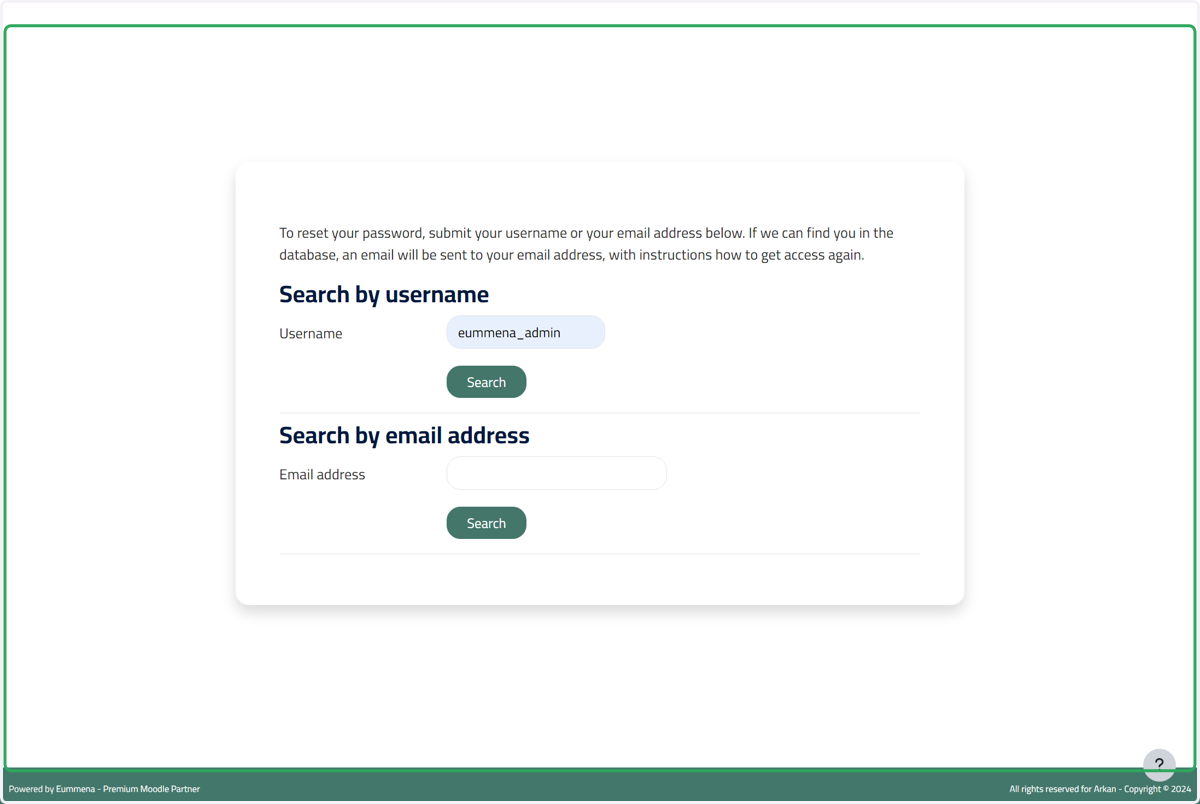
10. Click on Lost password
.اضغط على هذا الزر إذا فقدت كلمة المرور الخاصة بك
11. Click on Content
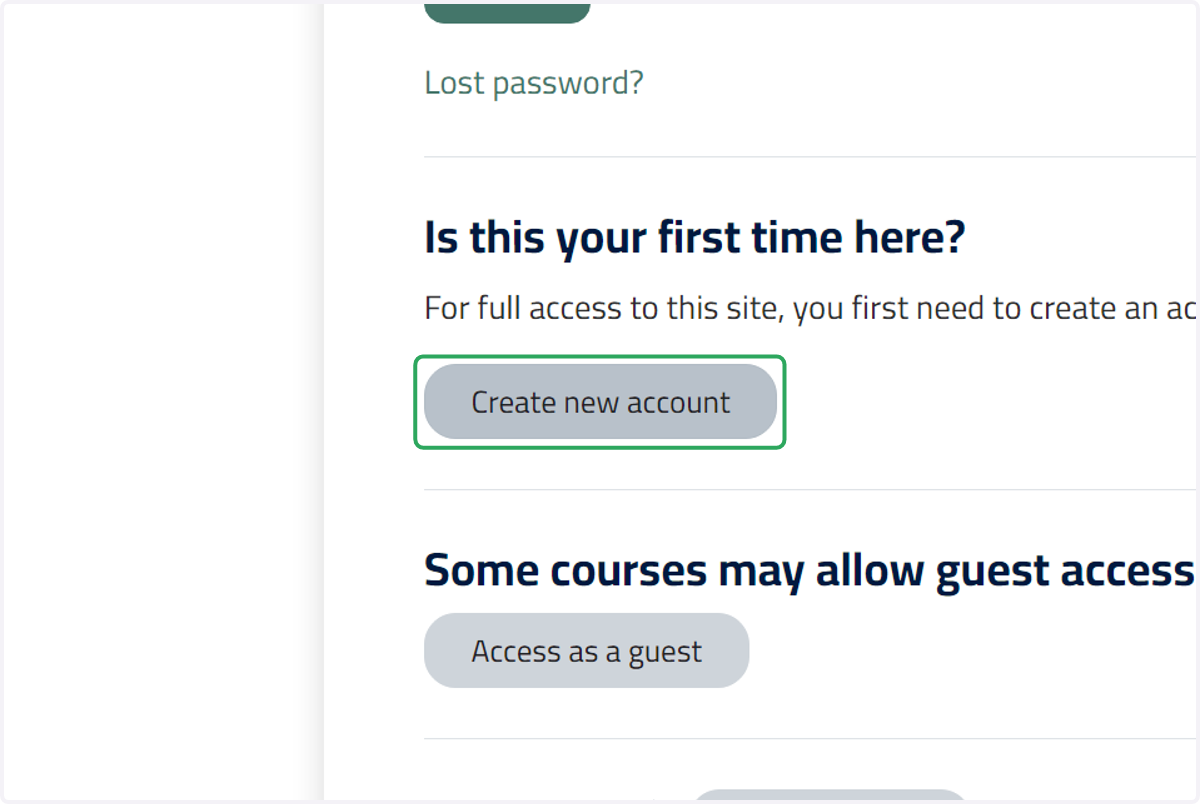
12. Click on Create new account
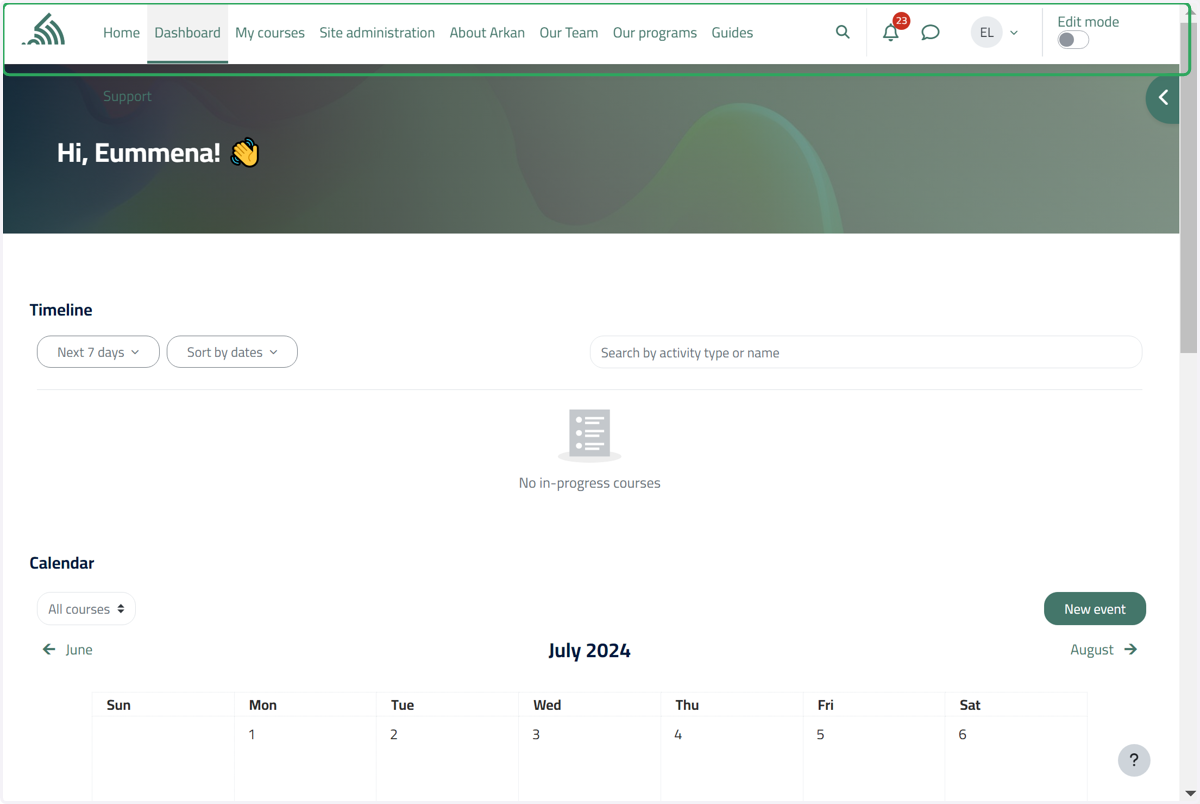
13. You are now logged in to your account.
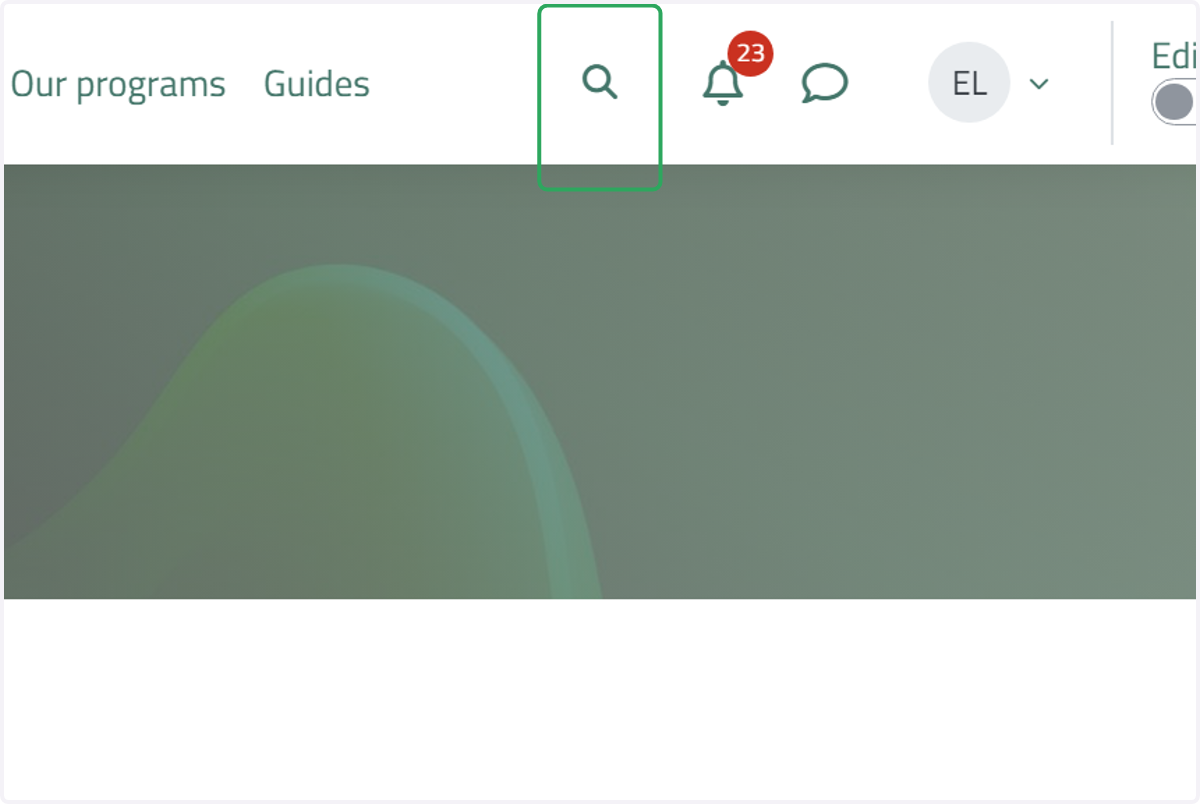
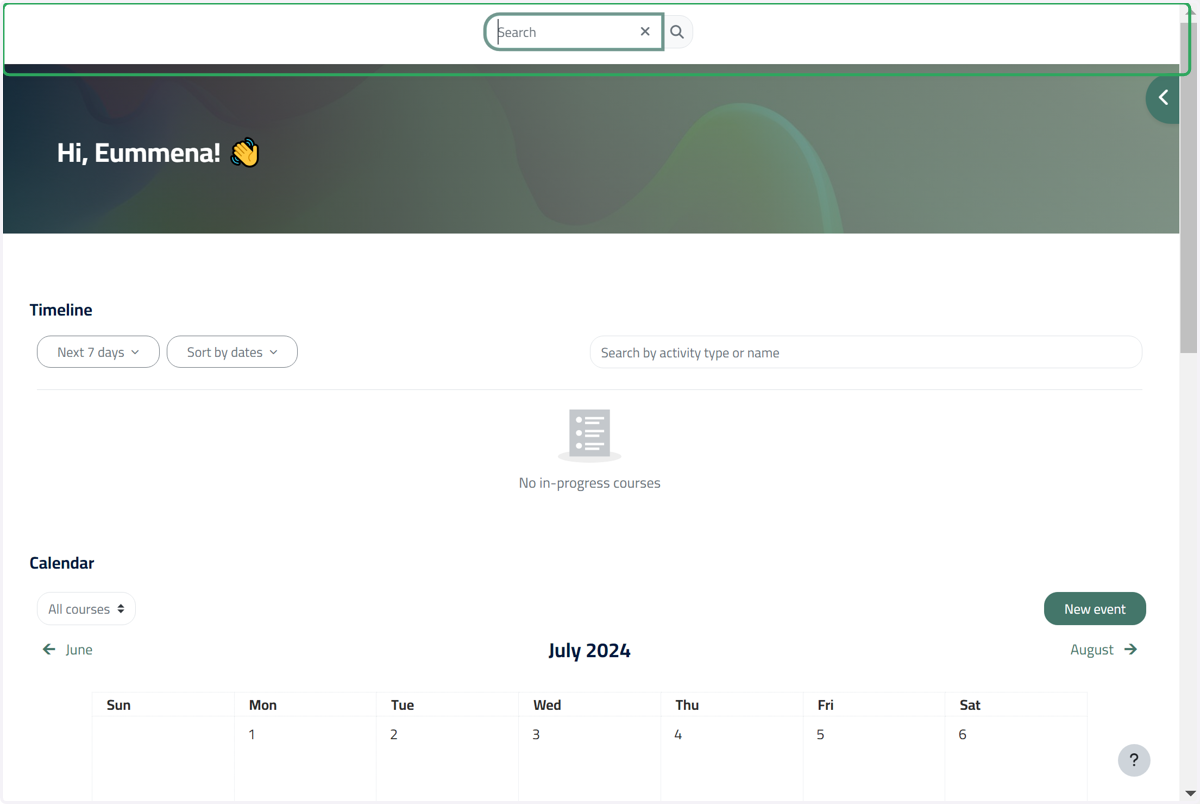
14. Click on Toggle search input
Click on this button to browse through the website.
15. Click on Site navigation
16. Click on the notification window
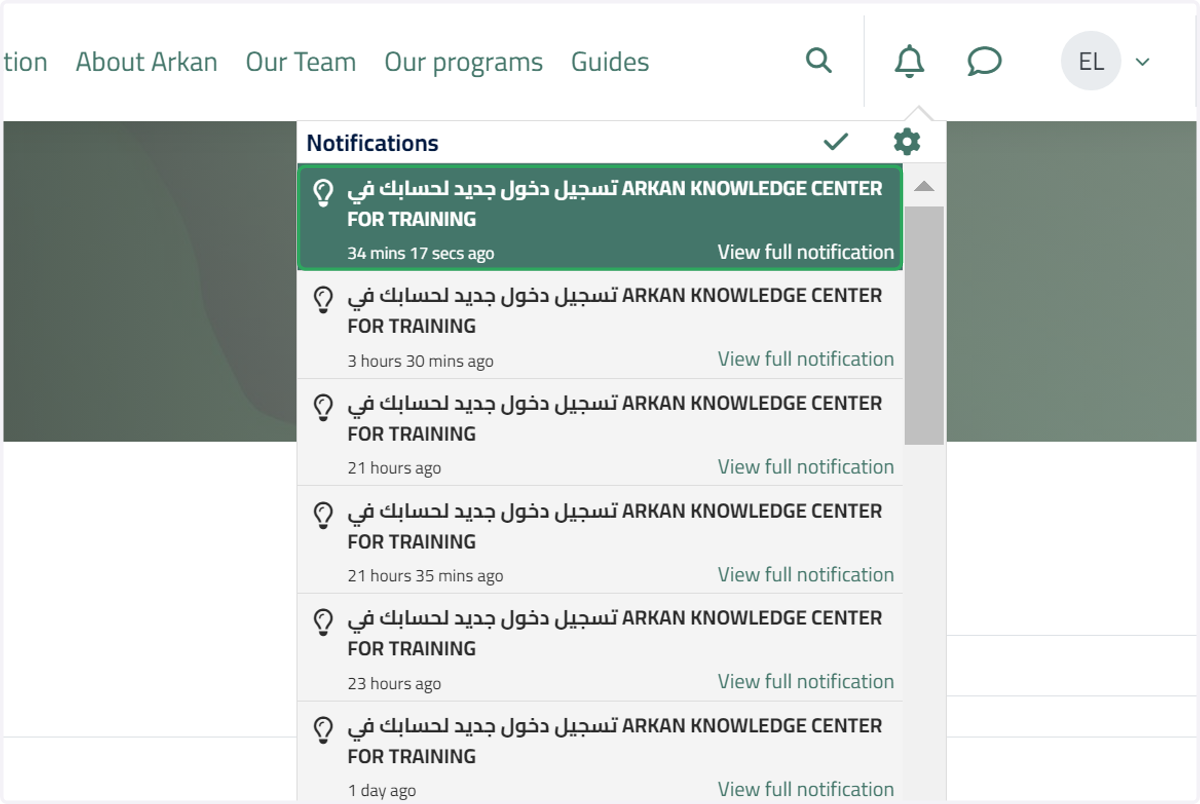
Click on this button to view your notifications.
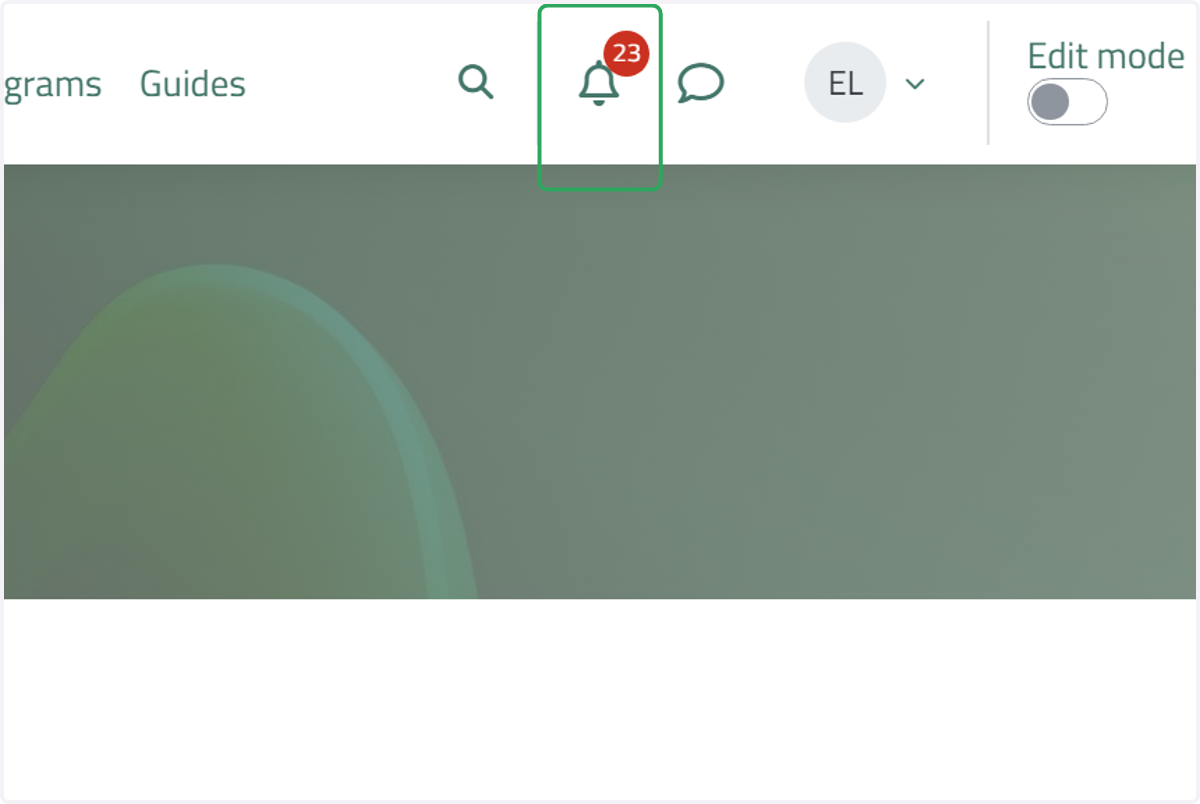
17. Notification window
18. Click on the messaging button
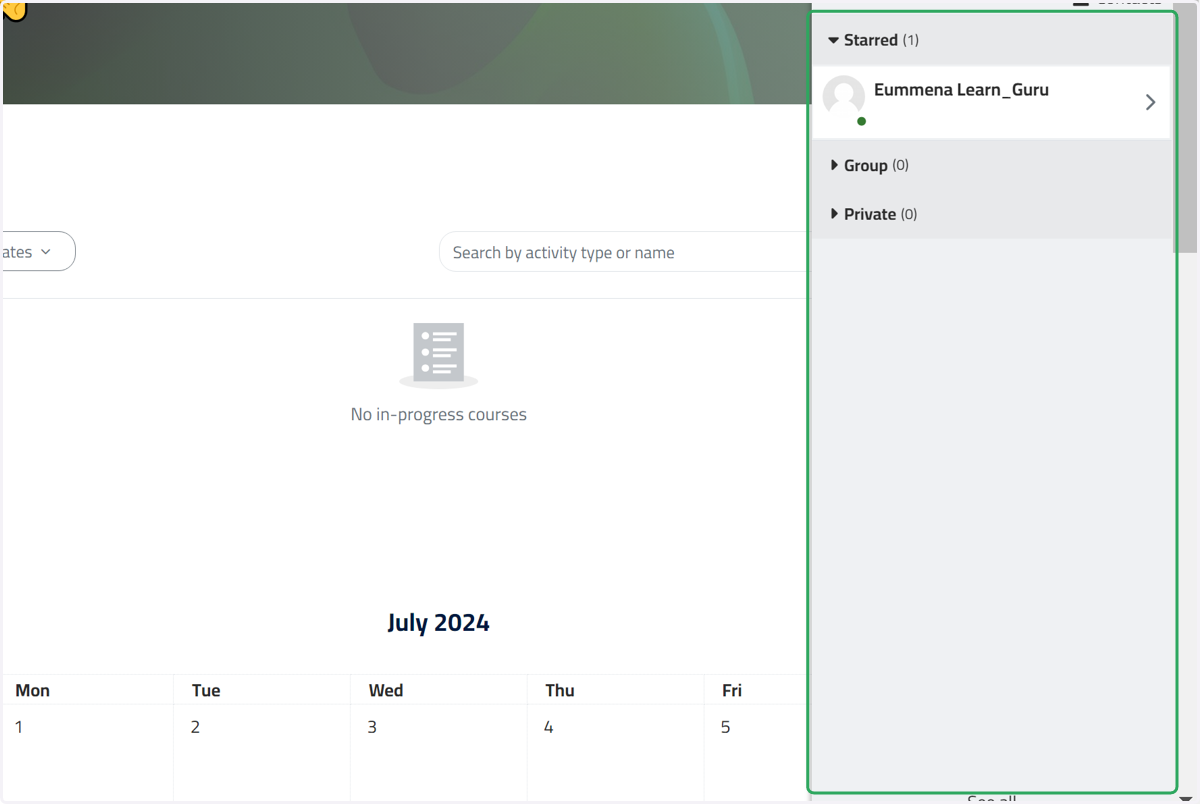
Click on this button to check and send your messages.
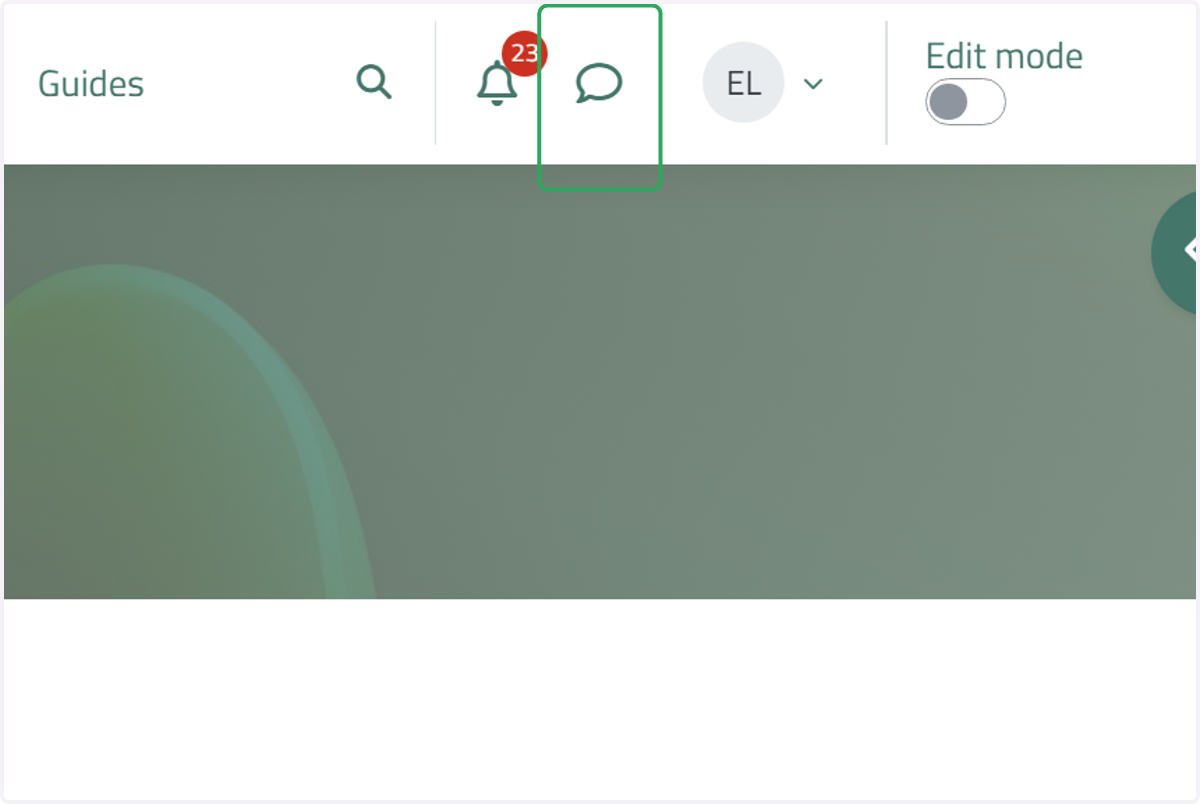
19. Click on Messaging…
20. Click on the name dropdown menu
Click on this button to access and manage your account information.
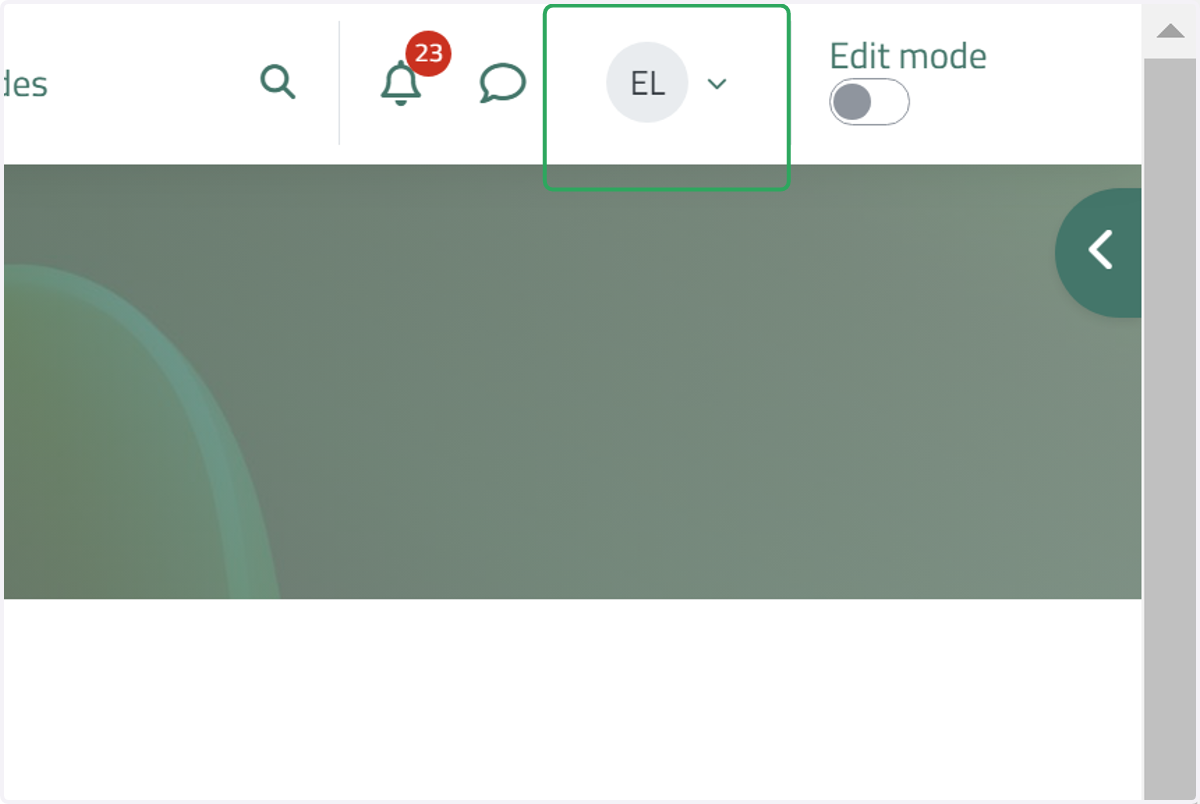
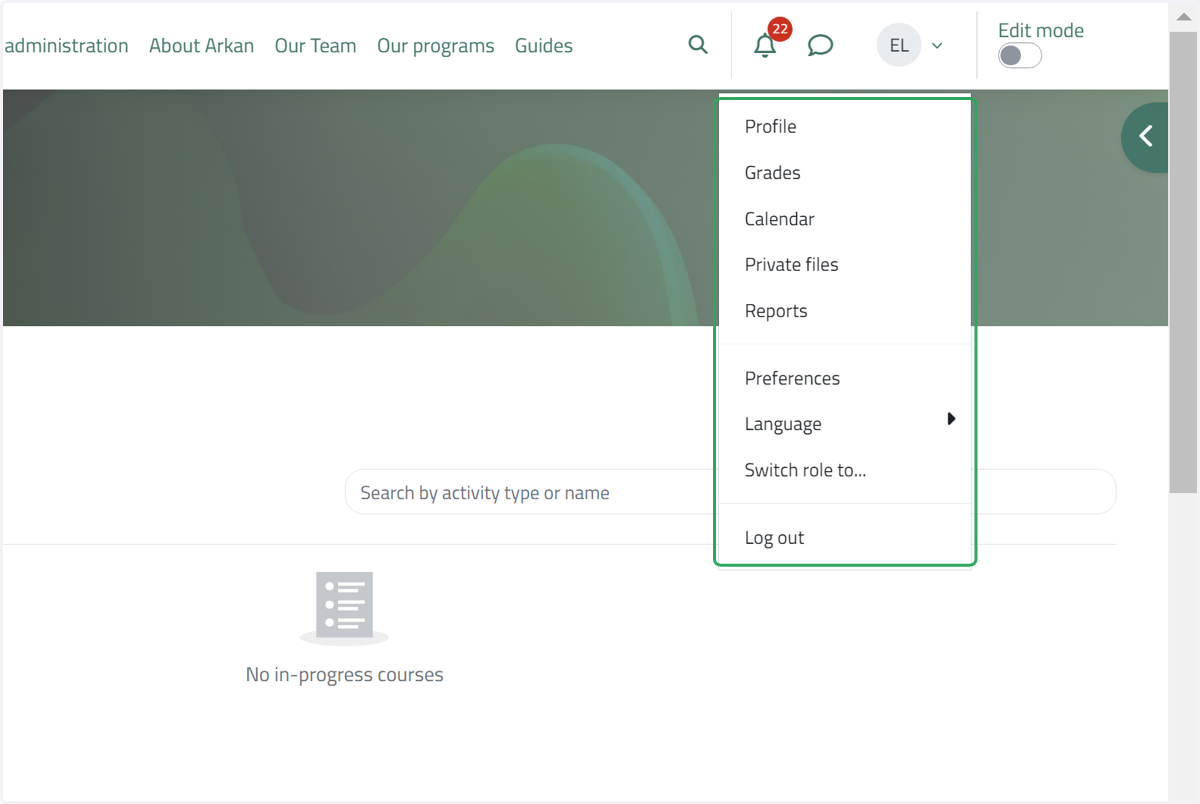
21. Click on the name dropdown menu
Click on this button to access and manage your account information, such as your profile, grades, and log out.
22. Click on Open block drawer
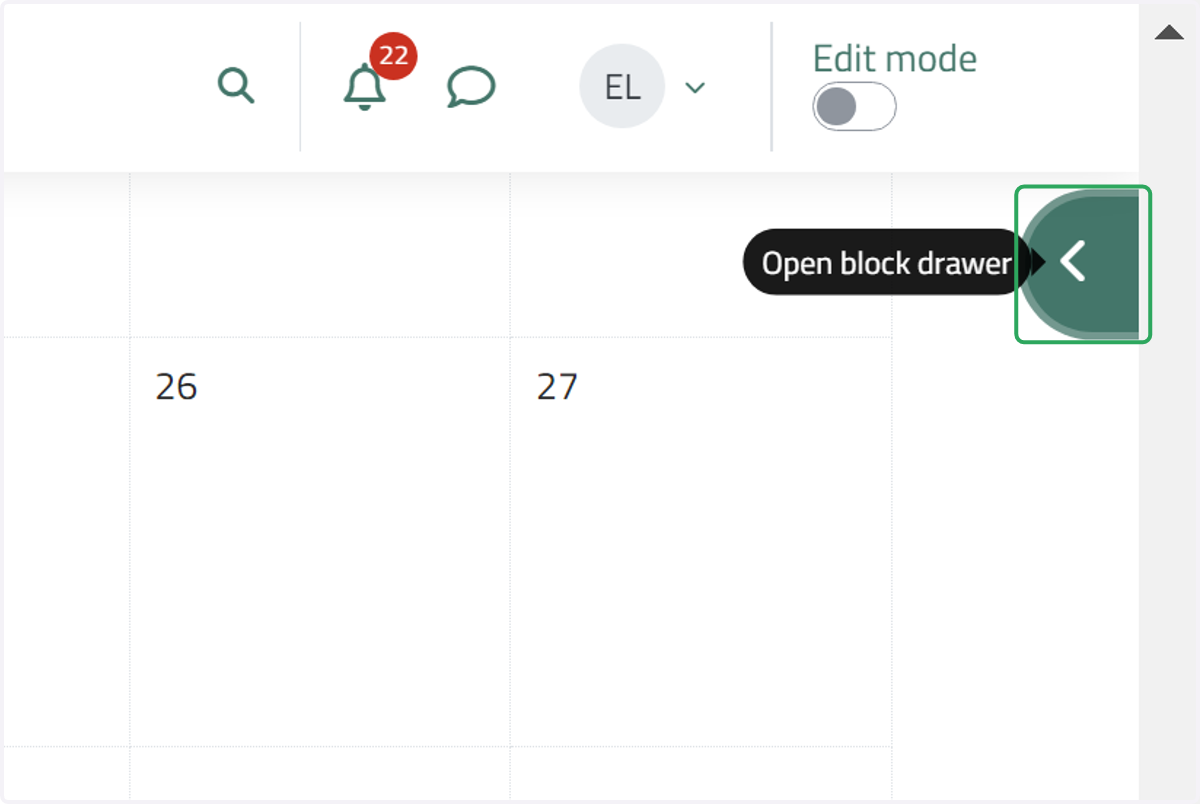
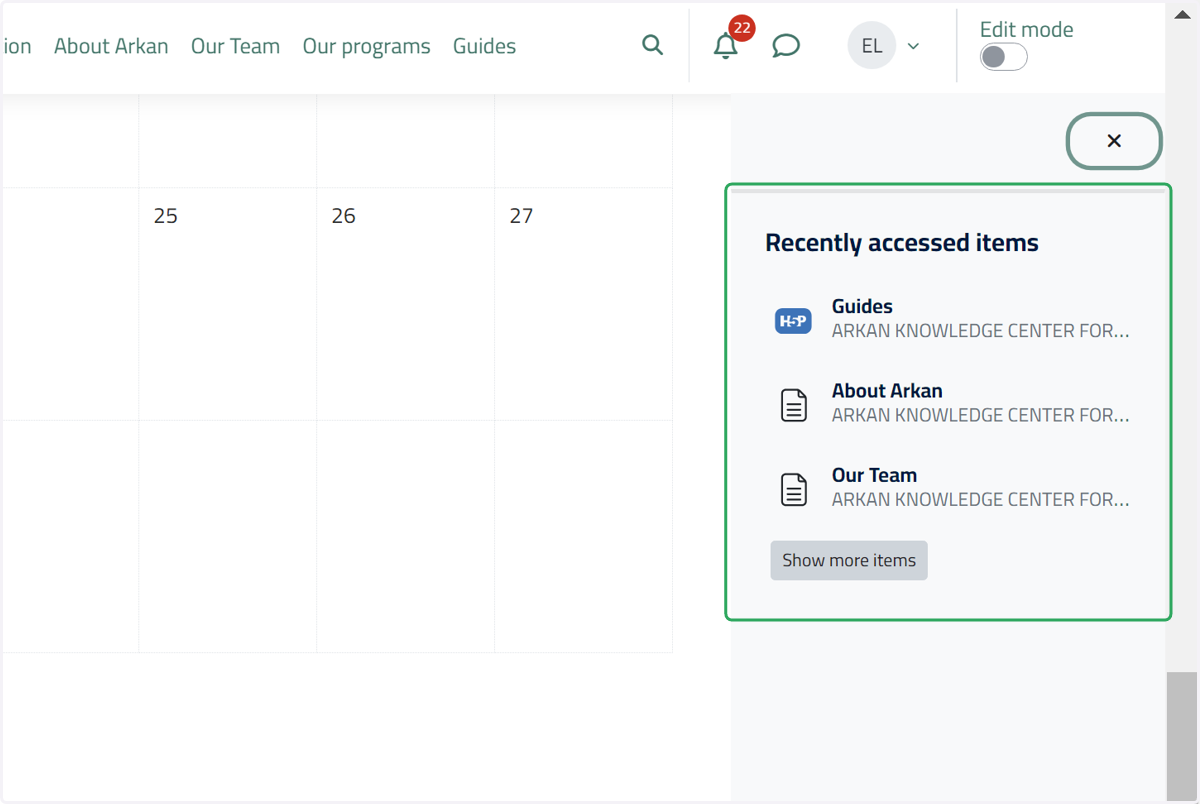
23. Open block drawer
Click on this button to view your recently accessed items.
24. Scroll to the bottom of the website to view the Policies, terms, and conditions and the technical support.
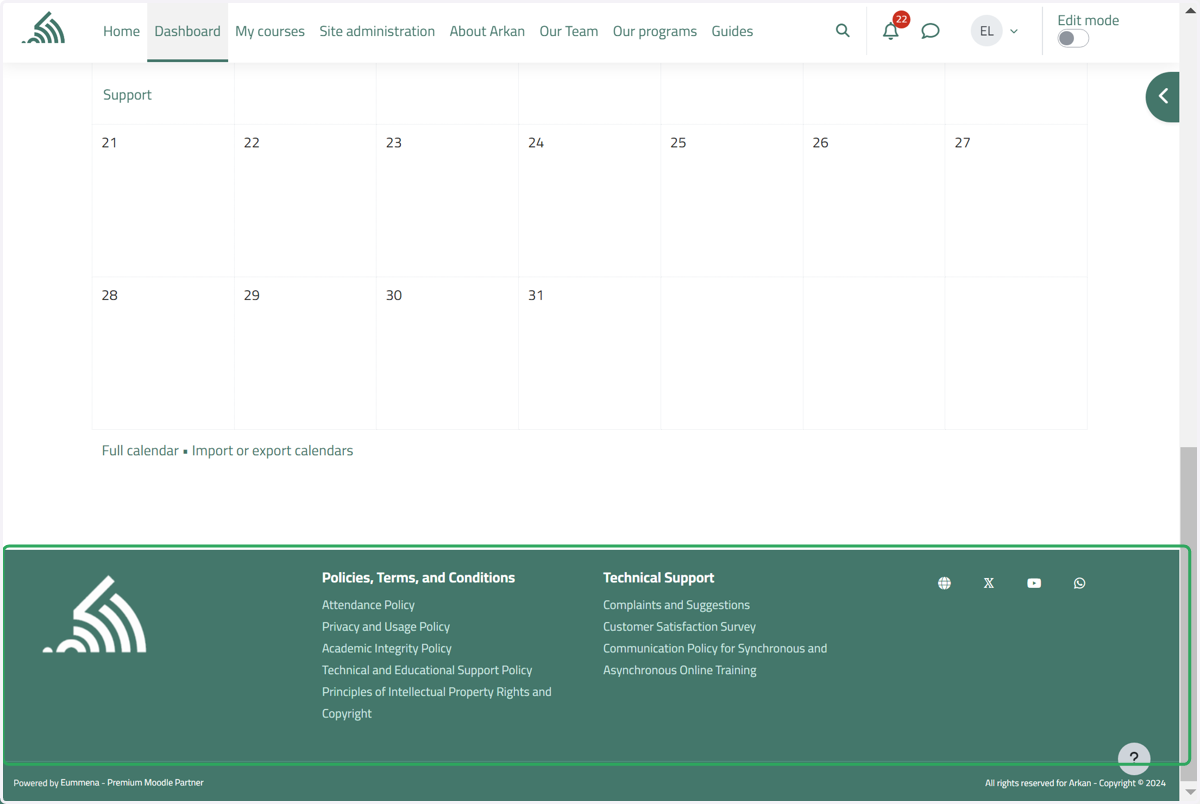
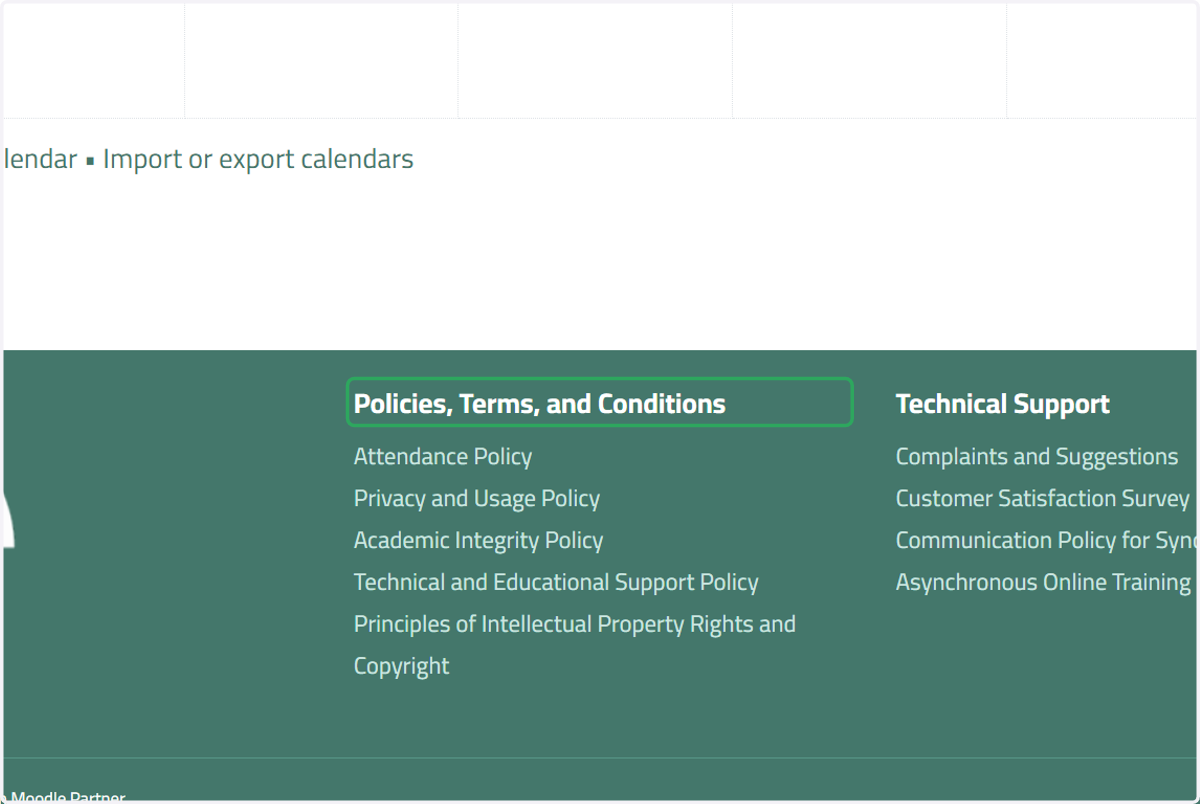
25. View Policies, Terms, and Conditions
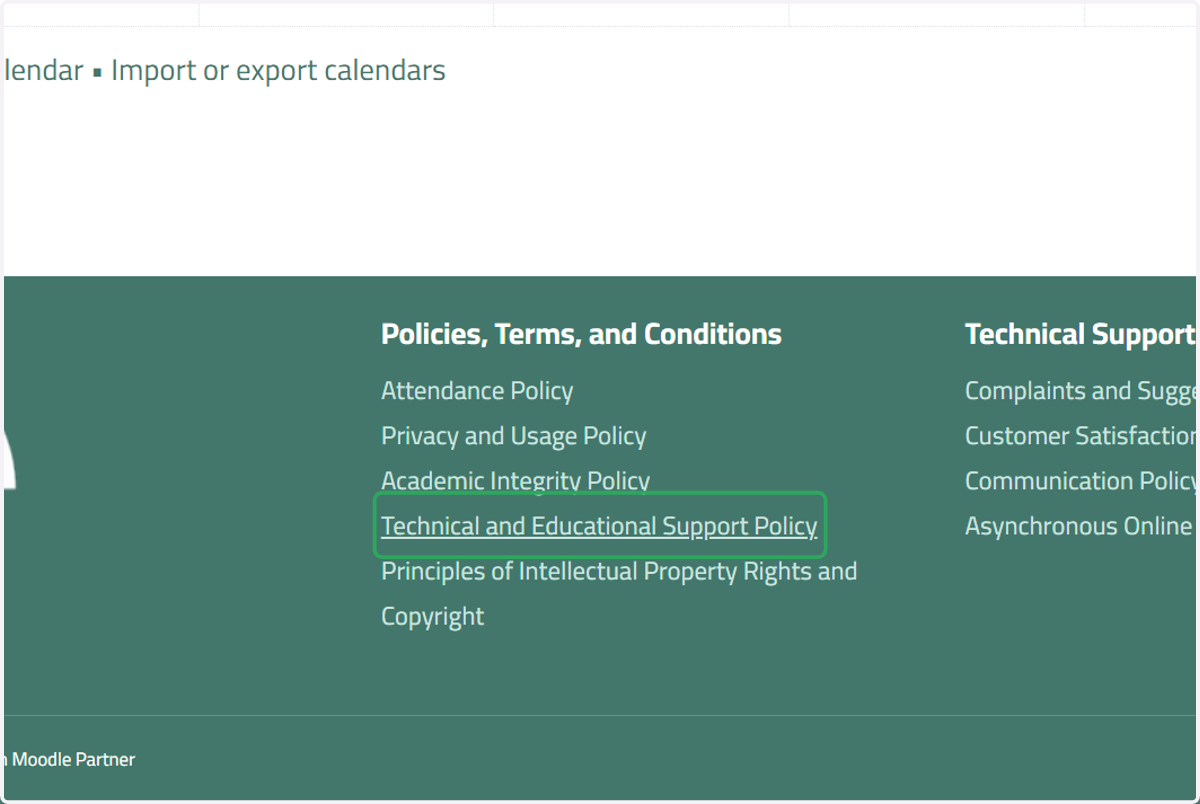
26. Click on Technical and Educational Support Policy
Click on this button if you encounter a technical or educational issue, and to access the contact information.
27. Click on Content
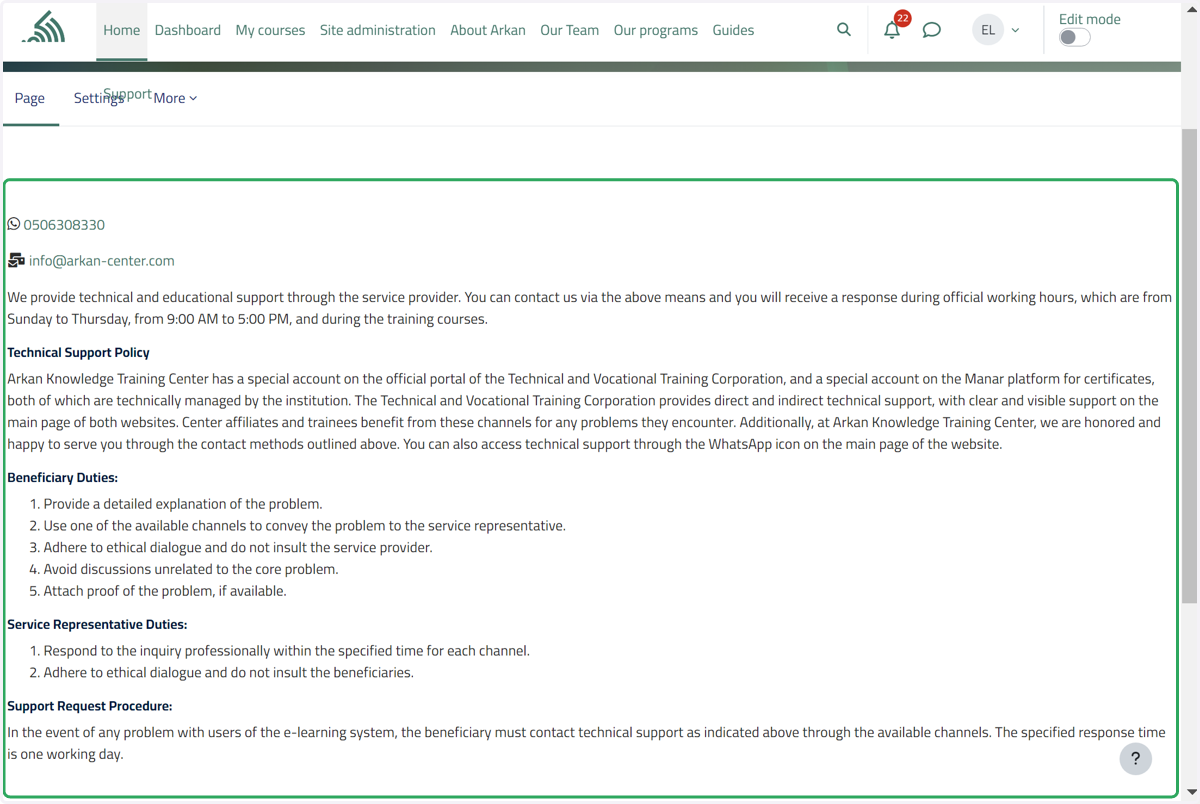
28. View Technical Support
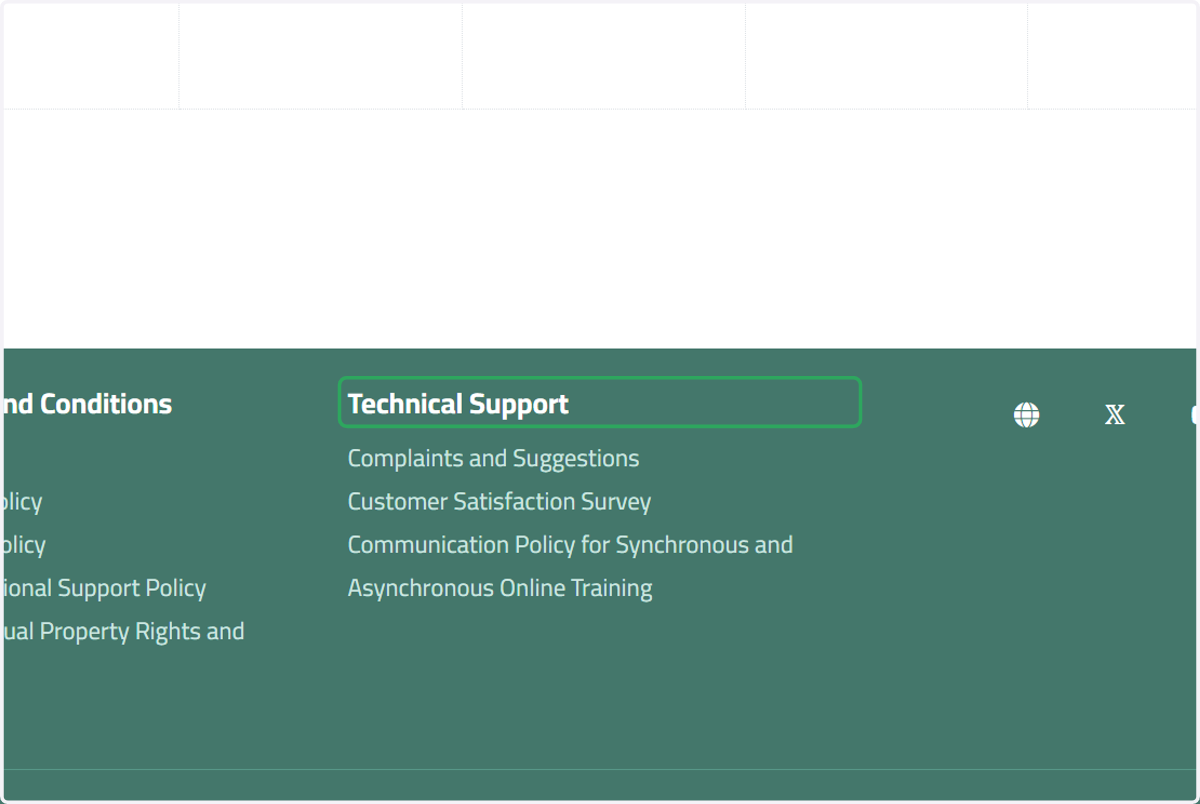
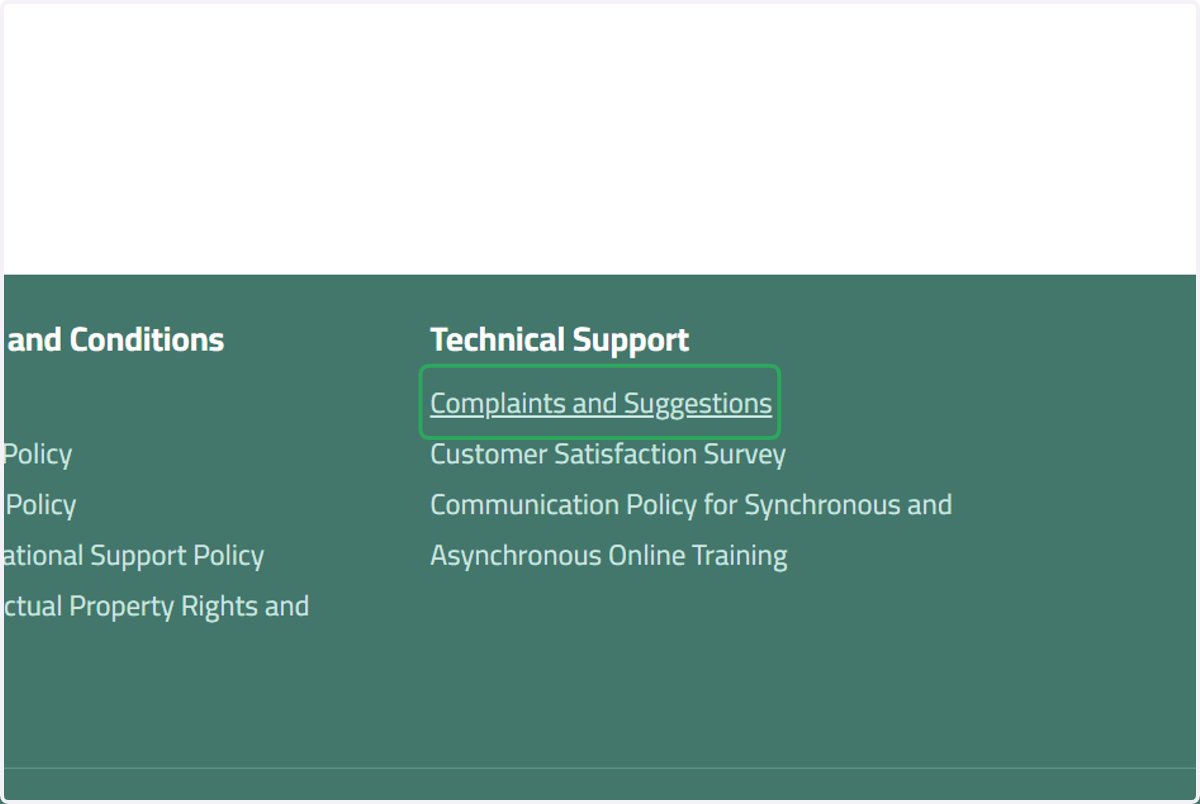
29. Click on Complaints and Suggestions
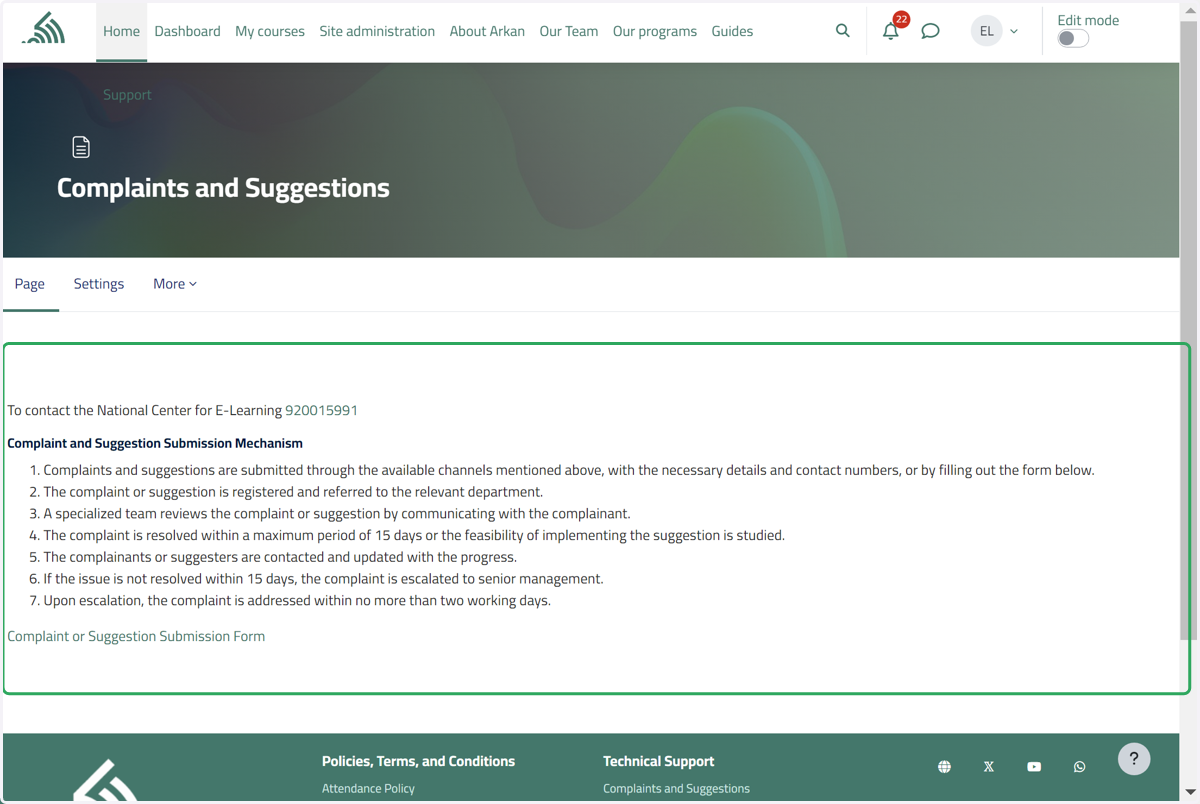
Click on this button to submit a complaint or suggestion by filling out this form. Please ensure all required fields are filled out.
30. Click on Completion requirements…
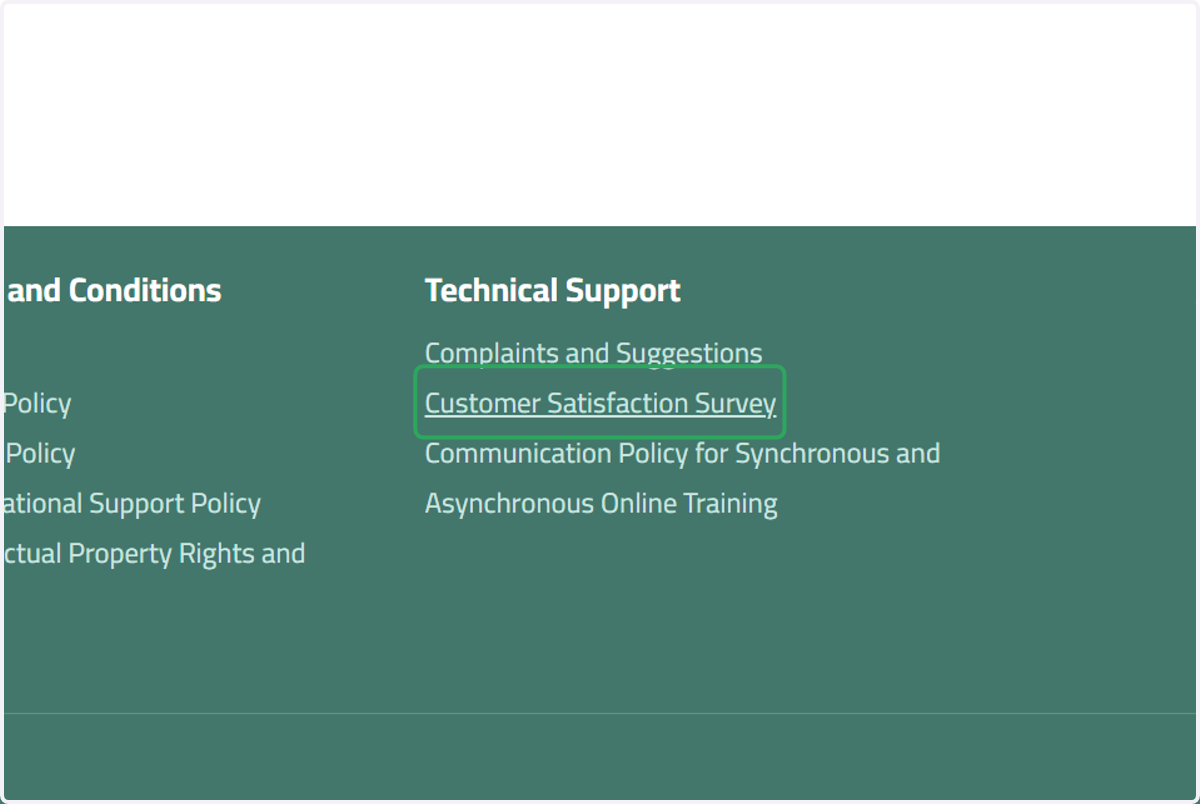
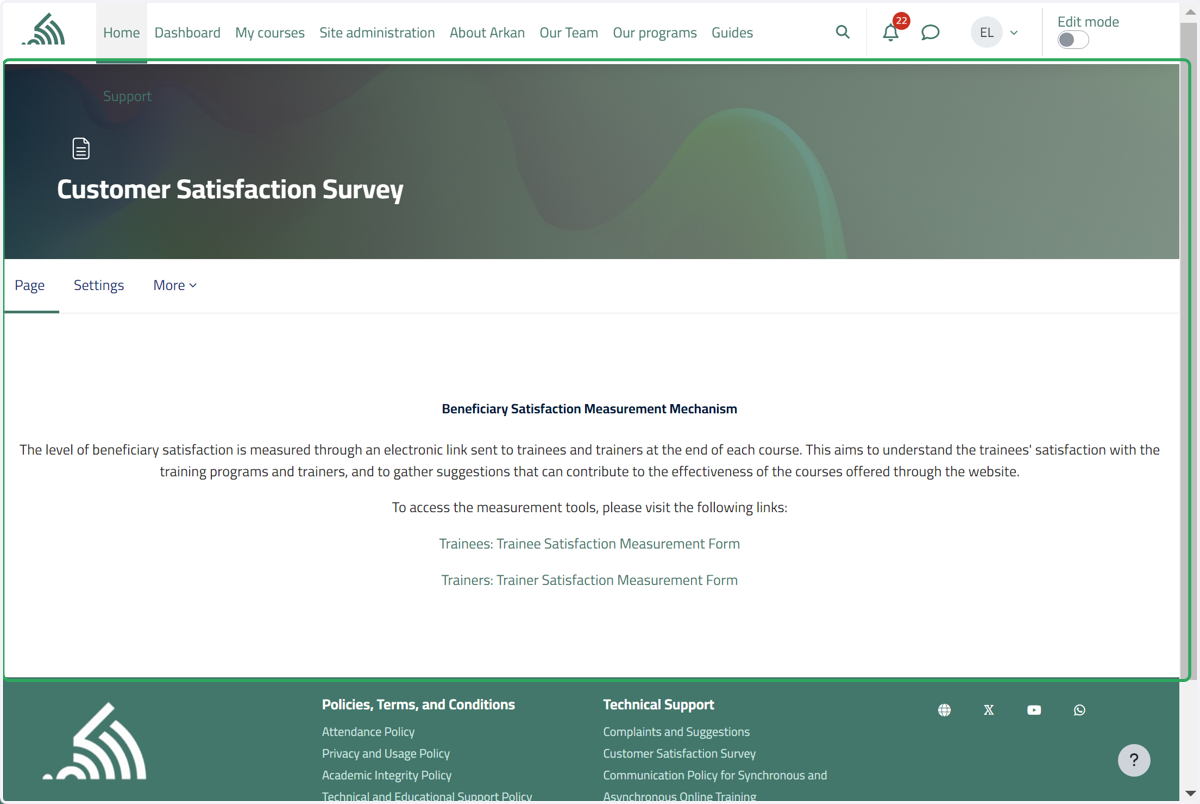
31. Click on Customer Satisfaction Survey
Click on this button to submit a review about the program as a trainee or a trainer by answering a few questions.
32. Click on Customer Satisfaction Survey…
33. Contact and social media button
Click on one of these buttons to contact us or view our social media platforms.