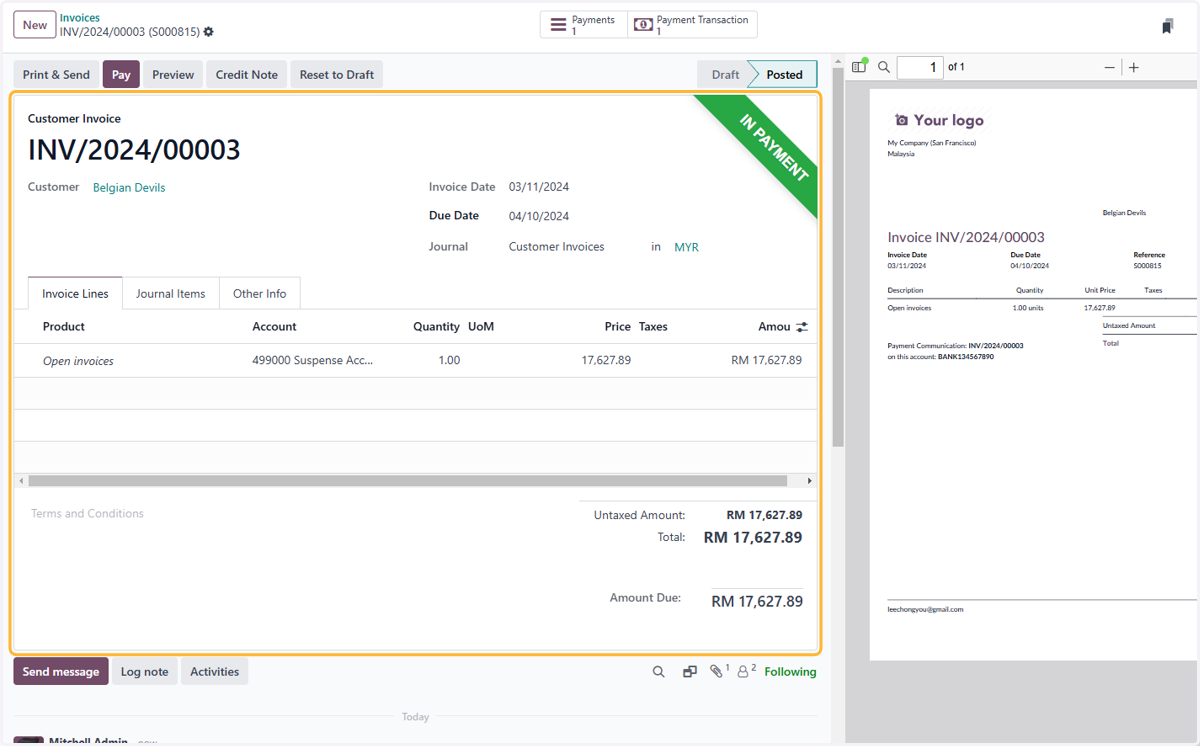
2.1 How to set up online payment provider
Setting up Online Payment Method
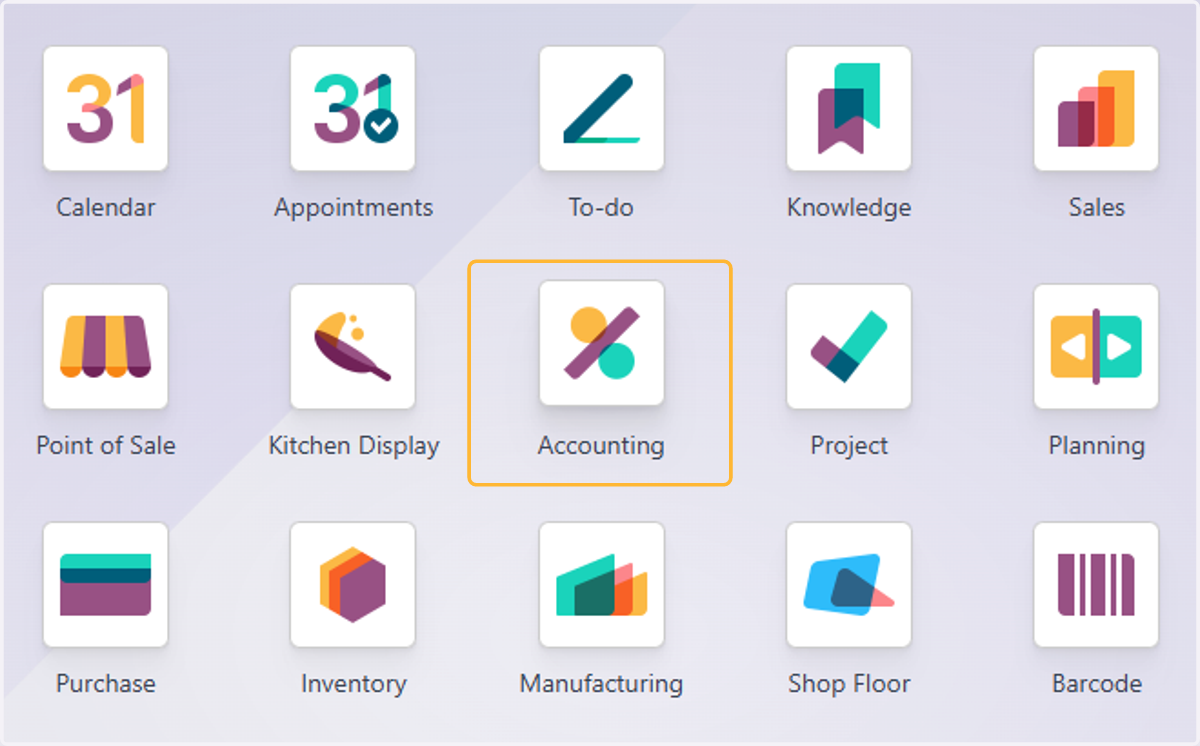
1. Click on Accounting
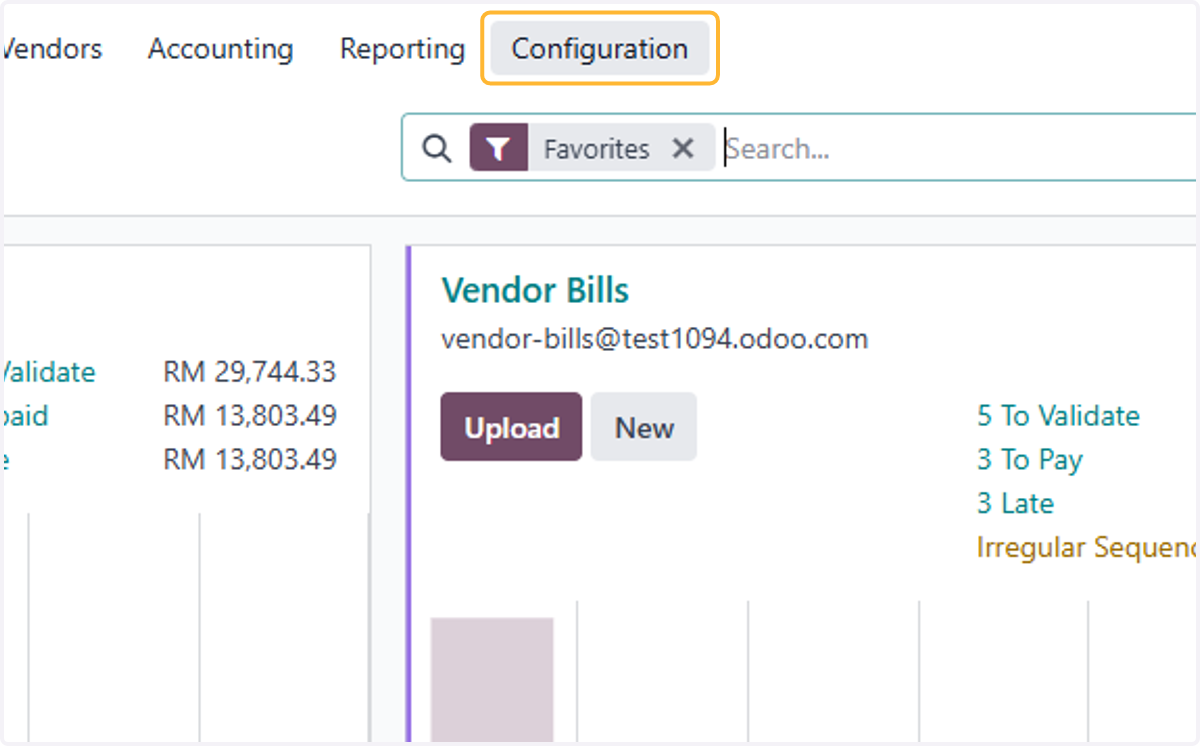
2. Click on Configuration
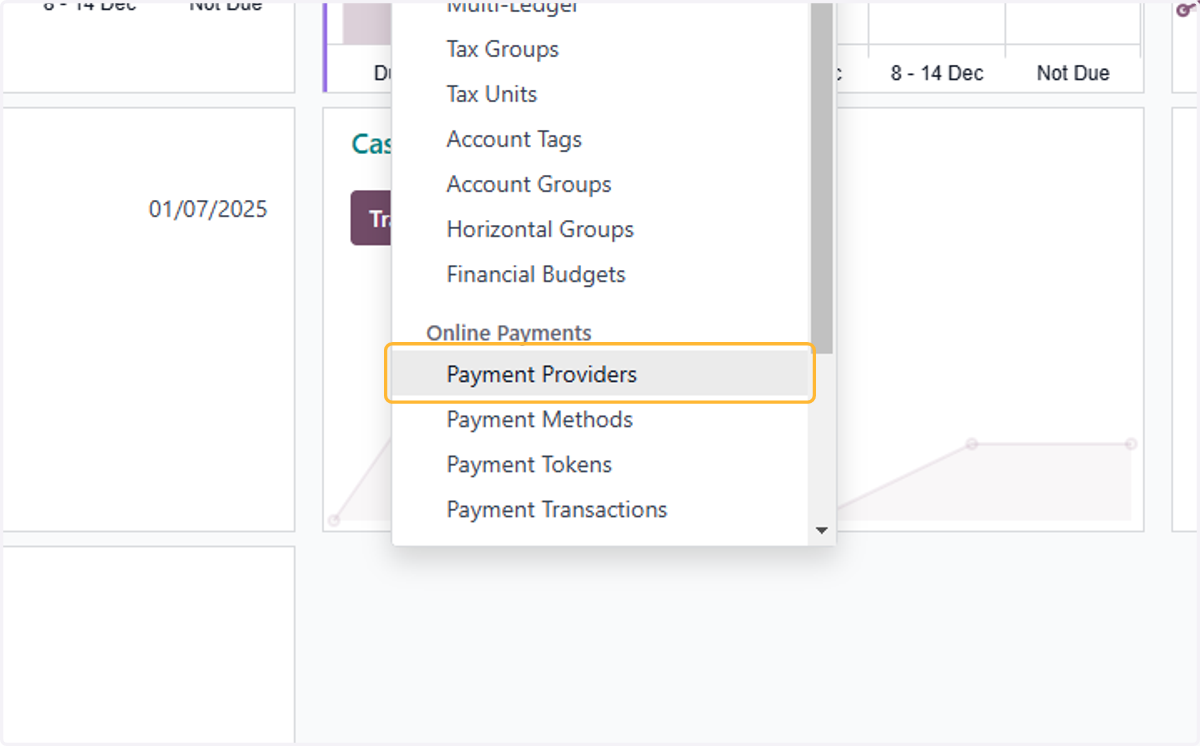
3. Click on Payment Providers
4. List of available payment providers on Odoo
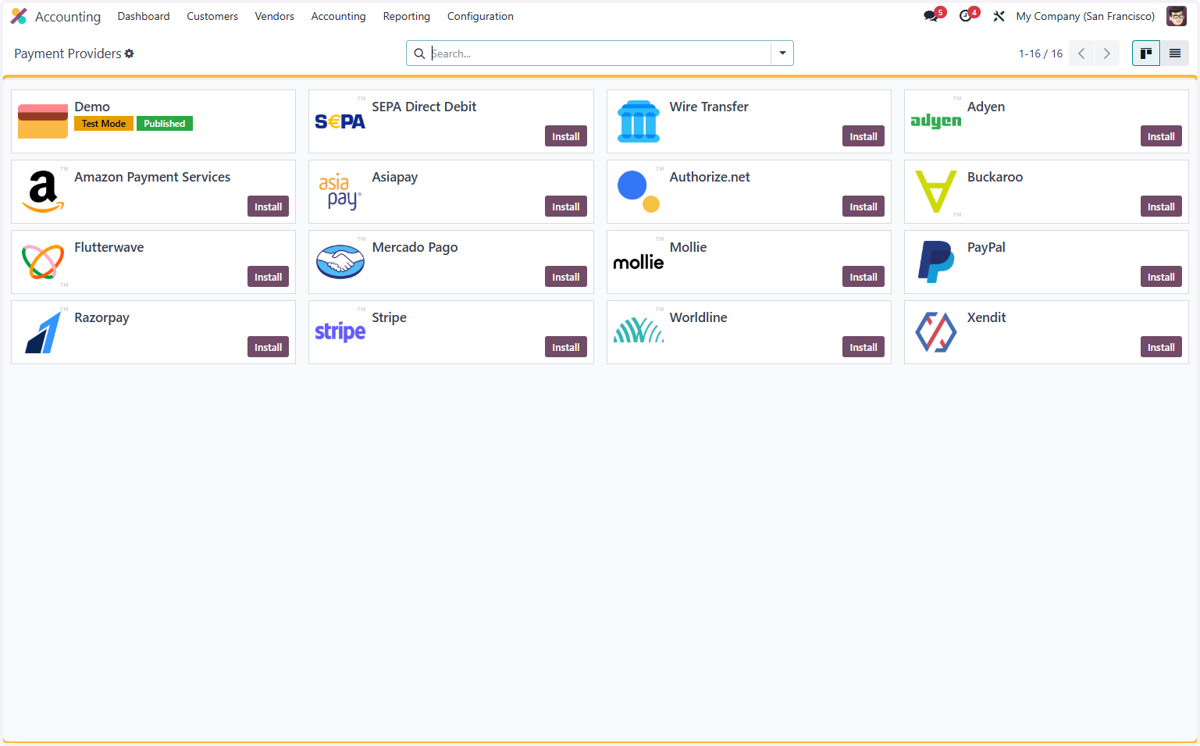
5. Install relevant payment method.
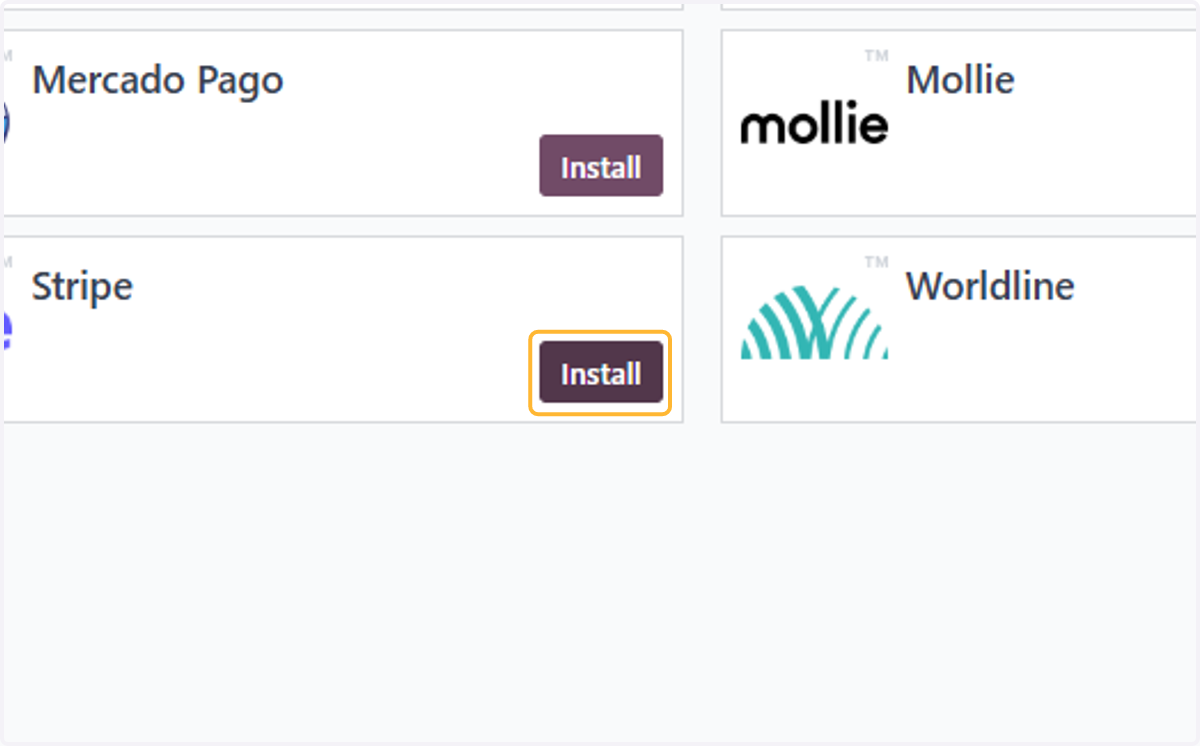
6. Click on Activate
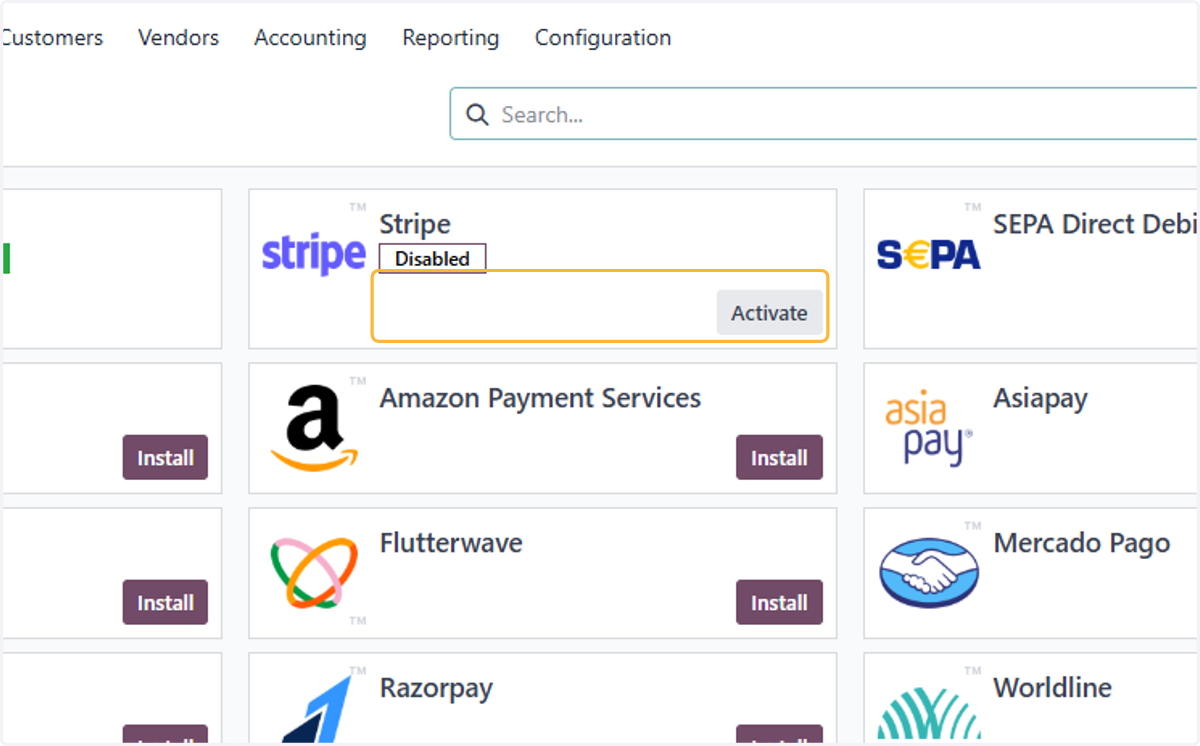
7. Set-up is required but as an demonstration, Test mode will be used.
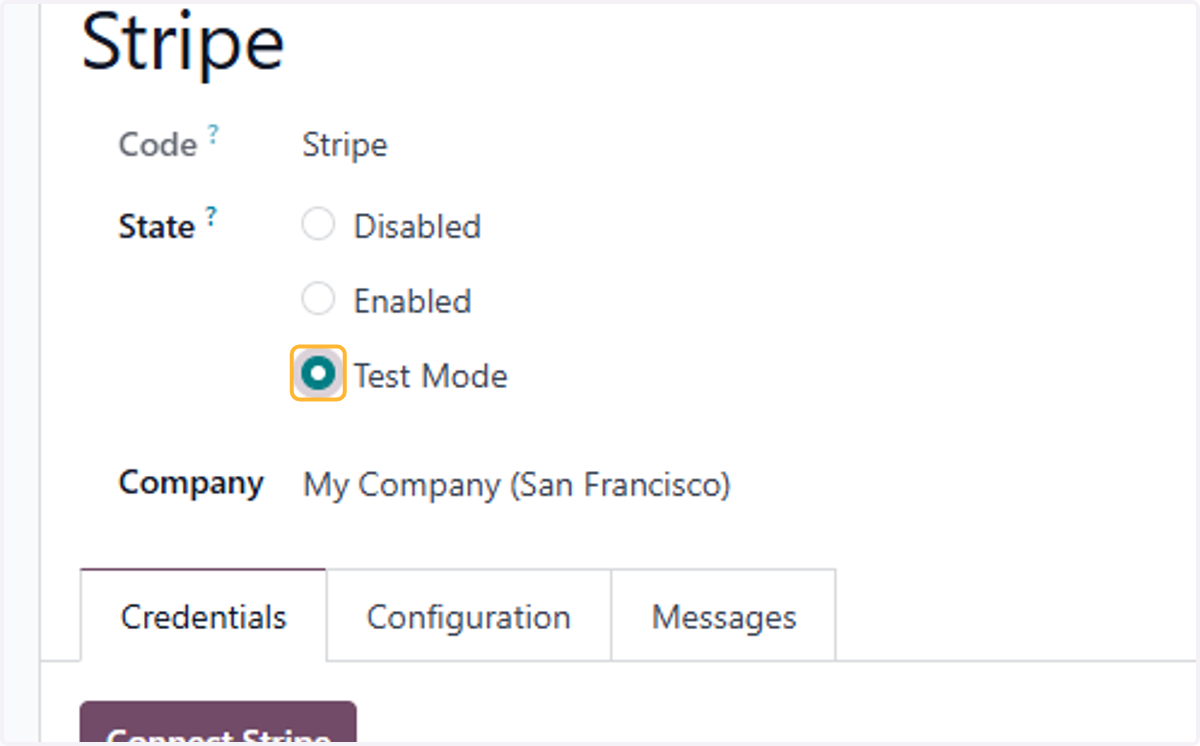
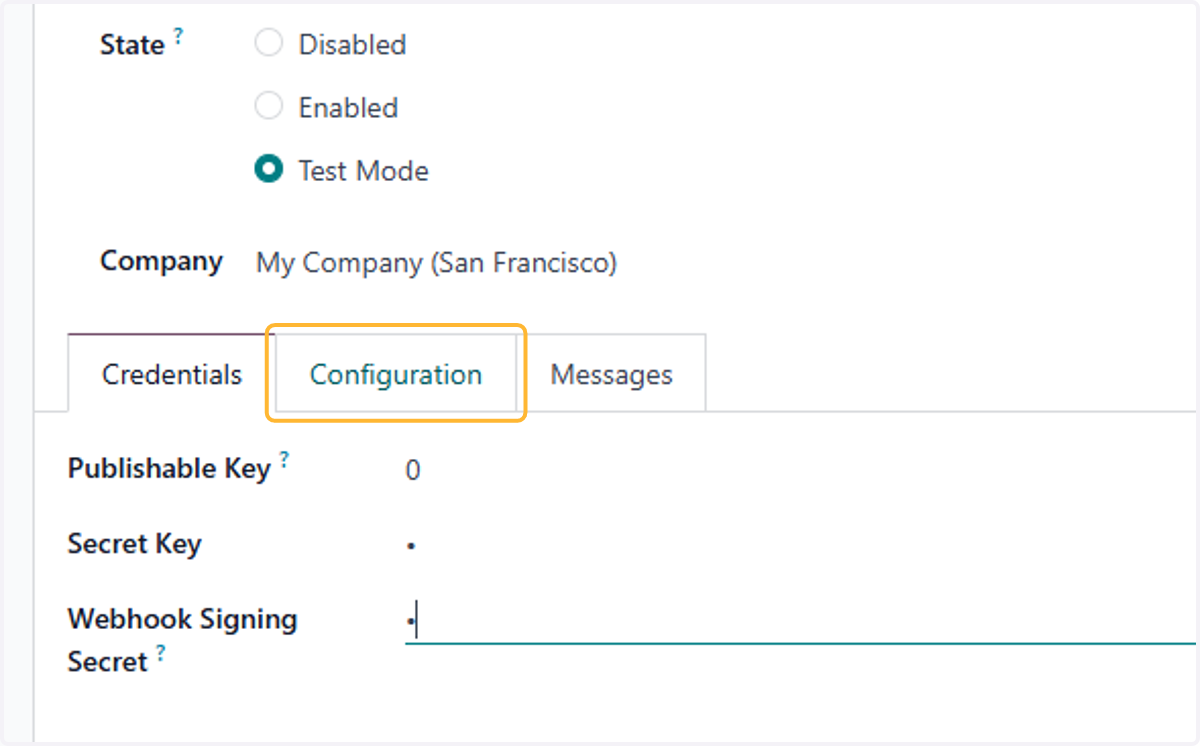
8. Fill in Publishable Key provided by the Selected API
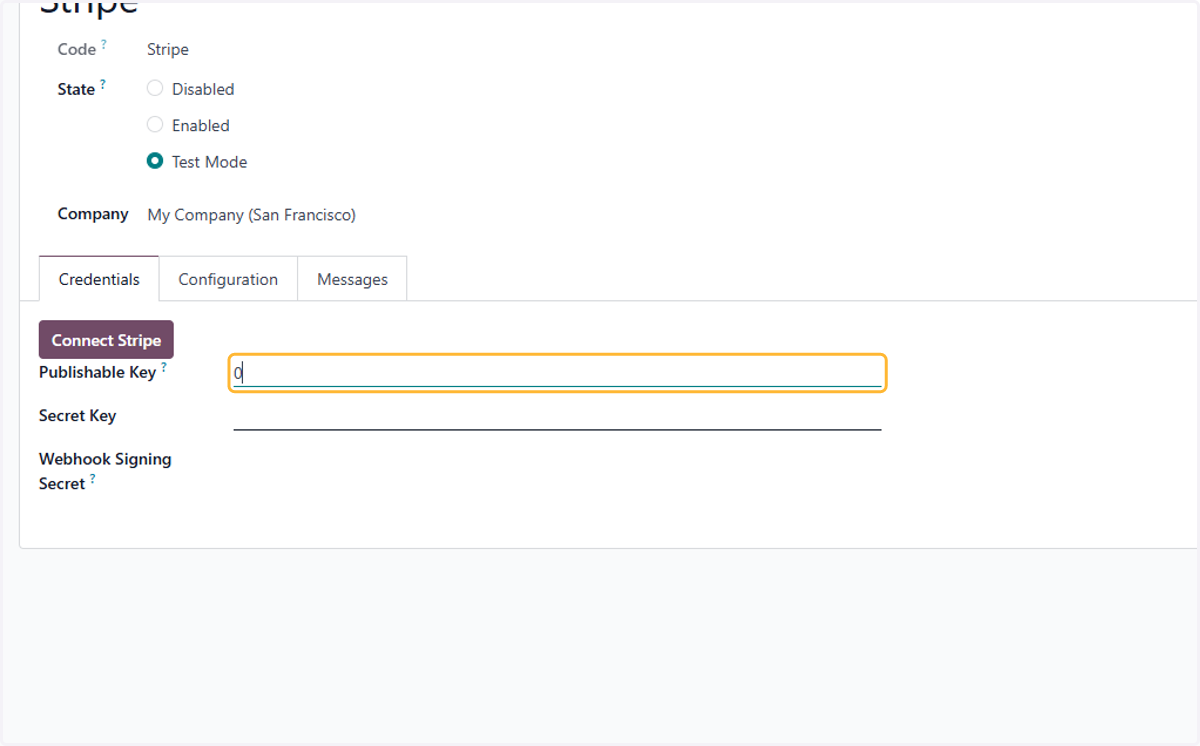
9. Fill in Secret Key provided by the Selected API
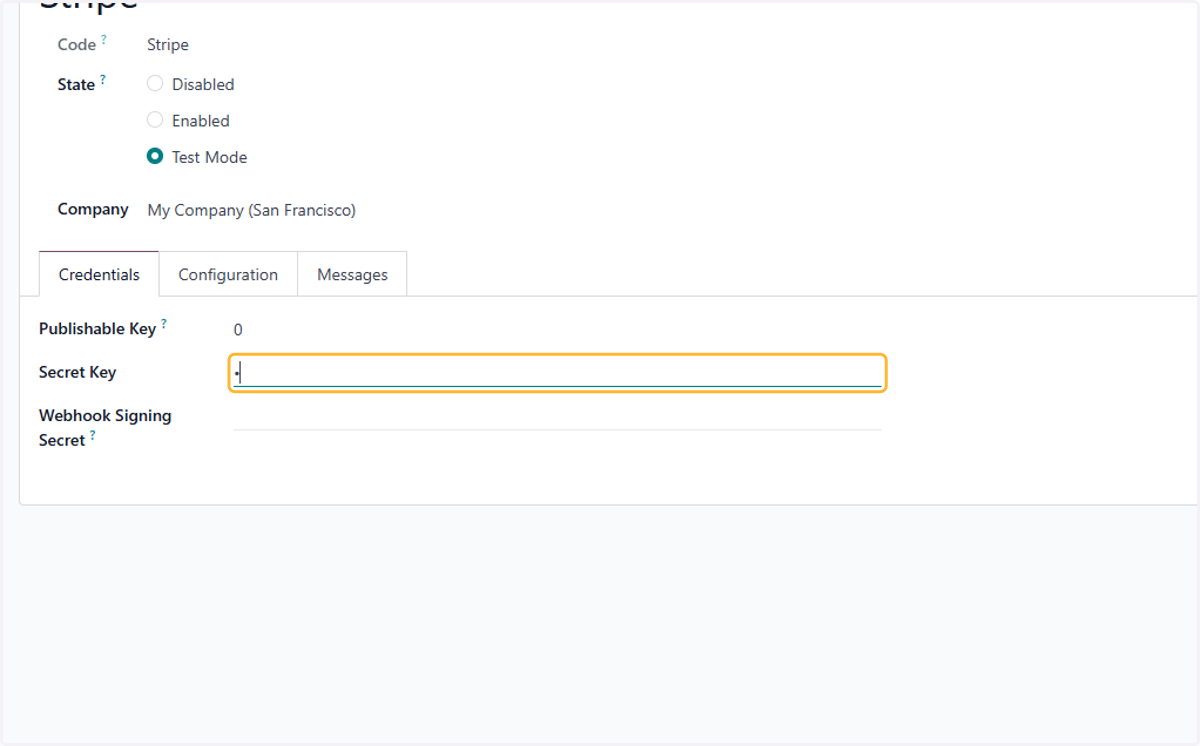
10. Fill in Webhook Signing Secret provided by the Selected API
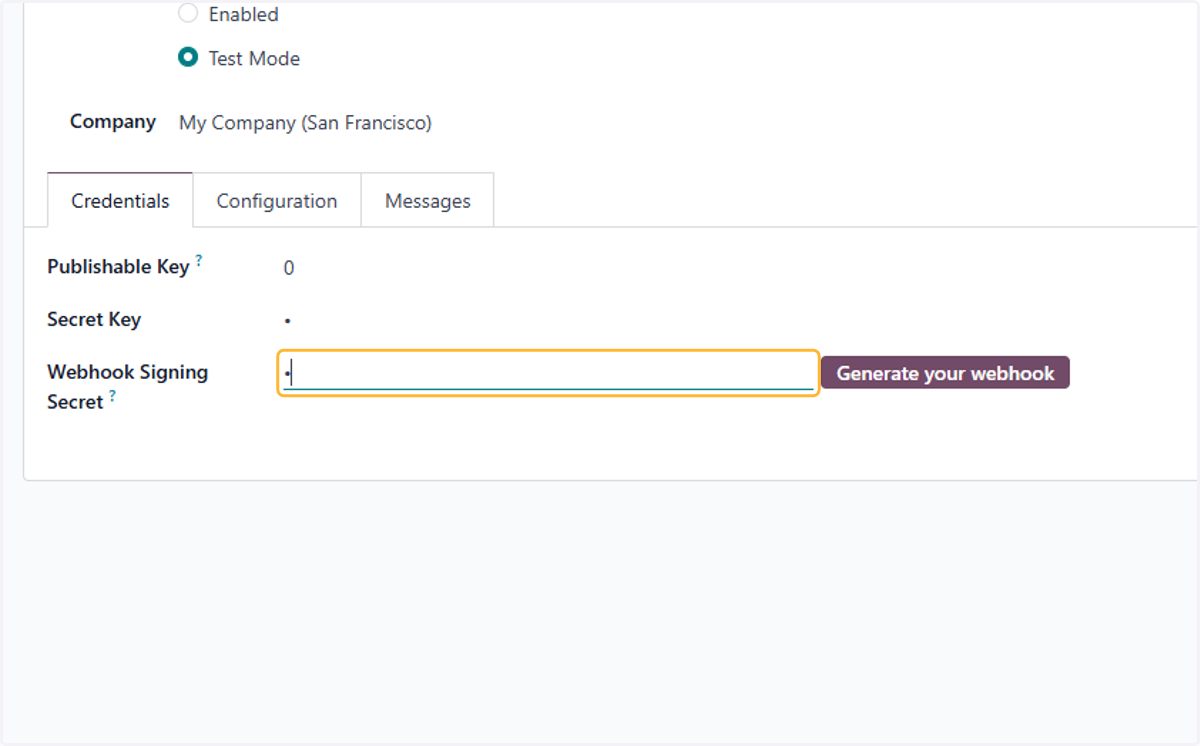
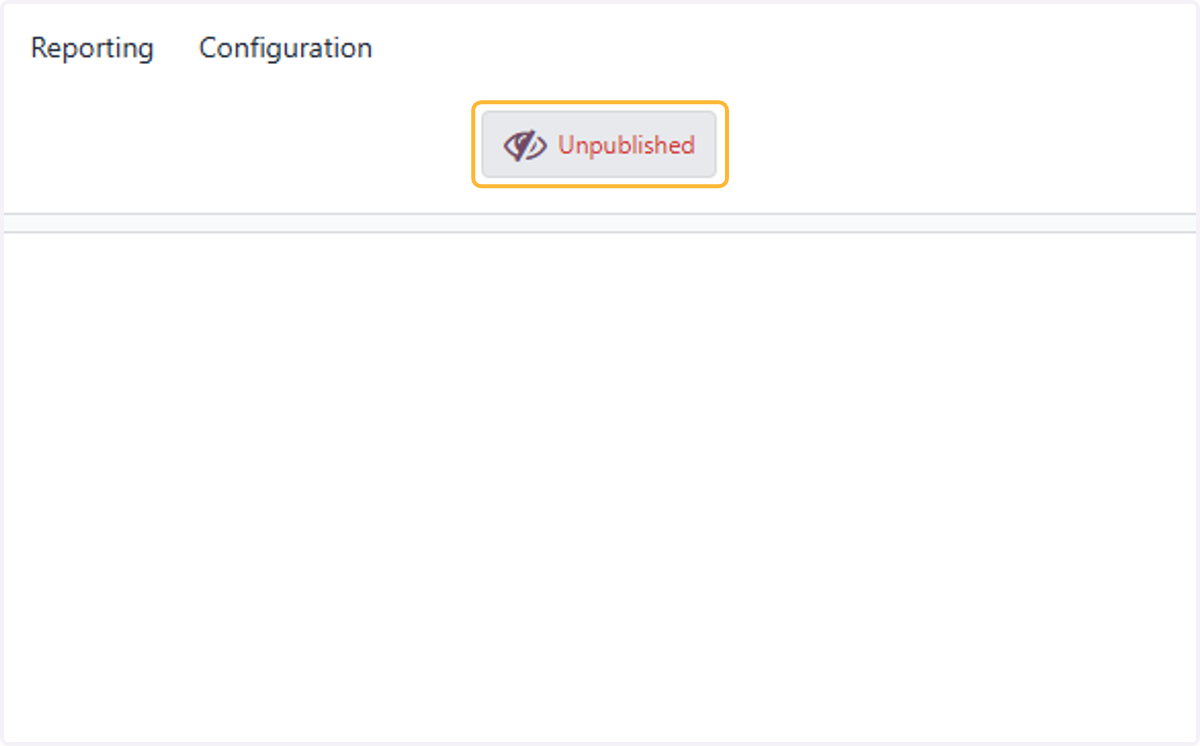
11. Click on Unpublished
12. Click on Configuration
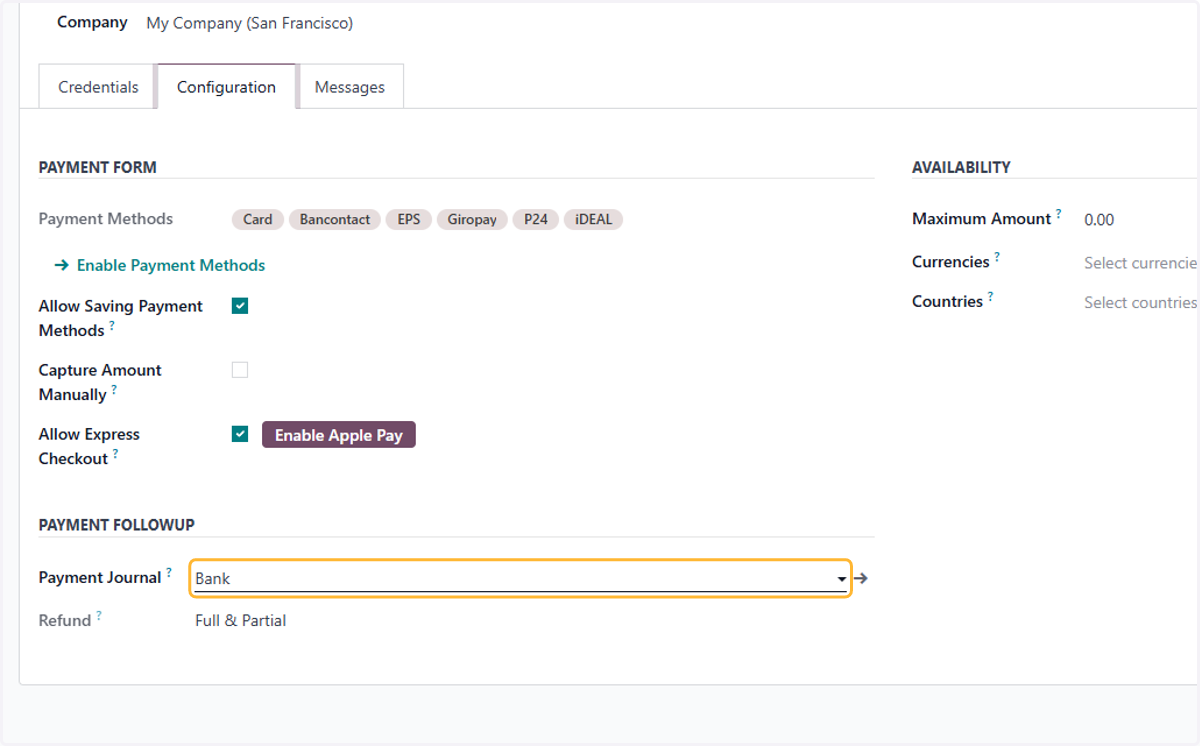
13. Select Payment Journal
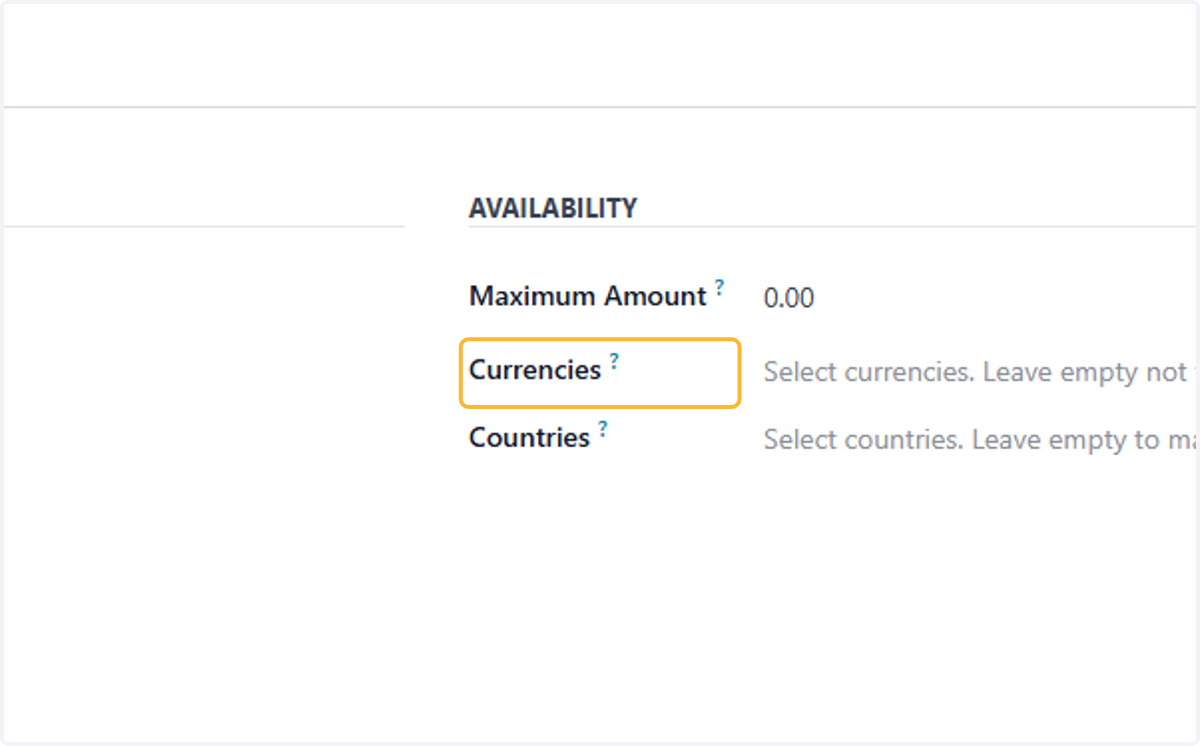
14. Fill in Maximum amount, Currencies or Countries available if necessary. Leave Blank otherwise
Simulation of customer payment
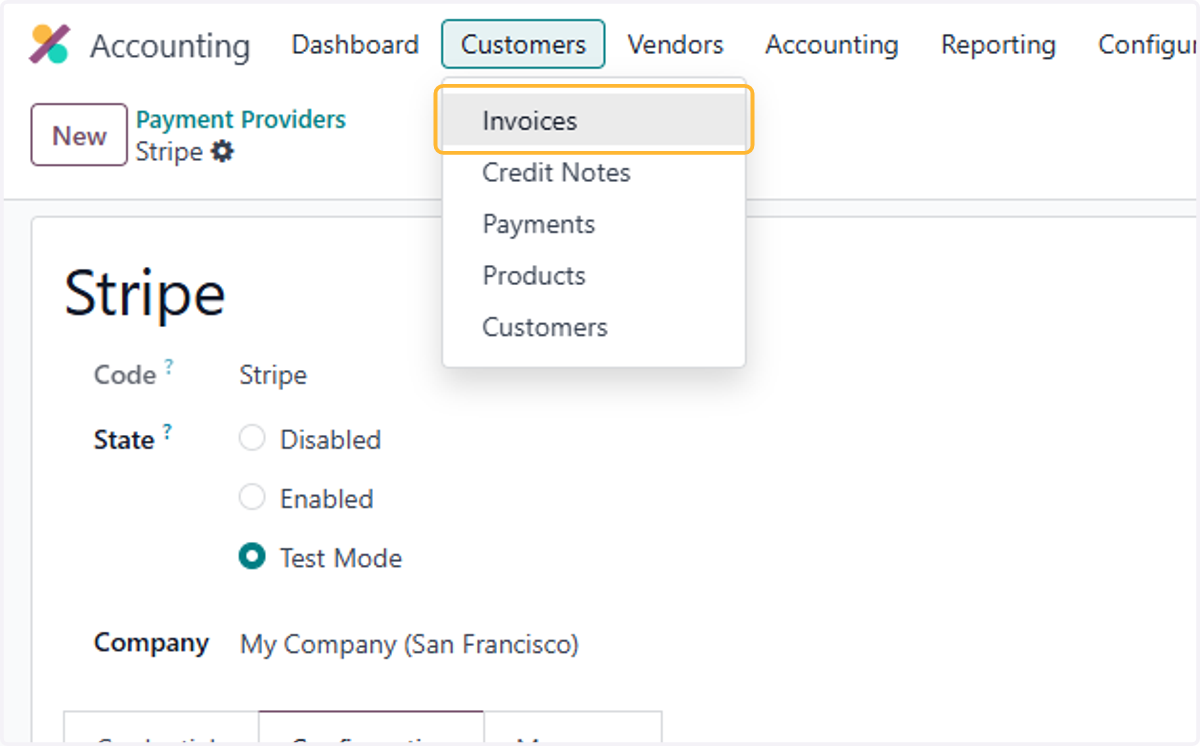
15. Click on Invoices
16. Select desired Invoice or create new. Once done, Click on Print & Send
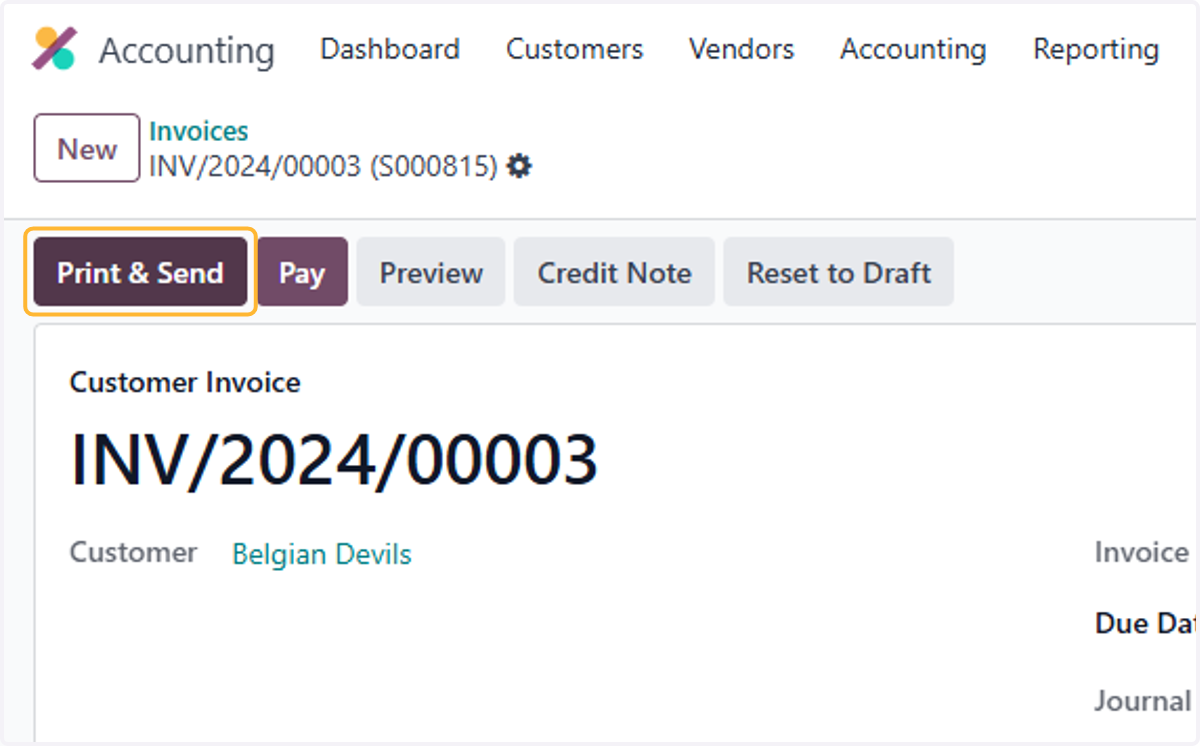
17. Check details of Email generated.
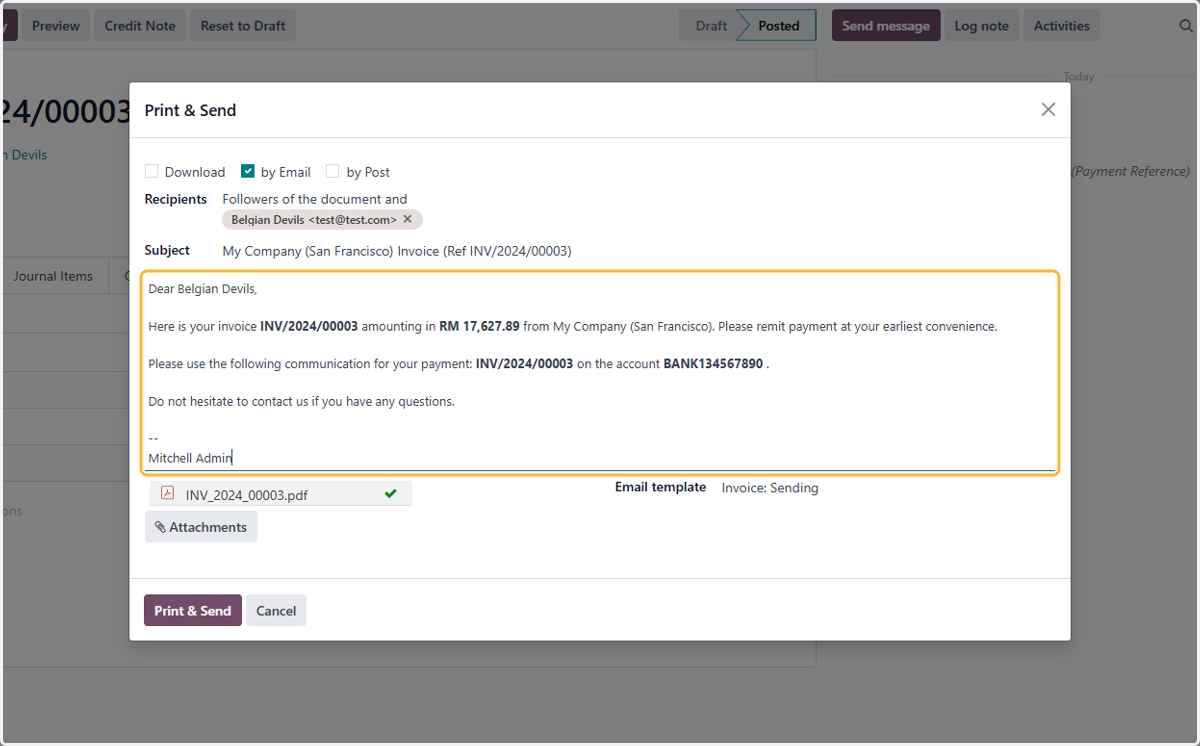
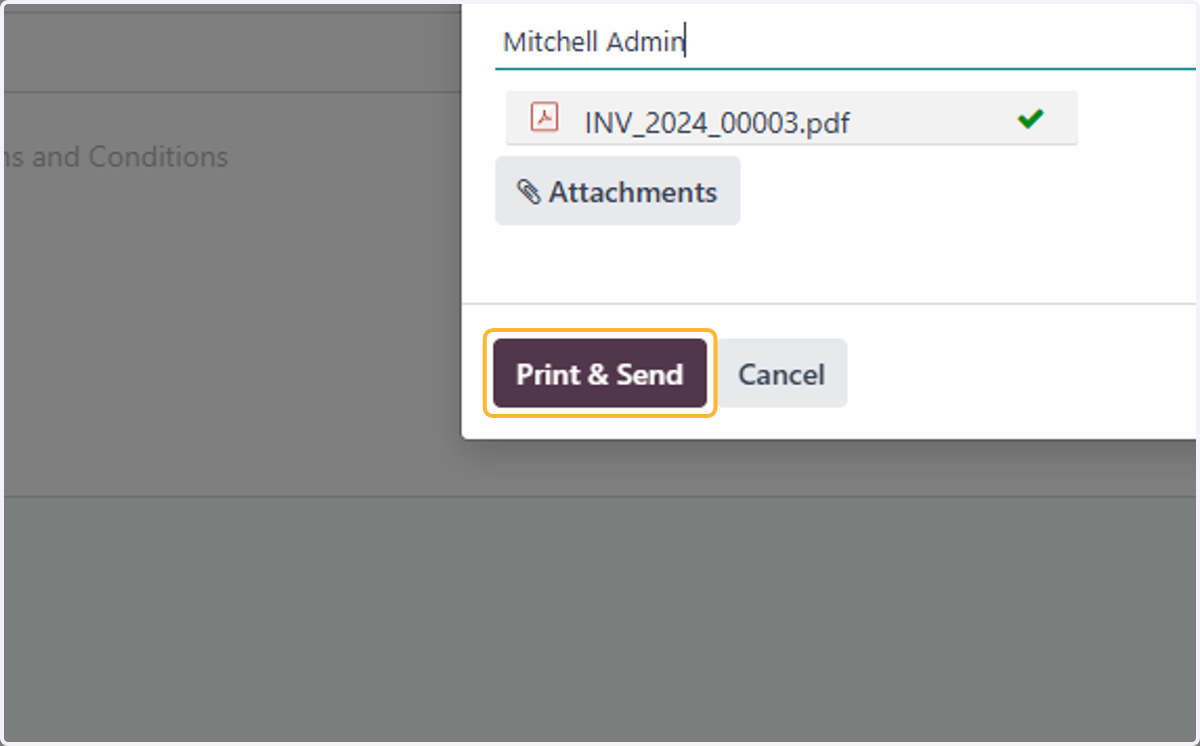
18. Click on Print & Send
19. Chatterbox Log of email sent.
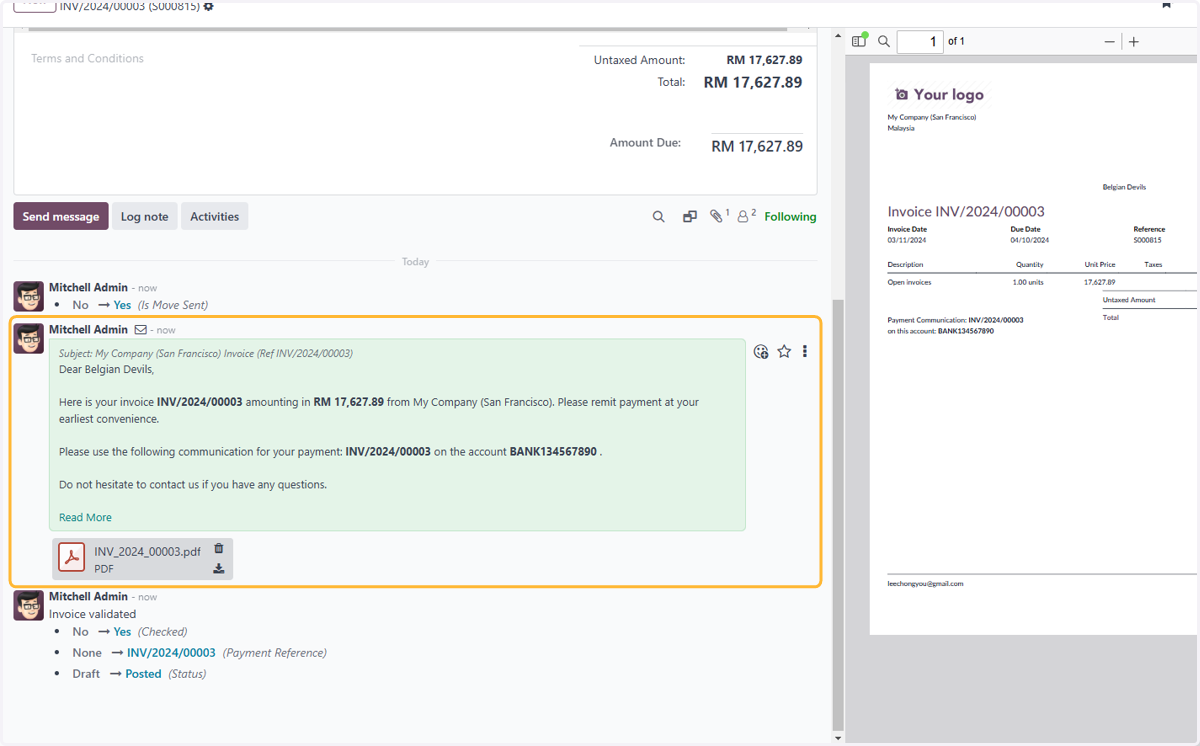
20. Click on Preview. This will show how the customer will view payment upon receiving the email
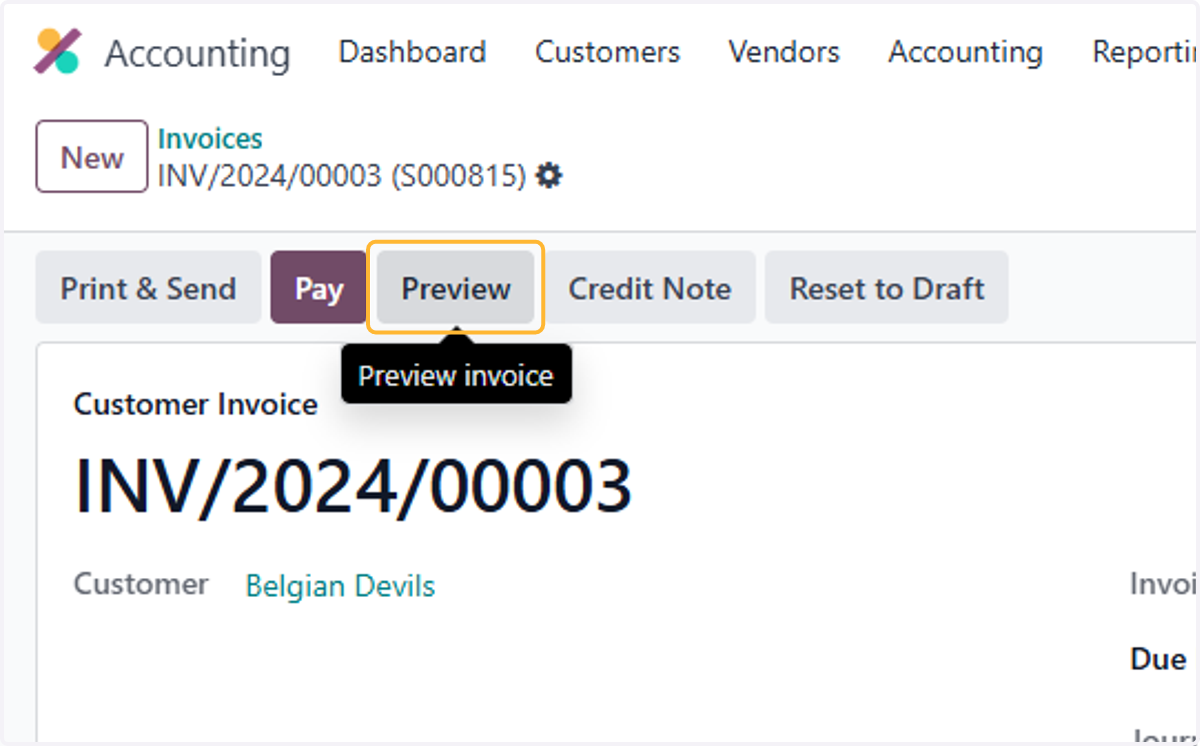
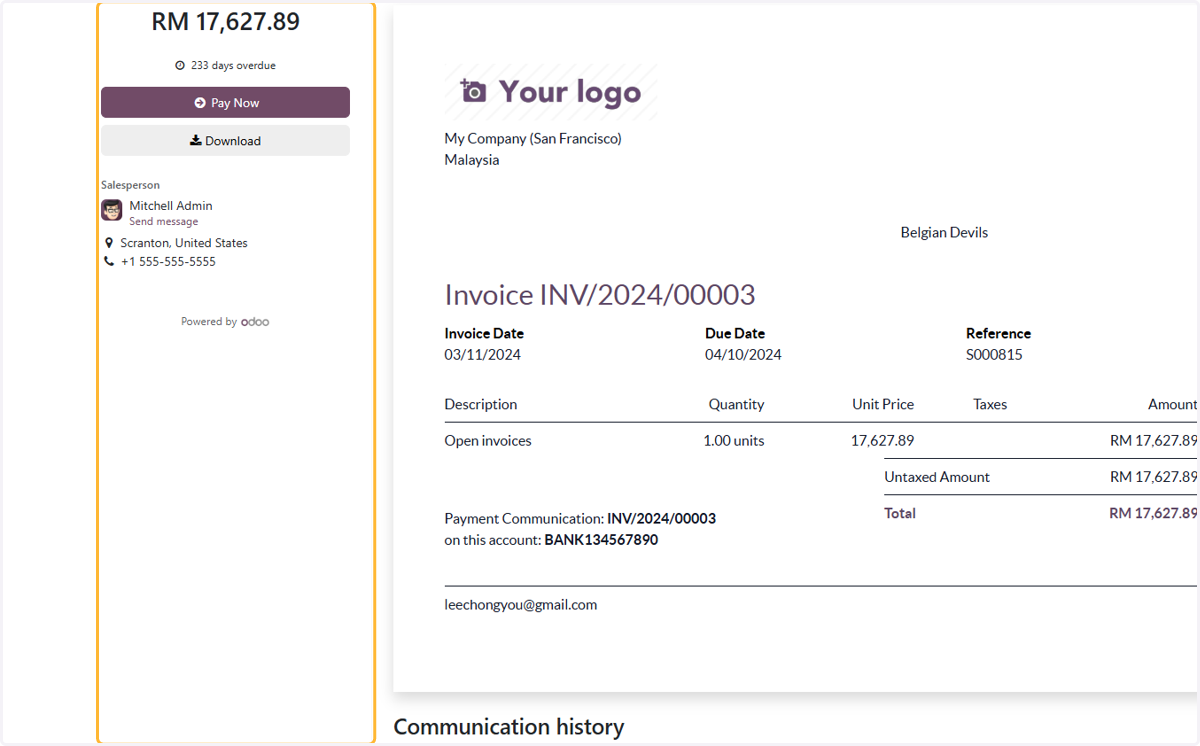
21. Will be redirected to this invoice page.
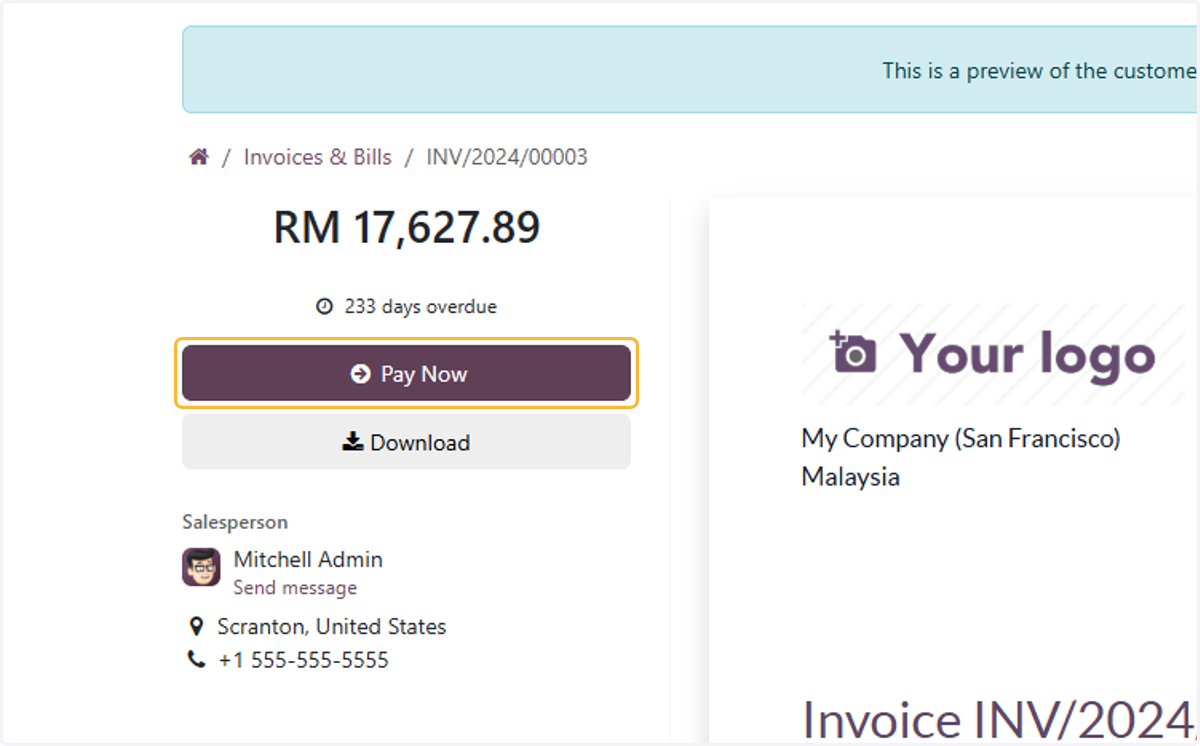
22. Click on Pay Now
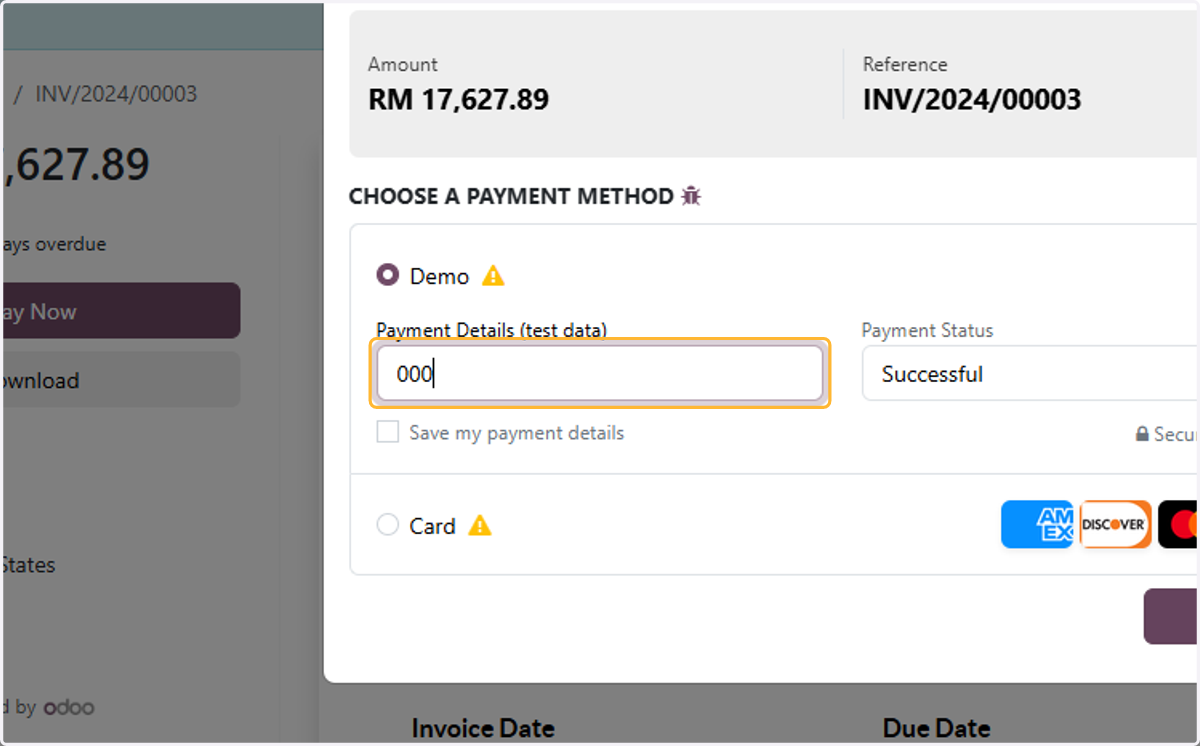
23. Select a payment method. For example, Demo
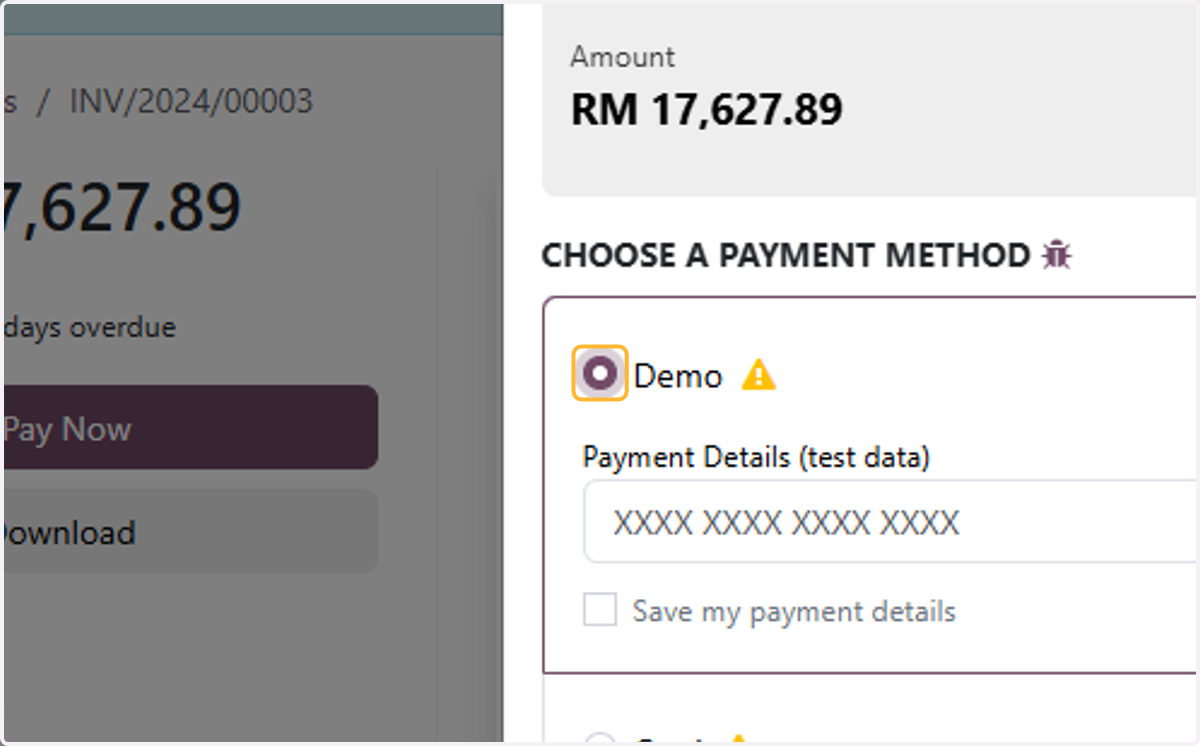
24. Customer to Key in card details
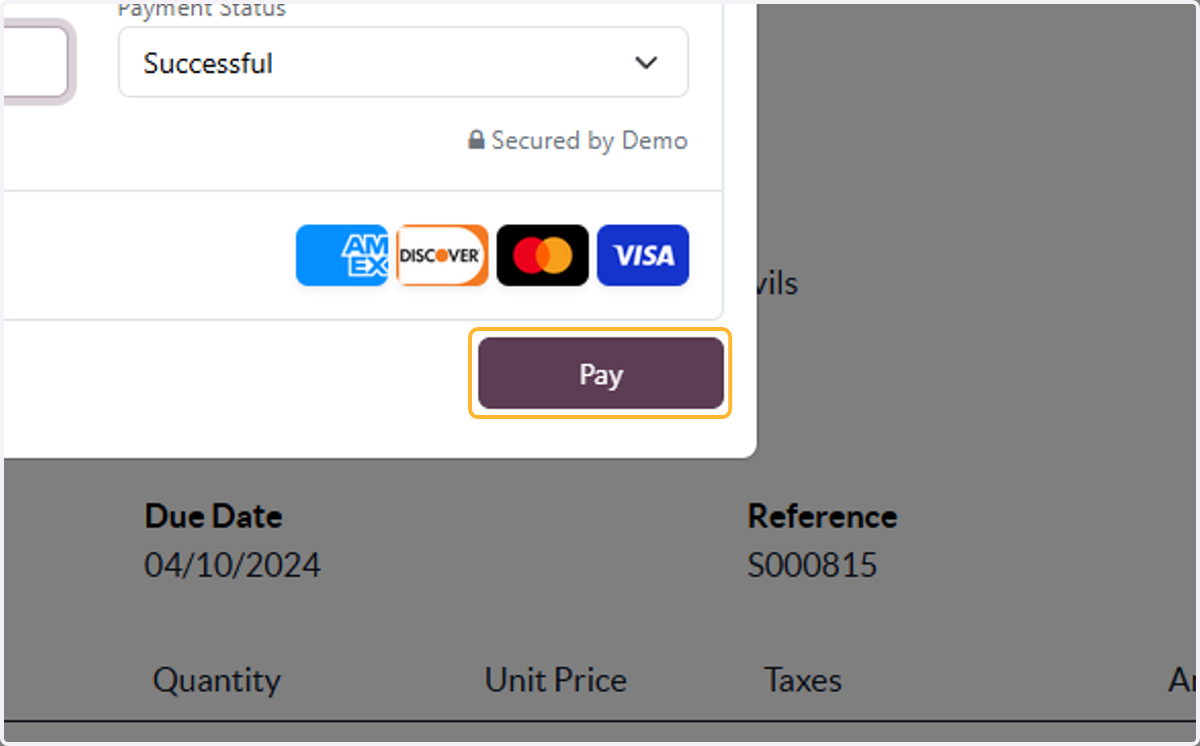
25. Click on Pay
26. Notice of Payment
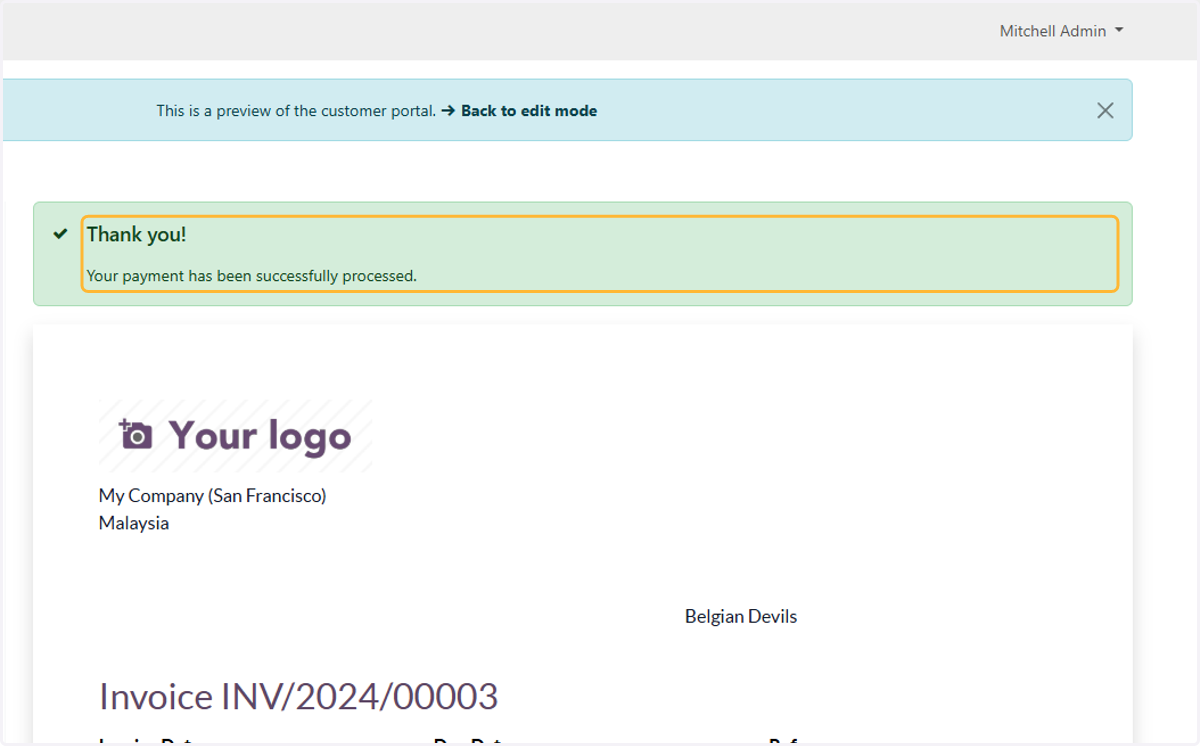
27. View of the invoice after payment was made.