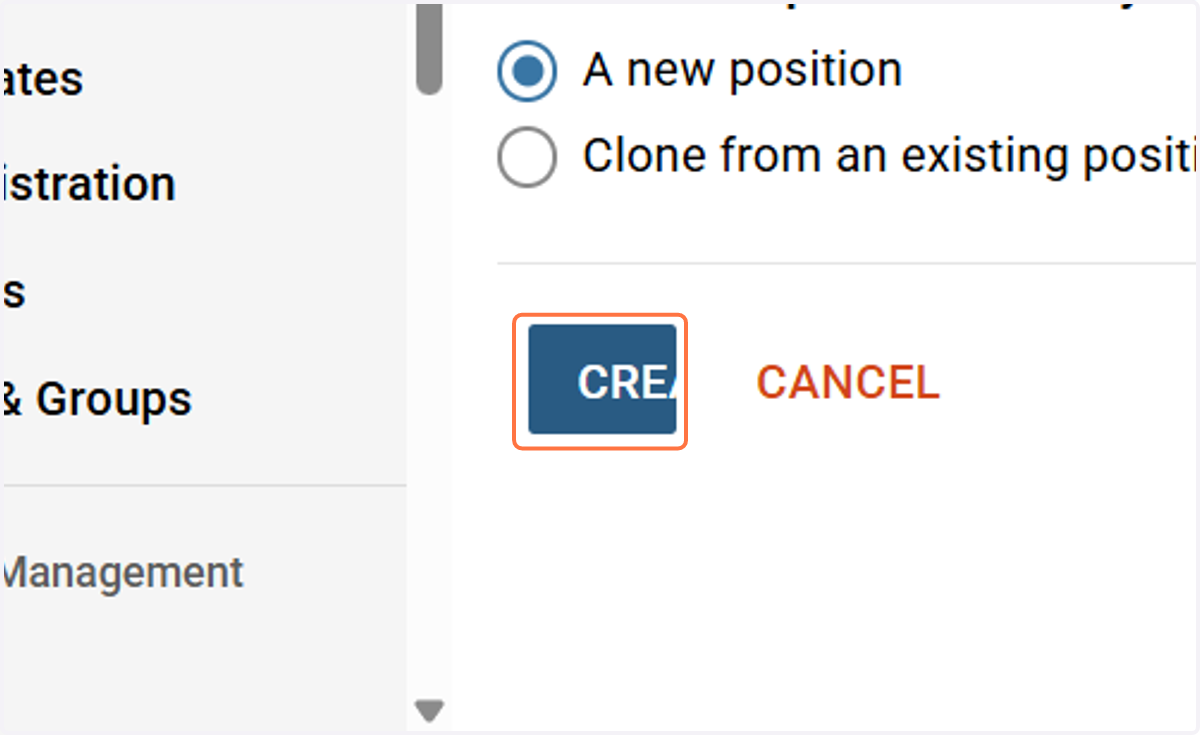
A. Create a Full Time Faculty Position in Interfolio
Interfolio
1. Log into Interfolio Faculty Search
Use your Lehigh University credentials to log into Interfolio. Once logged in, select "Positions" under the Faculty Search menu found in the left navigation bar.
2. Click on Create New Position

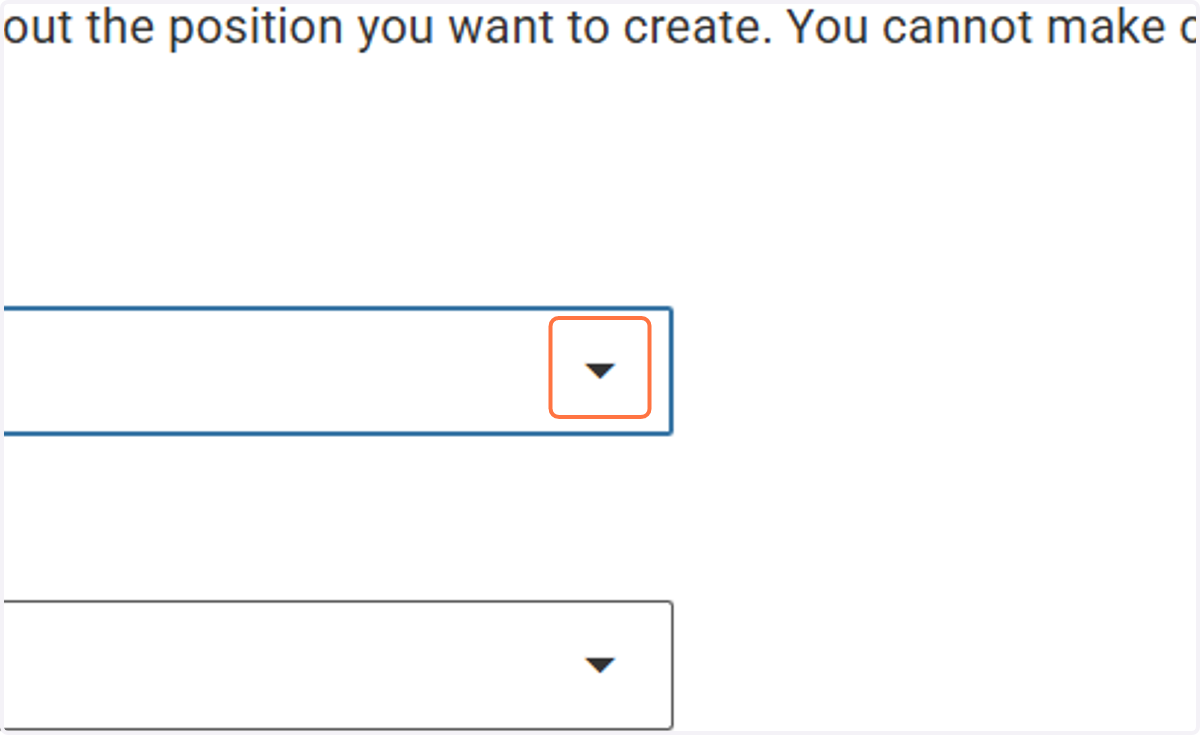
3. Click on arrow_drop_down to select "Full Time Faculty"
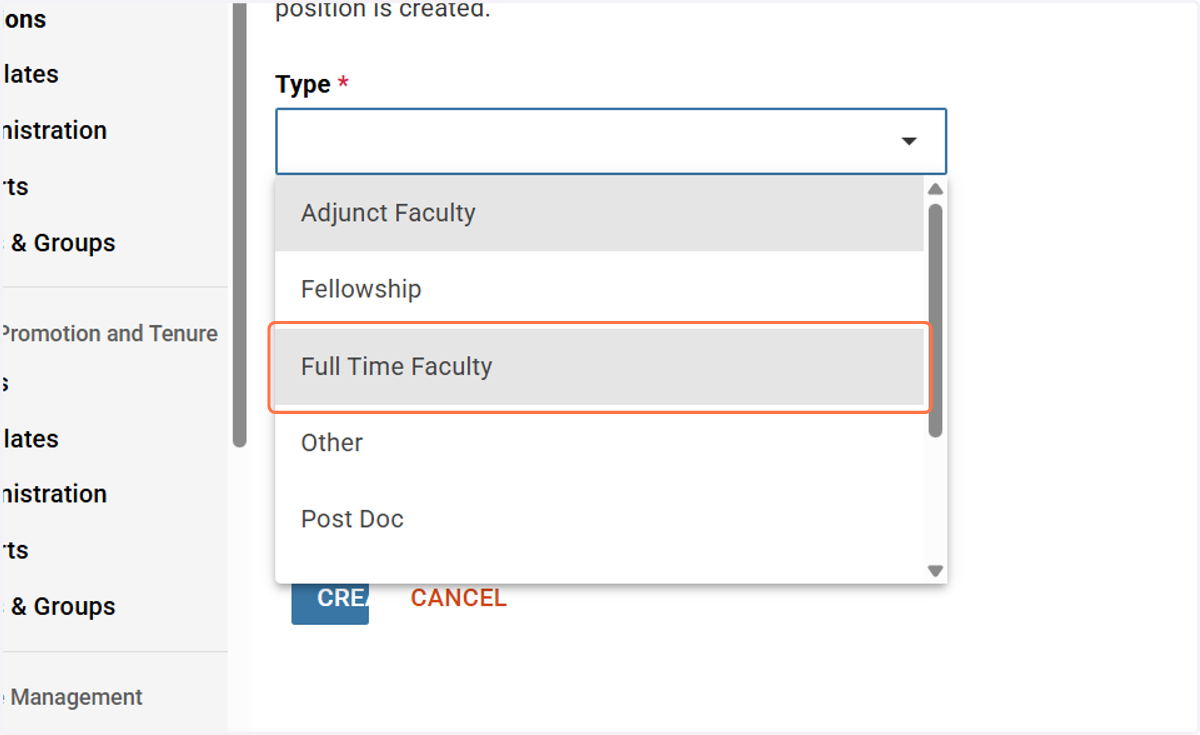
Full Time Faculty should be used for all Provost Office approved searches. Please do not select any other option other than Full Time Faculty.
4. Click on Full Time Faculty
5. Click on CREATE