Setting up your Zoho Mail in Gmail
If you do not want to use the Zoho Mail client and prefer to use Gmail for your email client, you can. Follow the steps below to set up Gmail to send and receive.
1. Open the Gmail account you want to use to send and receive your Zoho Mails.
You will have to use an existing Gmail Account as the interface to send and receive your Zoho mails.
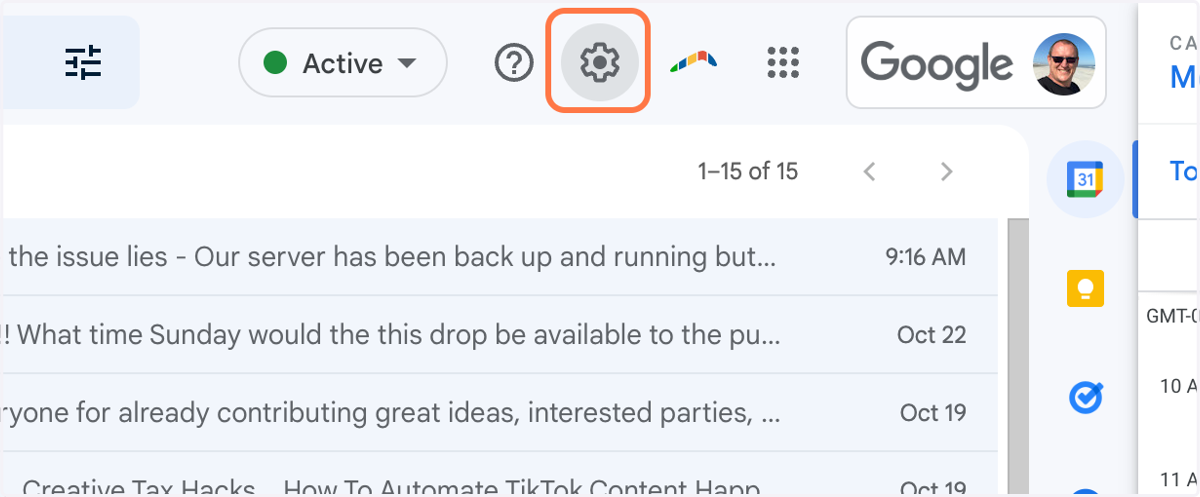
2. Click on Settings
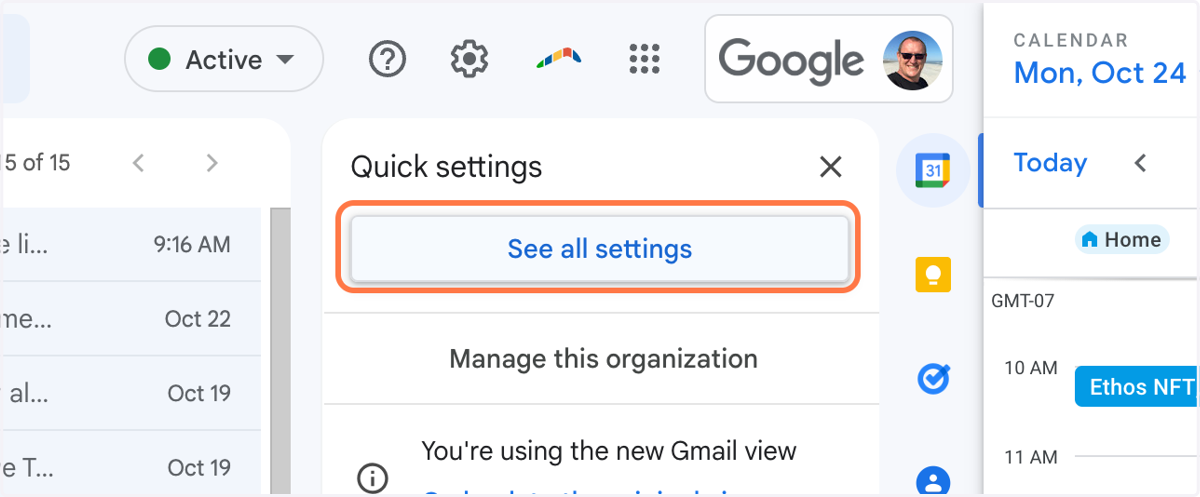
3. Click on See all settings
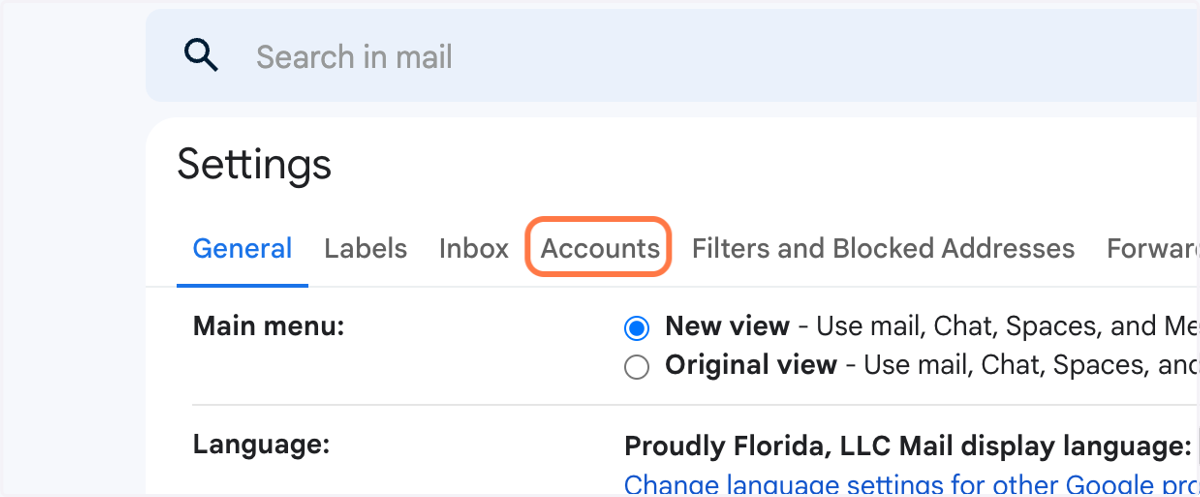
4. Click on Accounts
5. Click on Add a mail account
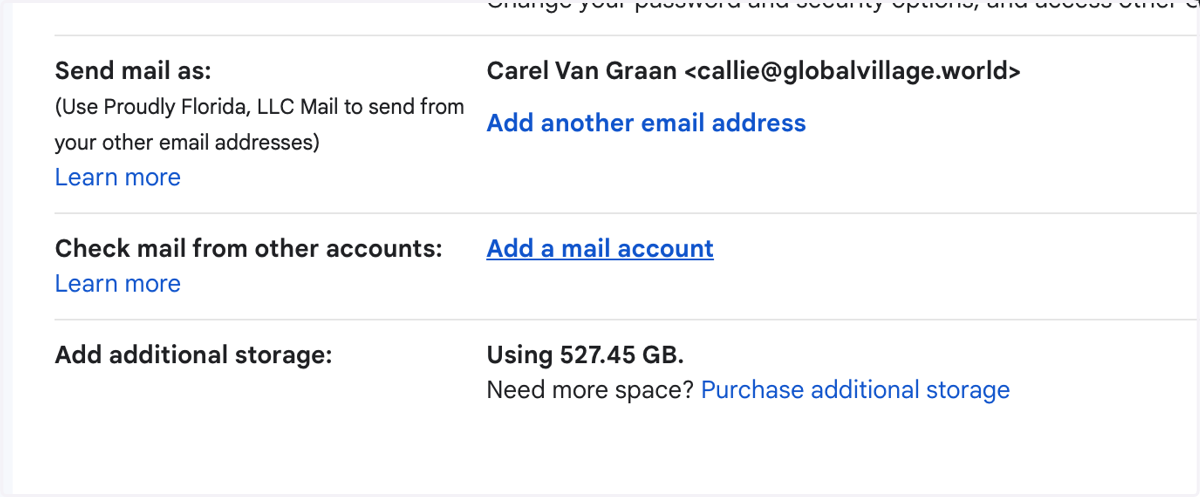
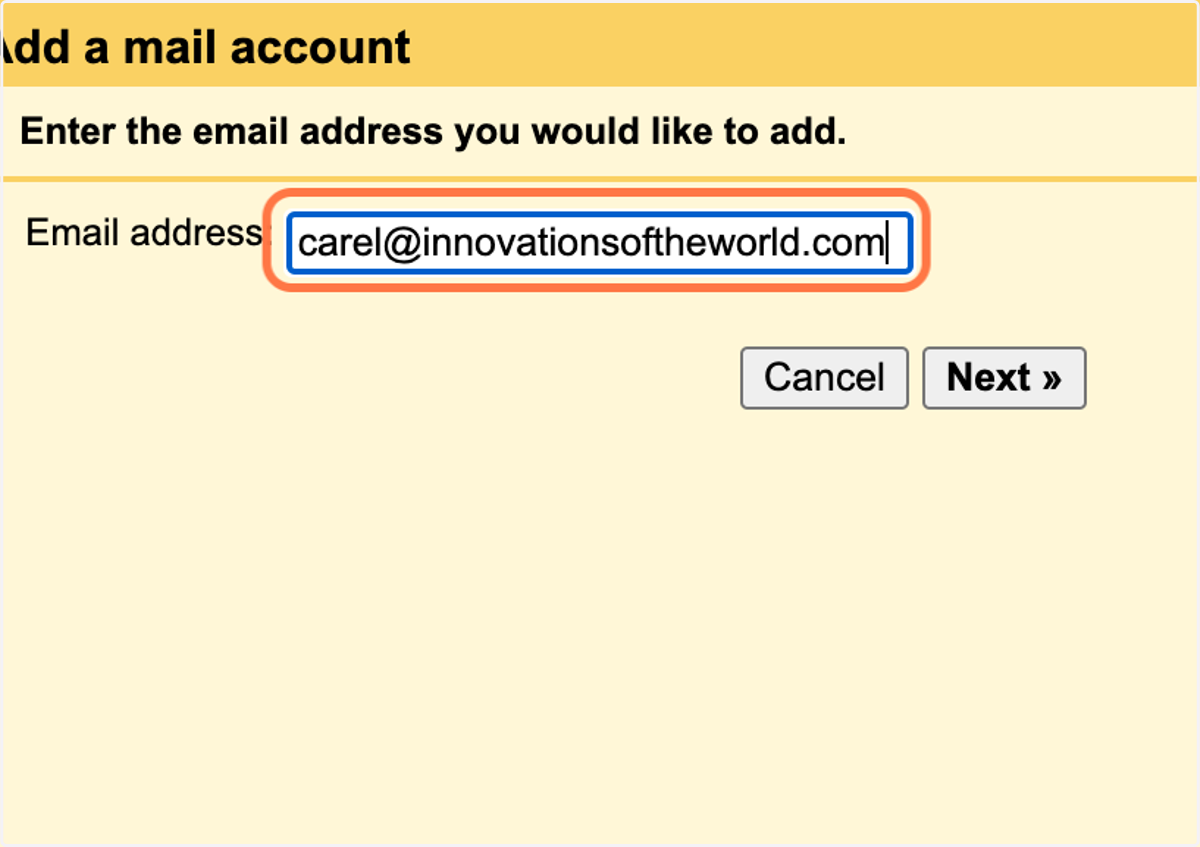
6. Enter your innovationsoftheworld.com email address
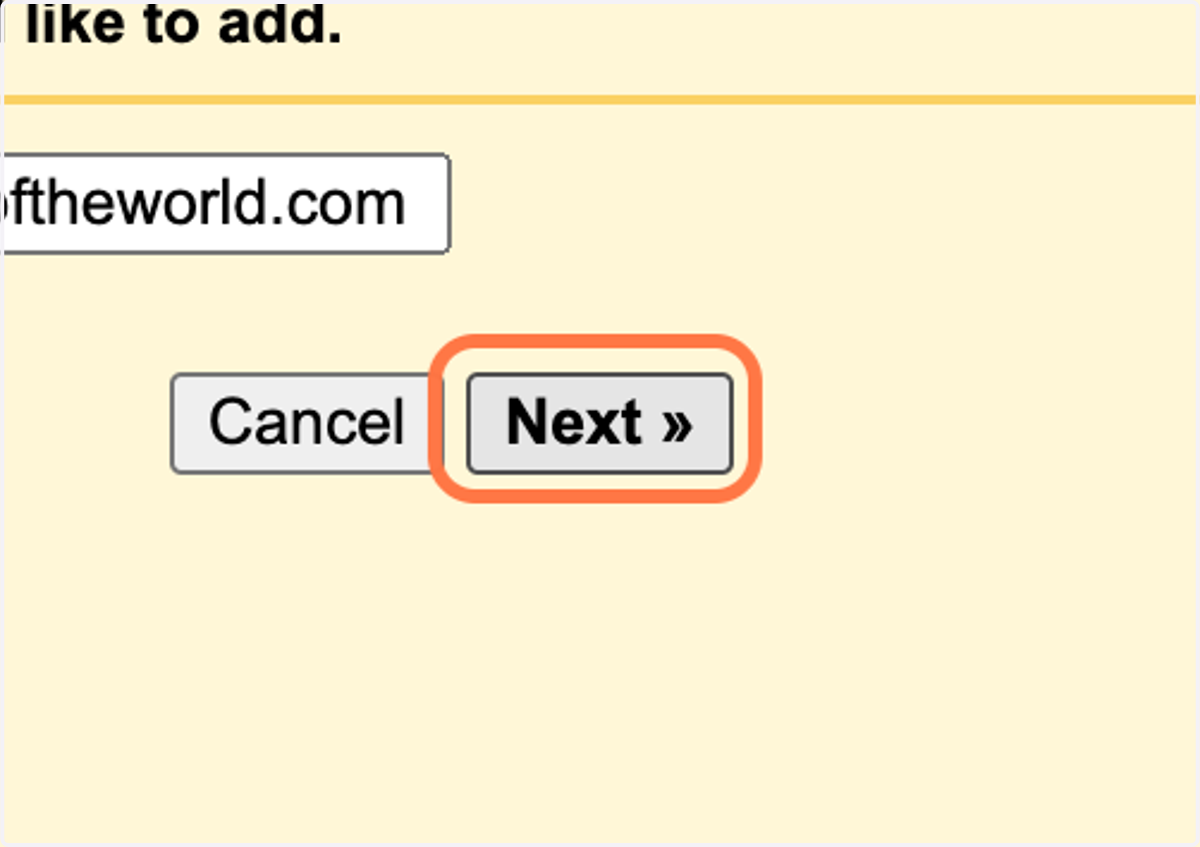
7. Click on Next »
8. Enter your email details in the Pop-Up
The username is your email address
Password is your Zoho Password
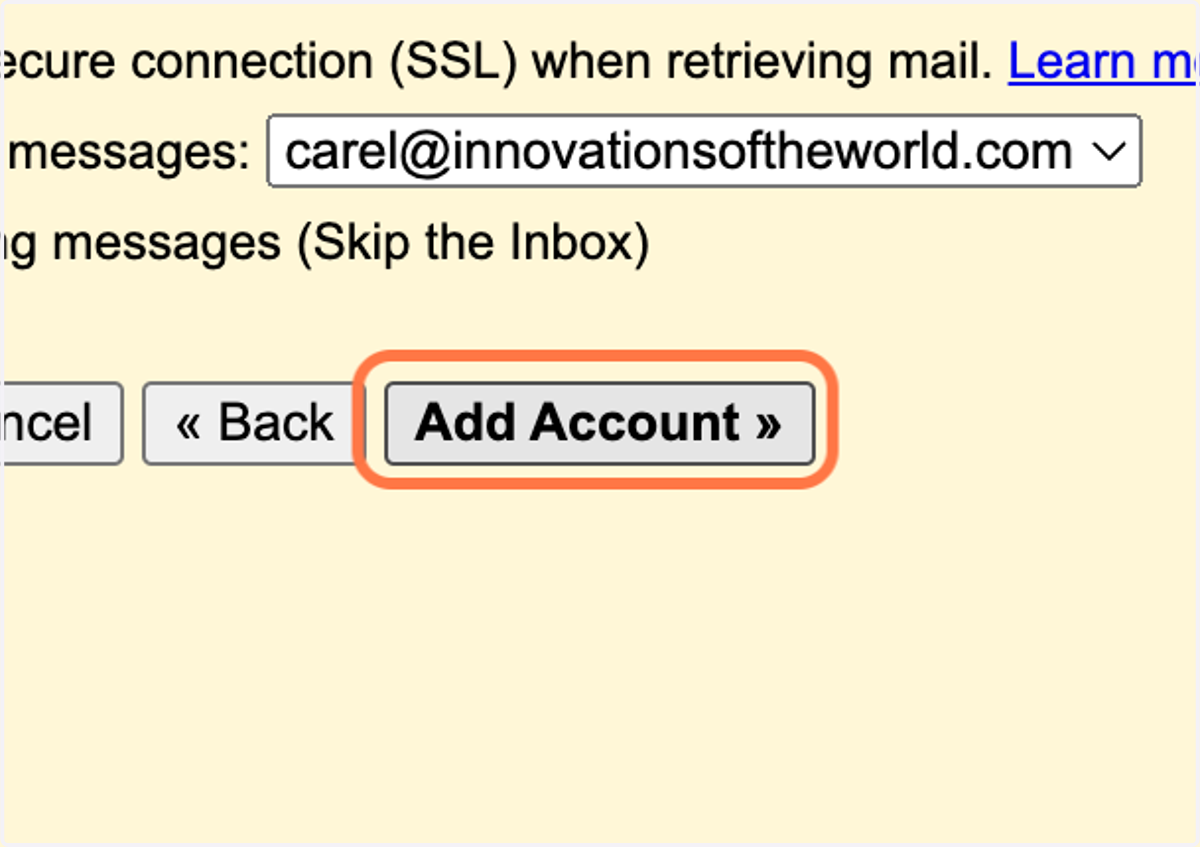
POP Server is: poppro.zoho.com
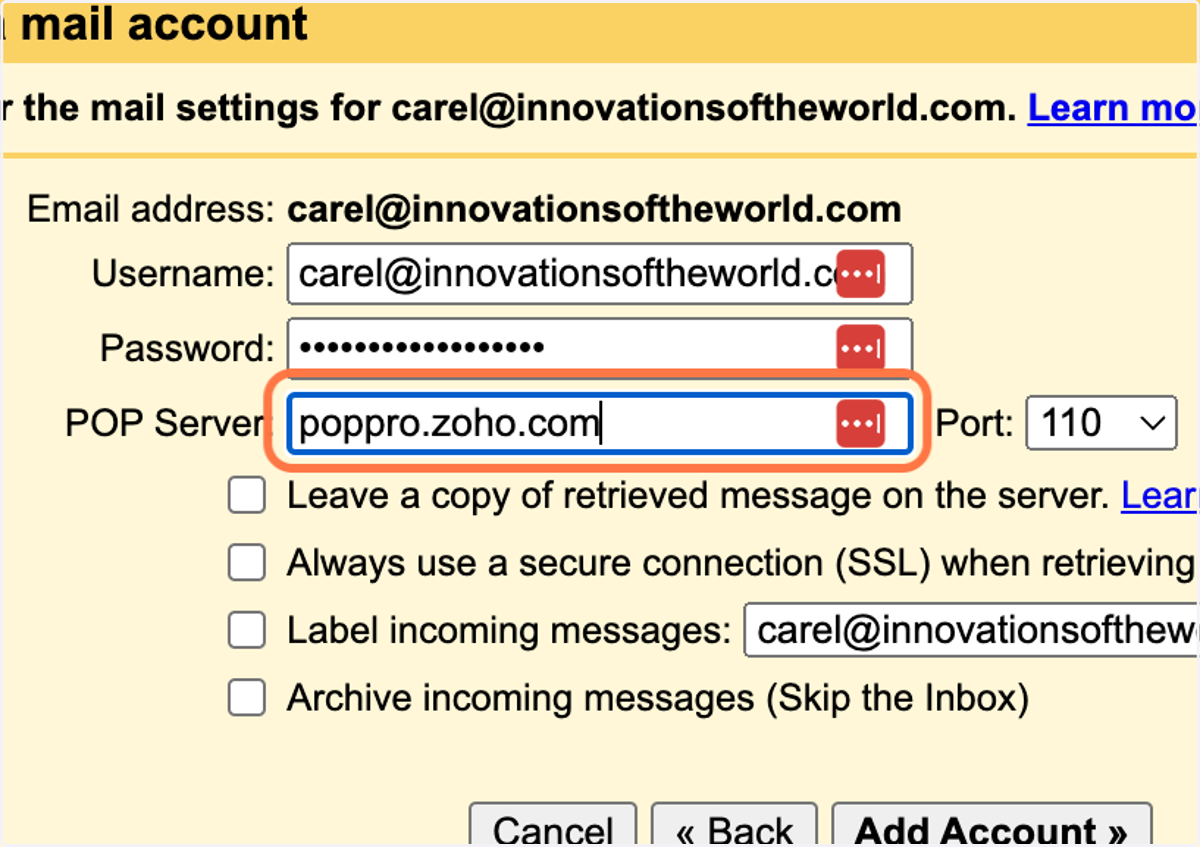
9. Check Leave a copy of retrieved message on the server.
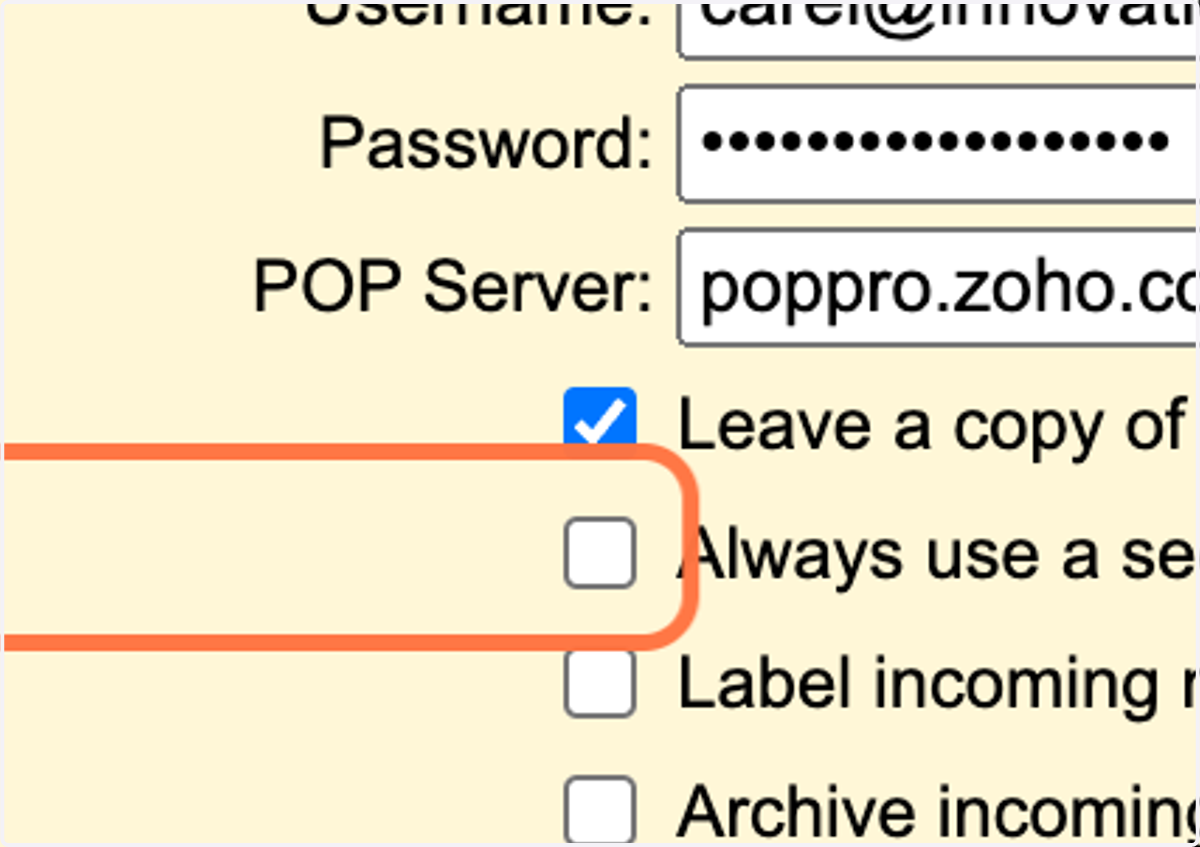
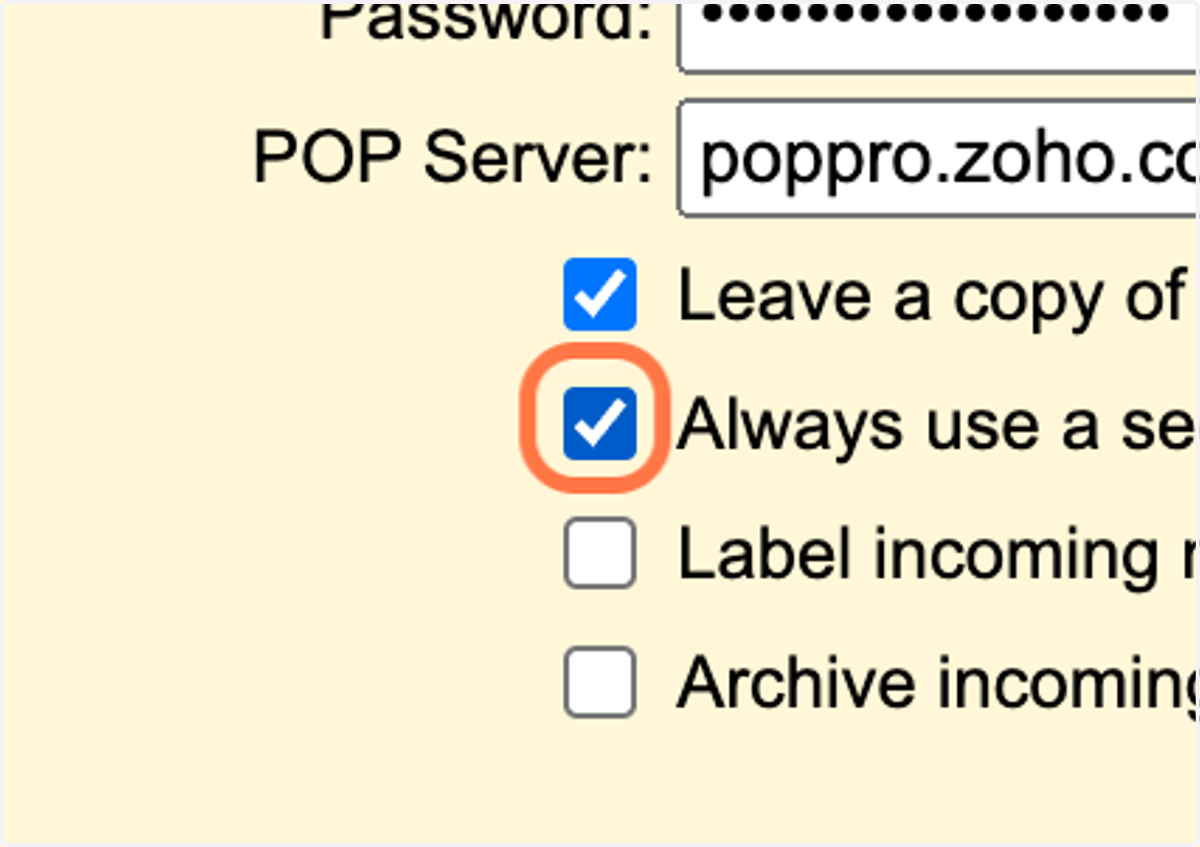
10. Check Always use a secure connection (SSL) when retrieving mail.
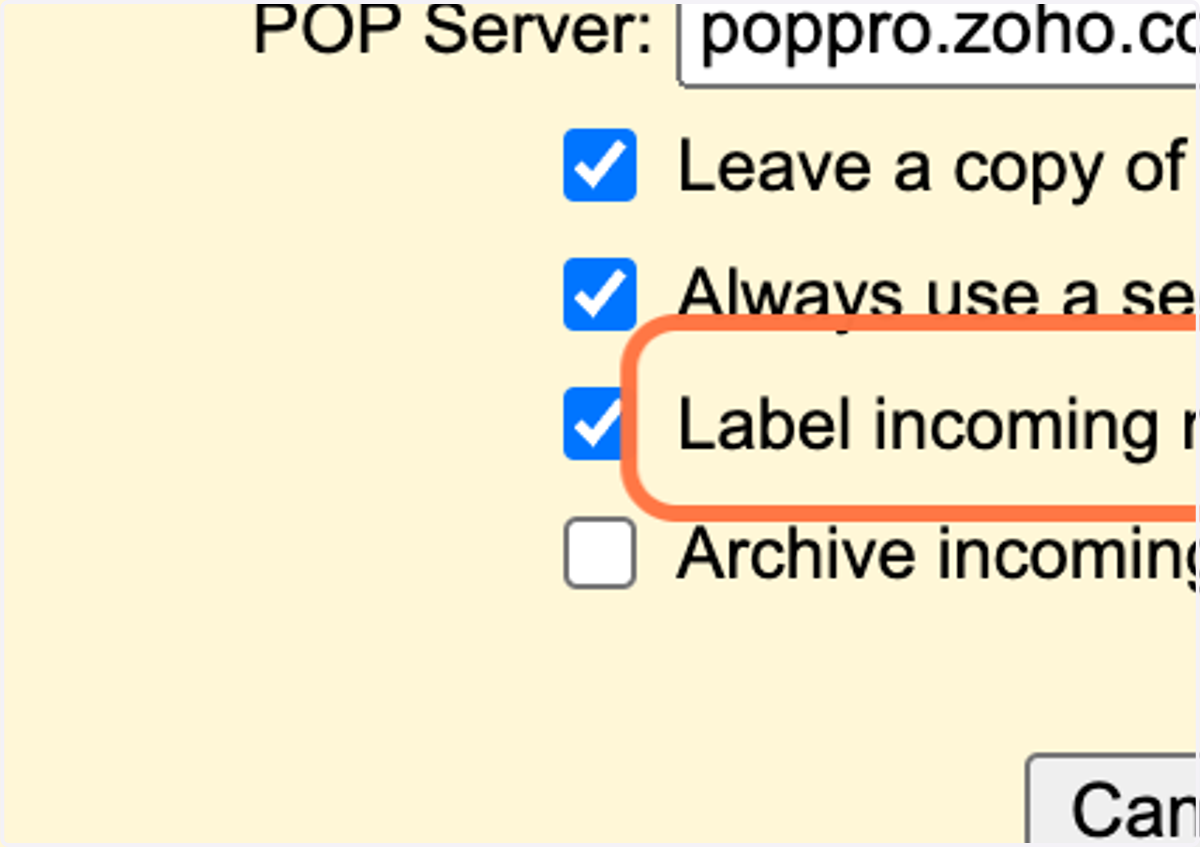
11. Check Label incoming messages:
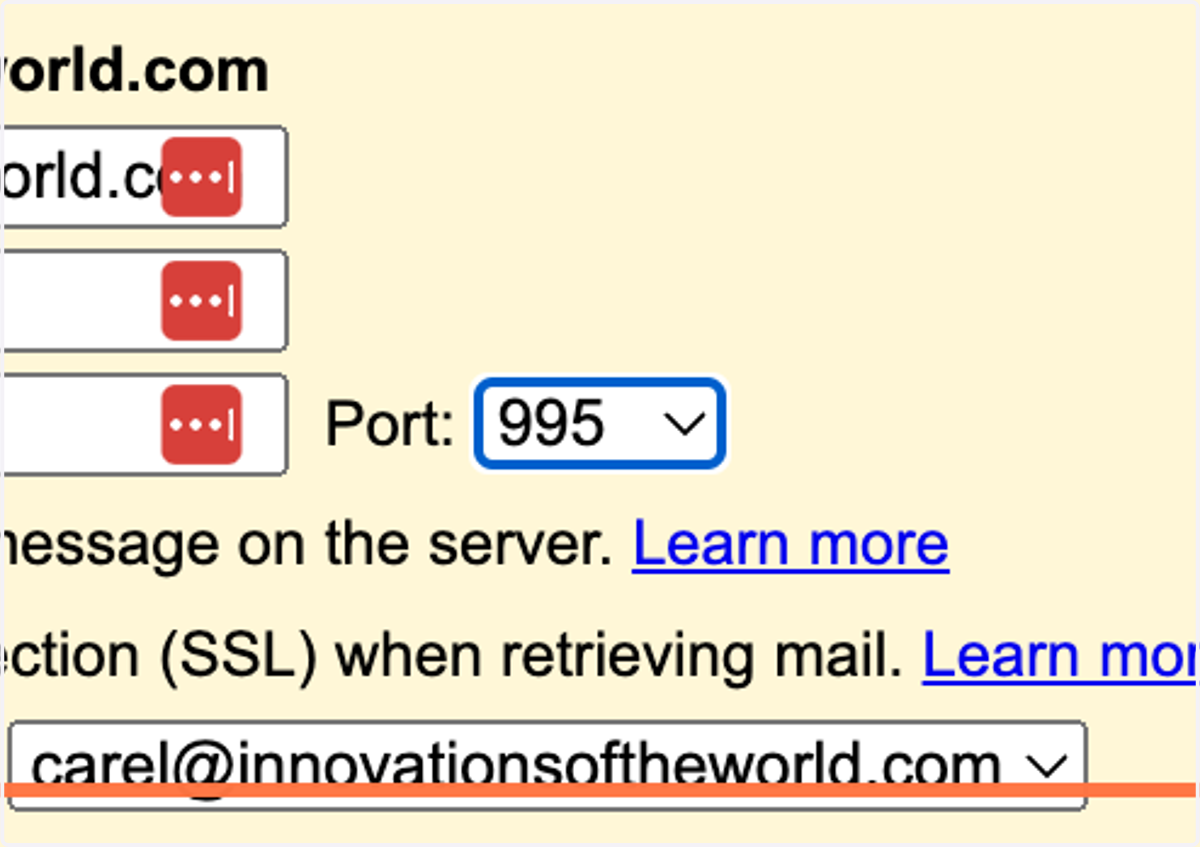
12. Select 995 from Port:
13. Click on Add Account »