Adding a Tractor in LoadOps
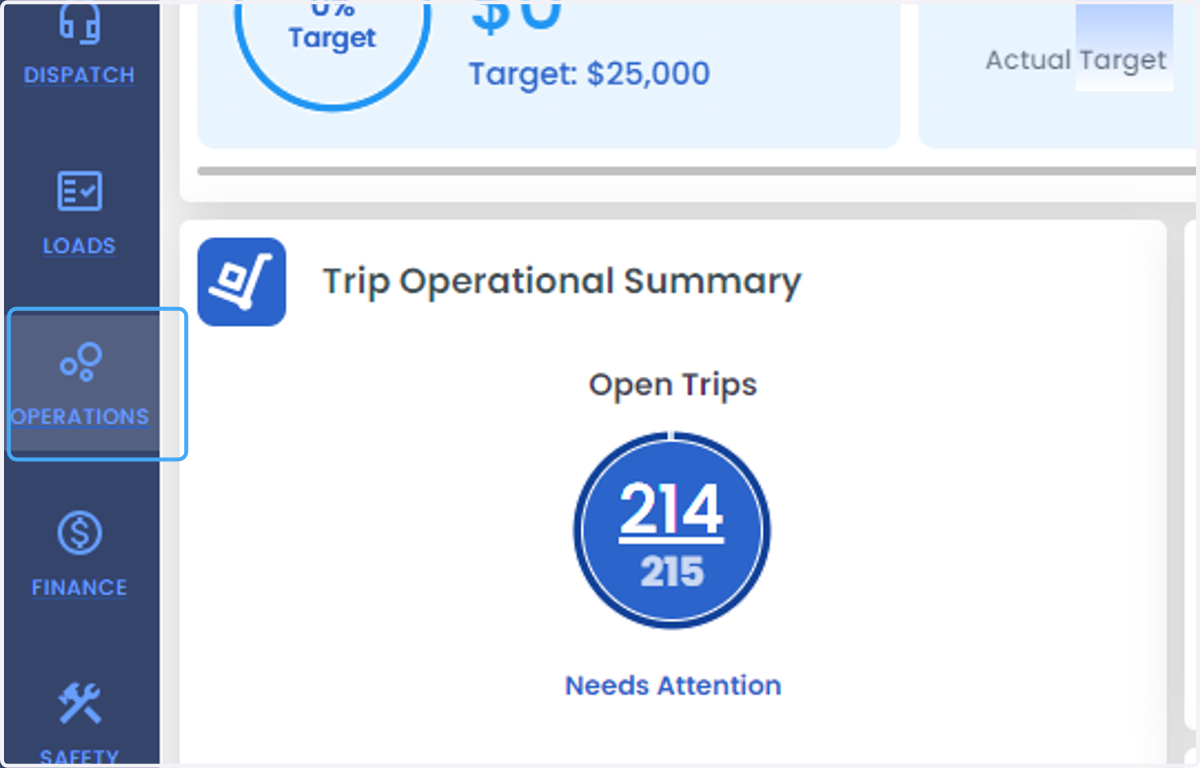
1. Click on OPERATIONS
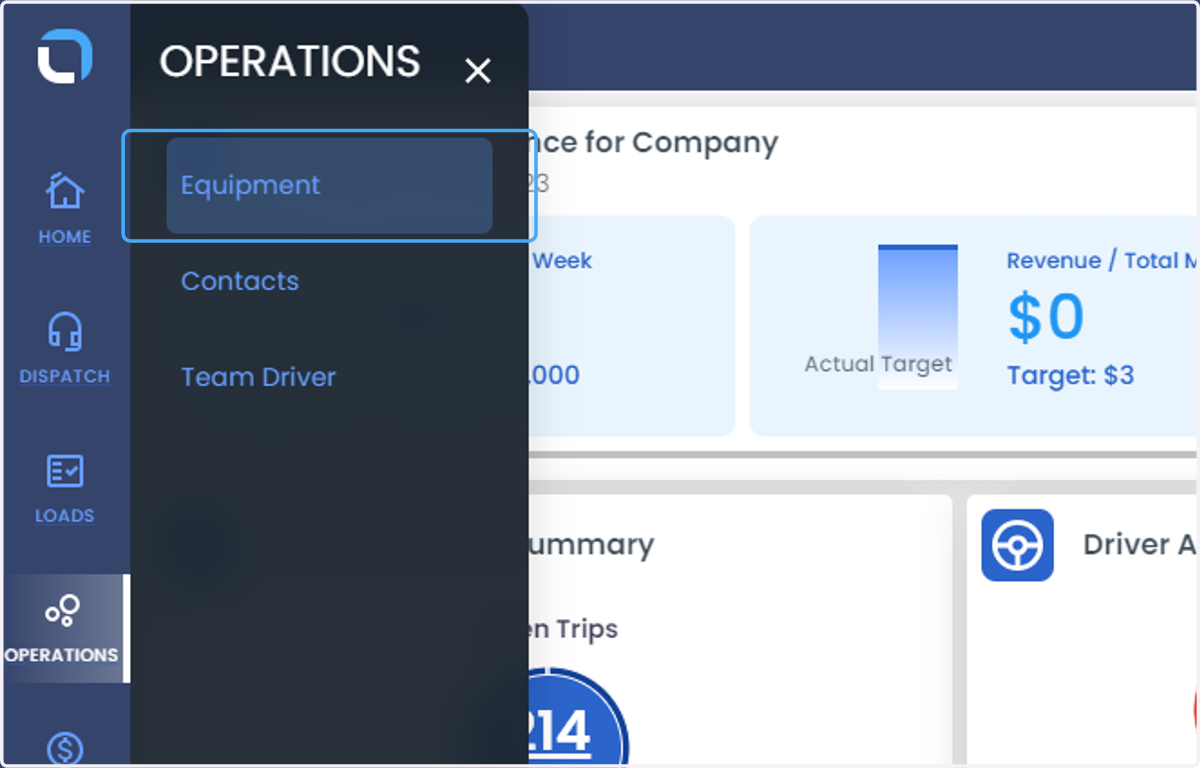
2. Click on Equipment
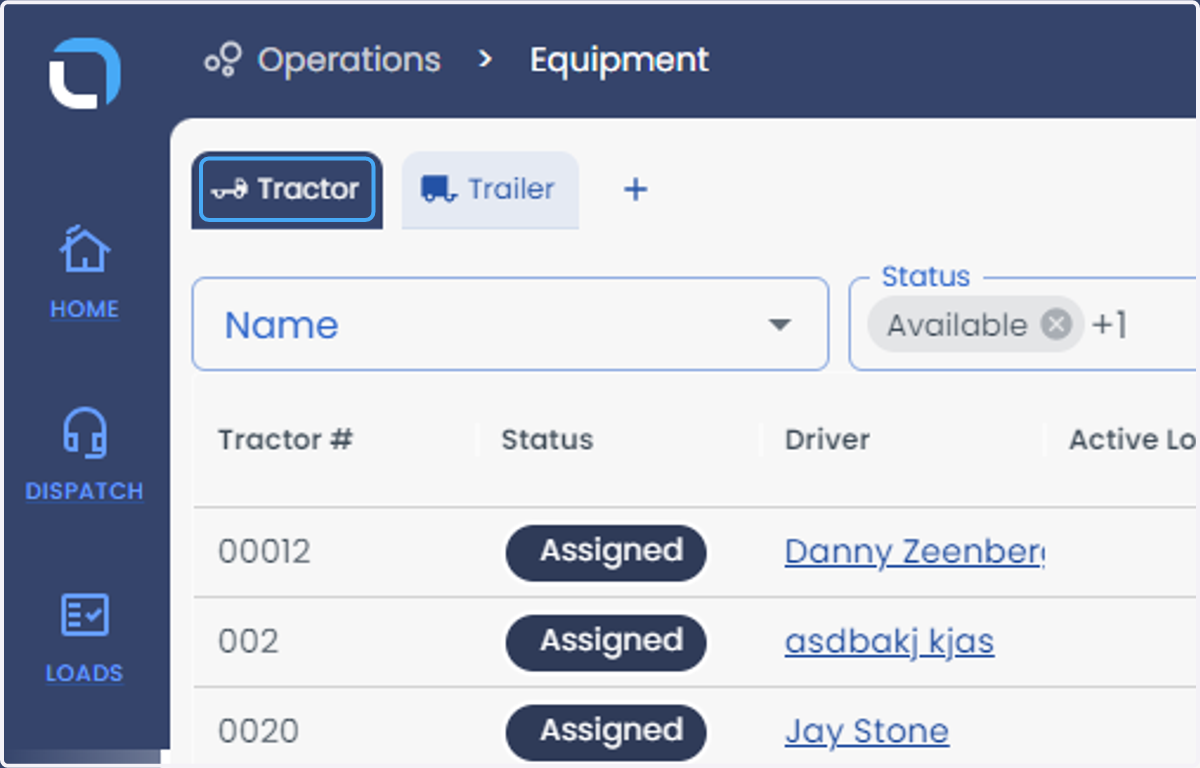
3. Click on Tractor
4. Tractors can also be imported from this page using this button
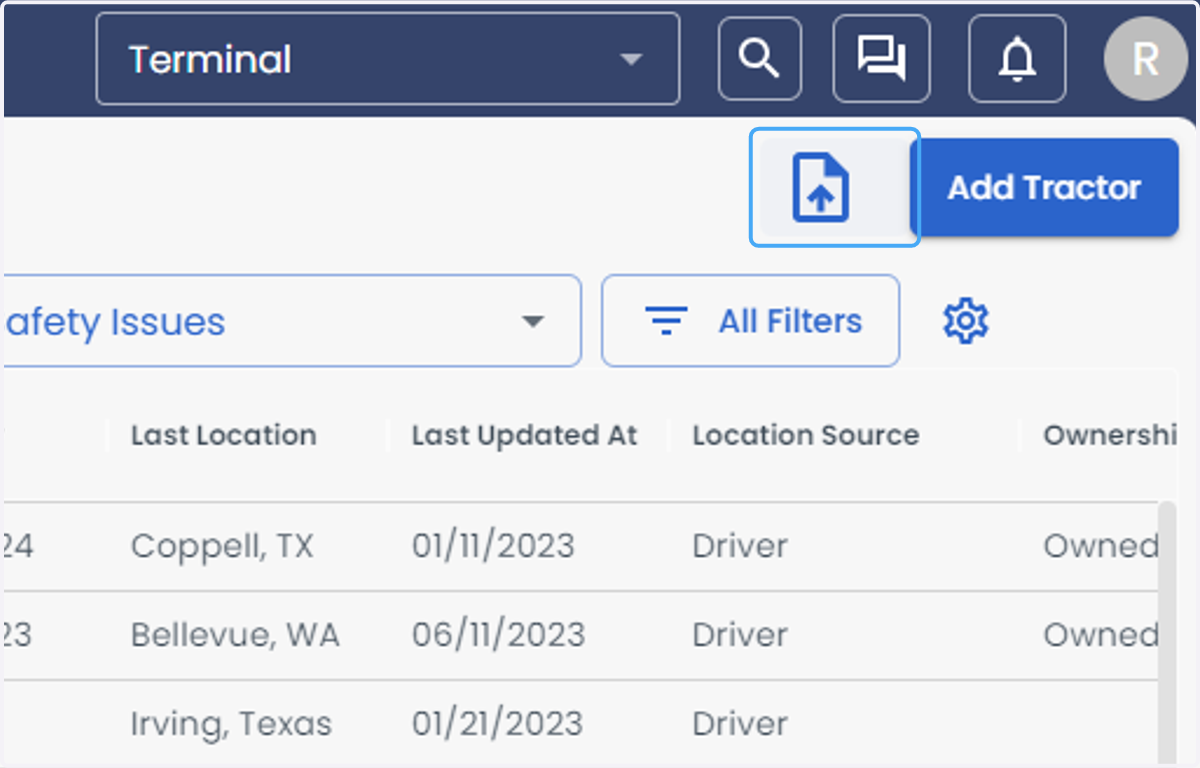
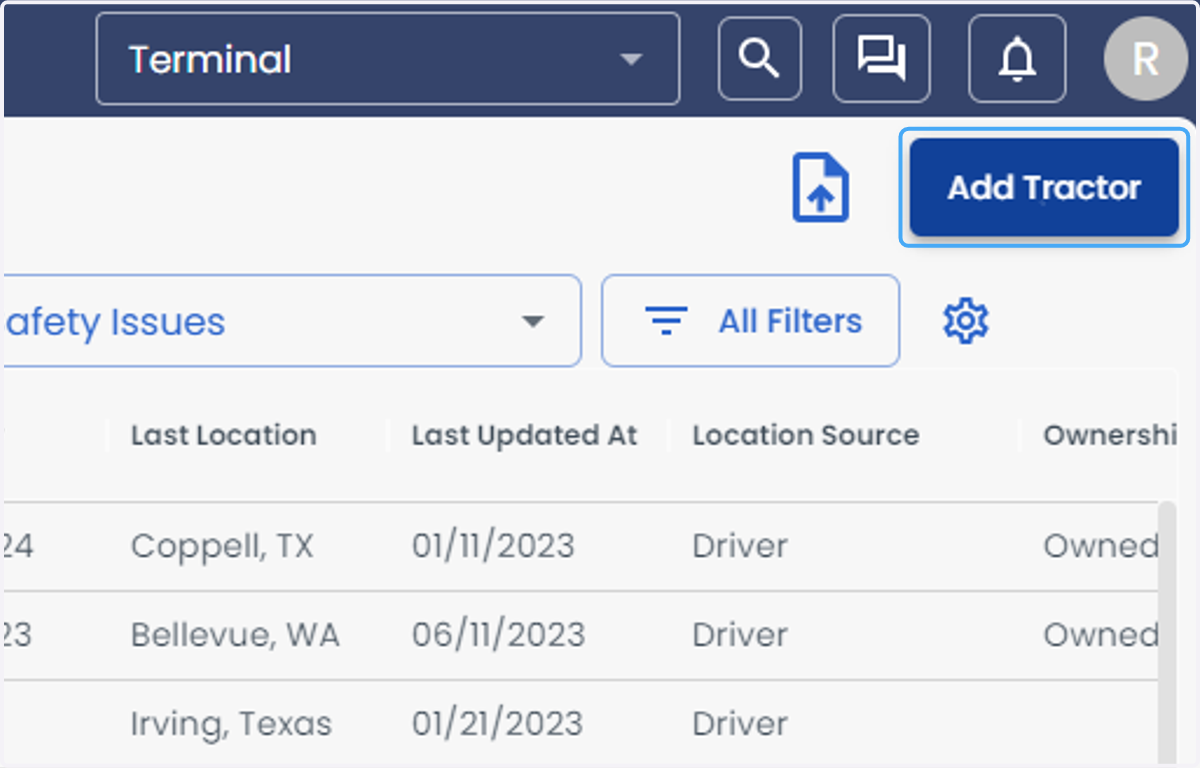
5. For now, we'll go over adding a single Tractor. Click "Add Tractor"
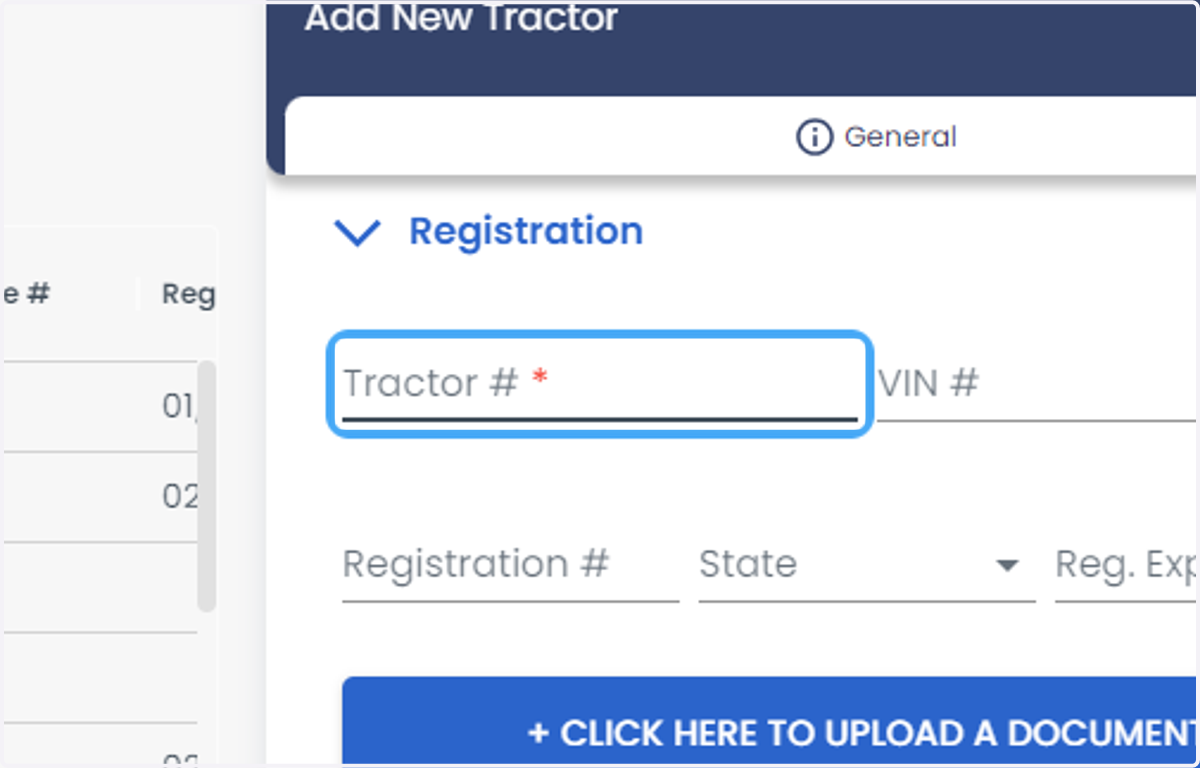
6. Enter Registration Information - The tractor ID is required
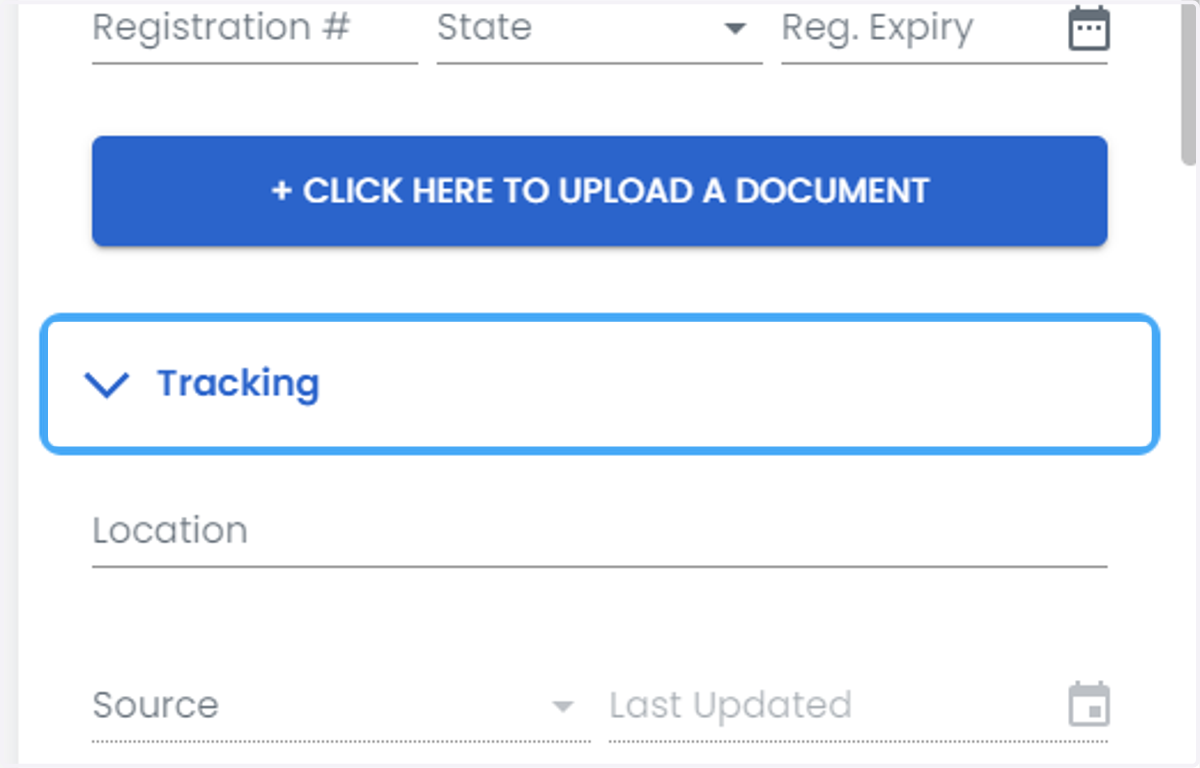
7. Enter Tracking Information
8. Enter Ownership Information
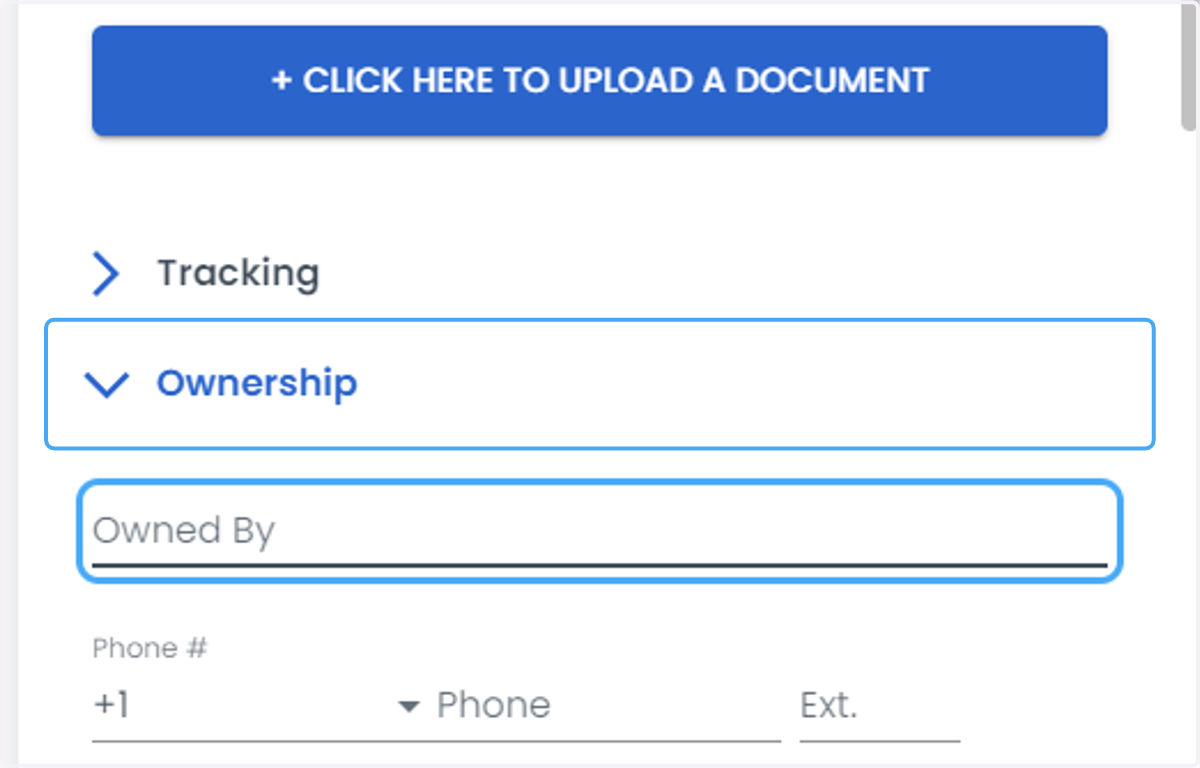
9. Enter Additional Tractor Details
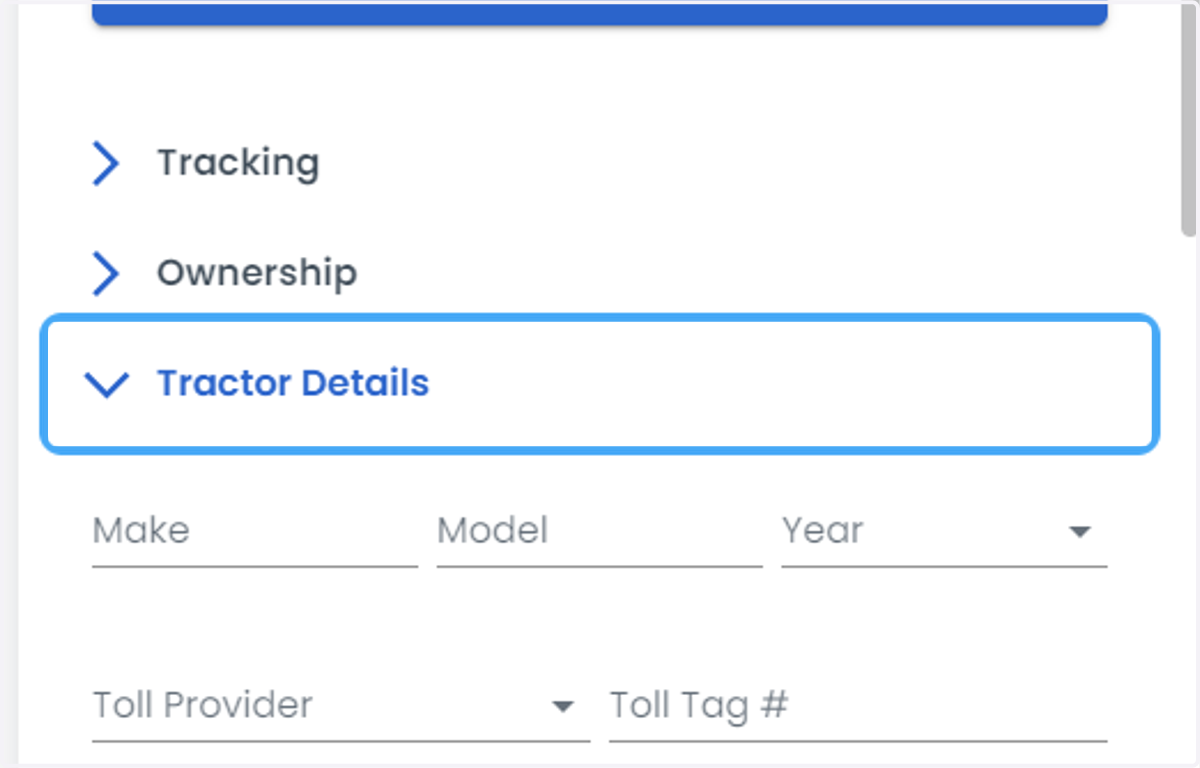
10. Add Insurance Information
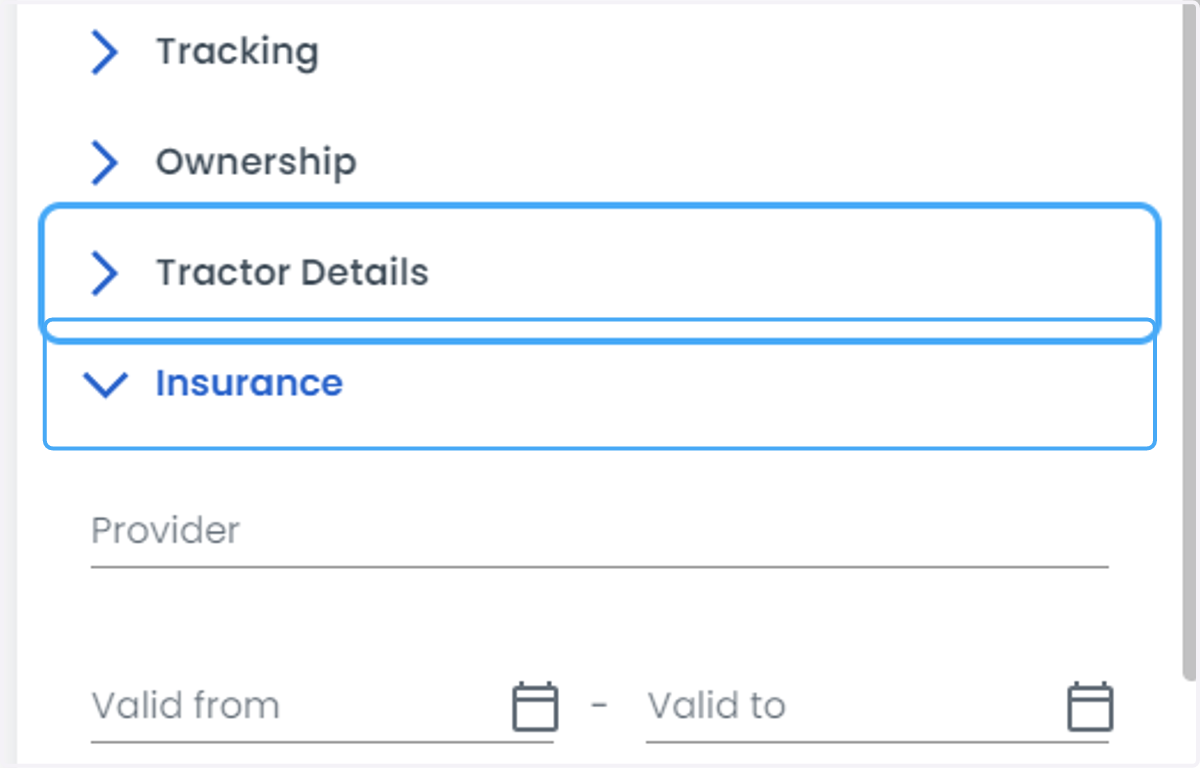
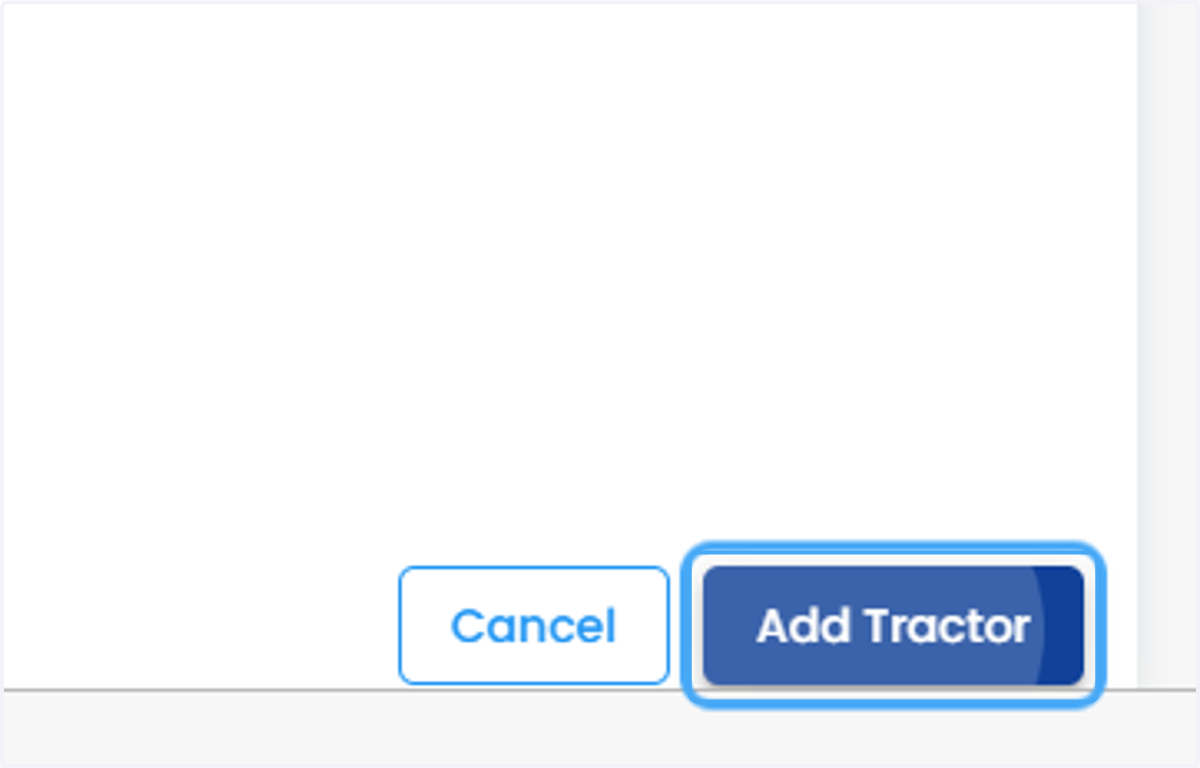
11. Click on Add Tractor