PAWS - How to Navigate
Home - PAWS Experience
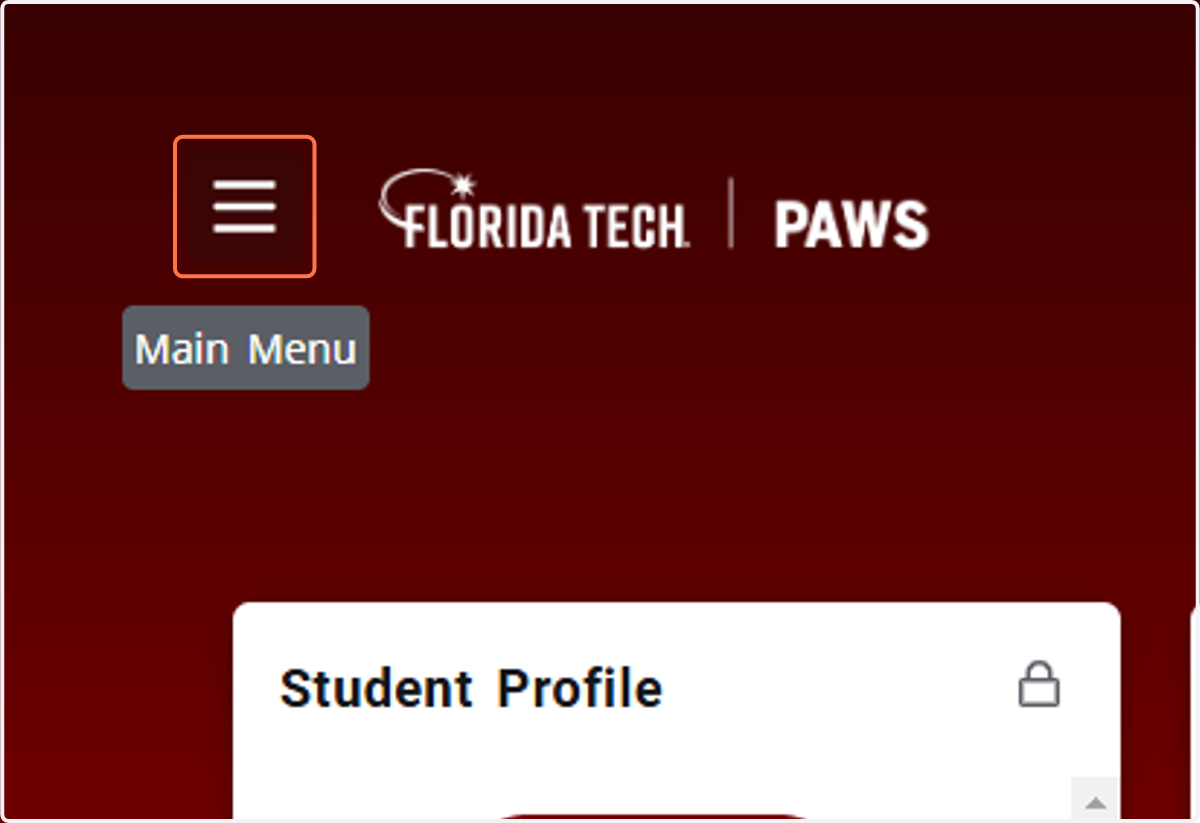
You may click on any card that is available on your Home page or you can go to Discover and find other options. To find ALL options, use the hamburger Main Menu icon.
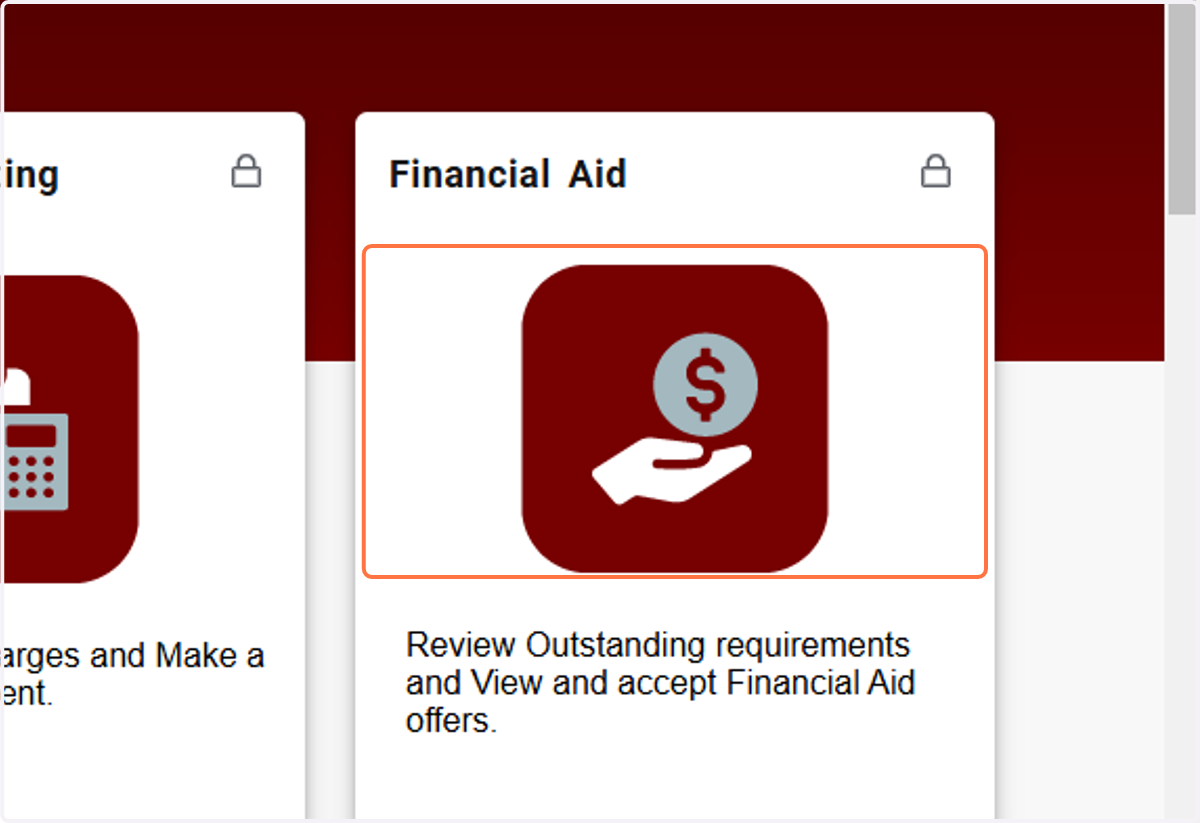
1. CLICK ON A SPECIFIC CARD
2. OR DISCOVER MORE CARDS BY CLICKING ON THE MAIN MENU/DISCOVER
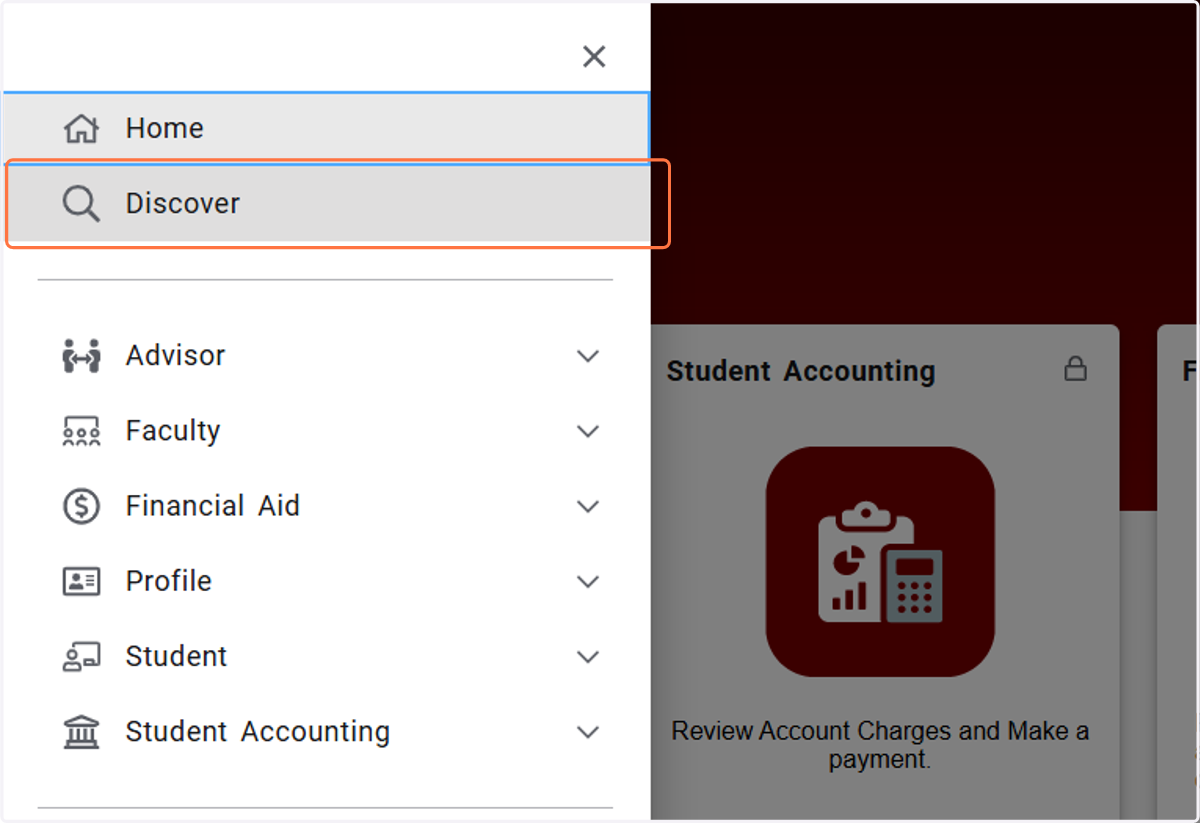
3. Click on Discover
4. Here you will find other cards that may not be on your Home page.
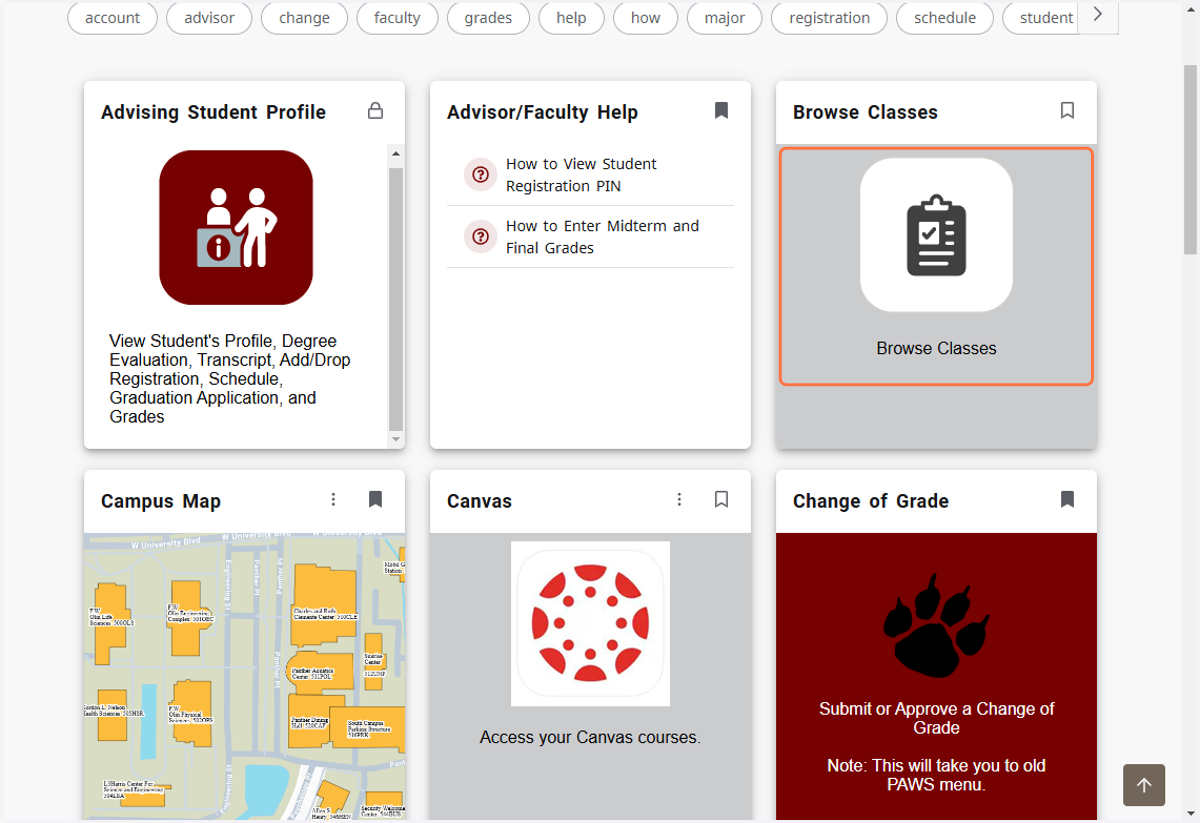
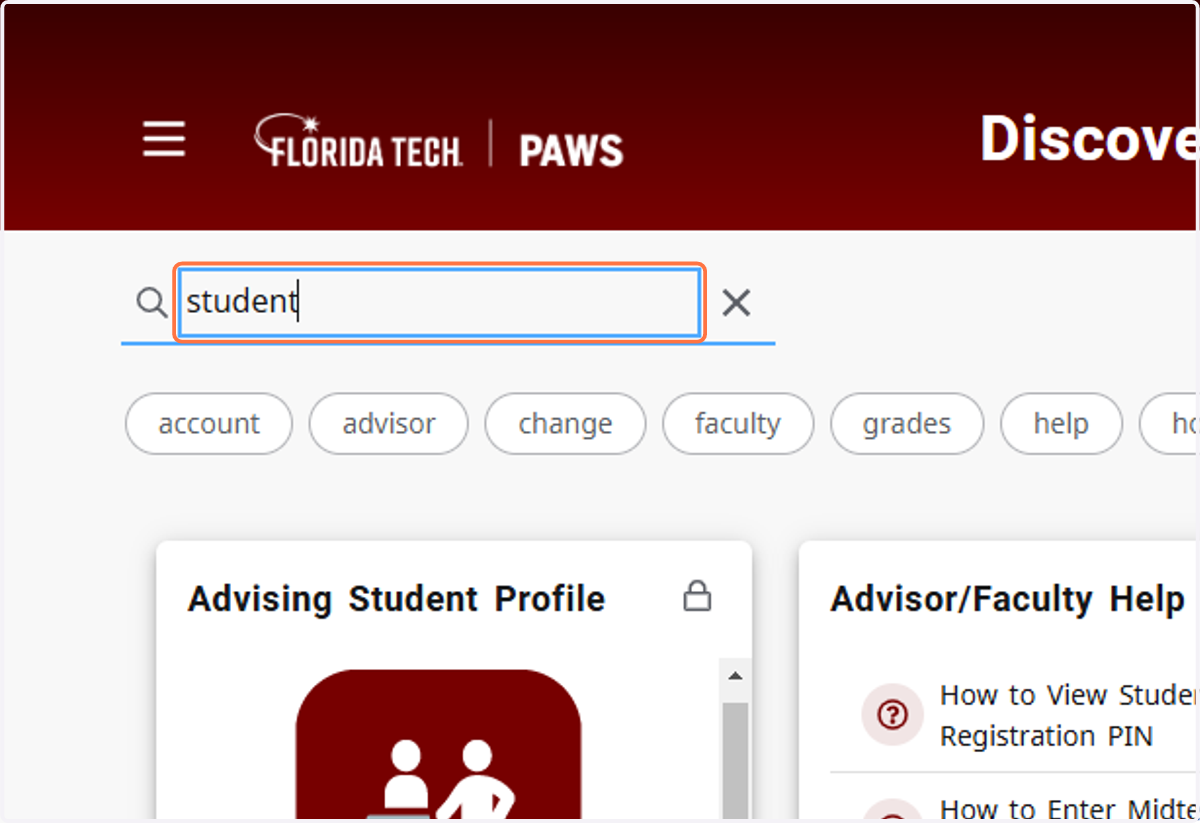
5. You can search using keywords to find cards.
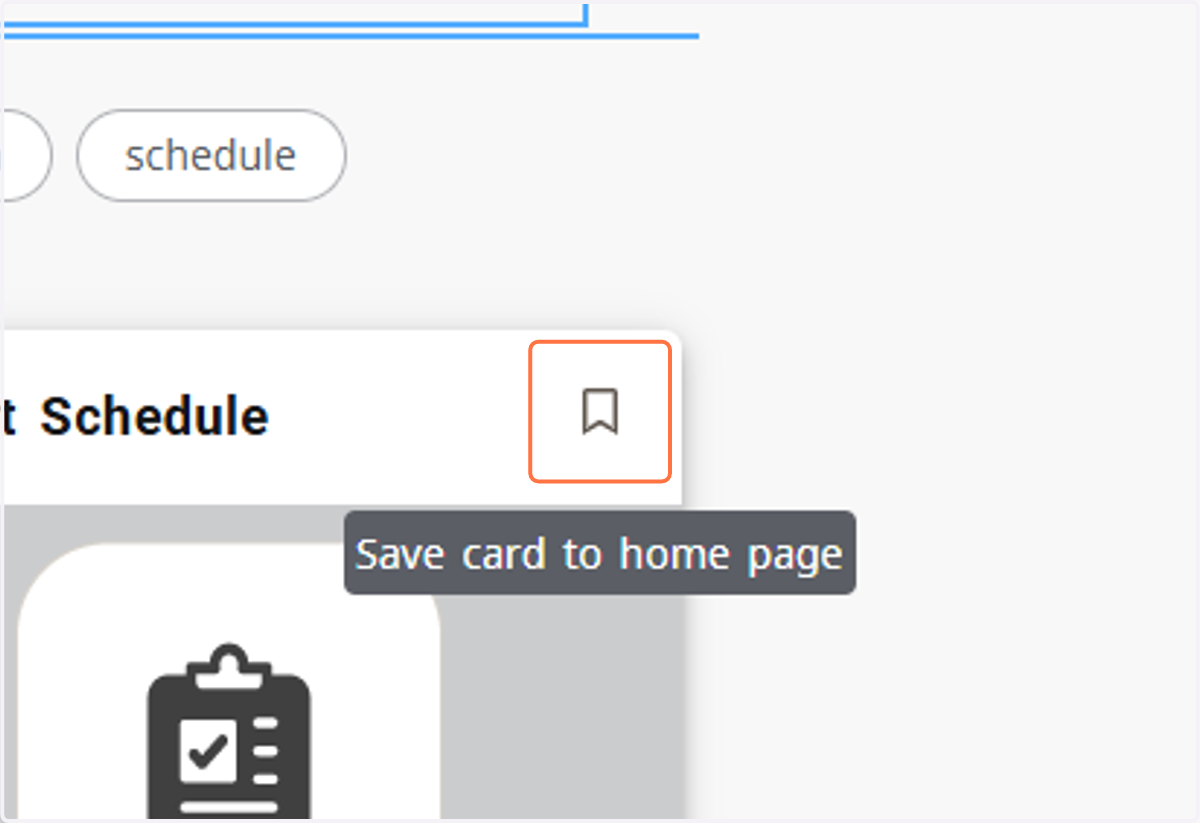
6. To save a card from Discover to your Home page, click on Save card to home page
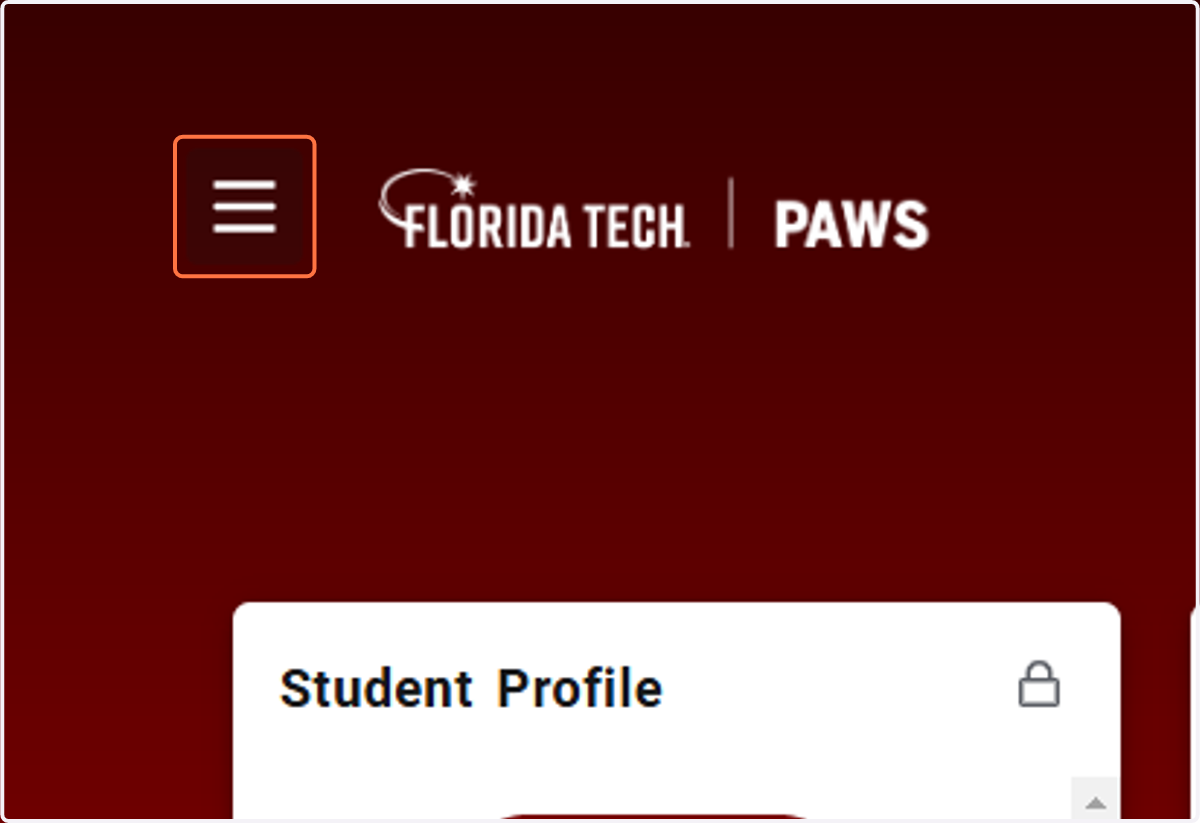
7. OR TO VIEW ALL CATEGORIES AND OPTIONS, CLICK ON HAMBURGER MAIN MENU ICON
8. Select the Drop Down for the appropriate category to see all options.
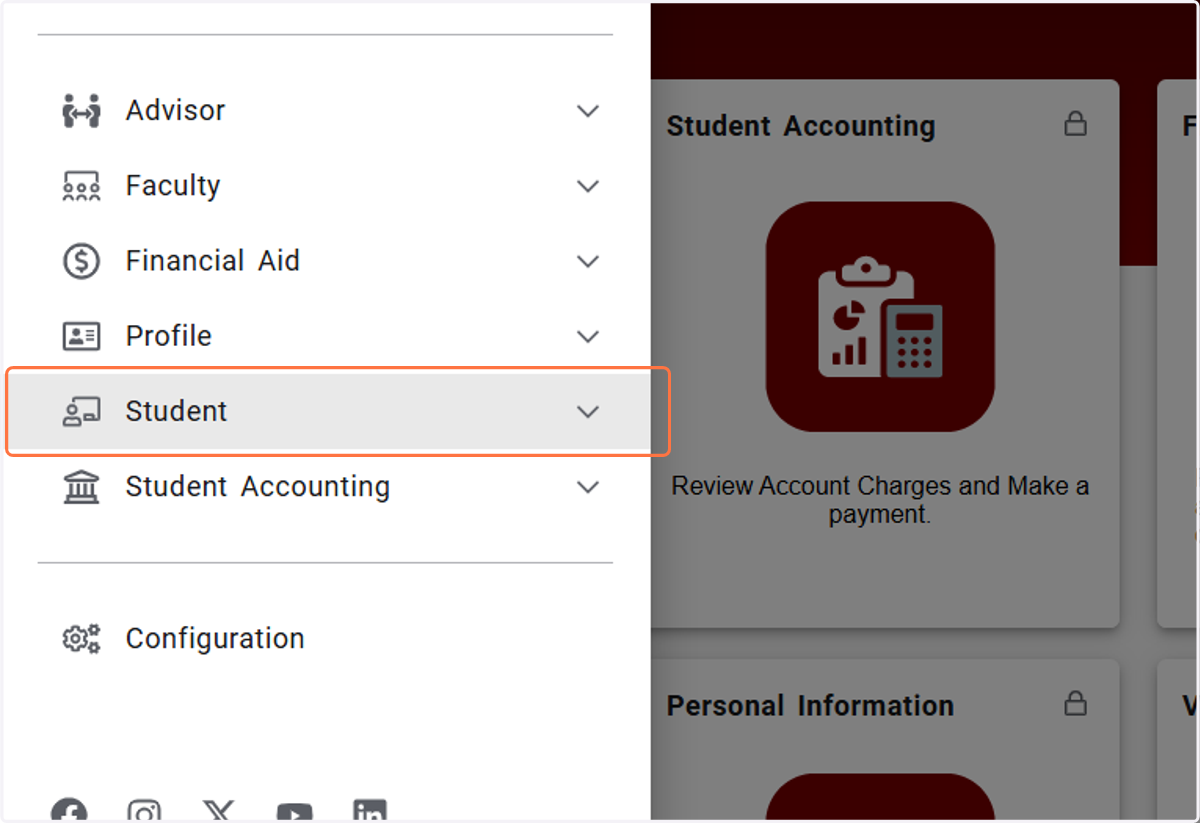
9. Select the page you which to navigate to.
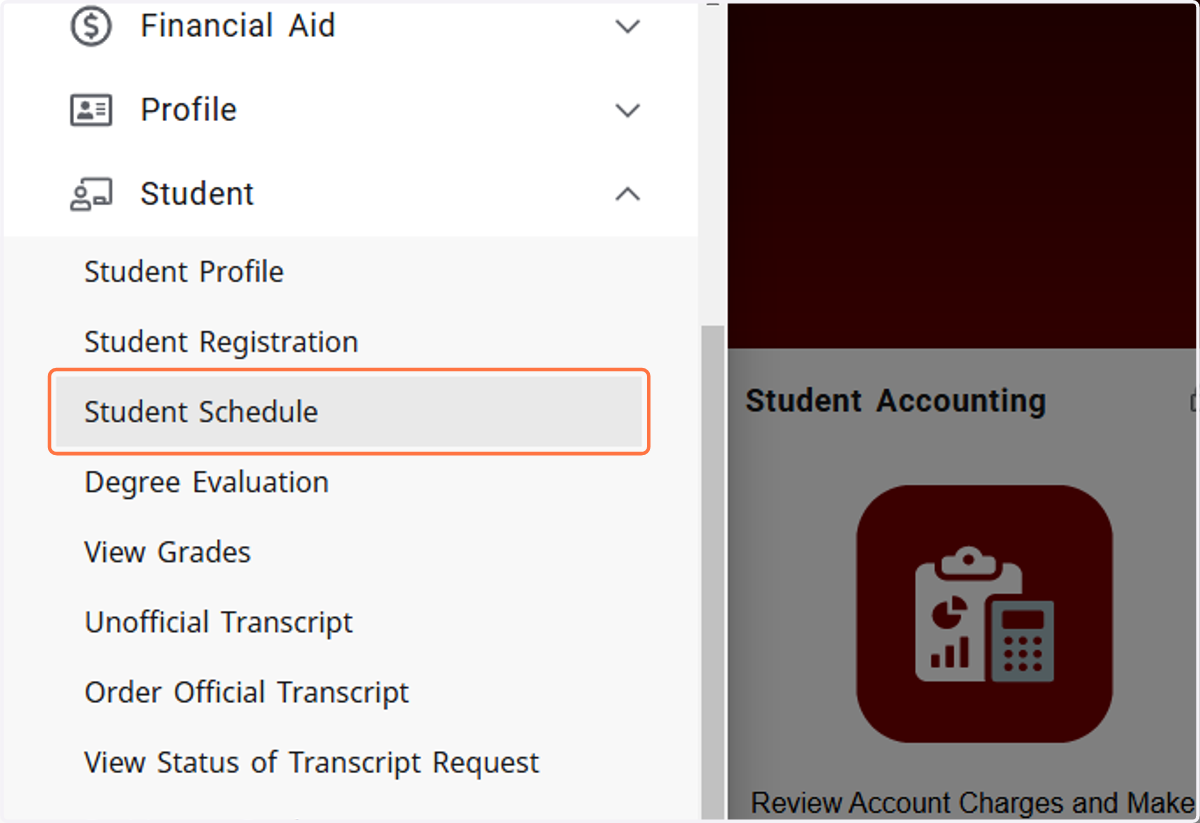
10. To navigate back to the Home page of PAWS Experience, click on Florida Tech PAWS logo. Short cut key is Alt+Q
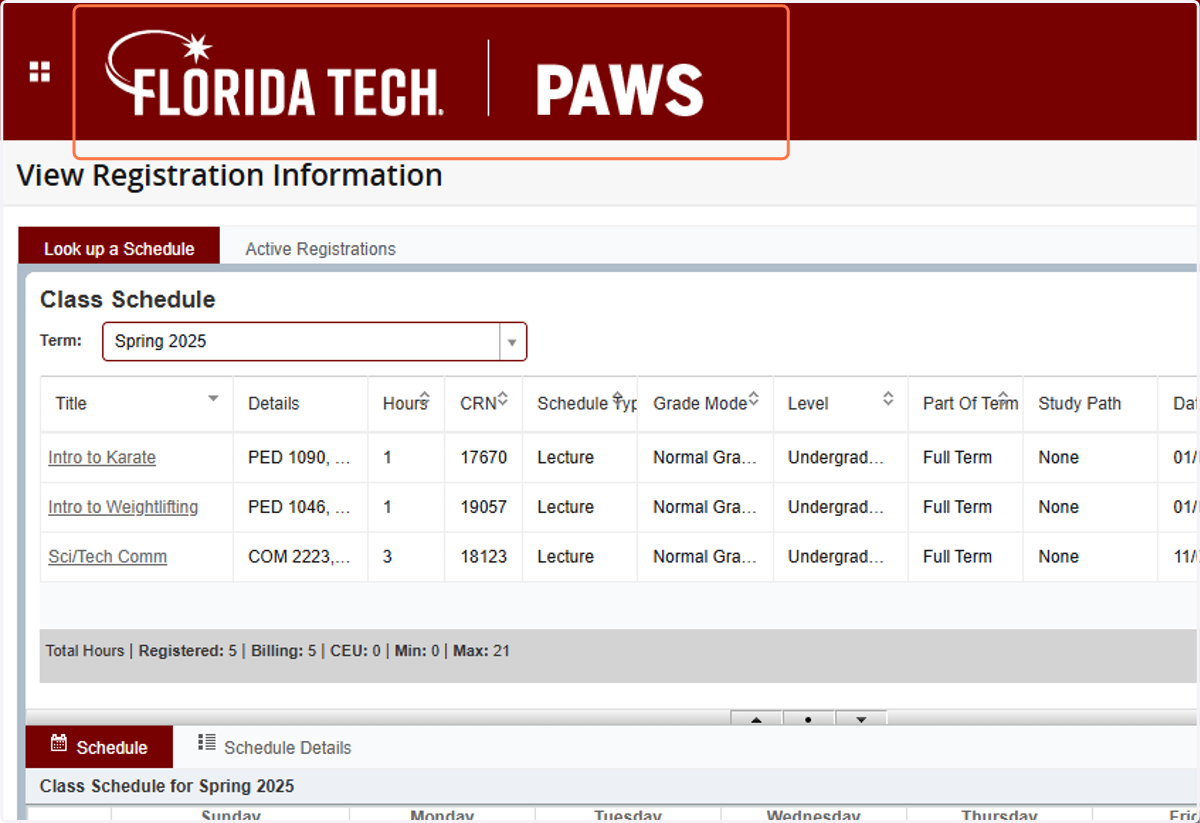
11. You will be directed back to Home - PAWS Experience
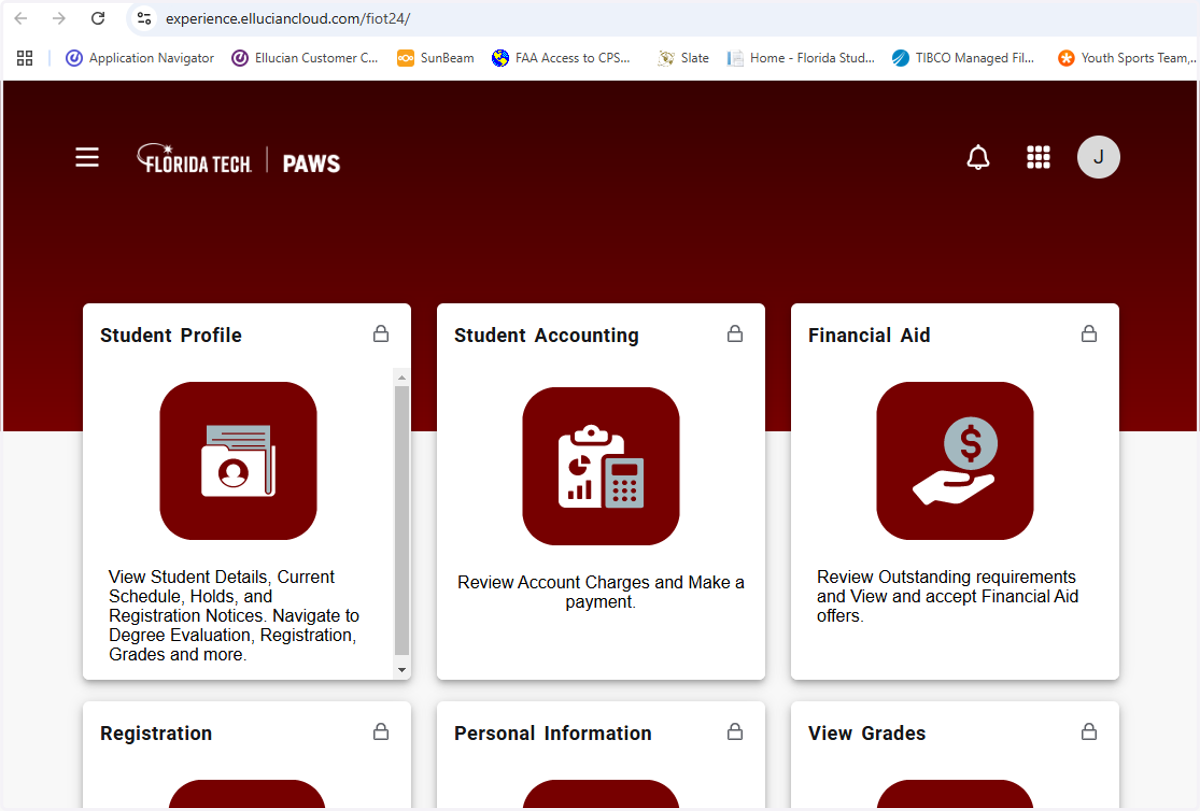
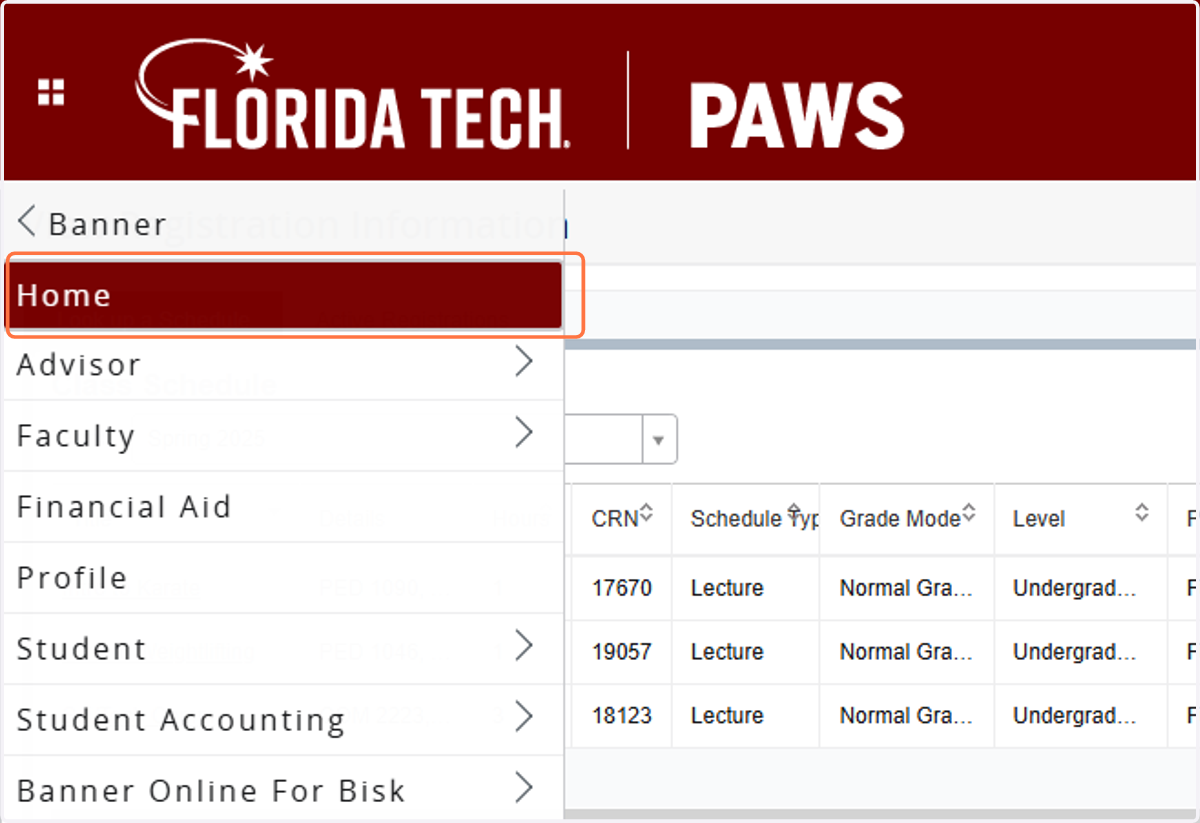
12. You can also get back to Home - PAWS Experience by using the Main Menu. Click on the waffle menu. Short cut key is Alt+M
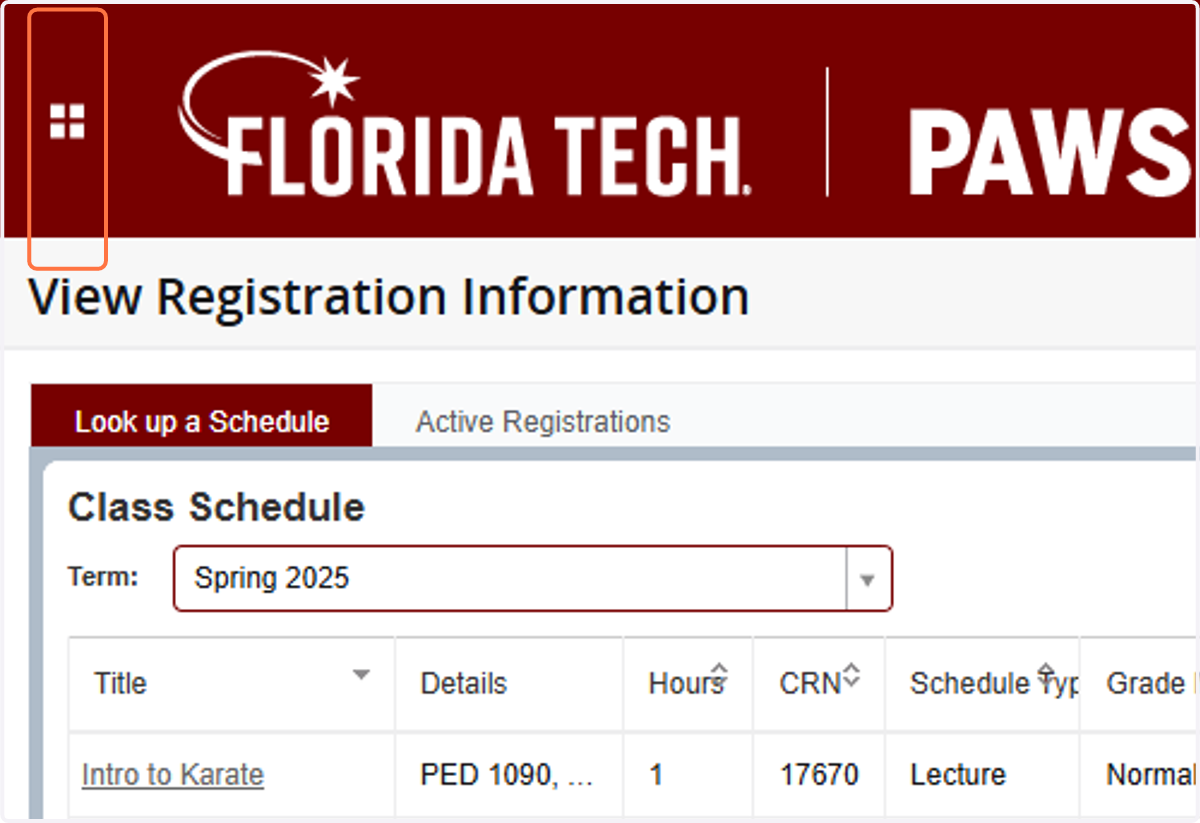
13. Click on Banner
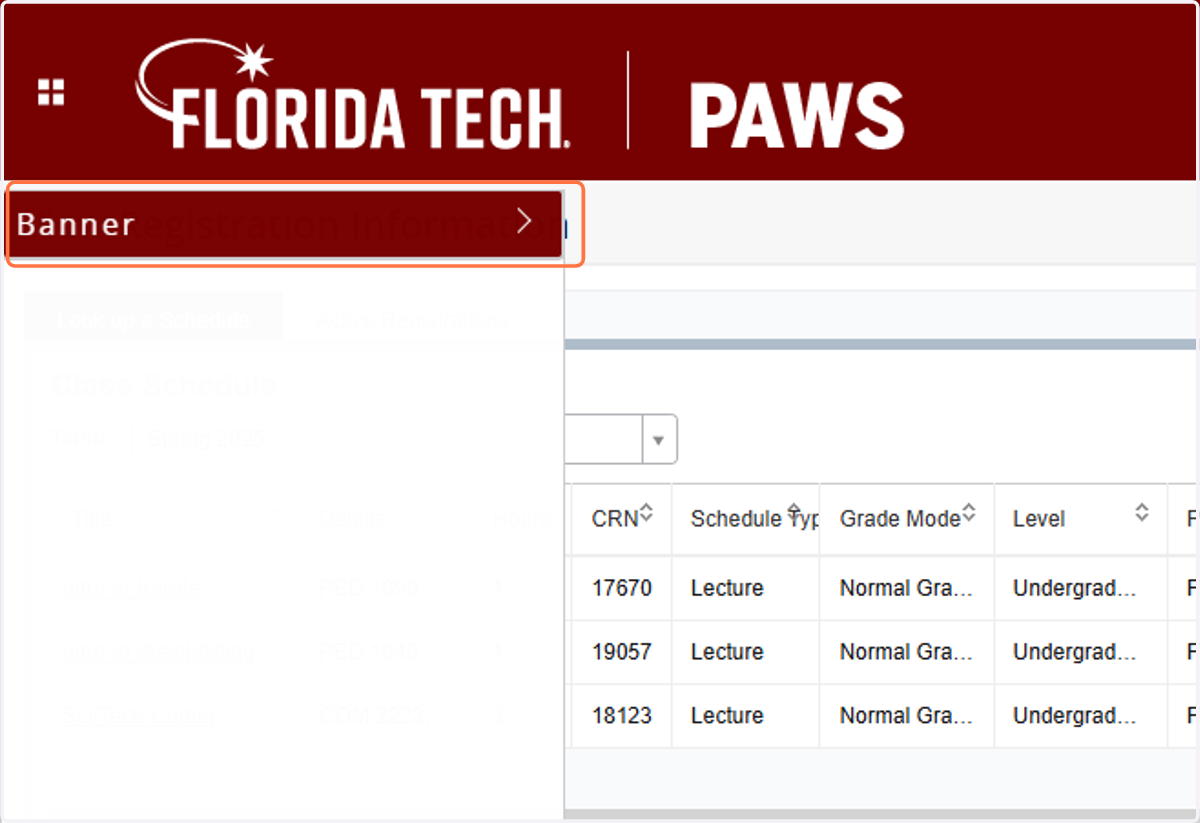
14. Click on Home