Navigating Posts on Collectibles.com's Feed
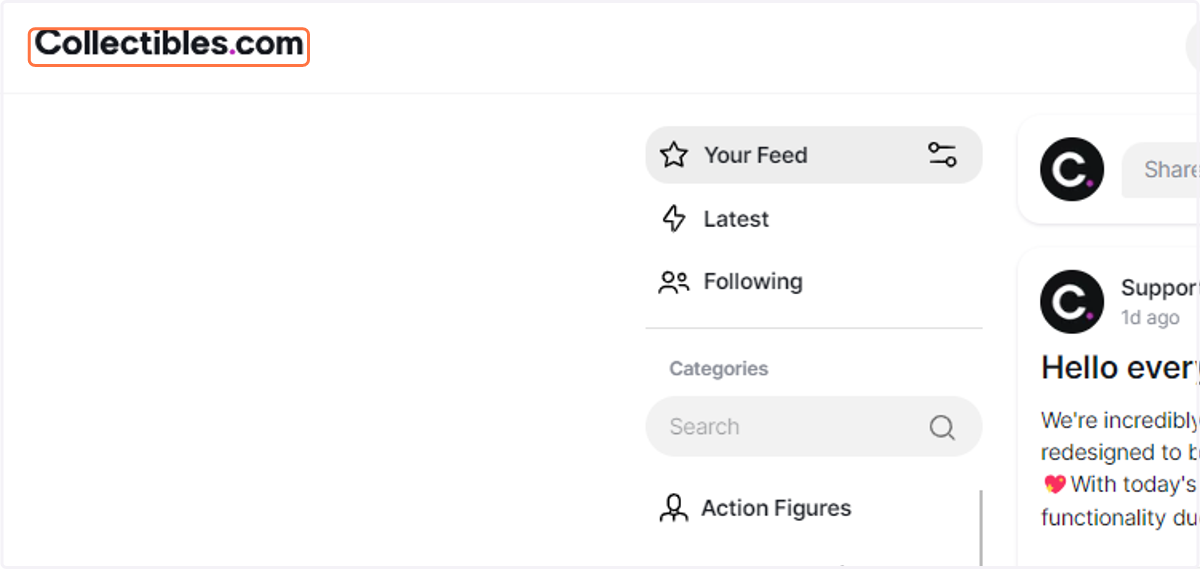
1. Click on Collectibles.com logo to go to the feed page.
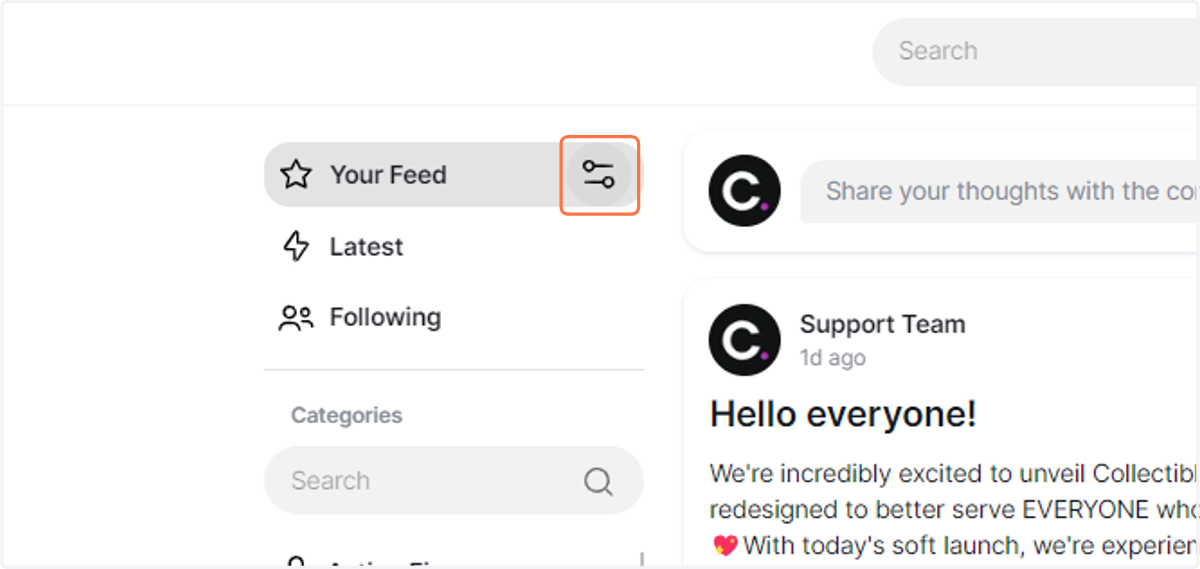
2. Click on Your Feed Filter
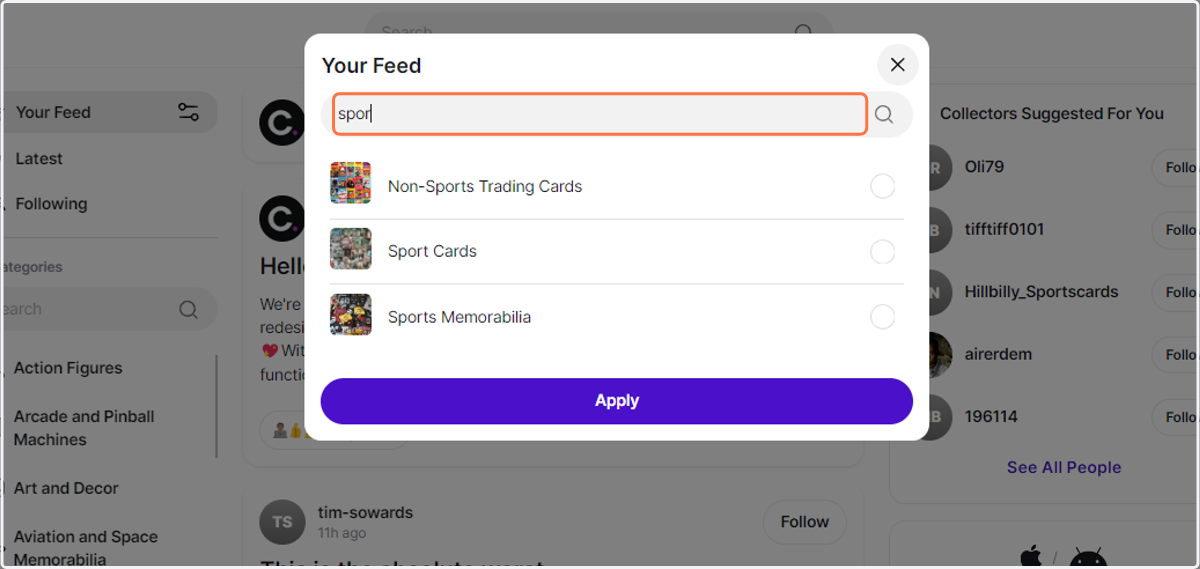
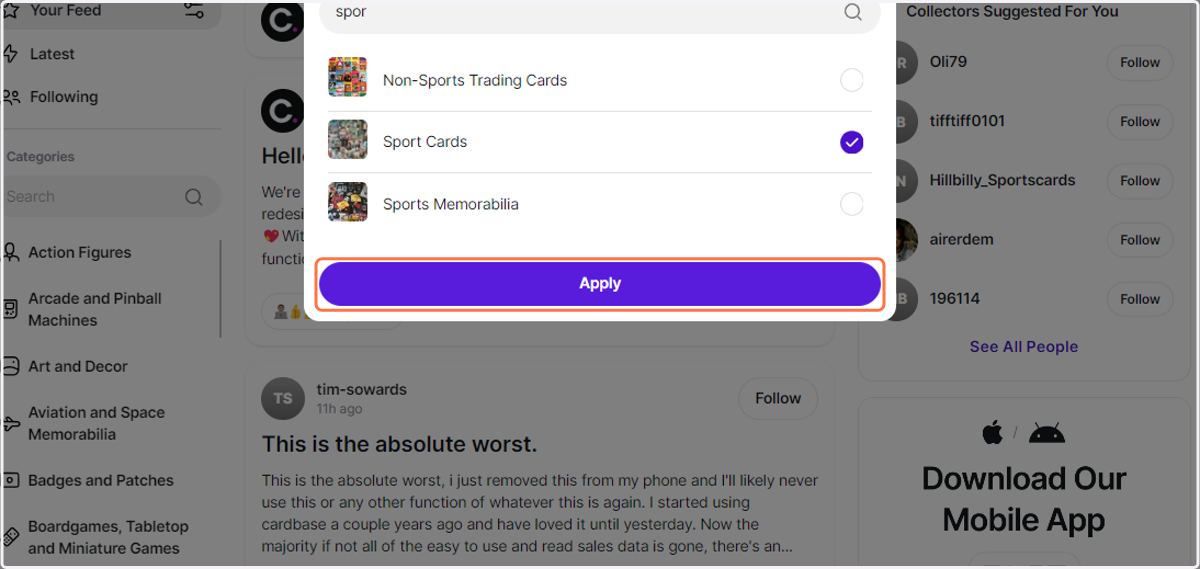
3. Type "Sport"
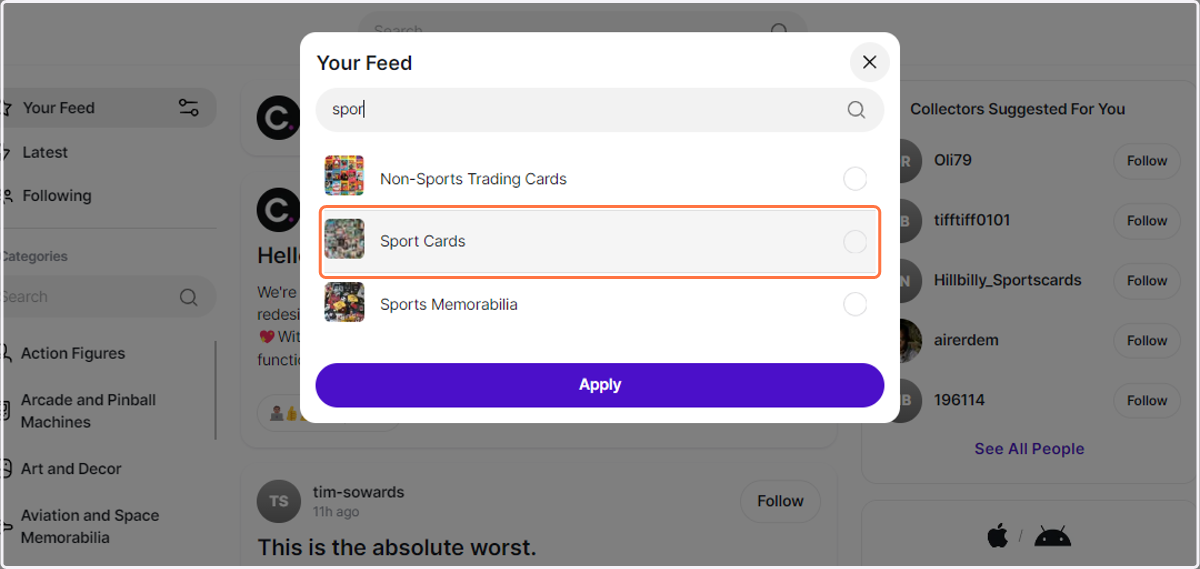
4. Click on Sport Cards
5. Click on Apply
This should get rid of any other category of posts.
This should get rid of any other category of posts.