Navigating Google Analytics and Tag Management for Account Analysis and Tag Updates
Go to https://www.google.com/
1. Click on All accounts…
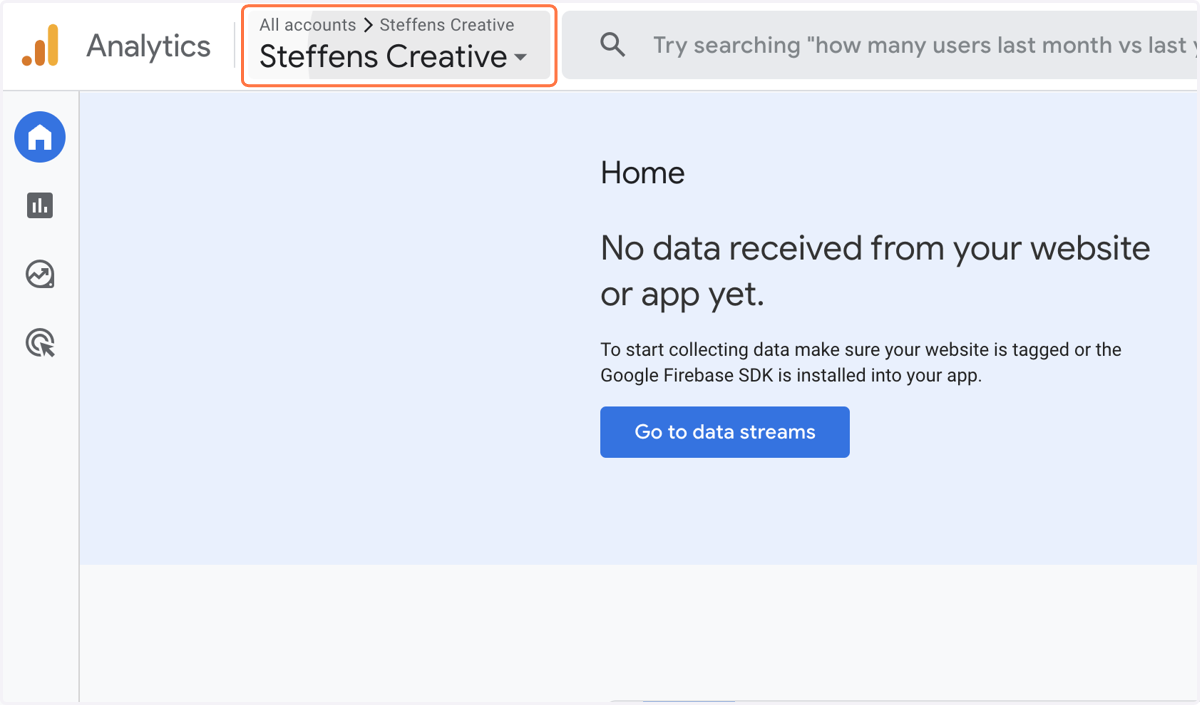
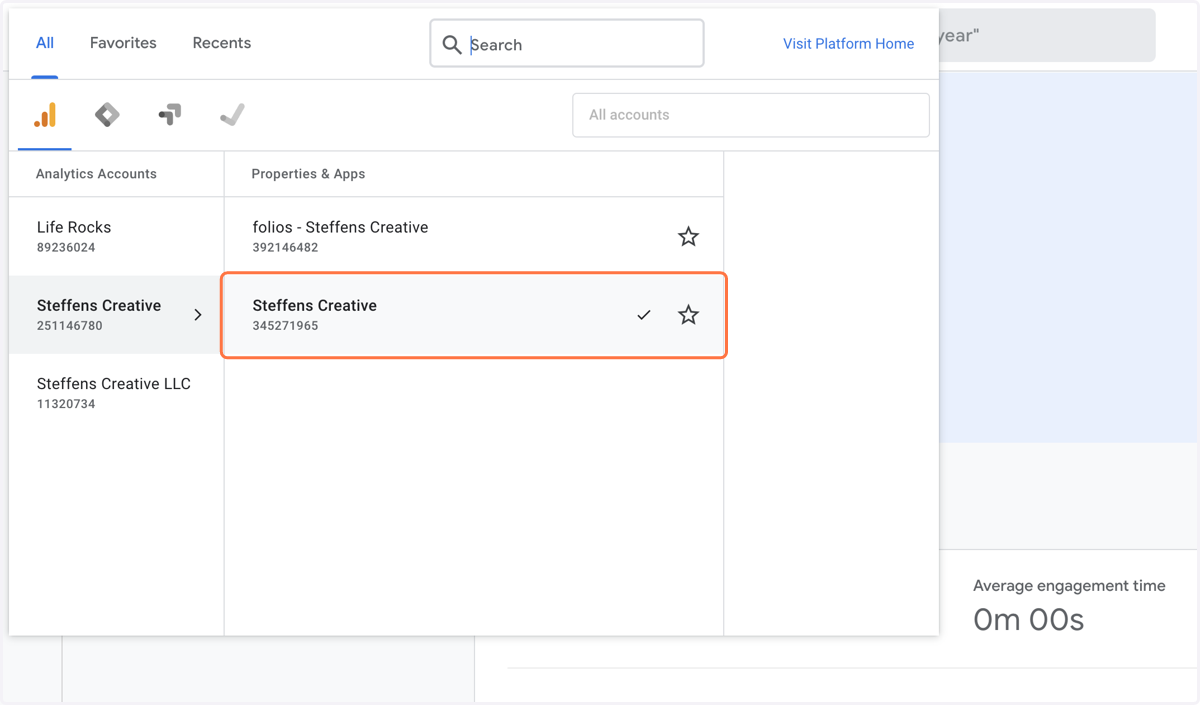
2. Click on Your Property You Are Using - Select the G4 Option
3. Go To Data Stream Click On Data Stream
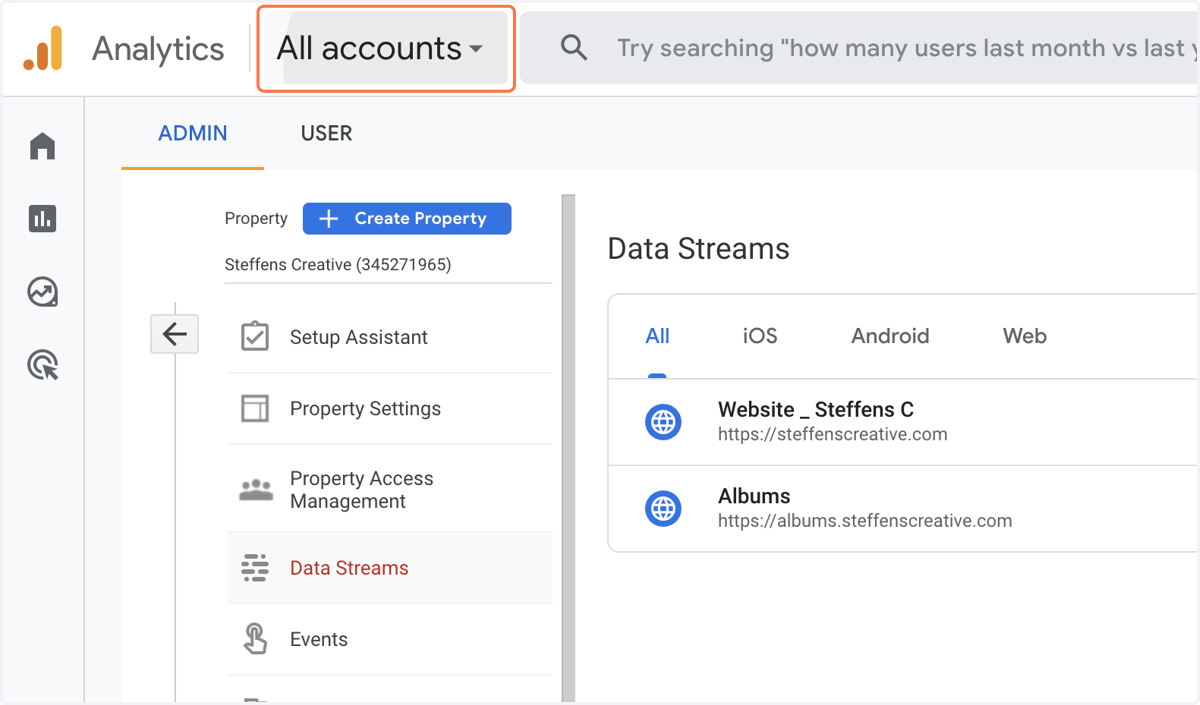
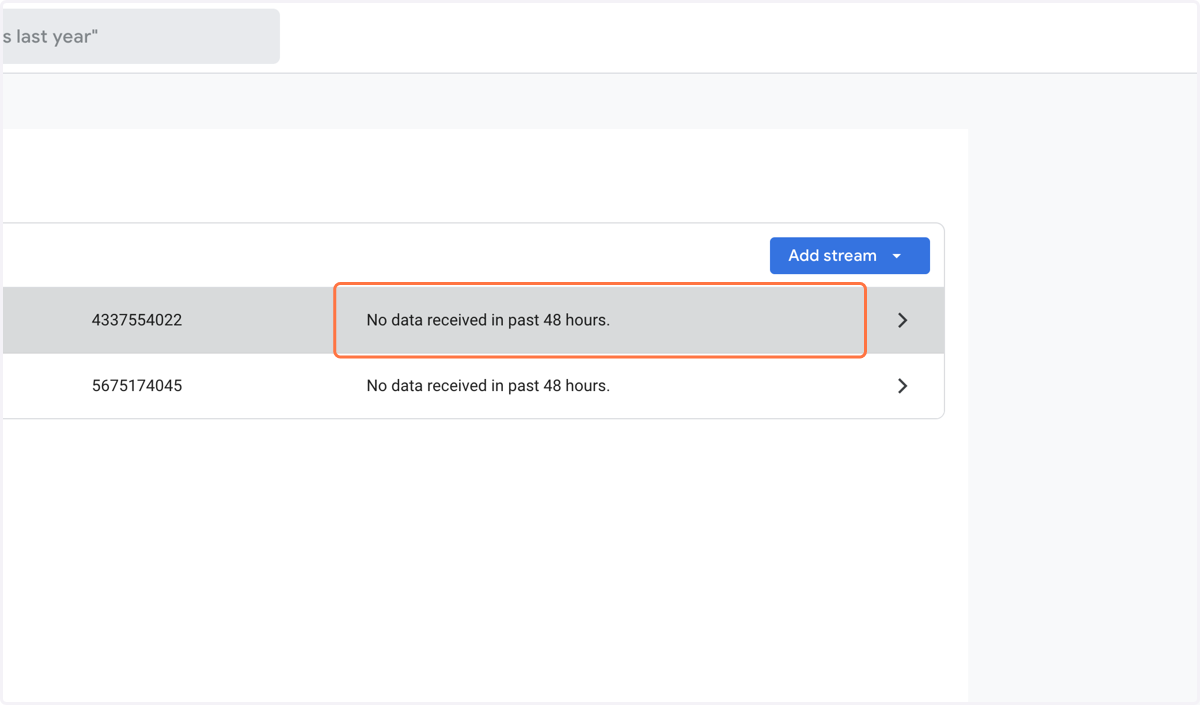
4. Select Data Stream
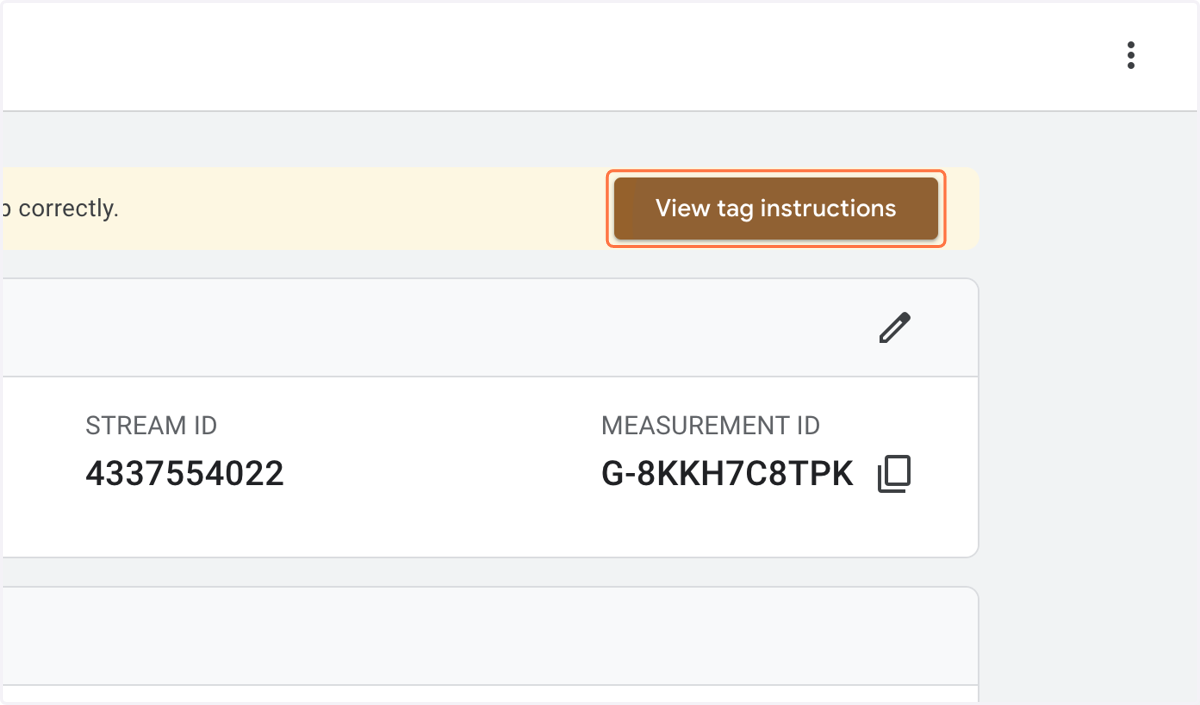
5. Click on View tag instructions
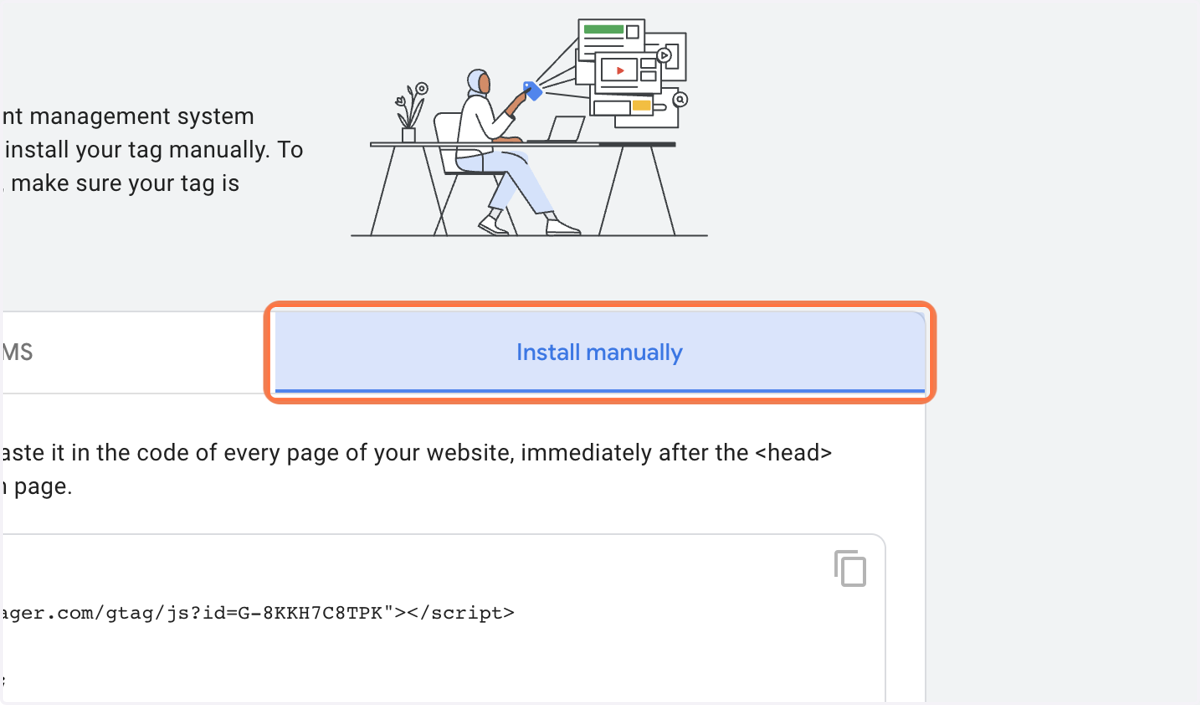
6. Click on tab Install Manually
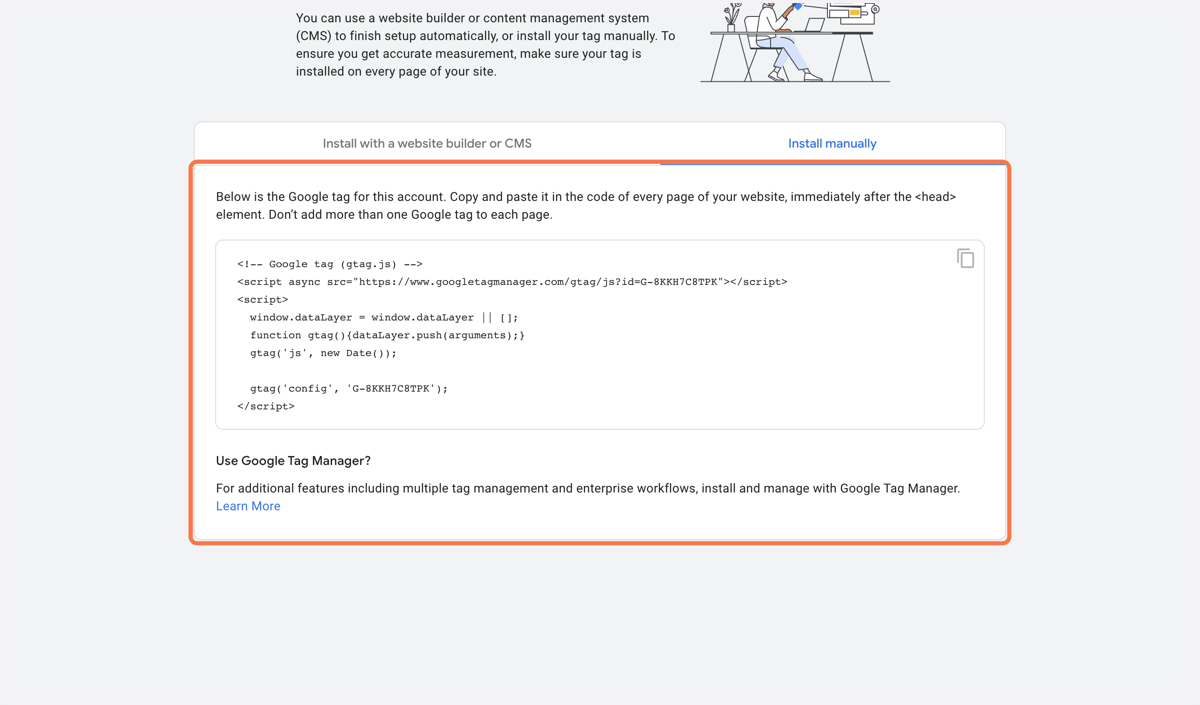
7. Copy Code
Go To Your Account In StickyFolios Select Account In the Builder
Go to https://builder.stickyfolios.com/
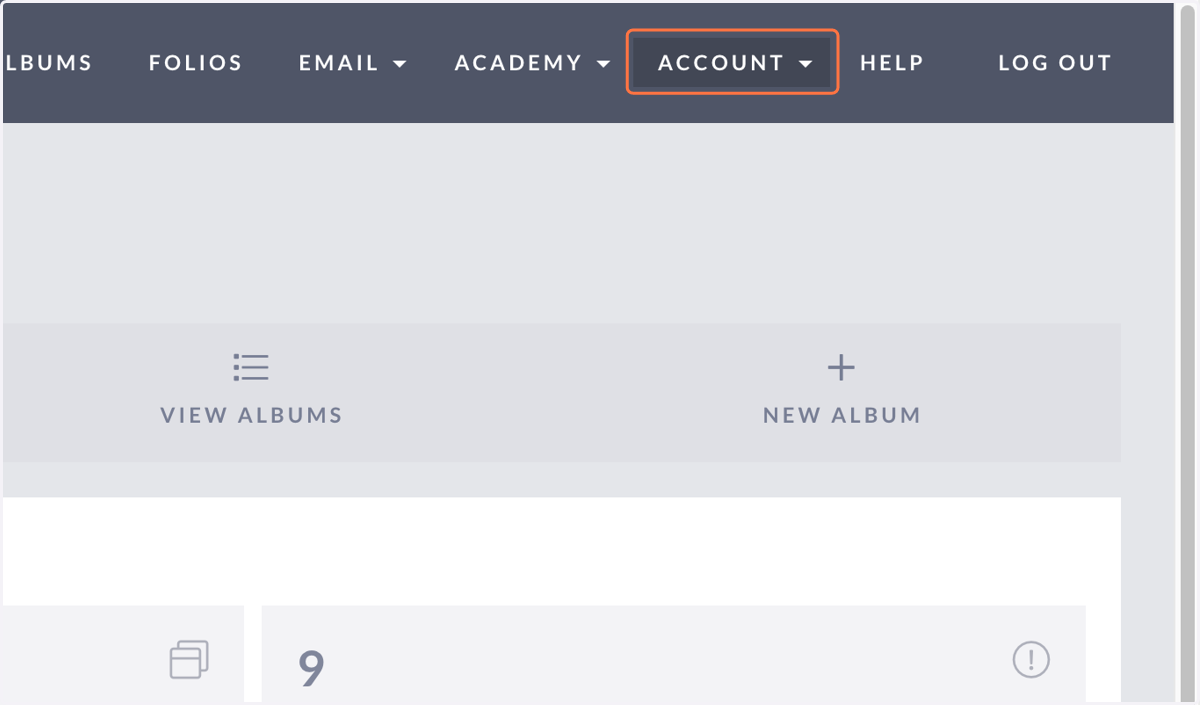
8. Click on ACCOUNT
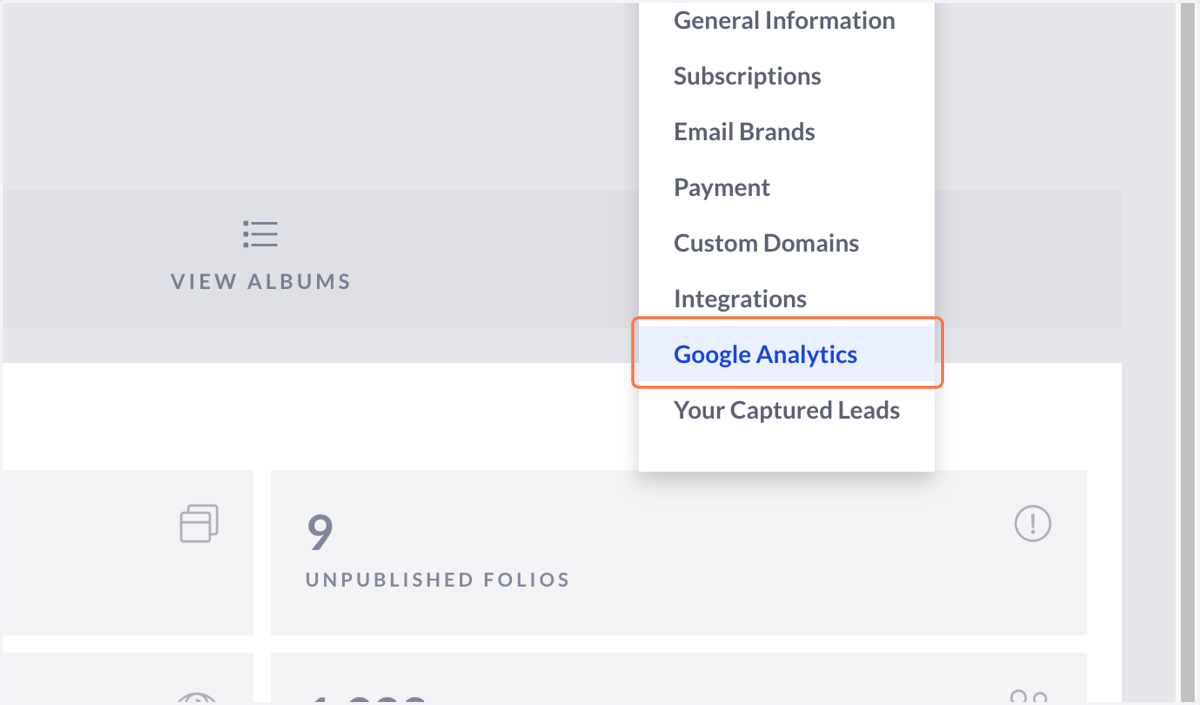
9. Click on Google Analytics
10. Paste text area
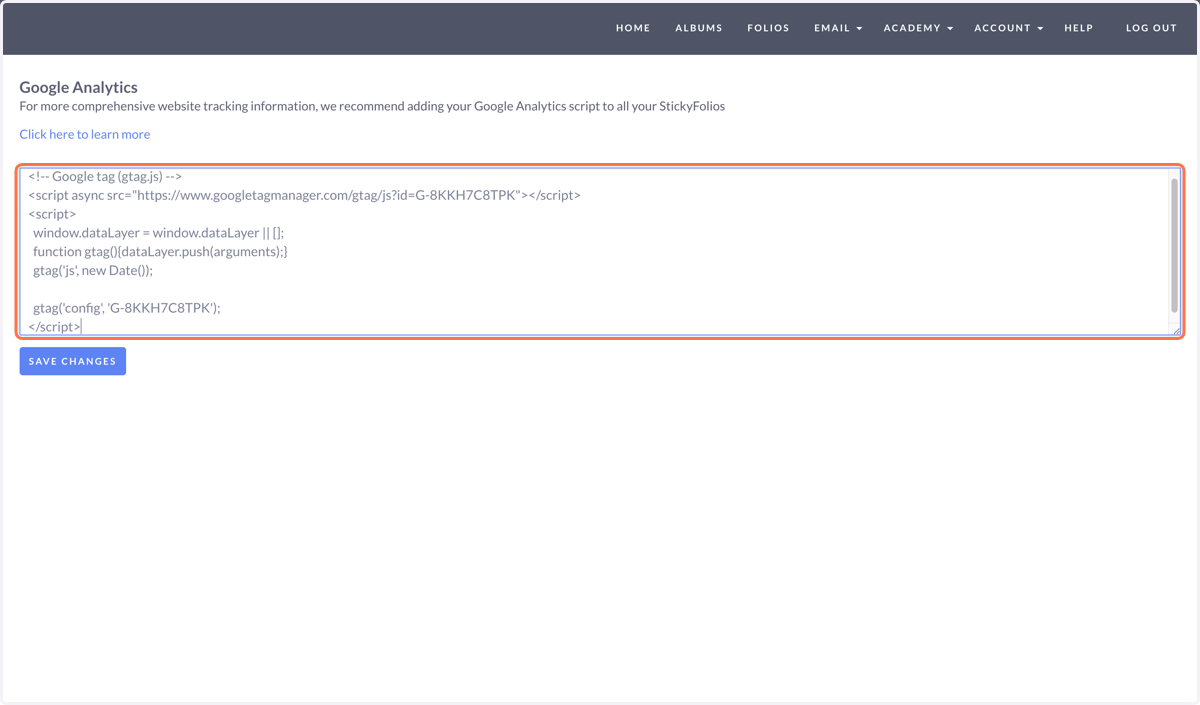
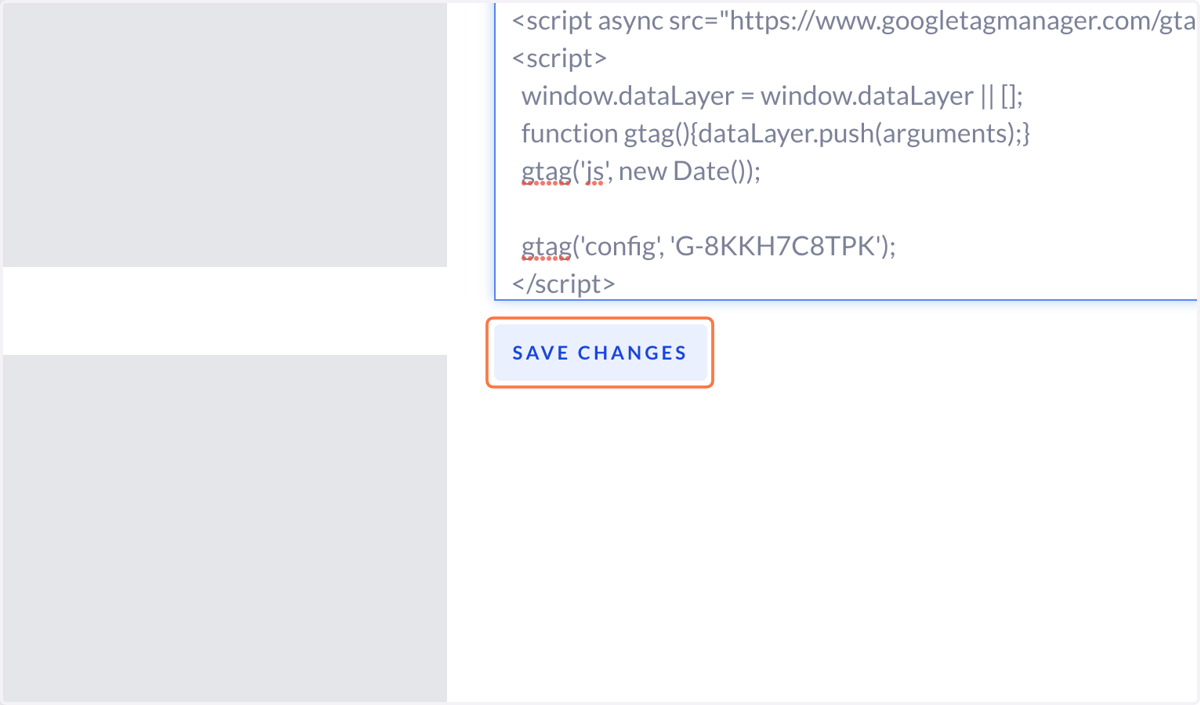
11. Click on Save Changes